

Recovering Data From Failed Mac and Apple Storage
A Mac that shows a flashing folder, repeated recovery screen or missing APFS volume should be switched off. Disk Utility and reinstallation can change the source.
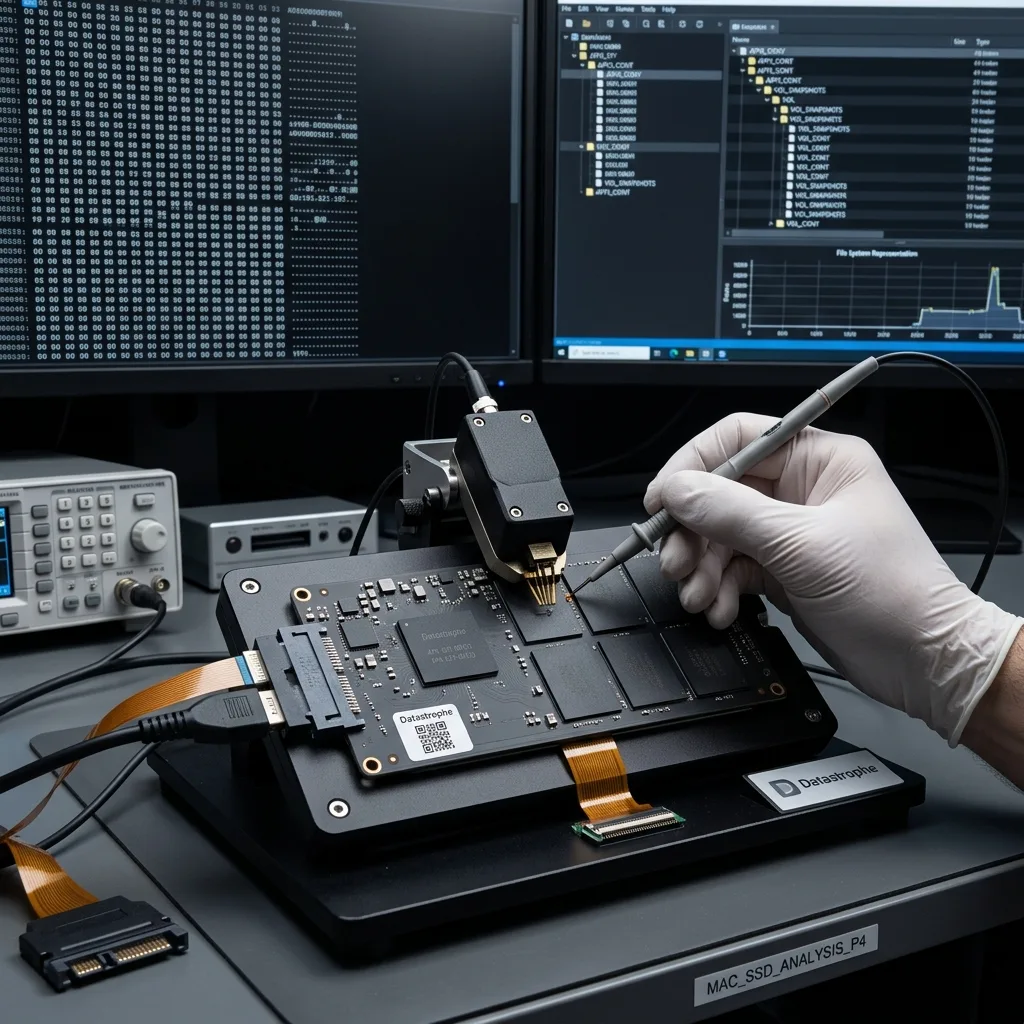
Apple topology
Identify the Mac Model, Storage Topology and Failure
Model identifier, storage generation and the incident history reveal whether the case involves modular media, soldered flash, a Fusion Drive or an external device.
A Mac data-loss case seldom begins with a certain technical cause. The immediate concern may be a MacBook or iMac that no longer starts, an APFS volume that has disappeared or an Apple storage device that cannot be read. Mac mini systems, internal Apple SSDs, Fusion Drives, Time Machine disks and HFS+ volumes can all be involved. Establishing how the Mac was used, what happened and which information matters most gives the recovery a useful direction.
The original media is preserved as technical evidence rather than used for open-ended testing. Writes are avoided, accessible storage layers are identified and the acquisition route is matched to the device and its architecture. This helps distinguish file-system damage from a physical fault, encryption issue or a case with several causes. For a Mac used by an Irish studio, school or household, the model year and exact identifier can change both the storage topology and the available acquisition route.
Making the computer suitable for everyday reuse is not the objective. Recovery aims to produce a separate, usable copy of surviving data, while explaining where failed storage, overwriting or encryption without working credentials prevents access.
- Match the approach to the particular Mac
- Distinguish accessible blocks from usable Apple data
- Base the recovery route on evidence
Questions the First Review Answers
The assessment establishes the hardware generation, storage layout, encryption state and logical structures that can still be reached. With those points recorded, acquisition can follow a device-appropriate route rather than relying on speculative repair.
The Boundary Between Recovery and Repair
The goal is a checked copy of surviving files and libraries, not a Mac certified for further use. Permanently failed storage, overwritten content and encrypted data without valid credentials remain explicit limits.
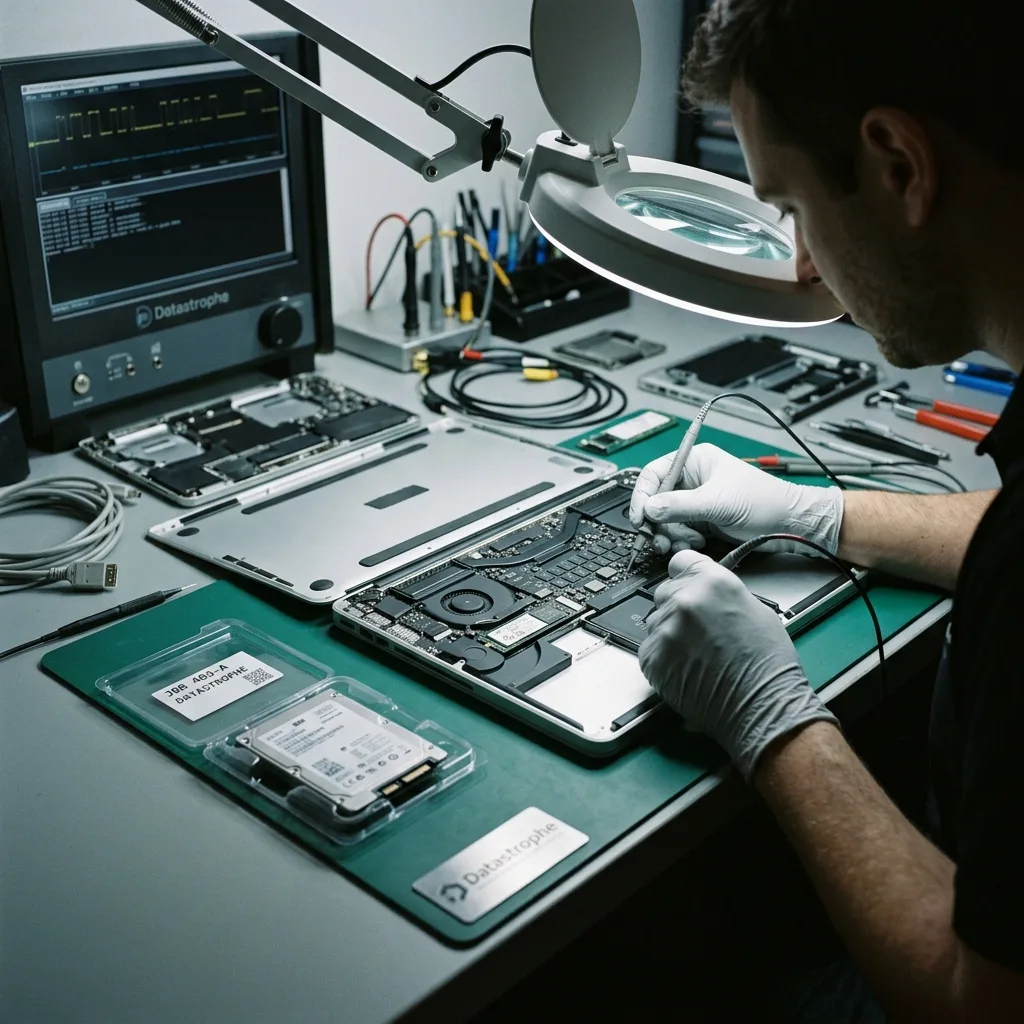
Stop decision
Treat FileVault Prompts and Missing APFS Volumes Carefully
A lost APFS container, repeated password prompt or flashing folder is a reason to stop before another recovery-mode action changes the evidence.
A stalled Mac, flashing question-mark folder, missing APFS volume, FileVault prompt, liquid incident or separated Fusion Drive should be treated cautiously. One sign may not establish the cause, but it does help indicate the risk and the safest sequence for investigation. Slow or intermittent recognition can point to storage that is becoming less stable.
The incident sequence often provides the most useful clue. A drop, liquid spill, power interruption, deletion, erase operation or attempted reconstruction affects the source differently. Reinstallations and repairs carried out afterwards may also have changed logical structures or written fresh data. Do not cycle through guessed passwords or repeated recovery starts; record the prompt and preserve any legitimate recovery-key source separately.
Further power can worsen some cases. A logical loss may be affected by new system writes, while unstable physical media can deteriorate through repeated starts and reads. After liquid damage, energising the machine can introduce further electrical harm.
- Record the screen message and recent event
- Avoid cycles of restart, repair and reinstall
- Keep a clear note of every action already taken
Reading the Incident Timeline
The order of a spill, shutdown, erase, reinstall or repair helps distinguish original damage from later changes. Note each event and whether the Mac remained powered, as this context can materially affect the acquisition plan.
When Leaving the Mac Off Is Safer
An intermittently detected drive or liquid-affected logic board should not be subjected to repeated startups. Keeping the computer unpowered limits new writes and electrical stress while an appropriate method of accessing the storage is considered.
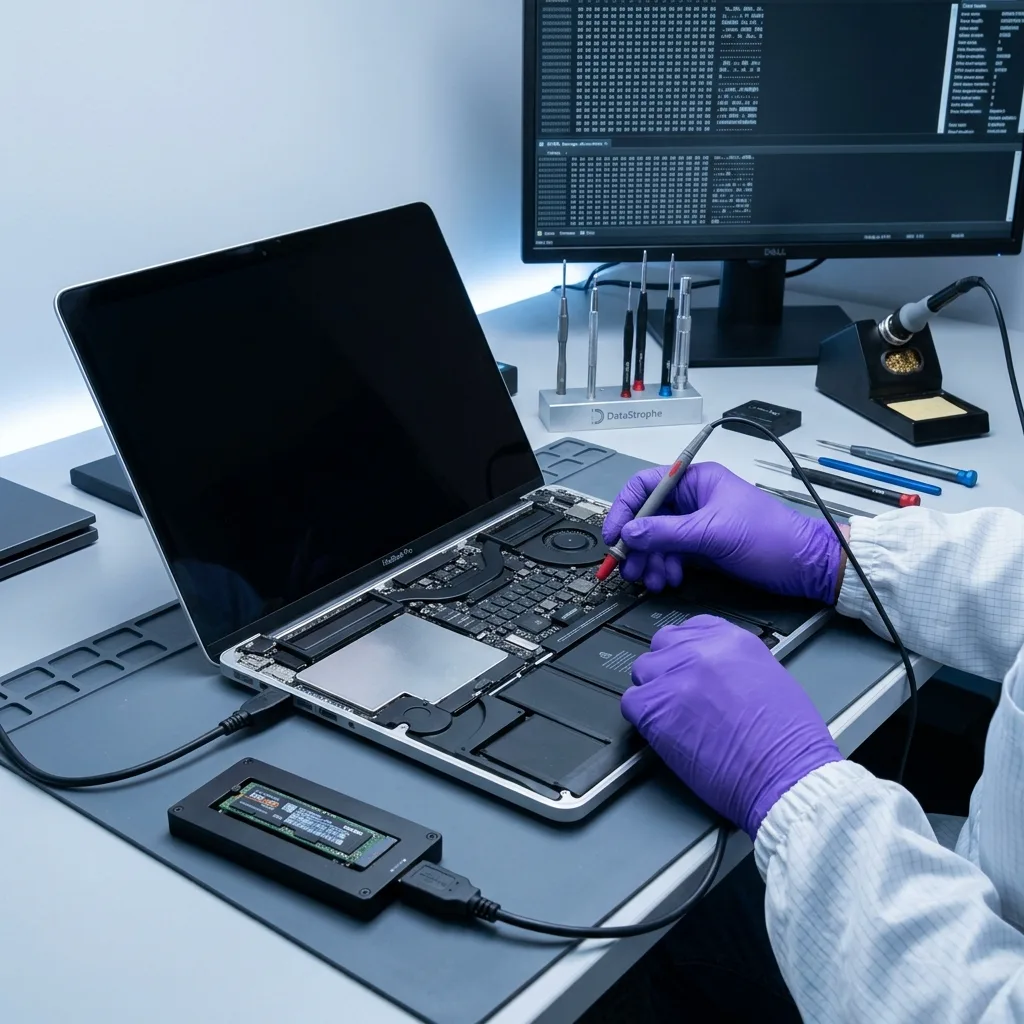
Source preservation
Preserve the Mac Before Disk Utility or Reinstallation
Disk Utility repair, erase, reinstall and migration attempts can rewrite containers or reuse blocks on the only current copy.
Do not erase the disk in Disk Utility, reinstall macOS, repair the affected volume without a copy or make uncontrolled password attempts. Although these prompts can appear routine, they may alter containers, metadata or user data before the reason for the failure is understood.
An automatic repair may rewrite structures, clear journals or reconnect damaged records in ways that obscure the original state. A casual experiment can turn a recoverable volume into a partial case, so it is worth pausing and documenting what has happened. Keep the paired components of a Fusion Drive together and note any Apple or third-party utility already used before the failure was escalated. Preserve legitimate FileVault passwords and recovery-key references separately and securely, because protected APFS data cannot be validated without an authorised unlock path.
Controlled acquisition is separated from reconstruction. The Mac or original storage remains the reference, while file-system analysis and alternative hypotheses are tested on protected analysis copies. This protects the evidence if an early interpretation needs to be revised.
- Prevent further writes to the affected storage
- Do not erase or repair the volume in place
- Retain the Mac, drive and credentials securely
How Built-in Utilities Can Alter the Case
First Aid, erase and reinstall operations may update APFS or HFS+ metadata and generate new system content. That activity can reduce the evidence available for deleted files or make the original failure harder to interpret.
Why Analysis Uses Copies
Once the source has been acquired under controlled conditions, repairs and reconstructions can be explored away from it. Keeping an unchanged reference protects the opportunity to revisit containers, snapshots or catalogue structures.
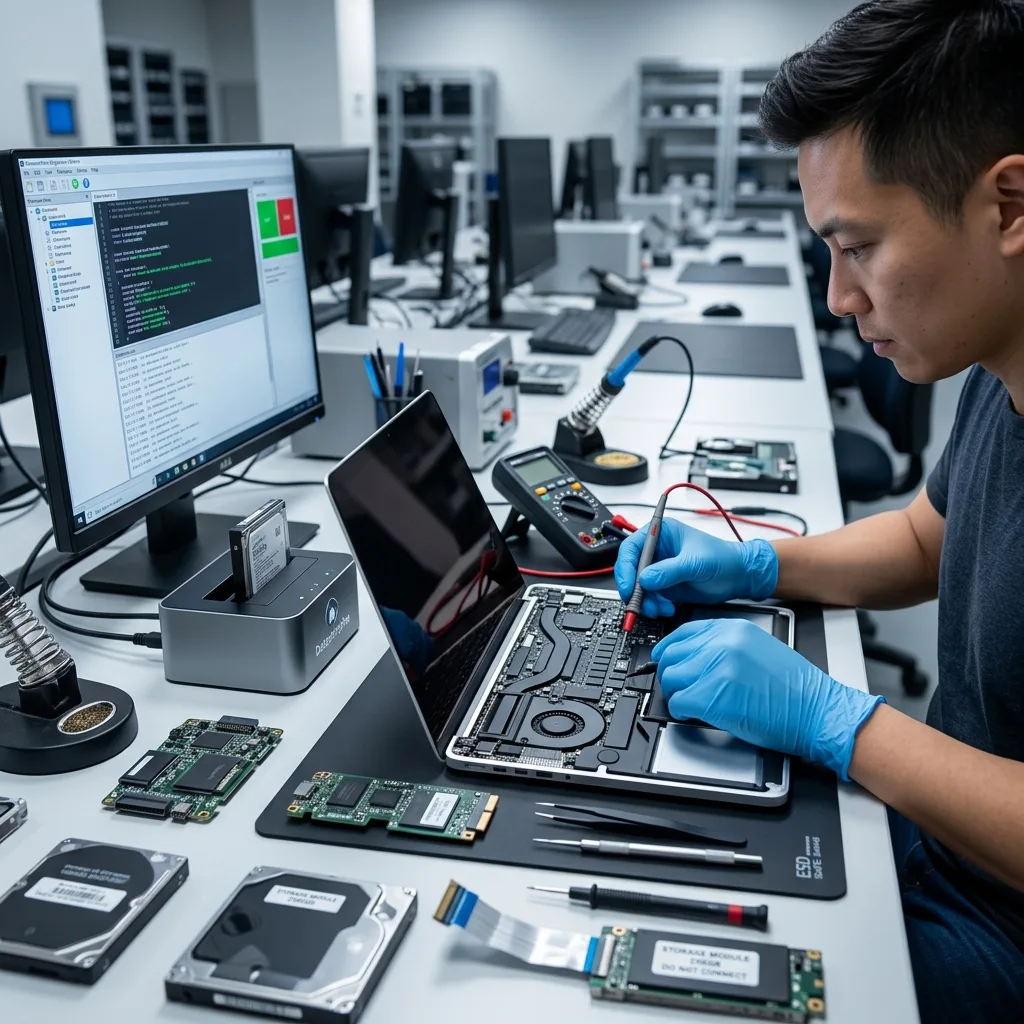
APFS context
Reconnect APFS, Fusion Drive and Apple Library Context
Folders become meaningful only when APFS volumes, snapshots, user records and Apple library databases are reconstructed in their proper relationships.
APFS, FileVault, HFS+, Fusion Drive, Apple SSD, Time Machine, containers and snapshots form connected parts of a Mac recovery. Their condition determines whether work must begin with the physical media, volume metadata, decryption, the file system or an application library.
A visible Users folder does not guarantee that every document or library within it is sound. Conversely, a missing volume in Finder does not prove its data is absent. Container records, snapshots, catalogues, file signatures and fragments may still provide a coherent recovery route. Photos, Mail, Final Cut and Logic libraries contain databases and linked assets, so a folder listing alone does not establish that the library will open.
The investigation moves from the most fundamental layer towards the user's information. Read stability and hardware access come first, followed by containers and volumes, then folders, libraries and important individual files. This order reduces false confidence in a result that merely looks complete.
- Establish access to the original storage first
- Reconstruct containers and volumes in order
- Check libraries as well as individual files
What a Missing Volume May Leave Behind
APFS container records, snapshots and file content may survive even when Finder or Disk Utility cannot mount the volume. These sources are assessed together before any conclusion is drawn about the missing data.
Preserving Relationships Within Apple Data
A Photos or Final Cut library depends on more than a list of media files. Where the surviving evidence permits, recovery aims to retain the database, package structure and linked content needed for meaningful use.
Hardware route
Match Acquisition to Soldered, Modular or External Storage
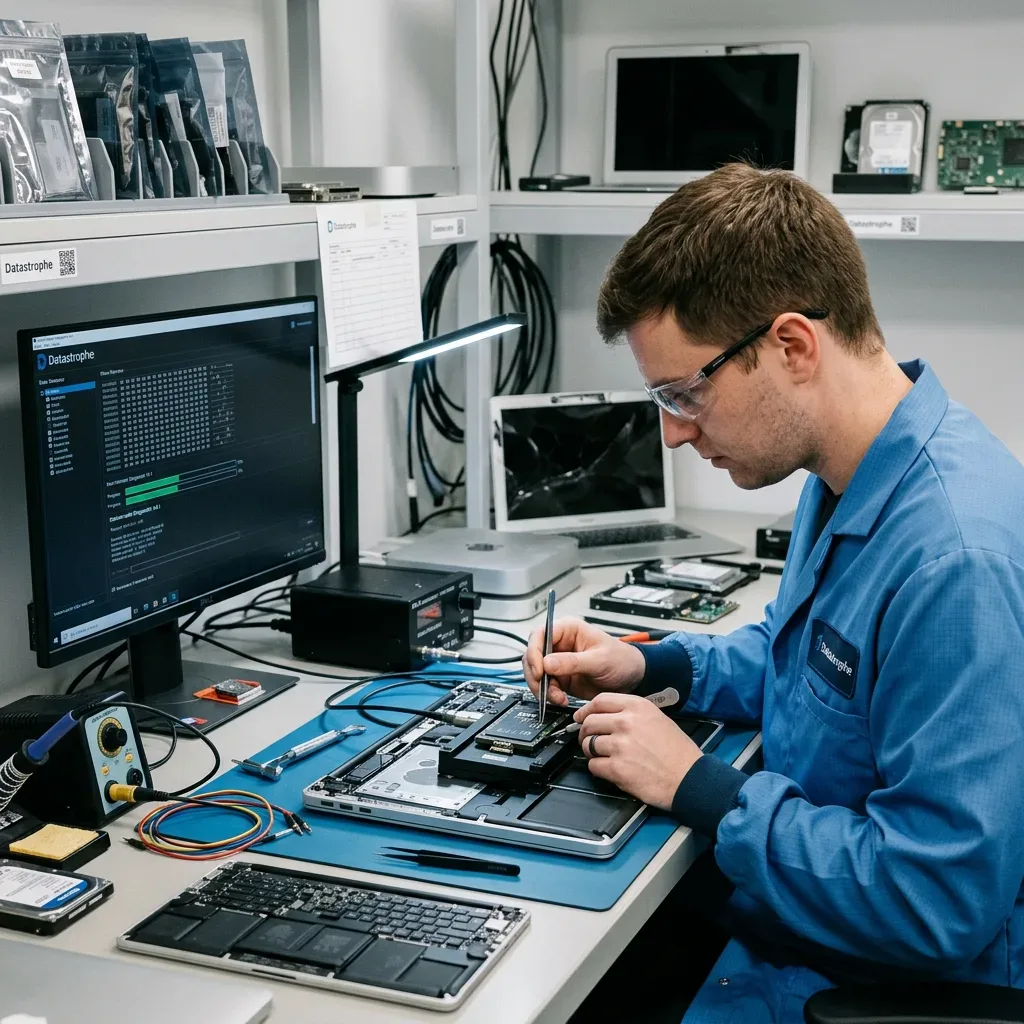
The acquisition plan must reflect whether storage is removable, integrated with the logic board, paired across devices or housed externally.
The case is assessed by Mac model, storage type, symptoms, date of loss, previous work, expected data volume and essential files. This gives the process a device-specific foundation and avoids treating an encrypted Apple SSD like a removable Time Machine disk or Fusion Drive.
If the source is unstable, the first priority is to preserve readable content. Logical failures require strict control of writes while damaged containers or catalogues are reconstructed. A liquid-damaged MacBook with soldered storage may first need its logic board stabilised so an authorised decrypted acquisition remains possible; that route differs from removing a modular SSD or reading an external Time Machine disk. When the case combines physical and logical issues, the least destructive sequence comes first. For a case originating in Ireland, the proposed route can be agreed from model information and photographs before the powered-off device is prepared for controlled transport. The data recovery laboratory matches acquisition to the Mac storage topology before APFS or library reconstruction begins.
Recovered files are tested on representative samples. Important documents can be opened, libraries inspected and dates or internal structures compared where possible. The number of gigabytes copied is not a substitute for evidence that the requested data can be used.
- Identify the Mac generation and storage design
- Acquire unstable media before logical repair
- Validate selected documents and libraries
Matching the Method to the Mac
A removable HFS+ disk, Apple SSD, encrypted internal store and paired Fusion Drive present different access paths. The available evidence is used to choose the least intrusive method that can preserve data.
Testing a Representative Result
Selected documents, photographs and project libraries are reviewed for readability and internal coherence. Application-aware checks, where possible, provide a stronger measure of success than file counts alone.
Library priorities
Prioritise Photos, Projects and User Profiles
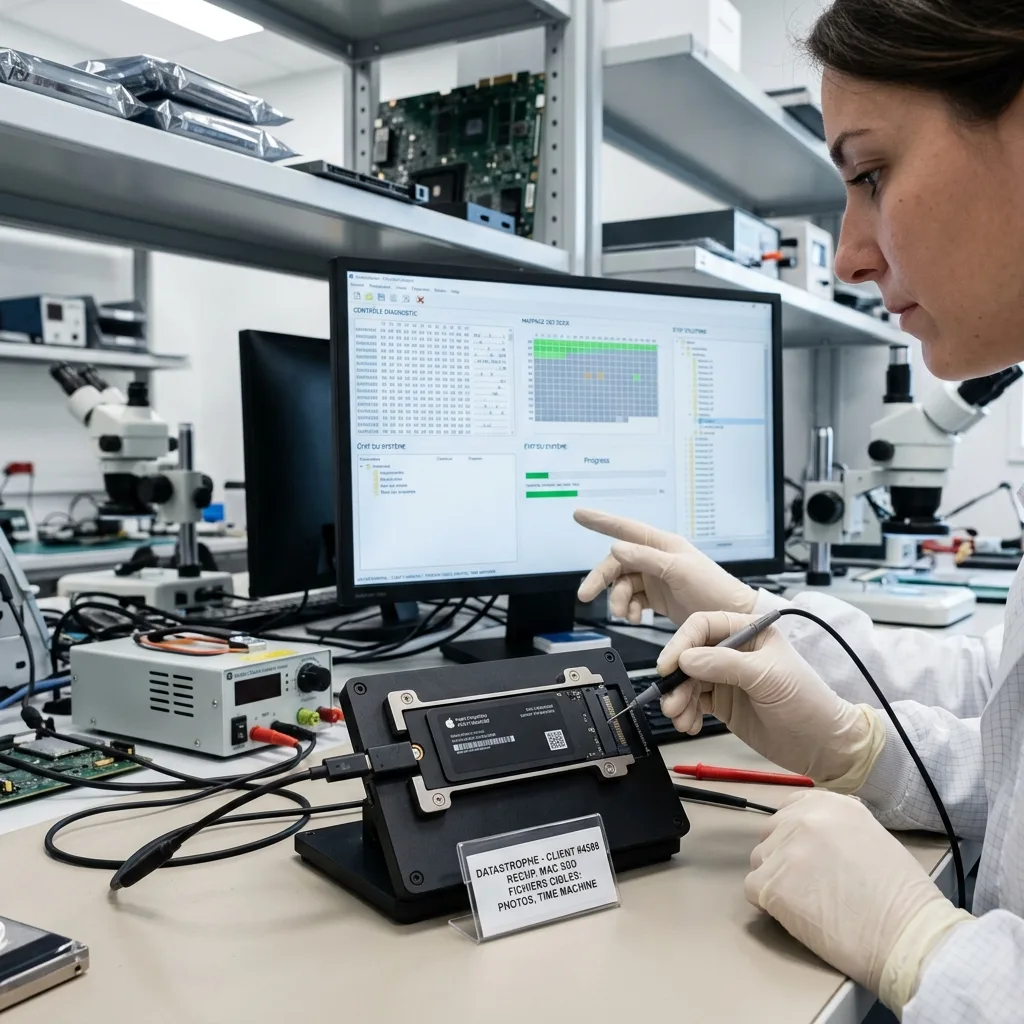
Named Photos libraries, Logic or Final Cut projects, documents and user profiles direct effort towards the data with practical value.
The user folder, Photos, Final Cut, Logic, business documents and Time Machine archives are common priorities. Identifying the relevant user account, library names, project dates and essential folders early allows them to be sought before a full extraction has finished.
Prioritisation is particularly valuable when the source is fragile or only a defined body of work is needed. It also reduces unnecessary handling of unrelated personal information and can establish sooner whether the recoverable result will meet the practical need. An Irish creative business may name one current production, while a family may prioritise a Photos library by date range and known albums.
The final check distinguishes files and libraries that work from partial content and from records that were detected without enough data to restore them. That distinction makes the outcome more useful than a simple list of paths and filenames.
- Identify the user account and essential libraries
- Provide project names and useful date ranges
- Separate usable items from partial traces
Why Precise Priorities Save Time
A library name, user account and approximate modification date can guide acquisition towards the correct structures. This is more effective than treating every file on an unstable source as equally urgent.
How Apple Content Is Classified
Working libraries and readable documents are reported separately from incomplete packages, damaged files and metadata-only records. The distinction shows what can genuinely be reopened or migrated.
Controlled return
Control FileVault Access and Private Data Through Return
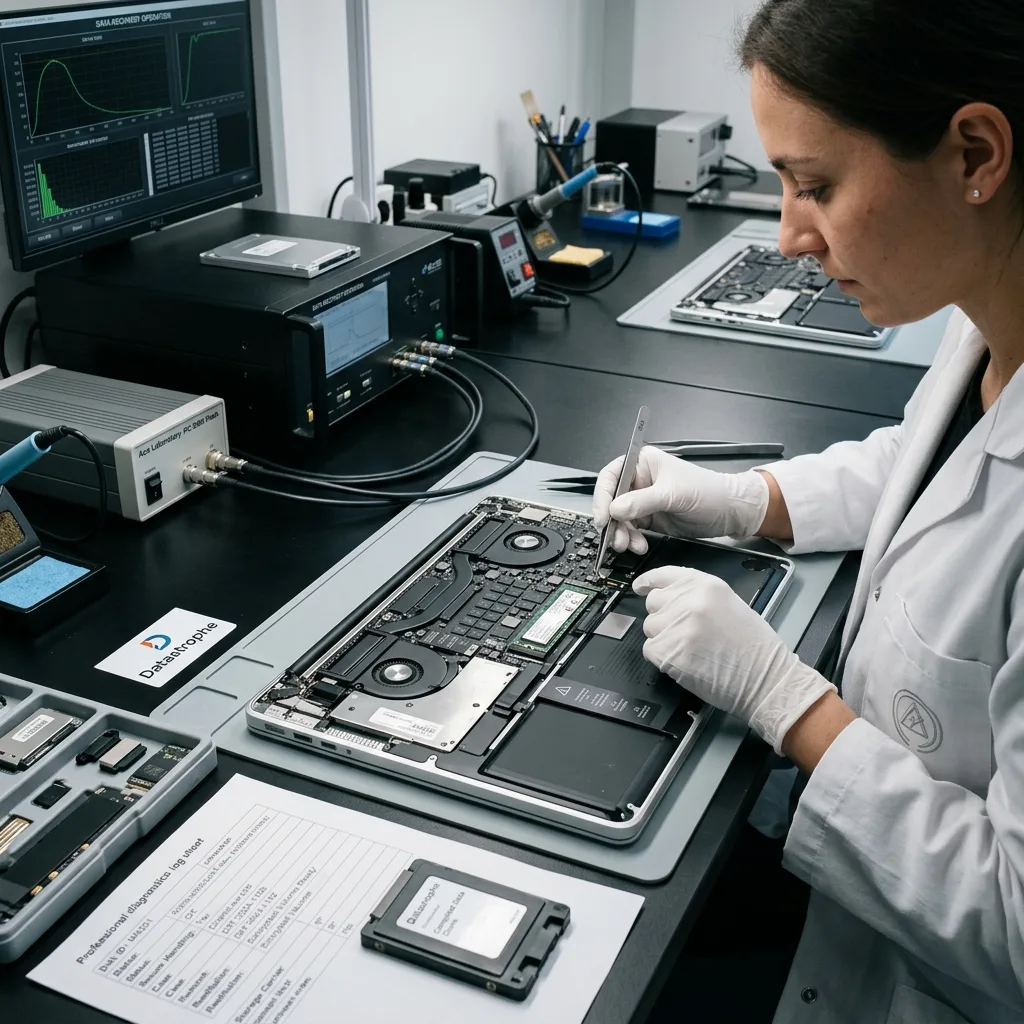
FileVault credentials and private libraries require restricted handling, explicit validation boundaries and a clearly labelled return.
A Mac often contains personal histories, customer files, messages, photographs, credentials and application records beyond the requested data. Search and human review should remain limited to the agreed recovery and verification needs.
Usable material is returned on verified destination storage or in another suitable format. If a Photos library, project or folder required conversion, targeted extraction or partial reconstruction, the form of the deliverable is explained before it is supplied. Credentials should be supplied through the agreed secure channel, never written on the Mac or placed in its transport packaging.
Technical boundaries remain visible. Failed storage, overwritten ranges, missing APFS structures, incomplete libraries and FileVault data without valid credentials are described directly rather than absorbed into a broad success figure.
- Limit access to agreed files and libraries
- Return the result on verified destination storage
- Explain partial packages and inaccessible data
Describing the Recovered Copy
The return may contain complete libraries, selected folders or reconstructed files, depending on what survived. Its structure and relationship to the original Mac are explained so the recipient can use it appropriately.
Keeping Uncertainty Explicit
Where files cannot be opened, libraries remain incomplete or encryption blocks access, those findings accompany the usable material. This prevents a partial result from being mistaken for a complete recreation of the Mac.
Irish case brief
Prepare Mac Identifiers, Credentials and Failure History
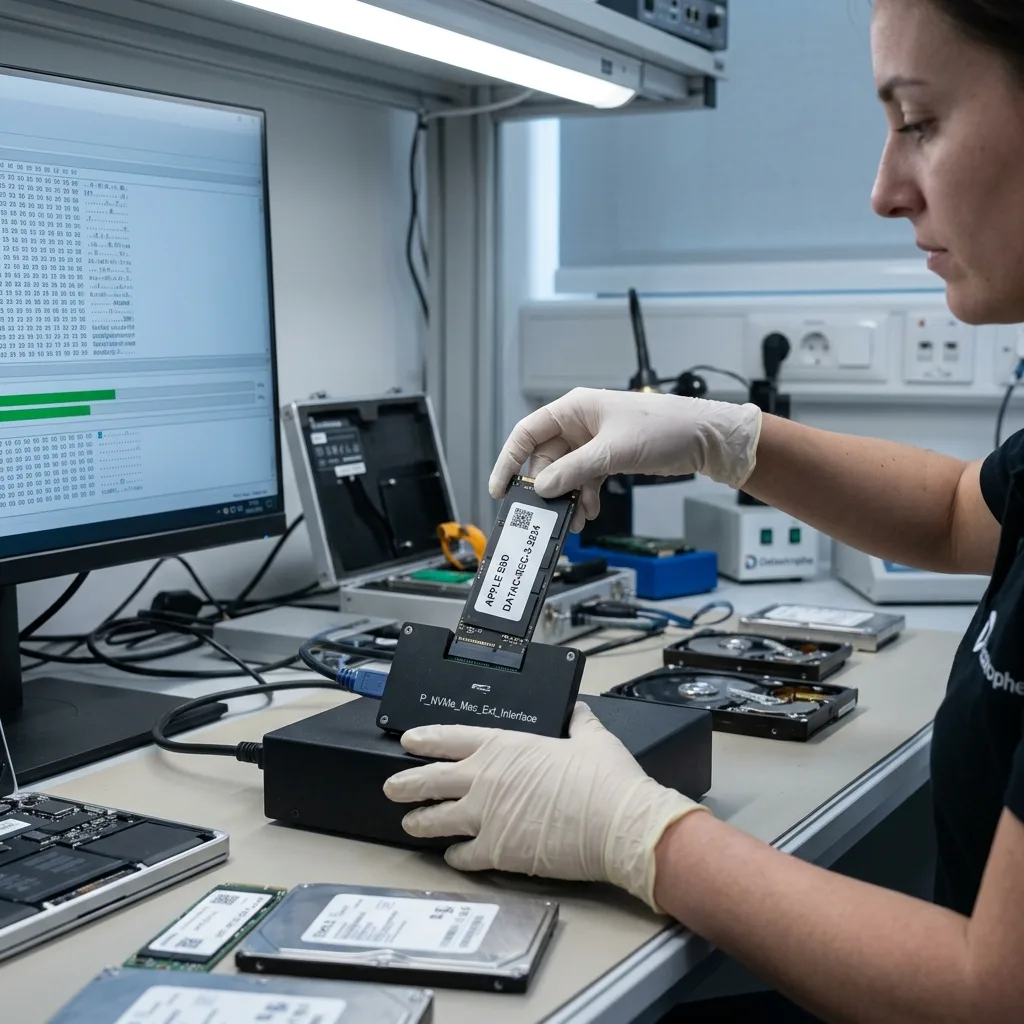
A Mac serial or model identifier, observed message, access context and timeline let an Irish case be assessed before transport.
Note the exact Mac model, storage capacity, symptoms, incident date, actions already attempted and the files or libraries needed most. Photographs of messages, visible damage or the machine's condition can help the first review without requiring another startup.
Keep the power supply, cables, adaptors, enclosures, replaced storage, configuration details and partial backups. A Time Machine disk or an older drive that seems secondary may contain a sound earlier version or clarify the storage arrangement. Include external drives, adapters or partial Time Machine information only where they explain the topology; do not connect them again merely to test.
A factual summary is more useful than a guessed diagnosis. Describe the event, the Mac's behaviour, every attempt made and the minimum partial return that would still help. This allows the assessment to focus on a practical outcome rather than an assumed cause.
- Record the full model and macOS context
- Keep credentials and recovery keys secure
- List the user folders and libraries needed first
Useful Items to Keep with the Case
Power adaptors, external enclosures, replaced drives and Time Machine media can all add context or contain alternate data. Retaining them gives the review more complete evidence without assuming they must all be worked on.
Writing the Incident Summary
Set out what happened in order, including liquid exposure, Disk Utility work, reinstallations and password attempts. Then name the most important user data and explain what level of partial recovery would still be worthwhile.
FAQ
Frequently asked questions
What should I do first when a Mac will not access its data?
Avoid erase, reinstall and repeated startup attempts, particularly after liquid exposure or intermittent storage access. Record the symptoms, preserve the Mac as it is and identify the user folders or libraries needed most.
Can every file be recovered from a failed Mac?
That cannot be known before assessment. Recovery depends on the storage condition, subsequent writes, surviving APFS or HFS+ records and access to encryption credentials. Only coherent data supported by the evidence is treated as recoverable.
Why list Photos, Final Cut or other Mac priorities?
Libraries contain databases, package structures and linked media that should be considered together. Naming the important account, library and date range guides acquisition and provides meaningful content for early verification.
Will the original Mac storage be reusable after recovery?
The recovery task is intended to extract and verify data, not to certify failed storage for continued service. The usable result is transferred to healthy media, and the device involved in the loss should not remain the only production copy.
How are incomplete Apple recovery results explained?
The findings identify issues such as failed storage, overwritten areas, missing container metadata, partial libraries and inaccessible FileVault data. Items that merely appear in records are kept separate from files and libraries that could be checked.
Media
Other expertise
- Internal Hard Drive Recovery After Mechanical or Logical Failure Evidence-led recovery for clicking or unrecognised hard drives, covering mechanical faults, unstable sectors, lost partitions and checked file return.
- Recovering Data from Unreadable External Hard Drives Recovery for external drives with enclosure, mechanical or file-system faults, using source protection, controlled imaging and checked files.
- SSD and NVMe Recovery From Failed Flash Storage Evidence-led SSD and NVMe recovery for controller faults, unstable detection, damaged metadata, TRIM, encryption and priority file validation.
- Recovering Data From Damaged USB Flash Drives Recovery for broken or unrecognised USB drives, covering connector faults, controller failure, NAND reconstruction and checked file return.
- Recovering Photos and Video From Failed Memory Cards Controlled recovery for unreadable, formatted or corrupted SD and microSD cards, with flash-aware acquisition and checks of priority photographs and video.
- Recovering Data From a Laptop That Will Not Start Careful laptop data recovery after boot failure, liquid damage or storage faults, with encryption context preserved and priority folders checked.
- Recovering Local Data From a Tablet That Will Not Start Careful tablet data recovery after startup, storage or app-data loss, with encryption context preserved and priority documents and media checked.
- Recovering Virtual Disks, Snapshots and Guest Data Structured recovery for VMDK and VHDX chains, snapshots and damaged datastores, with guest file systems and priority workloads validated.
- Recovering Data From Failed RAID and NAS Arrays Evidence-led RAID and NAS recovery after disk loss, rebuild failure or configuration damage, preserving member order and validating priority volumes.
- Recovering Critical Data From a Failed Server Structured server recovery after hardware, RAID or file-system failure, preserving dependencies and validating priority databases, shares and guests.
- Recovering Missing Footage From CCTV and NVR Systems Structured recovery of missing CCTV and NVR footage from failed disks, arrays or proprietary video stores, preserving timestamps and camera context.
- ISO 5 Clean-Room Procedures for Mechanically Failed Drives An evidence-led guide to ISO 5 Class 100 hard-drive intervention, explaining contamination control, mechanical scope and recovery boundaries.
 Internal Hard Drive Recovery After Mechanical or Logical Failure
  SSD and NVMe Recovery From Failed Flash Storage
  Recovering Data From Damaged USB Flash Drives
  Recovering Photos and Video From Failed Memory Cards
  Recovering Data From a Laptop That Will Not Start
  Recovering Local Data From a Tablet That Will Not Start
  Recovering Virtual Disks, Snapshots and Guest Data
  Recovering Data From Failed RAID and NAS Arrays
  Recovering Critical Data From a Failed Server
  Recovering Missing Footage From CCTV and NVR Systems
  ISO 5 Clean-Room Procedures for Mechanically Failed Drives
 Diagnostic assessment
Unsure about a storage device or fault?
Datastrophe qualifies the risk before any recovery attempt and points you towards the safest next step.