

Recovering Local Data From a Tablet That Will Not Start
A tablet that loops, overheats or requests a factory reset should be switched off. Further synchronisation or reset attempts may change local app records and media.
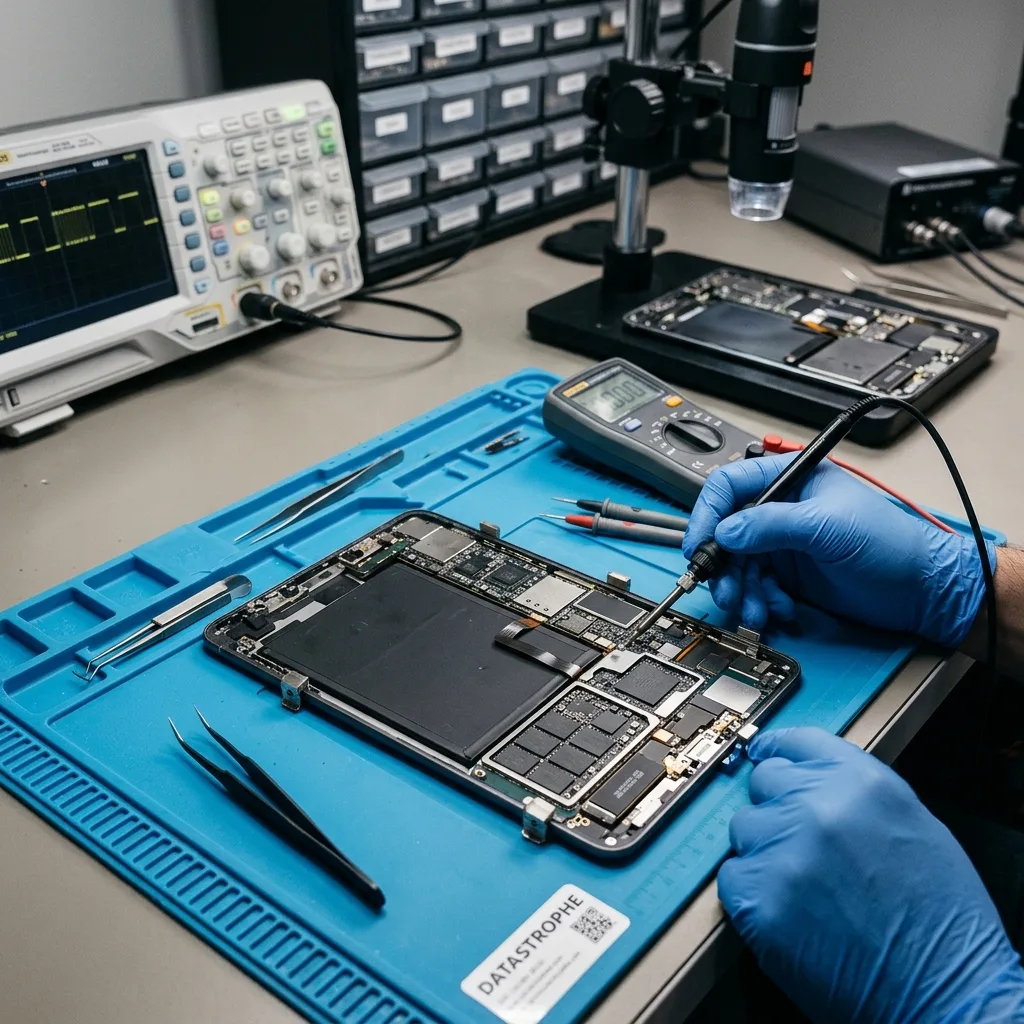
Loss context
Establish Whether the Loss Is Device, Storage or Account Related
A blank screen, missing app or absent account item can arise at different layers, so the first task is to establish what was truly stored on the device.
A tablet that will not open its files may have a device fault, damaged storage or an access problem. Cases include iPads, professional tablets, local photos and documents, and application data that can be exported. The assessment starts with how the device was used, what happened and which data has practical value.
In the data recovery laboratory, the tablet's state is recorded and avoidable writes are prevented. Hardware, storage and logical layers are considered together so the acquisition method reflects whether the fault is physical, structural, logical or a combination. For a tablet used in an Irish school, home or field operation, clarify whether the missing item existed only locally or also in an organisation-managed account.
Recovery aims to produce a usable copy of accessible files, not to return the tablet as a dependable everyday device. Content that has been securely erased, overwritten or encrypted without the required credentials may remain unavailable.
- Explain how the tablet was used before the incident
- Identify local files that are not available elsewhere
- Base the next step on verifiable device findings
What the initial examination looks for
The device state, flash-storage behaviour and available access routes are reviewed without unnecessary changes. This helps determine whether a controlled logical acquisition or more involved hardware work is appropriate.
Limits that cannot be bypassed
Recovery cannot recreate securely erased or overwritten data, and modern encryption may prevent access without valid credentials. The purpose is to retrieve supportable files rather than repair the tablet for reuse.
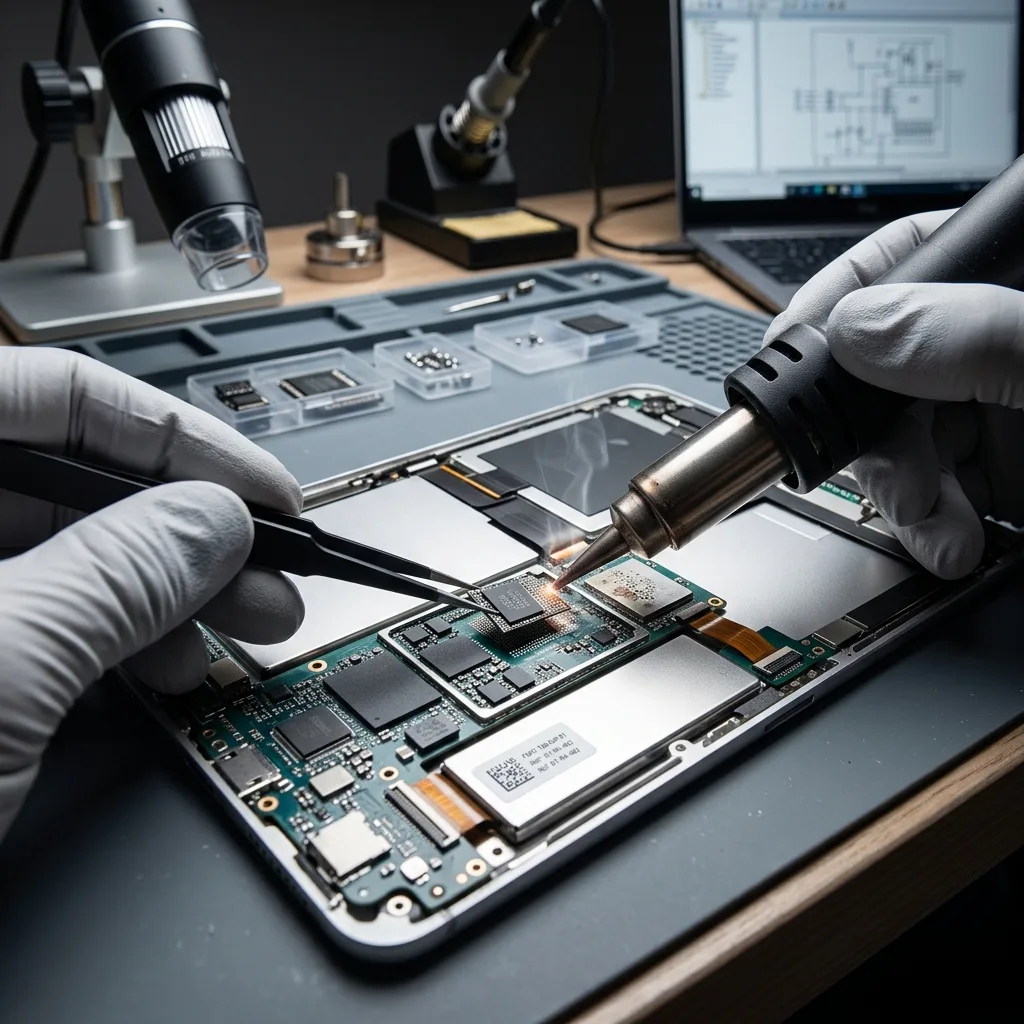
Stop decision
Stop When the Tablet Loops, Heats or Requests a Reset
Boot loops, abnormal heat and reset prompts indicate that more power or interaction may alter local data or worsen an underlying hardware fault.
Take notice when the device stays off, the display is broken, storage reports full or local content suddenly disappears. Failed synchronisation, a passcode problem and encryption can produce similar symptoms, so the screen alone cannot establish the cause or the safest next step.
What happened before access was lost is just as important as the current screen. Impact, power interruption, deletion, formatting and attempted restoration each require a different interpretation, and later actions may have changed useful information. If the device is swollen, hot or liquid-damaged, do not charge it for another test; record the condition and follow safe handling advice for the hardware.
Leaving the device powered or continuing to use it can reduce the recovery options. New activity may overwrite deleted data, while repeated access to unstable storage can make marginal areas harder to read.
- Record the message or behaviour exactly
- Avoid repeated power cycles and unlock attempts
- Note the incident and every later action
Why the incident history helps
Impact, deletion and restoration attempts leave different conditions behind. A clear timeline helps the laboratory assess whether later activity may have overwritten content or altered account and storage records.
When to leave the tablet off
If the device is unstable or files have just disappeared, continued use may add writes or stress failing flash storage. Stopping early preserves the widest range of assessment options.
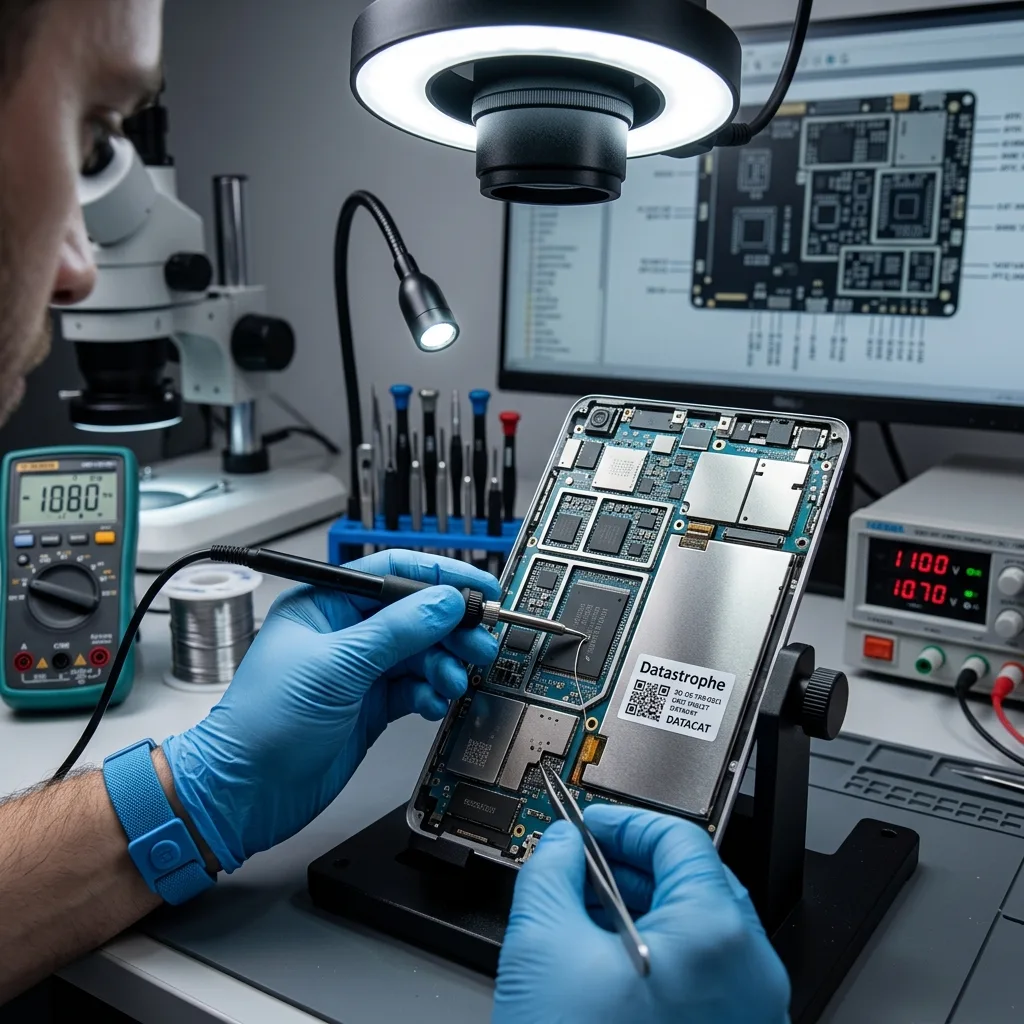
Source preservation
Avoid Factory Reset and Further App Synchronisation
A factory reset, operating-system update or renewed synchronisation can replace records and remove evidence needed to understand the loss.
Do not reset the tablet, start a factory restore, force an operating-system update or keep trying actions that could trigger security erasure. Each change may remove evidence or permanently alter the local data before the fault is understood.
Automatic repair and exploratory tools may clear logs, rewrite structures or create inconsistent application data. Stop experimenting and record any steps that have already been completed or interrupted. Avoid creating new photographs, downloads or app content after an apparent loss, as routine background activity may reuse local storage.
Laboratory work favours controlled access and protected copies wherever the device permits them. Different recovery theories can then be examined without repeatedly exposing the source storage to unnecessary activity.
- Do not create further data on the tablet
- Leave reset and repair tools unused
- Preserve the device in its present state
How further attempts may alter data
A reset or update can rewrite local structures, and repeated unlock attempts may activate security controls. Recording what has already happened is more useful than running another unplanned test.
Why controlled access matters
Recovery work should minimise changes to original flash storage and use protected outputs for analysis where possible. This keeps later checks tied to the clearest available source state.
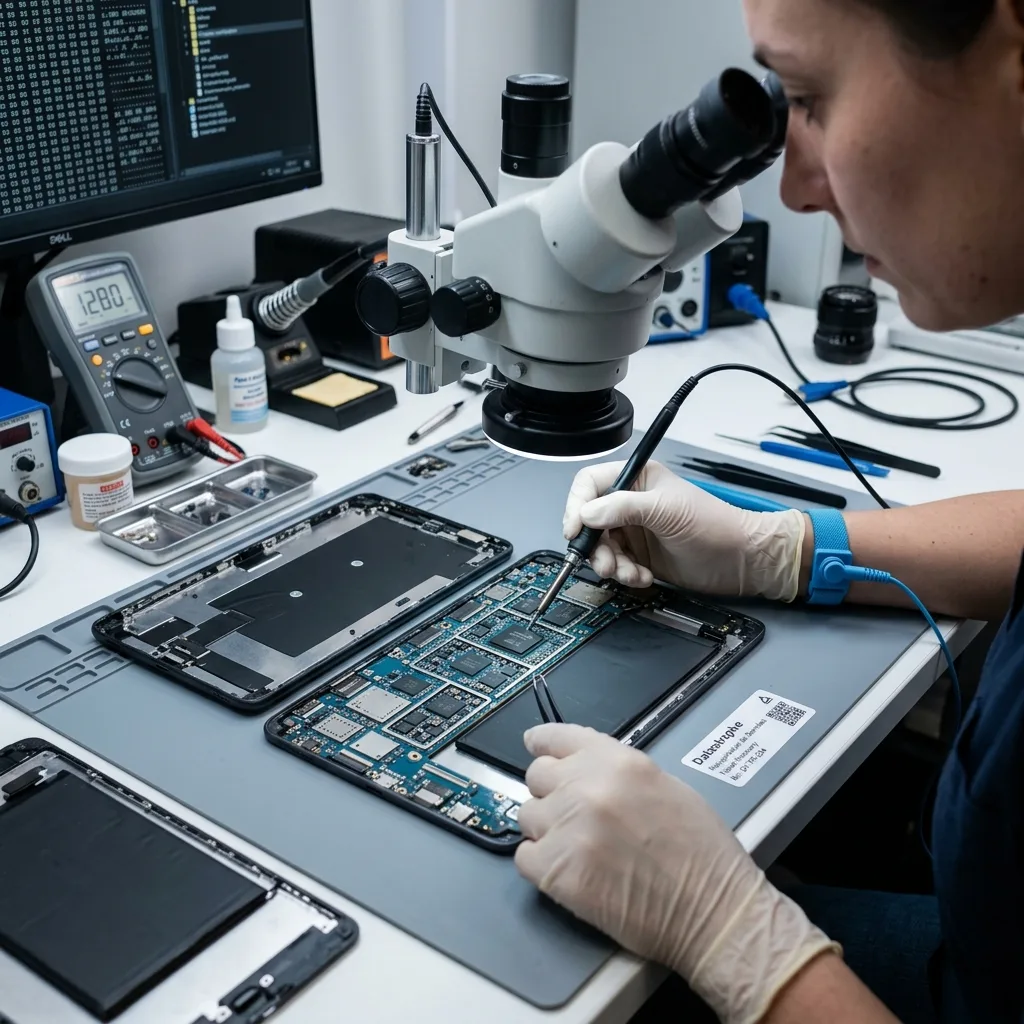
App structure
Trace Local App Data, Encryption and Storage Context
Encryption, application databases, attachments and cached media must be linked to their owning profiles before recovered items can be interpreted.
Flash storage, encryption, the user account, cloud copies, application containers and device connectivity all shape the recovery route. Work may need to address storage blocks, file-system metadata, an application database or several layers in order.
Visible filenames do not prove that their contents are complete, while an empty app or folder does not always mean every trace has gone. Databases, indexes, caches, logs and fragments may help reconstruct a limited but usable result. Irish forms, drawings and offline inspection records may depend on an app database and attachments that need to be reconstructed together.
The device and its storage are assessed first, logical structures next and priority data afterwards. This sequence keeps technical activity focused on data that can be delivered and used, rather than on a large unverified extraction.
- Distinguish local content from synchronised copies
- Review account, encryption and app-container limits
- Test representative exports and priority data
Why a visible file may still be damaged
An index can retain a name after the content has become incomplete. Conversely, app databases or caches may hold useful information even when the normal interface shows nothing.
A layered examination
Hardware and storage access are established before logical structures and priority content are reviewed. This order reduces unnecessary work and provides a firmer basis for the final result.

Integrated storage
Select a Proportionate Route for Integrated Flash Storage
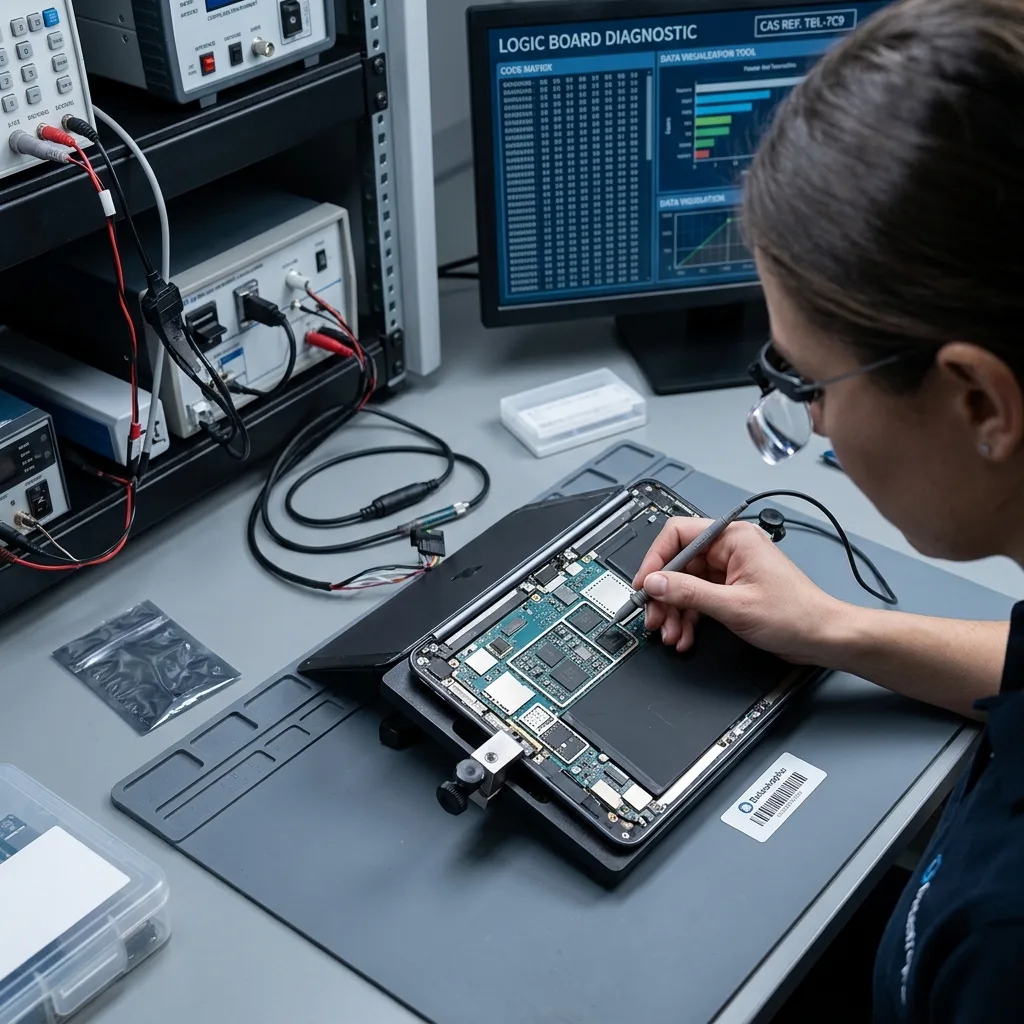
Integrated flash and board-level dependencies limit direct access, so any recovery route must be justified by the device condition and the requested data.
Each case starts with a diagnostic assessment covering the tablet model, symptoms, loss date, earlier actions, expected volume and essential files. Those facts allow the work to be tailored to the actual device and incident.
If flash storage appears unstable, readable information is protected first. A logical loss calls for strict control of writes and careful analysis of deleted or damaged structures; mixed faults are approached in the least destructive order. For a case originating in Ireland, device photographs and the observed startup state can inform the proposed route before transport is arranged.
Representative recovered files are opened and checked, with dates or expected details compared where possible. File usability carries more weight than an impressive item count.
- Assess the device before attempting acquisition
- Protect readable information from further change
- Validate priority content on representative samples
How the recovery route is selected
Storage instability calls for preservation first, while logical loss requires write control and structural analysis. The order is adjusted when hardware, access and logical issues overlap.
What counts as a checked result
Representative photographs, documents and app exports are opened where possible and reviewed for expected content. This separates a usable recovery from files that have only been detected.
Data priorities
Name the Documents, Media and App Records That Matter
Named notebooks, inspection forms, date ranges, photographs and application records help distinguish a useful result from a broad extraction.
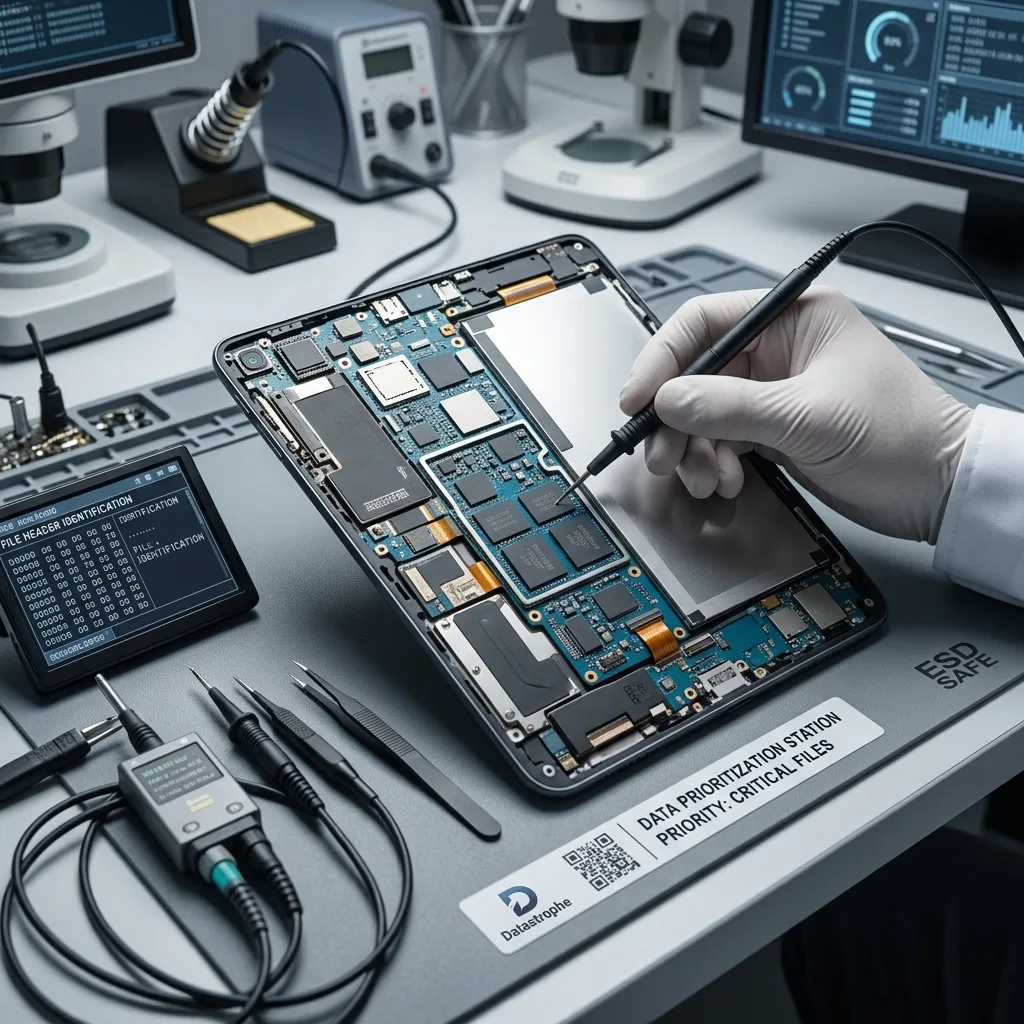
Priority data may include local photographs, documents, exportable notes, application files and work folders. Naming these items at the start lets the laboratory look for them directly rather than waiting for every possible artefact to be extracted.
This is particularly helpful with unstable storage or where only a small part of the tablet holds unique information. It also avoids unnecessary exposure of unrelated personal or business data. A field team can identify one inspection period or named project, while a family can specify albums, notes or document dates that matter most.
The final review separates files that open correctly, partial content and records that were detected without usable data. Gallery thumbnails and cached previews are not treated as recovered originals: full-resolution photographs, complete documents and exportable app records must be checked in their own formats. A result has practical value only when its content can be understood or reused.
- List unique local files and relevant apps
- Confirm that recovered content opens as expected
- Separate partial files from complete results
How a priority list helps
The list gives the laboratory a practical test set and reduces time spent on irrelevant material. It can also show earlier whether the available recovery route meets the real need.
Understanding the result categories
Complete, partial and detected-only items are kept distinct. This prevents a filename or app record from being interpreted as evidence that all of its underlying data survived.
Controlled return
Keep Personal Tablet Data Within an Agreed Scope
A tablet may contain family, pupil, customer or field information; access remains narrow and the returned data is labelled by condition.
A tablet can contain private histories, personal data, client files, exports and internal records beyond the items requested. Access should remain limited to the agreed purpose and the checks needed to support it.
Recovered content is supplied on suitable verified destination storage or in agreed reusable formats, such as ordinary photographs, documents or a documented app export where the source permits it. Any conversion, targeted extraction or partial reconstruction is described clearly so the result is not mistaken for a full copy of the original tablet. Validation should open representative documents and media where technically possible without expanding review into unrelated personal app content.
Overwritten flash cells, secure erasure, inaccessible encryption and inconsistent app databases remain genuine technical boundaries. They are stated directly so the customer can judge the result without assuming completeness.
- Keep access within the authorised scope
- Return files in a clear and usable structure
- State missing and incomplete content directly
How tablet data can be supplied
Depending on the case, delivery may contain ordinary files, targeted app exports or a partial reconstructed set. The format and any conversion are agreed and explained before handover.
Making the gaps clear
Unavailable accounts, erased areas and incomplete app data are identified separately from usable files. This gives a more dependable account of what the recovery achieved.
Irish case brief
Prepare the Device, Charger, Access and Incident Details
Model, charger, legitimate access details and a factual timeline allow a case from Ireland to be reviewed before controlled transport.
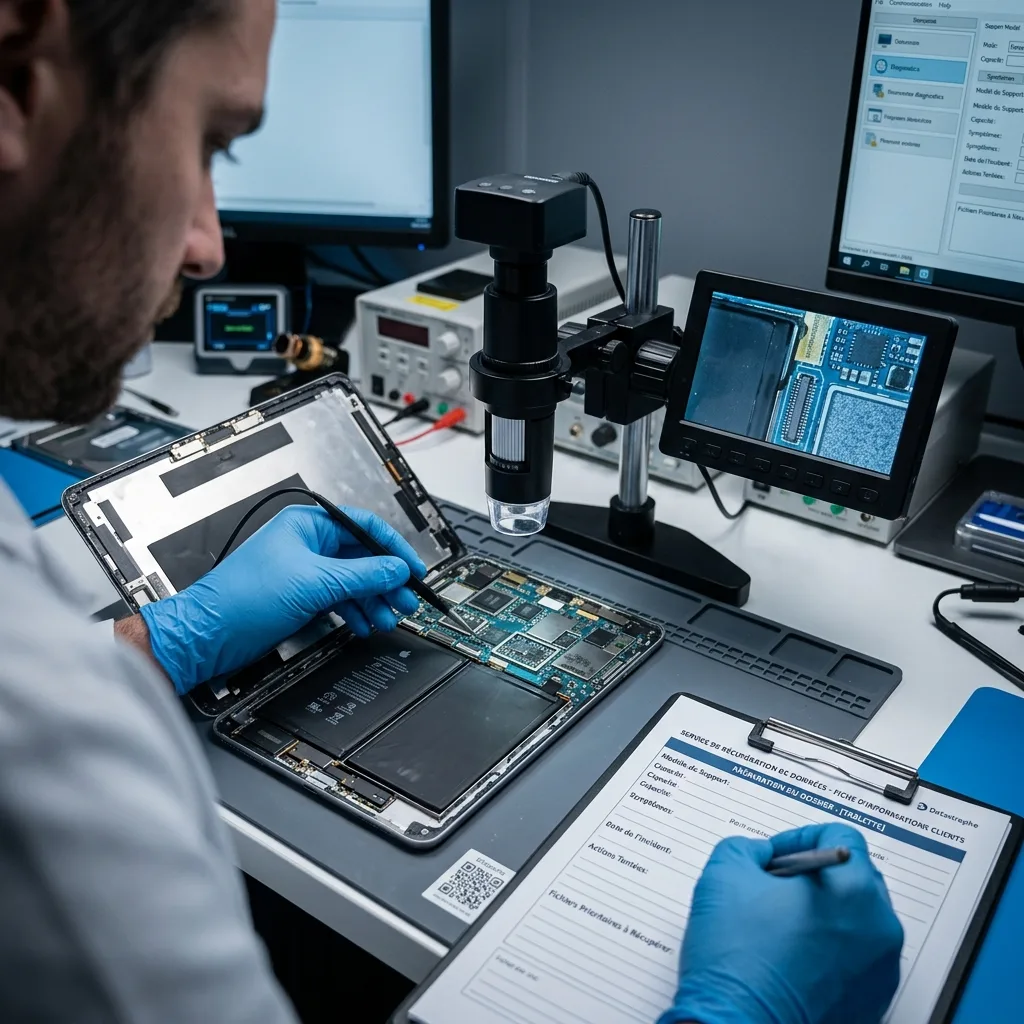
Provide the exact tablet model, storage capacity, symptoms, incident date, previous actions and a short list of priority data. Photographs of error messages or visible damage may assist the first review.
Keep the charger, cables, adapters, removable cards and any available backup or configuration information. An accessory or account detail that seems minor may help establish access or confirm what was synchronised. Keep the matching charger available and provide credentials only through the agreed channel; do not include passwords in the parcel.
Describe the event plainly, including what was tried afterwards and what partial outcome would still be useful. This allows the initial assessment to focus on evidence rather than assumptions.
- Include the charger, removable storage and useful adapters
- List important apps, folders and local files
- Explain access controls and actions already attempted
Useful items and details
Cables, removable cards, account information and partial backups may each clarify the available recovery path. Keep them with the case and label anything linked to a particular device or profile.
Describe the outcome you need
Name the photographs, documents, apps or dates that matter and say what partial result would still help. This gives file checks a clear practical purpose.
FAQ
Frequently asked questions
What should I do first when a tablet stops giving access to data?
Stop resets, updates and repeated unlock attempts, note the symptoms and identify files held only on the device. Preserving the tablet's current state gives the case assessment a better starting point.
Can every file be recovered from a tablet or iPad?
No outcome can be assumed. Recovery depends on flash-storage condition, later writes, secure erasure, surviving app structures and access to encrypted data. Only content that can be extracted and checked should be counted as recovered.
Why is a list of important tablet files needed?
Local photos, documents, notes and app exports may sit in different storage areas. A priority list guides the search and helps establish sooner whether the available content answers the practical need.
Will the tablet be suitable for routine use after recovery?
That is not the purpose of data recovery. The aim is to secure usable content on healthy destination storage; a device that has lost access to data should not be treated as reliable without separate repair and testing.
How are tablet recovery limitations described?
Usable, partial and unavailable data are distinguished, with causes such as overwritten flash storage, damaged structures, secure erasure or inaccessible encryption stated wherever the evidence supports them.
Media
Other expertise
- Internal Hard Drive Recovery After Mechanical or Logical Failure Evidence-led recovery for clicking or unrecognised hard drives, covering mechanical faults, unstable sectors, lost partitions and checked file return.
- Recovering Data from Unreadable External Hard Drives Recovery for external drives with enclosure, mechanical or file-system faults, using source protection, controlled imaging and checked files.
- SSD and NVMe Recovery From Failed Flash Storage Evidence-led SSD and NVMe recovery for controller faults, unstable detection, damaged metadata, TRIM, encryption and priority file validation.
- Recovering Data From Damaged USB Flash Drives Recovery for broken or unrecognised USB drives, covering connector faults, controller failure, NAND reconstruction and checked file return.
- Recovering Photos and Video From Failed Memory Cards Controlled recovery for unreadable, formatted or corrupted SD and microSD cards, with flash-aware acquisition and checks of priority photographs and video.
- Recovering Data From a Laptop That Will Not Start Careful laptop data recovery after boot failure, liquid damage or storage faults, with encryption context preserved and priority folders checked.
- Recovering Data From Failed Mac and Apple Storage Evidence-led Mac data recovery for failed SSDs, APFS volumes, FileVault access and Fusion Drive structures, with priority libraries checked.
- Recovering Virtual Disks, Snapshots and Guest Data Structured recovery for VMDK and VHDX chains, snapshots and damaged datastores, with guest file systems and priority workloads validated.
- Recovering Data From Failed RAID and NAS Arrays Evidence-led RAID and NAS recovery after disk loss, rebuild failure or configuration damage, preserving member order and validating priority volumes.
- Recovering Critical Data From a Failed Server Structured server recovery after hardware, RAID or file-system failure, preserving dependencies and validating priority databases, shares and guests.
- Recovering Missing Footage From CCTV and NVR Systems Structured recovery of missing CCTV and NVR footage from failed disks, arrays or proprietary video stores, preserving timestamps and camera context.
- ISO 5 Clean-Room Procedures for Mechanically Failed Drives An evidence-led guide to ISO 5 Class 100 hard-drive intervention, explaining contamination control, mechanical scope and recovery boundaries.
 Internal Hard Drive Recovery After Mechanical or Logical Failure
  SSD and NVMe Recovery From Failed Flash Storage
  Recovering Data From Damaged USB Flash Drives
  Recovering Photos and Video From Failed Memory Cards
  Recovering Data From a Laptop That Will Not Start
  Recovering Virtual Disks, Snapshots and Guest Data
  Recovering Data From Failed RAID and NAS Arrays
  Recovering Critical Data From a Failed Server
  Recovering Missing Footage From CCTV and NVR Systems
  ISO 5 Clean-Room Procedures for Mechanically Failed Drives
 Diagnostic assessment
Unsure about a storage device or fault?
Datastrophe qualifies the risk before any recovery attempt and points you towards the safest next step.