

Data recovery questions answered clearly
Keep the failed storage unchanged. From Ireland, Datastrophe arranges private collection and return, carries out the diagnostic assessment in its laboratory free of charge, and lets you decide from a checked file list and an agreed EUR quote.
FAQ
Data recovery questions answered clearly
Immediate actions
What should I do before arranging collection from Ireland?
Stop using the storage and write down what happened. Power it off if it clicks, overheats, was dropped or keeps disappearing. Never open a hard drive, and do not format, initialise, repair, rebuild or reuse the source. Keep the device, its adapters and any related drives together for the case review.
Supported storage
Which storage can be sent from Ireland?
Irish cases can cover hard drives, external drives, SSDs, USB drives, memory cards, NAS, RAID sets, servers, virtual disks, NVR storage, tablets and iPads. The quote confirms which listed storage type and related components should be prepared for collection.
Intake and diagnosis
How do private collection and the free assessment work for Ireland?
The quote and diagnostic assessment are free, and Datastrophe includes private collection from and return to the confirmed Irish address. The courier's role is limited to carrying the sealed parcel; it cannot access, diagnose or process the data. All technical work is performed by Datastrophe in its laboratory.
File decision
What evidence accompanies my EUR quote before payment?
You receive the quoted price and a file list before paying. Each entry is marked recoverable_verified when it has been checked and is usable, partial when a stated limit remains, detected_unverified when only a name or signature was found, or unrecoverable when it cannot be used. Datastrophe calls only recoverable_verified items recoverable.
When does an Irish case move from assessment to final recovery?
First review the checked file list and the price quoted in EUR. Nothing moves to final recovery unless both are acceptable to you. Payment then authorises final recovery, preparation of the approved result and its return. A filename or signature that has not passed an integrity check is not counted as a successful recovery.
Payment and fees
Are any standard charges due if I decline the Irish quote or no usable data is recovered?
No standard charge is due if no usable data is found, final recovery fails, or you decline the list or price. That includes the intervention, collection, return carriage, customs and the standard return medium. A rare costly part is the sole exception: it is ordered only after separate, explicit, priced approval and is non-refundable even if recovery does not succeed.
Timing, privacy and return
How are timing and contact handled for an Irish case?
The diagnostic assessment sets a case-specific timetable because stability, capacity, damage and system complexity differ. Use the current email, support hours and any available telephone number shown on the en-IE contact page. Datastrophe handles diagnosis, recovery and verification; the courier only carries the sealed parcel.
What is checked before the result is returned to Ireland?
Datastrophe checks structure, integrity and representative priority files, then records anything partial or unverified. The accepted result is prepared on the standard return medium and sent through the arranged private return. Recovery cannot recreate overwritten, physically destroyed or cryptographically inaccessible information, and the failed source should not go back into normal use.
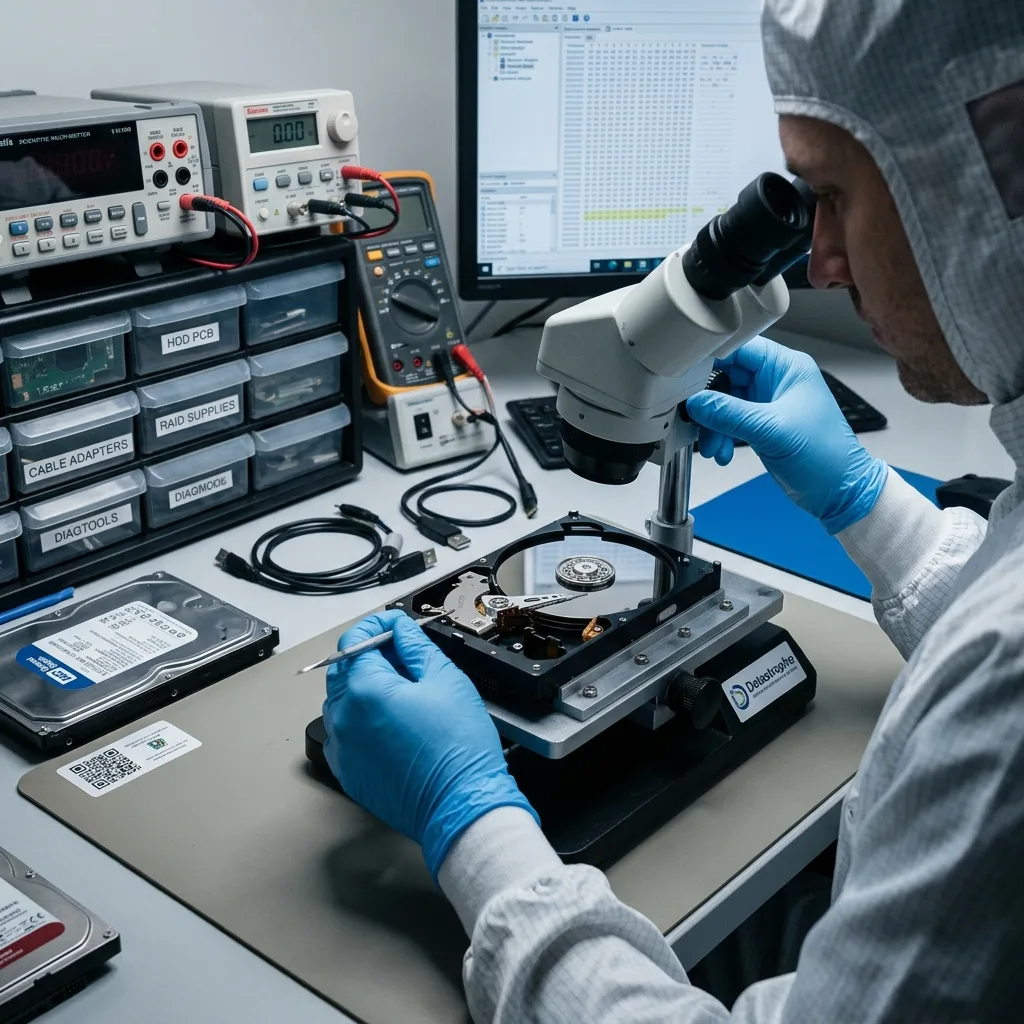
Start with facts
Context makes an answer more reliable
The answers here support sensible first steps before a diagnostic assessment; they cannot establish that every device or file will be recoverable.
Sound advice begins with the storage type, its symptoms, the urgency, the essential data and any steps already attempted. Without that background, even well-meant general guidance can encourage a risky action.
Datastrophe relies on details that can be tested or observed, from device behaviour and write risk to priority files and known constraints. This keeps unnecessary handling to a minimum and helps the client reach a considered decision.
- Relate general advice to the actual symptoms
- Check usability rather than counting file names
- Make the next choice from dependable evidence
What laboratory examination adds
Examination can test the apparent fault, identify immediate hazards and show which areas remain accessible. It replaces broad assumptions with evidence from the device itself.
What general guidance cannot settle
Symptoms alone cannot confirm file condition, surviving metadata or encryption access. Those unknowns must remain open until the storage has been assessed safely.

Relevant details
Details that alter the recommended next step
An accurate answer depends on whether the problem is logical, physical or uncertain, and on how much the missing data affect the person or organisation involved.
Mention any uncertainty, an inaccessible device, a formatting prompt, physical damage, genuine time pressure or a question about price. These points help distinguish a simple enquiry from fragile storage, an operational emergency or a case requiring closer technical work.
Be clear about whether you need preventive advice, help making a decision, a defined recovery scope or a specific action now. That purpose may lead to targeted extraction, fuller recovery, further assessment or specialist handling.
- Describe the message or behaviour you observed
- State whether the device suffered impact or liquid damage
- Explain which outcome would meet the real need
From question to appropriate action
Some incidents need only safe first-step advice, while others warrant laboratory assessment or a carefully scoped extraction. The device condition and the client's priorities decide which path is proportionate.
When in doubt, preserve the source
If the failure type is unclear, leaving the device unchanged is usually safer than accepting a repair prompt or using software simply to see what happens.
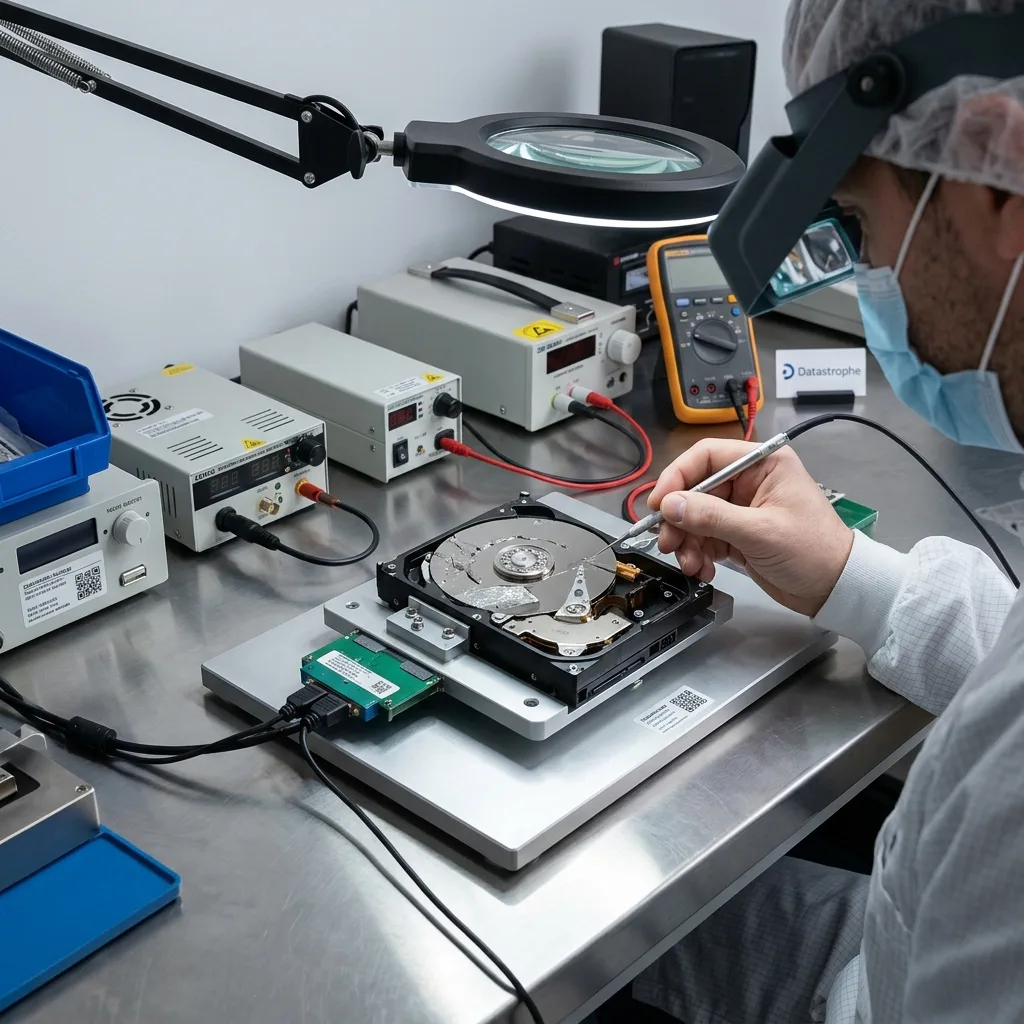
Misleading shortcuts
Advice that can create false confidence
A confident promise is not evidence, and a familiar repair tool may be unsafe when valuable data exist only on the failed source device.
Be wary of guaranteed outcomes, risky do-it-yourself instructions, unexplained jargon and any suggestion that recovery is the same as restoring a backup. Such advice can prompt new writes, hide the original fault and complicate later examination.
After a loss, pause further attempts, collect the incident details and seek advice suited to the symptoms. Keep the storage disconnected where appropriate so later guidance begins from its current condition.
- Block avoidable writes to the affected storage
- Decline automatic repair and formatting prompts
- Keep the earliest symptoms and state intact
A safer pause after data loss
Disconnecting the device and recording what occurred can protect both the remaining data and the incident history. The data recovery process explains how those facts inform diagnosis and controlled acquisition. Advice can then be based on real symptoms rather than changes caused by repeated tests.
Backup and recovery are different
A backup restores a separate known copy. Data recovery tries to extract information from damaged or altered storage, so the result may be incomplete and its original organisation may not survive.
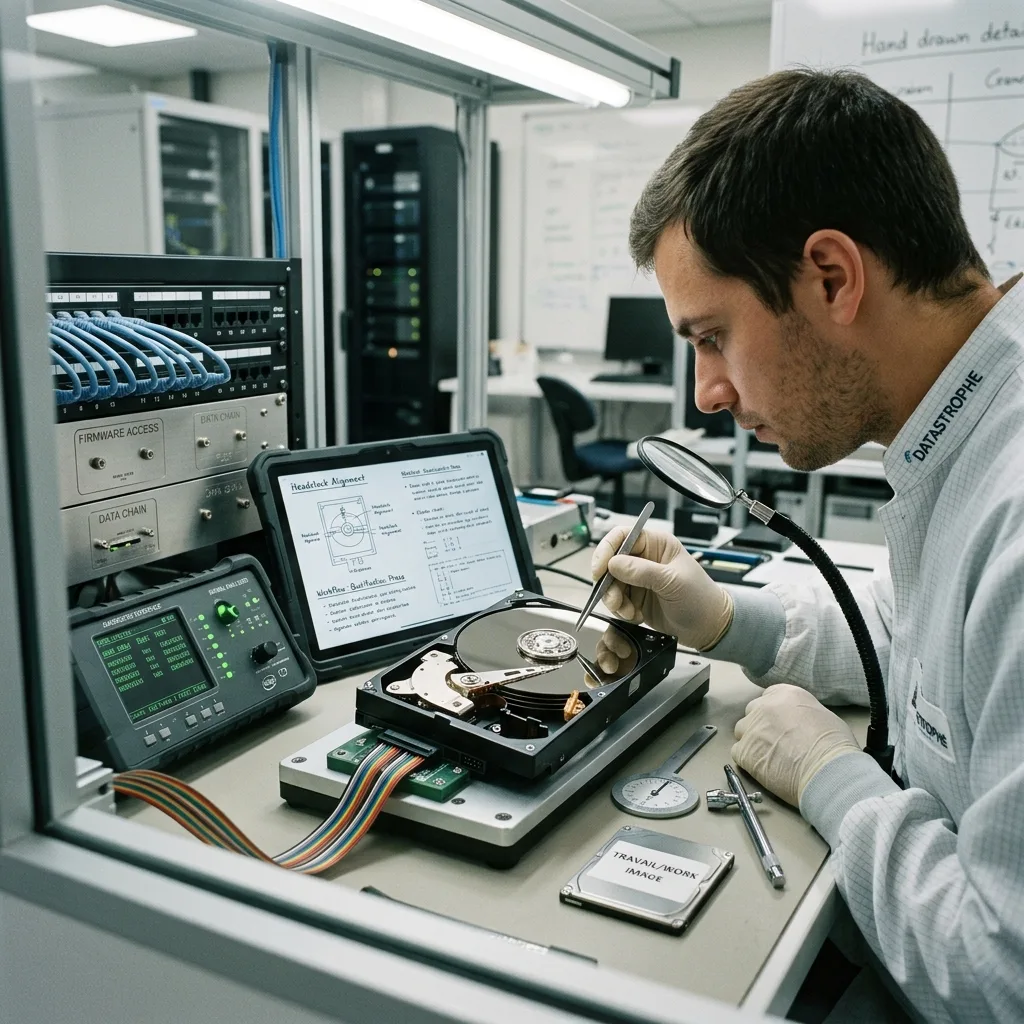
Recovery process
The stages behind a careful recovery
Assessment comes before commitment, and recovered files are checked before a controlled transfer is arranged on suitable storage or in an agreed format.
The Datastrophe process combines initial assessment, a defined quote, a working image where suitable, file verification, secure handover and candid limits. Each stage keeps technical decisions connected to evidence rather than assumption.
A useful case record states what has been found, what remains uncertain, which recovery options are realistic and which actions would add risk. This makes the client's decision clearer at every point.
- Base the quote on a defined scope
- Work from an image when the case allows
- Verify the files that carry the greatest value
Why a working image matters
Where possible and appropriate, analysis is carried out on a controlled copy rather than the unstable original. This reduces repeated access to the source, though not every fault allows an image to be created.
Results need verification
A file name or reported byte count does not prove usability. Representative checks and attention to the stated priorities give a more meaningful view of the recovered material.
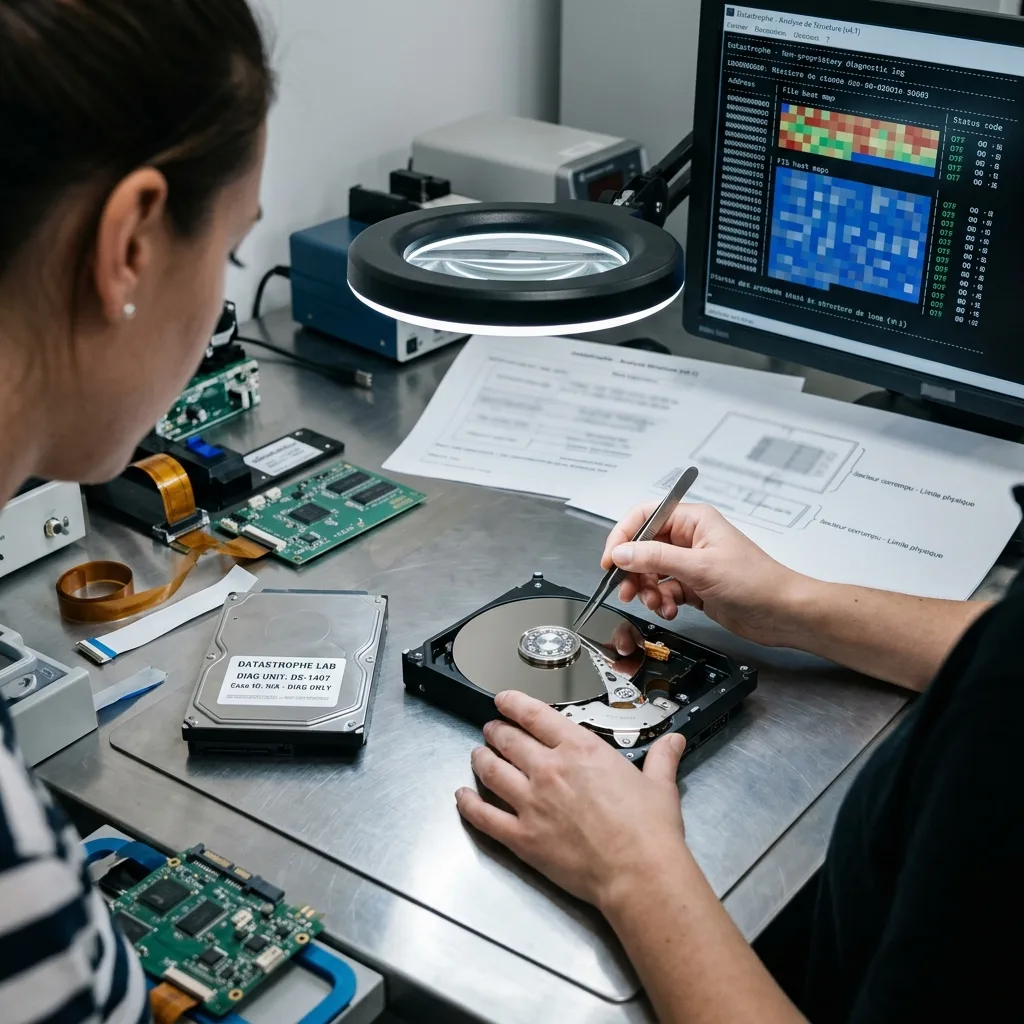
Responsible handling
Confidentiality and the boundaries of recovery
Sensitive content calls for an agreed search purpose, restrained access and a secure handover that does not expose recovered material unnecessarily.
A recovery case may involve personal records, business documents, accounts, health information or material that is sensitive for other reasons. Keeping access proportionate and communication discreet is part of responsible handling.
The technical position must be just as clear. Overwritten data, unavailable encryption keys and severe physical destruction can restrict recovery or make it impossible, regardless of the method used.
- Keep examination aligned with the case need
- Return files through a controlled transfer
- Identify technical gaps and partial results
How technical boundaries are reported
Limits are tied to findings such as unreadable areas, damaged metadata, incomplete files or inaccessible encryption. This is more useful than a broad success percentage with no context.
Why completeness cannot be assumed
Recovered folders may contain partial or corrupt items, and signature-based methods can lose names and dates. The outcome needs to be described with those qualifications intact.
Immediate action
What to do next if storage has failed
Preserve the failed device, write down the sequence of events and identify the data that would make a recovery valuable before seeking case-specific advice.
Note the storage type, symptoms, date of the incident, earlier attempts, genuine urgency and the files that matter most. This compact history makes later advice and assessment much more precise.
If the device is connected and unstable, a clean shutdown is often the safer choice when it can be completed without added risk. Once off, avoid reconnecting it for another look.
- Stop normal use of the affected storage
- Record errors, sounds and changes already made
- Prepare a concise list of priority files
Safe shutdown depends on the system
For a single external device, disconnection may be straightforward. Servers, NAS arrays and CCTV/DVR/NVR systems can have wider dependencies, so isolation should be planned without introducing new writes or disruption.
When specialist handling is appropriate
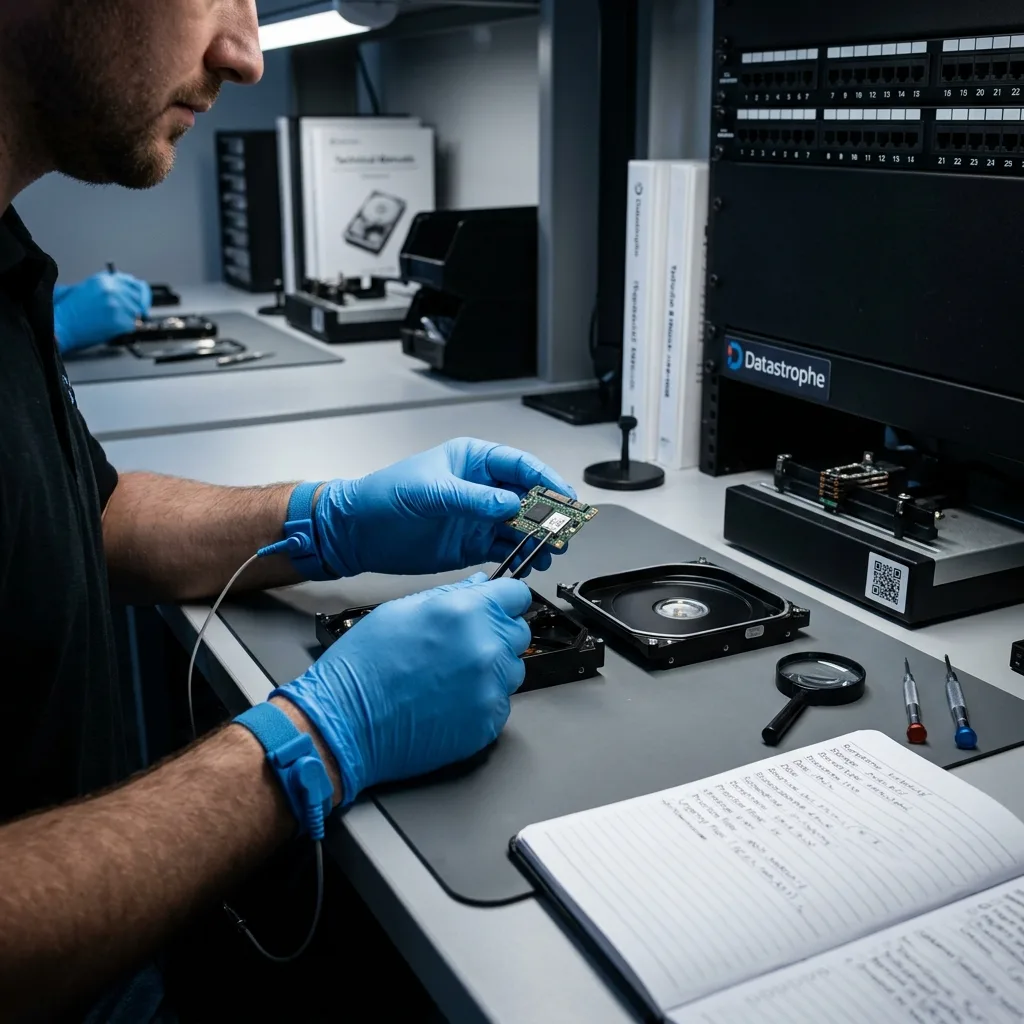
Unusual noises, impact damage and other physical symptoms call for laboratory review rather than software testing. The hard-drive data recovery service explains why opening a drive outside a suitable clean room can introduce further contamination.
Diagnostic assessment
Unsure about a storage device or fault?
Datastrophe qualifies the risk before any recovery attempt and points you towards the safest next step.