

Recovering Data From a Laptop That Will Not Start
A laptop that loops at startup, reports no boot device or has suffered liquid damage should be switched off. Reinstallation and repeated starts can alter the only useful copy.
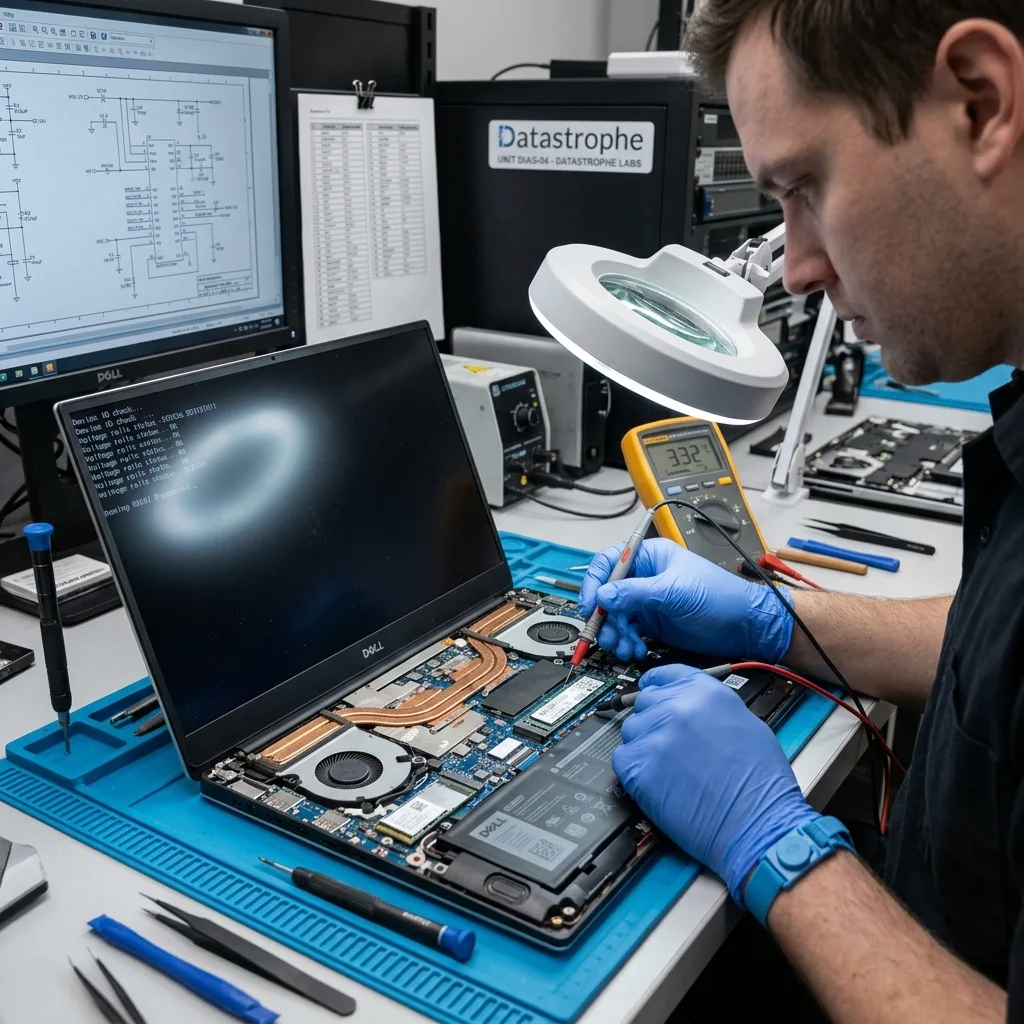
Fault isolation
Separate a Laptop Fault From a Storage Failure
Power, memory or mainboard faults can resemble storage failure, so the laptop and its internal media must be considered separately before recovery begins.
A laptop that will not start can have a computer fault, a storage fault or both. Cases may involve ultrabooks, mobile workstations, M.2 SSDs, soldered flash storage, removable hard drives, liquid damage, impact or an inaccessible user session. The assessment begins with how the machine was used, the event sequence and the files that matter most.
At the data recovery laboratory, the original state is recorded and unnecessary writes are prevented. The computer, internal device and logical data layers are considered separately before a safe acquisition path is selected. A laptop used between home and workplace may have both local and synchronised copies; identifying which folders were truly local prevents mistaken assumptions about what failed.
The aim is to return a usable copy of recoverable files, not to certify the laptop as repaired. Overwritten sectors, physically destroyed storage and encrypted content without the appropriate key remain genuine limits.
- Describe the failure and the laptop's last routine use
- Identify the folders and applications that matter
- Choose acquisition from the internal storage evidence
What the diagnostic assessment includes
The laptop, storage interface, media condition and useful data layers are reviewed in their current state. This provides the basis for a controlled acquisition plan suited to removable or soldered storage.
The difference between recovery and repair
Data recovery is concerned with securing usable files on verified destination storage. It cannot restore overwritten content or bypass encryption without the required key, and it does not make the original computer reliable again.
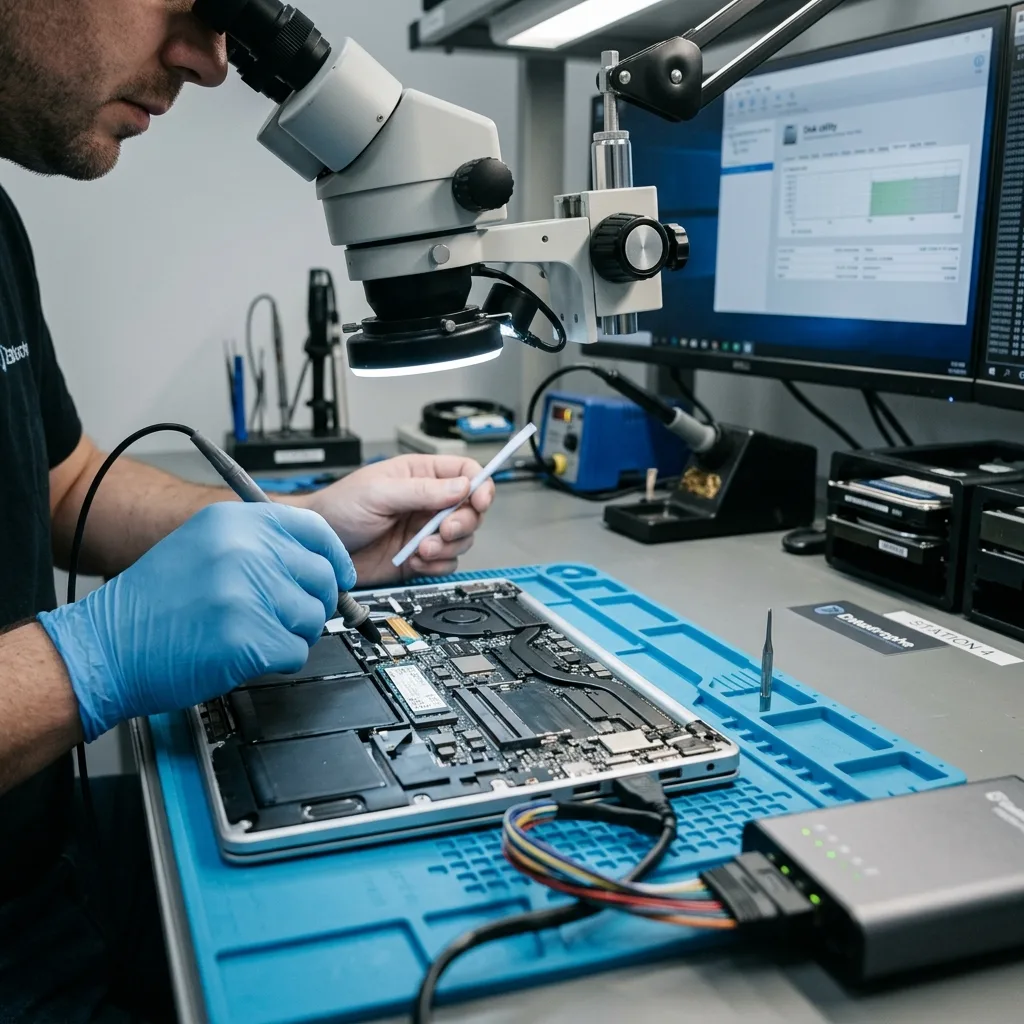
Stop decision
Switch Off When Boot Loops or Storage Errors Escalate
Boot loops, disappearing storage, abnormal heat and repeated repair screens are reasons to stop before further power or writes narrow the options.
Failed startup, a black screen, liquid exposure, impact damage, an inaccessible session or an undetected internal SSD all warrant caution. The visible symptom may not reveal the underlying cause, but it helps determine risk and the order of examination.
Timing and sequence are important. A drop, power interruption, deletion, formatting or attempted reconstruction leaves different conditions, while troubleshooting performed afterwards may have written data or changed useful metadata. If liquid was involved, disconnect power where it is safe to do so and record the spill rather than testing whether the machine has dried out.
Continuing to power the laptop or its internal drive can narrow the options. Fresh writes may replace deleted information, and repeated reads may worsen marginal sectors or unstable electronic components.
- Write down the exact startup behaviour
- Avoid further restarts and repair cycles
- Record the incident and all later attempts
Why events must be recorded in order
Impact, liquid, deletion and reinstall attempts point to different failure paths. A complete timeline helps identify later writes and explains why some metadata may no longer match the original state.
When continued power becomes a risk
Startup processes write to internal storage, while weak drives may decline under repeated reads. Leaving the laptop off generally preserves more options until the device can be assessed.
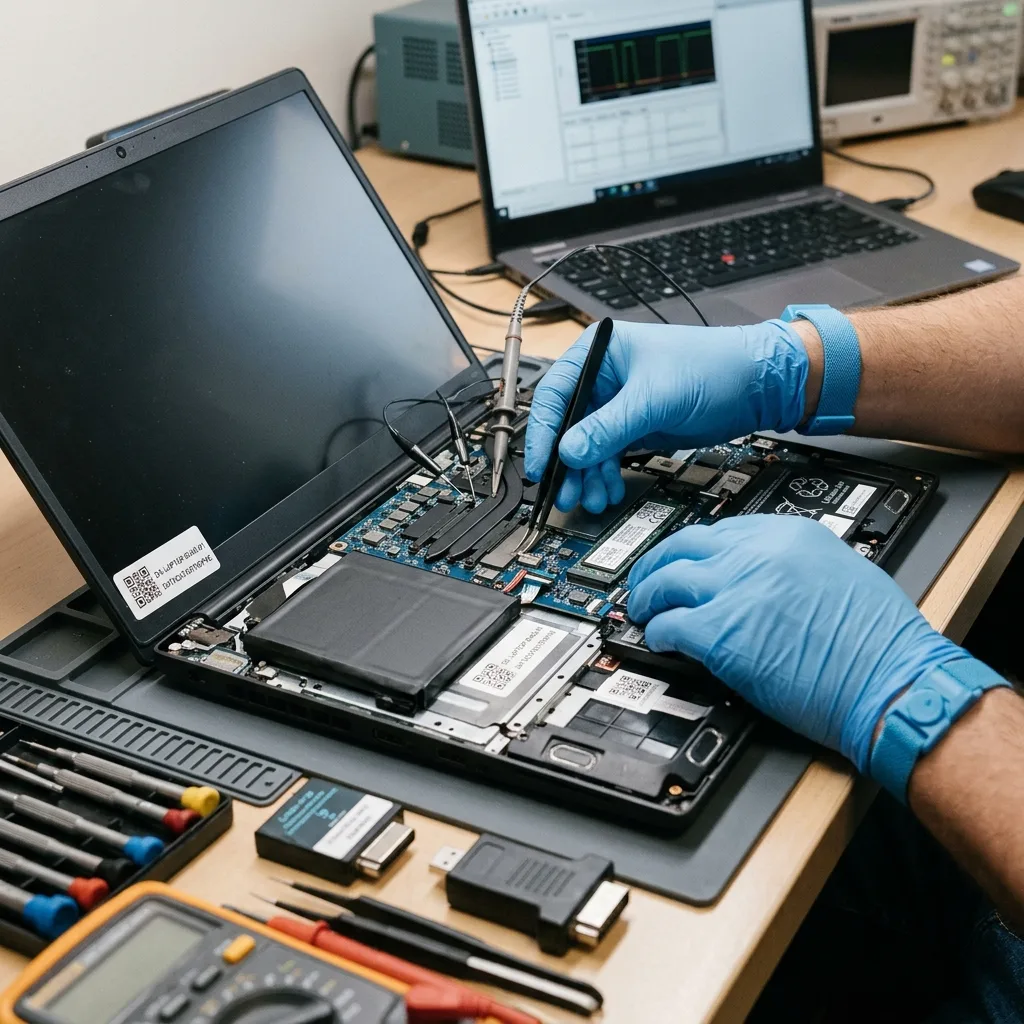
Source preservation
Avoid Reinstallation, Reset and Repair on the Source
Reset, operating-system installation and write-based repair can overwrite user data or change encryption metadata on the original storage.
Do not reinstall the operating system, run a factory restore, accept automatic repair, dismantle the laptop without a plan or repeatedly start a liquid-damaged machine. These actions can alter the storage state and complicate a reliable diagnosis.
Repair utilities may clear logs, replace system structures or create inconsistent files. Rather than trying another scan, stop and document every action already completed, including interrupted resets or updates. Keep recovery media and installers away from the failed laptop; even a routine reset can reuse blocks that belonged to deleted or damaged files.
The laboratory uses controlled reads and protected analysis copies wherever possible. Competing explanations can then be tested without turning the original internal drive into a trial bench or hiding relevant technical traces.
- Prevent new writes to the internal storage
- Do not keep running automated repair
- Leave dismantling to a controlled assessment
Why another repair attempt may harm
Automatic tools can rewrite boot and file-system structures before the data has been protected. That may remove evidence or overwrite content that a different recovery approach could have used.
Protecting the internal drive
Acquisition should minimise reads from unstable storage and move analysis to protected analysis copies. A mechanically failed laptop hard drive may require clean-room work before an image can be made safely.
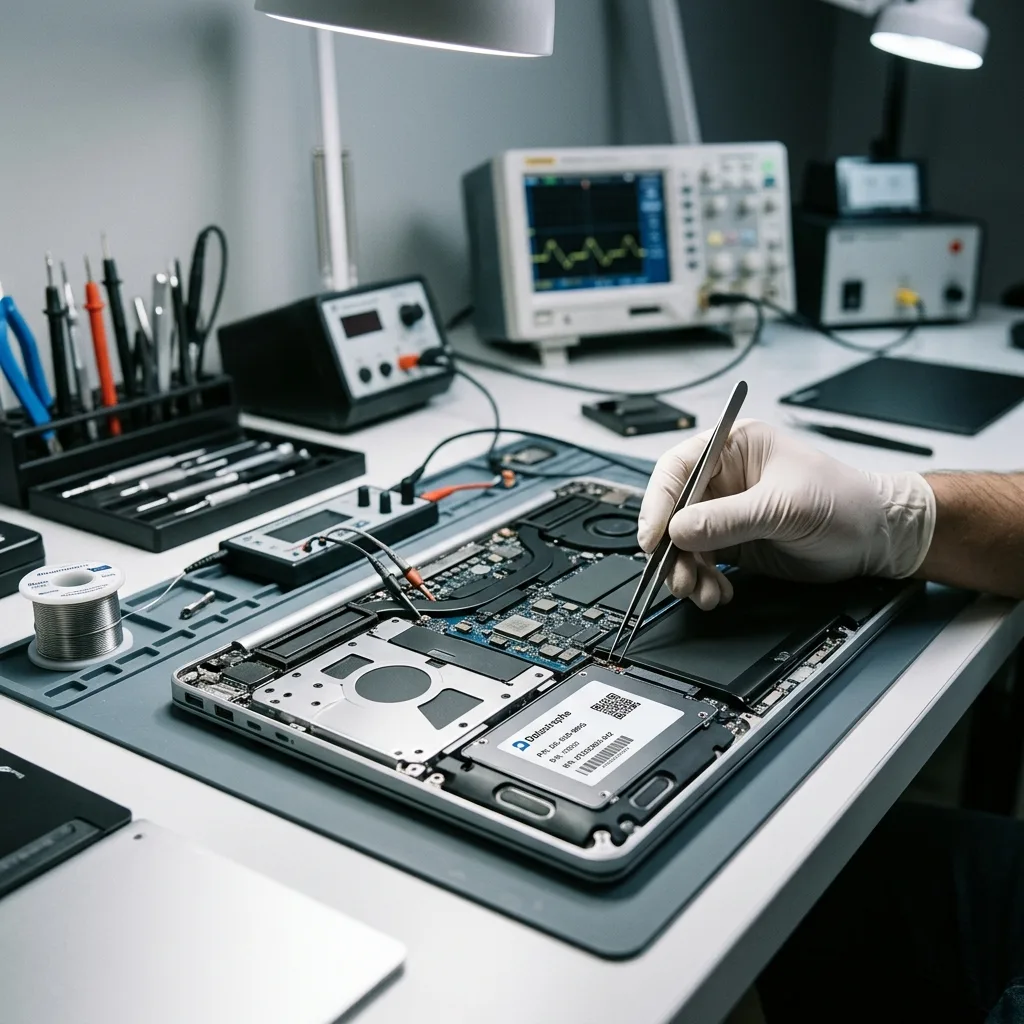
System context
Follow Encryption, User Profiles and Storage Layers
A useful reconstruction connects partitions, encryption, user profiles and application folders rather than returning an unexplained collection of files.
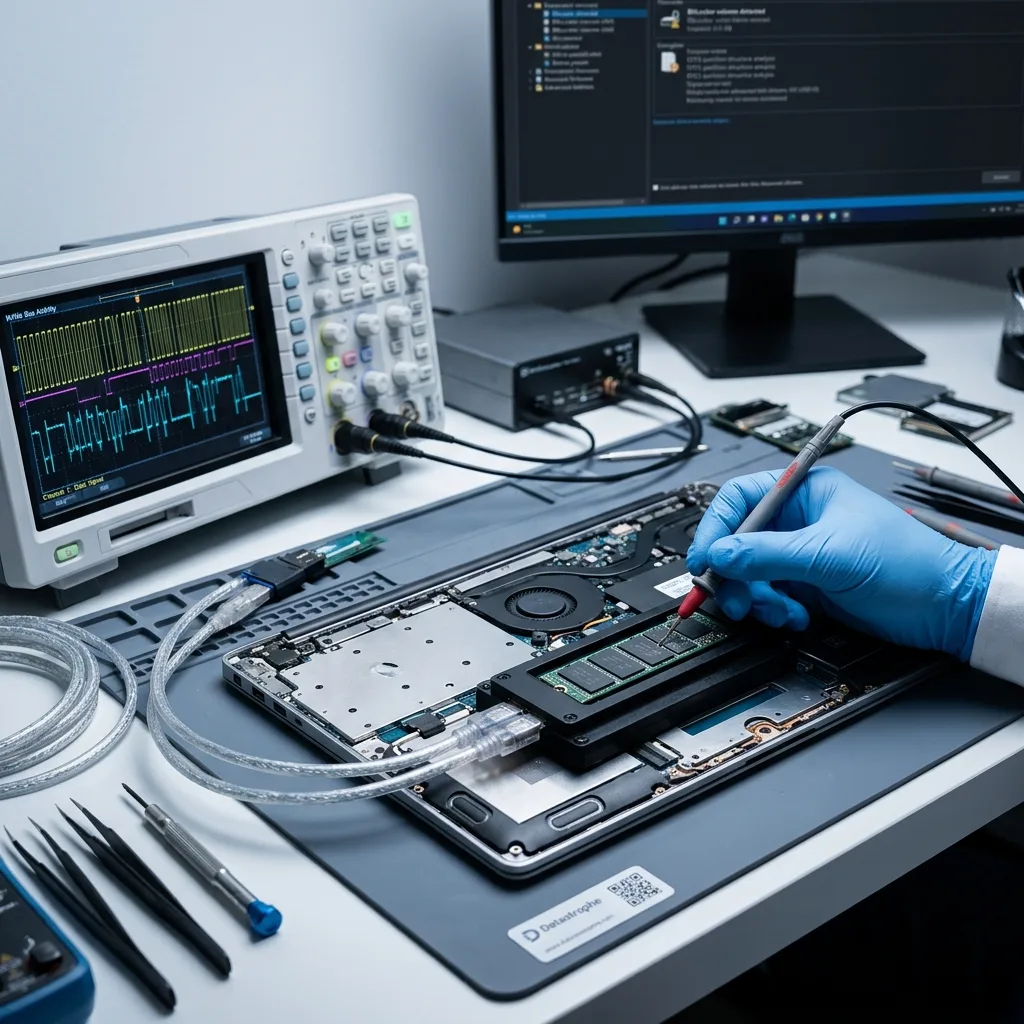
NVMe or SATA storage, BitLocker, the user profile, EFI, NTFS and other encryption layers must be interpreted together. The correct route may begin with physical sectors, logical metadata, the file system, an application database or several levels in sequence.
A visible directory does not show that every file is healthy, and an empty user session does not prove all data is gone. Logs, tables, indexes, signatures, caches and fragments can sometimes support a limited but useful result. Irish-language filenames, long project paths and application libraries should be preserved as structural context, not reduced to signature-only output.
The internal device and its readability are assessed first, followed by logical structures and then the requested files. This order avoids presenting a convincing folder tree that contains unusable content.
- Assess the internal drive before logical reconstruction
- Confirm encryption and user-profile boundaries
- Open representative files from priority folders
Why directory names do not prove integrity
Metadata may preserve a filename after its content has been damaged, while useful fragments may survive without their original path. Structure and file content therefore require separate checks.
The order of technical review
Media access comes first, logical reconstruction second and priority-file testing third. Following that order protects the source and keeps the result tied to a practical recovery goal.
Media-led method
Select a Recovery Route for the Actual Internal Media
Soldered flash, removable NVMe, SATA SSD and hard drives present different acquisition risks, so the route follows the installed media.
Work begins with a diagnostic assessment of the model, storage type, symptoms, loss date, earlier actions, expected volume and essential files. This prevents very different laptop faults from being handled with the same routine.
If the internal device is unstable, preserving readable areas comes first. Logical loss requires strict write control and analysis of deleted or corrupt structures, while combined faults are addressed in the least destructive order. For a case originating in Ireland, photographs of the model and symptoms can support the proposed method before the powered-off laptop is prepared for transport.
Representative documents, photographs, archives and mail files are opened or compared where possible. A sound result depends on usability, not simply on the number of gigabytes extracted.
- Secure readable storage before deeper analysis
- Work from protected copies when acquisition permits
- Validate priority documents, mail and photographs
Choosing a safe recovery route
Unstable hardware is acquired cautiously before logical reconstruction begins. Where the issue is purely logical, preventing writes and preserving existing structures become the central controls.
How recovered files are tested
Representative files are opened and compared with expected types, dates or contents where possible. These checks distinguish intact results from partial or merely detected entries.
Folder priorities
Check the Work, Accounts and Personal Folders That Matter
Named profiles, accounts folders, active projects and dated photographs give validation a practical purpose when some areas cannot be read.
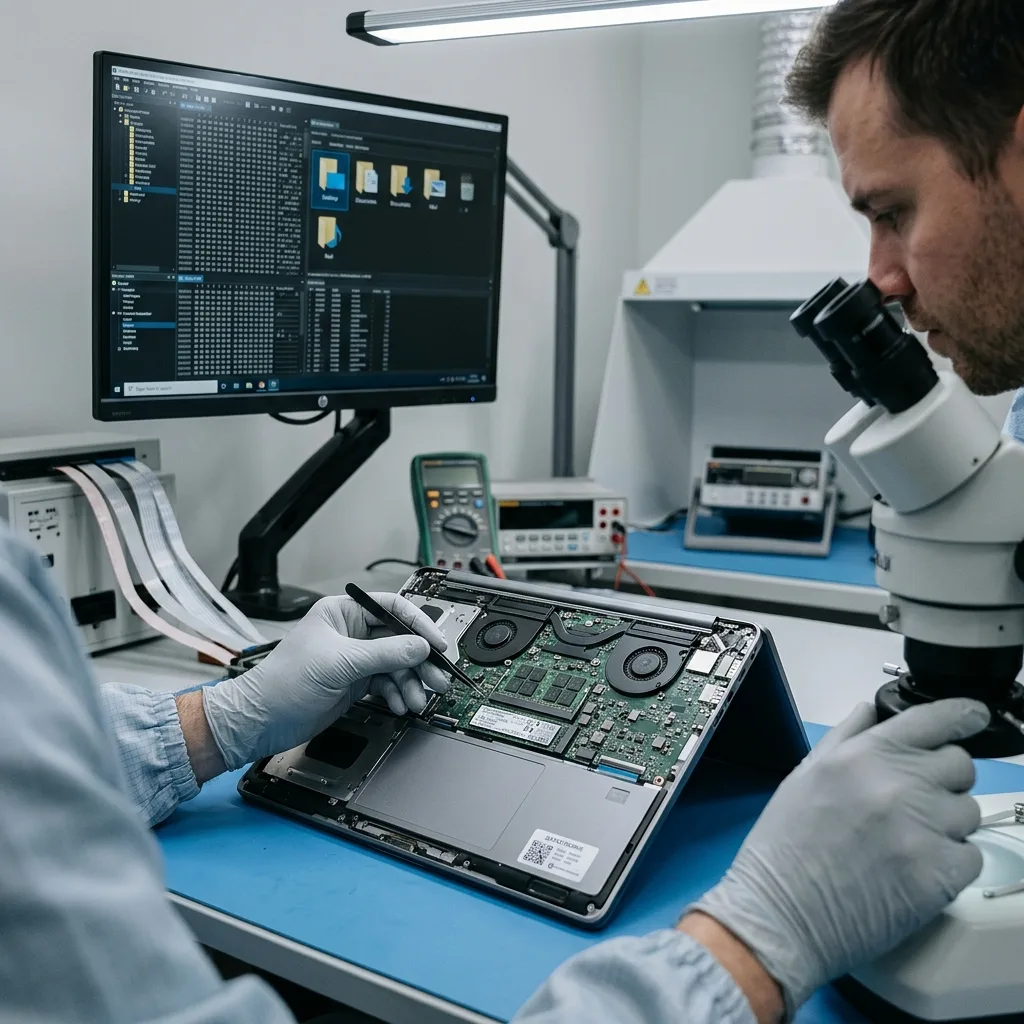
The most important data often sits in Desktop, Documents, photo libraries, local mail, project folders and incompletely synchronised directories. Listing it early lets those locations be examined before a wider extraction is finished.
Priorities are particularly useful when the internal drive is degraded or only a defined part of the user profile is essential. They also reduce unnecessary review of unrelated sensitive data. An Irish sole trader may prioritise the current accounts period or one client project, while a student may identify a dissertation folder and recent versions.
Final validation separates files that work, partial material and filenames found without usable content. A detected entry has little practical value until its contents can be opened and understood.
- List essential folders, file types and recent dates
- Check that representative files open normally
- Report complete and partial results separately
Why the priority list comes first
A focused list provides meaningful test targets and may show earlier whether the recovery meets the user's need. It is especially valuable when time or drive stability limits a full extraction.
Separating usable and partial data
Files that open correctly, files with incomplete content and entries detected by metadata are classified independently. This avoids overstating what the recovered folder structure represents.
Controlled return
Keep User Data Restricted and the Return Clearly Labelled
Laptop storage can expose extensive private and business material; review stays proportionate and every delivered item carries a clear status.
Laptop storage usually contains much more than the requested folders, including personal histories, customer records, exports, logs and internal documents. Human access should remain limited to the agreed recovery and validation scope.
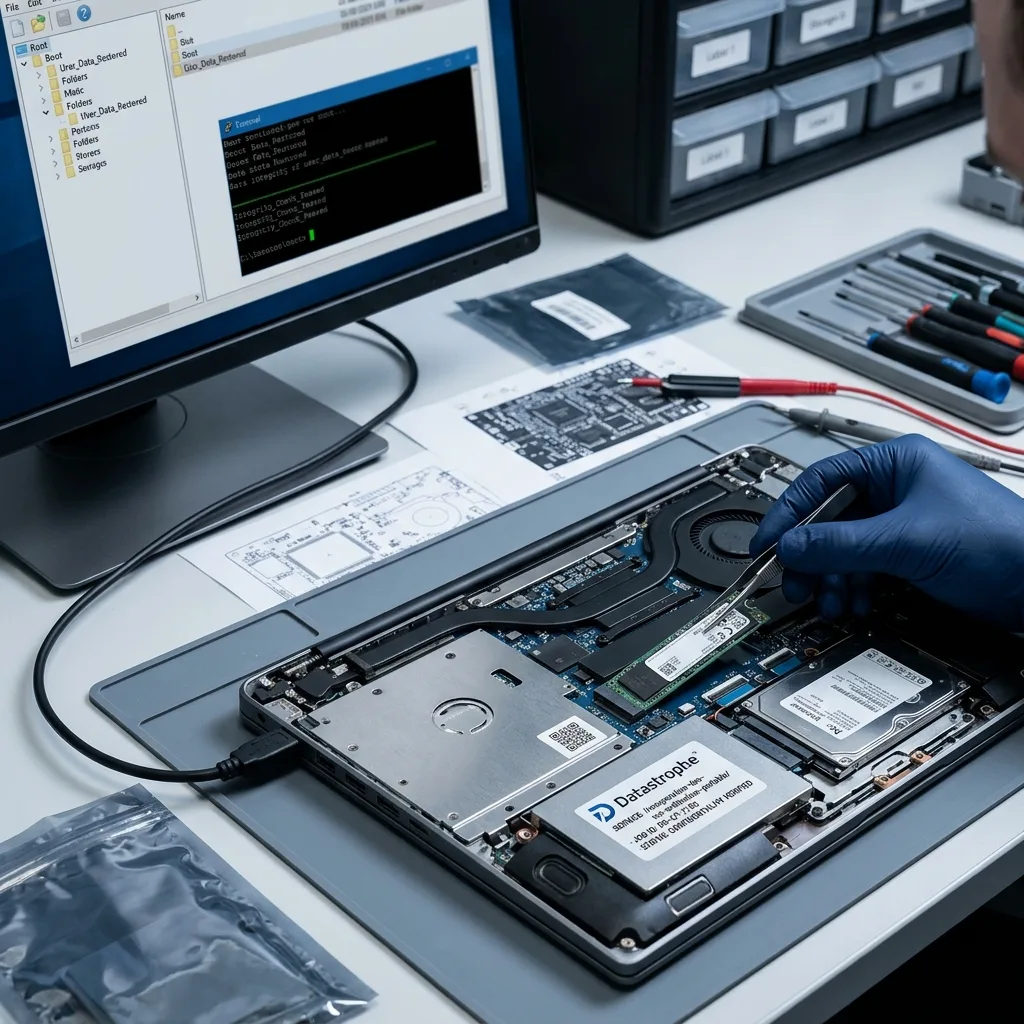
Recovered files are supplied on suitable verified destination storage or in another format agreed for the case. Targeted extraction, conversion or partial reconstruction is identified clearly so the output is not mistaken for a complete copy of the original computer. The return should distinguish original files, converted exports and partial reconstructions so subsequent work is based on evidence rather than optimism.
Overwritten sectors, failed components, unavailable encryption keys and inconsistent mail or application databases are reported as limits. This gives the customer a realistic basis for using the result.
- Limit examination to the agreed folders and checks
- Supply recovered content on suitable verified destination storage
- Explain all incomplete or inaccessible areas
How laptop files are returned
The deliverable may contain a reconstructed folder tree, selected files or converted application data on healthy destination storage. Its format and any departures from the source are explained before handover.
A clear account of missing data
Physical gaps, overwritten content, partial files and encryption barriers are identified separately. The customer can then understand both the value and the boundaries of the recovered dataset.
Irish case brief
Prepare the Laptop, Charger, Access and Incident Timeline
The exact model, charger, access information and event sequence let a case originating in Ireland be assessed before controlled transport.
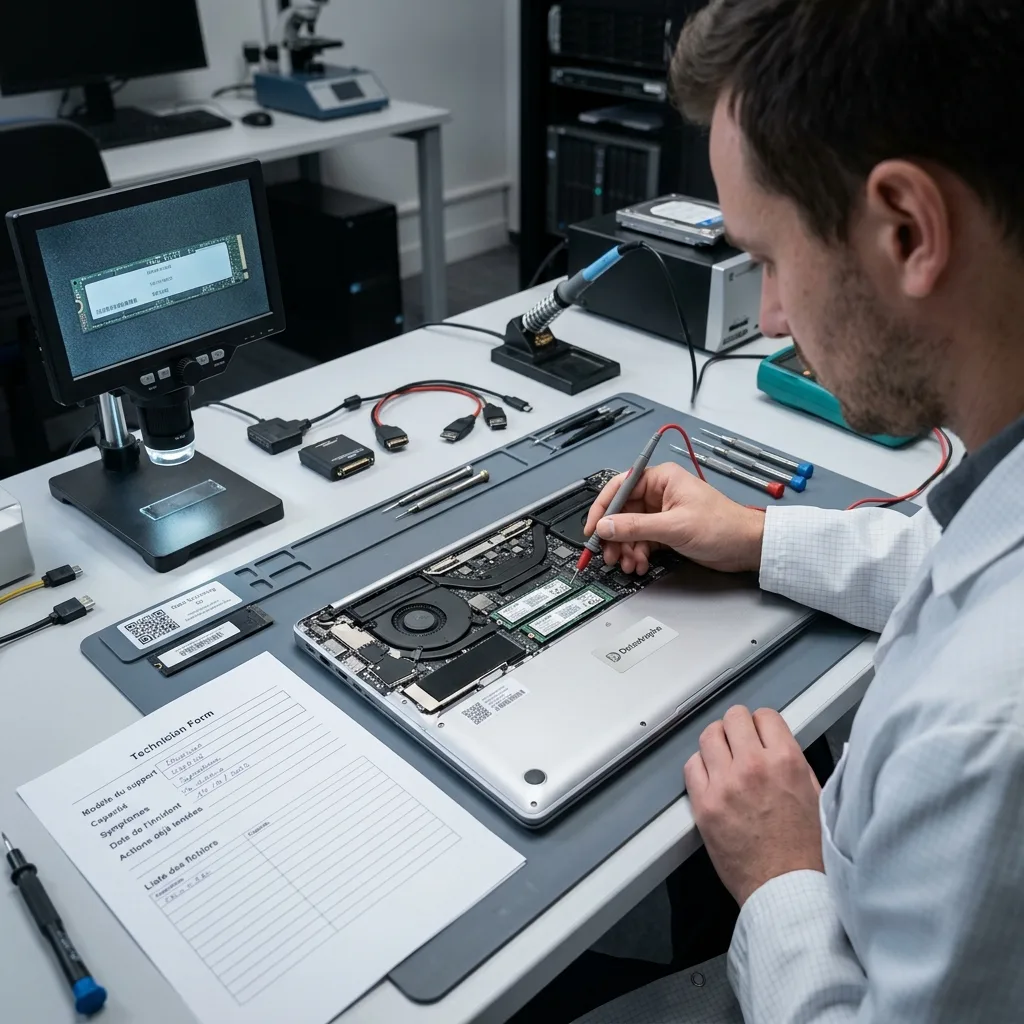
Provide the laptop model, internal-drive capacity, symptoms, incident date, previous actions and a short list of priority data. Photographs of error messages, impact or liquid damage can help the first assessment.
Keep the charger, adapters, replaced drives, external enclosures, recovery keys, configuration records and partial backups. A seemingly minor item may establish access, storage type or the sequence of earlier work. Retain the correct charger and any recovery key reference, but never place passwords or encryption keys loose inside the shipping package.
Explain what happened, what was tried and what partial result would still be useful. A factual account allows the technical assessment to address the real need without making unsupported assumptions.
- Include the charger, adapters and any removed drive
- Provide recovery keys and relevant account details
- List essential folders, applications and file dates
What to keep with the laptop
Chargers, removed storage, adapters, recovery keys and partial backups may all contribute useful evidence. Keep each item labelled and mention any previous repair or dismantling.
How to explain the required outcome
Name the folders, applications, dates and file types that matter, and say what incomplete result could still be useful. This makes validation more focused and informative.
FAQ
Frequently asked questions
What should I do first when a laptop will not start?
Stop repeated startups and automated repair, especially after impact or liquid exposure. Note the symptoms, preserve the laptop as it is and identify the files that are held only on its internal storage.
Can all files be recovered from a failed laptop?
Not always. The result depends on storage condition, later writes, physical damage, surviving file structures and access to encryption keys. Only content that can be extracted and checked should be described as recovered.
Why are priority laptop folders requested?
Desktop, Documents, mail, photographs and project folders may need different search and validation steps. Listing them helps the laboratory test the most useful content early, particularly when storage is unstable or large.
Can the original laptop be used again after data recovery?
Data recovery does not certify the computer or internal drive for further service. Its purpose is to place usable files on verified destination storage; any repair and reliability testing would be a separate matter.
How are limits in a laptop recovery explained?
Usable, partial and unavailable content is separated, with causes such as unreadable sectors, overwritten data, damaged metadata, inconsistent application files or inaccessible encryption stated where supported.
Media
Other expertise
- Internal Hard Drive Recovery After Mechanical or Logical Failure Evidence-led recovery for clicking or unrecognised hard drives, covering mechanical faults, unstable sectors, lost partitions and checked file return.
- Recovering Data from Unreadable External Hard Drives Recovery for external drives with enclosure, mechanical or file-system faults, using source protection, controlled imaging and checked files.
- SSD and NVMe Recovery From Failed Flash Storage Evidence-led SSD and NVMe recovery for controller faults, unstable detection, damaged metadata, TRIM, encryption and priority file validation.
- Recovering Data From Damaged USB Flash Drives Recovery for broken or unrecognised USB drives, covering connector faults, controller failure, NAND reconstruction and checked file return.
- Recovering Photos and Video From Failed Memory Cards Controlled recovery for unreadable, formatted or corrupted SD and microSD cards, with flash-aware acquisition and checks of priority photographs and video.
- Recovering Data From Failed Mac and Apple Storage Evidence-led Mac data recovery for failed SSDs, APFS volumes, FileVault access and Fusion Drive structures, with priority libraries checked.
- Recovering Local Data From a Tablet That Will Not Start Careful tablet data recovery after startup, storage or app-data loss, with encryption context preserved and priority documents and media checked.
- Recovering Virtual Disks, Snapshots and Guest Data Structured recovery for VMDK and VHDX chains, snapshots and damaged datastores, with guest file systems and priority workloads validated.
- Recovering Data From Failed RAID and NAS Arrays Evidence-led RAID and NAS recovery after disk loss, rebuild failure or configuration damage, preserving member order and validating priority volumes.
- Recovering Critical Data From a Failed Server Structured server recovery after hardware, RAID or file-system failure, preserving dependencies and validating priority databases, shares and guests.
- Recovering Missing Footage From CCTV and NVR Systems Structured recovery of missing CCTV and NVR footage from failed disks, arrays or proprietary video stores, preserving timestamps and camera context.
- ISO 5 Clean-Room Procedures for Mechanically Failed Drives An evidence-led guide to ISO 5 Class 100 hard-drive intervention, explaining contamination control, mechanical scope and recovery boundaries.
 Internal Hard Drive Recovery After Mechanical or Logical Failure
  SSD and NVMe Recovery From Failed Flash Storage
  Recovering Data From Damaged USB Flash Drives
  Recovering Photos and Video From Failed Memory Cards
  Recovering Data From Failed Mac and Apple Storage
  Recovering Local Data From a Tablet That Will Not Start
  Recovering Virtual Disks, Snapshots and Guest Data
  Recovering Data From Failed RAID and NAS Arrays
  Recovering Critical Data From a Failed Server
  Recovering Missing Footage From CCTV and NVR Systems
  ISO 5 Clean-Room Procedures for Mechanically Failed Drives
 Diagnostic assessment
Unsure about a storage device or fault?
Datastrophe qualifies the risk before any recovery attempt and points you towards the safest next step.