

Recovering Missing Footage From CCTV and NVR Systems
When footage disappears, stop the recorder before circular recording advances. Disk order, timestamps, camera channels and proprietary indexes may all be needed to rebuild a usable sequence.
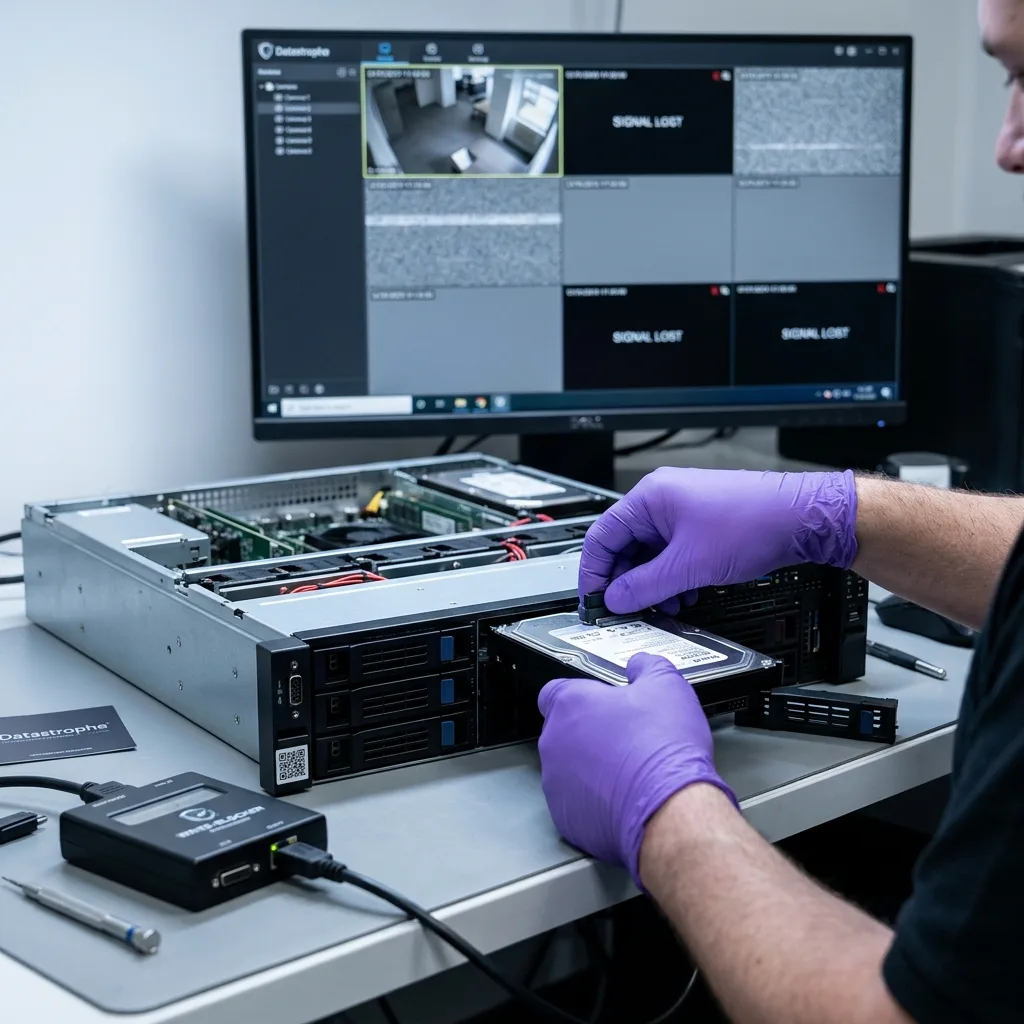
Recorder state
Preserve the Recorder State When Footage Goes Missing
Recorder model, storage layout, camera count and the requested time window should be captured before another restart or export attempt changes the state.
A CCTV recovery request often begins with a practical symptom: a period will not play, an export is empty, the calendar is blank or the recorder stopped after a power interruption. Whether the system is a DVR, NVR or XVR becomes important once its model, camera inputs and storage design are known.
The diagnostic assessment distinguishes footage that the interface cannot find from footage no longer present on disk. A corrupt index, detached proprietary partition, inconsistent metadata database, missing array member or unreferenced codec stream can all make a recording appear absent. For a case in Ireland, write down the displayed recorder time and the real local time if they differ, including whether daylight-saving adjustment may be relevant.
New writes must be prevented wherever possible. A running unit may continue recording, rotate logs, rebuild indexes and reuse old blocks. An uncontrolled restart can shift the boundary between recoverable footage and permanently overwritten footage.
Before laboratory work begins, Datastrophe records the camera count, recorder make, required dates, drive order, symptoms, noise, restart history and urgency. This treats the recorder as a synchronised video system rather than an ordinary external disk.
- Stop further recording where it threatens the required period.
- Name the cameras and time window before broad extraction begins.
- Record every bay position in a recorder with several drives.
DVR, NVR and XVR Need Different Reading Paths
A DVR commonly digitises analogue feeds, an NVR records network-camera streams and an XVR may combine both. The footage need is similar, but the architecture changes acquisition and reconstruction.
Metadata Gives Video Its Context
Useful footage must be playable and, where the surviving evidence permits, connected to the right camera and time. A raw stream without those relationships may not answer the request.
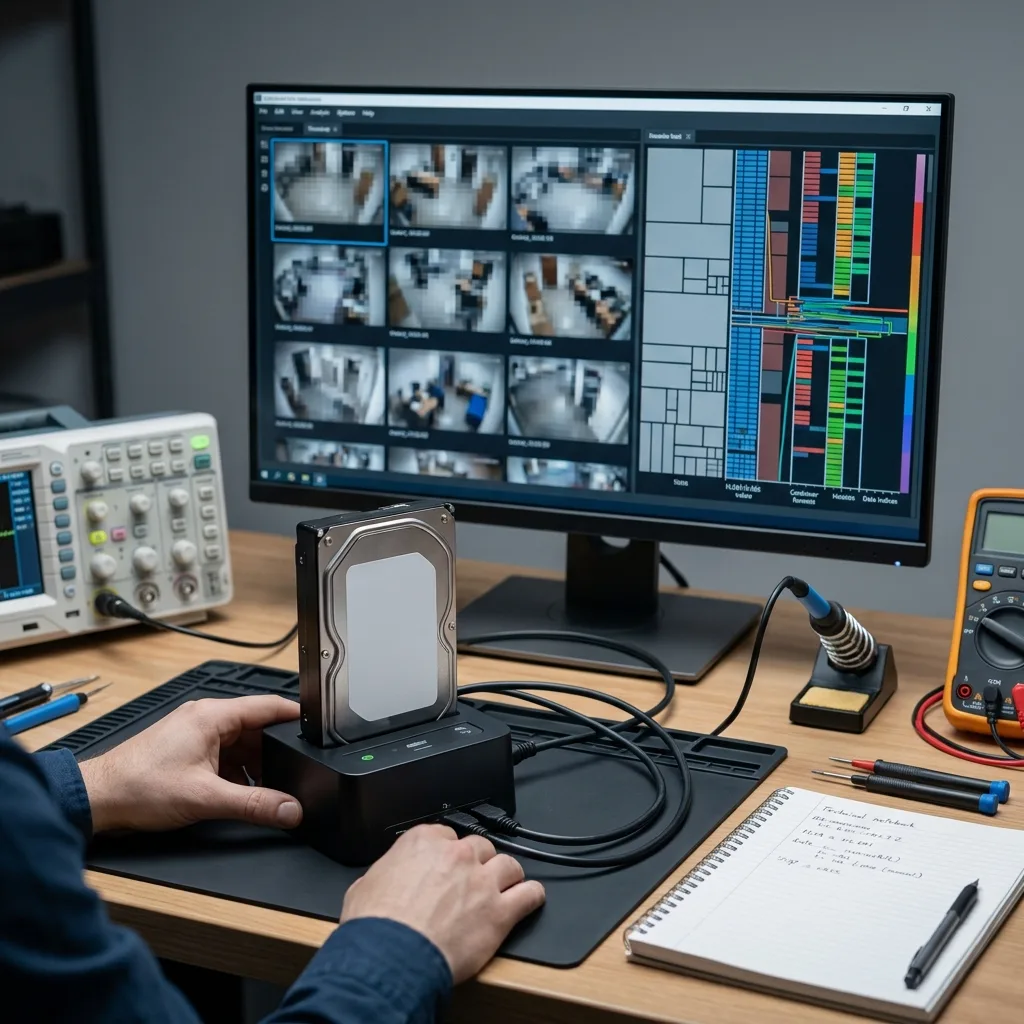
Export diagnosis
Separate Video Streams From Failed Export Tools
A failed export screen does not prove that the underlying stream is absent; playback, index and storage faults need to be distinguished.
CCTV/DVR/NVR systems often encode continuous feeds as H.264, H.265/HEVC or a manufacturer-specific variant. Reference frames, differential frames and GOP structures depend on one another, so damage at a key point may stop the official player even where useful images survive.
Manufacturers may wrap streams in private containers containing camera tables, local encryption, time records or other metadata. A familiar extension can therefore be misleading, and changing the filename or trying a generic player is not a reliable test. Retain the recorder application and export instructions where available, because a proprietary player or codec can affect how an intact stream is interpreted.
On a protected analysis copy, the data recovery laboratory separates video payloads, containers, indexes, event records, thumbnails, logs and camera metadata. The aim is controlled, checkable playback, not a rough clip with unknown provenance or duration.
The result must retain uncertainty. Overwritten reference frames, encryption without the required key and a camera that never recorded the requested interval cannot be overcome by software. The assessment distinguishes absent, damaged, partial and recoverable content.
- H.264 streams: missing reference frames can disrupt a wider sequence.
- H.265/HEVC streams: dense compression can leave fragments that players handle differently.
- Private containers: usable export may depend on rebuilding metadata first.
An Intact Codec Is Not Yet a Usable Clip
Images can remain in the stream while broken container records, indexes or time markers prevent reliable playback and navigation.
A Blank Export May Reflect the Interface
An empty official export can mean that the recorder has lost its route from calendar metadata to the underlying blocks, rather than that every video block is gone.

Disk topology
Retain Disk Order in Multi-Bay CCTV Recorders
Bay position and member history can determine how a proprietary recorder spans footage, so every disk and caddy must remain identifiable.
Single-drive recorders are common, while commercial CCTV systems may use several bays for continuous, high-volume recording. Streams can be mirrored, striped, rotated between disks or placed in a standard or proprietary RAID-like volume.
Connecting the drives separately to a computer may produce a formatting prompt, an apparently empty partition or only a fragment of the volume. That behaviour does not establish that a disk is blank; the missing information may be its order, stripe, parity or manufacturer allocation method. Photograph the populated bays before removing disks and number each caddy, especially where an Irish installer or maintenance provider has replaced members.
Datastrophe records bay positions, capacities, SMART information where available, weak regions and storage signatures. Geometry is inferred from evidence rather than imposed from a label, because a wrong assumption can yield footage with subtle breaks or incorrect chronology.
Continuous writes from several high-resolution cameras can expose each disk differently. A damaged member may cause gaps affecting certain cameras or dates, so recovery is judged against the priority sequences rather than an assumed perfect volume.
- Label drives by bay before moving or disconnecting them.
- Avoid recorder rebuild commands until the array has been assessed.
- Reject formatting prompts from any computer examining the drives.
Known RAID or Manufacturer Allocation
Some arrays follow familiar RAID rules, while others optimise their own layout for constant recording. Metadata and block patterns, not assumptions, determine the reconstruction.
One Camera May Span Several Disks
A stream can cross drive boundaries, and several cameras may share the same block ranges in rotation. Validation therefore follows camera and time as well as disk.
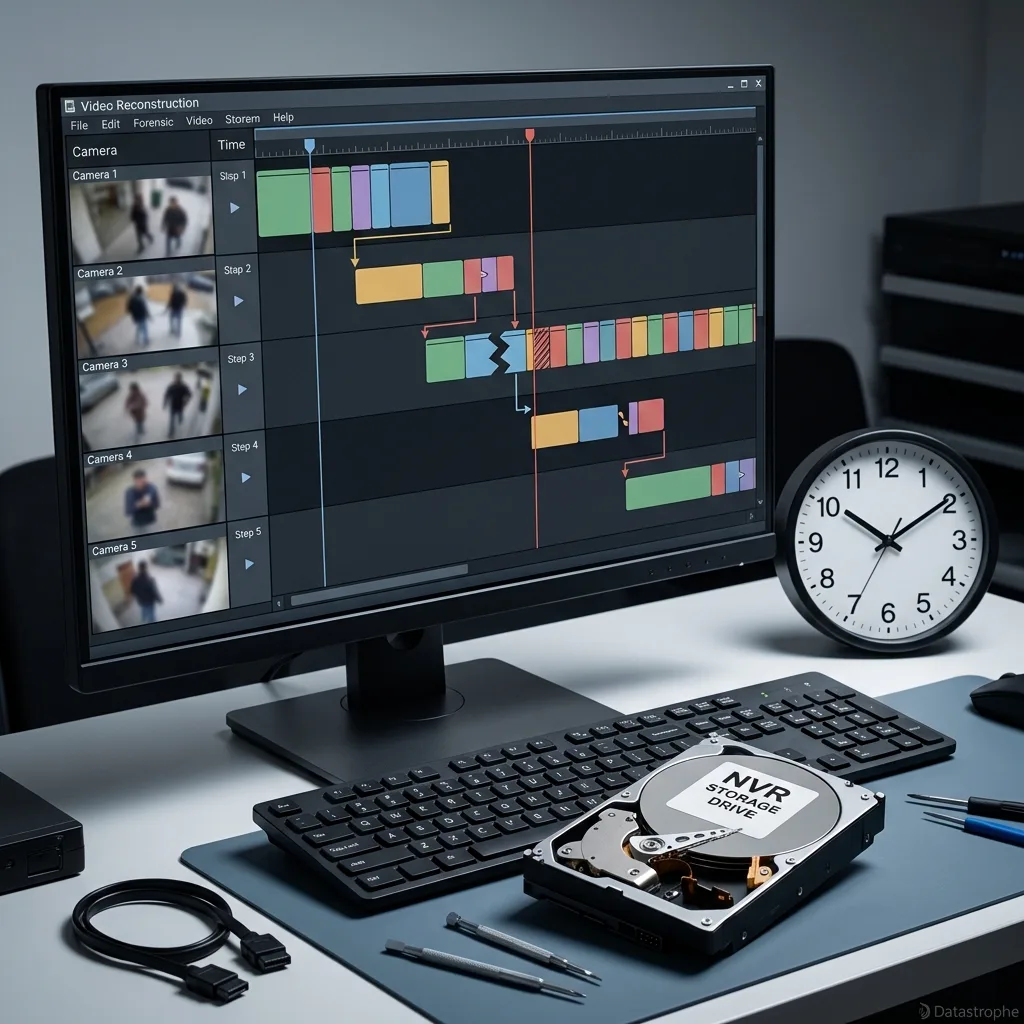
Video context
Rebuild Camera, Index and Timestamp Relationships
Usable footage depends on relationships among encoded streams, channel identifiers, indexes, clocks and recorder-specific segment structures.
The calendar in a DVR or NVR depends on indexes linking dates, cameras, motion events and export ranges to stored video. Damage can leave the interface blank while segments survive, or leave old calendar entries pointing to footage that has since been overwritten.
Reconstruction correlates stream signatures, allocation records, frame sequences, recorder logs, internal names and metadata fragments. A directory of numbered clips is not a complete recovery unless the requested event can be found and understood. Camera names can be reused or reordered after maintenance, so physical location notes and known events help test channel mapping without overclaiming certainty.
Time can be stored within a stream or in a separate database. Power loss, daylight-saving settings, a weak internal battery or absent NTP synchronisation may introduce drift, and a discrepancy of minutes can matter for a narrow search.
The handover states how firmly each sequence is dated: native metadata, correlation with other records, an approximate interval or no dependable timestamp. This prevents a plausible-looking clip from being assigned more certainty than the data supports.
- Empty calendar: the index may be missing while stream blocks remain.
- Clock discrepancy: search a wider interval before ruling footage out.
- Recovered fragments: confirm both playback and sequence order.
What the Playback Index Does
It connects stored blocks to cameras, times and the recorder interface. If that relationship is corrupt, footage can be present but hidden from ordinary searches.
Assessing timestamp evidence
Displayed time is assessed alongside recorder settings, system logs and the known failure. Where those clues conflict, the uncertainty remains documented.

Overwrite risk
Stop Recording Before Circular Overwrite Advances
Circular recording can replace the exact period being sought, making prompt shutdown more useful than repeated searches through the interface.
A CCTV recorder is built to reuse its oldest storage when retention limits are reached. Leaving the system recording after an incident can steadily overwrite the required interval, even if the user interface looks idle or unresponsive.
Restarts, disk repair, factory reset, date changes, index rebuilds and reconnecting a suspect drive may create logs or maintenance writes. Ordinary troubleshooting can therefore consume the very blocks being sought. At an Irish retail site, farm or community facility, power the recorder down through the safest available method once the relevant period is at risk of rotation.
The appropriate response depends on operational context. Recent critical footage may justify an orderly shutdown and isolation of the drives, while a site still relying on the recorder needs alternative monitoring organised before the system is taken out of service.
Datastrophe can help assess this risk from the available details. The immediate question is how to preserve the recoverable interval, and that may lead to different advice for two recorders showing the same blank screen.
- Do not factory-reset the recorder to restore its calendar.
- Do not format a disk when the recorder or a computer offers to do so.
- Do not replace an array member before its bay and condition are documented.
- Do not adjust the clock until displayed and actual times have been noted.
Short Retention Leaves Little Time
A busy camera on a recorder with limited retention may reuse relevant blocks quickly. The known recording rate and date range help assess that risk.
Maintain Monitoring Separately
Where the premises still need coverage, temporary surveillance may be required before the original recorder and drives can be preserved for assessment.
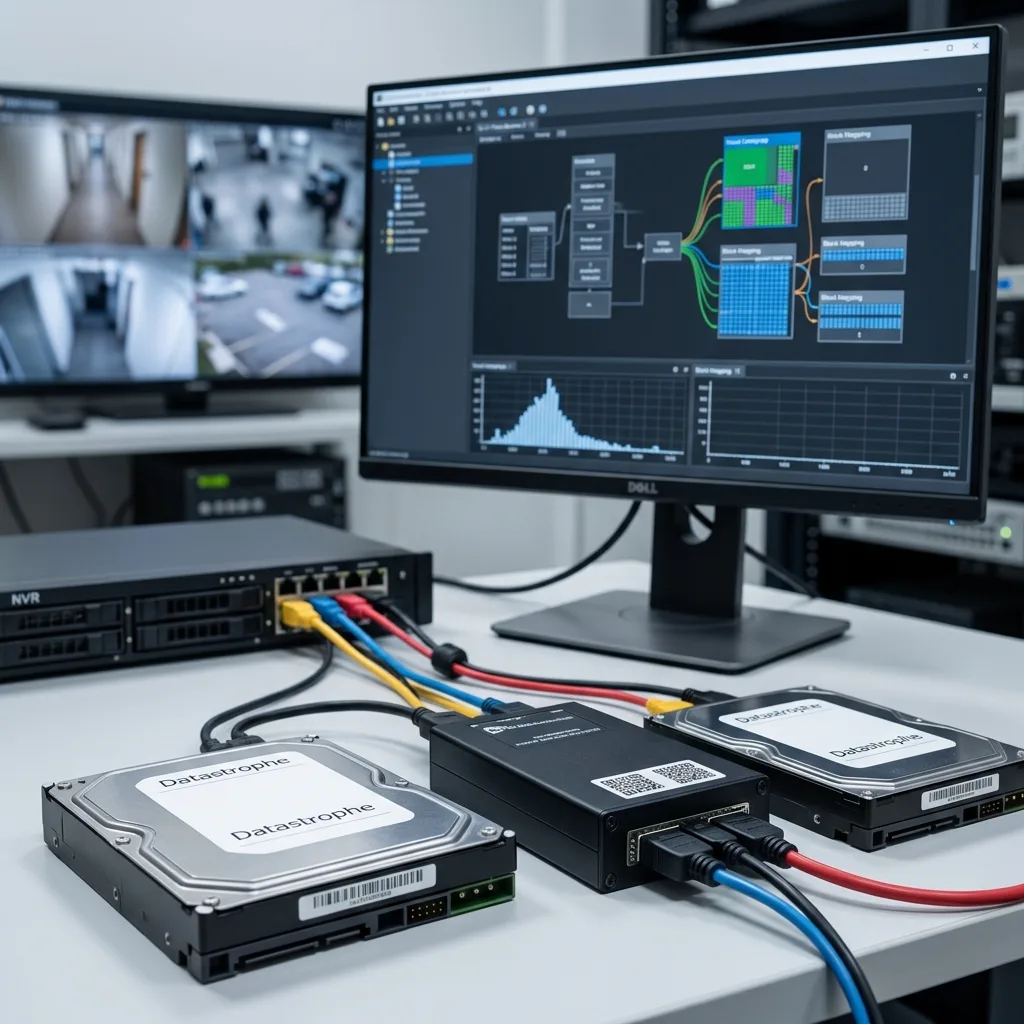
Recovery method
Image, Map and Validate the Recorder Storage
Protected images and structural maps support reconstruction, while representative clips test whether video, timing and camera context remain coherent.
Work begins with the physical and logical condition of every drive. Weak sectors, electronic faults or mechanical signs change the imaging priorities; reads may be ordered around the requested camera and period rather than spent on less relevant areas.
Once the source has been secured as far as its condition allows, the laboratory maps partitions, databases, indexes, stream signatures, codec fragments, logs and time metadata. This shows whether the job requires volume reconstruction, direct stream extraction or a combination of sources. For a case originating in Ireland, recorder screenshots, requested times and disk photographs can support the proposed route before transport is arranged.
Extraction then aims for playable, contextualised sequences. It can involve joining fragments, repairing a container, linking a stream back to a camera, testing suitable players or providing an intermediate export. The recovery is treated as successful only when it addresses the stated footage request.
Final checks follow the requested priorities: camera, interval, minimum duration, delivery format and confidentiality. A partial clip may answer the need, while a longer clip with unreliable time information may not.
- Controlled imaging protects fragile recorder drives before reconstruction.
- Structure mapping identifies the route from stored blocks to cameras.
- Targeted playback checks focus on the intervals actually requested.
Why Controlled Images Come First
Protected analysis copies reduce repeated handling of original disks and allow reconstruction attempts to be compared without writing to unstable source media.
Why Playback Matters More Than File Count
A large export of broken fragments is not useful. Returned footage should play, carry the available camera and time context, and be clearly related to the request.
Restricted review
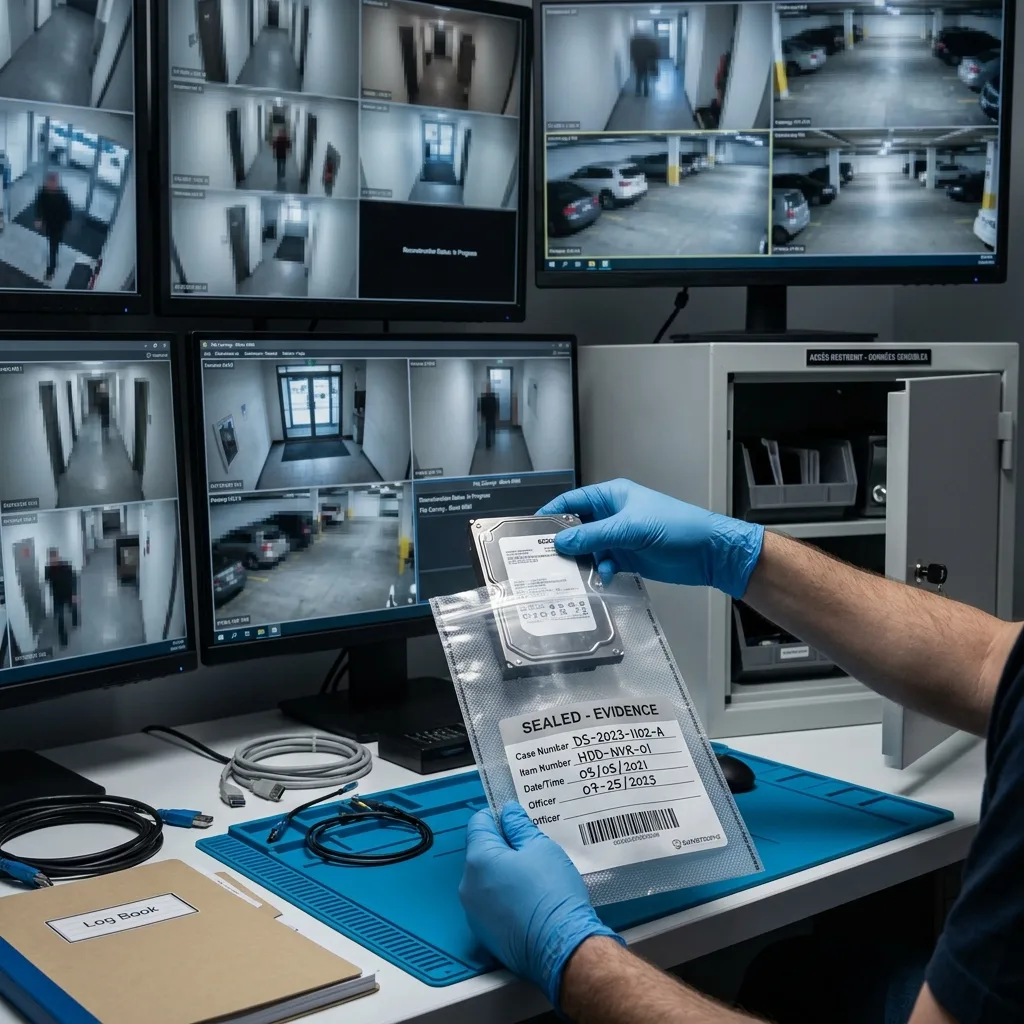
Restrict Access to Sensitive Footage
CCTV can expose staff, visitors, homes and neighbouring areas; access must stay tied to the requested cameras, dates and technical validation.
CCTV data may concern identifiable people, private areas, business operations or a disputed event. Datastrophe limits access to what is needed for reconstruction and checks, and prepares return on sound media or through an appropriate transfer method.
The laboratory can assess drives, rebuild surviving streams, document gaps and return usable footage where the data permits. It cannot create frames that were never recorded, restore overwritten blocks or bypass encryption without the necessary key or original system dependency. Validation should review only enough footage to establish playability, timing and channel identity within the agreed window, not unrelated recordings.
Clear limits matter particularly when pressure is high. A measured finding is more valuable than an unsupported promise, so incomplete ranges and uncertain time alignment remain visible in the result.
For an organisational request, identify the authorised recipient, the defined camera and period, and the expected delivery route. This supports proportionate handling and avoids unnecessary copies or informal transfers.
- Limit viewing to the sequences required for validation.
- Use a controlled return suited to the volume and authorised recipient.
- Record technical gaps where blocks, indexes or keys are missing.
Proportionate and Traceable Handling
Recovery does not decide the purpose or interpretation of CCTV footage. The technical scope can, however, remain limited to the declared cameras, time range and authorised return.
Recorder or Manufacturer Encryption
Some systems rely on a device, account or key to interpret stored video. If that dependency is unavailable, the result may be incomplete or no recovery may be possible.
Checked return
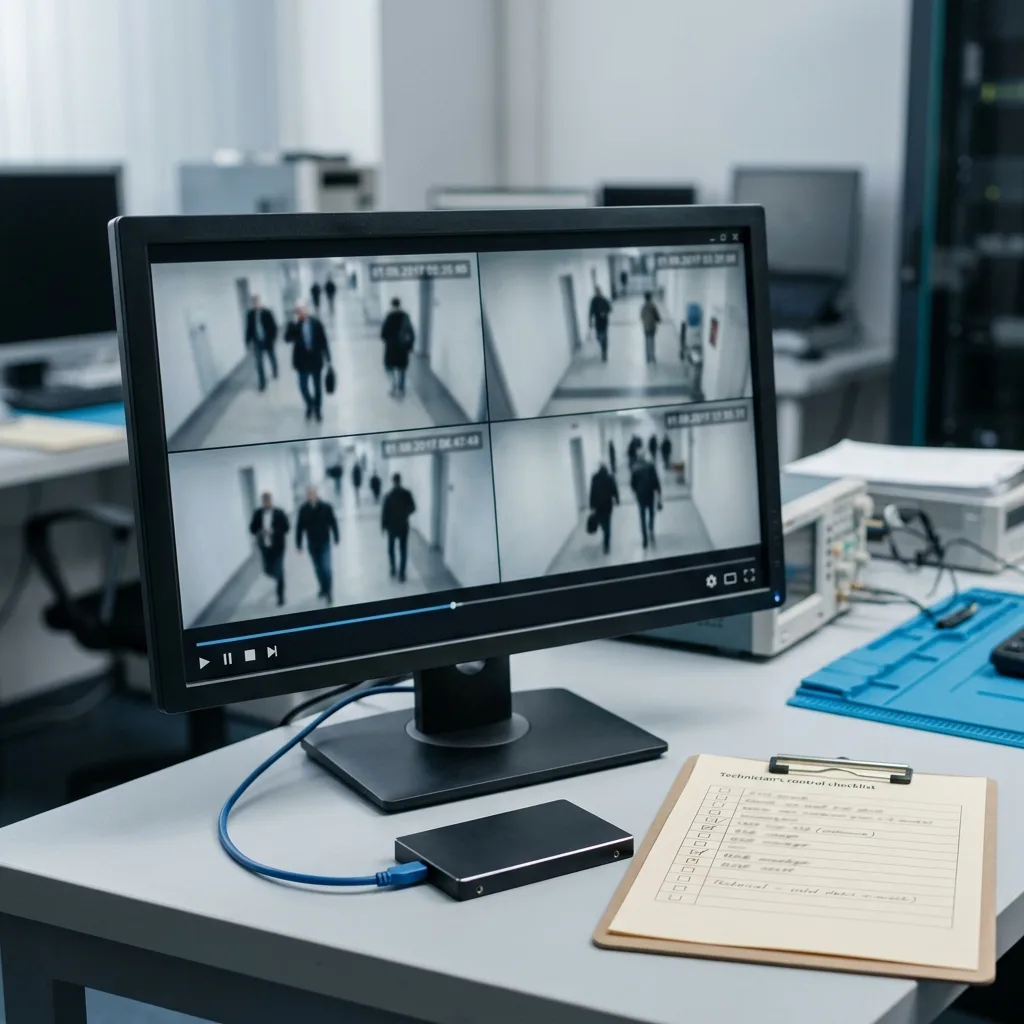
Return Playable Sequences With Their Evidential Context
The returned set should state which sequences play, how time and channel were derived, and where gaps or clock uncertainty remain.
The quality of CCTV recovery becomes clear at handover. Hundreds of unnamed fragments may add volume without answering the question, so the aim is to organise and test footage by camera, interval, format and confidence level where metadata supports it.
Possible outputs include a native export with its viewer, conversion to a widely playable container, selected priority clips or raw material accompanied by an explanation. The best choice balances compatibility, fidelity and intended use. A useful delivery may include a proprietary player, exported clips and a mapping note; each component should be labelled so it is not mistaken for the untouched source.
Checks cover playback, duration, continuity, time information, the requested interval and visible corruption. Opening successfully is not the same as being usable when the clip lacks the correct camera or context.
The controlled return distinguishes recovered, partial, absent and unproven material. This avoids confusing technical reconstruction with interpretation of what a scene shows or the weight another party may assign to it.
- Label clips by camera and interval when the metadata permits.
- Test the delivered files themselves, rather than relying on previews.
- Explain discontinuities in streams, indexes or timestamps.
Native Fidelity or Convenient Playback
Conversion can make viewing easier, while some needs favour the manufacturer format and original player. The chosen output and any conversion are stated clearly.
Good Case Details Speed Up Verification
The recorder model, drive count, camera names, expected interval and urgency let the laboratory search and test the most relevant sequences first.
FAQ
Frequently asked questions
Is deleted CCTV footage sometimes recoverable from a recorder?
It can be, but circular recording is often decisive. If the DVR or NVR kept writing, the older blocks may have been reused. Further writes should be limited and the recorder storage assessed promptly.
Does an empty NVR calendar prove that all footage is gone?
No. A damaged playback index or internal database can hide H.264 or H.265 streams that remain on disk. Recovery may require rebuilding the relationship between stored blocks, camera and time.
Why will a CCTV export not open in an ordinary player?
The recorder may use a private container, dedicated viewer, separate index, particular codec variation or encryption. The original structure must be understood; changing the extension does not make the video complete.
Can I take disks out of a multi-bay DVR or NVR?
Do not remove or mix them without first recording each bay. Correct disk order, parity and stripe geometry may be essential for a RAID or manufacturer-specific volume to be reconstructed.
Will recovered CCTV footage keep its original timestamp?
Where sufficient metadata survives, native time can be retained or correlated with other records. If indexes and logs are absent, playback may still be possible but the time certainty will be lower and should be stated.
Can complete CCTV evidence be guaranteed before assessment?
No. The laboratory can secure drives, reconstruct surviving streams, check requested clips and explain uncertainty, but it cannot restore video that was overwritten, encrypted without its dependency or never recorded.
Media
Other expertise
- Internal Hard Drive Recovery After Mechanical or Logical Failure Evidence-led recovery for clicking or unrecognised hard drives, covering mechanical faults, unstable sectors, lost partitions and checked file return.
- Recovering Data from Unreadable External Hard Drives Recovery for external drives with enclosure, mechanical or file-system faults, using source protection, controlled imaging and checked files.
- SSD and NVMe Recovery From Failed Flash Storage Evidence-led SSD and NVMe recovery for controller faults, unstable detection, damaged metadata, TRIM, encryption and priority file validation.
- Recovering Data From Damaged USB Flash Drives Recovery for broken or unrecognised USB drives, covering connector faults, controller failure, NAND reconstruction and checked file return.
- Recovering Photos and Video From Failed Memory Cards Controlled recovery for unreadable, formatted or corrupted SD and microSD cards, with flash-aware acquisition and checks of priority photographs and video.
- Recovering Data From a Laptop That Will Not Start Careful laptop data recovery after boot failure, liquid damage or storage faults, with encryption context preserved and priority folders checked.
- Recovering Data From Failed Mac and Apple Storage Evidence-led Mac data recovery for failed SSDs, APFS volumes, FileVault access and Fusion Drive structures, with priority libraries checked.
- Recovering Local Data From a Tablet That Will Not Start Careful tablet data recovery after startup, storage or app-data loss, with encryption context preserved and priority documents and media checked.
- Recovering Virtual Disks, Snapshots and Guest Data Structured recovery for VMDK and VHDX chains, snapshots and damaged datastores, with guest file systems and priority workloads validated.
- Recovering Data From Failed RAID and NAS Arrays Evidence-led RAID and NAS recovery after disk loss, rebuild failure or configuration damage, preserving member order and validating priority volumes.
- Recovering Critical Data From a Failed Server Structured server recovery after hardware, RAID or file-system failure, preserving dependencies and validating priority databases, shares and guests.
- ISO 5 Clean-Room Procedures for Mechanically Failed Drives An evidence-led guide to ISO 5 Class 100 hard-drive intervention, explaining contamination control, mechanical scope and recovery boundaries.
 Internal Hard Drive Recovery After Mechanical or Logical Failure
  SSD and NVMe Recovery From Failed Flash Storage
  Recovering Data From Damaged USB Flash Drives
  Recovering Photos and Video From Failed Memory Cards
  Recovering Data From a Laptop That Will Not Start
  Recovering Local Data From a Tablet That Will Not Start
  Recovering Virtual Disks, Snapshots and Guest Data
  Recovering Data From Failed RAID and NAS Arrays
  Recovering Critical Data From a Failed Server
  ISO 5 Clean-Room Procedures for Mechanically Failed Drives
 Diagnostic assessment
Unsure about a storage device or fault?
Datastrophe qualifies the risk before any recovery attempt and points you towards the safest next step.