

Recovering Data From Damaged USB Flash Drives
A USB stick that is bent, hot or no longer recognised should be disconnected. Connector repair, controller access and NAND reconstruction require different evidence and different handling.
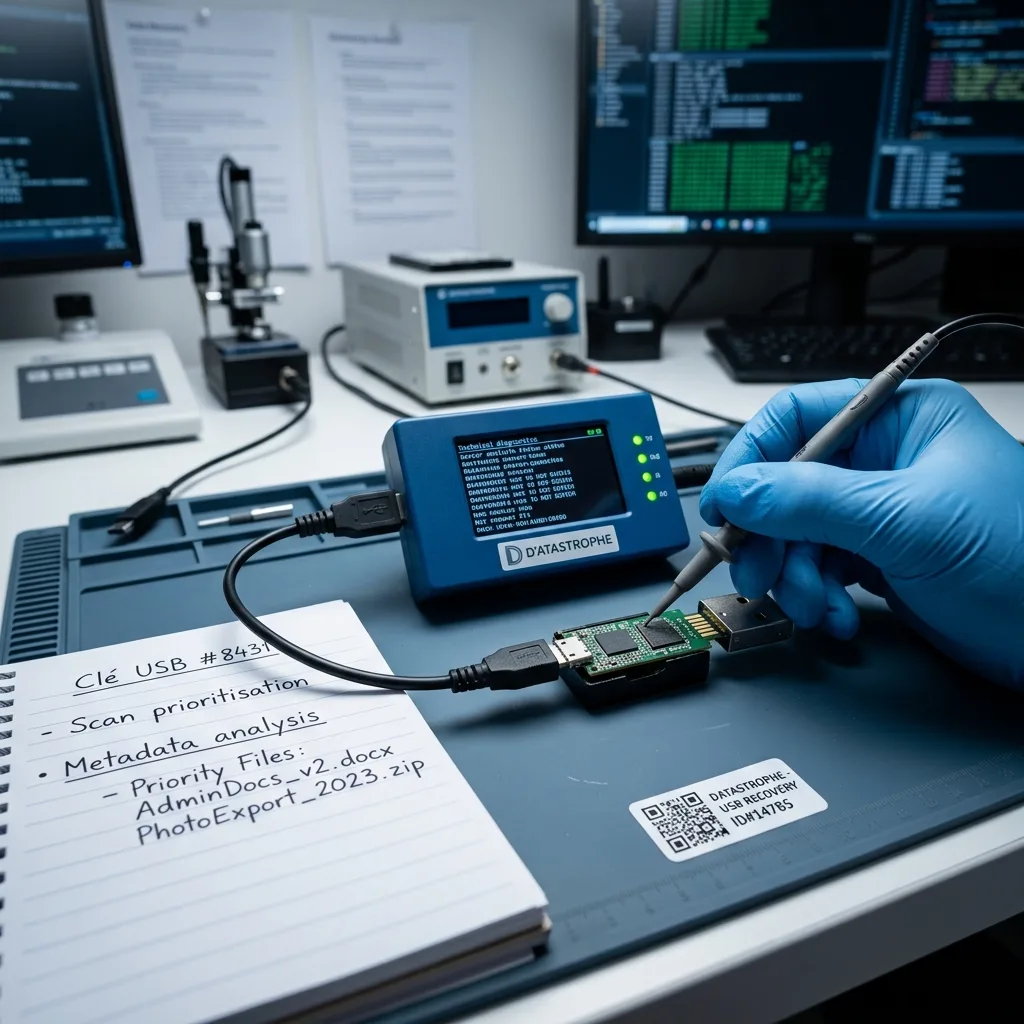
Fault separation
Identify Connector, Board and Flash Faults Separately
A broken connector, cracked PCB, failed controller and damaged file system can all produce the same unrecognised USB symptom.
A failed USB stick seldom arrives with a reliable diagnosis. It may have a snapped plug, appear with no capacity, disconnect at random or show an empty volume despite holding important coursework, office records, accounts exports, site files or personal documents. Its use and the sequence leading to failure are as important as the visible symptom.
The device is treated as evidence rather than a convenient test drive. Its state is recorded, writes are blocked and the physical and logical layers are considered before a read-out method is selected. Unlike a memory card that is normally interpreted with its camera, recorder or other host, a USB stick combines its own connector, board, controller and NAND in one portable assembly. This helps separate connector damage from NAND, controller, file-system and combined faults. For a user in Ireland, the small size of the device often hides how important the single current document set has become.
The purpose is to extract a dependable copy, not to repair the USB drive for continued use. Memory cells that no longer read, content overwritten after the loss and encrypted files without an available key remain genuine boundaries.
- Match the read-out method to the observed fault
- Keep extracted bytes separate from verified documents
- Base each decision on the device's technical evidence
How the diagnostic assessment separates the fault
After the current condition is documented and writes are prevented, the connector, controller, NAND and file system are considered in turn. This establishes whether the problem is physical, logical, structural or mixed.
The boundaries of the work
Recovery aims to create a sound copy of accessible data rather than make the original stick reusable. Dead NAND areas, later overwriting and encryption without the correct credentials restrict what can be returned.
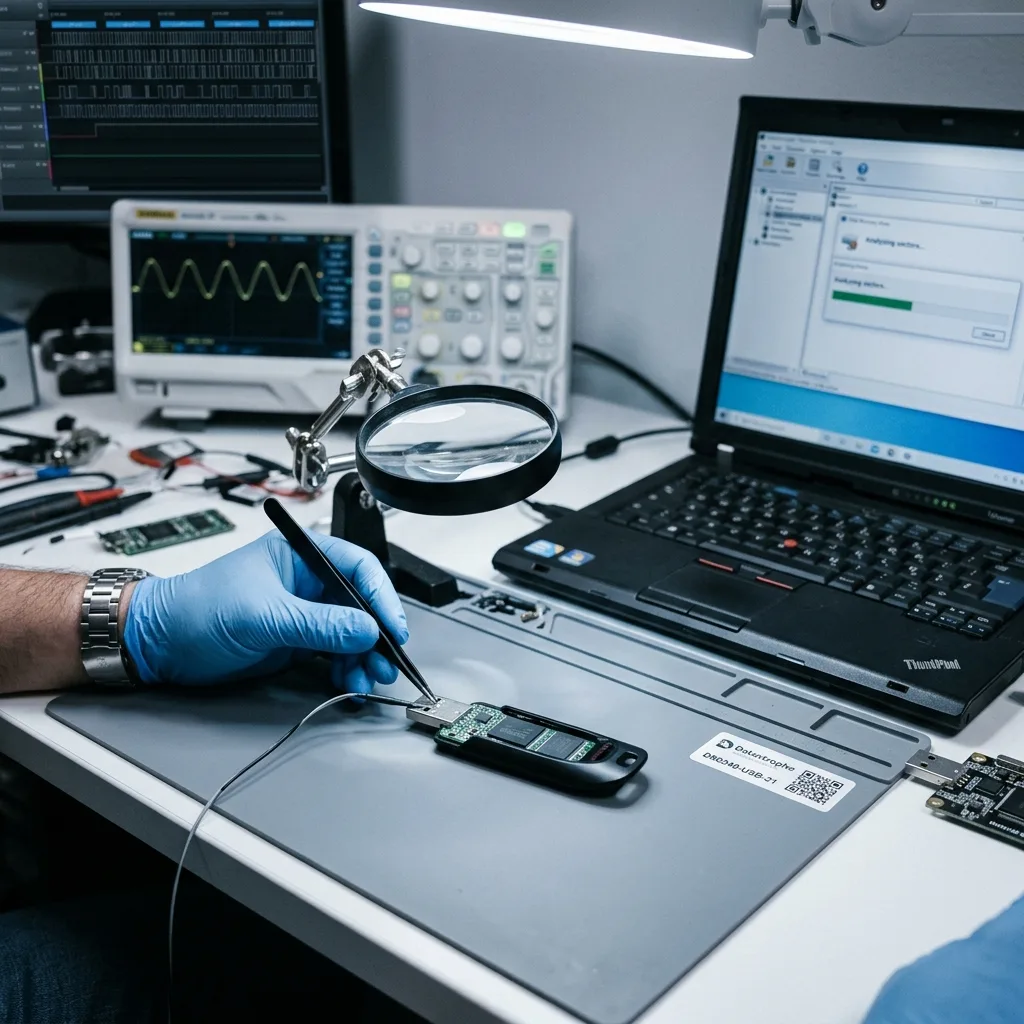
Stop signals
Disconnect the Drive When Heat or Detection Changes
Intermittent detection, unusual heat, a loose plug or a format prompt should end routine testing before another electrical or logical change occurs.
Stop when the plug is loose or detached, the drive is not recognised, capacity reads as zero, files vanish or the computer asks to format it. Intermittent access and severe slowness can also point to unstable flash. A symptom does not settle the diagnosis, but it does indicate that ordinary retries are unsafe.
How the fault appeared helps interpret it. Damage after a knock or bend differs from deletion, power loss, formatting or an attempted rebuild. Software previously used may also have changed allocation records or written fresh data. If the stick will be transported from Ireland, unplug it once and retain any detached connector or casing without trying to hold it in place for another test.
Keeping the stick connected is not neutral. New writes can reuse space associated with deleted documents, while repeated reads and power cycles can place additional strain on failing NAND or fragile connections.
- Write down the precise error and capacity shown
- Do not keep changing ports or computers
- List each event and scanning utility already tried
Why the incident history changes the plan
A bent plug, sudden power loss and accidental deletion leave different evidence. Recording the sequence, including any formatting or repair attempt, helps reveal both the original fault and changes made afterwards.
What to do immediately
Disconnect the device and keep it still, particularly if the connector is bent. Avoiding further writes, power cycles and physical movement helps protect data that may remain accessible.
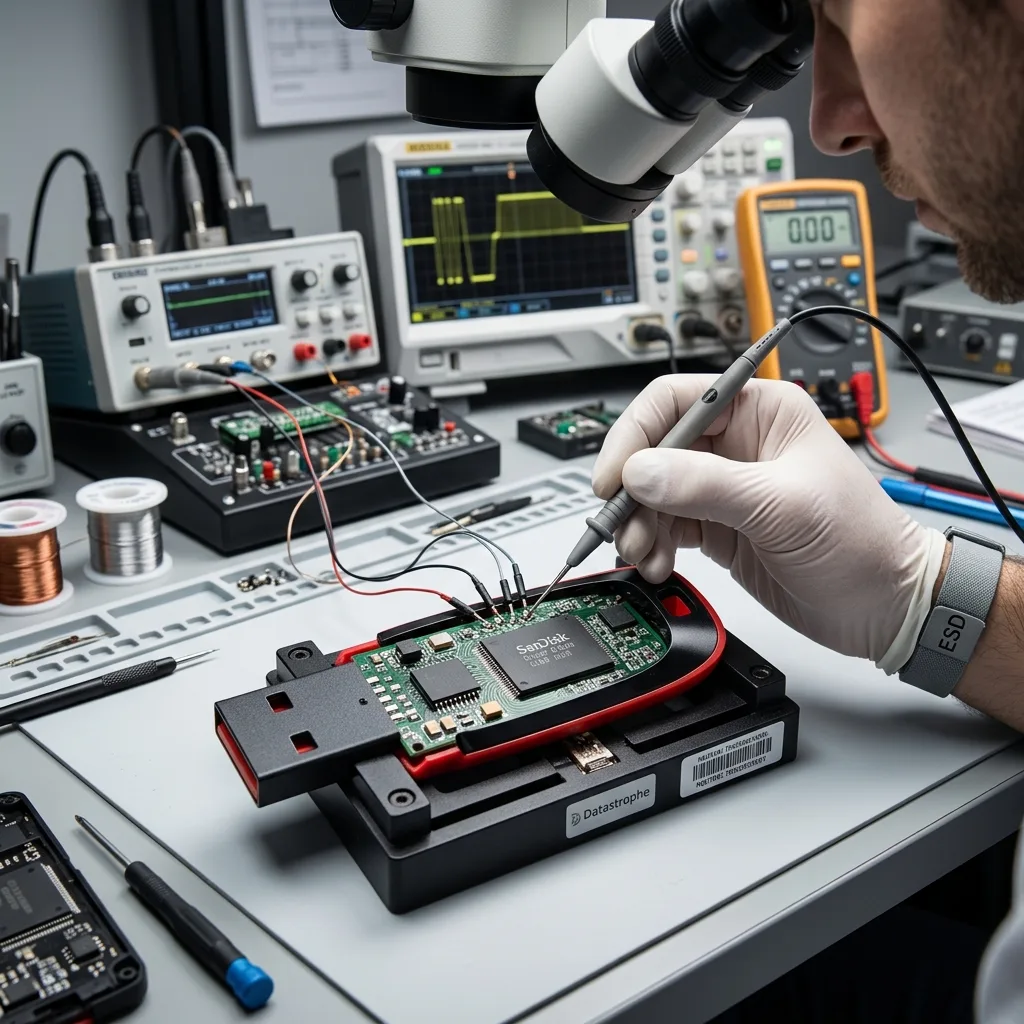
Board preservation
Preserve the PCB Before Soldering or Repair Utilities
Improvised soldering, repeated flexing and automatic repair can remove pads, alter metadata or make a stable component-level read less likely.
Do not straighten the plug, hold it at an angle to force a connection, format the volume or attempt unsupervised soldering. Cycling through ports and generic recovery programs may feel harmless, but it can disturb weakened joints or rewrite the very structures needed for reconstruction.
Automatic file-system repair can replace allocation data, remove entries and leave internally inconsistent documents. Once this happens, it may be impossible to distinguish the initial damage from changes caused by the attempted fix. A local electronics repair may aim to make the device enumerate, while data recovery must first protect the only NAND and its controller relationships.
The laboratory first seeks a controlled acquisition and performs exploratory analysis on copies. Keeping the original outside the trial-and-error loop allows different logical reconstructions to be compared without repeatedly stressing the device.
- Keep all writes away from the failed stick
- Do not accept repair or format prompts
- Package the device so the connector cannot flex
How automatic repair can change the evidence
Repair software may rewrite allocation tables, discard directory entries and create files that look present but are internally incomplete. Preserving the unaltered source gives reconstruction a firmer starting point.
Why tests use protected analysis copies
Controlled acquisition comes before open-ended analysis. Copies can be revisited with different file-system or controller hypotheses while the original USB device is spared repeated access.
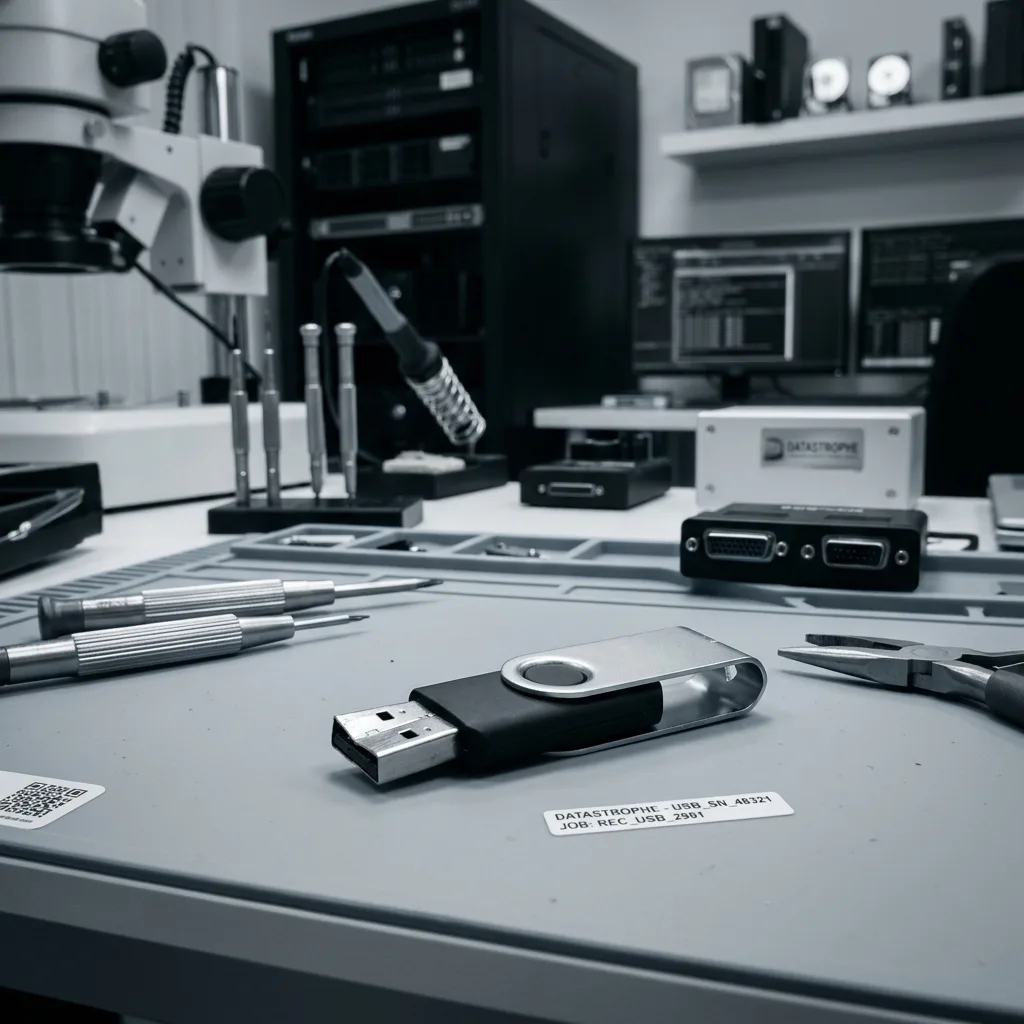
Flash translation
Translate Raw NAND Pages Into Coherent Files
Raw NAND contains pages, spare areas, error correction and controller-specific ordering that must be interpreted before filenames regain meaning.
Recovery may span the NAND layout, controller translation, ECC, FAT32 or exFAT allocation and the internal structure of the requested documents. Monolithic devices add their own access challenge. The fault determines whether one layer or several must be rebuilt.
A familiar directory tree can point to sectors that no longer contain a complete file. Conversely, an empty mounted volume may still retain allocation records, signatures and orphaned fragments with enough context for partial reconstruction. The case notes should say whether files came from office software, specialist equipment or an embedded system because expected structures and validation differ.
Analysis moves upwards from reliable acquisition. Physical reads and error correction come first, followed by controller translation and file-system work; only then are the priority documents opened and reviewed.
- Resolve NAND layout and ECC before logical recovery
- Reconstruct FAT32 or exFAT relationships where possible
- Open priority documents and inspect their contents
Why a directory view does not prove integrity
Names and folders may survive after their data has been damaged, while an unreadable volume may still contain useful fragments. Both the metadata and the underlying file content must therefore be examined.
The order of reconstruction
The stick's readable state is captured before controller and file-system structures are interpreted. Priority data are tested last, against the best reconstruction available, so the report reflects practical use.
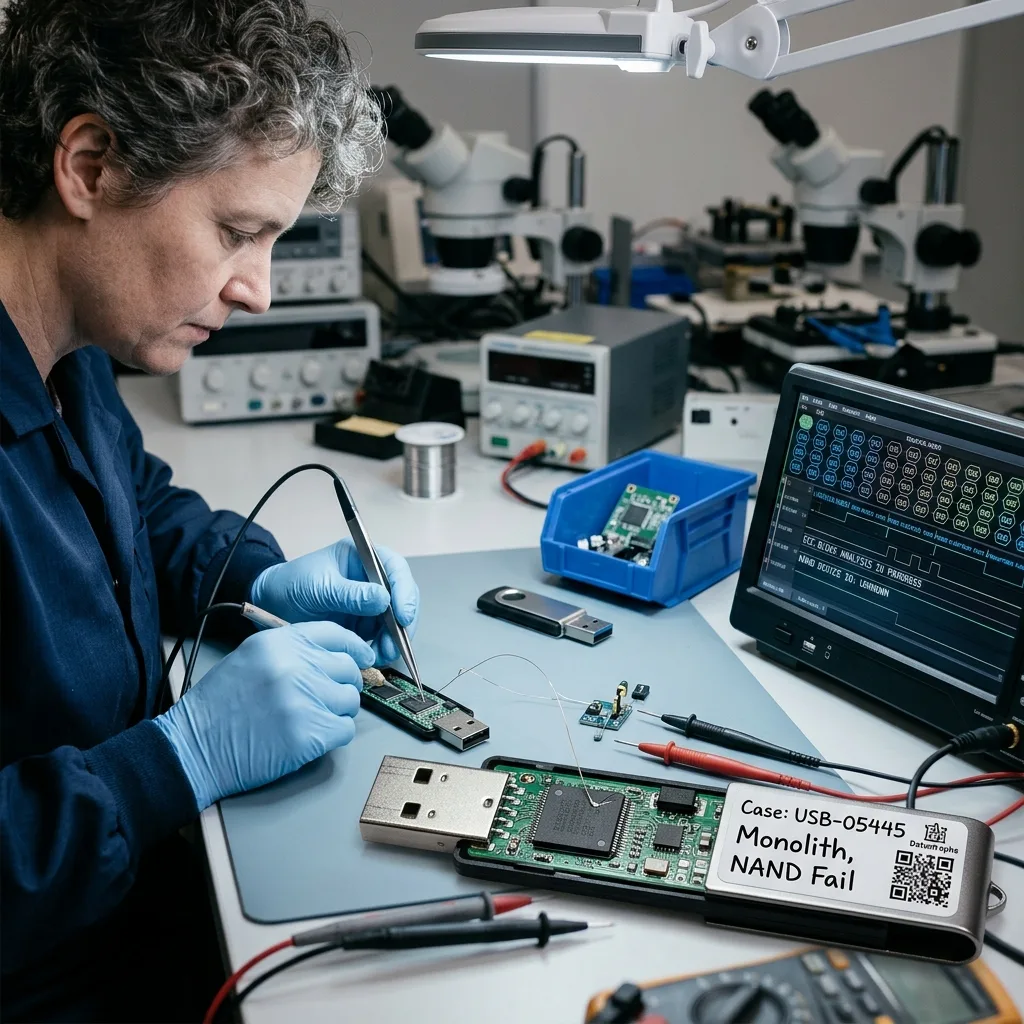
Read-out plan
Select the Read-Out Method From the Actual Failure
The safest route may use the native controller, a repaired connection or direct memory acquisition, depending on what the evidence supports.
Every case begins with a concise technical and practical brief. The USB type, capacity, visible damage, symptoms, loss date, previous actions and essential folders are recorded before a recovery path is chosen.
Where access is unstable, readable areas are preserved before deeper analysis. Logical losses are approached with writes blocked, while combined faults are handled in the order least likely to reduce later options. For a case originating in Ireland, the technical route can be agreed from photographs and history before the device is prepared for controlled transport. Within the data recovery laboratory, connector work and NAND read-out remain separate from reconstruction on protected copies.
The output is tested on representative documents, photographs and archives. Files should open, display sensible content and retain names or dates where the surviving evidence supports them; recovered byte count alone is not enough.
- Assess the fault and the requested data
- Acquire accessible flash without writing to the source
- Validate a representative set of important files
How the first action is selected
Unstable access calls for controlled acquisition, while deletion or corruption calls for write-protected logical work. If physical and logical problems overlap, the source is preserved before reconstruction begins.
Why recovered files are sampled
Opening relevant documents and comparing their names, dates and contents reveals more than a raw size total. Sampling also exposes repeated corruption patterns that may affect similar files.
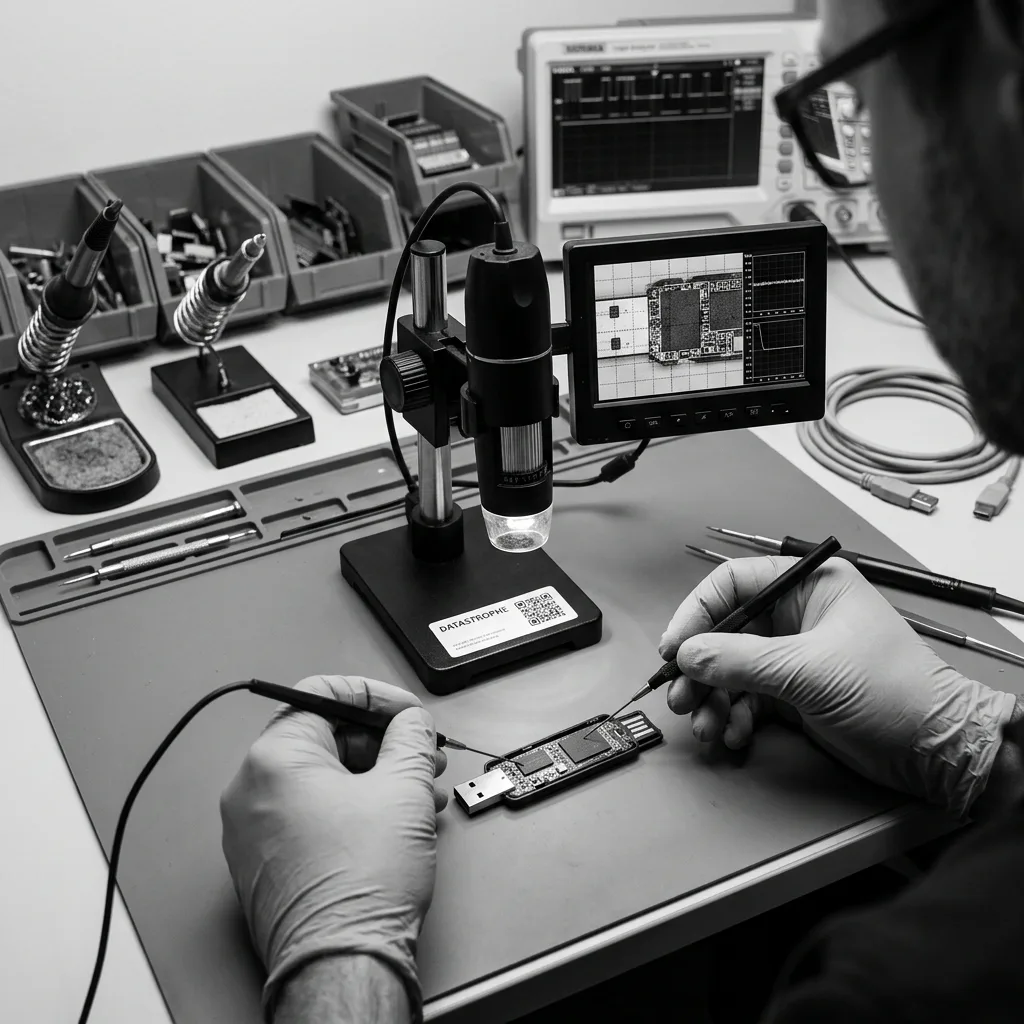
Document priorities
Focus Reconstruction on the Documents That Matter
Known filenames, folders and dates let reconstruction favour signed documents, project material or coursework over unrelated residual fragments.
Identify the essential coursework, office documents, photographs, exported records and project folders at the beginning. Their names, formats and approximate dates help direct searches before an exhaustive extraction is attempted.
Priorities matter when parts of the NAND are difficult to read or only a small set of records is urgent. They also keep human access focused on relevant material rather than exposing unrelated personal or business files. A priority list may name a handful of current contracts or project files, allowing useful results to be checked before a broad residual search.
Results are divided into files that can be used, files that open only in part and items whose traces were found but could not be rebuilt. This distinction keeps a long detection list from creating false confidence.
- Name important folders and document formats
- Open and review files from the priority set
- Keep partial and signature-only items separate
How priorities protect the case
A focused search can make best use of unstable areas and reduce examination of unrelated content. It also answers the most important question sooner: whether the files needed for work, study or personal use survive.
How file status is reported
A document that opens and contains coherent information is not grouped with a damaged file or an entry supported only by a signature. Reporting these categories separately makes the result easier to judge.
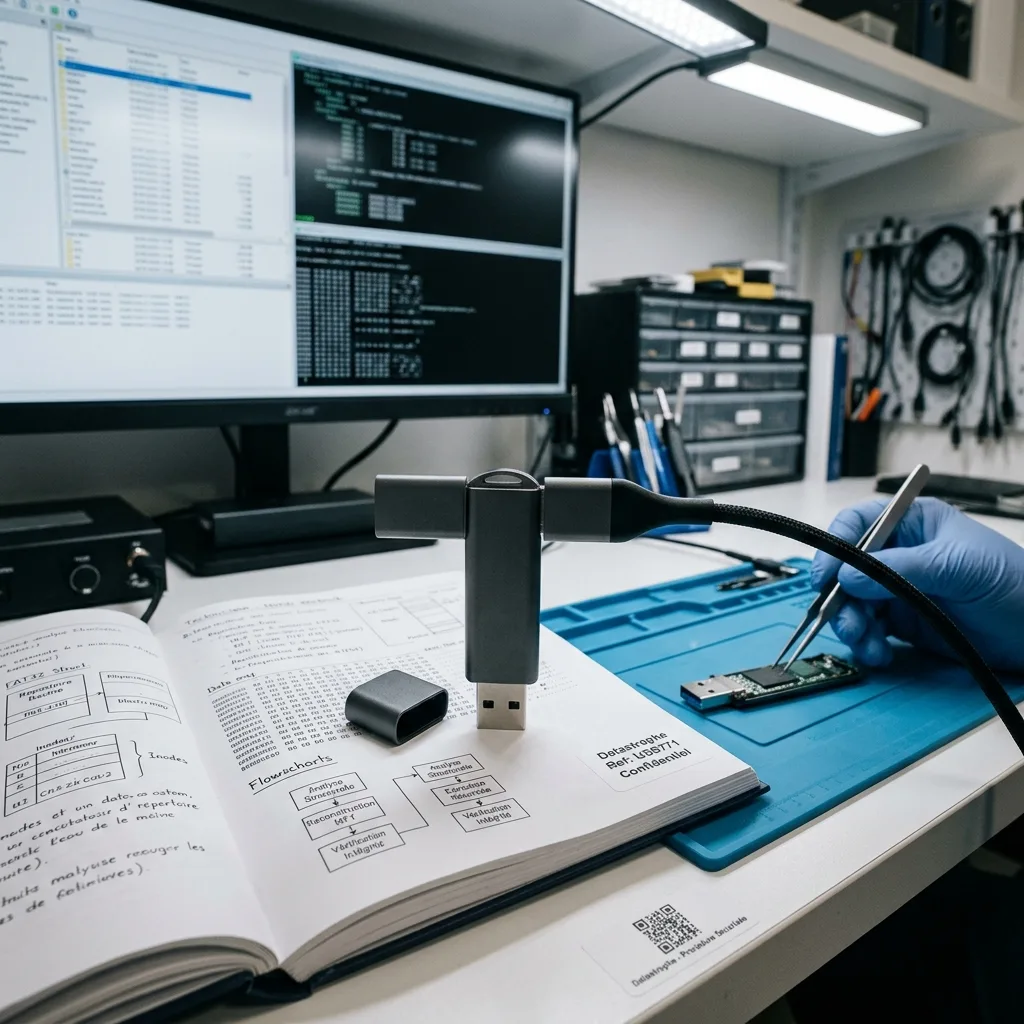
Private return
Control Access to Portable Private Material
A USB stick can carry personal records and client files together, so the agreed scope and the returned data should stay clearly separated.
USB drives often contain a mixture of requested files, personal information, client records, exports and old protected analysis copies. The agreed priority set should keep human access narrow while still allowing enough inspection to establish that the recovered documents work.
Usable output is supplied on verified destination storage or in another suitable case format. Converted and partly reconstructed items are identified so they are not confused with an untouched original. Some authorised chip-level methods can irreversibly alter the NAND package or source assembly, while connector, board or controller work may be non-destructive. The written case terms therefore state in advance whether the source will be retained, returned or securely destroyed for the agreed method. The customer should know whether a file was opened from reconstructed metadata, carved by signature or returned only as a partial fragment.
Limits are set out plainly. Failed or overwritten NAND, missing metadata, incomplete documents and inaccessible encryption are reported alongside the recovered material instead of being absorbed into an optimistic overall figure.
- Keep access aligned with the recovery brief
- Use sound storage for the returned data
- Explain gaps and partial documents directly
How recovered files are returned
Recovered files are placed on verified destination storage or supplied in a format agreed for the case, with conversion and partial reconstruction clearly marked. If the authorised method requires destructive NAND access, the original may no longer be physically returnable; otherwise its retention, return or any agreed secure destruction follows the written case terms.
How the gaps are explained
The report identifies unreadable flash, overwritten areas, lost structure and protected content that could not be decrypted. This lets the customer review the result without assuming completeness where none can be demonstrated.
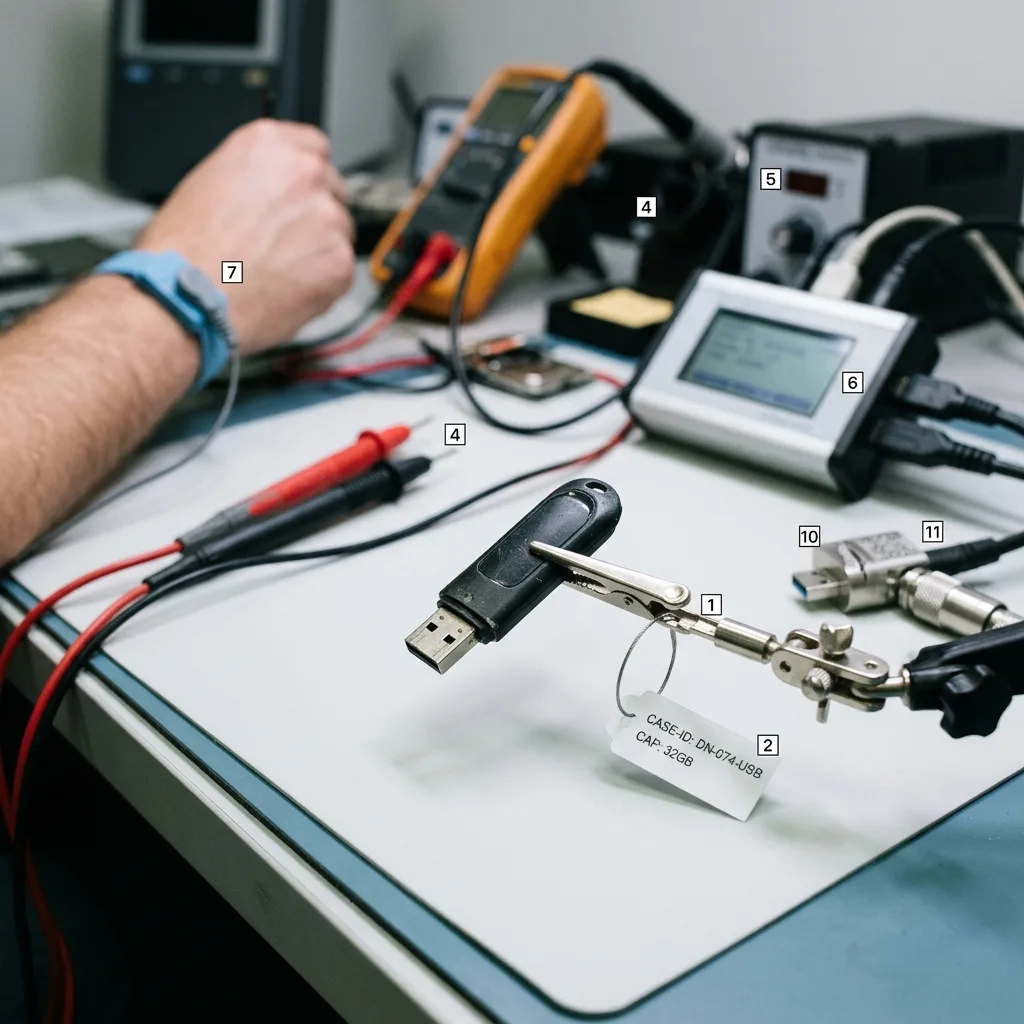
Irish case note
Prepare a Precise USB Case Note Before Transport
Device capacity, markings, incident, last successful access and every attempted repair provide a stronger brief than a guessed diagnosis.
Provide the make, stated capacity, symptoms, date of failure and a list of everything attempted since the files disappeared. A clear photograph of a bent plug or broken board and the exact computer message can be particularly useful.
Keep any cap, adapter, extension lead or detached piece with the device. A partial backup, earlier folder listing or sample document may also reveal expected names, dates and formats during reconstruction. Place the device and any loose parts in anti-static protection, then send photographs and the factual timeline with the quote request.
Describe observed facts in order and separate them from assumptions about the cause. State which documents are essential and whether a partial set would still be valuable; this keeps the diagnostic assessment tied to a practical decision.
- Photograph damage without flexing the connector
- Record software, soldering and format attempts
- List important folder names, formats and dates
Items worth keeping together
Include detached connector parts and any adapter used when the fault appeared. Earlier copies, screenshots or directory lists may provide valuable context even though they do not contain the missing data themselves.
How to describe the request
Set out what the computer showed, what physical event occurred and which actions followed. Then identify the files that matter and the usefulness of a partial result, without guessing at a diagnosis.
FAQ
Frequently asked questions
What is the safest first step when a USB stick stops working?
Disconnect it, avoid moving a bent connector and note the exact error or capacity shown. Do not format it or continue testing ports; instead, list the important files and preserve the device in its present condition.
Can complete recovery be promised from failed flash memory?
Not in every case. Results depend on the NAND pages that still read, controller and ECC information, surviving file-system metadata, later writes and any encryption. The report stays within what can be reconstructed and checked from the available evidence.
Why does the laboratory need a priority file list?
Folder names, document types and approximate dates guide both reconstruction and validation. Where flash is unstable, a priority list helps concentrate readable opportunities on the files of greatest value and gives the result a practical measure.
Will the original USB flash drive be returned afterwards?
That depends on the authorised method. Connector, board or controller work may leave the source physically returnable, while chip-level access can irreversibly alter the NAND package or assembly. Before work begins, the written case terms state whether the source will be retained, returned or securely destroyed; destruction is not a universal consequence of every USB recovery.
How are incomplete USB recovery results described?
Usable documents are separated from partial files and traces that could not be rebuilt. The findings also identify unreadable or overwritten NAND, missing metadata and inaccessible encryption, so a large extraction is not mistaken for a complete result.
Media
Other expertise
- Internal Hard Drive Recovery After Mechanical or Logical Failure Evidence-led recovery for clicking or unrecognised hard drives, covering mechanical faults, unstable sectors, lost partitions and checked file return.
- Recovering Data from Unreadable External Hard Drives Recovery for external drives with enclosure, mechanical or file-system faults, using source protection, controlled imaging and checked files.
- SSD and NVMe Recovery From Failed Flash Storage Evidence-led SSD and NVMe recovery for controller faults, unstable detection, damaged metadata, TRIM, encryption and priority file validation.
- Recovering Photos and Video From Failed Memory Cards Controlled recovery for unreadable, formatted or corrupted SD and microSD cards, with flash-aware acquisition and checks of priority photographs and video.
- Recovering Data From a Laptop That Will Not Start Careful laptop data recovery after boot failure, liquid damage or storage faults, with encryption context preserved and priority folders checked.
- Recovering Data From Failed Mac and Apple Storage Evidence-led Mac data recovery for failed SSDs, APFS volumes, FileVault access and Fusion Drive structures, with priority libraries checked.
- Recovering Local Data From a Tablet That Will Not Start Careful tablet data recovery after startup, storage or app-data loss, with encryption context preserved and priority documents and media checked.
- Recovering Virtual Disks, Snapshots and Guest Data Structured recovery for VMDK and VHDX chains, snapshots and damaged datastores, with guest file systems and priority workloads validated.
- Recovering Data From Failed RAID and NAS Arrays Evidence-led RAID and NAS recovery after disk loss, rebuild failure or configuration damage, preserving member order and validating priority volumes.
- Recovering Critical Data From a Failed Server Structured server recovery after hardware, RAID or file-system failure, preserving dependencies and validating priority databases, shares and guests.
- Recovering Missing Footage From CCTV and NVR Systems Structured recovery of missing CCTV and NVR footage from failed disks, arrays or proprietary video stores, preserving timestamps and camera context.
- ISO 5 Clean-Room Procedures for Mechanically Failed Drives An evidence-led guide to ISO 5 Class 100 hard-drive intervention, explaining contamination control, mechanical scope and recovery boundaries.
 Internal Hard Drive Recovery After Mechanical or Logical Failure
  SSD and NVMe Recovery From Failed Flash Storage
  Recovering Photos and Video From Failed Memory Cards
  Recovering Data From a Laptop That Will Not Start
  Recovering Local Data From a Tablet That Will Not Start
  Recovering Virtual Disks, Snapshots and Guest Data
  Recovering Data From Failed RAID and NAS Arrays
  Recovering Critical Data From a Failed Server
  Recovering Missing Footage From CCTV and NVR Systems
  ISO 5 Clean-Room Procedures for Mechanically Failed Drives
 Diagnostic assessment
Unsure about a storage device or fault?
Datastrophe qualifies the risk before any recovery attempt and points you towards the safest next step.