

Recovering Data from Unreadable External Hard Drives
An external drive that clicks, disconnects or requests formatting should be unplugged. The enclosure, USB bridge, power supply and disk must be assessed as one storage chain before recovery begins.
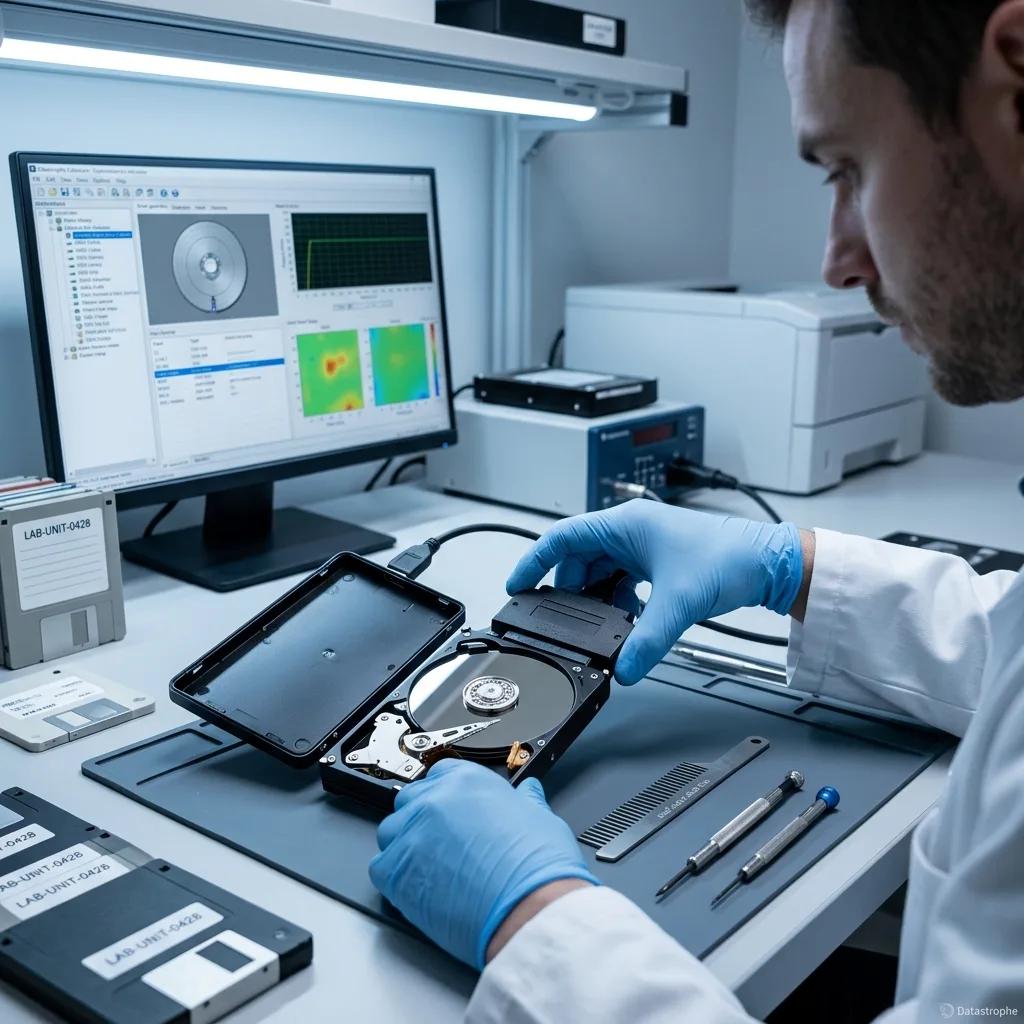
Fault isolation
Separate an Enclosure Fault From a Failing Disk
A light on the enclosure proves that power is present, not that the internal disk, bridge board or file system is healthy.
An external drive problem seldom arrives with a confirmed diagnosis. It may follow a fall, cable failure or sudden disconnection, with the USB drive then missing or unreadable. Portable 2.5-inch units, powered desktop models, backup disks and archive drives can all behave this way. A useful assessment begins with how the drive was used, what happened and which data is important.
The data recovery laboratory keeps the original state intact, prevents new writes and identifies the physical and logical layers involved before choosing a controlled imaging route. This makes it possible to distinguish a file-system fault from damaged hardware, corrupted structures or a mixture of causes. For an Irish household or small business, the external disk may be both working storage and the only local backup, so those roles must be separated in the brief.
Returning the hardware to service is not the goal. The aim is a sound copy of whatever can still be recovered, together with plain limits where blocks have been destroyed, overwritten or encrypted without the necessary key.
- Relate the technical findings to the recovery request
- Distinguish readable content from files that pass checks
- Base each decision on evidence from the drive
What the diagnostic assessment establishes
The laboratory preserves the initial condition, blocks avoidable writes and examines both the device and its data structures. It then chooses an imaging method suited to a logical, physical, structural or combined fault.
A Boundary That Must Be Clear
Recovery is about creating a usable copy, not making a failed drive dependable again. Unreadable, overwritten or inaccessible encrypted areas remain stated as limits.
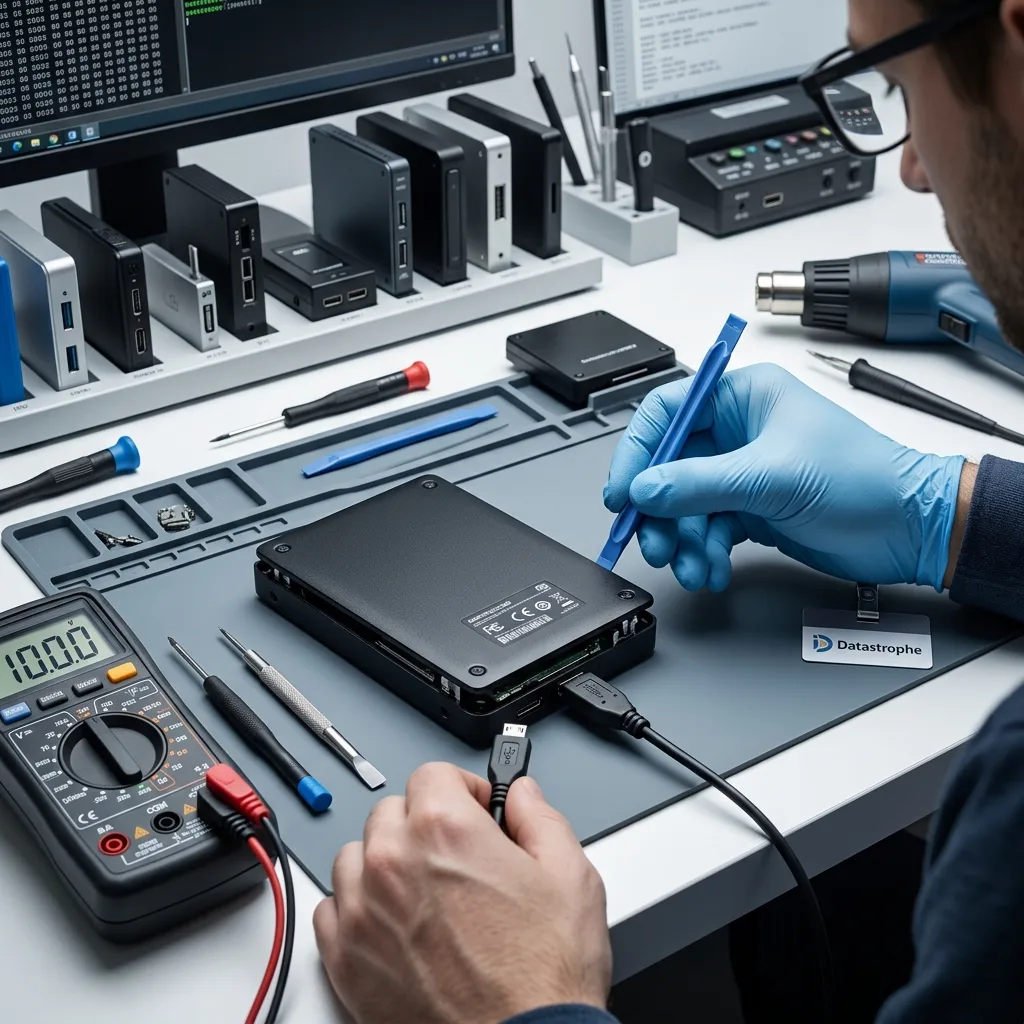
Stop signals
Stop When USB Detection Becomes Unstable
Clicks, repeated disconnects, falling speed and format prompts are reasons to stop ordinary use and document the last stable behaviour.
Common warnings include: a loose or intermittent USB port, a failed enclosure, fall damage, a missing partition, a request to format the disk or an unusual sound. The symptoms do not establish the cause on their own, though they do indicate risk. A slow, noisy or intermittently detected drive should be treated as fragile.
Sequence matters. A fault noticed after impact, power loss, deletion, formatting or a rebuild requires a different response in each case. Previous actions can also alter metadata or write over content that would otherwise help the recovery. If transport is being arranged from Ireland, do not reconnect the drive simply to reproduce the error; photograph the label and retain the exact cable instead.
Keeping the drive powered can make matters worse. On a logical case, background writes may replace deleted material; on a physical case, repeated reading may extend damage into areas that were still accessible.
- Write down the precise behaviour
- Stop cycling the power
- Retain a clear incident history
Choose the Route From the Timeline
Impact, power interruption, accidental deletion, formatting and attempted reconstruction leave different traces. Recording the order of events helps avoid a method that could disturb useful metadata.
The Safest Immediate Response
Do not leave a suspect drive running. New data can overwrite deleted files, while further reads from physically weak media may turn a local problem into wider loss.
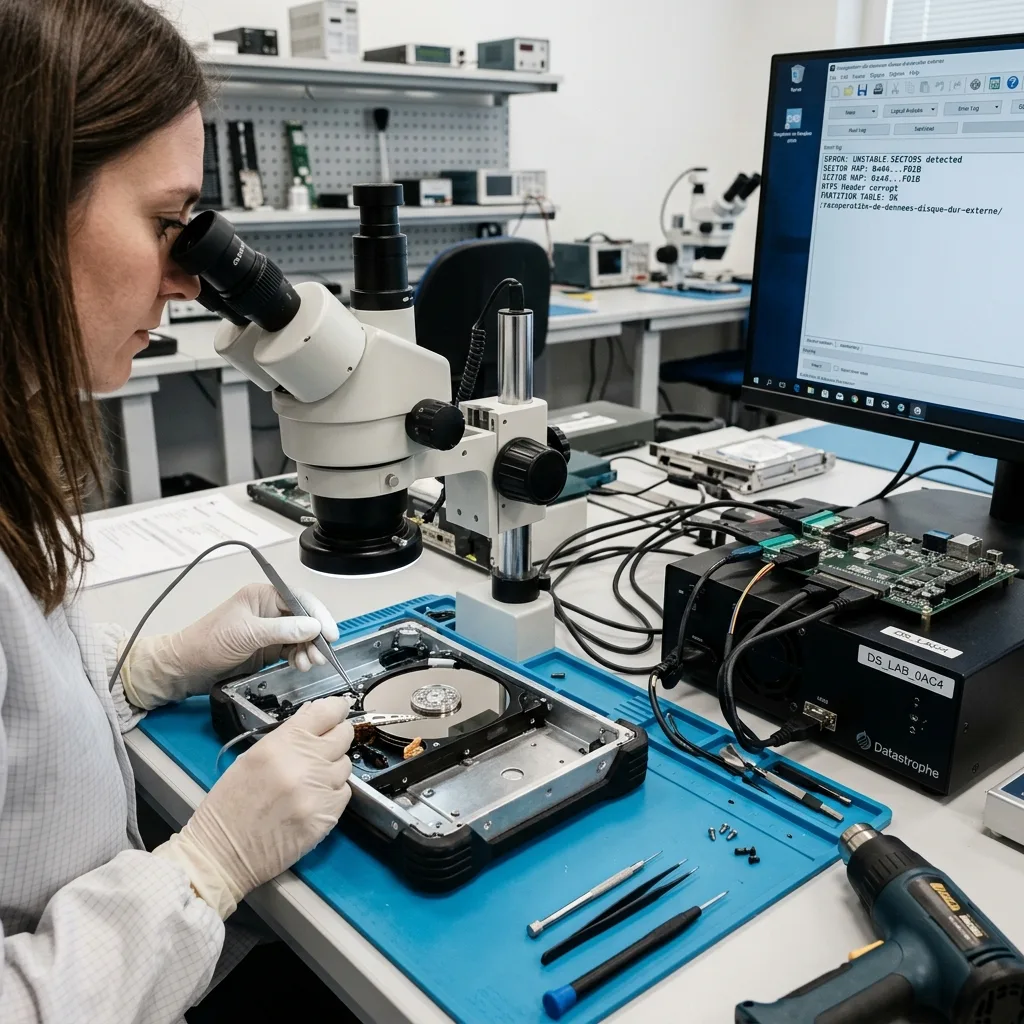
Original media
Protect the Portable Drive Before Repair Attempts
Formatting, repair utilities and repeated cable tests can change logical evidence or continue stressing a mechanically weak internal disk.
Do not swap enclosures at random, force a connector, accept a formatting prompt or scan a drive that is behaving erratically. Those steps may seem constructive, but they alter the evidence before the fault has been reliably assessed.
Automated repair can rewrite file-system structures, discard logs, relocate fragments or create inconsistent files. Even a brief test may reduce a full recovery to a partial one, so stop and note exactly what has already been tried. Keep the enclosure and power supply with the case information even when the bare disk appears to be the likely source of failure.
Datastrophe uses controlled reads and working images rather than treating the source as a test device. Several reconstruction approaches can then be evaluated without repeatedly stressing the original or obscuring the traces of failure.
- Prevent all writes to the source
- Decline automatic disk repair
- Leave the original condition unchanged
How Repair Tools Can Reduce Recovery Options
A repair utility is designed to make a volume mountable, not to preserve recoverable evidence. It may change logs and structures that a laboratory would otherwise use to reconstruct files.
Work From an Image, Not the Source
Controlled acquisition allows alternative explanations and extraction methods to be tested on copies. The original remains protected, particularly when its sectors or electronics are unstable.
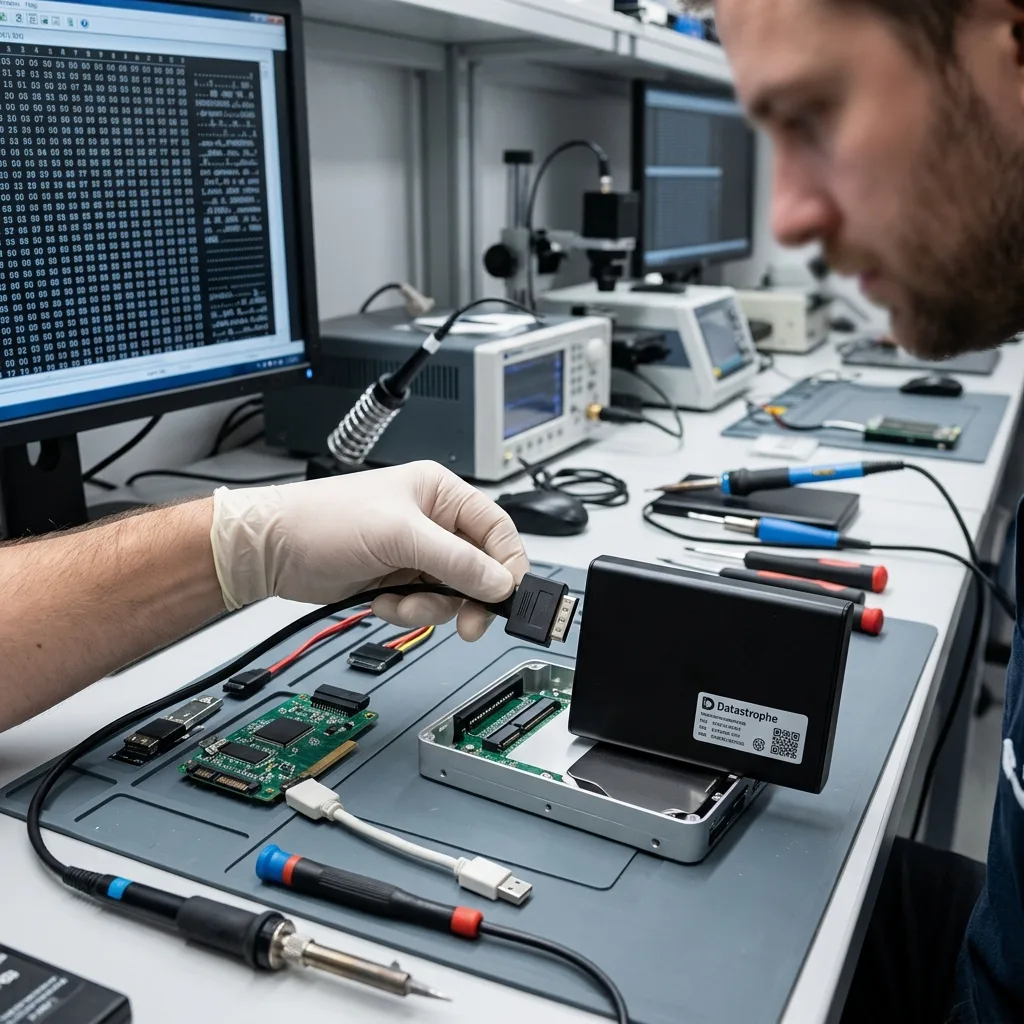
Storage chain
Trace the Path From USB Bridge to File System
Power, cable, USB bridge, native disk identity, partitions and files must be checked in sequence rather than treated as one symptom.
The analysis may cover the USB-to-SATA bridge, power delivery, partition table, exFAT, NTFS, HFS+ and weak sectors. Together these indicate whether recovery must work at block, metadata, file-system or application level, or across several layers.
Seeing folders does not prove their contents are intact, just as an empty window does not prove the files have vanished. Signatures, journals, allocation records, indexes or fragments may still support a coherent result. Portable drives used between home, office and client sites may have passed through several docks, and each connection belongs in the timeline.
The review progresses in order: stabilise and image the media where possible, interpret the logical structures, then test the priority content. This avoids handing over a large result that does not meet the practical need.
- Tie each finding to the missing-data request
- Test file usability rather than counting names
- Record evidence for the recommended next step
A Folder Tree Is Only One Clue
Folders can remain visible while their files are truncated or corrupt. Equally, lost metadata can hide content whose signatures and fragments are still present on the disk.
Check in a Deliberate Order
Media condition comes first, logical reconstruction second and priority-file verification third. The sequence keeps the result focused on data that can actually be used.
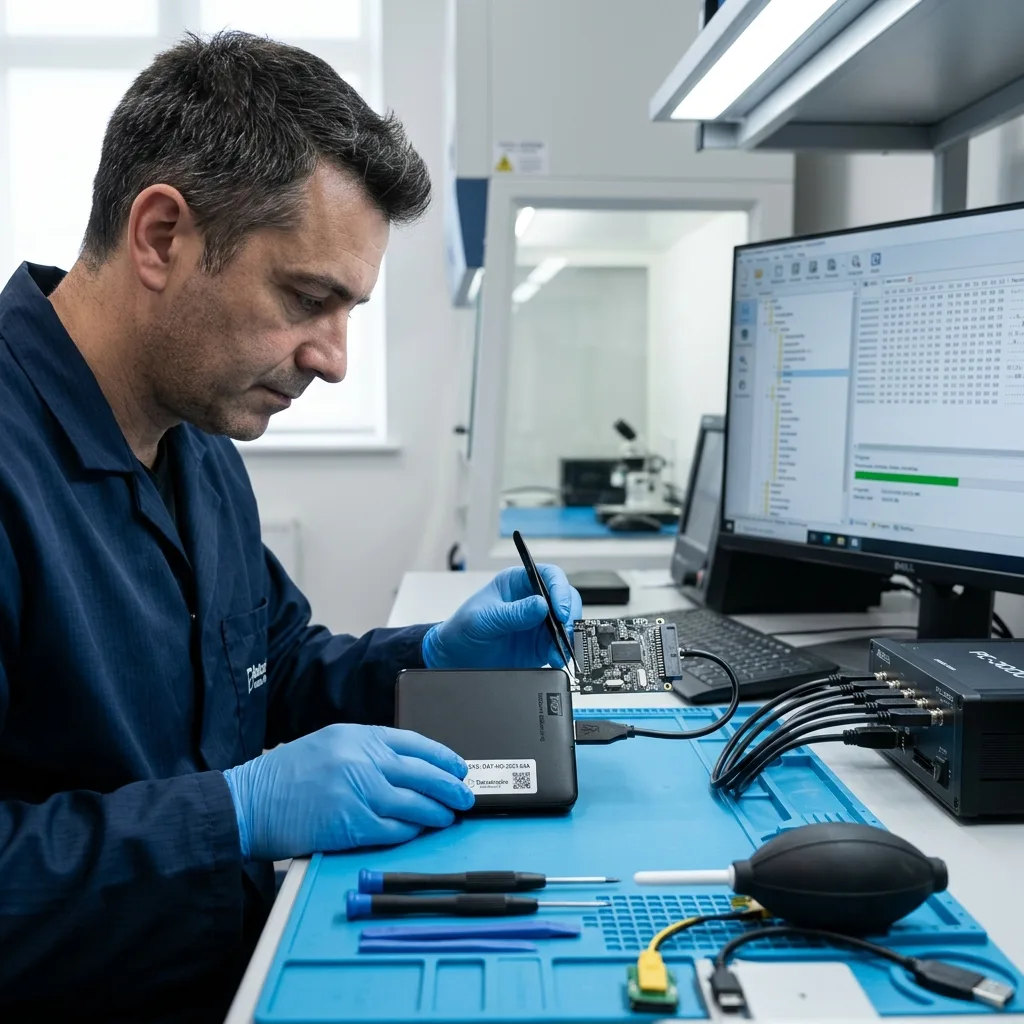
Controlled acquisition
Acquire the Disk Without Trusting the Enclosure
Where the mechanics permit, the safest workflow bypasses unreliable accessories and acquires a controlled image onto separate media.
The work begins by assessing the case: drive type, symptoms, date of loss, previous actions, expected data volume and essential folders. This information supports a case-specific plan instead of a standard scan.
With unstable media, readable areas are secured first. With logical loss, new writes are prevented while deleted or damaged structures are located. Where faults overlap, the least destructive technical sequence takes priority. For a case originating in Ireland, the proposed method can be agreed from supplied evidence before the drive is prepared for controlled transport.
Representative recovered files are then opened and compared, with dates or other internal checks used where suitable. A professional recovery result is measured by usable content rather than a headline number of gigabytes.
- Align laboratory work with the requested folders
- Verify recovered content on representative samples
- Explain decisions through observed evidence
Preserve What Can Still Be Read
An unstable disk is imaged with priorities and its behaviour monitored. Logical structures are examined on a copy so the search for deleted or corrupt data does not write to the source.
Usable Files Define the Outcome
Samples are opened, compared and checked in ways suited to their formats. A capacity total is not presented as proof that important documents, photographs or archives work.
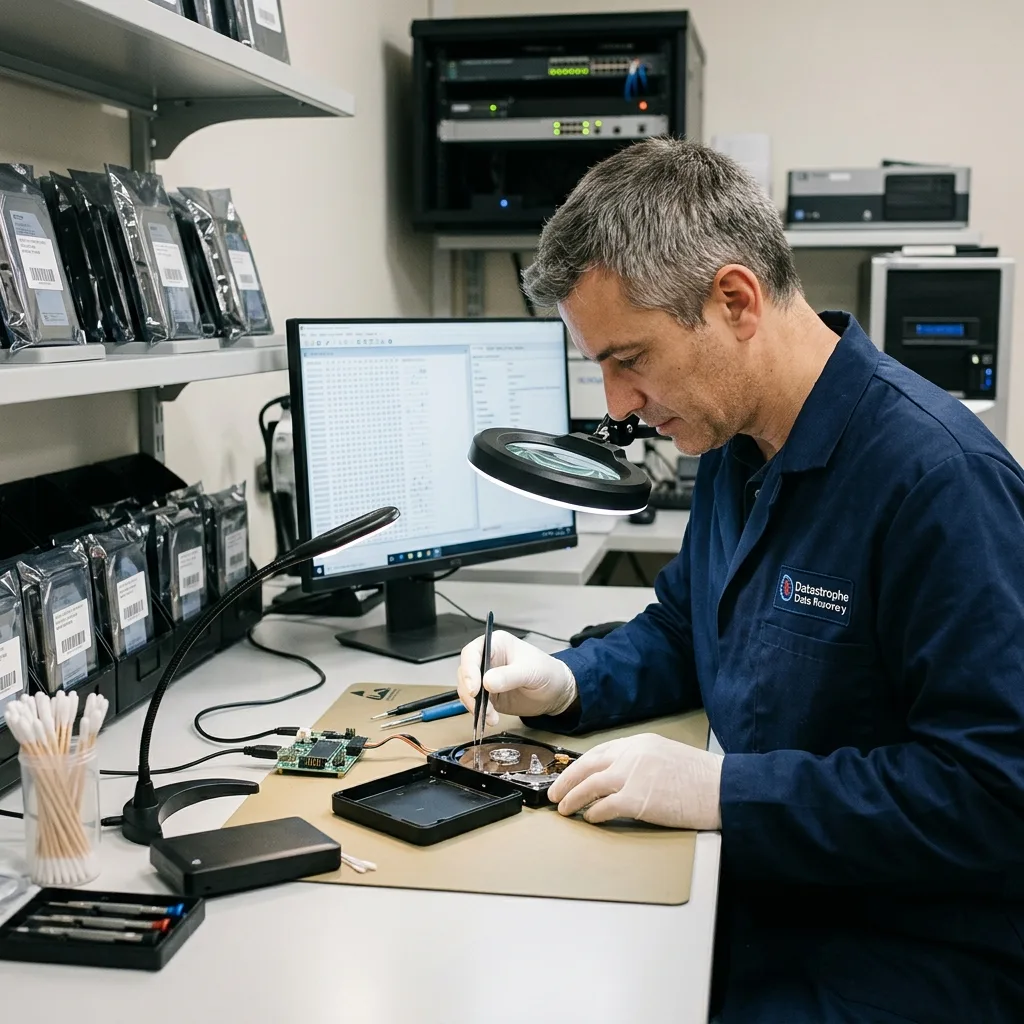
Folder priorities
Prioritise the Backup Folders That Carry Value
Known backup dates, project folders and archive names help direct limited read time towards material that can answer the real request.
The key material may be backups, photographs, client archives, videos or project folders. Naming it early changes the search order, allowing the most valuable directories or recent work to be assessed before an exhaustive extraction finishes.
Prioritisation is particularly helpful when the drive is degrading or only a defined set of files is needed. It also limits unnecessary exposure of unrelated content and gives an earlier indication of whether the recovery answers the request. A sole trader may value a current accounts folder over a complete old archive, while a family may prioritise photographs by year and event.
Final review separates files that open correctly, partial files and items detected only by name or signature. An entry in a recovery list is not treated as successful until its content can be used in the expected setting.
- Name the essential folders and formats
- Open and inspect representative recovered files
- Mark incomplete content honestly
Why Priorities Change the Plan
When reads are limited, the most valuable areas can be secured before less relevant content. A defined scope also reduces handling of unrelated personal or business data.
Detected Is Not the Same as Recovered
A filename may survive after its data has been overwritten. The final review therefore distinguishes verified, partial and merely detected items.
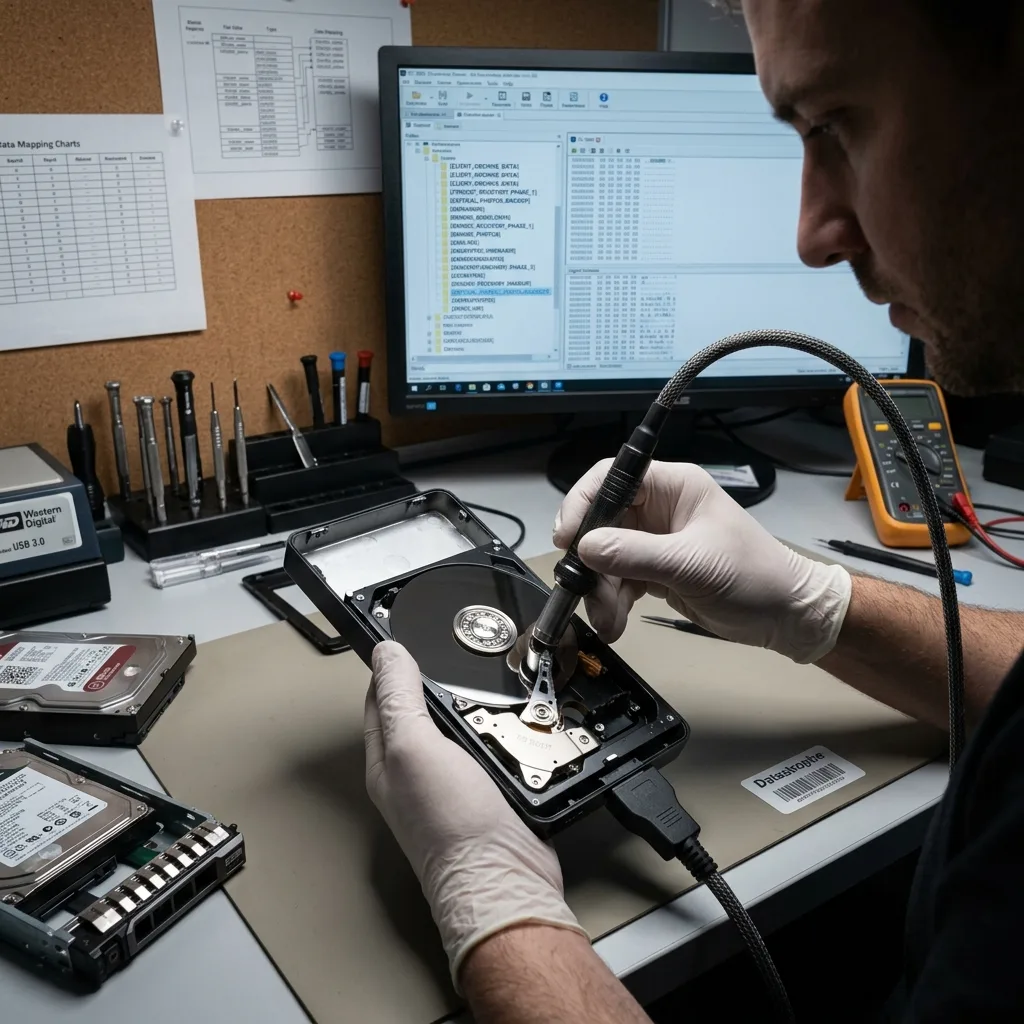
Private return
Return Private Files With the Gaps Made Clear
Portable storage may hold years of personal and business records, so examination and delivery should remain limited, labelled and auditable.
An external drive can contain far more than the requested folders: personal records, customer material, logs, exports and internal documents. Recovery should keep access proportionate to the stated task and the checks required.
Recovered content is returned on healthy media or in another format suited to the case. If files have been converted, selectively extracted or partly reconstructed, the handover distinguishes that result from the original source. It also separates files opened successfully, partial material and entries seen only in damaged metadata.
The report keeps technical boundaries visible. Overwritten sectors, failed surfaces, encryption without a usable key and inconsistent application files cannot be disguised as a complete recovery.
After handover, neither the failed source nor a single replacement external drive should be treated as a complete backup strategy. Important recovered files need separate, tested copies on independent storage.
- Keep the recovery search proportionate
- Deliver the result on sound media
- Describe every material limitation clearly
Define the Returned Material
The controlled return explains whether the result is an extracted folder set, a converted copy or a partial reconstruction, so it is not confused with the failed source disk.
State What the Data Cannot Support
Where blocks are missing or files fail validation, those limits are recorded. Clear reporting gives you a reliable basis for the next decision.
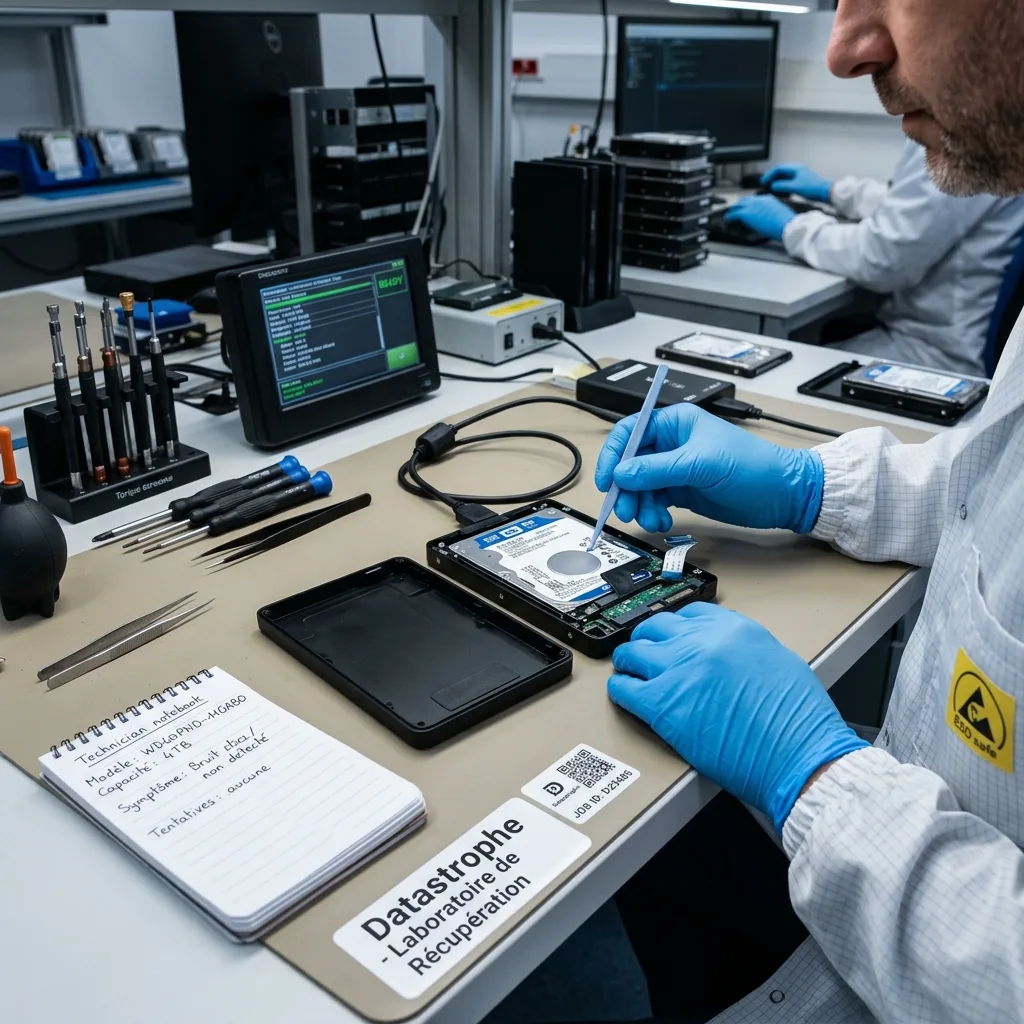
Case preparation
Prepare the Connection History Before Transport
Model, capacity, connector type, power supply, error messages and earlier actions give the opening assessment a dependable factual base.
For a focused assessment, provide the model and capacity, current symptoms, incident date, actions already taken and priority folders. Photographs of an error message, socket damage or the drive's physical condition can also be useful.
Retain the enclosure, lead, adapter, power unit, any replaced disk and relevant partial backup. An accessory that seems incidental may contain bridge electronics, an encryption dependency or a clue to the sequence of events. Pack the drive against shock and static, keep heavy power units separate, and send the written timeline with the media rather than from memory later.
A helpful request is factual: what occurred, what was attempted, which files matter and what partial outcome would still be useful. This gives the initial assessment a clear practical target.
- Describe the failure and any interventions
- Separate essential data from lower priorities
- Keep the enclosure, cables and power supply
Small Details Can Matter
The original case, cable or adapter can explain a power, bridge or encryption issue. Keeping them with the drive preserves useful context for the assessment.
Describe an Acceptable Partial Result
If only certain folders or dates are essential, say so. A precise request helps the laboratory direct fragile reads and verify the most useful outcome first.
FAQ
Frequently asked questions
What is the safest first step when an external hard drive fails?
Stop unnecessary handling and power cycles, note exactly what the drive is doing and list the files that matter. Preserve the drive in its present state for a case assessment, as repeated attempts may overwrite data or worsen physical damage.
Can every file be recovered from a damaged external hard drive?
No outcome can be known before examination. It depends on readable areas, damage, later writes, remaining metadata and any encryption. The laboratory recovers and checks what the evidence supports without claiming content that cannot be proved.
Why should I identify priority folders in advance?
Knowing whether backups, photographs, archives or project files matter most guides acquisition and checking. This is especially valuable with a large or fragile disk, where the most important areas may need attention first.
Should the original external drive be used again after recovery?
Recovery does not aim to make the failed device reliable. Usable data is placed on healthy media for return, while the original drive should no longer be trusted for storage or production work.
How will the laboratory describe an incomplete result?
The handover identifies the observed cause and separates verified files from partial or merely detected items. Unreadable sectors, overwritten data, damaged metadata and inaccessible encryption are recorded so completeness is not overstated.
Media
Other expertise
- Internal Hard Drive Recovery After Mechanical or Logical Failure Evidence-led recovery for clicking or unrecognised hard drives, covering mechanical faults, unstable sectors, lost partitions and checked file return.
- SSD and NVMe Recovery From Failed Flash Storage Evidence-led SSD and NVMe recovery for controller faults, unstable detection, damaged metadata, TRIM, encryption and priority file validation.
- Recovering Data From Damaged USB Flash Drives Recovery for broken or unrecognised USB drives, covering connector faults, controller failure, NAND reconstruction and checked file return.
- Recovering Photos and Video From Failed Memory Cards Controlled recovery for unreadable, formatted or corrupted SD and microSD cards, with flash-aware acquisition and checks of priority photographs and video.
- Recovering Data From a Laptop That Will Not Start Careful laptop data recovery after boot failure, liquid damage or storage faults, with encryption context preserved and priority folders checked.
- Recovering Data From Failed Mac and Apple Storage Evidence-led Mac data recovery for failed SSDs, APFS volumes, FileVault access and Fusion Drive structures, with priority libraries checked.
- Recovering Local Data From a Tablet That Will Not Start Careful tablet data recovery after startup, storage or app-data loss, with encryption context preserved and priority documents and media checked.
- Recovering Virtual Disks, Snapshots and Guest Data Structured recovery for VMDK and VHDX chains, snapshots and damaged datastores, with guest file systems and priority workloads validated.
- Recovering Data From Failed RAID and NAS Arrays Evidence-led RAID and NAS recovery after disk loss, rebuild failure or configuration damage, preserving member order and validating priority volumes.
- Recovering Critical Data From a Failed Server Structured server recovery after hardware, RAID or file-system failure, preserving dependencies and validating priority databases, shares and guests.
- Recovering Missing Footage From CCTV and NVR Systems Structured recovery of missing CCTV and NVR footage from failed disks, arrays or proprietary video stores, preserving timestamps and camera context.
- ISO 5 Clean-Room Procedures for Mechanically Failed Drives An evidence-led guide to ISO 5 Class 100 hard-drive intervention, explaining contamination control, mechanical scope and recovery boundaries.
 Internal Hard Drive Recovery After Mechanical or Logical Failure
  SSD and NVMe Recovery From Failed Flash Storage
  Recovering Data From Damaged USB Flash Drives
  Recovering Photos and Video From Failed Memory Cards
  Recovering Data From a Laptop That Will Not Start
  Recovering Local Data From a Tablet That Will Not Start
  Recovering Virtual Disks, Snapshots and Guest Data
  Recovering Data From Failed RAID and NAS Arrays
  Recovering Critical Data From a Failed Server
  Recovering Missing Footage From CCTV and NVR Systems
  ISO 5 Clean-Room Procedures for Mechanically Failed Drives
 Diagnostic assessment
Unsure about a storage device or fault?
Datastrophe qualifies the risk before any recovery attempt and points you towards the safest next step.