
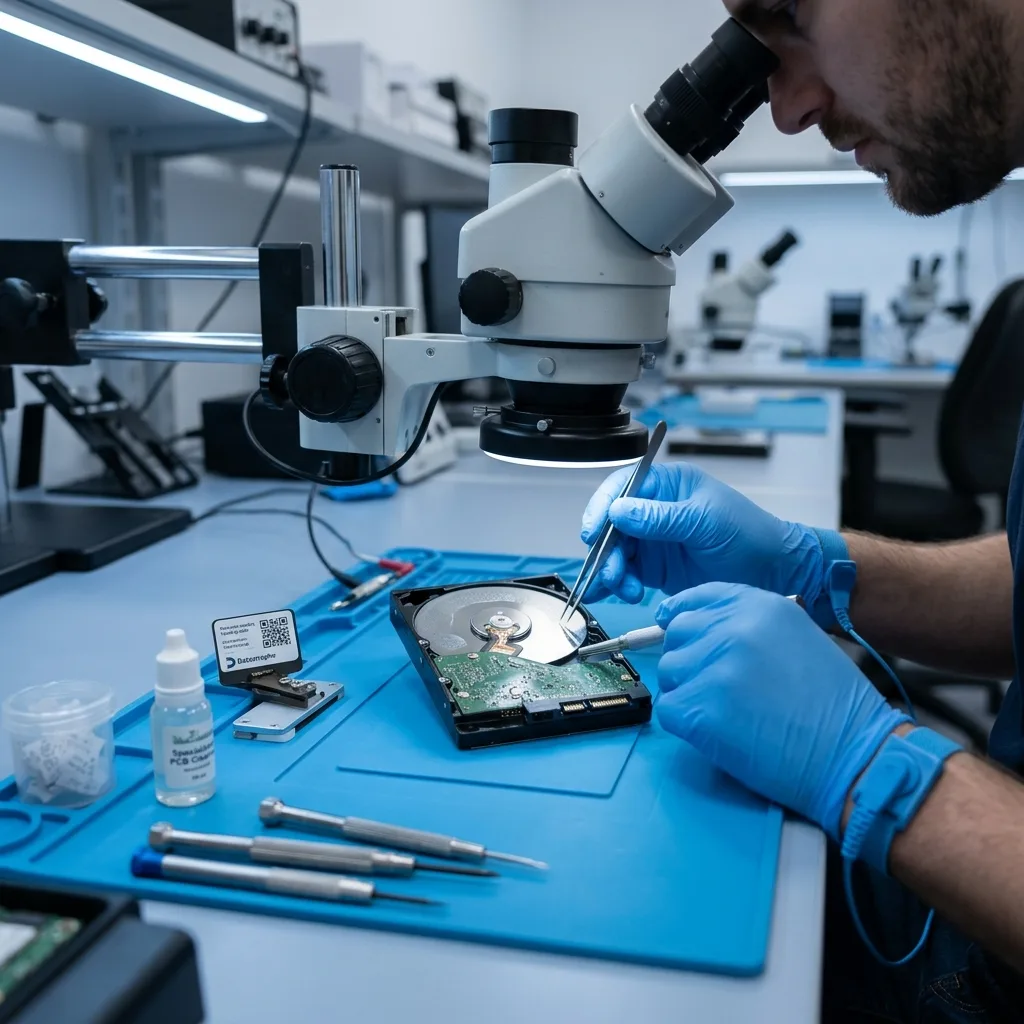
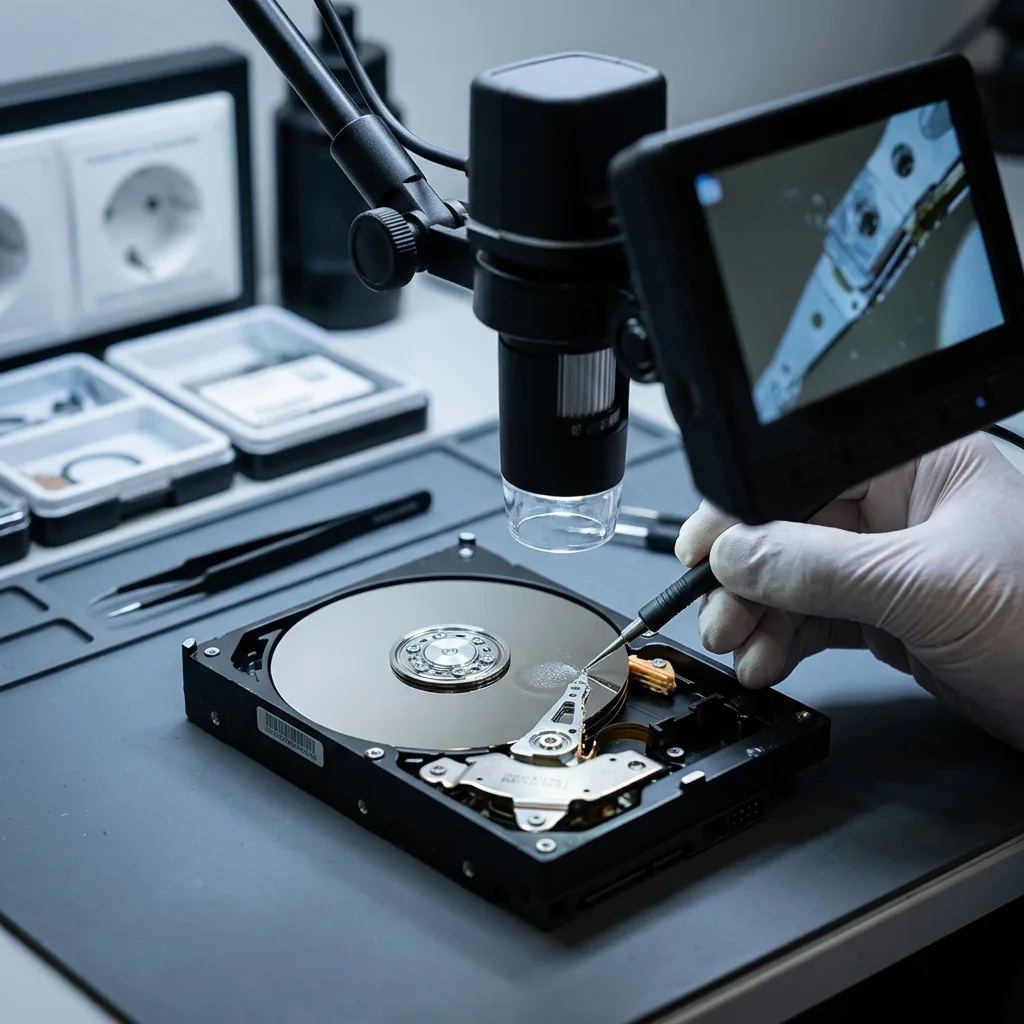
Diagnostic assessment
Understand the effect of moisture
An external hard drive is not hermetically sealed. Its enclosure protects against light impact and ordinary dust, but cannot guarantee isolation from moisture. A wet bag, cold room, cellar, condensation after a temperature change or proximity to a water leak may create risk.
Visible water is seldom the only danger. Condensation may reach the circuit board, connectors or inside the enclosure. Light oxidation may alter electrical behaviour, a short circuit may prevent start-up, and corrosion can develop after the incident when the device looks dry.
Mechanical construction adds another weakness. Platters and read heads operate to extremely fine tolerances. If their environment has been disturbed, power-up may produce noise, read errors or faster deterioration.
The user sees only part of the problem. A dry enclosure may conceal exposure at the connector, board or drive interior. Responsible examination therefore considers context, symptoms and electrical behaviour rather than outside appearance alone.
Diagnostic assessment
Recognise signs of exposure
Signs are not always dramatic. Failure to mount, disconnection, inconsistent capacity or severe slowdown can follow moisture damage. Marks on a connector, an unusual smell or a hot enclosure should also prompt caution.
Record the exposure date and duration, visible water, drying attempts, connections already made and messages shown; this chronology helps distinguish immediate electronic failure, progressive corrosion and mechanical problems.
A damp device may work for a few minutes, but that does not make it safe. Initial reads may succeed before it stalls, slows or begins returning errors. Priority data ought to be preserved rather than browsing at random.
Take noise seriously. Light clicking, stopped rotation, repeated starts or abnormal vibration can indicate that the mechanics are no longer stable. Insisting on a few files may limit the chance of recovering priority folders.
Diagnostic assessment
Avoid actions that worsen damage
Don't reconnect a drive after recent or suspected exposure. Repeated power-ups may worsen a board fault or trigger mechanical failure. Avoid hairdryers, heaters, freezers and improvised dismantling too.
Dragging and dropping files is unsuitable when the drive responds poorly. It may stall on weak areas and place needless demand on the device. Automatic file-system repair may also change helpful metadata.
Keep any backup separately. Do not replace an existing partial copy without checking it. Fragments may help reconstruct files or confirm recoverable periods.
Avoid cleaning products and handling internal connectors. Blind cleaning may spread corrosion, break a ribbon cable or leave residue. Preserve the observed condition and send the relevant information to the laboratory.
Diagnostic assessment
Assess corrosion and mechanics
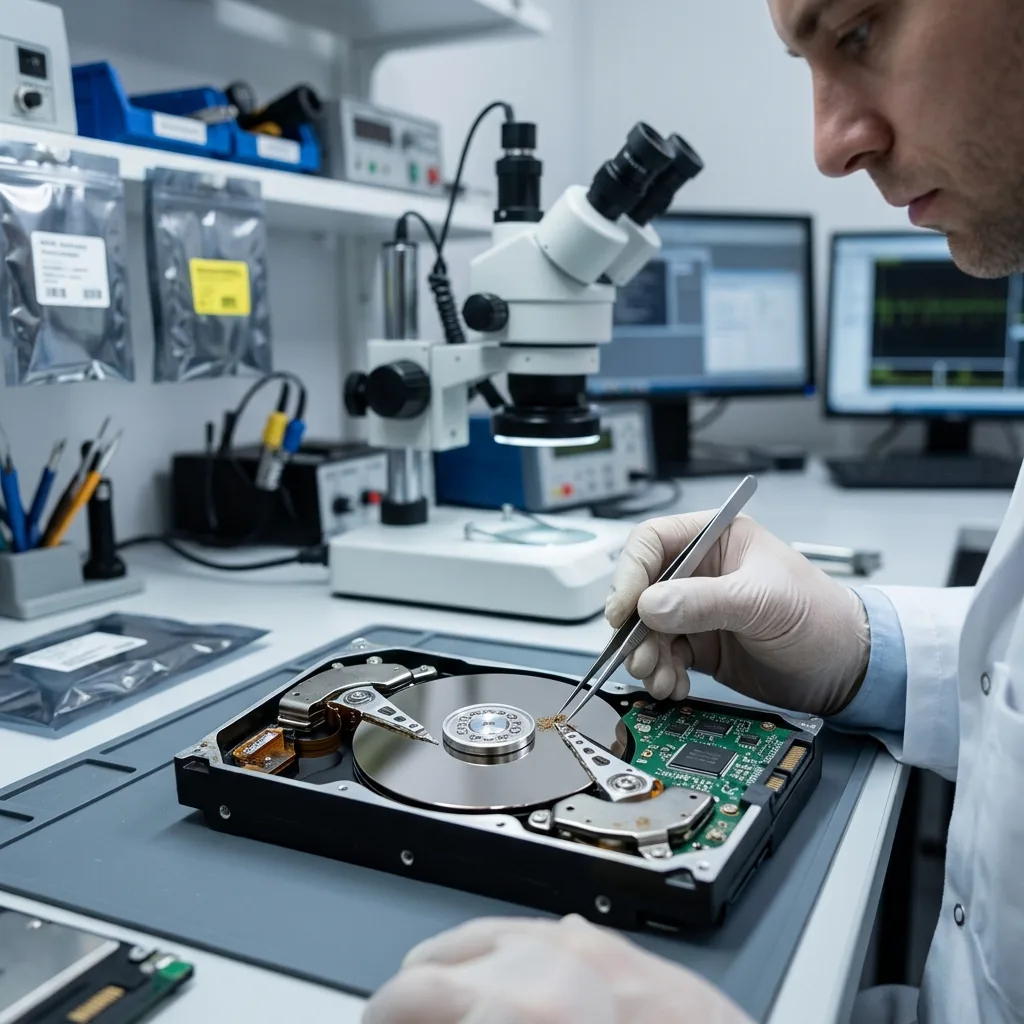
The assessment separates electronic, mechanical and logical damage. An oxidised board may block access while leaving the platters intact. Clicking may indicate a head fault. A visible but inconsistent volume can reflect logical corruption after a power cut or disconnection.
Datastrophe favours controlled inspection followed by an adapted read-out when the device permits; the aim is to create a technical image or stabilise the drive before analysing files, rather than work directly on a fragile original.
Limits must be explained. Marked platters, advanced corrosion, inaccessible areas and partial files can reduce recovery. No responsible examination promises complete restoration before the device has been observed.
The objective also matters. An individual might need a few family folders, while a business might require a database or complete archives. Acquisition order and validation should reflect those priorities instead of exhausting the drive on secondary content.
Where the device holds several partitions or an old backup, check overall consistency. Recovered files should open and correspond to the expected dates and folders. A partial result remains helpful when its limits are clear.
Diagnostic assessment
Store and prepare the device
After the incident, keep the drive dry, away from excessive heat, shock and further power. Retain its cable, enclosure, adapter and information about the computer used. These can help clarify the fault.
External hard drive data recovery describes the service route; the assessment separates physical, electronic and logical damage.
State the priority files, moisture context, previous attempts and whether a backup exists; this limits handling and supports an approach proportionate to the condition.
In future, keep external drives away from damp rooms, inside a clean sleeve and with a second copy on distinct storage. One copy remains vulnerable to transport, moisture and human error even on a new drive.
Keep prevention straightforward: one primary copy, one independent copy and periodic opening tests. This avoids reliance on portable storage exposed to temperature changes, impact and condensation.
When the drive carries data between locations, treat it as transport media rather than a sole archive. Copy priority files elsewhere promptly and verify them before deleting the original source.
Diagnostic assessment
Primary Technical References And Limits
Reference scope — external hard drive data loss: For damp external hard drive data loss, the primary references used are NIST SP 800-86. Physical evidence — external hard drive data loss: They define the relevant preservation, storage or validation concepts, but they cannot establish the exact physical condition, controller state, key availability or business consistency of the device received. Controller evidence — external hard drive data loss: Those points require measurements on the original set and verification on copies.
Diagnostic assessment
Arrange A Controlled Assessment
Complete set — external hard drive data loss: For a technical assessment of damp external hard drive data loss, provide the complete device or storage set, its associated power and interface parts, the symptom timeline and the essential records. Incident history — external hard drive data loss: Keep member order, labels and authorised credentials separate from the parcel paperwork; do not restart the source merely to obtain a new screenshot.
Laboratory responsibility — external hard drive data loss: Datastrophe performs the diagnosis, integrity checks and recovery directly in its own laboratory with its own team. Free assessment — external hard drive data loss: Diagnosis and the quotation are free. Transport boundary — external hard drive data loss: Private collection and return is included; the carrier moves only the sealed parcel and neither accesses nor processes its data.
Controlled list — external hard drive data loss: Before any payment, the client receives the proposed price and a checked list. Verification classes — external hard drive data loss: Each item is classified, in order, as recoverable_verified, partial, detected_unverified or unrecoverable. Payment trigger — external hard drive data loss: Only recoverable_verified items whose contents were checked and found usable are presented as recoverable. No-result rule — external hard drive data loss: Payment is due only after the client accepts both the list and the price.
No-result rule — external hard drive data loss: If no usable data is verified, recovery fails, or the client declines the list or price, no standard fee is payable. Rare-part exception — external hard drive data loss: The only exception is a rare, costly and non-refundable part, which may be ordered only after a separate, explicit and priced proposal has been accepted.