
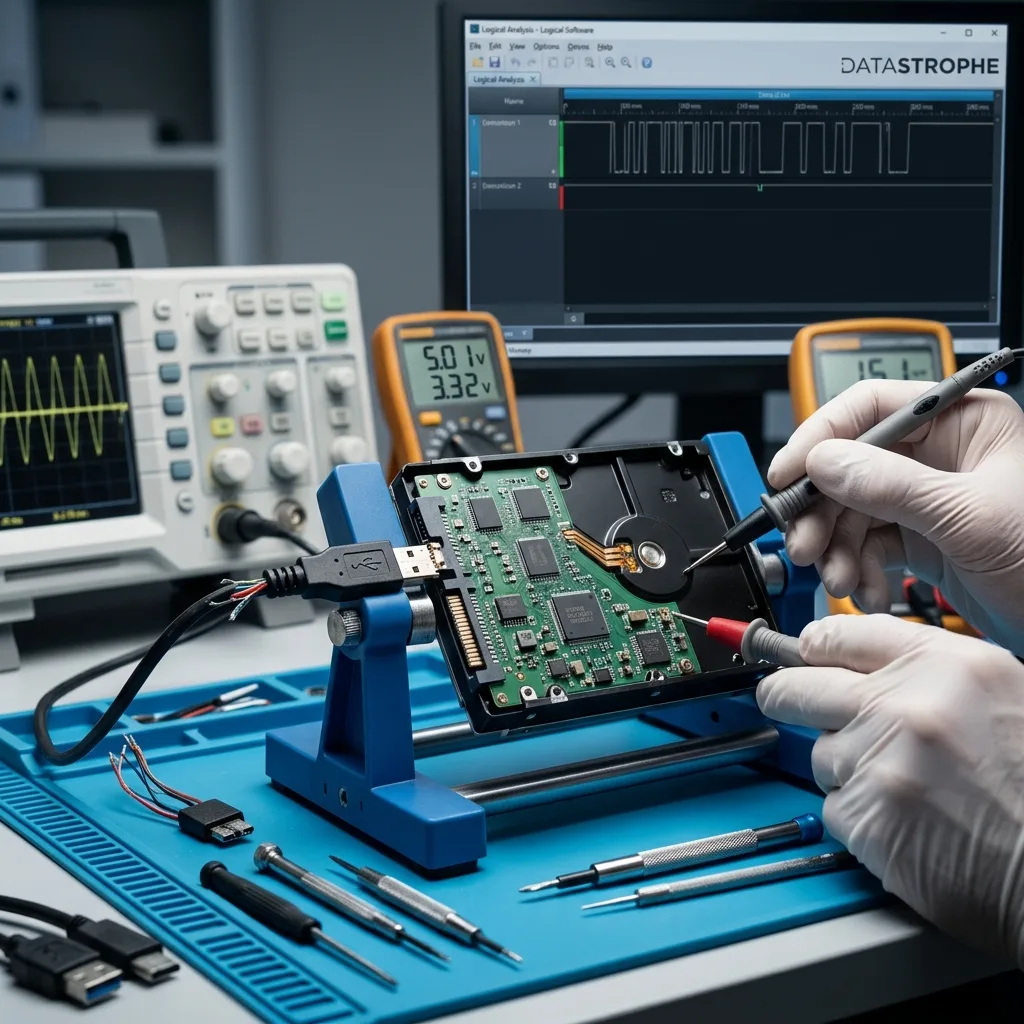
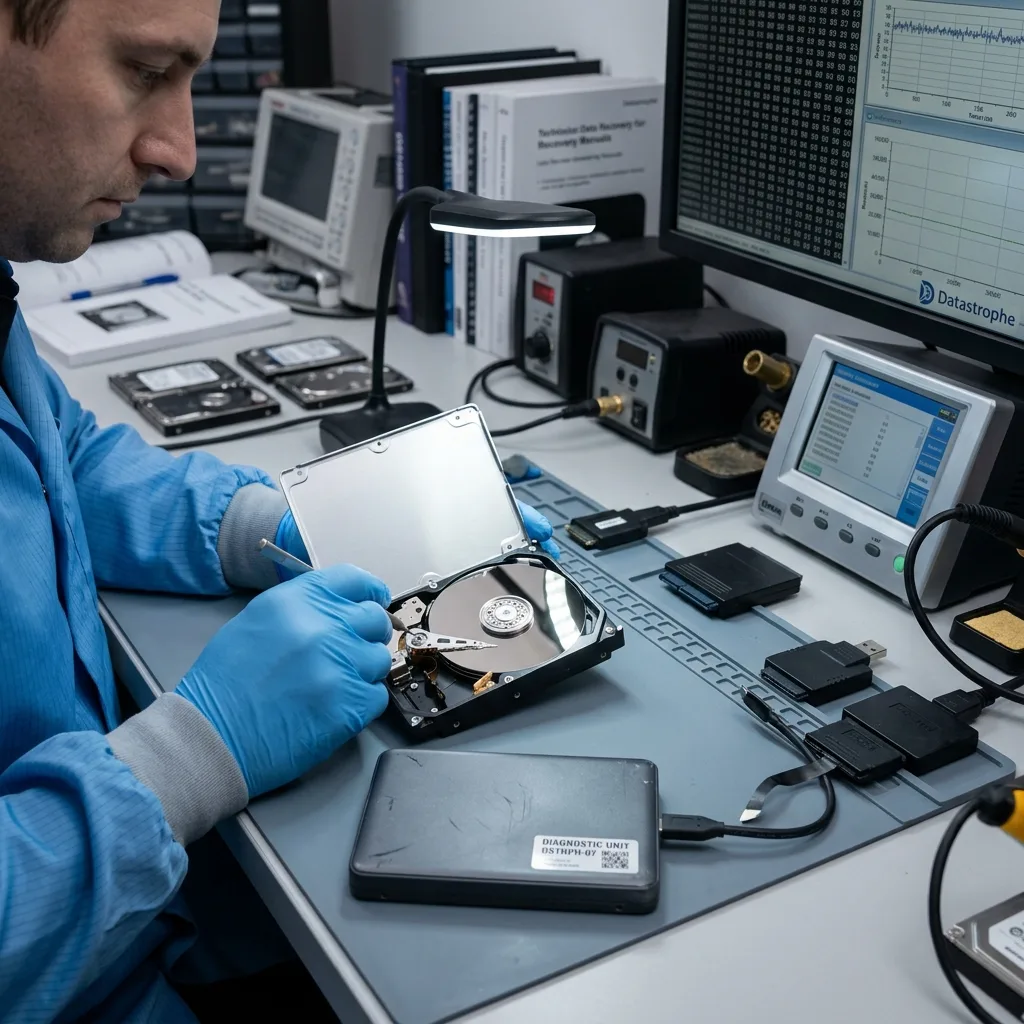
Diagnostic assessment
Transported storage faces greater exposure
An external hard drive is handled more commonly than one installed in a fixed computer. It is connected, removed, moved, carried in a bag, placed on desks and at times powered through a fragile cable. This mobility explains many failures.
The drive may be knocked while spinning, moved during a copy or pulled by its cable. Even without a dramatic fall, these stresses may create unstable sectors, read errors and connection interruptions.
Its enclosure gives an impression of protection without removing mechanical vulnerability. Many external units contain an everyday platter drive with a motor and read heads. Vibration, impact and abrupt shutdown still affect it.
Hard drives exposed to vibration and impact examines this mechanical point; the wider question here is why the external format brings several failure causes together.
This exposure clarifies how a lightly used device can fail. Start-up count, transport, power interruptions and supply quality matter as much as age. New storage may be fragile when its use is unstable.
Diagnostic assessment
Enclosure, cable and power complicate diagnosis
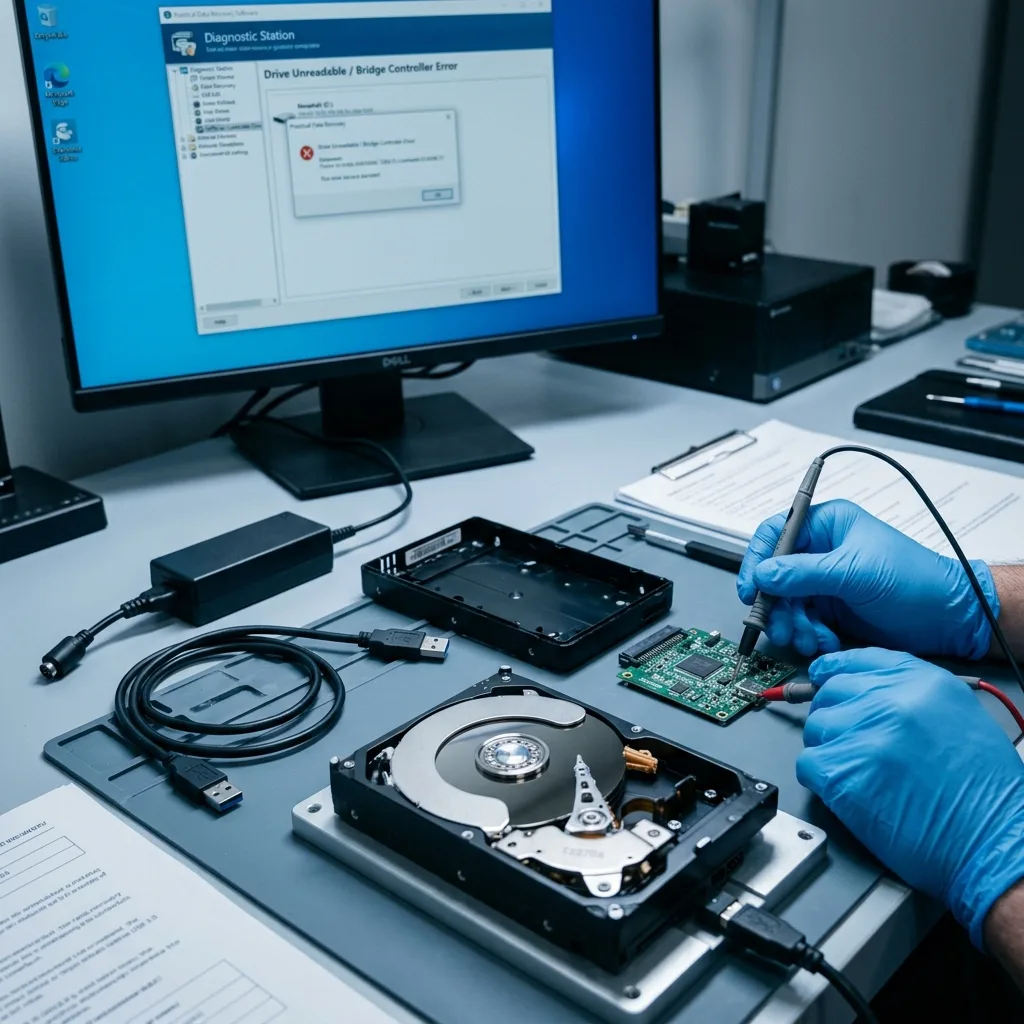
An external-drive failure doesn't always begin in the drive. The USB cable, connector, enclosure, adapter or power supply may prevent access. The visible symptoms are similar: absence, disconnection, slowness, noise or a format request.
Avoid premature conclusions. Trying a distinct cable can be reasonable when there is no abnormal noise. Connecting the device to numerous computers, forcing power or opening the enclosure without understanding it adds risk.
Some enclosures hold electronics or encryption that affect access. Removing the drive may change how sectors are presented to the system. Do not improvise when the files matter.
Power is another weak point. A drive that starts and stops, disappears during copying or flashes without mounting may have an unstable supply. Interruption during a write may then cause logical corruption.
Separate the layers. One cable change may clarify a straightforward doubt, but should not become a series of tests across ports and computers. When the drive slows, vibrates, heats up or makes abnormal noise, preserving its condition matters more than confirming every scenario.
Keep the enclosure and accessories where possible; a defective cable or unstable supply belongs to the history of the fault. Throwing them away too soon removes evidence of why access failed.
Diagnostic assessment
One backup creates false confidence
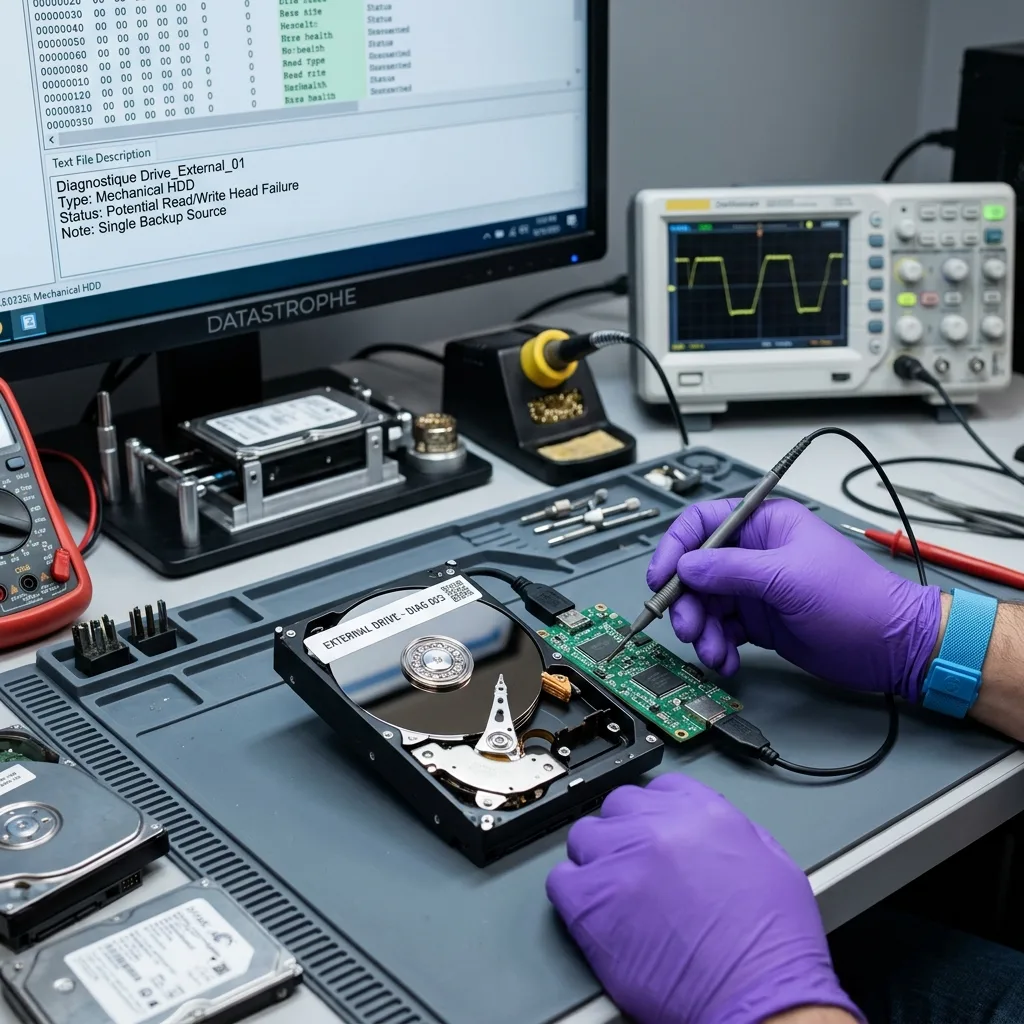
Many external drives are treated as the only backup; trouble begins when the primary storage and backup are not independent, or the copy has never been tested. The external disk may in fact hold the only recent version of a folder.
A helpful backup is checked by opening files, not by seeing a folder structure. Visible folders do not prove that files open. An interrupted copy may leave partial data, while an old backup may omit the required period.
The external drive may stay permanently connected; it is then exposed to deletion, synchronisation errors, power surges and software changes, becoming a second working disk rather than a genuine safety copy.
Separate the uses: working storage, a temporarily connected backup, a disconnected copy and periodic checks. This helps limit the chance that one fault removes every version.
Distinguish archiving from transport too; a drive moved daily is poor as a sole archive. Conversely, one stored for years without checks may not start when required. Each use needs its own controls.
Diagnostic assessment
Recognise symptoms that call for a stop
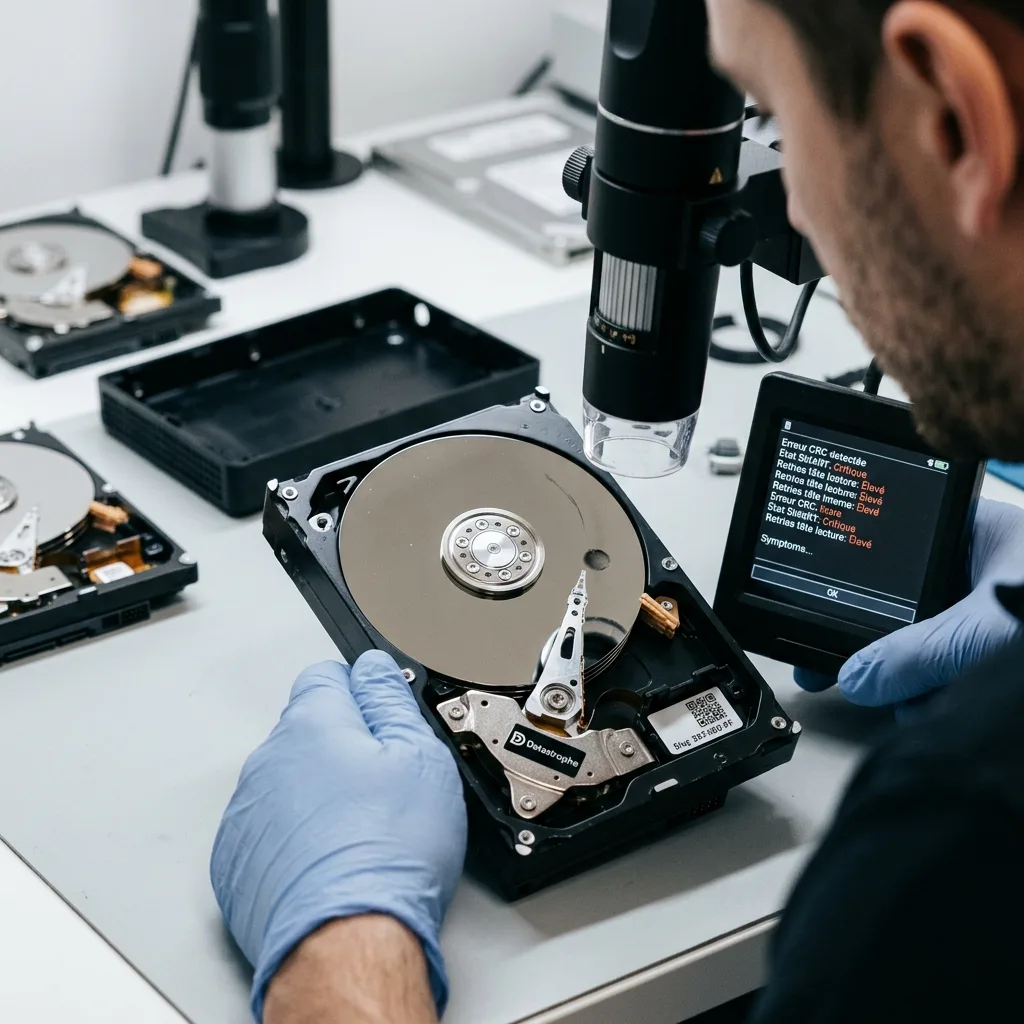
Take repeated clicking, scraping, stalls, severe copy slowdown, disconnection, inconsistent capacity and format requests seriously. These indicate that direct reading may become dangerous.
Do not multiply attempts when the drive contains priority data. Every restart may initiate a long read, check or mount attempt. On unstable storage, this can consume the best surviving acquisition window.
Record the exact behaviour: indicator light, noise, message, time before disconnection, computer used, cable tested and priority files; the chronology helps separate enclosure failure, mechanical failure, logical corruption and power problems.
External hard drive data recovery clarifies the service route. Work may start with controlled imaging before logical file analysis continues from a stable source.
Report previous attempts. Cable replacement, enclosure opening, system repair, interrupted copying and repeated connections may all change the diagnosis. The purpose is to understand the surviving risk, not judge the user.
Diagnostic assessment
Limit everyday risk
Handle an external hard drive as a fragile device; avoid moving it during copying, protect the cable, use a stable surface, wait for writes to finish before disconnection and carry it in a suitable case.
Monitor its age as well. An old, slow or noisy external drive should not remain the only archive of priority data. Recovery becomes more complex when it holds several years of files without another copy.
Moisture and temperature changes create another risk. External hard drives and moisture covers that context. Common failures commonly combine transport, enclosure, power and unsuitable storage.
Check the files that genuinely matter. Open documents, test an archive, review dates and compare content with the primary source. This is more dependable than a successful-copy notification and detects silent errors early.
The practical rule is straightforward: an external drive may transport or back up data, but must not become the sole memory of an activity. Priority files need another verified source, and a suspect drive should be stopped as soon as symptoms become abnormal.
When uncertain, avoid automated repair, formatting and repeated attempts. Preserving the drive leaves more options than a rapid series of tests.
After recovery or replacement, do not return the failed external drive to rotation; intermittent operation still demonstrates fragility. Start again with healthy storage and at least one other verified copy.
Diagnostic assessment
Primary Technical References And Limits
Reference scope — external hard drive failures: For common external hard drive failures, the primary references used are NIST SP 800-86. Physical evidence — external hard drive failures: They define the relevant preservation, storage or validation concepts, but they cannot establish the exact physical condition, controller state, key availability or business consistency of the device received. Controller evidence — external hard drive failures: Those points require measurements on the original set and verification on copies.
Diagnostic assessment
Arrange A Controlled Assessment
Complete set — external hard drive failures: For a technical assessment of common external hard drive failures, provide the complete device or storage set, its associated power and interface parts, the symptom timeline and the essential records. Incident history — external hard drive failures: Keep member order, labels and authorised credentials separate from the parcel paperwork; do not restart the source merely to obtain a new screenshot.
Laboratory responsibility — external hard drive failures: Datastrophe performs the diagnosis, integrity checks and recovery directly in its own laboratory with its own team. Free assessment — external hard drive failures: Diagnosis and the quotation are free. Transport boundary — external hard drive failures: Private collection and return is included; the carrier moves only the sealed parcel and neither accesses nor processes its data.
Controlled list — external hard drive failures: Before any payment, the client receives the proposed price and a checked list. Verification classes — external hard drive failures: Each item is classified, in order, as recoverable_verified, partial, detected_unverified or unrecoverable. Payment trigger — external hard drive failures: Only recoverable_verified items whose contents were checked and found usable are presented as recoverable. No-result rule — external hard drive failures: Payment is due only after the client accepts both the list and the price.
No-result rule — external hard drive failures: If no usable data is verified, recovery fails, or the client declines the list or price, no standard fee is payable. Rare-part exception — external hard drive failures: The only exception is a rare, costly and non-refundable part, which may be ordered only after a separate, explicit and priced proposal has been accepted.