

Internal Hard Drive Recovery After Mechanical or Logical Failure
A clicking, dropped or missing hard drive should be switched off. The safest route depends on platter condition, head stability, firmware access and the data that carries real value.
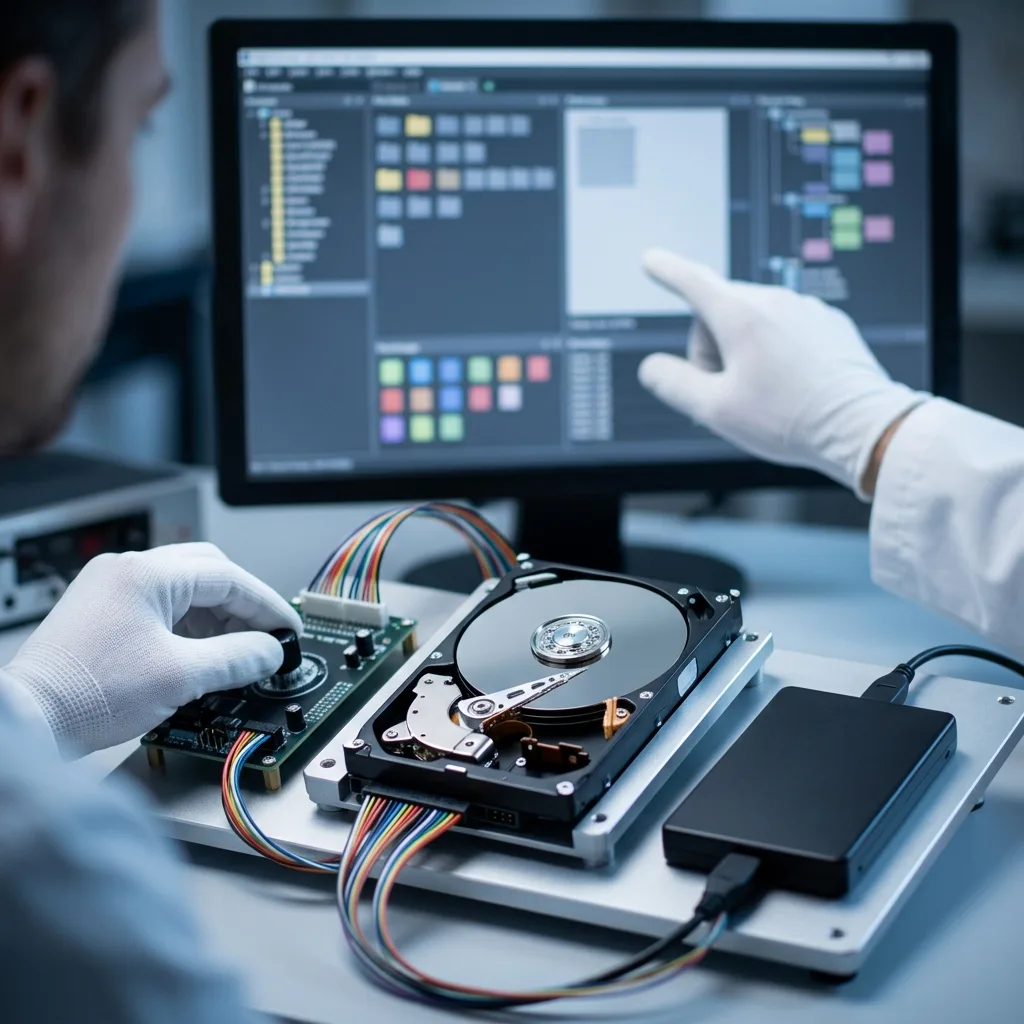
Failure triage
Triage a Clicking or Missing Drive Without Guesswork
Clicks, stalls and missing volumes are symptoms rather than diagnoses, so the incident history must shape the next controlled power-on.
A clicking or unmounted hard drive does not disclose its cause simply by appearing in a computer. The immediate concern is usually the documents, photographs, archives or local databases it holds. The drive may come from a desktop, workstation, laptop, internal backup or CCTV/DVR/NVR recorder, and its role helps define what must be preserved first.
The source is documented and protected from writes before further power is applied. Physical behaviour, firmware access, partition structures and earlier actions are considered together, allowing the laboratory to distinguish a logical fault from mechanical damage or a combination of both. For Irish homes and smaller organisations, the practical priority is often a narrow set of current records rather than the entire advertised disk capacity.
Recovery is intended to create a usable copy on other storage, not to return the failed disk to service. Areas that have been scraped, overwritten or rendered unreadable, and encrypted data without an available key, remain explicit constraints.
- Relate the symptoms to the drive's former role
- Distinguish readable sectors from working files
- Choose imaging steps from recorded evidence
What the diagnostic assessment determines
The drive's present condition, power behaviour, firmware access and logical structures are recorded without writing to it. Together, these observations indicate whether controlled imaging, logical work or physical intervention should come first.
What the recovery process is designed to deliver
The aim is a dependable copy of accessible data on healthy media, never a promise that the original disk can return to use. Surface damage, overwriting and unavailable encryption keys limit the achievable result.
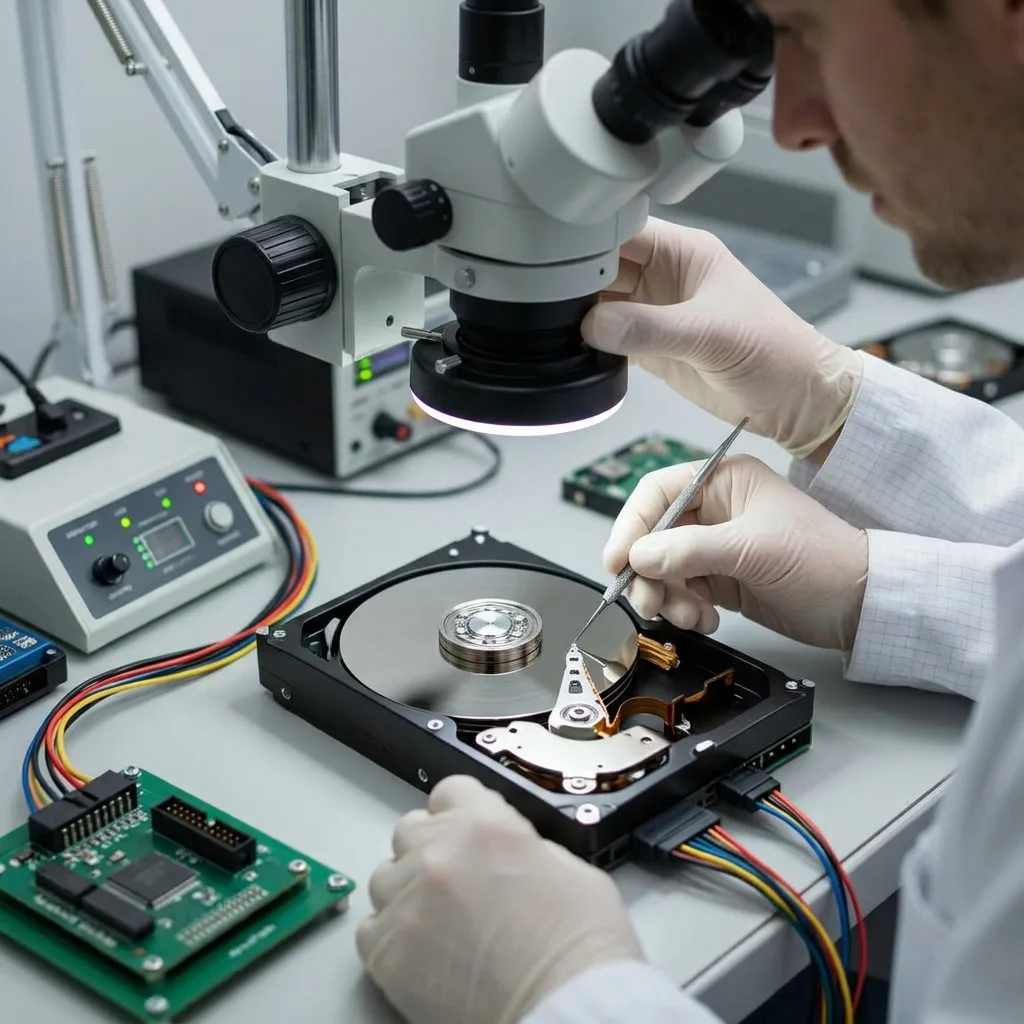
Stop decision
Recognise When Another Power Cycle Is Too Risky
A worsening sound, unstable detection or falling read speed is a reason to stop, document the evidence and avoid another routine test.
Repeated clicking, scraping, severe slowness, unstable sectors or a disk that appears only intermittently all call for caution. A RAW partition, missing volume or recent quick format may instead be logical, but none is a reason to continue routine scans on the source.
The sequence of events is often decisive. An impact during operation poses a different risk from deletion, power loss, formatting or an attempted partition repair. Each earlier restart or utility may have changed both physical condition and useful metadata. Where the disk must travel from Ireland, leaving it powered off and recording the last observed behaviour is more useful than repeating the symptom for confirmation.
Continued power can be costly. New writes may occupy deleted-file sectors in a logical case, while damaged heads can mark platter surfaces and repeated reads can turn marginal sectors into permanent gaps.
- Note sounds and messages without repeating the test
- Switch off instead of cycling the power
- Record impacts, outages and software already used
Why the fault history changes the approach
Impact, power interruption, deletion and formatting leave different traces. A precise timeline, including earlier recovery or repair tools, helps identify what happened first and what may have changed since.
The safest immediate action
Power the drive down and do not install software or save anything to it. This limits overwriting in logical cases and avoids needless head movement across potentially damaged surfaces.
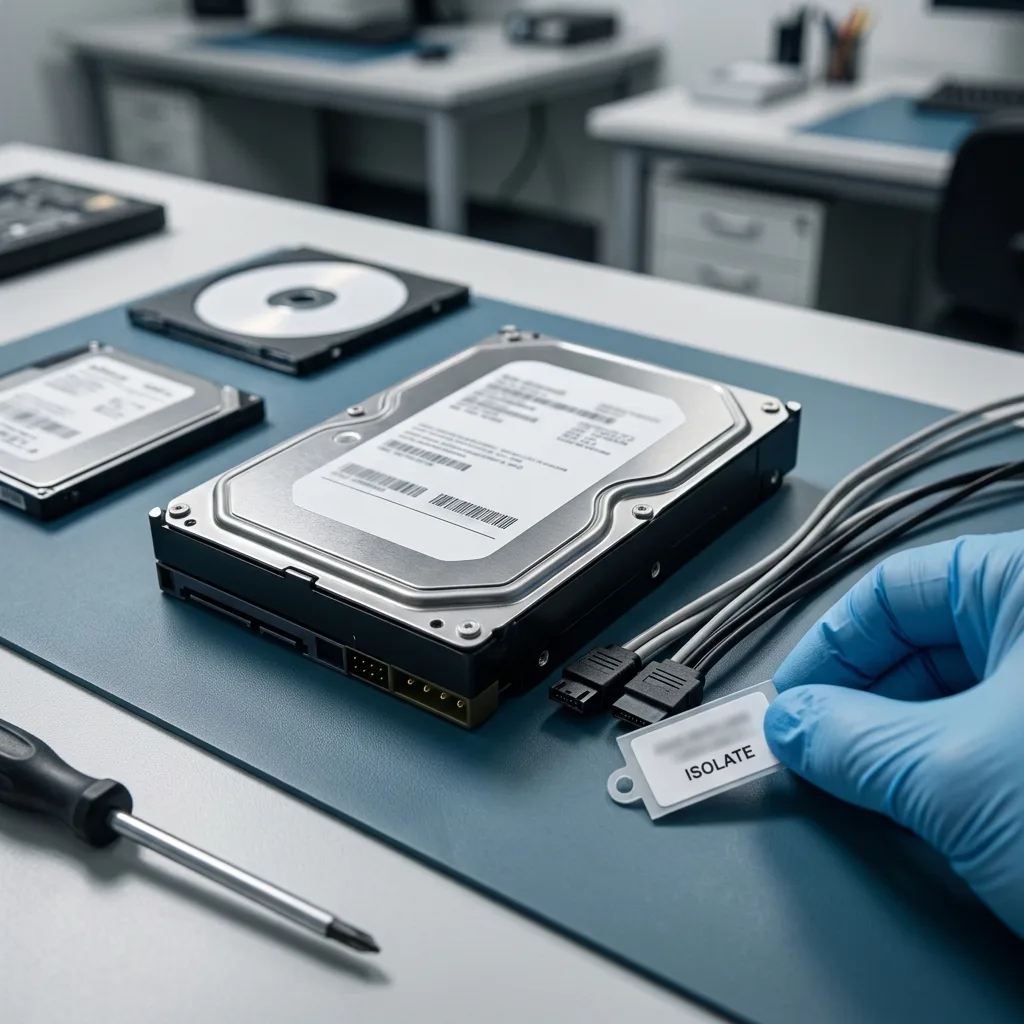
Source integrity
Preserve the Original Before Any Logical Repair
Repairs, formatting and repeated boots can alter both weak surfaces and logical records before a dependable image exists.
Avoid repeated boot attempts, freezing the disk, write-based scans and any opening outside an appropriate clean room. These actions can damage heads or surfaces, introduce contamination and alter logical evidence before a stable diagnosis exists.
Automatic repair may rewrite the partition table, MFT or journal while trying to make the volume mount. That can remove valuable context and leave a mixture of original damage and changes caused by the repair itself. A case prepared in Ireland should preserve the label, controller board and enclosure context so that transport does not separate evidence from the media.
A controlled image is preferred wherever the hardware permits it, and subsequent analysis takes place on protected analysis copies. This allows alternative reconstructions to be compared without using the failing source as a test bench.
- Block every write to the failed disk
- Leave internal work to a suitable clean room
- Protect the drive's state before imaging
How repair software can reduce the evidence
Tools designed to restore a mountable volume may rewrite partitions, file records and journals. Stopping before those changes preserves a clearer basis for both logical reconstruction and explanation of the result.
Why imaging comes before reconstruction
Once the safest readable copy has been acquired, different file-system interpretations can be tested without another pass over the original disk. This reduces avoidable wear and keeps physical recovery separate from analysis.
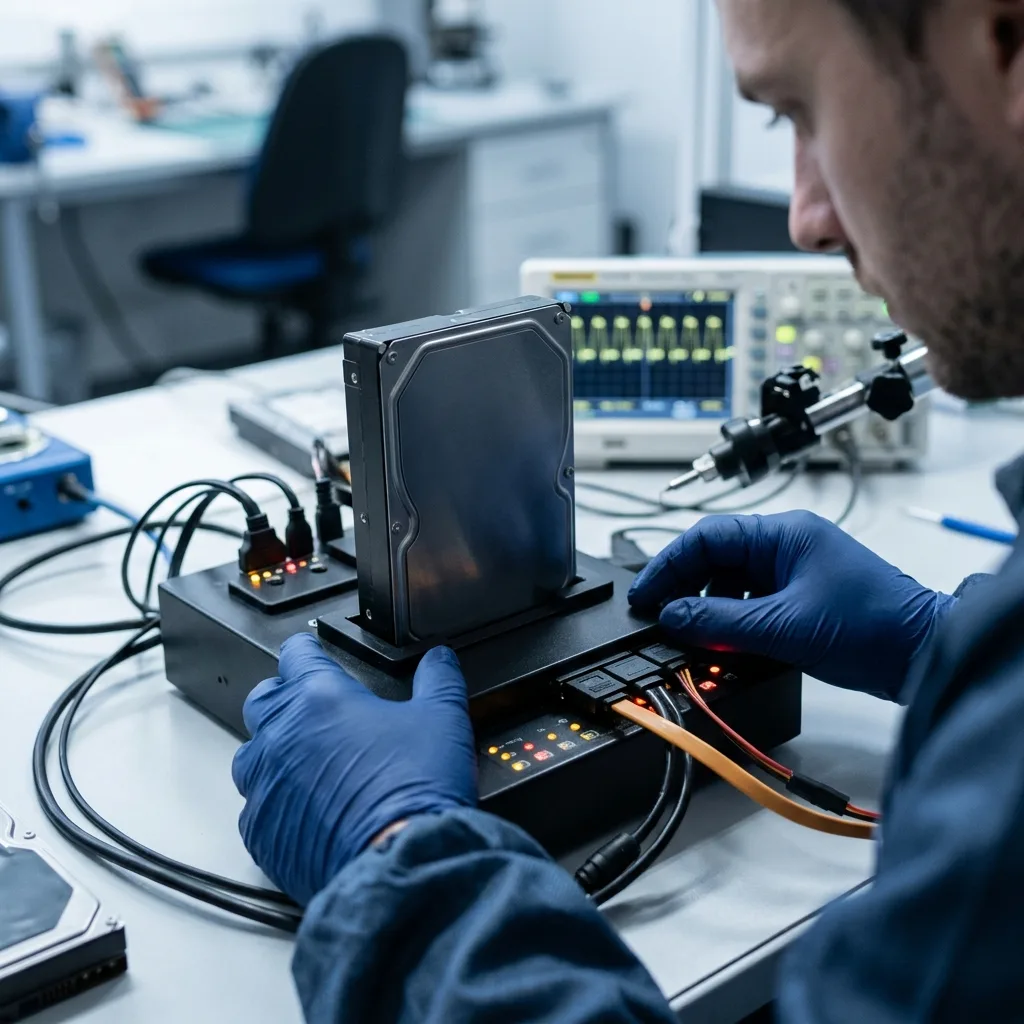
Evidence layers
Read Platter, Firmware and File-System Evidence Together
Head behaviour, firmware responses, sector gaps and file-system records must support the same explanation before folders are trusted.
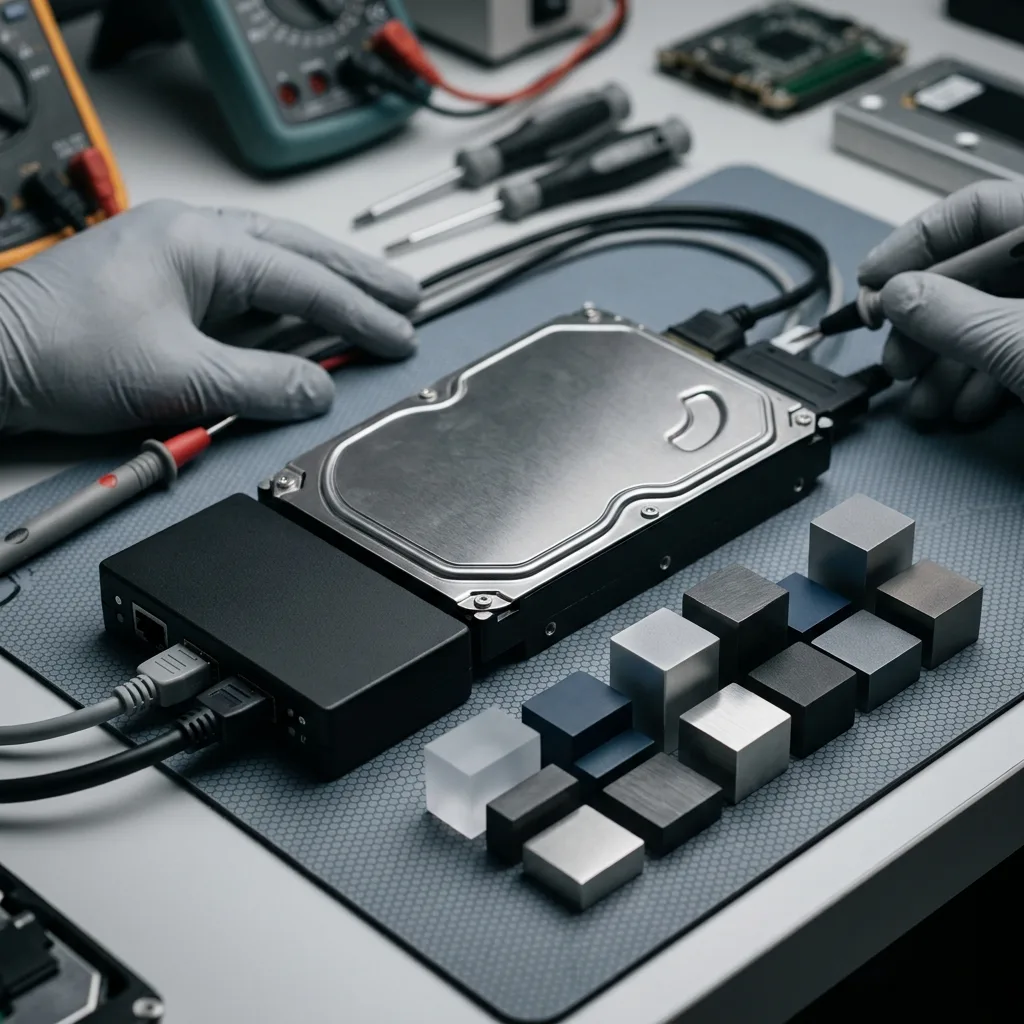
Platters, heads, firmware and SMART observations must be reconciled with partition tables, the NTFS MFT and unreadable sectors. Depending on the fault, work may centre on physical acquisition, metadata, the file system or the internal structure of particular files.
A directory tree can remain visible while parts of its files sit in damaged sectors. The reverse is also possible: a volume that will not mount may retain tables, logs, indexes and fragments capable of supporting a coherent reconstruction. This layered view is particularly important when the disk came from a CCTV recorder, accounts workstation or older desktop with little current documentation.
The laboratory proceeds from the physical reading condition to logical structures and then to the requested content. This order avoids building elaborate file-system assumptions on sectors that were never acquired reliably.
- Map physical readability before interpreting structures
- Compare partitions, MFT records and sector gaps
- Test essential files against the recovered hierarchy
Why visible folders are not proof
A surviving directory can point into unreadable areas, while a missing volume may still contain useful file records and fragments. The content itself has to be checked before the structure is trusted.
How analysis moves through the layers
Imaging establishes what sectors are available, logical work reconnects their relationships and file checks test the practical result. Each stage carries its uncertainty forward rather than concealing it.
Acquisition plan
Build the Recovery Route Around Stable Acquisition
The least destructive sequence moves from preservation to controlled acquisition, reconstruction on copies and checks of representative files.
The case is assessed before a recovery action is chosen. Drive model and capacity, symptoms, incident date, former system, previous actions and priority data provide the practical and technical brief.
If reading is unstable, acquisition focuses first on preserving accessible sectors. A logical fault is approached under write protection, while combined cases follow the sequence least likely to compromise later physical or structural work. For a case originating in Ireland, the acquisition plan can be agreed from supplied evidence before the powered-off drive is prepared for controlled transport. In the data recovery laboratory, controlled acquisition stays separate from logical reconstruction so the original disk does not become a test bench.
Representative files are opened and checked after reconstruction. Documents, photographs, archives and databases may require different tests, and a large image of the disk does not by itself show that any of them is usable.
- Assess the mechanical and logical symptoms
- Acquire readable sectors in a controlled order
- Validate representative priority data
How the opening step is chosen
Mechanical instability calls for preservation and controlled acquisition; deletion or structural corruption calls for write-protected logical work. If both exist, source safety takes precedence over reconstruction.
Why validation follows imaging
Once the best available image exists, important files are opened and compared with their expected dates, names and formats. This separates a broad sector capture from a result that answers the required outcome.
Value-led recovery
Direct Limited Read Time Towards Priority Data
Known paths, dates and formats help use fragile read opportunities on the documents, databases, photographs or footage that matter most.
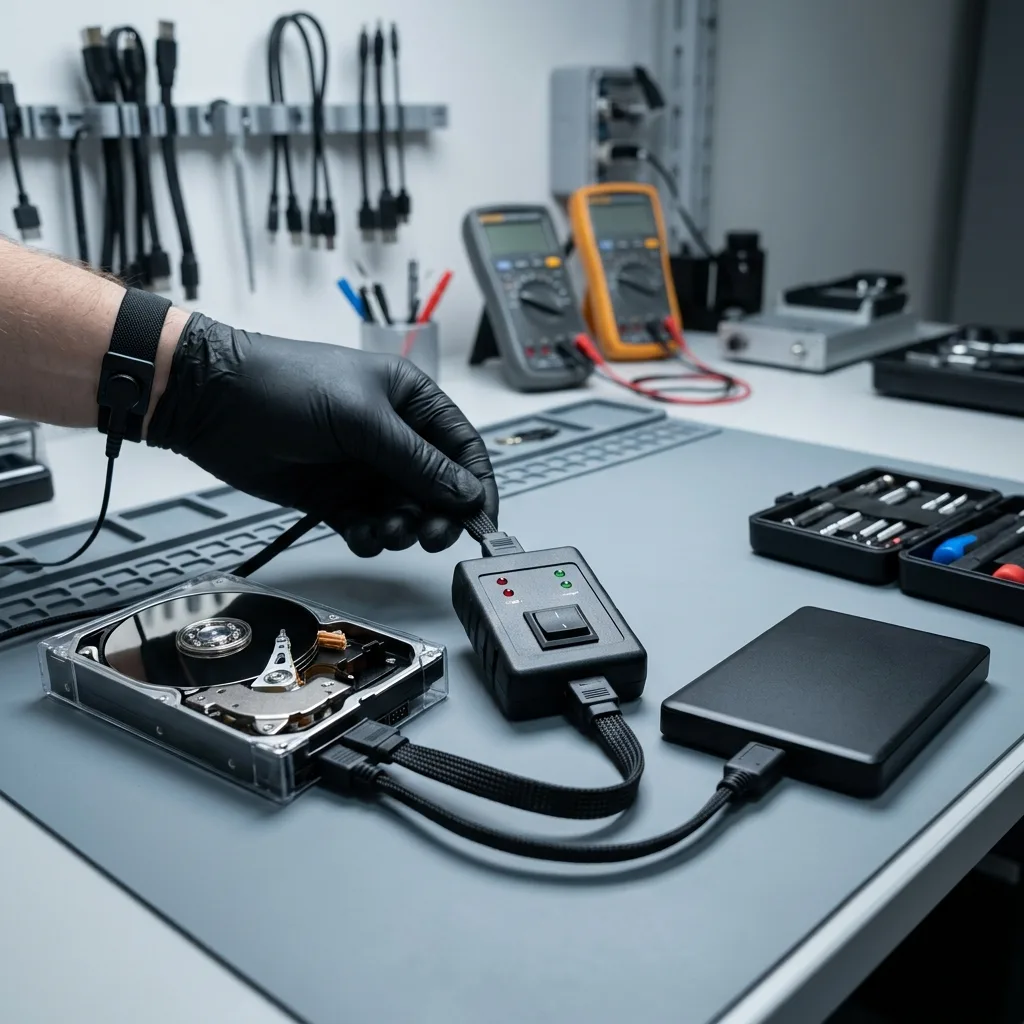
Name the work documents, photographs, archives, local databases, user profiles or recorded footage that matter most. File paths, dates and formats can guide imaging towards relevant regions rather than waiting for every weak sector to be exhausted.
This approach is valuable when the drive is degrading or operations depend on a narrow set of data. It also avoids unnecessary review of unrelated personal or client material and can provide an earlier answer on essential files. Irish businesses can nominate the smallest useful outcome—for example a current accounts set or active project—without authorising examination of unrelated material.
Final checks distinguish usable files from partial output and entries detected only in metadata or by signature. A familiar filename is useful evidence, but it does not prove that all underlying sectors were read.
- List key folders, systems and recording dates
- Test representative files from each priority group
- Separate complete, partial and detected-only items
Why priorities affect imaging
When read stability is limited, known paths and dates may direct early passes towards valuable regions. This can reduce exposure of unrelated content and answer the main recovery question sooner.
How recovered status is assigned
Files that open and retain coherent content are reported separately from damaged reconstructions and metadata-only discoveries. The distinction remains visible in the final return.
Controlled return
Return Checked Files With Clear Technical Boundaries
The returned data should distinguish opened files, partial material and unreadable regions without implying that the failed disk is repaired.
An internal disk can expose far more than the named files: user profiles, client records, browsing history, logs, archives and old exports may sit alongside them. Access is therefore limited to what acquisition, reconstruction and agreed validation require.
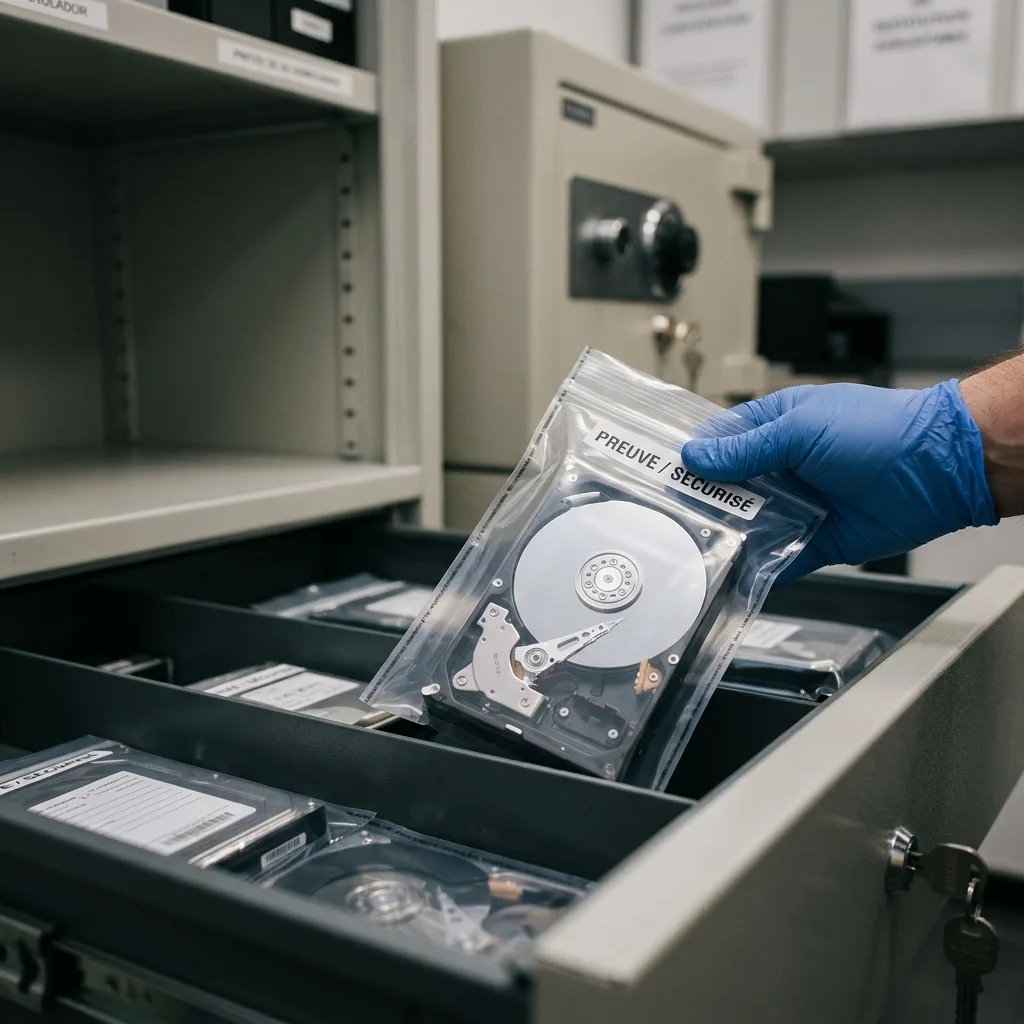
Recovered material is returned on verified destination storage or in a case-appropriate format. Any converted database, selective extraction or partial reconstruction is labelled clearly, preserving the distinction between the failed source, the working image and the delivered copy. For personal and business records alike, the return should remain proportionate, traceable and clear enough for the customer to make the next decision.
Uncertainty is reported directly. Scratched or unreadable sectors, overwritten content, missing metadata, incomplete databases and encryption that cannot be opened are not folded into a misleading claim of completeness.
- Restrict examination to technical and agreed needs
- Return validated files on dependable storage
- Describe unreadable regions and partial output plainly
How the deliverable is defined
Usable files are placed on verified destination storage in a form suited to the case. Converted, selectively extracted and partly reconstructed data is identified so it cannot be mistaken for an exact replica of the original disk.
How technical gaps are communicated
The findings record sectors that could not be read, content replaced by later writes, missing structure and protected data without available credentials. This gives the customer an honest basis for using the return.
Irish case brief
Prepare a Useful Incident Brief From Ireland
A concise timeline, model number, former host and priority list let an Irish case be assessed before transport is arranged.
Provide the drive model and capacity, former computer or recorder, symptoms, incident date and a precise list of earlier actions. Include the most important folder paths, filenames or recording periods and photographs of any visible damage or error screens.
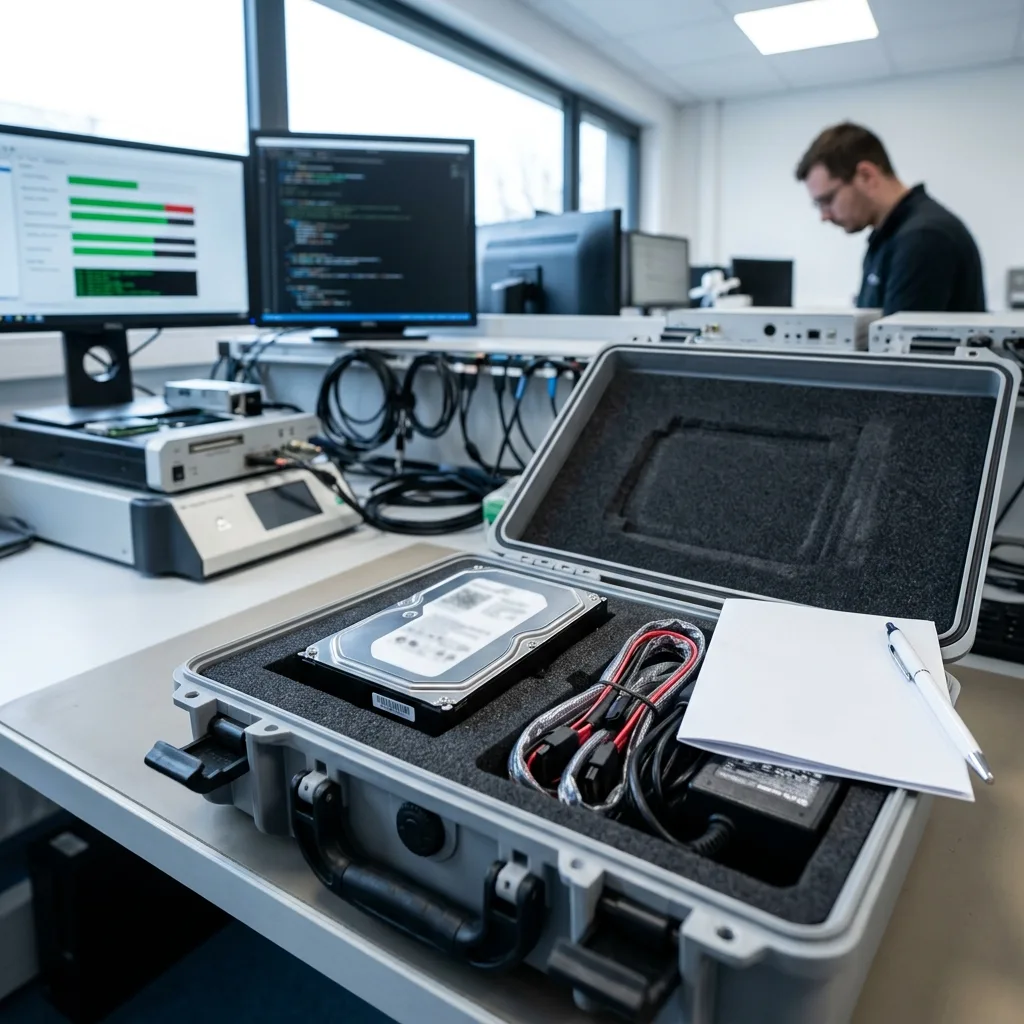
Keep the enclosure, adapter, cable and original power supply, as well as configuration files or partial backups. For a CCTV/DVR/NVR source, recorder details and export software may be needed to understand proprietary video structures. Photographs of labels and error screens can travel with the case notes, while the original media remains packed against shock and static.
A factual account is more useful than a guessed diagnosis. Explain what was heard or displayed, what happened immediately before failure, what tools were run and what minimum partial result would still have value.
- Include the model, host system and connection method
- Record every power-on, scan and repair attempt
- List essential folders, databases or footage periods
Accessories and context to retain
The original enclosure, adapter and power supply may help reproduce the storage context safely. Configuration records, partial backups and recorder details can also explain layouts that the bare disk cannot identify alone.
How to brief the laboratory
Describe observable events in order, identify earlier interventions and name the data that matters. Stating whether a partial return would still help allows the diagnostic assessment to support a real decision.
FAQ
Frequently asked questions
What is the safest first step when an internal hard drive fails?
Switch it off, note any sounds or error messages and avoid repair software or further boot attempts. Keep the drive in its present state and list the folders, databases or recordings that matter most.
Can complete recovery from a failed hard drive be promised?
No. The result depends on head and platter condition, sectors that can still be imaged, surviving metadata, writes made after the loss and any encryption. Findings are limited to data that can be reconstructed and validated from the available evidence.
Why provide priority folders before imaging begins?
Known paths, dates and file types can guide early passes towards valuable areas when a drive has limited read stability. They also define which documents, photographs, databases or footage should receive the closest validation.
Should the failed hard drive go back into routine use afterwards?
It should not. The service is intended to extract usable data and place it on verified destination storage, not to certify the source for continued operation. A disk that has suffered data loss or instability remains unsuitable for dependable production use.
How are gaps in a hard drive recovery reported?
The result separates verified files from partial reconstructions and metadata-only detections. It also explains unreadable or overwritten sectors, unstable components, missing structure and inaccessible encryption, avoiding any suggestion of completeness that cannot be demonstrated.
Media
Other expertise
- Recovering Data from Unreadable External Hard Drives Recovery for external drives with enclosure, mechanical or file-system faults, using source protection, controlled imaging and checked files.
- SSD and NVMe Recovery From Failed Flash Storage Evidence-led SSD and NVMe recovery for controller faults, unstable detection, damaged metadata, TRIM, encryption and priority file validation.
- Recovering Data From Damaged USB Flash Drives Recovery for broken or unrecognised USB drives, covering connector faults, controller failure, NAND reconstruction and checked file return.
- Recovering Photos and Video From Failed Memory Cards Controlled recovery for unreadable, formatted or corrupted SD and microSD cards, with flash-aware acquisition and checks of priority photographs and video.
- Recovering Data From a Laptop That Will Not Start Careful laptop data recovery after boot failure, liquid damage or storage faults, with encryption context preserved and priority folders checked.
- Recovering Data From Failed Mac and Apple Storage Evidence-led Mac data recovery for failed SSDs, APFS volumes, FileVault access and Fusion Drive structures, with priority libraries checked.
- Recovering Local Data From a Tablet That Will Not Start Careful tablet data recovery after startup, storage or app-data loss, with encryption context preserved and priority documents and media checked.
- Recovering Virtual Disks, Snapshots and Guest Data Structured recovery for VMDK and VHDX chains, snapshots and damaged datastores, with guest file systems and priority workloads validated.
- Recovering Data From Failed RAID and NAS Arrays Evidence-led RAID and NAS recovery after disk loss, rebuild failure or configuration damage, preserving member order and validating priority volumes.
- Recovering Critical Data From a Failed Server Structured server recovery after hardware, RAID or file-system failure, preserving dependencies and validating priority databases, shares and guests.
- Recovering Missing Footage From CCTV and NVR Systems Structured recovery of missing CCTV and NVR footage from failed disks, arrays or proprietary video stores, preserving timestamps and camera context.
- ISO 5 Clean-Room Procedures for Mechanically Failed Drives An evidence-led guide to ISO 5 Class 100 hard-drive intervention, explaining contamination control, mechanical scope and recovery boundaries.
 Recovering Data from Unreadable External Hard Drives
  SSD and NVMe Recovery From Failed Flash Storage
  Recovering Data From Damaged USB Flash Drives
  Recovering Photos and Video From Failed Memory Cards
  Recovering Data From a Laptop That Will Not Start
  Recovering Local Data From a Tablet That Will Not Start
  Recovering Virtual Disks, Snapshots and Guest Data
  Recovering Data From Failed RAID and NAS Arrays
  Recovering Critical Data From a Failed Server
  Recovering Missing Footage From CCTV and NVR Systems
  ISO 5 Clean-Room Procedures for Mechanically Failed Drives
 Diagnostic assessment
Unsure about a storage device or fault?
Datastrophe qualifies the risk before any recovery attempt and points you towards the safest next step.