
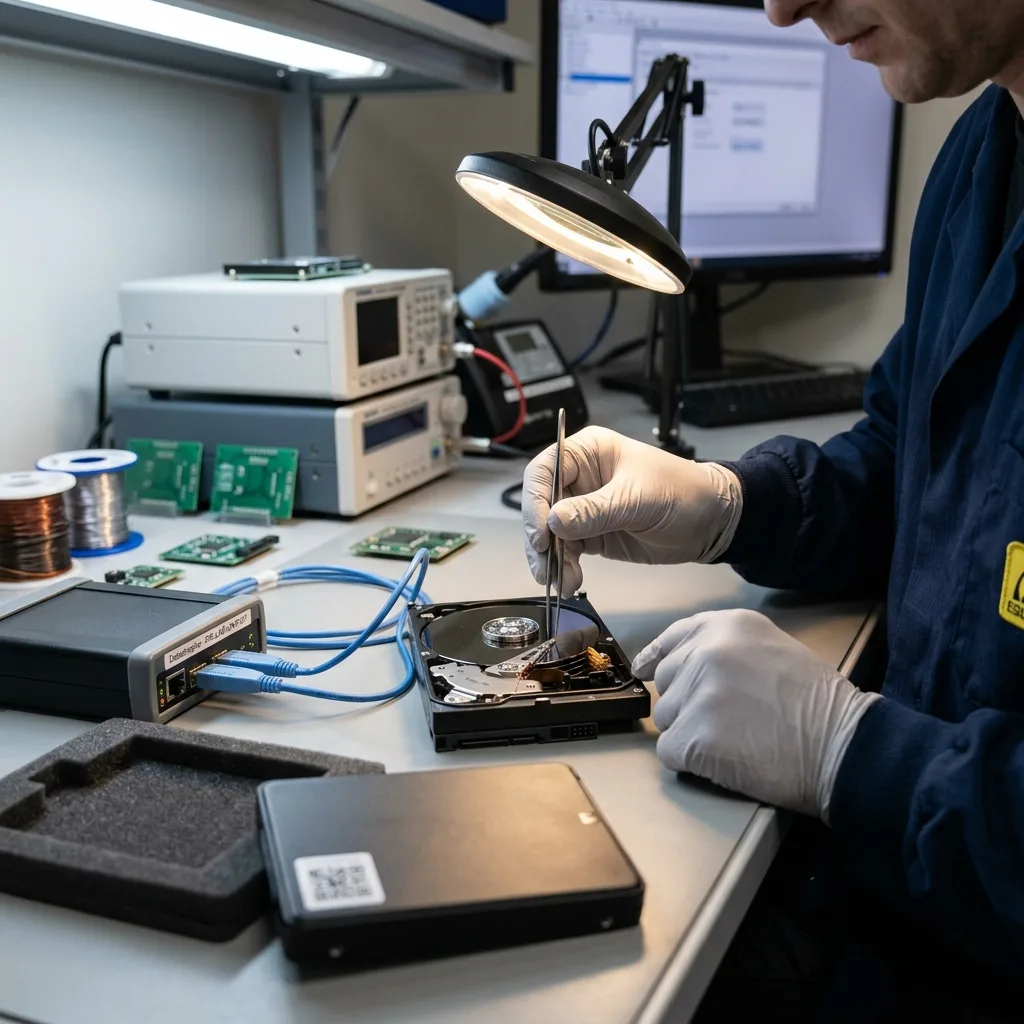

Diagnostic assessment
Distinguishing transport from embedded use
A hard drive on an aircraft can mean two distinct things. It may be carried in luggage or integrated into onboard equipment. This guide concerns the first case: an external, backup, working or archive drive moved during a journey.
That distinction avoids confusion with an embedded aircraft SSD; storage built into technical equipment raises questions of controllers, power and application context. A transported hard drive is chiefly exposed through impact, copying, packaging and backup strategy.
Altitude itself is not the main risk for a powered-off drive. Losses more commonly follow handling, drops, pressure inside a bag, rushed connection, interrupted copies and the absence of a second copy. Transport may reveal an existing weakness or cause a mechanical incident.
A mechanical hard drive is more sensitive to impact than an SSD because it holds moving parts. Even while powered off, a fall or bending force may damage its case, connector or internal mechanics. The symptom may appear only when it is connected after the journey.
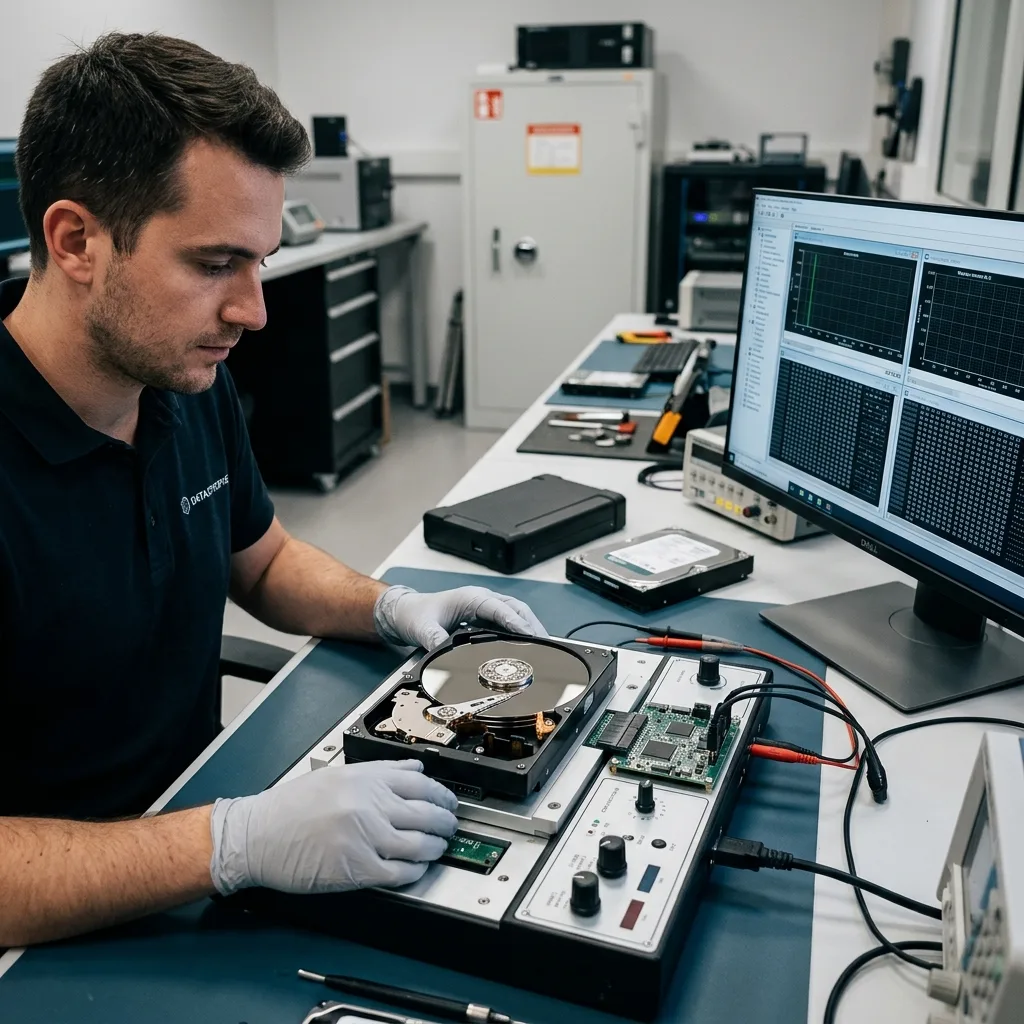
Diagnostic assessment
Travelling with a genuine copy strategy
The central rule is simple: a transported drive must not contain the only copy of priority data. Before departure, create a separate copy and ideally keep it in another place or on distinct media. A journey should never bring every copy together on one device.
Distinguish a transport drive from a backup; the former moves files; the latter allows an earlier state to be restored if the travelling device is lost, broken or corrupted. Treating them as the same thing creates direct exposure.
Verify every copy. Seeing a folder on the disk is not enough. Open several critical files, check sizes and dates, and confirm that the needed applications can read them. An untested backup becomes uncertain precisely when an incident occurs.
Identify priority data before business travel. A client project, photographs, exports, local database and administrative records should not all depend on one device. An encrypted copy may help, but the key, password and restoration method must remain available.
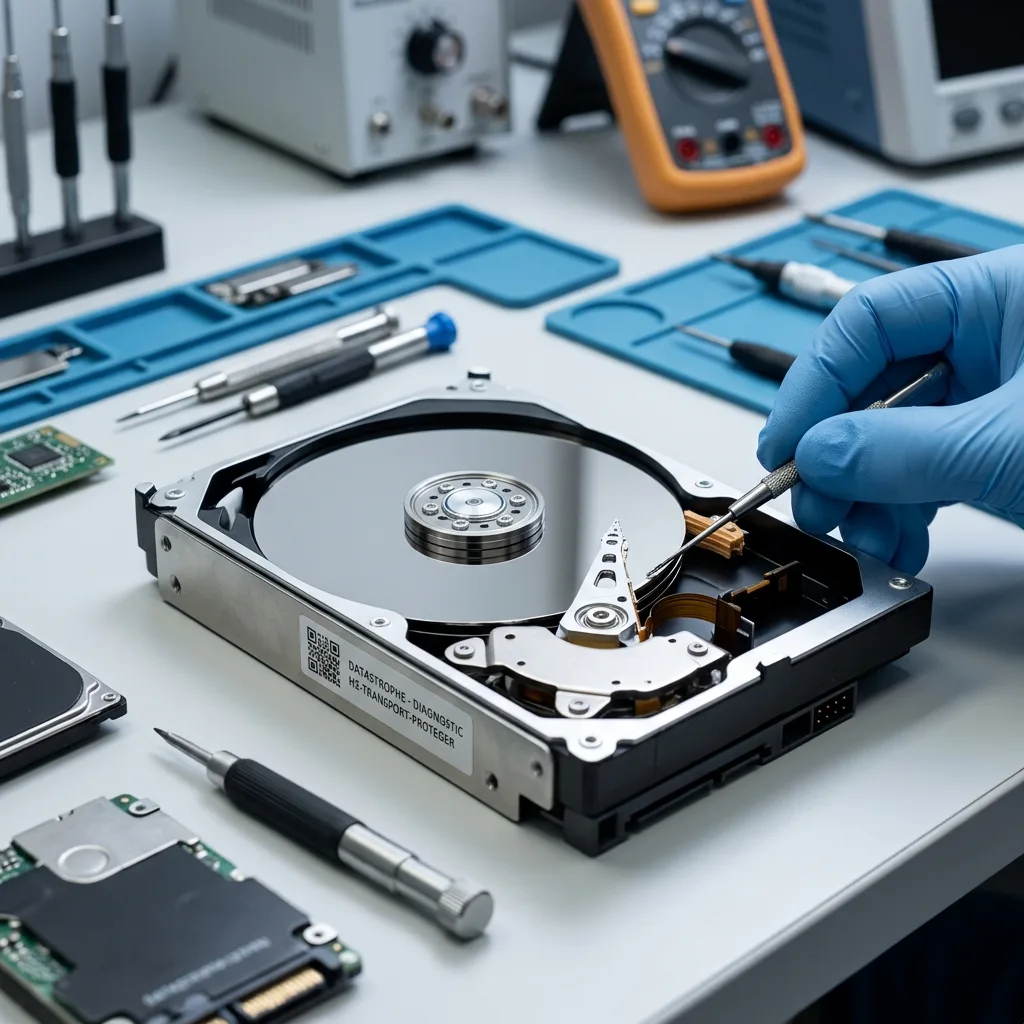
Diagnostic assessment
Protecting the drive during the journey
Carry a hard drive powered off, disconnected and mechanically protected. Remove the cable so it can't strain the port. Secure the drive in a padded sleeve or case, without direct pressure from heavy objects.
Hand luggage is preferable for critical media because impact and handling are more controllable than in the hold. It does not remove risk, but helps limit mechanical stress. Do not leave the drive loose among a charger, laptop, keys or metal objects.
Avoid last-minute copying in an airport, train or anywhere with uncertain power. An interrupted transfer may leave a partial file or damage a structure. Where copying is unavoidable, check the result on healthy media.
Temperature changes may create condensation when a drive moves rapidly from a cold environment into warm, humid air. Allow a device exposed to hard conditions to return to room temperature before connecting it.
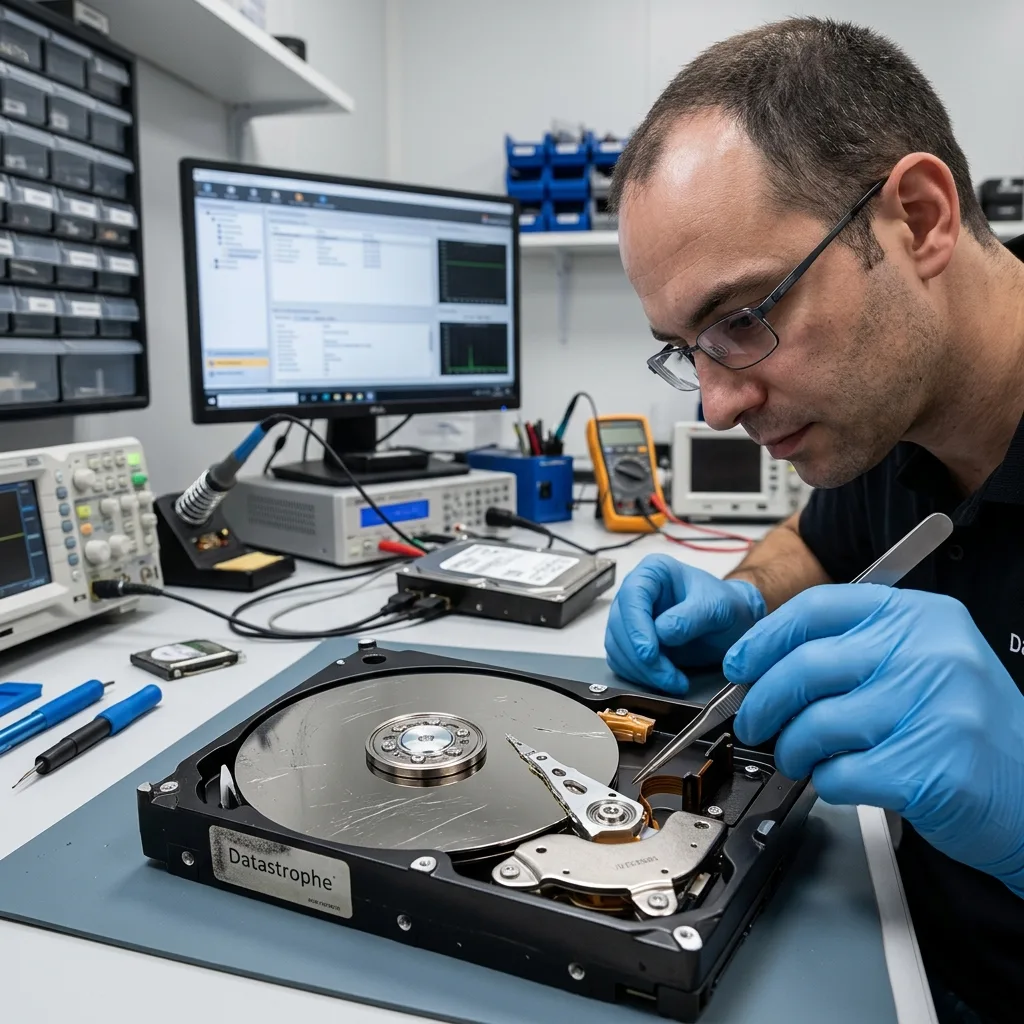
Diagnostic assessment
Responding after impact or failure
A drive that clicks, scrapes, disappears or slows markedly after travel should not be forced. Repeated starts are tempting when it responds for a few seconds, but that window ought to be preserved for controlled reading.
Don't accept a request to format the drive. It may arise from logical corruption, a failed enclosure or an unstable device. Formatting changes the disk and makes recovery harder.
Changing the cable or enclosure can be suitable in some circumstances, but not when the drive makes abnormal noises or has suffered impact. Avoid testing it across several computers, as each attempt adds mechanical stress.
After an in-flight transport incident, hard drive data recovery sets out the process for a drive that has already failed. Vibration and impact also indicate why mechanical media can deteriorate after physical stress.
Diagnostic assessment
Preparing the assessment when data matter
A sound assessment starts with simple facts: drive model, capacity, enclosure type, journey context, any fall, displayed messages, sounds heard and previous attempts. Those details guide the method.
State the priority data. A travel drive may hold old archives, duplicates and a small number of essential files. Knowing what comes first helps decide whether targeted imaging is preferable to an exhaustive read.
Keep existing copies. Even a partial copy, older export or synchronised folder may help validate recovered versions. Do not overwrite them in an attempt to create a tidy new backup.
Flying with a hard drive is not inherently dangerous, but risk rises when that drive holds the only copy, lacks protection or is already ageing; separate copies, suitable packing and a cautious response to symptoms provide the best protection.
Avoid reorganising backups during the journey; deleting old folders to make room, moving archives or consolidating several devices onto one drive creates unnecessary dependence. Complete such work before departure or after returning, using stable media with a backup.
Plan encryption as well. It protects business data if the drive is lost, but the recovery key must remain available. Without a password, key file or original computer, technically readable media may still be unusable. Security should not become an undocumented barrier.
Diagnostic assessment
Primary Technical References And Limits
Reference scope — with hard drive preventing data loss: For flying with hard drive preventing data loss, the primary references used are NIST SP 800-86. Physical evidence — with hard drive preventing data loss: They define the relevant preservation, storage or validation concepts, but they cannot establish the exact physical condition, controller state, key availability or business consistency of the device received. Controller evidence — with hard drive preventing data loss: Those points require measurements on the original set and verification on copies.
Diagnostic assessment
Arrange A Controlled Assessment
Complete set — with hard drive preventing data loss: For a technical assessment of flying with hard drive preventing data loss, provide the complete device or storage set, its associated power and interface parts, the symptom timeline and the essential records. Incident history — with hard drive preventing data loss: Keep member order, labels and authorised credentials separate from the parcel paperwork; do not restart the source merely to obtain a new screenshot.
Laboratory responsibility — with hard drive preventing data loss: Datastrophe performs the diagnosis, integrity checks and recovery directly in its own laboratory with its own team. Free assessment — with hard drive preventing data loss: Diagnosis and the quotation are free. Transport boundary — with hard drive preventing data loss: Private collection and return is included; the carrier moves only the sealed parcel and neither accesses nor processes its data.
Controlled list — with hard drive preventing data loss: Before any payment, the client receives the proposed price and a checked list. Verification classes — with hard drive preventing data loss: Each item is classified, in order, as recoverable_verified, partial, detected_unverified or unrecoverable. Payment trigger — with hard drive preventing data loss: Only recoverable_verified items whose contents were checked and found usable are presented as recoverable. No-result rule — with hard drive preventing data loss: Payment is due only after the client accepts both the list and the price.
No-result rule — with hard drive preventing data loss: If no usable data is verified, recovery fails, or the client declines the list or price, no standard fee is payable. Rare-part exception — with hard drive preventing data loss: The only exception is a rare, costly and non-refundable part, which may be ordered only after a separate, explicit and priced proposal has been accepted.