

SSD and NVMe Recovery From Failed Flash Storage
A silent SSD can fail abruptly. Controller state, NAND translation, TRIM, encryption and later writes all affect whether useful files can be acquired and reconstructed.
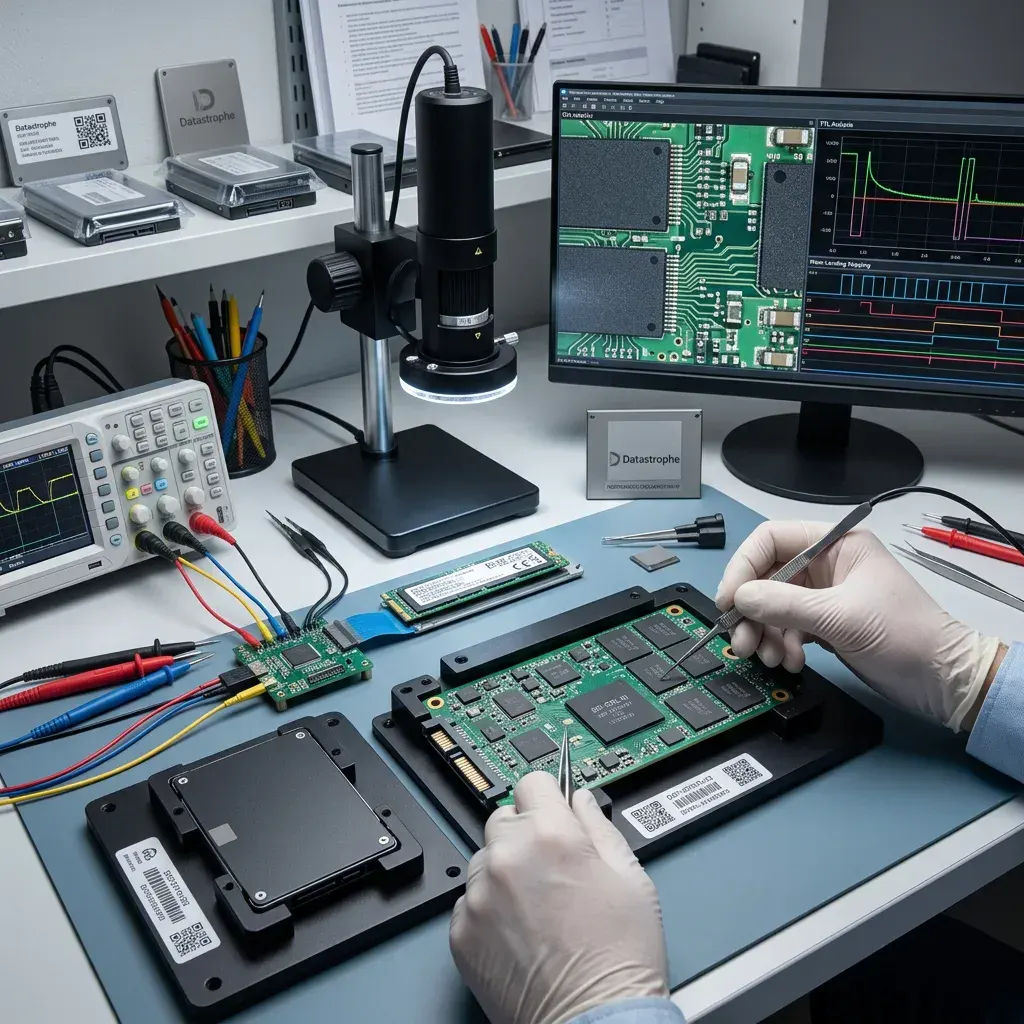
Failure model
Establish Whether the SSD Failure Is Logical or Electronic
An SSD that vanishes, reports the wrong capacity or presents a RAW volume may have a logical fault, controller instability or both.
A failed SSD or NVMe device rarely explains itself clearly. It may no longer be detected, remain trapped in a firmware state, appear empty after a power event or hold a volume that cannot be mounted. Cases range from SATA SSDs and NVMe M.2 modules to system drives in laptops, workstations and business computers. The useful starting point is the device's former role, the incident timeline and the data whose loss matters most.
Flash storage is approached as a layered evidence source. The current condition is preserved, writes are prevented, the accessible layers are identified and an acquisition route suited to the controller or NAND is selected. If failure followed a short circuit, power surge or liquid ingress, the electronics must be stabilised before a read attempt adds further damage. This helps separate logical corruption from electronic failure, damaged structures and mixed cases. For Irish users, the critical material is often the current laptop profile or business dataset rather than every historical block on the device.
The purpose is not to make the SSD dependable enough for continued use. It is to create a sound copy of recoverable data and to identify plainly any content lost through failed memory, overwriting or encryption for which the necessary key is not available.
- Relate the symptoms to controller and NAND behaviour
- Separate extracted pages from usable files
- Choose each step from observable evidence
What the initial review establishes
The review records how the device presents, whether its capacity is credible and which logical or physical layers remain accessible. This evidence informs a controlled route through the interface, controller or NAND without using the source for speculative testing.
What recovery cannot promise
Recovery produces a separate copy of data that can be reconstructed and verified; it does not return the failed SSD to trusted service. Dead NAND, content already erased by internal processes and inaccessible encrypted areas remain stated limitations.
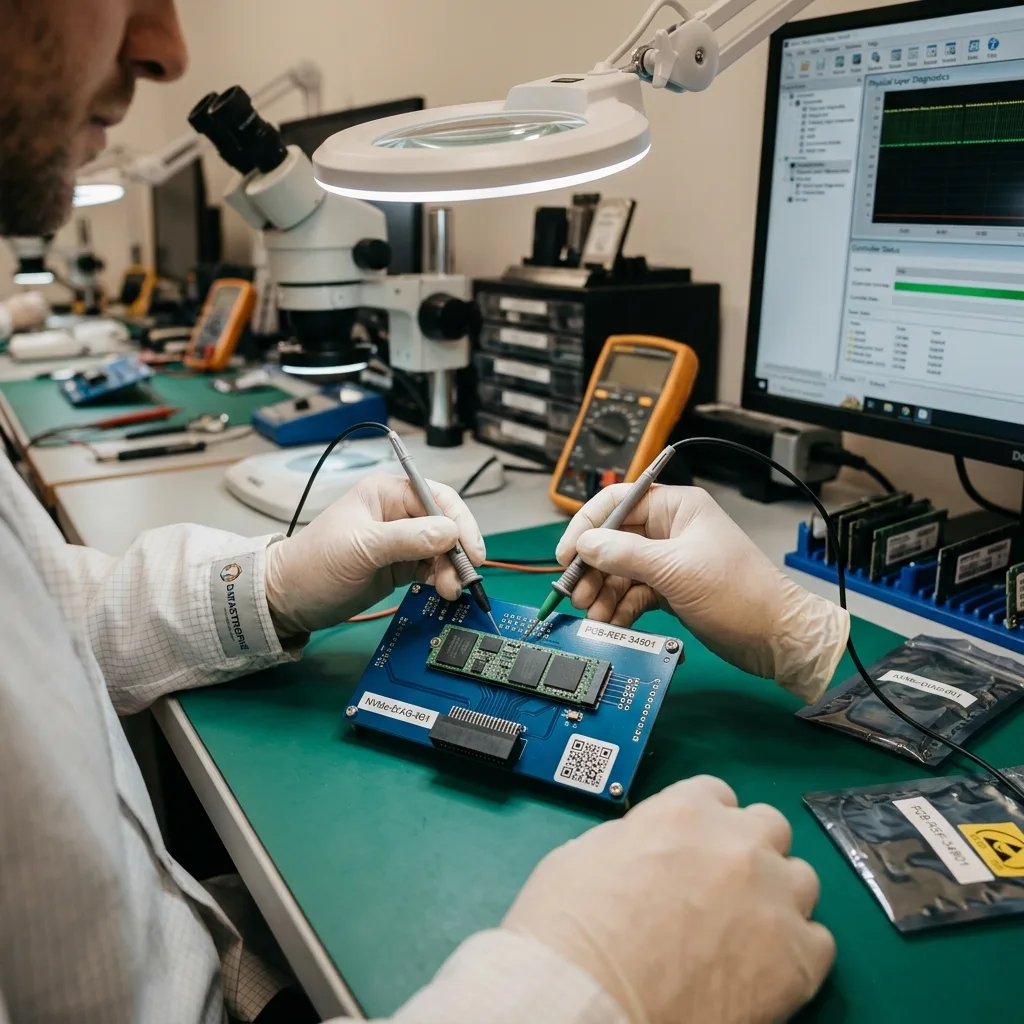
Immediate restraint
Treat Missing Capacity and Unstable Detection as Stop Signals
Because flash storage can lose normal access without noise, changes in detection, heat or read behaviour deserve an early stop rather than a long scan.
An undetected SSD, an implausible capacity, a startup failure, an encrypted volume, I/O errors or a fault after loss of power should all be treated carefully. None provides a complete diagnosis by itself, but each helps indicate the risk and the order in which examination should proceed. Intermittent or unstable access is particularly important to record.
The event immediately before the loss can narrow the possibilities. Impact, a power cut, deletion, formatting and an attempted reconstruction affect flash storage differently. Tools already run against the drive may also have written new blocks or altered metadata needed for recovery. When a case is prepared in Ireland, recording whether the SSD was still detected at native capacity can be more valuable than one more restart.
Leaving a faulty SSD powered can allow its internal processes to continue. New operating-system activity may overwrite deleted data, while garbage collection, TRIM or repeated reads can reduce what remains available from an unstable device.
- Note exactly how and when the SSD appears
- Avoid repeated power cycles and scans
- Record every tool or repair already attempted
Why Recent Events Matter
A sudden power loss, format command, deletion or physical shock leaves a different technical picture. A concise chronology helps identify changes made after the original fault, including writes or metadata updates caused by attempted automated scanning software.
When to Stop Powering the Device
If capacity changes, the drive disappears or access becomes erratic, further cycling may make the window for acquisition smaller. Leaving the SSD off preserves its present state while an appropriate controlled read is planned.
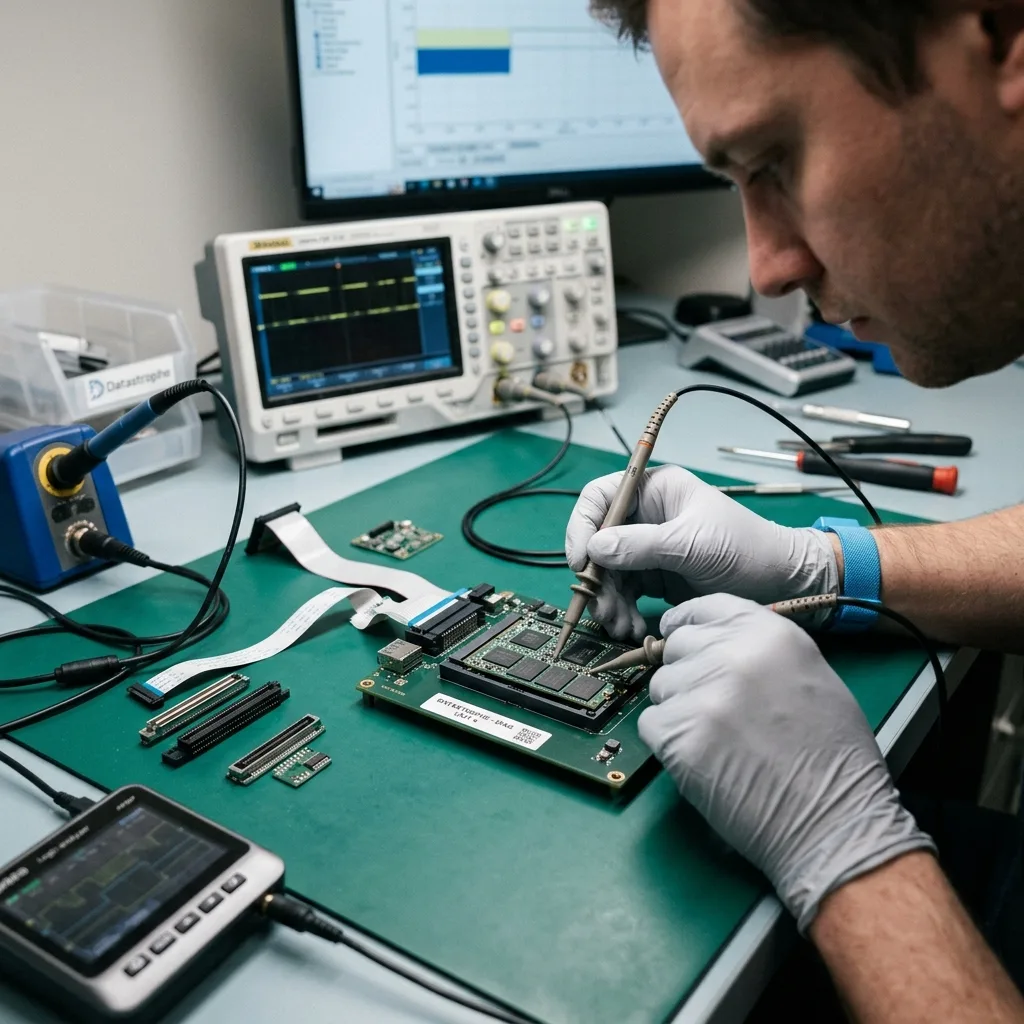
Write control
Freeze Writes Before TRIM or Repair Changes the Evidence
Booting, repairing, reinstalling and synchronising can create host writes while TRIM and internal maintenance alter pages out of sight.
Do not reinitialise the SSD, install a system onto it, run aggressive software cloning, repeat benchmark tests or use a utility that writes to the affected volume. These steps alter flash translation or file-system state and can make a dependable diagnosis harder, even if the interface suggests a simple repair.
An automatic fix may rewrite structures, clear journals or reconnect fragments without their original context. On flash media, a casual test may also trigger background activity. Stopping and noting what occurred protects more evidence than trying a succession of repair options. Cloud synchronisation does not make continued SSD use harmless; it may propagate deletions while the local system keeps writing caches and logs.
Acquisition uses controlled reads, and subsequent reconstruction takes place on protected analysis copies. The original device remains the reference rather than a test bench, allowing competing explanations to be checked without repeatedly exposing unstable hardware.
- Keep the source free from new writes
- Do not accept automatic initialisation or repair
- Retain the device in its present condition
Why a Quick Fix Can Be Costly
System utilities may update metadata or prompt the controller to reorganise flash while attempting a repair. Those changes can erase the distinction between the original incident and what happened during troubleshooting.
Keeping the Original as Evidence
Once a controlled acquisition is available, file-system repair and reconstruction can be explored on copies. This protects the source and leaves a stable point of reference should the first interpretation of the fault need to be revised.
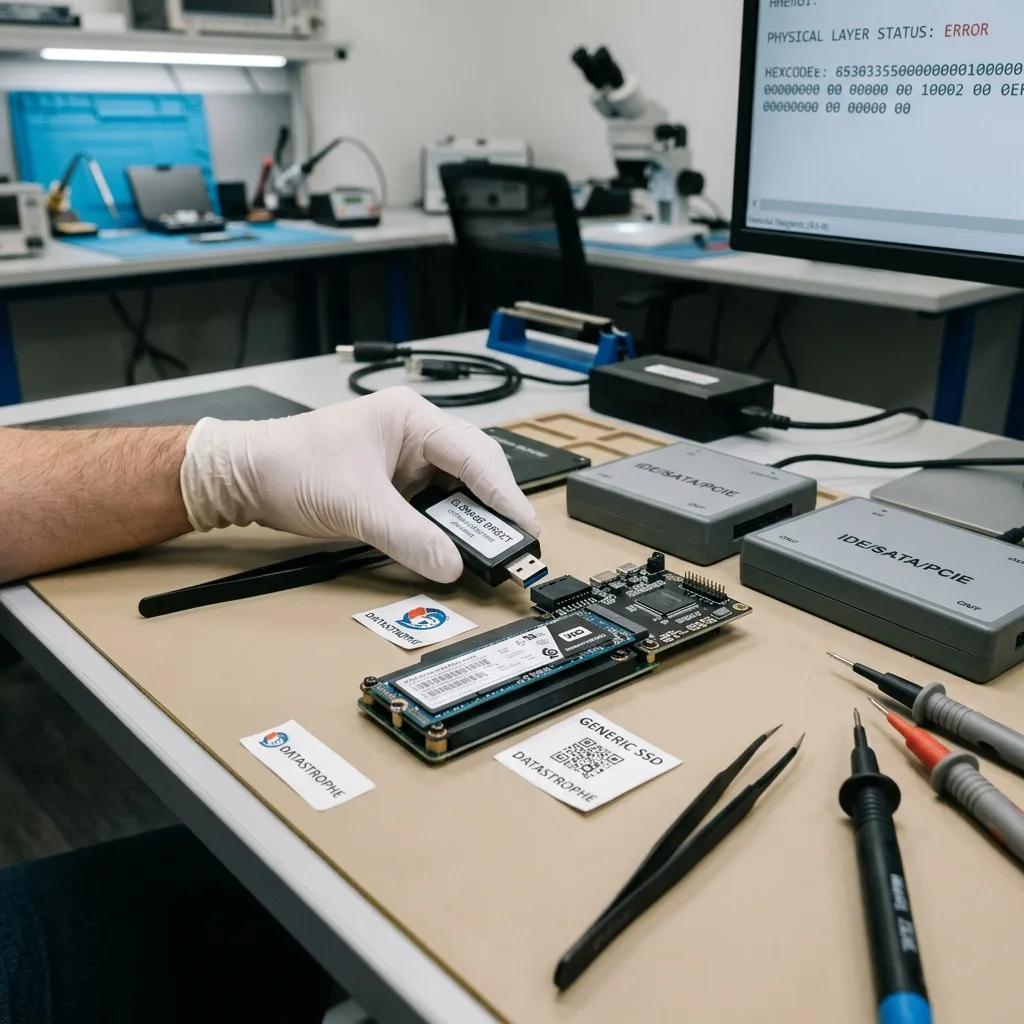
Flash architecture
Reconstruct Meaning Across Controller, FTL and NAND
Logical addresses only become files when controller translation, error correction, metadata, encryption and surviving NAND pages can be interpreted together.
Controller state, NAND, FTL, TRIM, wear levelling, firmware, NVMe and hardware encryption all sit between raw flash and a usable file. Their relationships determine whether recovery can follow physical pages, logical mappings, file-system metadata or several of these routes together.
Seeing a directory tree is encouraging but does not confirm that the content behind it is intact. In the opposite situation, an empty volume view does not prove that every file has vanished. Metadata, signatures, journals, indexes, snapshots and fragments may still support reconstruction. The technical brief should state whether the device came from a laptop, workstation, server or external enclosure, because power and firmware context differ.
The work progresses from stable acquisition towards logical meaning. Device response and readable areas are established first, translation and volume structures follow, and only then are priority folders and files tested. This prevents a neat-looking result from being mistaken for a usable one.
- Map physical flash to the controller's logic
- Reconstruct file context before reporting success
- Open or inspect representative priority data
Why Visible Folders Are Not Enough
A file entry can survive while some or all of its content has been trimmed, overwritten or mapped incorrectly. Validation looks beyond names and sizes to the internal consistency of the files that matter.
Building Meaning Layer by Layer
Readable flash is acquired before translation structures and volumes are reconstructed. File systems, folders and priority content are then reviewed in sequence, so the outcome retains a clear link to the underlying evidence.

Acquisition route
Choose an Acquisition Route That Matches the Flash Fault
The assessment selects interface access, controlled imaging or component-level work according to stability instead of assuming every SSD follows one chip-off path.
Every case is first assessed by device type, symptoms, date of loss, previous actions, expected volume and essential files. The resulting picture allows the method to fit the particular SSD, rather than forcing dissimilar controller and file-system faults through one routine.
Where the device is unstable, acquisition concentrates on preserving the areas that can still be read. A logical incident calls for strict control of writes and careful reconstruction of missing structures. Mixed faults are handled in the least destructive technical order. For a case originating in Ireland, the proposed method can be agreed from supplied evidence before the SSD is prepared for controlled transport. In the data recovery laboratory, controller access, NAND acquisition and logical reconstruction are staged according to the observed stability.
Results are sampled and tested before they are characterised as useful. Key documents may be opened, project files inspected, dates compared and internal structures checked where possible. A large extraction is only valuable when the files within it remain meaningful.
- Identify the controller and flash architecture
- Protect readable content before reconstruction
- Test samples drawn from the priority data
Selecting a Proportionate Acquisition
Interface access may be suitable in one case, while controller-level or NAND work may be needed in another. The least intrusive method capable of preserving the available content is considered first.
How Recovered Content Is Tested
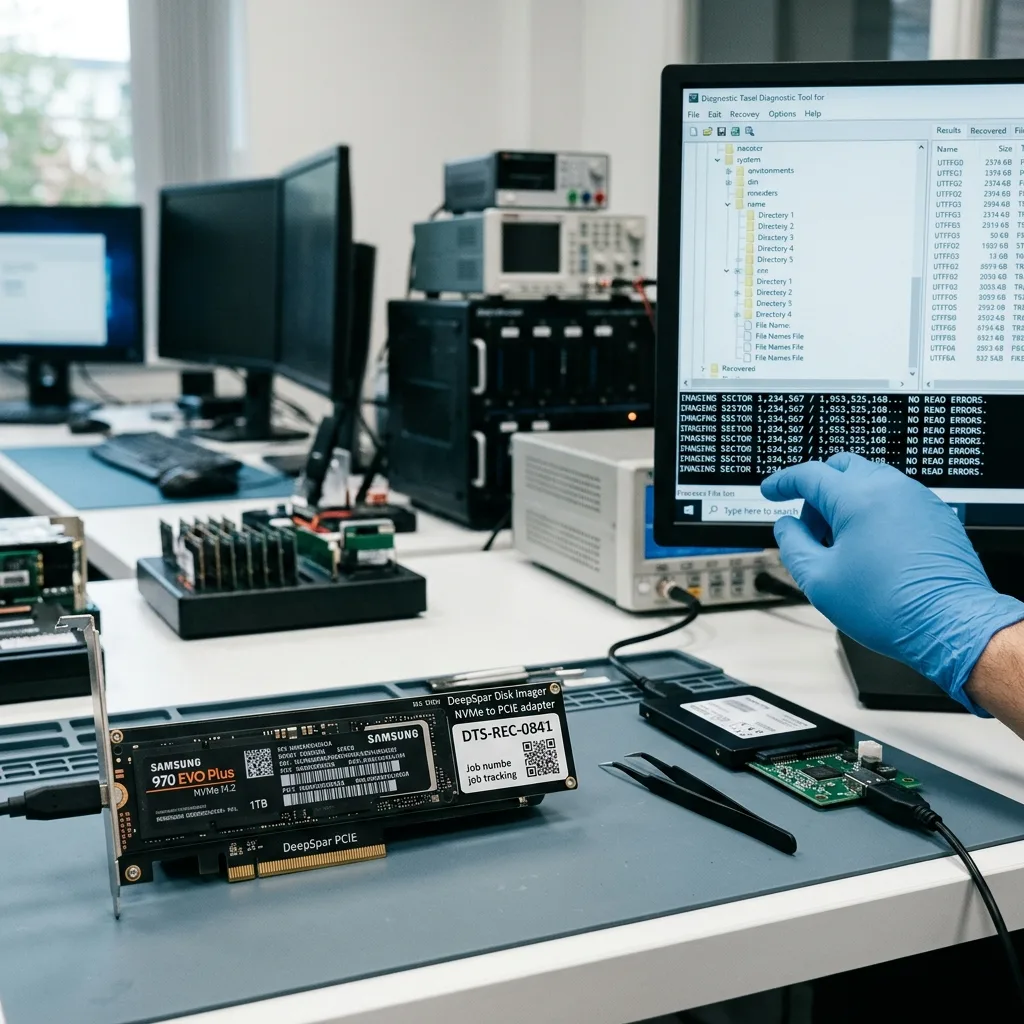
Representative files from the requested folders or projects are examined for structure and readability. Where an application-specific test is possible, it provides stronger evidence than a count of filenames or recovered gigabytes.
Usability checks
Test the Files That Matter, Not Merely the Sector Count
A useful result is demonstrated by opening representative projects, documents, databases or media with the expected dates and internal structure.
The user profile, recent documents, local databases, photographs and creative projects are frequent priorities. Identifying the exact folders, filenames, date ranges or applications early can bring the most important material into the acquisition and verification queue sooner.
A focused order is valuable when access is deteriorating or only a small portion of the SSD is needed urgently. It also limits unnecessary exposure of unrelated personal or client information and can answer the central recovery question without waiting for every possible file. A design studio may prioritise an active project, while a small business may need the latest accounts database and its supporting files checked first.
The final review separates files that open correctly from partial content and from entries that have merely been detected. A directory listing or signature hit is not counted as usable data unless enough coherent content survives for the intended purpose.
- List essential folders, files and applications
- Check representative content for real usability
- Separate complete, partial and detected items
Making Fragile Access Count
When a drive may not remain available, precise priorities help direct stable reads towards the most valuable data. Recent work, local databases or a defined project can be acquired before less important areas.
Classifying What Was Found
Complete files are distinguished from truncated or corrupt content, while metadata-only discoveries are reported separately. This gives the recipient a realistic view of the material that can actually be opened or reused.
Secure return
Keep Encryption and Private Data Within a Controlled Return
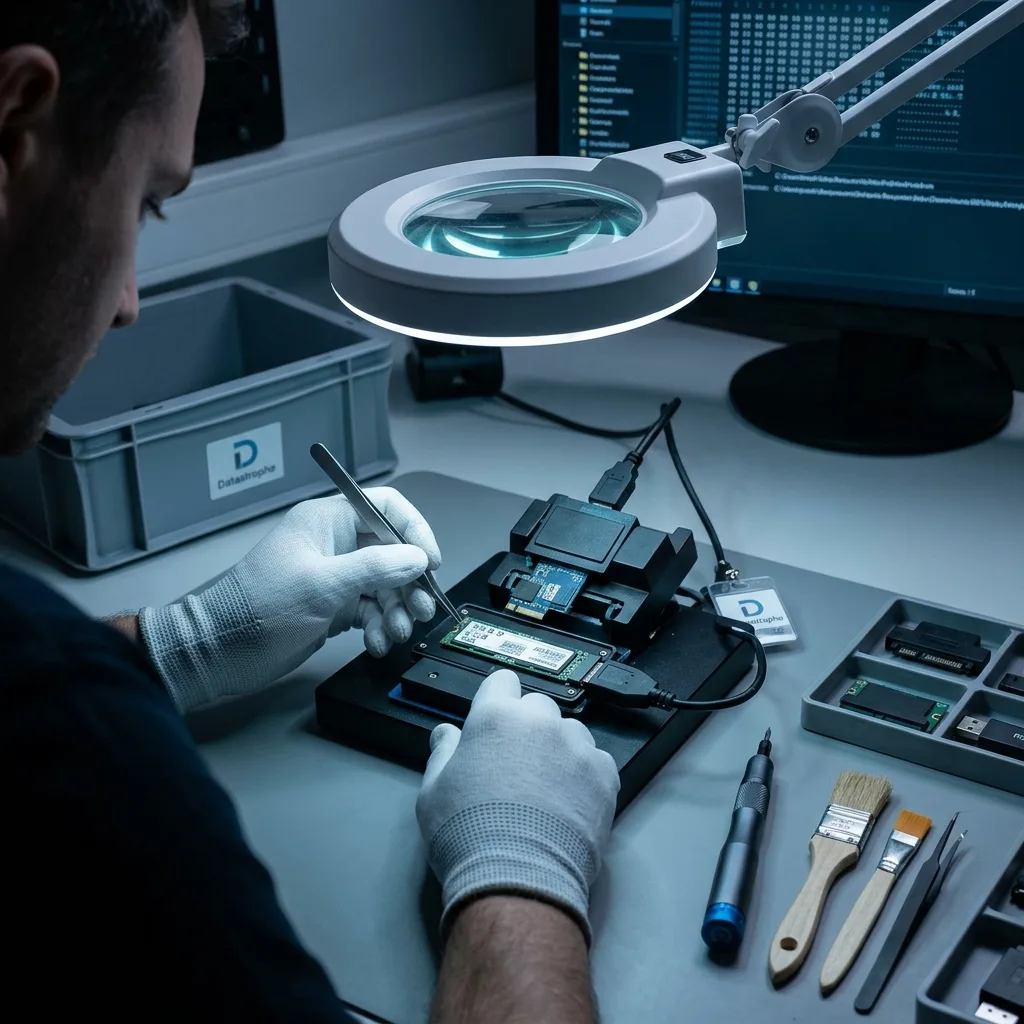
SSD images and recovered profiles may contain extensive private material, so access, encryption credentials and returned copies require explicit controls.
An SSD may contain histories, personal material, customer documents, application data and logs well beyond the requested files. Human review and search should therefore be limited to what is necessary to assess and verify the agreed priorities.
Recovered files are supplied on healthy media or in a format appropriate to the result. If some content required conversion, targeted extraction or partial reconstruction, the nature of that return is described clearly before it changes hands. Credentials are used only where legitimately supplied for the agreed recovery purpose and should not be mixed into general transport correspondence.
The outcome includes its technical boundaries. Failed NAND, overwritten pages, the effects of TRIM, missing translation data and encryption without valid credentials are stated directly wherever they prevent complete recovery.
- Keep searches within the requested scope
- Use verified destination storage for the returned copy
- Set out technical limitations without ambiguity
Explaining the Deliverable
Depending on the case, the recipient may receive a structured folder copy, selected project data or a partial reconstruction. The form of the material is explained so its relationship to the failed SSD is understood.
Keeping the Limits Alongside the Result
Unreadable NAND, erased mappings, trimmed ranges and inaccessible encryption are reported with the verified files. This provides a dependable basis for deciding whether the recovered content meets the original need.

Case evidence
Prepare the Device History, Access Details and Priorities
Model, host device, capacity changes, incident timeline, FileVault or other encryption, and priority paths help avoid speculative tests.
Note the SSD model and capacity, the symptoms, incident date, earlier recovery attempts and the files or folders needed most. Photographs of error messages, labels or visible damage can help establish the device and its condition without further powering it.
Keep the enclosure, cable, adaptor, power supply, previous drive, configuration information and any partial backup that belongs with the case. A seemingly minor accessory can explain intermittent access or confirm how the device was connected when the fault appeared. If the SSD is soldered into a device, retain the complete host and its original power context rather than separating components before advice is given.
Describe events rather than guessing at a cause. A short account of what changed, what was tried, which data matters and what would count as a useful partial return gives the first assessment a precise, practical focus.
- Record the full model and stated capacity
- List all software and power-on attempts
- Name the folders and projects needed first
Accessories and Records to Retain
The original enclosure, adaptor, cable and power supply may help reproduce or explain the failure safely. Keep partial backups and any earlier image files as well, since they may contain data no longer accessible on the source.
Writing a Clear Incident Note
Set down when the problem began, how the device behaved and every action taken afterwards. Add a ranked list of required content and describe the minimum partial result that would still have practical value.
FAQ
Frequently asked questions
What is the safest first step when an SSD or NVMe drive stops responding?
Avoid further writes, repeated scans and unnecessary power cycles. Record exactly how the device presents, retain it in its current state and list the folders or projects that matter most before arranging a diagnostic assessment.
Can complete data recovery be promised from a failed SSD?
No outcome can be assumed in advance. It depends on controller and NAND condition, internal housekeeping, subsequent writes, surviving translation data and encryption. Recovery is limited to content that the evidence supports and that can be reconstructed coherently.
Why does an SSD recovery case need data priorities?
A precise list helps concentrate stable access on recent documents, local databases or project folders before less important areas. It also gives the verification stage meaningful samples against which to judge whether recovery has met the need.
Should the original SSD be safe to use again?
The failed device is not repaired or certified for renewed service as part of data recovery. Usable content is transferred to verified destination storage, and an SSD involved in data loss should no longer be trusted as a production copy.
How are incomplete SSD results described?
The findings identify causes such as unreadable flash, lost mappings, TRIM, overwritten content, partial files or inaccessible encryption. Files that were only detected are distinguished from those that could be opened or otherwise checked.
Media
Other expertise
- Internal Hard Drive Recovery After Mechanical or Logical Failure Evidence-led recovery for clicking or unrecognised hard drives, covering mechanical faults, unstable sectors, lost partitions and checked file return.
- Recovering Data from Unreadable External Hard Drives Recovery for external drives with enclosure, mechanical or file-system faults, using source protection, controlled imaging and checked files.
- Recovering Data From Damaged USB Flash Drives Recovery for broken or unrecognised USB drives, covering connector faults, controller failure, NAND reconstruction and checked file return.
- Recovering Photos and Video From Failed Memory Cards Controlled recovery for unreadable, formatted or corrupted SD and microSD cards, with flash-aware acquisition and checks of priority photographs and video.
- Recovering Data From a Laptop That Will Not Start Careful laptop data recovery after boot failure, liquid damage or storage faults, with encryption context preserved and priority folders checked.
- Recovering Data From Failed Mac and Apple Storage Evidence-led Mac data recovery for failed SSDs, APFS volumes, FileVault access and Fusion Drive structures, with priority libraries checked.
- Recovering Local Data From a Tablet That Will Not Start Careful tablet data recovery after startup, storage or app-data loss, with encryption context preserved and priority documents and media checked.
- Recovering Virtual Disks, Snapshots and Guest Data Structured recovery for VMDK and VHDX chains, snapshots and damaged datastores, with guest file systems and priority workloads validated.
- Recovering Data From Failed RAID and NAS Arrays Evidence-led RAID and NAS recovery after disk loss, rebuild failure or configuration damage, preserving member order and validating priority volumes.
- Recovering Critical Data From a Failed Server Structured server recovery after hardware, RAID or file-system failure, preserving dependencies and validating priority databases, shares and guests.
- Recovering Missing Footage From CCTV and NVR Systems Structured recovery of missing CCTV and NVR footage from failed disks, arrays or proprietary video stores, preserving timestamps and camera context.
- ISO 5 Clean-Room Procedures for Mechanically Failed Drives An evidence-led guide to ISO 5 Class 100 hard-drive intervention, explaining contamination control, mechanical scope and recovery boundaries.
 Internal Hard Drive Recovery After Mechanical or Logical Failure
  Recovering Data From Damaged USB Flash Drives
  Recovering Photos and Video From Failed Memory Cards
  Recovering Data From a Laptop That Will Not Start
  Recovering Local Data From a Tablet That Will Not Start
  Recovering Virtual Disks, Snapshots and Guest Data
  Recovering Data From Failed RAID and NAS Arrays
  Recovering Critical Data From a Failed Server
  Recovering Missing Footage From CCTV and NVR Systems
  ISO 5 Clean-Room Procedures for Mechanically Failed Drives
 Diagnostic assessment
Unsure about a storage device or fault?
Datastrophe qualifies the risk before any recovery attempt and points you towards the safest next step.