
Diagnostic assessment
Price Is Not The Whole Story: Use Changes The Risk
A low-cost USB flash drive is not automatically unsuitable. It can move a non-critical file or carry a temporary duplicate quite adequately. Trouble starts when that same device becomes the sole home for documents, photographs, accounts exports, client folders or production files.
Risk increases as actual use drifts away from the original purpose. A promotional stick or bulk-bought device selected for its headline capacity can quietly become unique storage, even though the files are worth far more than the hardware.
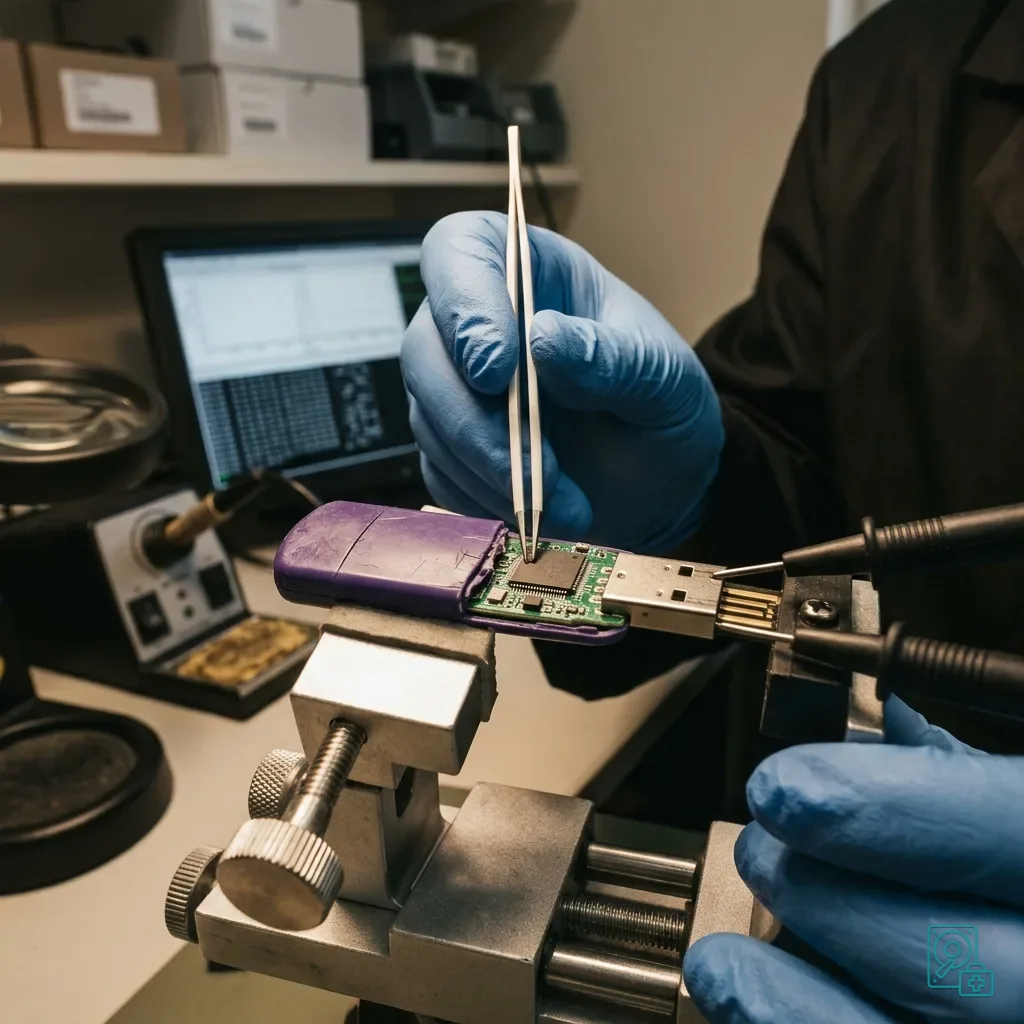
USB flash drive data recovery explains the service process. Here, the focus is on low-cost media, flash memory, controller, connector and handling errors that make losses worse.
Weak media can appear reliable for months before becoming unstable without warning. A format request, incorrect capacity, mid-copy disconnection or failure to be recognised is a reason to stop, not an invitation to test another port.
Its purchasing history may be unknown. A drive bundled with equipment, handed out at an event or found in a drawer is often used without qualification. Treat it as unverified before placing important data on it.
Diagnostic assessment
Flash Memory And Controller Determine Reliability
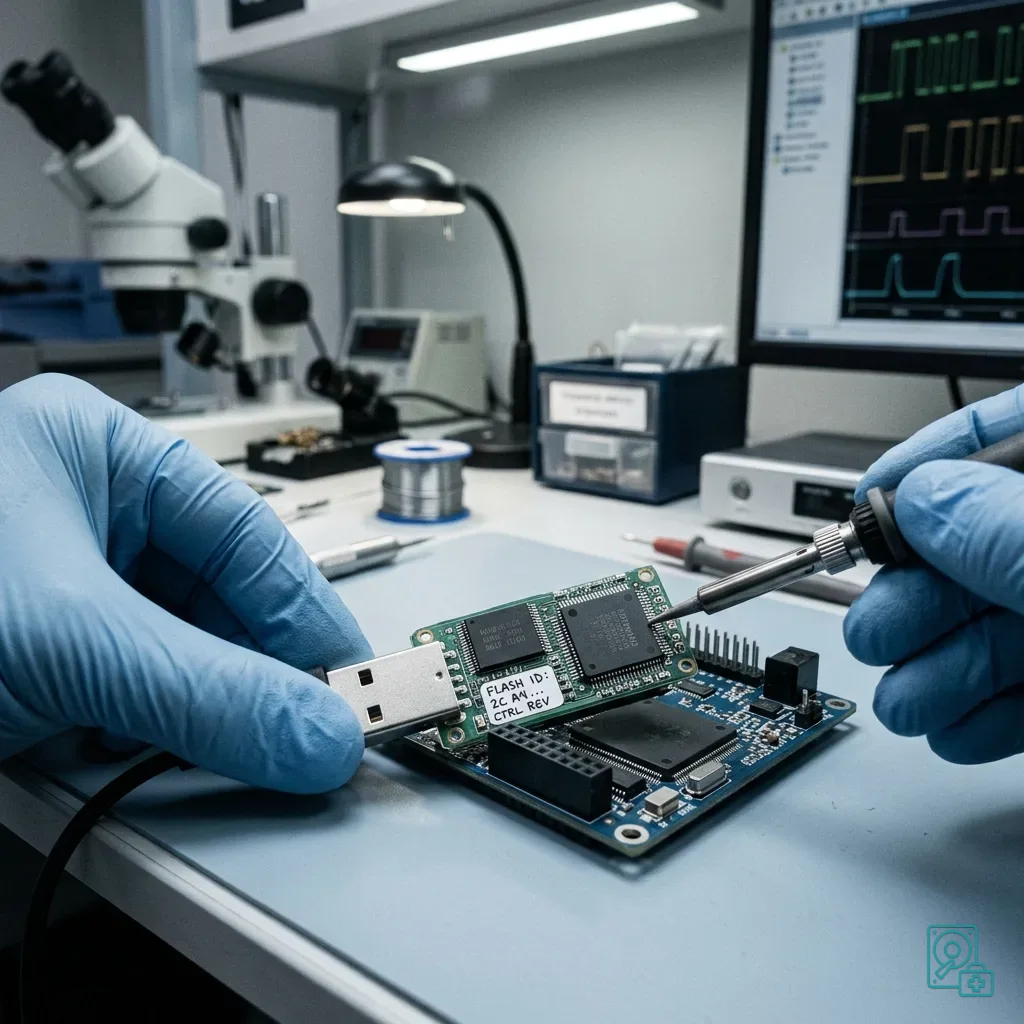
Every USB drive relies on the pairing of flash memory and controller. The controller directs writes, error correction and block access; when it becomes unstable, files may vanish even though the device still powers on.
Flash memory has limited endurance. Low-cost drives may use less robust components, basic controllers or weaker error management, none of which is visible from the casing. Two drives with the same stated capacity can differ greatly in reliability.
Treat unusually generous or inconsistent capacity claims with care. Counterfeit or badly configured media may expose more space than physically exists, with corruption appearing only after enough data have been written.
The connector is another weak point. A very light drive, poor casing or frequent use across computers can loosen mechanically. A contact failure during writing can turn a simple transfer into logical corruption.
Controller limitations tend to surface under load. Near-full capacity, thousands of small files, sustained transfer or an unstable port can reveal faults that a quick drag-and-drop test misses.
Diagnostic assessment
Repeated Writes Are Not Harmless
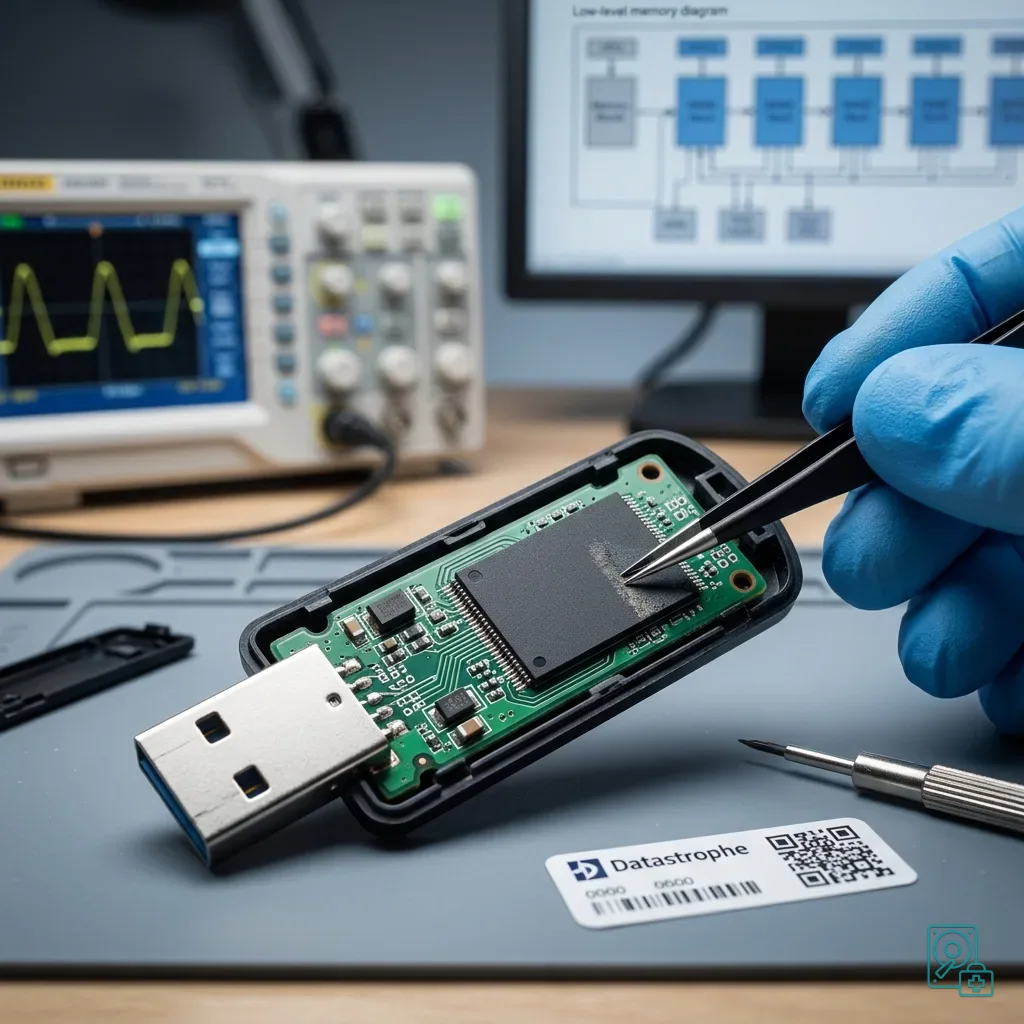
Using a cheap USB drive as working storage subjects it to constant writes from directly opened files, overwritten exports, hurried backups and successive versions. That pattern is far harsher than occasional transfer duty.
Interrupted writes are particularly risky. Removing the drive too soon, losing port power or copying through a disconnection can leave the file system inconsistent. The drive may then ask to be formatted or show empty folders.
Decline automatic repair when the files matter. It writes to volume structures and may produce a tidier display while removing information needed to understand or recover the earlier state.
USB drives carried between locations adds the transport risk. A low-cost drive becomes more vulnerable when carried daily, plugged in everywhere and used without an independent copy.
Working on files in place adds another layer of exposure. A spreadsheet, database or document can be rewritten several times, and a connection drop during save may leave the newest version unusable.
Diagnostic assessment
Warning Signs To Take Seriously
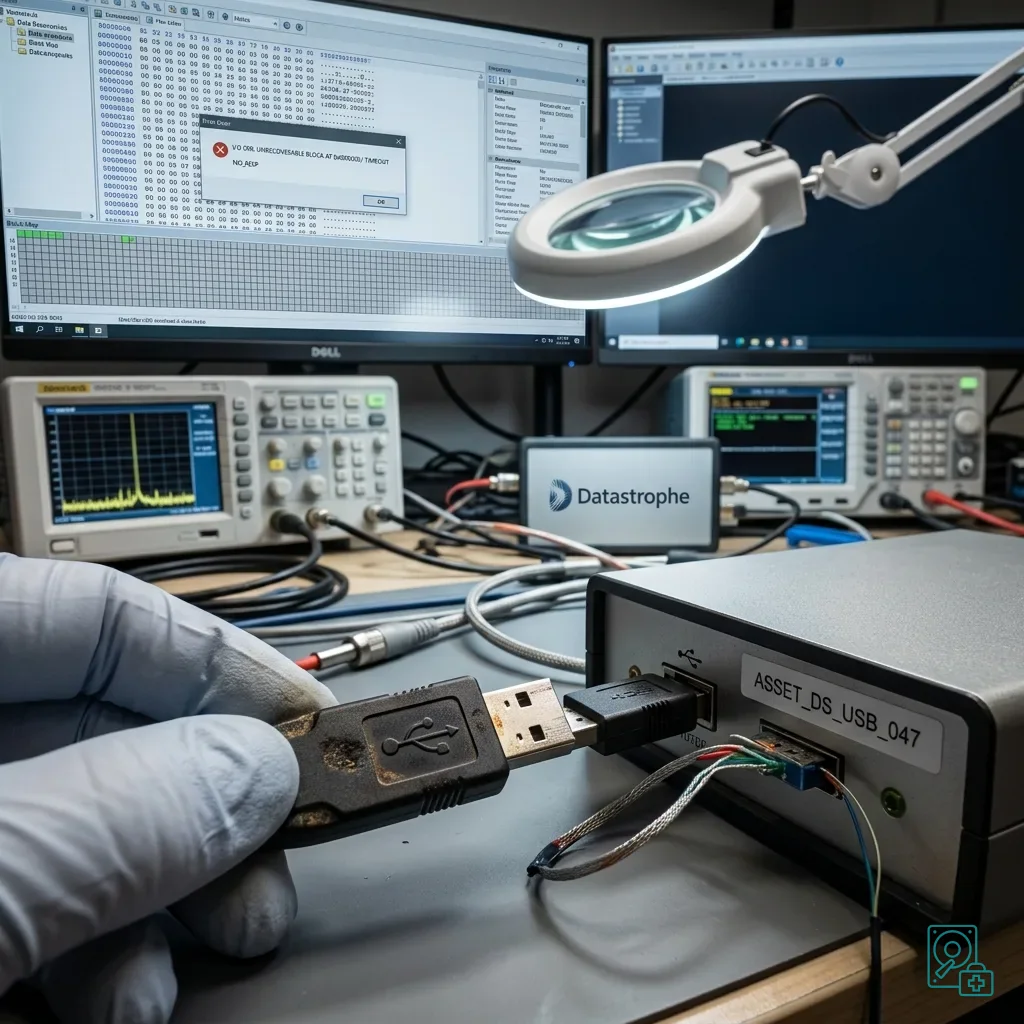
The warnings are usually plain: abrupt slowness, a stalled transfer, renamed files, changing capacity, heat, intermittent detection, a format prompt or read errors. Writing more data to investigate only increases the risk.
If some files remain visible, set priorities. Copying the entire volume without a plan may stall on difficult areas and prevent access to essential content.
Verify any existing backup before erasing or replacing the drive. Users often discover too late that an automatic copy lacked the newest folder, already contained a corrupt file or was never independent of the USB device.
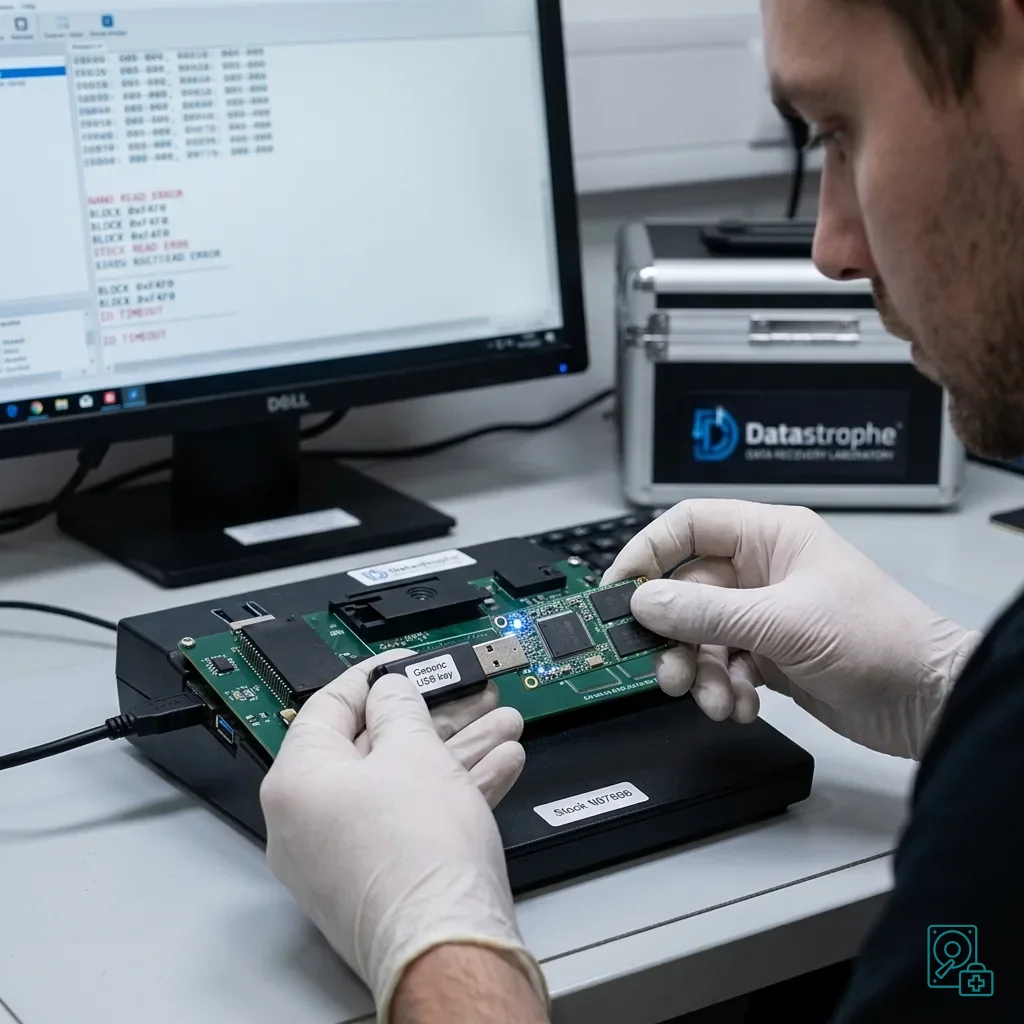
Datastrophe assesses the media and their actual condition. Depending on the failure, the priority may be stabilising access, making a controlled image or reconstructing the logical structure.
Keep the drive even when it looks empty. A missing folder tree does not prove that useful blocks are gone. Conversely, a visible file list does not guarantee intact content.
Brand and stated capacity are not enough for a conclusion. Reading behaviour remains the most useful evidence during assessment.
Diagnostic assessment
Use A USB Drive For Transfer, Not As The Only Archive
The practical rule is to let low-cost USB media carry a copy, never the only archive. Important files should also exist on separate storage or in a backup that has actually been verified.
Before a critical transfer, test the drive by copying a file, reading it back and checking its size. Avoid filling new media for the first time on the day important documents are due.
Replace drives that have already shown symptoms. Successful recovery does not make failed media reliable again; a format prompt, capacity change or read error should remove the drive from important use.
Good practice is pragmatic: choose suitable media, retain an independent copy, eject correctly and never confuse displayed capacity with reliability.
Diagnostic assessment
Primary Technical References And Limits
Reference scope — USB drive data-loss risks: For cheap USB drive data-loss risks, the primary references used are NIST SP 800-86. Physical evidence — USB drive data-loss risks: They define the relevant preservation, storage or validation concepts, but they cannot establish the exact physical condition, controller state, key availability or business consistency of the device received. Controller evidence — USB drive data-loss risks: Those points require measurements on the original set and verification on copies.
Diagnostic assessment
Arrange A Controlled Assessment
Complete set — USB drive data-loss risks: For a technical assessment of cheap USB drive data-loss risks, provide the complete device or storage set, its associated power and interface parts, the symptom timeline and the essential records. Incident history — USB drive data-loss risks: Keep member order, labels and authorised credentials separate from the parcel paperwork; do not restart the source merely to obtain a new screenshot.
Laboratory responsibility — USB drive data-loss risks: Datastrophe performs the diagnosis, integrity checks and recovery directly in its own laboratory with its own team. Free assessment — USB drive data-loss risks: Diagnosis and the quotation are free. Transport boundary — USB drive data-loss risks: Private collection and return is included; the carrier moves only the sealed parcel and neither accesses nor processes its data.
Controlled list — USB drive data-loss risks: Before any payment, the client receives the proposed price and a checked list. Verification classes — USB drive data-loss risks: Each item is classified, in order, as recoverable_verified, partial, detected_unverified or unrecoverable. Payment trigger — USB drive data-loss risks: Only recoverable_verified items whose contents were checked and found usable are presented as recoverable. No-result rule — USB drive data-loss risks: Payment is due only after the client accepts both the list and the price.
No-result rule — USB drive data-loss risks: If no usable data is verified, recovery fails, or the client declines the list or price, no standard fee is payable. Rare-part exception — USB drive data-loss risks: The only exception is a rare, costly and non-refundable part, which may be ordered only after a separate, explicit and priced proposal has been accepted.