
Diagnostic assessment
Hardware failures and unstable media
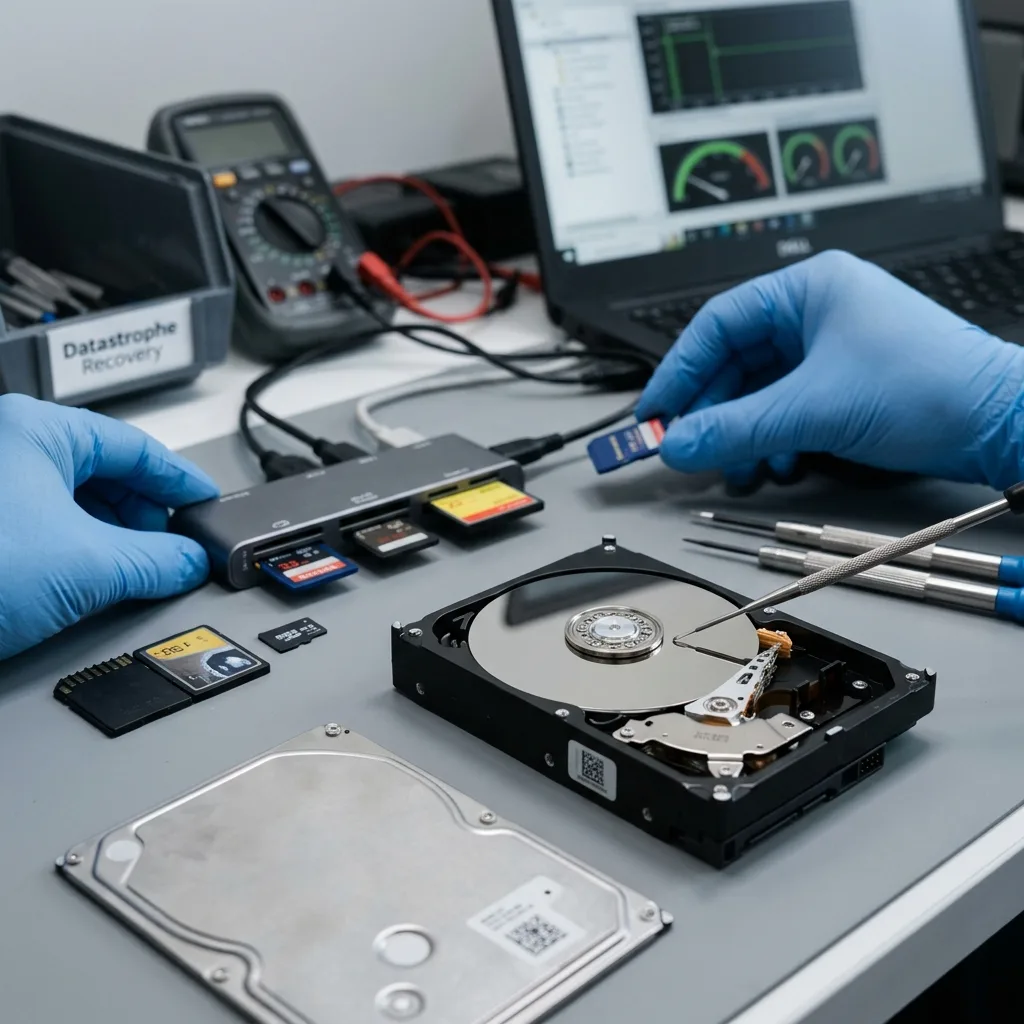
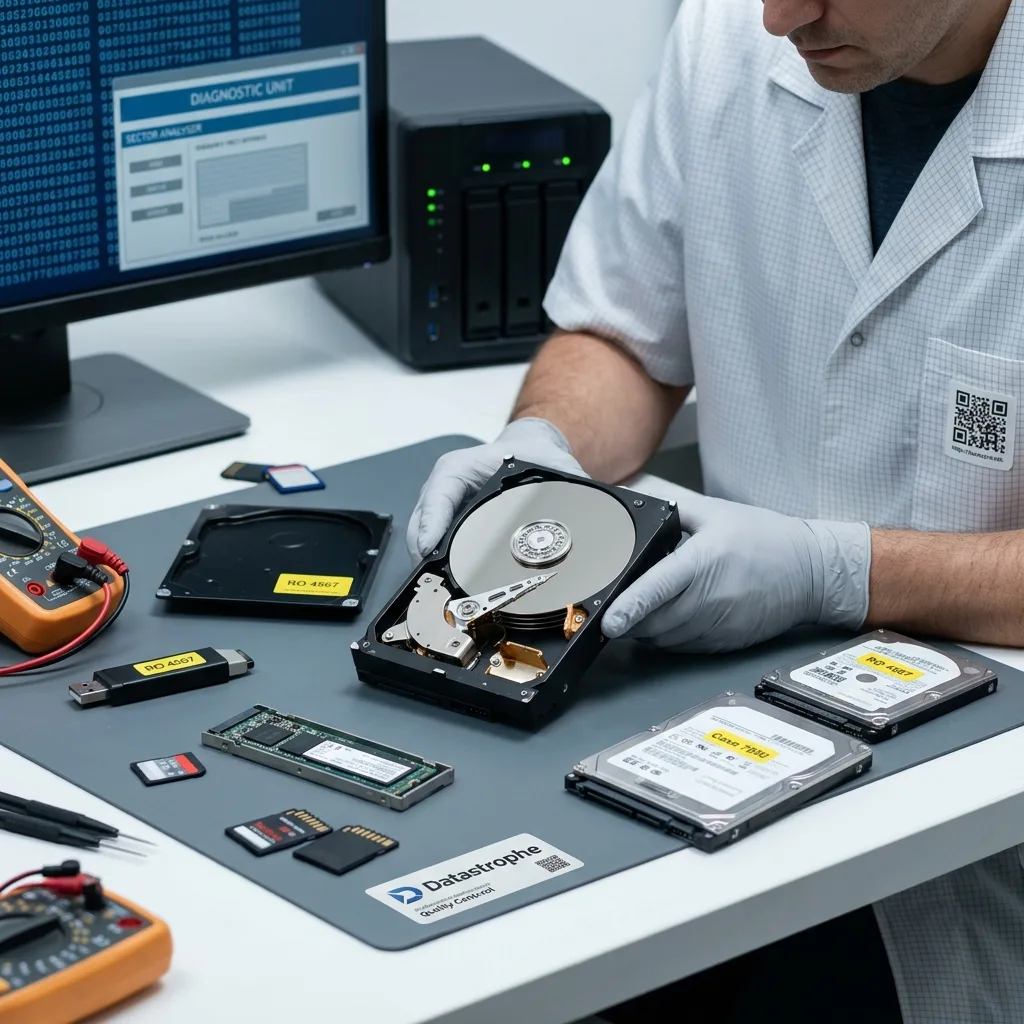
Hardware failure remains a common cause of data loss. A noisy hard drive, absent SSD, bent USB flash drive, inaccessible memory card, degraded NAS or unstable power supply can make files inaccessible. The visible symptom depends on the media, but the caution is the same: avoid repeated attempts.
Unstable media may still respond partly; they may display folders and then fail when files are opened. They may disconnect during copying or slow down on specific areas. This partial reading should not be confused with a healthy state.
The initial examination must distinguish mechanical failure, electronics, flash memory and logical damage. A device that clicks, heats up or disappears calls for a different method as a corrupted partition table. An absent SSD does not indicate the same signs as a damaged memory card.
Storage media damage assessment clarifies this separation. Identifying the likely cause avoids launching an unsuitable repair.
Hardware failure may also reveal an organisational weakness. If the media held the only copy, the visible cause is the drive, but the loss also comes from the absence of a verified backup. Understanding this double cause helps prevent repetition.
Diagnostic assessment
Human errors and unintended writes
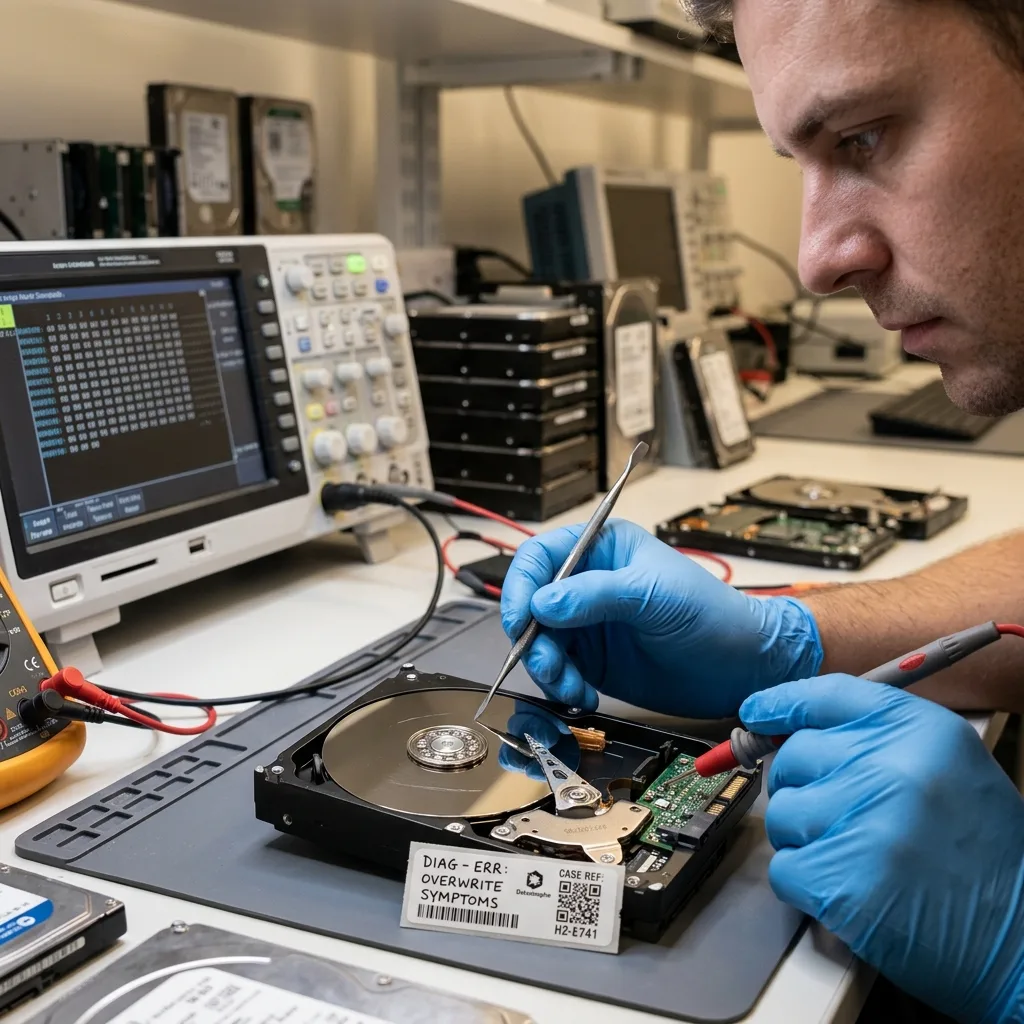
Human errors are not limited to a deleted file. Unplugging, formatting the wrong drive, restoring to the wrong place, interrupting a copy, moving a folder, overwriting a backup or launching a repair too quickly may all change the state of the data.
The danger commonly comes from unintended writes. After deletion or formatting, continuing to use the media can replace helpful areas. After a logical failure, an automated repair may alter metadata needed for reconstruction.
These errors do not always make recovery impossible, but they change the strategy. The steps already taken must be known to understand what may have been overwritten, moved or replaced.
Human errors and storage media covers the prevention side of this topic. After an incident, the immediate priority is to stop writes and document what happened.
Human error should be described without judgement; what matters for recovery is the technical effect: a new write, deletion, movement, formatting, restoration or change of device. Transparency improves the analysis.
Diagnostic assessment
Logical corruption and synchronisation
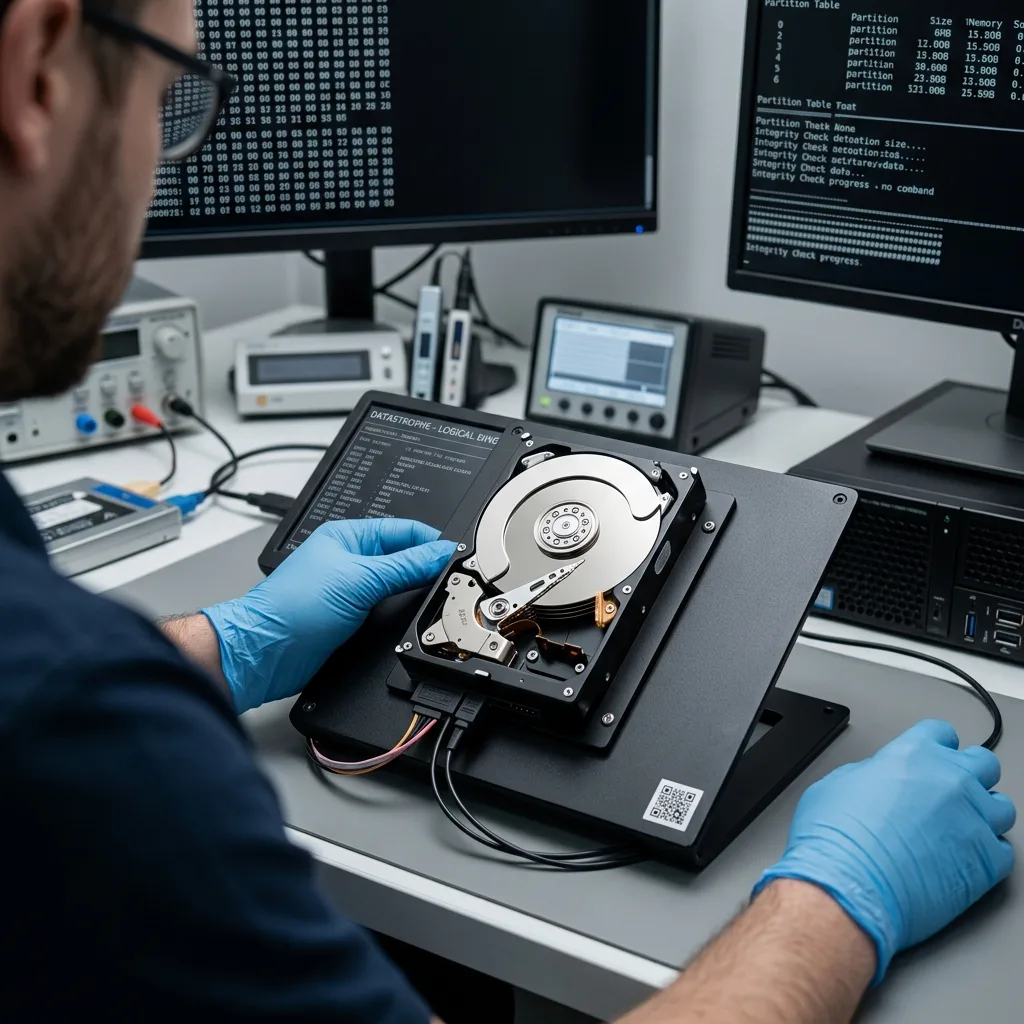
Data may become inaccessible without physical failure. An inconsistent partition table, damaged file system, corrupted database, partial file or wrong index may block access while the media still respond.
Synchronisation makes the analysis more complex. A local deletion may propagate to cloud storage, a NAS or several workstations. Corruption may be backed up if it already exists when the task runs. The right version may then be in a secondary source, earlier version or disconnected copy.
Sources should be compared before restoring. Production, backup, export, local workstation, cloud and external media may contain distinct versions. Restoring too quickly can replace the version that is still helpful.
Cloud backup limits details this risk. A backup is dependable only if it has been checked against the expected data.
Databases and business applications are especially sensitive. A file may exist but no longer be coherent with its logs or dependencies. The cause of the loss may therefore sit in the application as much as in the media.
Diagnostic assessment
Incident damage and environment
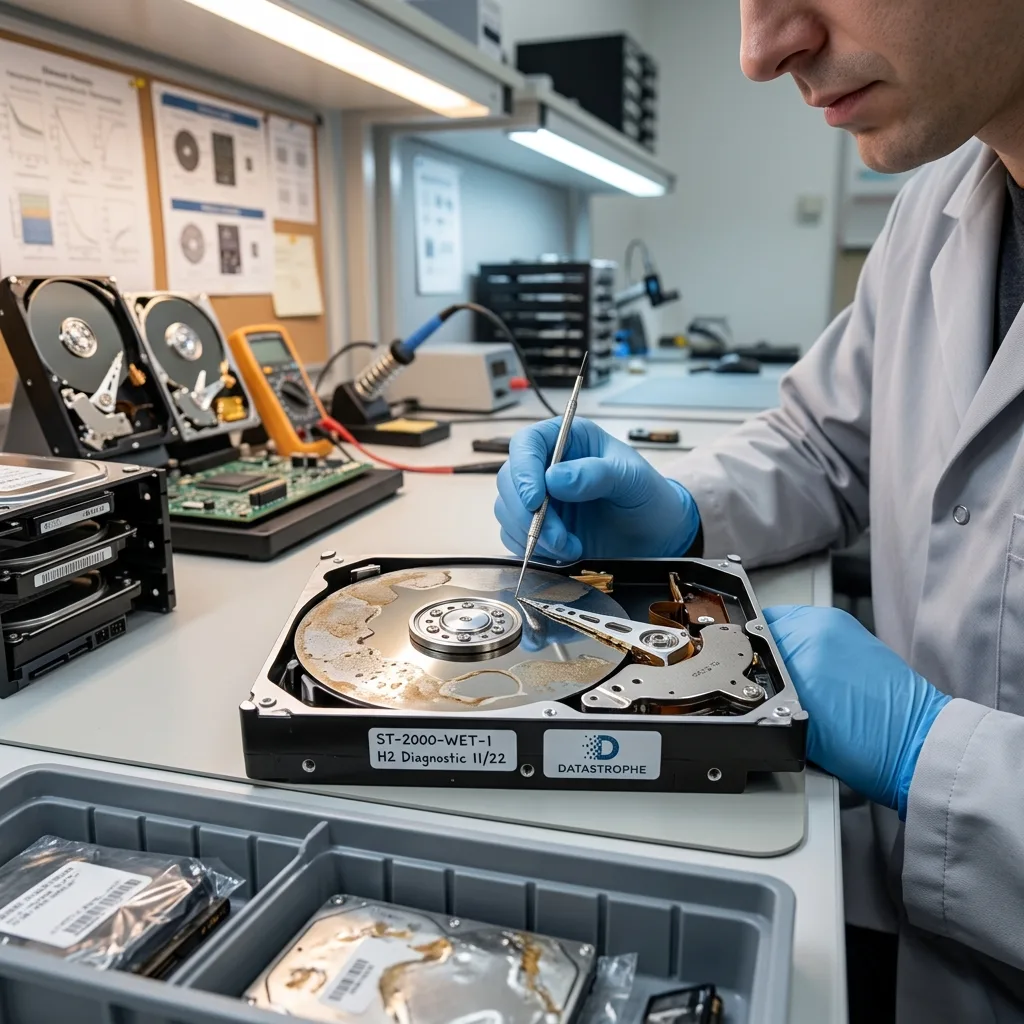
Water, moisture, fire, heat, cold, power surge, vibration or impact may damage media without the data disappearing immediately. The problem is commonly access to the media, not the absence of files. Powering up again too quickly may then make the situation worse.
Incidents often create combined failures. A drive exposed to water may have oxidised electronics and weakened mechanics. A power cut may cause logical corruption on already ageing media. An impact can make some sectors inaccessible and then block the copy.
The response should be proportionate. Preserve the device, note the context, avoid heat sources or repeated power-ups and prepare relevant information for examination.
The articles on extreme cold and storage media after fire illustrate these contexts. Water and flooding also call for specific caution.
Incident damage means appearance cannot be trusted. Media may look intact and still have suffered a surge, corrosion or excessive heat. Conversely, heavily marked media may still retain some data if helpful areas are preserved.
Diagnostic assessment
Prevention by controlling sources
Prevention isn't about predicting every cause. It is about reducing their impact: tested backups, named media, independent copies, controlled rights, alert monitoring and stop instructions when symptoms appear.
Less visible data sources should also be checked; a local workstation, external drive, memory card, manual export or old computer may hold the only recent version. Ignoring them makes recovery harder when the central system fails.
After a loss, identifying the cause helps correct the organisation; if the failure comes from a single piece of media, an independent copy is needed. If it comes from synchronisation, versions need better control. If it comes from human error, instructions should be simplified.
Datastrophe considers both cause and storage type; this makes it possible to adapt the acquisition, avoid destructive actions and return data with understandable limits.
A common cause should never become an automatic explanation; every case needs a chronology, identified media and clear file priorities.
This overview is therefore meant to ask the right questions, not to conclude too quickly. Dependable recovery starts when the likely cause, attempted actions and available sources are considered together.
Finally, keep a straightforward rule: until the cause is understood, writes should be limited. That pause preserves versions that may still be available and gives the examination a cleaner basis.
This rule applies to individuals and businesses alike. A family computer, NAS, memory card or business server may all lose data through a combination of causes. The method remains the same: identify, preserve, compare, and only then restore or rebuild.
Diagnostic assessment
Primary Technical References And Limits
Reference scope — causes of data loss: For common causes of data loss, the primary references used are NIST SP 800-86. Physical evidence — causes of data loss: They define the relevant preservation, storage or validation concepts, but they cannot establish the exact physical condition, controller state, key availability or business consistency of the device received. Controller evidence — causes of data loss: Those points require measurements on the original set and verification on copies.
Diagnostic assessment
Arrange A Controlled Assessment
Complete set — causes of data loss: For a technical assessment of common causes of data loss, provide the complete device or storage set, its associated power and interface parts, the symptom timeline and the essential records. Incident history — causes of data loss: Keep member order, labels and authorised credentials separate from the parcel paperwork; do not restart the source merely to obtain a new screenshot.
Laboratory responsibility — causes of data loss: Datastrophe performs the diagnosis, integrity checks and recovery directly in its own laboratory with its own team. Free assessment — causes of data loss: Diagnosis and the quotation are free. Transport boundary — causes of data loss: Private collection and return is included; the carrier moves only the sealed parcel and neither accesses nor processes its data.
Controlled list — causes of data loss: Before any payment, the client receives the proposed price and a checked list. Verification classes — causes of data loss: Each item is classified, in order, as recoverable_verified, partial, detected_unverified or unrecoverable. Payment trigger — causes of data loss: Only recoverable_verified items whose contents were checked and found usable are presented as recoverable. No-result rule — causes of data loss: Payment is due only after the client accepts both the list and the price.
No-result rule — causes of data loss: If no usable data is verified, recovery fails, or the client declines the list or price, no standard fee is payable. Rare-part exception — causes of data loss: The only exception is a rare, costly and non-refundable part, which may be ordered only after a separate, explicit and priced proposal has been accepted.