
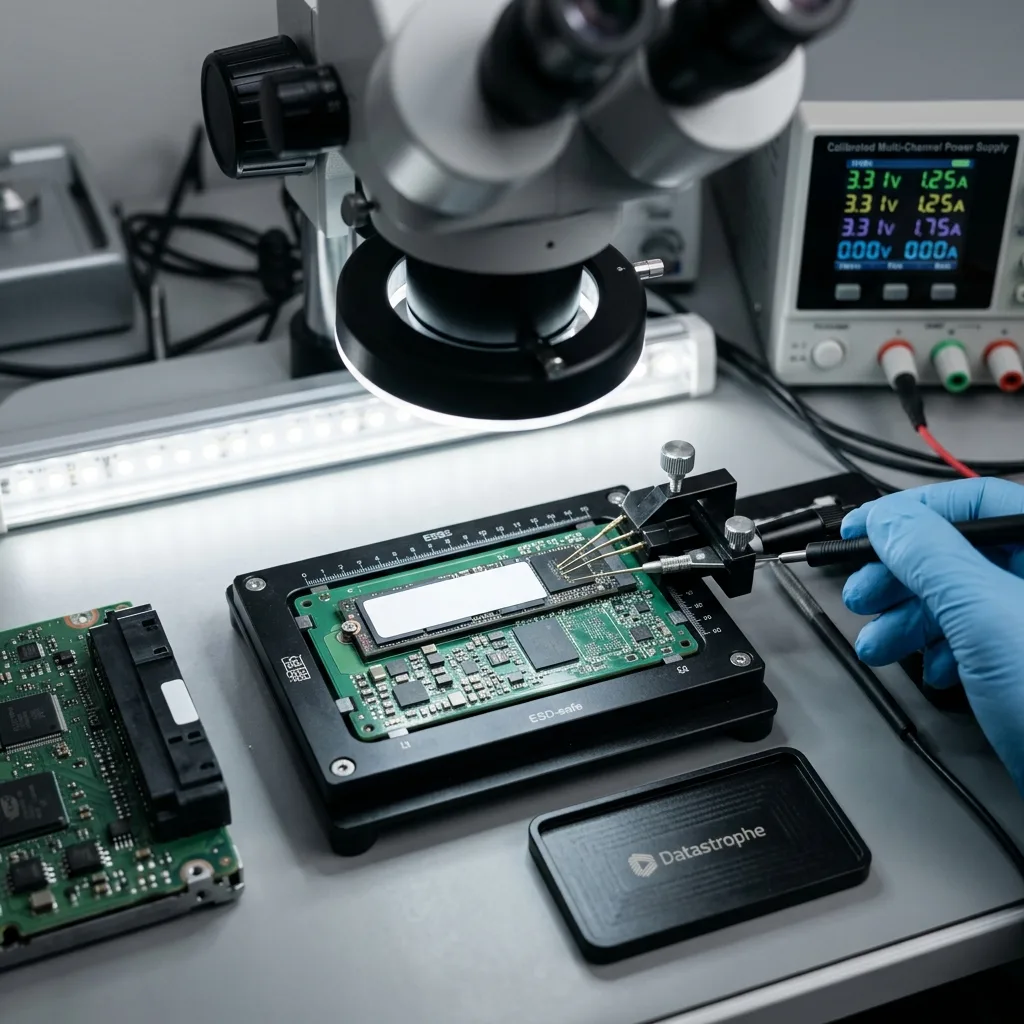
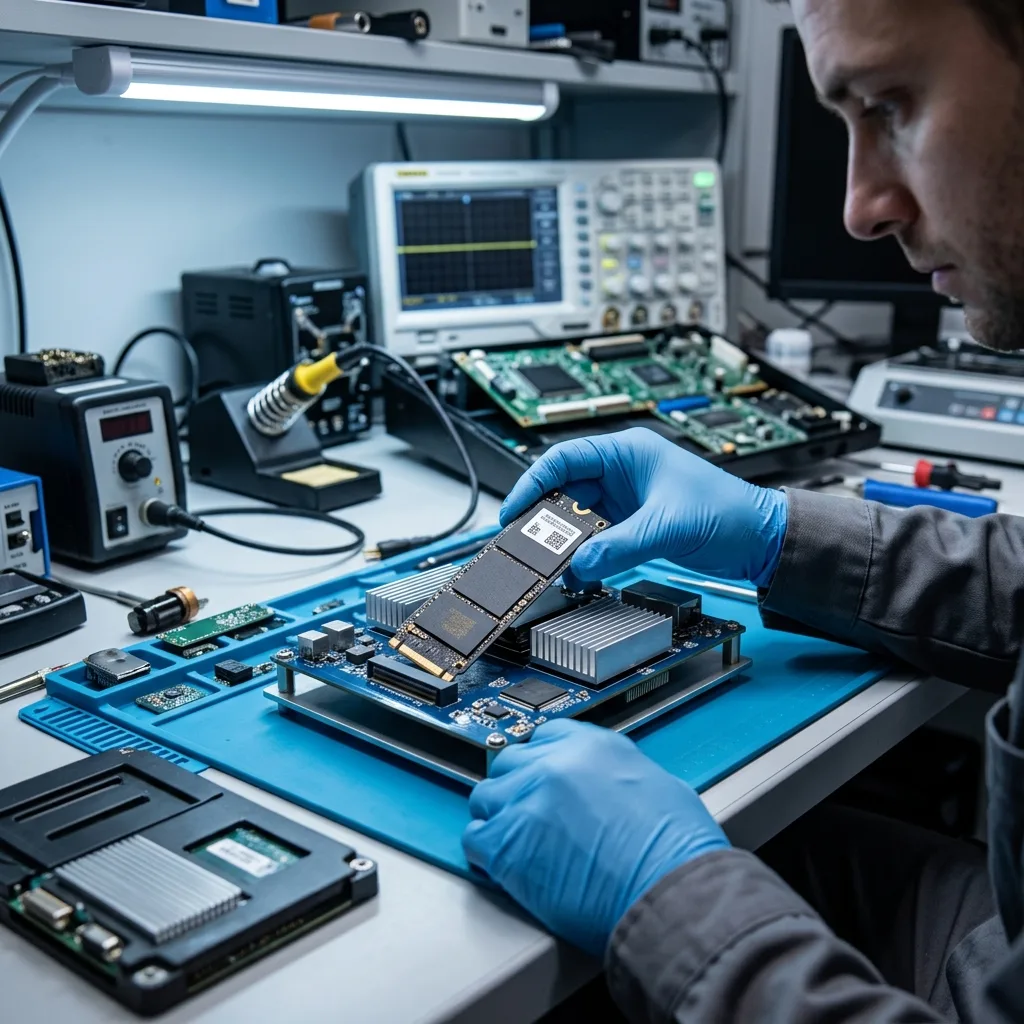
Diagnostic assessment
Understanding embedded storage
Embedded professional equipment may use several forms of storage: an SSD, eMMC, a flash card, an integrated module, a system log or removable media. The content may cover technical logs, configurations, diagnostic records, media or operational exports.
The storage device is not always accessible like a conventional drive; it may be integrated into a control unit, encrypted, tied to an embedded system or arranged in a proprietary format. The diagnostic assessment must therefore begin with the hardware and software context, not a generic file search.
Embedded equipment faces its own operating stresses: temperature changes, vibration, repeated start-ups, power interruptions, updates and frequent write cycles. Even an SSD designed for embedded use may become unstable if its surroundings or power supply deteriorate.
In professional equipment, SSD data recovery covers the challenges of flash storage. The main concern is the embedded environment and the decisions that will avoid worsening the condition of the data.
The value of the data should be established early. The requirement may concern media, service logs, settings or diagnostic information. Each calls for distinct files and may carry different confidentiality constraints.
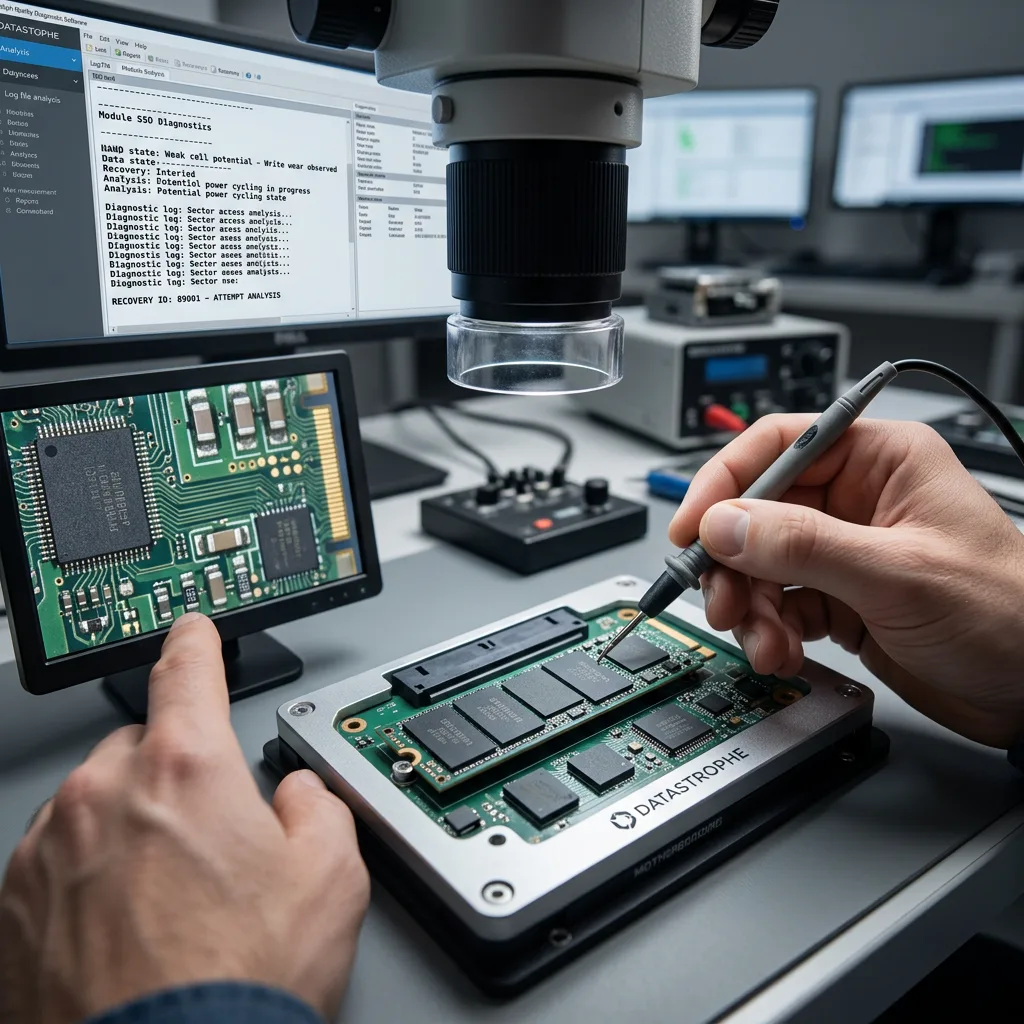
Diagnostic assessment
Identifying the causes of data loss
Loss may follow a power interruption during a write, an incomplete update, a module caught in a restart loop, worn flash memory or a system that resets its logs. The storage device may still respond while holding inconsistent data.
Heat is an important factor. An enclosure exposed to high temperatures, poorly ventilated or close to a heat source may subject its storage to adverse conditions. Heat accelerates wear and may produce intermittent behaviour.
Vibration and brief power cuts may matter too. An SSD has no mechanics like a hard drive, but it still depends on its controller, solder joints, power supply and consistent writes. Losing power at the wrong point may corrupt a database or log.
Connected systems may also synchronise or replace information. An update, automatic purge or reset may overwrite recent material. The current state ought therefore to be frozen before the system is started again.
Some losses are indirect. The storage device may remain healthy, yet an internal database or log may become inconsistent after an interruption. Recovery must then restore application-level coherence rather than merely locate files.
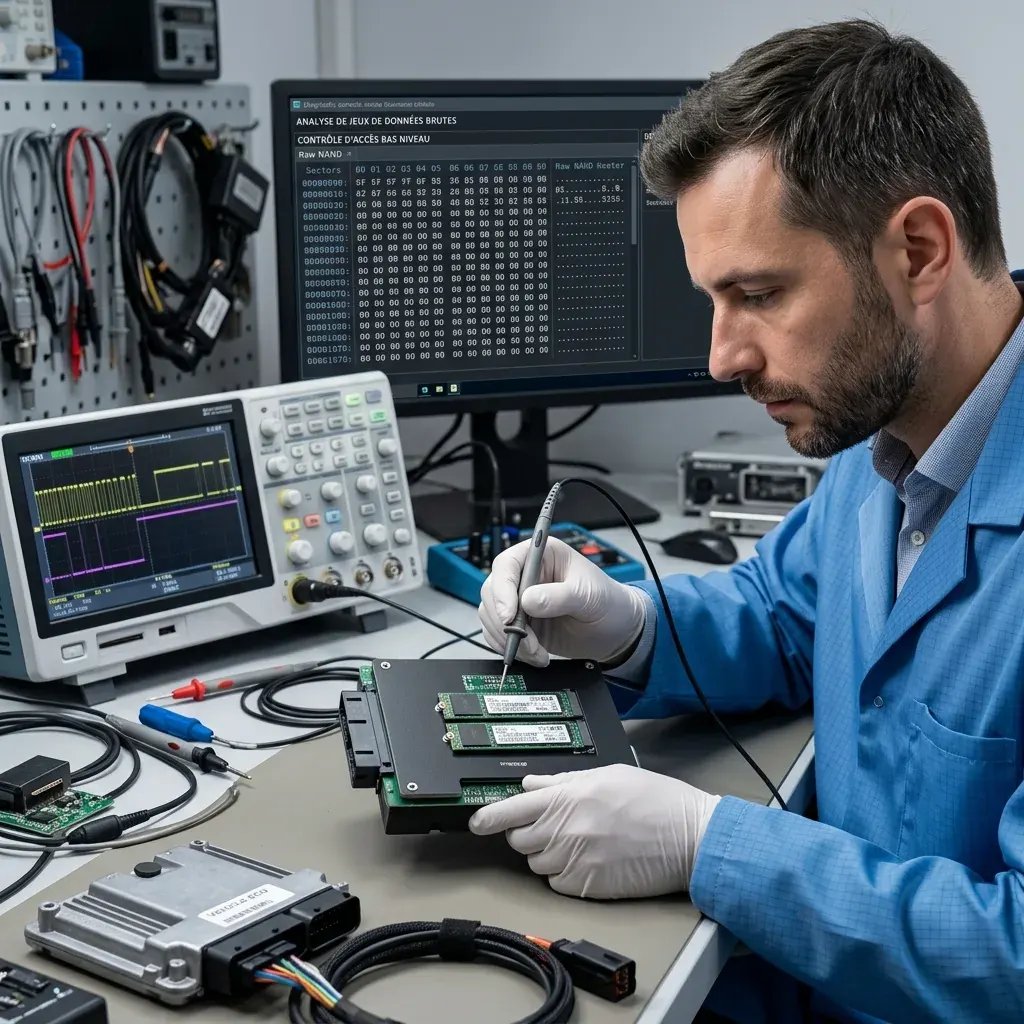
Diagnostic assessment
Preserving data before any restart
Avoid repeated restarts after suspected data loss. An embedded system may write new logs whenever it starts, launch an automated repair or replace temporary files. Those writes may erase the traces being sought.
Document the equipment or module: model, displayed message, incident date, recent update, power cut, impact, technical work and expected data. That information helps identify the right material and explain any limits.
If removable media are present, they ought to be removed and kept write-protected. If the storage is integrated, any work must respect legitimate access, encryption and system constraints. Forcing an extraction without a method may leave the data unusable.
An SSD embedded in aircraft equipment offers another example of embedded storage. Each environment has its own risks, although the principles of preservation remain similar.
Maintenance work must be traced. An update, module replacement or reset may alter the state of the data. Knowing exactly what was done and in which order prevents every loss from being attributed to the storage device itself.
Diagnostic assessment
Validating the recovered data
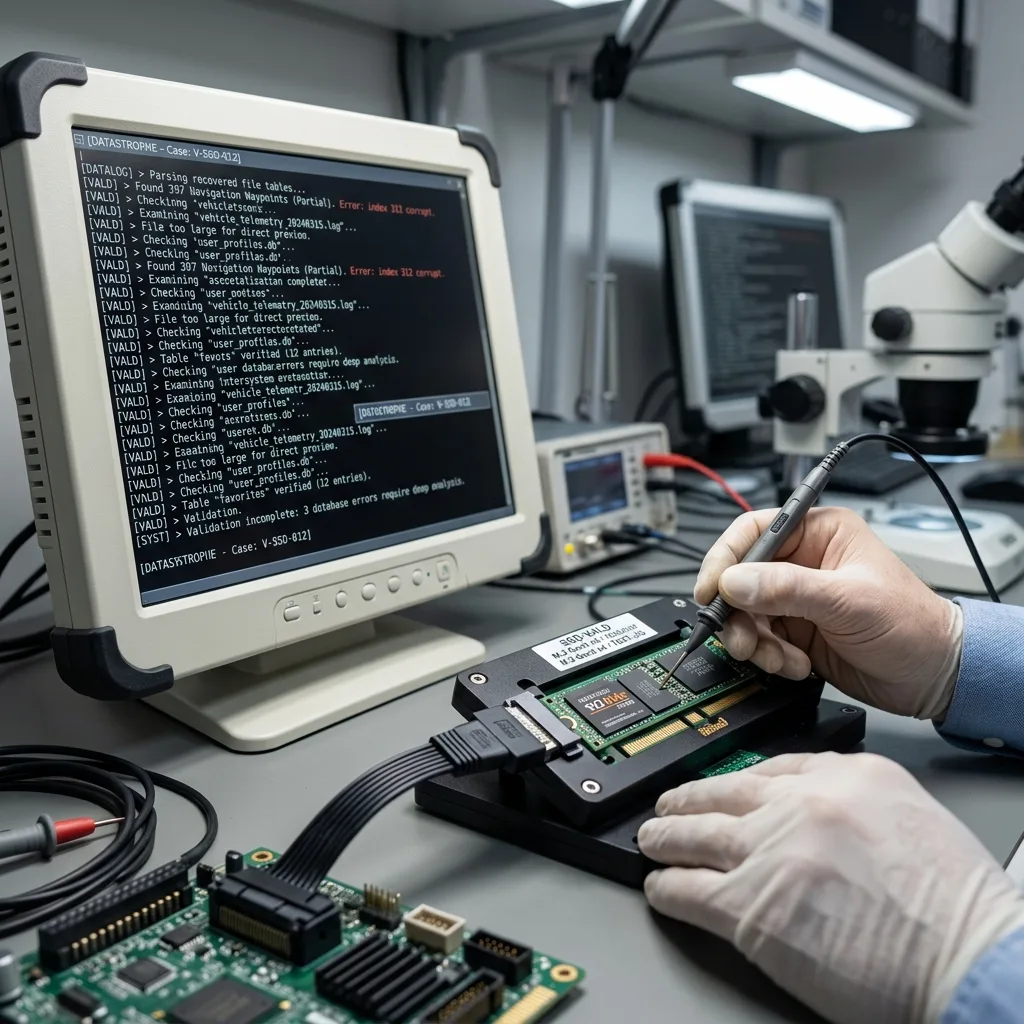
Recovery from embedded storage must consider how the files are actually used. A technical log may be present but incomplete. A navigation database may open only in part. An export might require a specific software version before it can be interpreted correctly.
Priorities need to be explicit: media, settings, logs, diagnostic files or operational data. Searching a whole volume without priorities can be less effective than a targeted recovery when the storage device is unstable.
Encryption and access rights should be considered in advance; a technical extraction may not be enough if the data depend on a key, account or proprietary system. All recovery work must remain within a legitimate, documented framework.
Datastrophe works from an image when the condition of the storage device permits; the source remains preserved, while data on a separate healthy device are checked to distinguish complete, partial and unusable files.
The handover must define its scope; diagnostic files may be usable in a specialist tool even though an end user cannot open them directly. Explaining this distinction avoids confusing technical recovery with practical use.
Diagnostic assessment
Reducing risk during operation
Prevention depends on regular backups or exports wherever the system allows them. Priority data should not remain solely inside the equipment. Each export should be opened and checked, especially after an update or technical intervention.
Symptoms also need attention: restarts, slow operation, messages on screen, lost settings, disappearing files or storage filling unexpectedly. Those signs should prompt a copy or assessment before anyone resets the system.
Maintenance procedures must preserve data; before replacing a module, applying a major update or resetting equipment, confirm what will be backed up, what will be lost and where the latest usable copy is held.
An embedded SSD should not be treated as a straightforward external drive. The storage device, embedded system and data operate as a whole. Effective prevention means documenting the equipment, exporting and checking data, and stopping writes as soon as a loss is suspected.
When professional equipment is taken out of service after an incident, the people involved also need to coordinate. The operator, maintenance provider, insurer and IT lead may have distinct objectives. Data preservation should be agreed before a recovery reset or module replacement.
A short incident record is commonly enough: date, symptom, recent operation, sought-after data and the person authorised to approve the handover. It prevents conflicting handling and duplicate attempts.
Diagnostic assessment
Primary Technical References And Limits
Reference scope — ssd professional equipment data loss: For embedded ssd professional equipment data loss, the primary references used are europe.kioxia.com. Physical evidence — ssd professional equipment data loss: They define the relevant preservation, storage or validation concepts, but they cannot establish the exact physical condition, controller state, key availability or business consistency of the device received. Controller evidence — ssd professional equipment data loss: Those points require measurements on the original set and verification on copies.
Diagnostic assessment
Arrange A Controlled Assessment
Complete set — ssd professional equipment data loss: For a technical assessment of embedded ssd professional equipment data loss, provide the complete device or storage set, its associated power and interface parts, the symptom timeline and the essential records. Incident history — ssd professional equipment data loss: Keep member order, labels and authorised credentials separate from the parcel paperwork; do not restart the source merely to obtain a new screenshot.
Laboratory responsibility — ssd professional equipment data loss: Datastrophe performs the diagnosis, integrity checks and recovery directly in its own laboratory with its own team. Free assessment — ssd professional equipment data loss: Diagnosis and the quotation are free. Transport boundary — ssd professional equipment data loss: Private collection and return is included; the carrier moves only the sealed parcel and neither accesses nor processes its data.
Controlled list — ssd professional equipment data loss: Before any payment, the client receives the proposed price and a checked list. Verification classes — ssd professional equipment data loss: Each item is classified, in order, as recoverable_verified, partial, detected_unverified or unrecoverable. Payment trigger — ssd professional equipment data loss: Only recoverable_verified items whose contents were checked and found usable are presented as recoverable. No-result rule — ssd professional equipment data loss: Payment is due only after the client accepts both the list and the price.
No-result rule — ssd professional equipment data loss: If no usable data is verified, recovery fails, or the client declines the list or price, no standard fee is payable. Rare-part exception — ssd professional equipment data loss: The only exception is a rare, costly and non-refundable part, which may be ordered only after a separate, explicit and priced proposal has been accepted.