
Diagnostic assessment
Understand the role of firmware
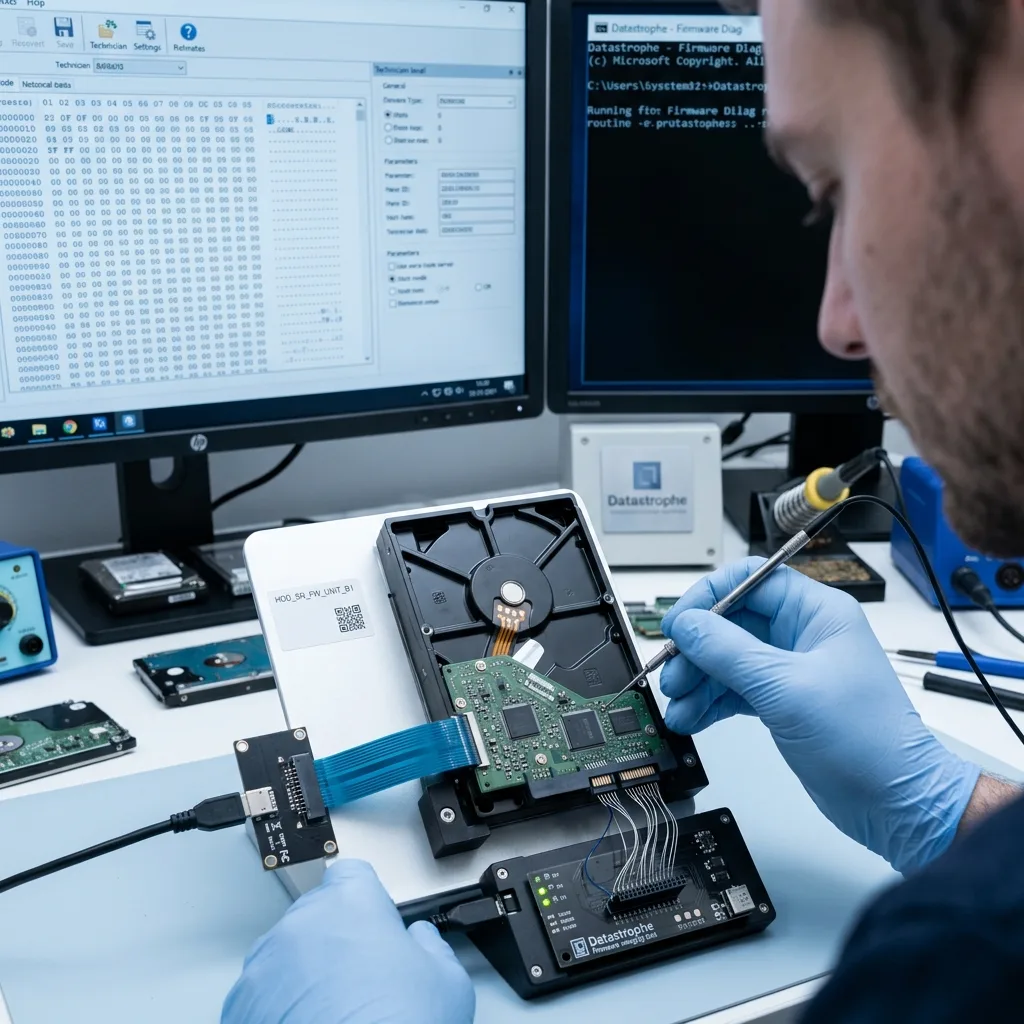
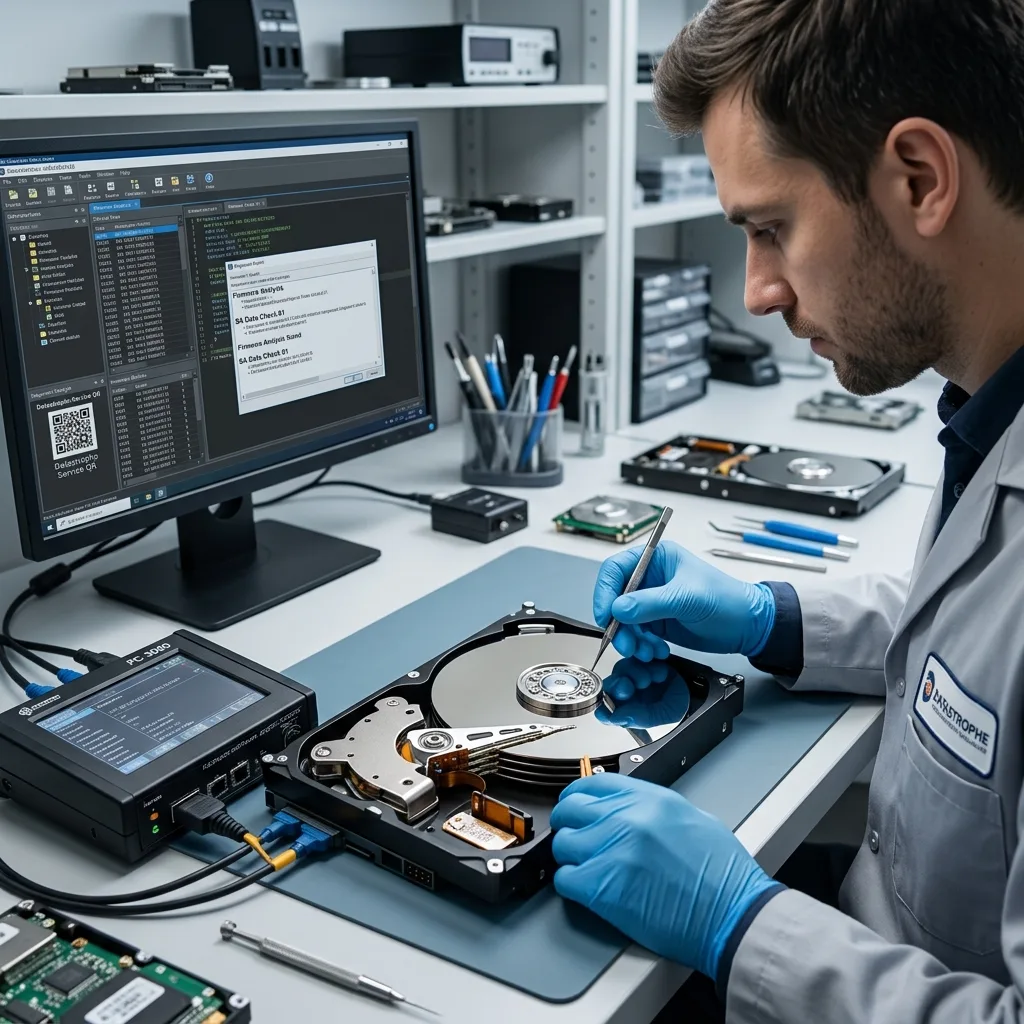
Hard drive firmware is the internal layer that lets the disk initialise, identify its capacity, manage defects, control the heads and access data; part may sit in the electronics and part in service areas on the platters.
When that layer becomes unstable, the drive may receive power without becoming usable. It can disappear from the system, report inconsistent capacity, disconnect or freeze the computer. The fault isn't always a visible circuit-board problem.
Each drive family has its own internal parameters; adaptive information tied to heads, surfaces and defect management may be unique to the device. A board replacement, update or generic command may therefore achieve nothing or change the behaviour of a partly readable disk.
Firmware also interacts with physical condition. A weak head, unstable sectors or damaged service area may resemble firmware failure. Diagnosis should avoid quick conclusions.
Hard drive failure and assessment covers general symptoms. The specific point here is why a spinning disk may remain inaccessible.
Diagnostic assessment
Identify typical symptoms
Firmware failure may produce an unrecognised drive, slow identification, zero or incorrect capacity, repeated disconnection or a read that stalls at the first sectors. Some devices appear briefly and then vanish.
Symptoms may be intermittent. A drive may work while cold and then stop, accept certain commands but refuse reads, or slow the whole computer while it waits for a response.
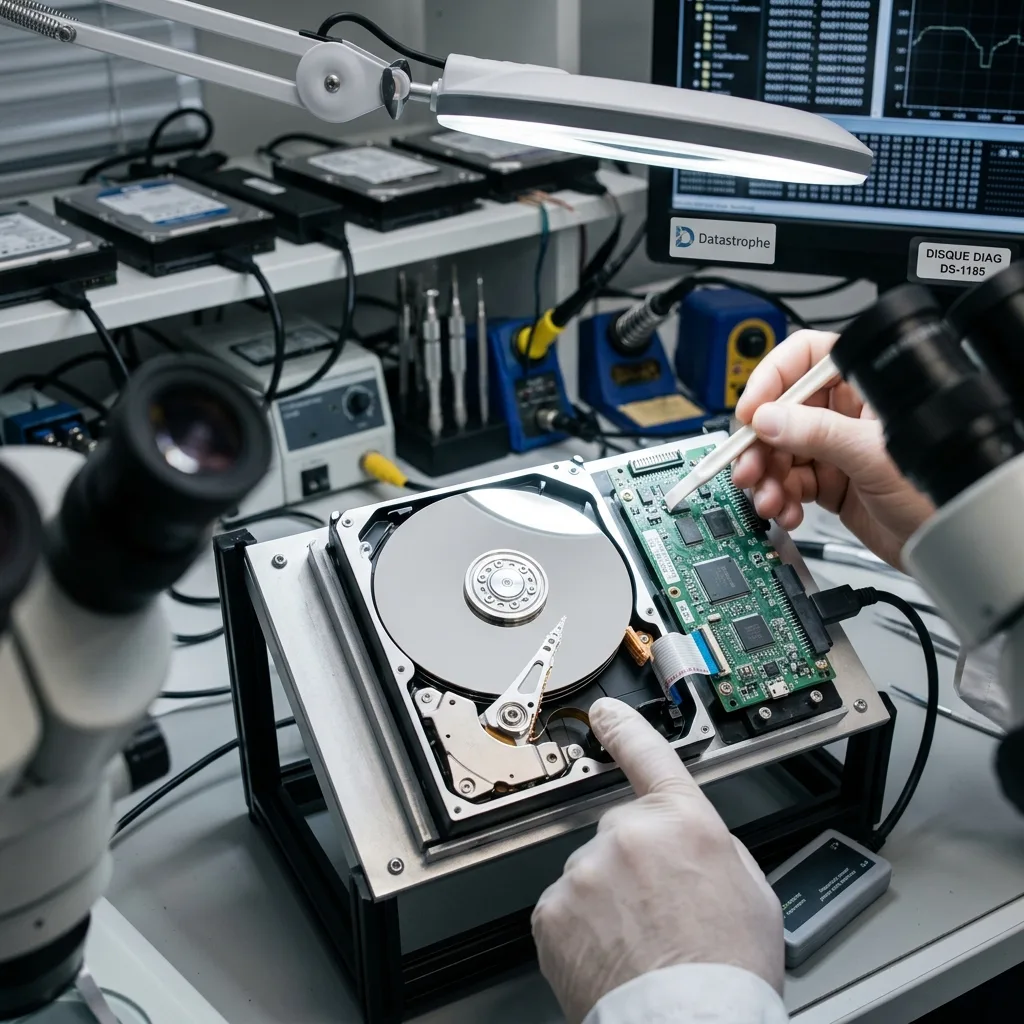
Firmware, electronic and mechanical failure must be distinguished. A burnt board, clicking head and seized motor require distinct treatment. The problems may also combine after impact, a power surge or ageing.
System messages are rarely enough. "Disk not initialised", "I/O error" and "format required" may be effects rather than causes; initialising or formatting in response creates unnecessary writes.
SMART information is not conclusive either; it may be inaccessible, incomplete or falsely reassuring when the drive cannot initialise properly. Firmware examination asks whether essential commands receive correct responses and whether service areas needed for data access are stable.
Reported capacity offers another clue. An absent, reduced or inconsistent size can mean internal initialisation never completed. The operating system then sees a partly ready device and everyday tools misinterpret it.
Symptoms may vary with enclosure or interface. A USB adapter may hide errors that appear through direct connection. This does not justify repeated testing, but means the complete connection chain belongs in the assessment.
Diagnostic assessment
Avoid destructive tests
Do not multiply restarts. Each one may stress heads, unstable sectors and internal processes. When a drive stalls during initialisation, repetition can reduce the surviving recovery window.
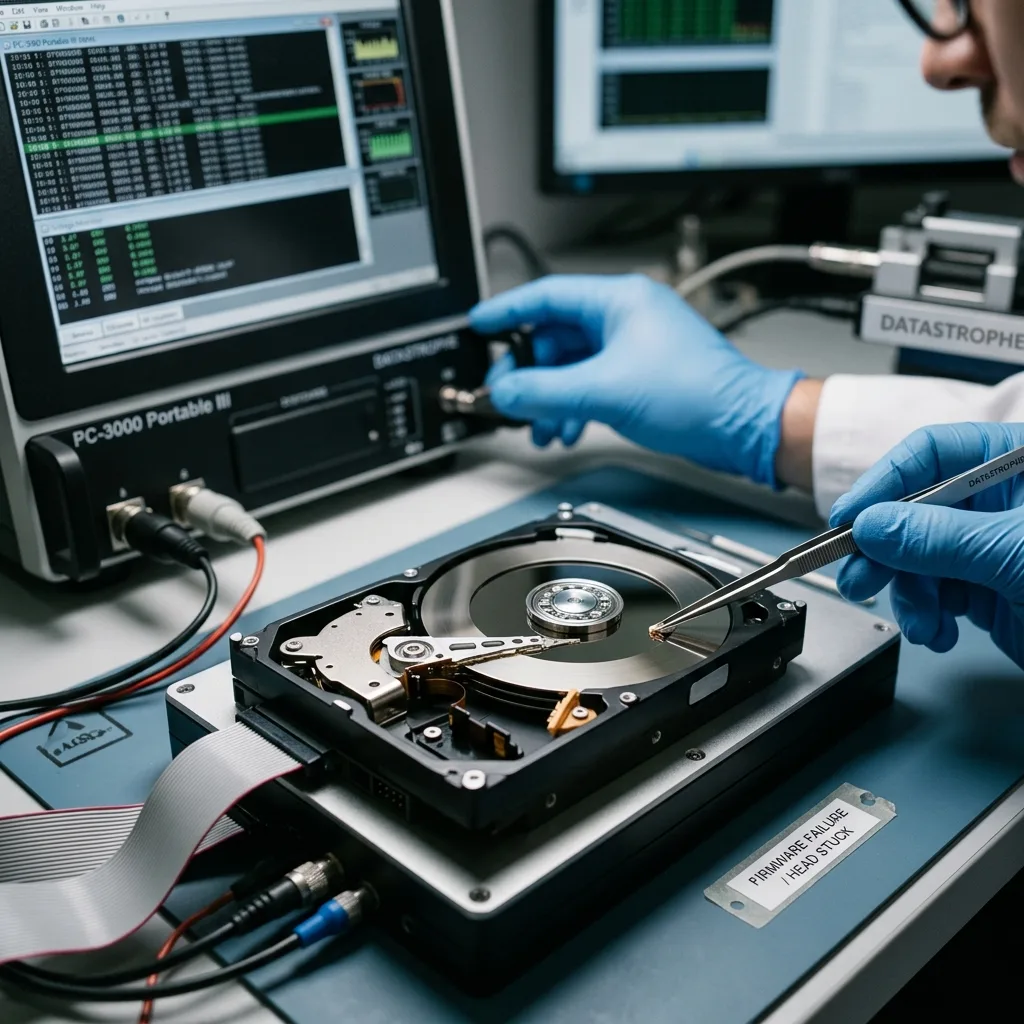
Avoid online firmware updates, generic repair tools, volume initialisation and prolonged scans of the source. During data loss, the aim is not to make the drive reusable but to preserve what may still be read.
Changing the circuit board without diagnosis is risky too. Modern disks use adaptive parameters specific to the device. A board that appears compatible may be insufficient and may alter behaviour.
For firmware-related faults, hard drive data recovery sets out how failed disks are handled. Work should remain controlled and directed towards data access rather than everyday repair.
Avoid any examination that writes to the disk to correct its state. Repairing a table, initialising or attempting logical reconstruction may hide the symptom without addressing the cause. Every write adds uncertainty until physical and firmware access is stable.
Diagnostic assessment
Do not confuse repair with recovery
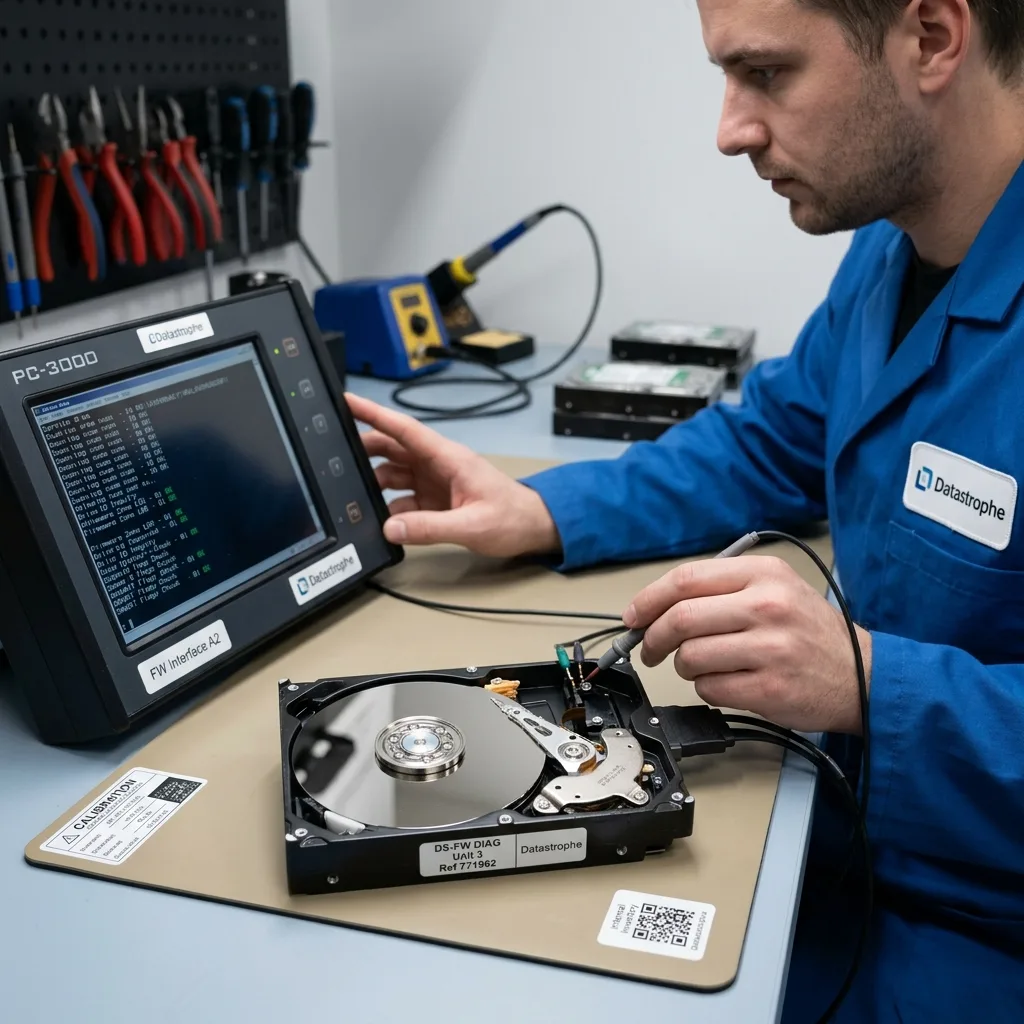
Responsible assessment first seeks stable access. It asks whether the disk identifies correctly, service areas respond, heads read reliably and acquisition may begin without worsening the state.
Recovery proceeds from a technical image wherever possible. The source remains the reference. Slow, unstable and inaccessible areas receive adapted treatment instead of a harsh linear read.
Prioritise data as well. On a very unstable drive, seeking critical folders before a full image may be preferable. Condition and client priorities determine that choice.
A donor part, where relevant, isn't chosen from the retail model alone. Model, revision, electronics, microcode and physical state must align with the source. Even then, the objective is controlled data access, not a durable drive repair.
Check priority files individually afterwards. A visible folder tree cannot guarantee intact contents. Archives, databases, videos and projects should open in their usual tools.
Assessment may reveal a combined fault. Firmware trouble may follow unstable sectors, a weak head or power surge. Treating firmware alone is then insufficient; the method follows the dominant cause and actual state.
Datastrophe separates returning data from returning the disk to service; a drive that has suffered firmware failure is not dependable for new use, even when files are recovered.
Diagnostic assessment
Prevent firmware-related data loss
Prevention depends on monitoring, backups and timely replacement. A drive that slows, disappears, blocks start-up or returns errors should be treated as a warning rather than a temporary inconvenience.
Avoid unstable environments: doubtful power, low-quality USB enclosures, vibration, heat and abrupt shutdowns. They may worsen existing defects and complicate initialisation.
Verify backups before updates, migrations or interventions. When a drive indicates symptoms, do not begin by running a consumer cloning tool for hours without a plan. Poorly controlled reading may consume the final access window.
The safe response remains restrained: stop attempts, record symptoms, retain the disk, state data priorities and request an assessment; this protects recovery prospects better than improvised repairs.
A backup is the principal defence, but must be checked before the incident. Firmware failure shows how storage may become inaccessible without dramatic warning. An older tested copy is more valuable than a recent backup that has never been restored.
After recovery, replace the device and correct the backup chain. Firmware failure is commonly discovered too late because the disk held the only copy. Prevention should make the next failure non-critical, not hope repaired hardware becomes dependable again.
Diagnostic assessment
Primary Technical References And Limits
Reference scope — drive firmware fault data recovery: For hard drive firmware fault data recovery, the primary references used are NIST SP 800-86. Physical evidence — drive firmware fault data recovery: They define the relevant preservation, storage or validation concepts, but they cannot establish the exact physical condition, controller state, key availability or business consistency of the device received. Controller evidence — drive firmware fault data recovery: Those points require measurements on the original set and verification on copies.
Diagnostic assessment
Arrange A Controlled Assessment
Complete set — drive firmware fault data recovery: For a technical assessment of hard drive firmware fault data recovery, provide the complete device or storage set, its associated power and interface parts, the symptom timeline and the essential records. Incident history — drive firmware fault data recovery: Keep member order, labels and authorised credentials separate from the parcel paperwork; do not restart the source merely to obtain a new screenshot.
Laboratory responsibility — drive firmware fault data recovery: Datastrophe performs the diagnosis, integrity checks and recovery directly in its own laboratory with its own team. Free assessment — drive firmware fault data recovery: Diagnosis and the quotation are free. Transport boundary — drive firmware fault data recovery: Private collection and return is included; the carrier moves only the sealed parcel and neither accesses nor processes its data.
Controlled list — drive firmware fault data recovery: Before any payment, the client receives the proposed price and a checked list. Verification classes — drive firmware fault data recovery: Each item is classified, in order, as recoverable_verified, partial, detected_unverified or unrecoverable. Payment trigger — drive firmware fault data recovery: Only recoverable_verified items whose contents were checked and found usable are presented as recoverable. No-result rule — drive firmware fault data recovery: Payment is due only after the client accepts both the list and the price.
No-result rule — drive firmware fault data recovery: If no usable data is verified, recovery fails, or the client declines the list or price, no standard fee is payable. Rare-part exception — drive firmware fault data recovery: The only exception is a rare, costly and non-refundable part, which may be ordered only after a separate, explicit and priced proposal has been accepted.