
Diagnostic assessment
Understand two families of storage
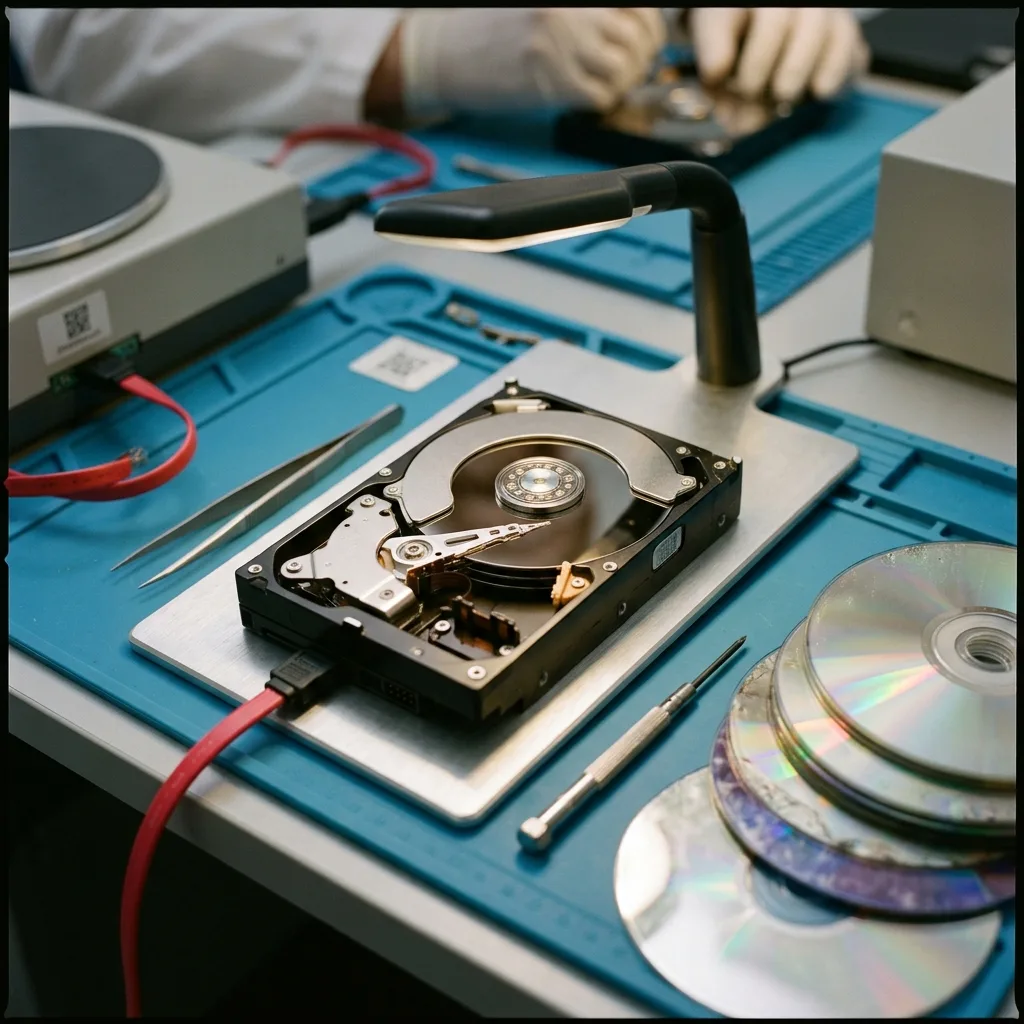
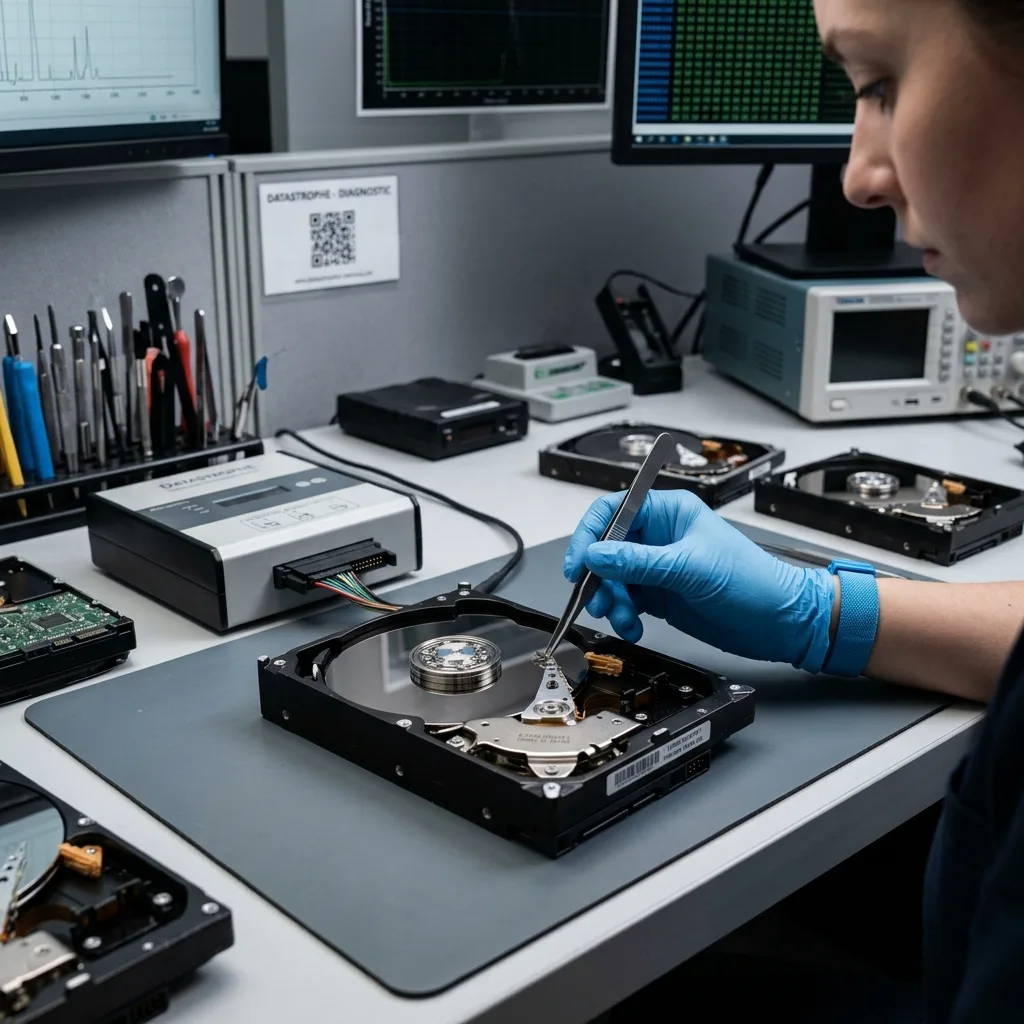
Hard drives and optical discs store data in fundamentally distinct ways. A hard drive uses magnetic platters, read heads, a motor, electronics and firmware. Optical media use a laser-read surface, a recorded or pressed layer and a session format.
Those differences change the assessment; a hard drive may fail mechanically, electronically, through firmware or logically. A CD, DVD or Blu-ray disc may suffer scratches, delamination, poor recording, chemical ageing or reader incompatibility.
A method suited to one family may be useless or risky for the other. Forcing a clicking hard drive has nothing in common with attempting an optical read. Cleaning a disc cannot restore a degraded recording layer.
Data recovery from physical media offers the general framework. This comparison clarifies the limits specific to each family.
Diagnostic assessment
Assess a hard drive
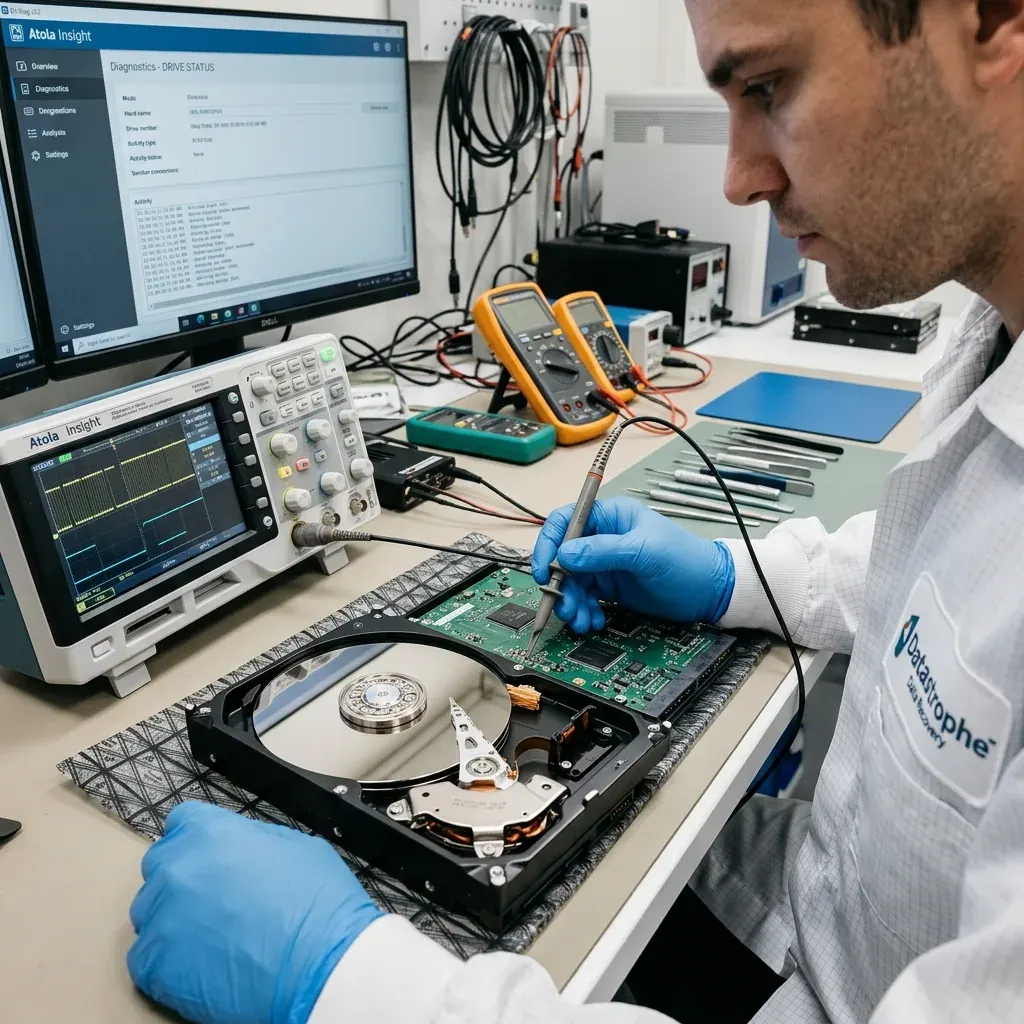
Hard drive warning signs include noise, slowness, disconnection, input-output errors, inconsistent capacity and format requests. The device can still appear while surviving dangerous to stress.
Preserve the source. Controlled acquisition or a technical image is preferable to direct repair. Handle slow areas and unstable sectors carefully, especially when priority data are present.
Faults may combine. Impact may create unstable sectors followed by firmware problems. Overheating can weaken electronics and make some areas hard to read. Do not return the drive to production after recovery.
Hard drive data recovery covers those cases in detail. Comparison with optical media indicates why a hard disk needs both mechanical and logical analysis.
Diagnostic assessment
Assess optical media
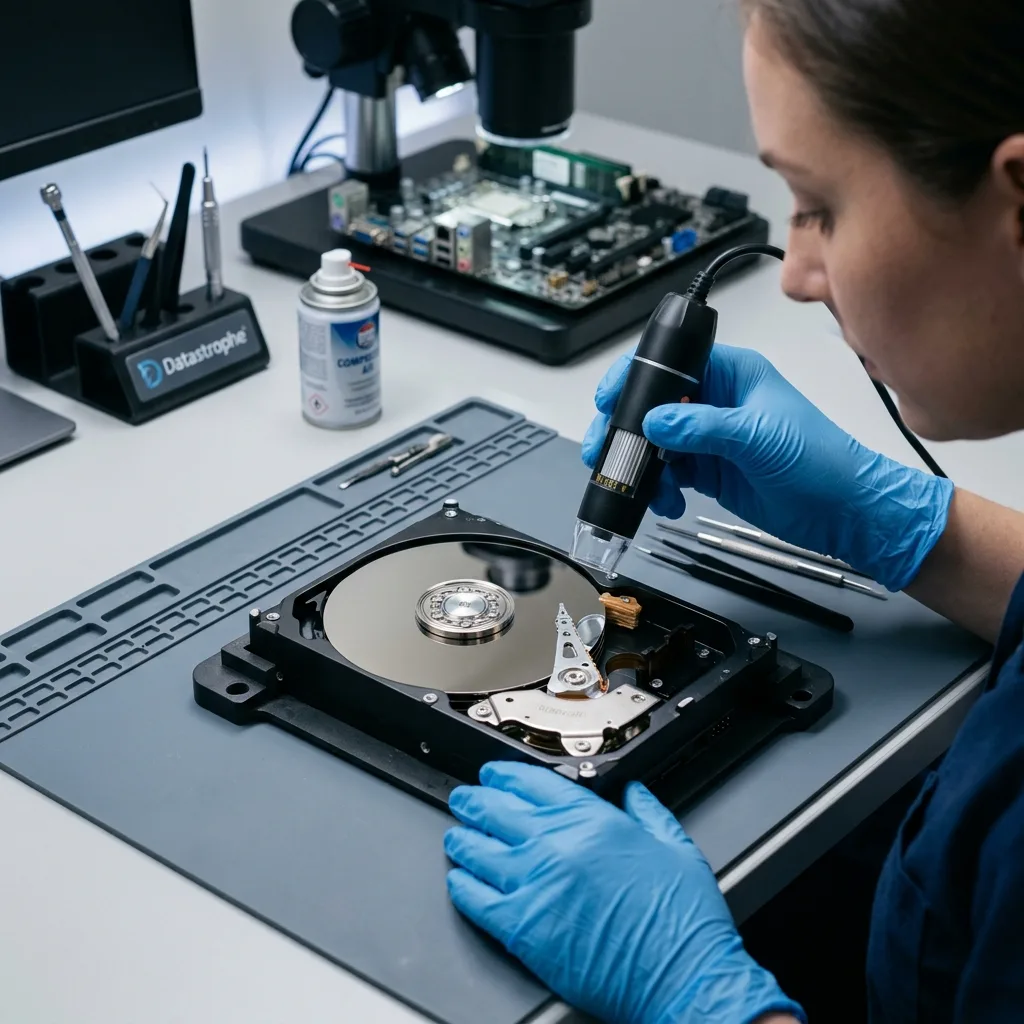
With optical media, the surface and reader matter greatly. Scratches, marks, dust, warping, damage to the reflective layer and poor recording may prevent a complete read. Another drive may perform better, but there is no guarantee.
Session format can add complexity. A multisession disc, interrupted recording or proprietary tool may leave data present but badly indexed. The folder structure may be partial or absent.
Avoid aggressive cleaning. Unsuitable products, rubbing and improvised polishing may deepen scratches or damage a layer. Handle the disc gently and keep attempts to the minimum needed.
Optical media age. A disc recorded years ago may become unreadable without visible scratches. Media quality, storage conditions and the original recording all influence the result.
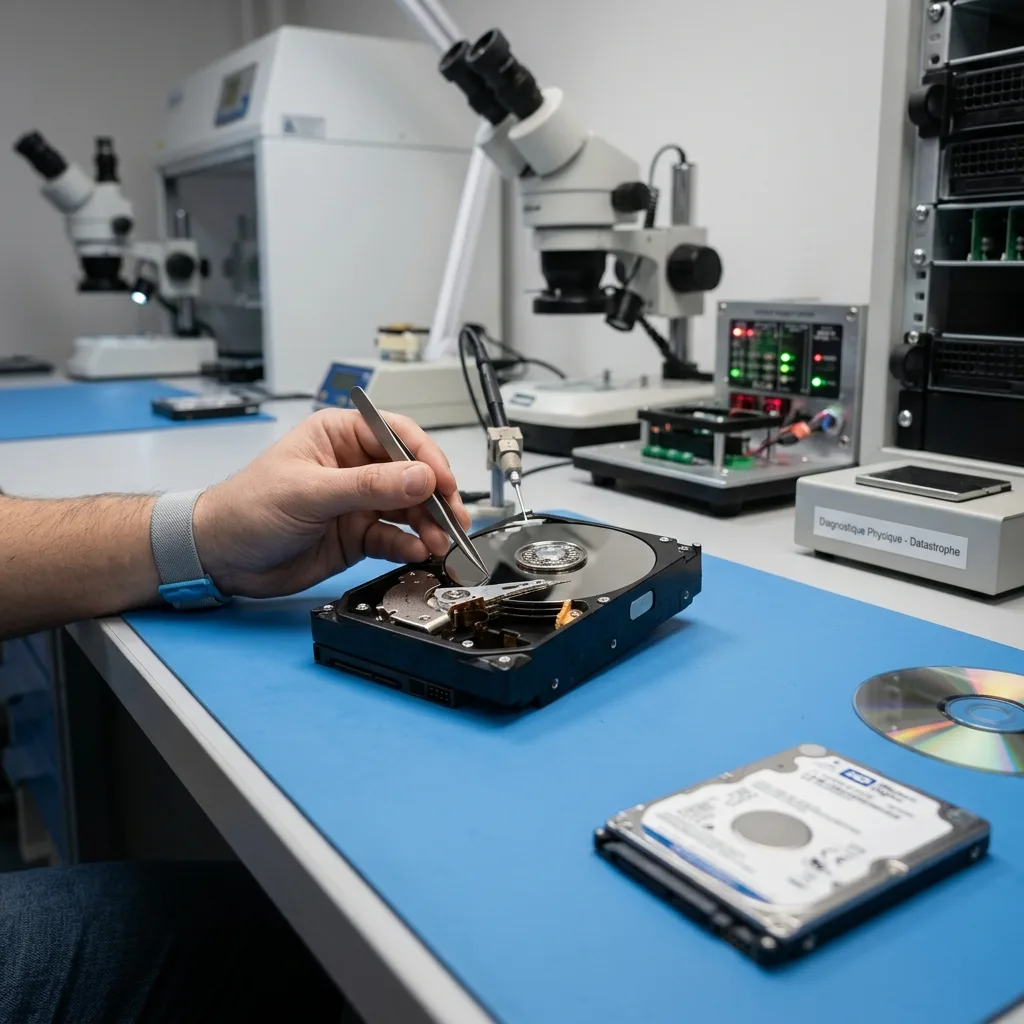
Diagnostic assessment
Compare the recovery limits
Hard drive recovery can at times bypass unstable areas, rebuild a folder structure or target priority files. Severe mechanical failure, however, may prevent all reading without specialist work.
On optical media, errors commonly correspond to physical areas. An inaccessible section can leave files partial. Recovery may also be hard when session information is damaged.
Validation is essential in either case. A listed file isn't necessarily usable. An archive must decompress, a video play, a document open and a database pass relevant checks.
Priorities differ with use. Partial files may retain value in a collection of old photographs. A small corruption may make an application, database or professional archive unusable.
Diagnostic assessment
Prevent loss from older storage
Neither old optical media nor ageing hard drives should remain the sole archive; migrate data to current storage, check that files open and create at least one separate copy.
Keep optical discs away from heat, light, moisture and scratches; protect hard drives from impact, unstable power and long periods without verification.
Control the migration. Copying content is not enough when files do not open. Test a representative sample and document the new archive location.
Treat each device according to its nature. Hard drives, optical discs, memory cards and USB flash drives carry distinct risks. An adapted assessment avoids wasted time and damage to the source.
Where possible, retain an optical drive known to read the discs. Some older readers cope better with recordings from a similar generation, while a worn reader may create false symptoms. The drive is part of the context.
Power and enclosures matter for hard drives. An old USB case or unstable adapter may produce errors that resemble disk failure. Understand the connection chain without multiplying attempts when data are important.
Make the priority explicit. A photo collection, accounts archive, legacy application and full backup require distinct validation. Defining what matters prevents acceptance of an incomplete copy.
After recovery, do not leave the original as the sole archive. Copy the data to current storage, back them up separately and test them. This is especially important with optical media, which may degrade silently.
Optical discs can call for several read passes, but attempts must remain controlled. Don't persist with a disc that cracks, delaminates or vibrates in the reader. The purpose is to recover data, not prove that ageing storage can still be used.
Metadata matter too. Recording date, session name, folder structure and file order may identify the correct version. Preserve those details during archive migration to avoid creating a collection without context.
That care also makes deduplication after recovery easier.
More importantly, it prevents retention of a reconstructed archive that cannot be used properly.
Complete the checks before erasing any originals.
Diagnostic assessment
Primary Technical References And Limits
Reference scope — drive optical media data recovery: For hard drive optical media data recovery, the primary references used are NIST SP 800-86. Physical evidence — drive optical media data recovery: They define the relevant preservation, storage or validation concepts, but they cannot establish the exact physical condition, controller state, key availability or business consistency of the device received. Controller evidence — drive optical media data recovery: Those points require measurements on the original set and verification on copies.
Diagnostic assessment
Arrange A Controlled Assessment
Complete set — drive optical media data recovery: For a technical assessment of hard drive optical media data recovery, provide the complete device or storage set, its associated power and interface parts, the symptom timeline and the essential records. Incident history — drive optical media data recovery: Keep member order, labels and authorised credentials separate from the parcel paperwork; do not restart the source merely to obtain a new screenshot.
Laboratory responsibility — drive optical media data recovery: Datastrophe performs the diagnosis, integrity checks and recovery directly in its own laboratory with its own team. Free assessment — drive optical media data recovery: Diagnosis and the quotation are free. Transport boundary — drive optical media data recovery: Private collection and return is included; the carrier moves only the sealed parcel and neither accesses nor processes its data.
Controlled list — drive optical media data recovery: Before any payment, the client receives the proposed price and a checked list. Verification classes — drive optical media data recovery: Each item is classified, in order, as recoverable_verified, partial, detected_unverified or unrecoverable. Payment trigger — drive optical media data recovery: Only recoverable_verified items whose contents were checked and found usable are presented as recoverable. No-result rule — drive optical media data recovery: Payment is due only after the client accepts both the list and the price.
No-result rule — drive optical media data recovery: If no usable data is verified, recovery fails, or the client declines the list or price, no standard fee is payable. Rare-part exception — drive optical media data recovery: The only exception is a rare, costly and non-refundable part, which may be ordered only after a separate, explicit and priced proposal has been accepted.