
Diagnostic assessment
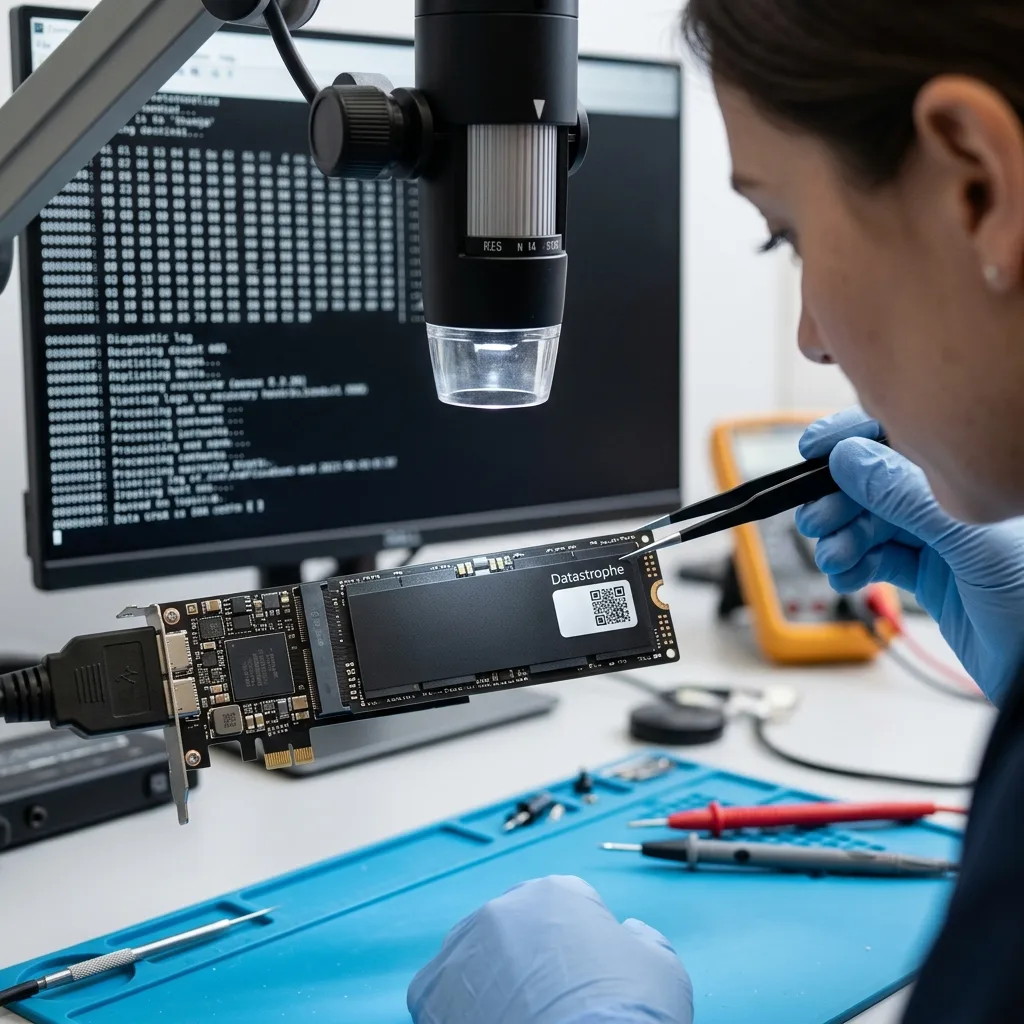
NVMe SSDs commonly conceal failure
An NVMe SSD does not behave like a mechanical hard drive; it does not click or scrape, and the symptoms are not always progressive. The computer may simply stop starting, display an empty volume, request a repair or fail to detect the device. This quiet failure makes the problem harder for a user to interpret.
The architecture creates much of the complexity; data are not written in a fixed linear sequence. The controller distributes writes across NAND memory, manages wear, corrects errors, moves blocks and applies internal rules that the operating system cannot see directly.
If the controller, firmware or internal tables become inconsistent, data may remain physically present but inaccessible through conventional methods; a tool running within the operating system cannot help when the SSD no longer responds correctly or its internal metadata are unusable.
SSD data recovery clarifies the service process. The practical point here is why an NVMe drive calls for more care than a straightforward file scan.
The same caution applies to recent storage integrated into slim computers. An SSD may be soldered, difficult to isolate or dependent on a specific hardware environment. In those cases, the diagnostic assessment needs to consider the complete computer, not just its storage component.
Diagnostic assessment
The controller determines access to the data
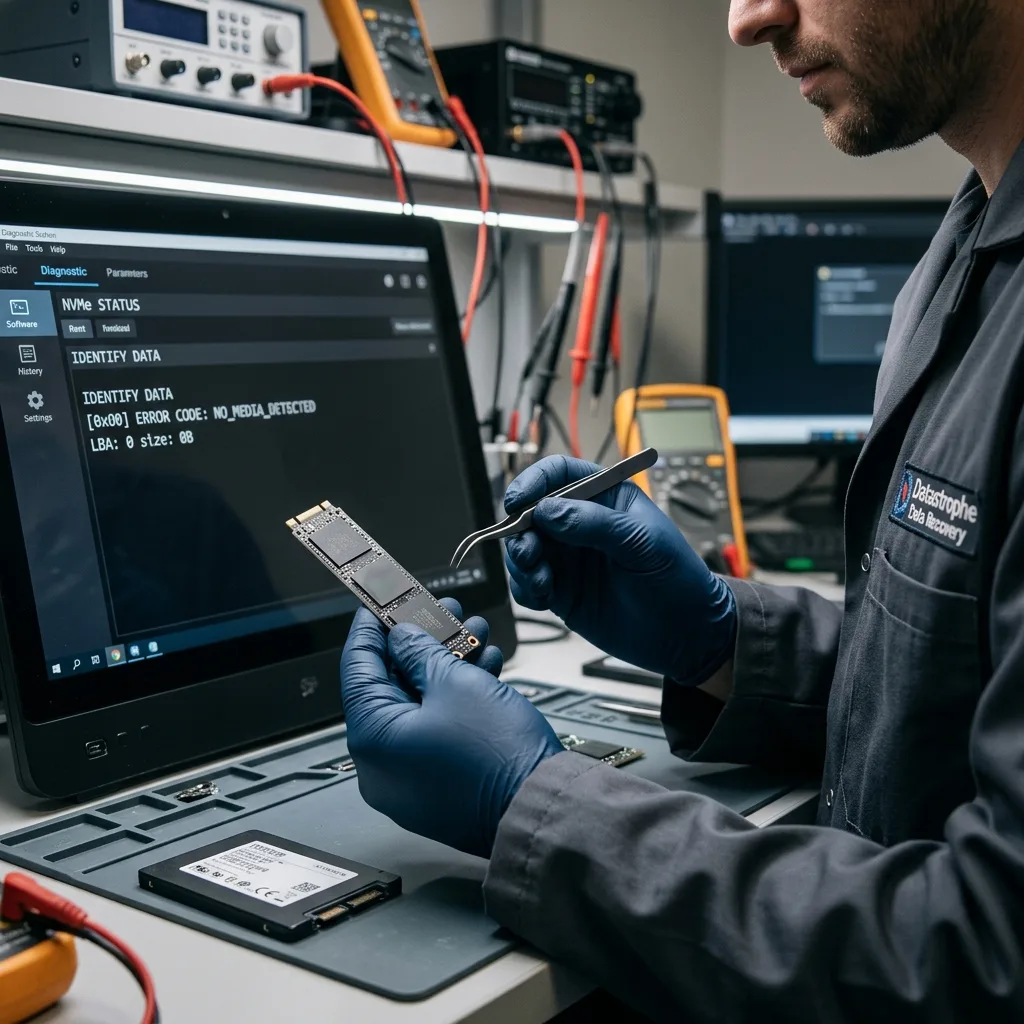
The controller in an NVMe SSD is the essential link between the computer and flash memory. It translates system requests, maintains mapping tables and applies error-correction mechanisms. If this layer becomes unstable, access can disappear while some cells still contain helpful fragments.
Responsible recovery begins by preserving the condition of the SSD. The assessment needs to determine whether the cause is logical damage, firmware, wear management, power, overheating or an electronic fault. Each calls for distinct decisions.
It is tempting to keep testing because the device has failed silently. Restarts, automated repairs, updates, hurried cloning and reinstalls can all generate further writes. Internal changes on an NVMe SSD can happen quickly and be hard to reconstruct later.
Preventing logical SSD faults offers related guidance. Once symptoms appear, stabilising the storage device takes priority over making the computer boot again immediately.
An unstable controller may also respond intermittently. The SSD appears once, disappears and then returns with the wrong capacity. These symptoms matter because an uncontrolled scan may waste a limited read window.

Diagnostic assessment
TRIM, deletion and formatting change the case
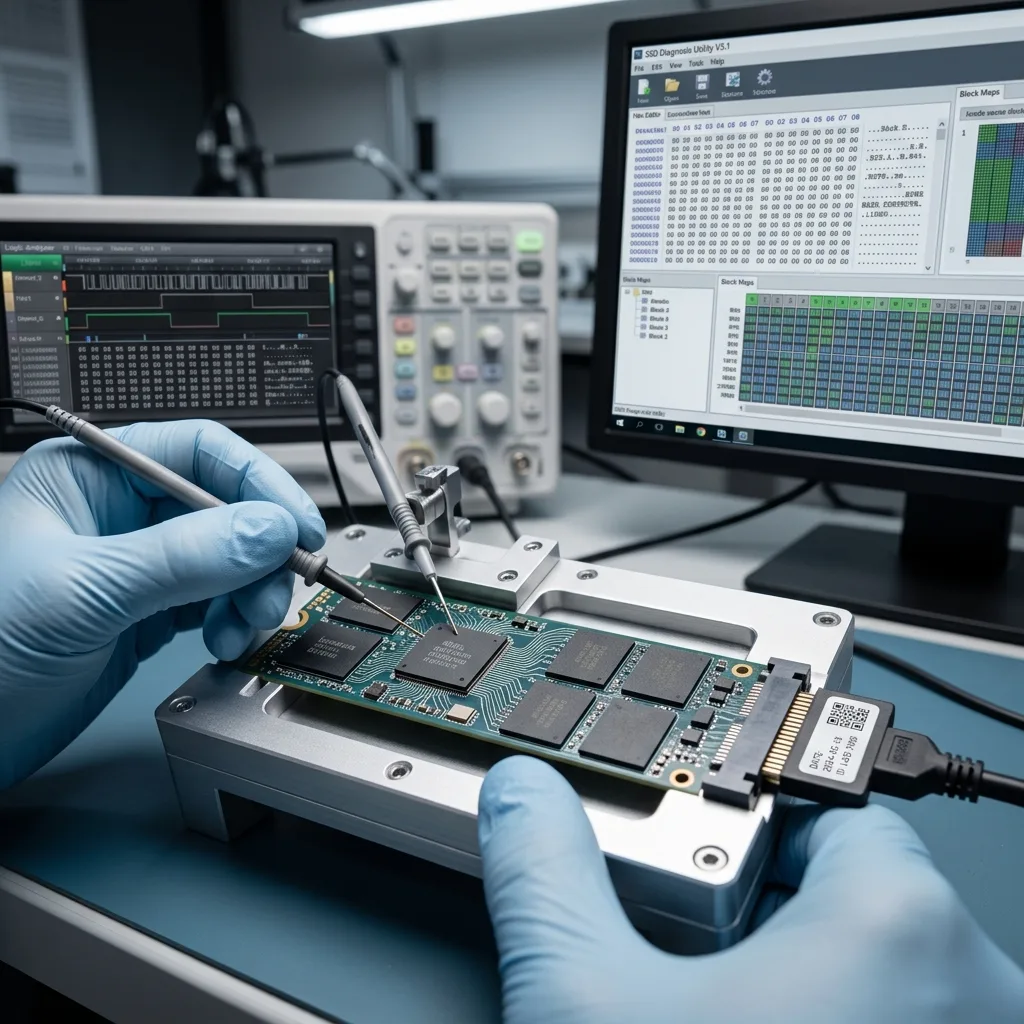
TRIM tells an SSD that specific blocks are no longer required. This helps the device manage future writes, but complicates recovery after deletion, formatting or reinstallation. Depending on the circumstances, a deleted area may quickly become less usable.
TRIM is not an absolute answer. No two cases are identical. The operating system, type of deletion, encryption, elapsed time, activity since the incident and condition of the SSD all influence the result. The only dependable rule is to stop writes as soon as the loss is discovered.
Quick formatting, a system restore or cloud synchronisation can turn a recoverable incident into a far more uncertain case. Even a well-intentioned partition repair may alter metadata needed by the data recovery laboratory.
If the data have value, stop using the computer, record what happened and preserve its original environment; this timeline helps distinguish logical deletion, corruption, controller failure and an encryption lockout.
Timing is especially helpful after formatting. Knowing whether the volume was recreated, an operating system reinstalled or files copied afterwards helps assess the risk of overwriting. Without that information, the diagnostic assessment starts with greater uncertainty.
Diagnostic assessment
Encryption and the original computer matter
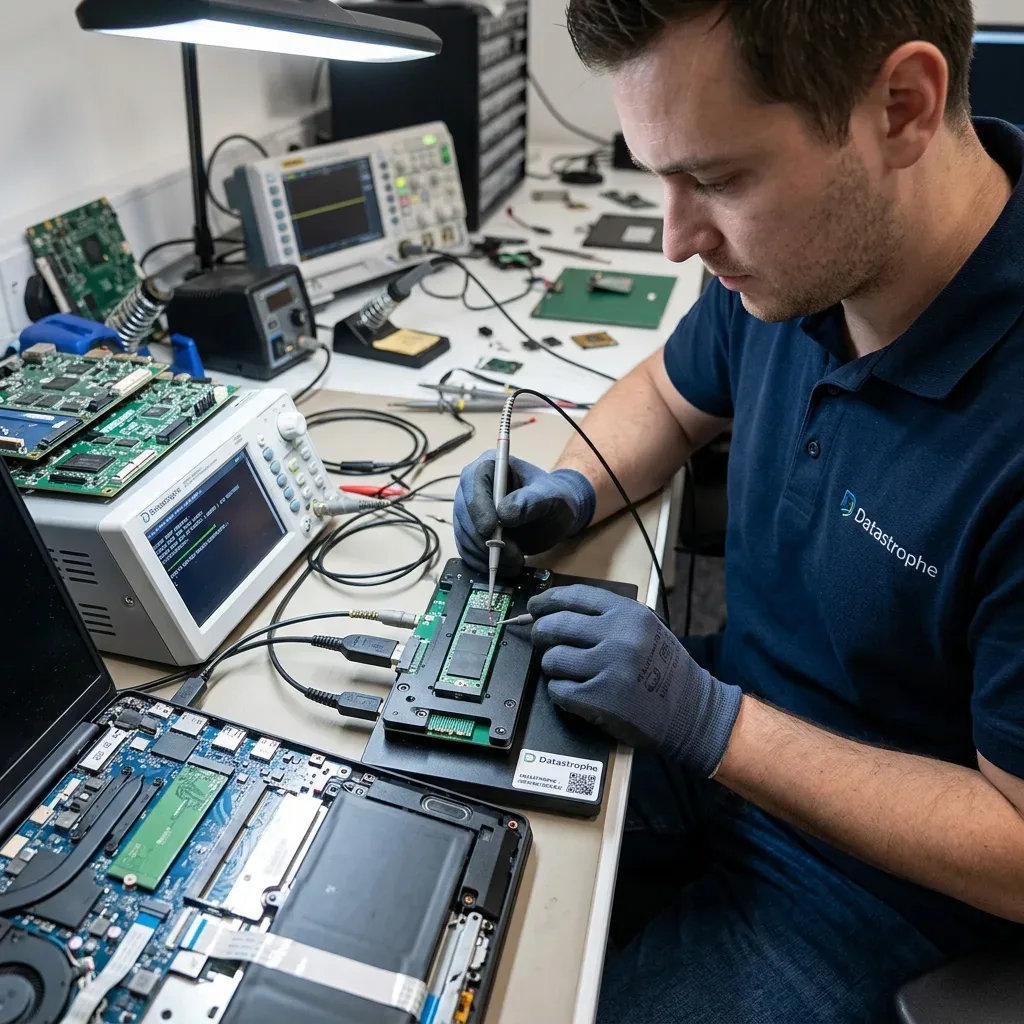
Many NVMe SSDs are installed in recent laptops, at times with hardware or software encryption. Without a password, recovery key, associated account or original motherboard, physically present data may remain unusable. Recovery therefore depends on more than the SSD alone.
Keep the contextual items and details: computer, charger, adaptor, account information, encryption keys, password, failure date and displayed messages. Sending the SSD on its own may at times be sufficient, but not always. The data recovery laboratory needs to know whether the original environment is required.
Encryption may also disguise the actual fault. A volume that looks empty or inaccessible may be encrypted, corrupted or both. Forcing conversions or changing security settings without an assessment may complicate the analysis.
This is why Datastrophe commonly asks for precise information before starting work. A sound assessment does not promise an immediate result; it identifies access requirements, dependencies and technical limits.
Those dependencies should be anticipated in a business environment. An administrator account, BitLocker key, user password or computer profile may matter as much as the SSD. Preserving them prevents an access lockout from being mistaken for hardware failure.
Diagnostic assessment
What to do after an NVMe incident
After an NVMe failure, avoid reinstallation, formatting, automated repairs, repeated scans and copying files back to the same device. Those actions may seem like reasonable ways to restore the computer, but they can reduce the prospects of recovering missing data.
Record the computer model, SSD model where available, symptoms, last actions, recent updates, presence of encryption and priority files; a focused request directs the analysis towards the data that genuinely matter.
Keep an unstable SSD powered down. If a backup exists, test it in a healthy environment before any permanent restore. Restoring too quickly to the original computer may overwrite information that remains helpful.
NVMe recovery is hard because it depends on several invisible layers: controller, firmware, NAND, TRIM, encryption and write history. The most sensible decision is commonly restrained: preserve the current state, document the incident and seek a diagnostic assessment before taking irreversible action.
The required outcome should also be prioritised. A business database, accounts folder, unique photographs or production project needs distinct checks from a secondary archive. Priorities focus the available read time on what matters if the SSD becomes less stable during analysis.
Diagnostic assessment
Primary Technical References And Limits
Reference scope — SSD data recovery controller TRIM: For NVMe SSD data recovery controller TRIM, the primary references used are nvmexpress.org. Physical evidence — SSD data recovery controller TRIM: They define the relevant preservation, storage or validation concepts, but they cannot establish the exact physical condition, controller state, key availability or business consistency of the device received. Controller evidence — SSD data recovery controller TRIM: Those points require measurements on the original set and verification on copies.
Diagnostic assessment
Arrange A Controlled Assessment
Complete set — SSD data recovery controller TRIM: For a technical assessment of NVMe SSD data recovery controller TRIM, provide the complete device or storage set, its associated power and interface parts, the symptom timeline and the essential records. Incident history — SSD data recovery controller TRIM: Keep member order, labels and authorised credentials separate from the parcel paperwork; do not restart the source merely to obtain a new screenshot.
Laboratory responsibility — SSD data recovery controller TRIM: Datastrophe performs the diagnosis, integrity checks and recovery directly in its own laboratory with its own team. Free assessment — SSD data recovery controller TRIM: Diagnosis and the quotation are free. Transport boundary — SSD data recovery controller TRIM: Private collection and return is included; the carrier moves only the sealed parcel and neither accesses nor processes its data.
Controlled list — SSD data recovery controller TRIM: Before any payment, the client receives the proposed price and a checked list. Verification classes — SSD data recovery controller TRIM: Each item is classified, in order, as recoverable_verified, partial, detected_unverified or unrecoverable. Payment trigger — SSD data recovery controller TRIM: Only recoverable_verified items whose contents were checked and found usable are presented as recoverable. No-result rule — SSD data recovery controller TRIM: Payment is due only after the client accepts both the list and the price.
No-result rule — SSD data recovery controller TRIM: If no usable data is verified, recovery fails, or the client declines the list or price, no standard fee is payable. Rare-part exception — SSD data recovery controller TRIM: The only exception is a rare, costly and non-refundable part, which may be ordered only after a separate, explicit and priced proposal has been accepted.