
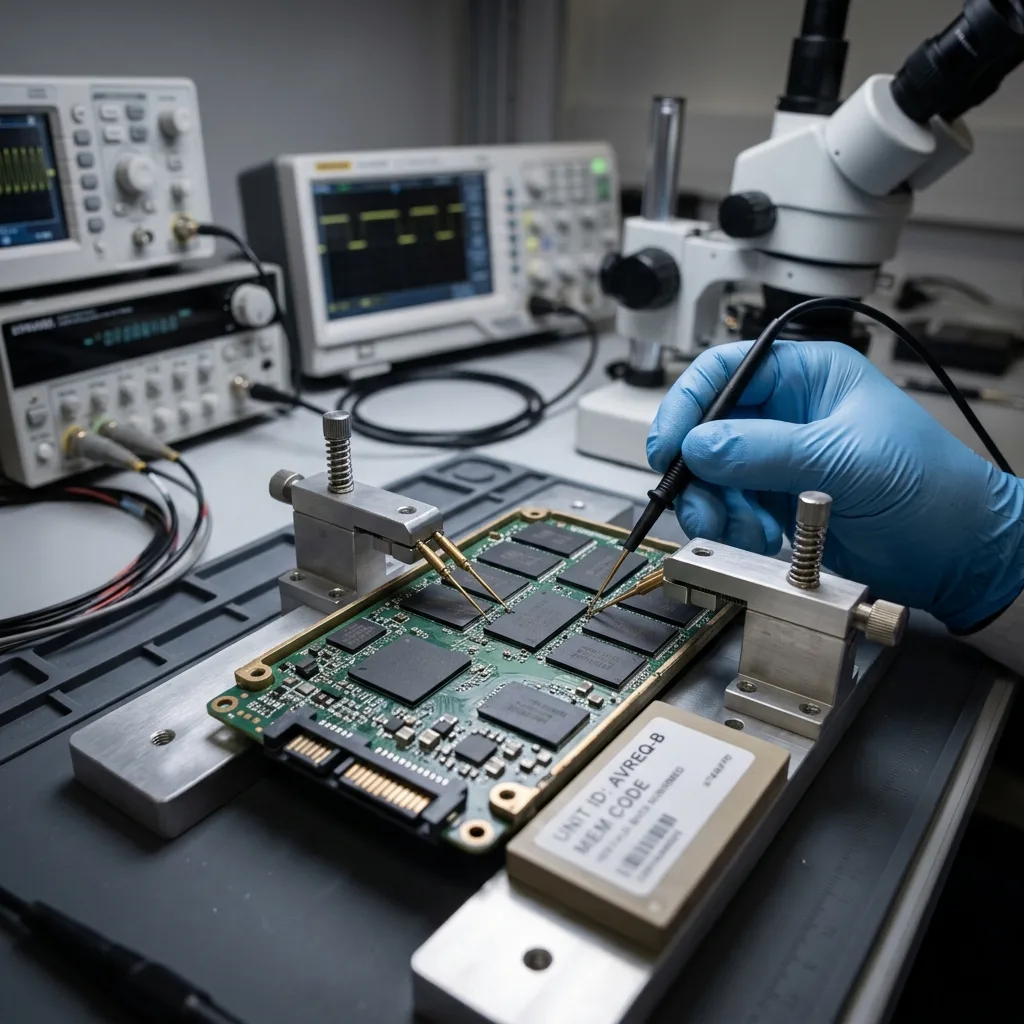
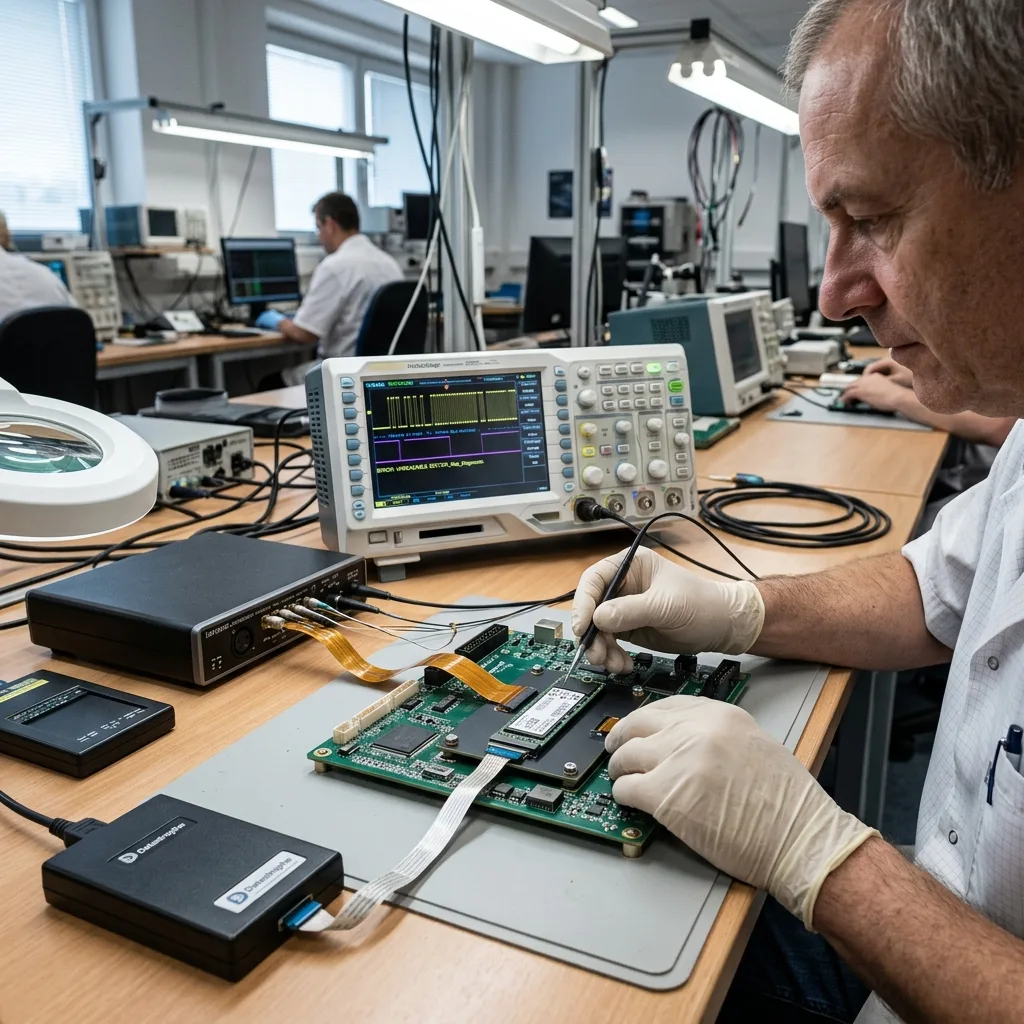
Diagnostic assessment
Understanding the context of an embedded SSD
An SSD fitted to aircraft equipment is more than fast storage operating in a demanding environment. For embedded or field equipment, document the host device, power event and last successful use before removing the SSD. It may belong to maintenance equipment, an application system, a technical workstation, a recording module or an export chain. The first task is to establish what it held and how it was used.
Recovery should not begin with an opportunistic read. An SSD may be recognised once and then disappear after a few minutes. It may report the wrong capacity, refuse access to certain areas or lock up when its controller tries to manage unreliable blocks. These symptoms call for particular caution in an embedded system.
The actual requirement matters too. The sought-after material might be maintenance logs, application files, media, technical exports or data needed for an internal investigation. Copying everything isn't necessarily the priority; the valuable sets, relevant period and required formats need to be established first.
An aviation setting also demands traceability. Even when the device isn't being treated as evidence, its initial condition, symptoms, earlier handling and observed limits should be recorded. This timeline helps distinguish a storage fault from file corruption or an application dependency.
That record doesn't replace technical analysis, but it prevents hasty decisions. The same error message could originate in an enclosure, connector, operating system or the SSD itself. Precise context allows the diagnostic assessment to avoid unnecessary tests.
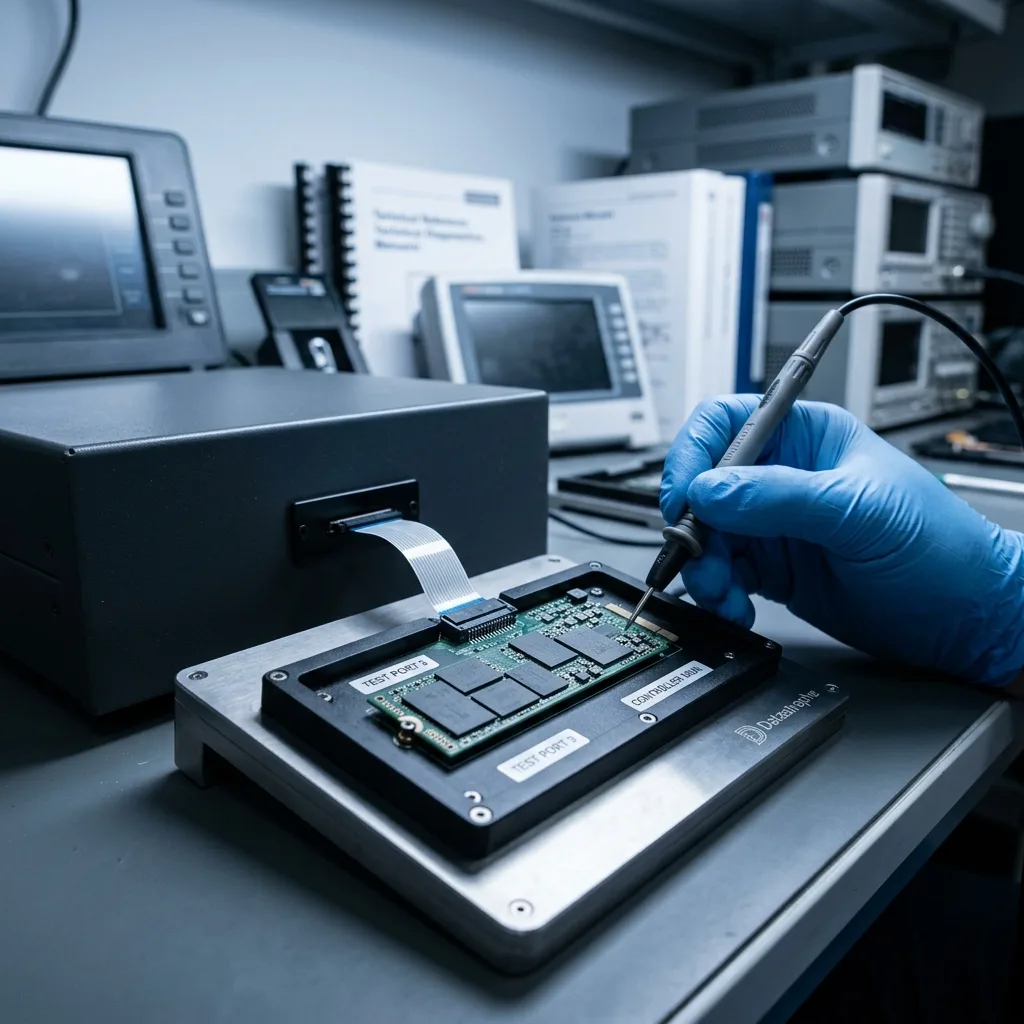
Diagnostic assessment
Establishing stresses that weaken flash memory
Flash memory has no moving parts like a hard drive, but it isn't invulnerable. Vibration, thermal cycles, power interruptions, repeated writes and ageing can weaken the controller or individual cells. The SSD may then work only intermittently.
Installation conditions can introduce further stresses. A strained connector, compact enclosure, limited heat dissipation, unreliable power supply or dusty environment may cause faults quite unlike ordinary deletion. The visible symptom may look logical even though the underlying cause is physical.
Repeated writes have a particular effect. Logs, caches, local databases and temporary files use some areas more heavily than others. Recovery becomes more complex once the controller starts remapping blocks or loses consistency in its internal tables.
Quick conclusions should therefore be avoided. An SSD that no longer mounts isn't necessarily empty. A visible volume may contain inconsistent files. A partition can appear intact yet remain unusable because its metadata no longer matches the data actually present.
Temperature cycles may also expose an intermittent fault. A device that reads when cold may disconnect after a few minutes, or do the opposite. This behaviour needs to be noted because it affects the available read windows and the order in which areas should be imaged.
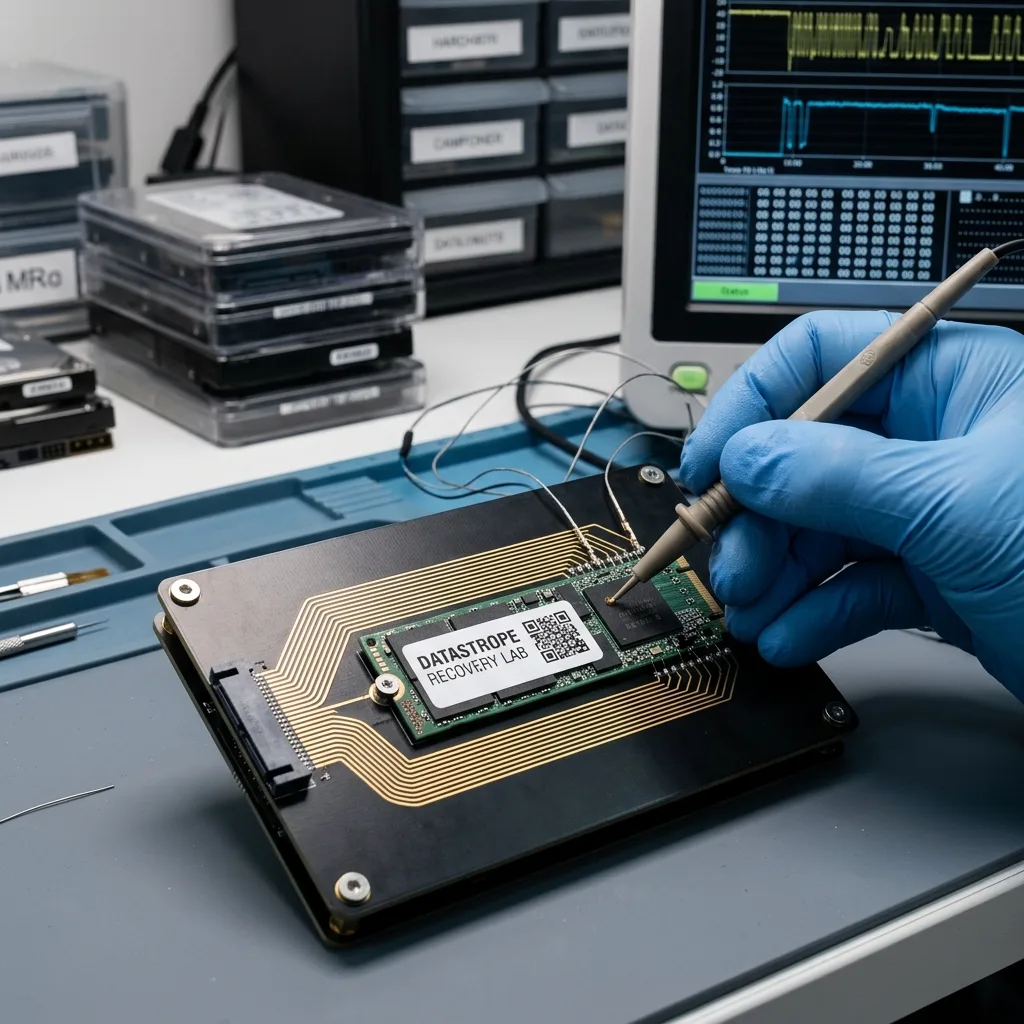
Diagnostic assessment
Protecting the SSD before any read attempt
The first rule is to avoid needless power-ups. Connecting the SSD to several computers, allowing an automatic repair or attempting a full copy without a plan can raise the risk. An uncontrolled read may lock the device at the wrong moment or use up its last stable access window.
If the SSD still responds, the practical objective is to produce a technical image. Imaging doesn't replace analysis, but it protects the original and provides a stable basis for later work. The workflow can prioritise sought-after files, detected partitions or areas that remain readable.
If the SSD doesn't respond correctly, the diagnostic assessment must separate interface, power, firmware, controller and NAND memory issues. Trying another cable or enclosure may sound harmless, but every test needs a reason. Care matters more than speed.
Information supplied with the device is valuable: the original equipment, error message, failure date, earlier copy attempt, hot or cold behaviour and priority data. Without it, the data recovery laboratory has to reconstruct the circumstances with less certainty.
Associated items should also be protected. An adaptor, caddy, computer, configuration export or equipment documentation may clarify the interface and its dependencies. An isolated SSD might remain readable while still being difficult to return in the expected format.

Diagnostic assessment
Evaluating the controller, NAND and encryption
SSD recovery depends heavily on the controller. It manages logical addressing, wear, bad blocks and at times encryption. If this layer is inconsistent, the data can't always be accessed as they would be on a conventional drive.
Encryption can further limit the outcome. Some equipment encrypts volumes at system, application or hardware level. Without the key, account, configuration or associated module, recovered blocks may remain unusable. The assessment must therefore establish dependencies as well as visible files.
NAND memory can contain localised errors. An image may capture some areas while losing others. The handover must then distinguish validated files, partial files and unusable material. A high file count alone doesn't demonstrate a successful recovery.
Datastrophe works progressively through electrical condition, recognition, read behaviour, controlled imaging, logical consistency and validation of priority files. This approach helps prevent a limited incident from becoming a wider loss.
Diagnostic assessment
Connecting the aircraft case to the SSD recovery workflow
The assessment uses the aircraft context to clarify the risks affecting embedded storage. SSD data recovery clarifies the general workflow for SSDs, NVMe drives and flash memory. A damage assessment then establishes whether the fault is physical, electronic or logical.
The appropriate sequence is to isolate the SSD, record the timeline, define priority files and avoid automatic repairs. Any local copy, export or secondary storage device should be protected before a broad restoration is attempted.
This approach is deliberately measured. An embedded aircraft SSD doesn't call for dramatic claims. It calls for respect for the device's condition, its technical dependencies and the possible limits of recovery.
To prepare the case, provide the SSD model, original equipment, symptoms, earlier attempts and a list of the expected data. These details direct the diagnostic assessment and lower unnecessary handling.
If several partial copies exist, keep them separate. An interrupted copy, older export or synchronised folder may hold valuable fragments. Comparing them before replacing anything can improve the final handover.
Diagnostic assessment
Primary Technical References And Limits
Reference scope — embedded ssd data loss: For aircraft embedded ssd data loss, the primary references used are europe.kioxia.com. Physical evidence — embedded ssd data loss: They define the relevant preservation, storage or validation concepts, but they cannot establish the exact physical condition, controller state, key availability or business consistency of the device received. Controller evidence — embedded ssd data loss: Those points require measurements on the original set and verification on copies.
Diagnostic assessment
Arrange A Controlled Assessment
Complete set — embedded ssd data loss: For a technical assessment of aircraft embedded ssd data loss, provide the complete device or storage set, its associated power and interface parts, the symptom timeline and the priority data. Incident history — embedded ssd data loss: Keep member order, labels and authorised credentials separate from the parcel paperwork; do not restart the source merely to obtain a new screenshot.
Laboratory responsibility — embedded ssd data loss: Datastrophe performs the diagnosis, integrity checks and recovery directly in its own laboratory with its own team. Free assessment — embedded ssd data loss: Diagnosis and the quote are free. Transport boundary — embedded ssd data loss: Return courier service is included; the carrier moves only the sealed parcel and neither accesses nor processes its data.
Controlled list — embedded ssd data loss: Before any payment, the client receives the proposed price and a checked list. Verification classes — embedded ssd data loss: Each item is classified, in order, as recoverable_verified, partial, detected_unverified or unrecoverable. Payment trigger — embedded ssd data loss: Only recoverable_verified items whose contents were checked and found usable are presented as recoverable. No-result rule — embedded ssd data loss: Payment is due only after the client accepts both the list and the price.
No-result rule — embedded ssd data loss: If no usable data is verified, recovery fails, or the client declines the list or price, no standard fee is payable. Rare-part exception — embedded ssd data loss: The only exception is a rare, costly and non-refundable part, which may be ordered only after a separate, explicit and priced proposal has been accepted.