

CCTV Footage Recovery From NVR, DVR and XVR Systems
Datastrophe protects the recorder drives, reconstructs the relevant video structures and supplies playable CCTV sequences with any technical limits recorded. Each case is assessed by camera, required period, codec, index and drive condition before footage is prepared for secure handover.
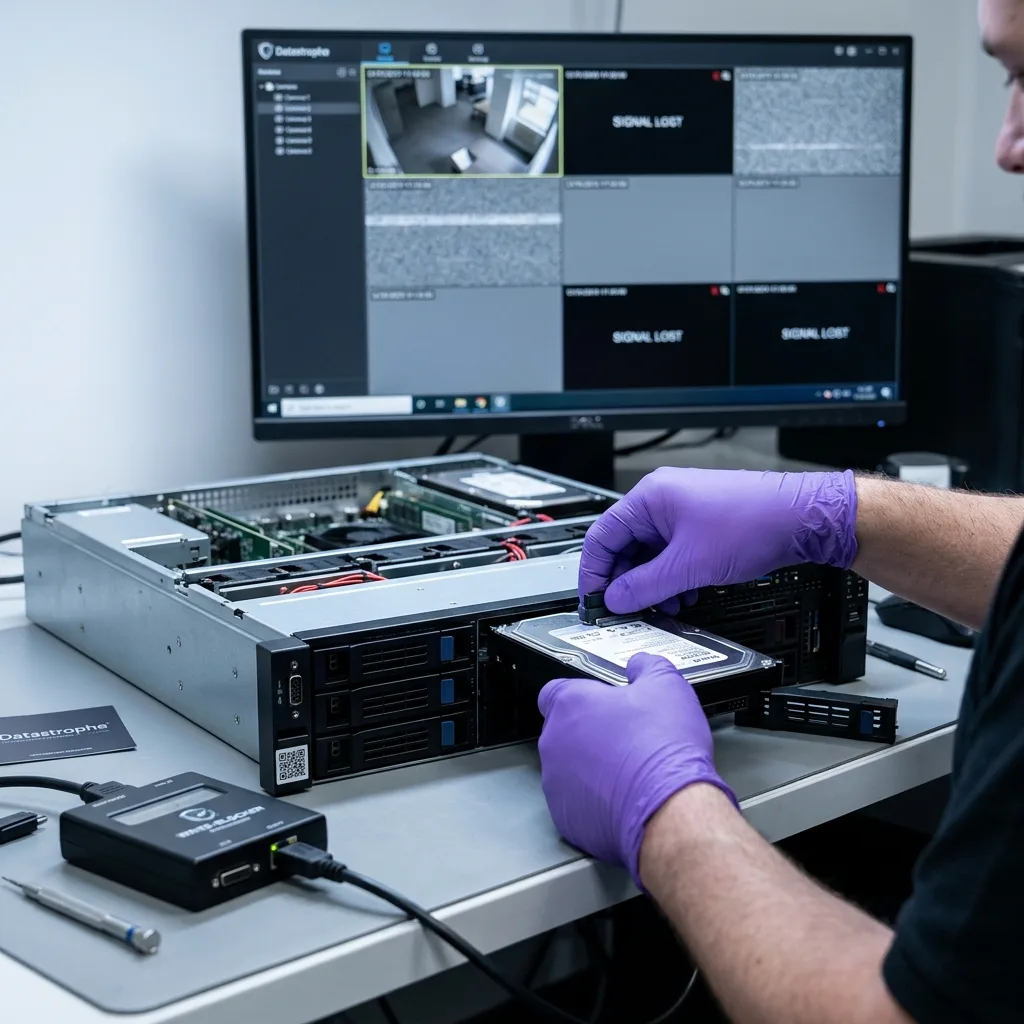
Preserve the evidence
Preserve the recorder state when footage disappears
Avoid repeated restarts and isolate the recording state before a changing index or circular write process removes useful video and metadata.
A request often begins with a practical symptom rather than a storage diagnosis. A camera may no longer replay a period, an export may contain nothing, the calendar may be blank, or the recorder may have stopped after a power interruption. Identifying whether the unit is an NVR, DVR or XVR is part of establishing how the video was stored.
The interface and the recorded data must be considered separately. An empty search screen can result from a damaged index, inconsistent event database, unmounted proprietary volume, a missing member of a disk array or video streams that the supplied player no longer references. The underlying footage may therefore require examination even when the recorder shows no entries.
Preventing new writes is the immediate priority. A running recorder may continue logging, refresh an index, remove older periods or reallocate storage whenever it restarts. An uncontrolled action can overwrite blocks from the required sequence or change metadata needed to locate them.
The diagnostic assessment records the recorder make and model, camera count, requested dates, symptoms, disk arrangement, drive sounds, restart history and importance of the footage. This context keeps the search aligned with the required event rather than treating a multi-layer recording system as a single removable drive.
- Stop new recording when recent footage is at risk of being overwritten.
- Record the cameras and time window so acquisition can follow clear priorities.
- Label every disk bay before any drive is removed from a multi-bay unit.
Different recorders organise video differently
A DVR commonly encodes analogue inputs, an NVR receives IP camera streams, and an XVR can combine sources. The required footage is the same, but the storage architecture changes the recovery plan.
Metadata gives a sequence its context
Useful footage must play, correspond to the correct camera and carry a supportable time reference. A raw video stream may not meet those requirements by itself.
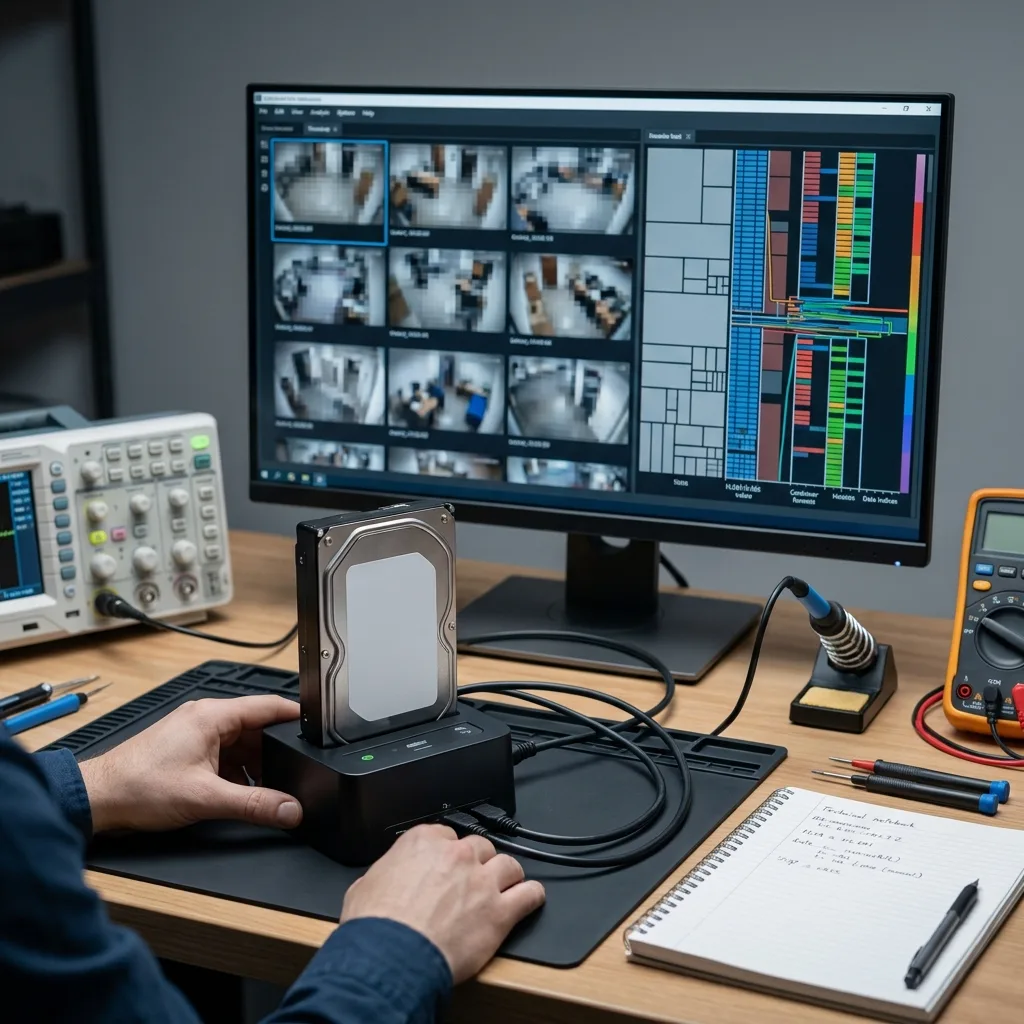
Codec and container
An intact H.264 or H.265 stream may still be unplayable
Security video depends on the relationship between compression, container metadata, the playback index, timing records and sometimes proprietary software.
H.264 and H.265 compression organises pictures into groups containing reference frames and frames that depend on them, sometimes inside containers that multiplex several cameras. Damage to a reference frame, group or playback index may stop the official player even though later portions still contain viewable images.
Some manufacturers place those streams inside their own NVR or DVR container. A familiar file extension can conceal private metadata, a camera table, local encryption or timestamps stored separately from the images. Changing the extension or trying a general-purpose player does not establish whether the export is recoverable.
Work is performed from a controlled copy while the video stream, container, playback index, event records, thumbnails, logs and camera metadata are identified. The aim is a sequence that can be tested and understood, rather than an approximate playback that loses its time or camera context.
Any assessment must retain the technical limits. Footage cannot be recreated if essential reference frames were overwritten, an encryption key is unavailable or the camera did not record during the requested period. Findings distinguish absent content from damaged, partial and recoverable video.
- H.264 streams may fail after the loss of frames on which later images depend.
- H.265/HEVC streams use denser compression and incomplete groups may behave differently between players.
- Manufacturer formats can require rebuilt metadata or an export made through controlled tools.
A recognised codec is only one layer
Image data may survive while the file remains unusable because its container, index or timing records no longer describe the stream correctly.
An empty manufacturer export can be misleading
The export function may have lost its reference to surviving video blocks. Its failure is evidence about the interface, not proof that every sequence has gone.

Multi-drive storage
Reconstruct video storage across recorder drives
Larger DVR/NVR systems can spread footage across proprietary arrays, segmented volumes or camera-based allocation schemes.
A small recorder may use one disk, while higher-capacity systems often use several bays. Depending on the design, camera streams can be mirrored, aggregated, rotated between disks, placed on conventional RAID or distributed through proprietary allocation. The resulting volume may not resemble a standard computer file system.
Connecting the drives to a computer one at a time can prompt formatting, expose an apparently empty partition or reveal only isolated blocks. These symptoms do not establish that a disk is blank. Drive order, stripe size, parity, allocation records and array metadata may all be needed before any coherent video can be read.
Bay position, physical order, capacity, available SMART information, unstable areas and storage signatures are documented before reconstruction. Where the arrangement resembles RAID, its geometry is derived from the evidence. An incorrect order or parity can create video that opens but contains breaks, wrong frames or a false chronology.
Recording load is considered as well. Several high-resolution cameras write continuously, and a weak disk may affect only particular cameras or intervals. The supportable outcome may therefore be a targeted reconstruction of priority footage rather than a perfect replica of the whole recorder volume.
- Keep drives in order by marking each disk and its original bay.
- Avoid recorder rebuild functions until the array condition has been assessed.
- Reject formatting prompts from Windows, macOS, Linux or the recorder itself.
The layout must be established from evidence
Some units use familiar RAID behaviour and others use continuous-recording logic specific to the manufacturer. Metadata and block patterns determine which model applies.
A camera is not necessarily tied to one disk
A single stream may cross several drives, while multiple cameras can share the same regions. Checks are therefore organised by source and time period.
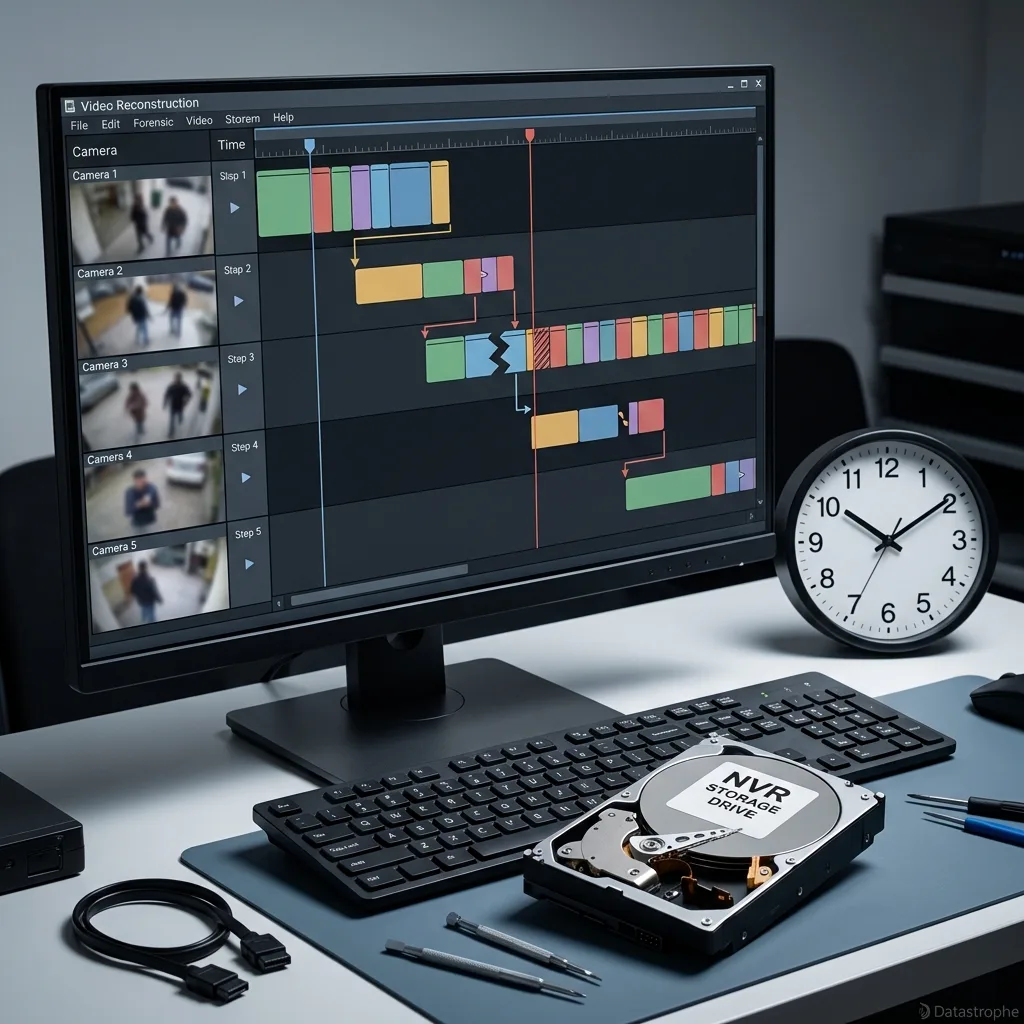
Camera timeline
Rebuild camera context from indexes and timestamps
Recovery becomes useful when camera identity, date, time and continuity can be connected to the sequence being sought.
Recorder searches rely on indexes that connect dates, cameras, motion events and exportable ranges to stored video. A damaged index can leave the calendar empty while sequences remain on disk. The reverse is also possible: a listed period may point to blocks that are now incomplete or overwritten.
Reconstruction cross-checks stream signatures, allocation tables, frame sequences, camera logs, internal identifiers, metadata fragments and expected duration. A collection of numbered files is not a complete result unless it helps locate the relevant event on the intended camera at a supportable time.
Timing can be held within a stream or in a separate database. It may drift after a power interruption, daylight-saving adjustment, weak clock battery or loss of NTP synchronisation. Where a few minutes matter, the displayed timestamp must be compared with recorder settings, logs and other available references.
The reported confidence reflects the evidence: native timestamp metadata, a time realigned by correlation, an approximate period, or playable video without reliable timing. This distinction prevents footage with uncertain context from being presented as stronger evidence than the storage records support.
- No calendar entries may indicate index damage rather than loss of all images.
- Clock differences should be checked before the requested period is ruled out.
- Recovered fragments need both playback testing and chronological interpretation.
What the playback index provides
It associates stored blocks with a camera, time and search interface. When that relationship is damaged, surviving footage can disappear from the recorder view.
How time confidence is assessed
Displayed times are considered alongside configuration records, logs and the circumstances of the recorder failure.

Time-sensitive action
Stop circular recording before it overwrites the required period
Circular recording can replace older CCTV footage automatically, so continued operation and unnecessary restarts can narrow the recovery window.
Video recorders are designed to write continually. Once storage reaches capacity, the oldest areas are reused according to the configured retention period. Leaving the unit operating after an incident can therefore replace the footage being sought even when the interface appears inactive.
Repeated restarts, disk repair, a settings reset, a date change, an index rebuild or reconnection of a suspect drive can all create additional writes. Logs, temporary databases and maintenance operations may consume storage or alter records that would otherwise assist reconstruction.
The safe action depends on the operating context. Recent critical footage may justify a controlled shutdown and isolation of the drives. If the system still provides essential surveillance, alternative monitoring may need to be arranged before the recorder is taken out of service.
Available case details are used to assess that risk before the device is received. The immediate issue is how to protect remaining footage, not simply whether a later recovery attempt might work. Similar symptoms can require different actions when retention, drive count and operational need differ.
- Do not reset settings in an attempt to restore a missing calendar.
- Do not reformat a disk when prompted by a computer or recorder.
- Do not exchange drives without preserving their bay positions and condition.
- Do not adjust the clock before recording both displayed and actual time.
A short retention period leaves little time
High recording activity can reuse relevant areas quickly. The configured retention and camera load help indicate how narrow the available window may be.
Maintaining surveillance while preserving footage
Where the recorder protects an active site, another monitoring arrangement may be needed before the original unit can be isolated for examination.
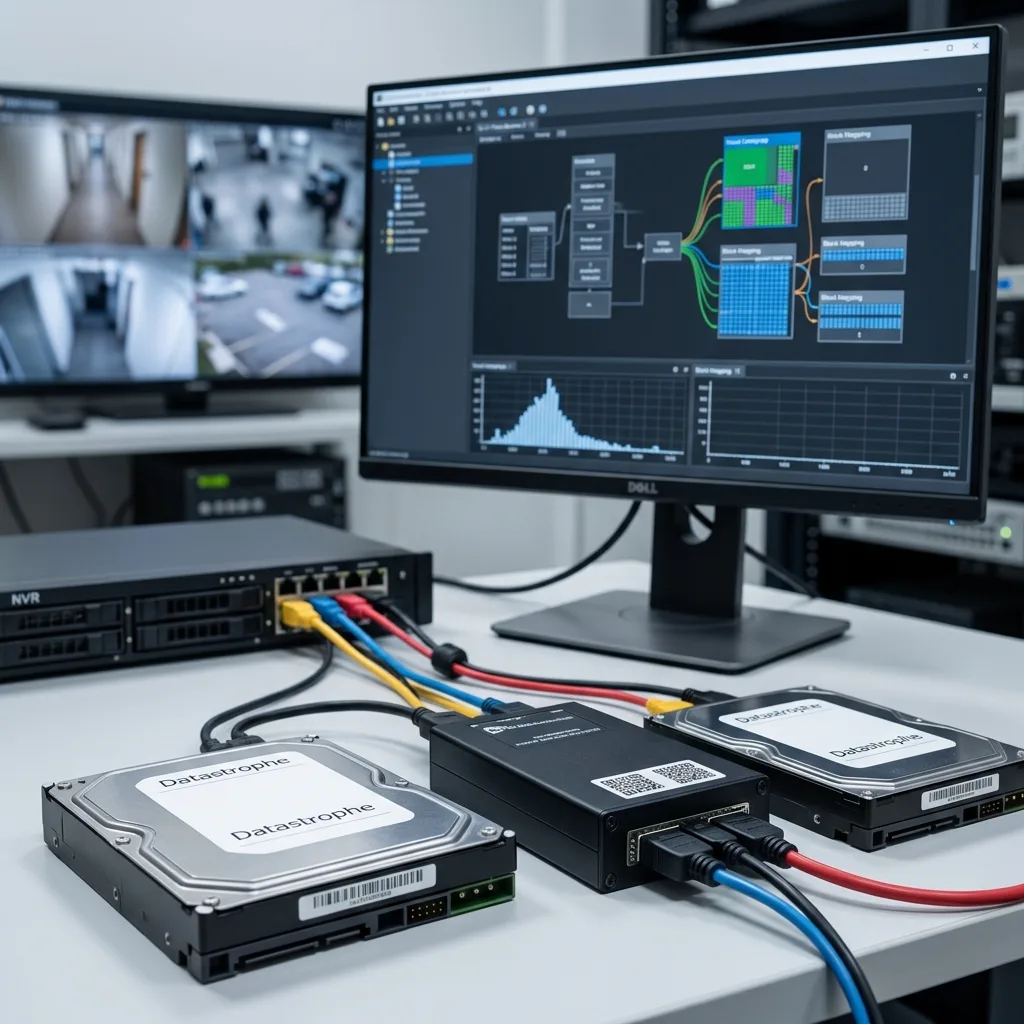
Laboratory workflow
Acquire, map and rebuild CCTV data in controlled stages
The process separates controlled acquisition, storage mapping, video reconstruction and playback validation so each result can be traced to the source evidence.
Work starts with the physical and logical condition of each drive. Unstable sectors, electronic faults or mechanical symptoms change the acquisition order and level of monitoring. Priority areas may need to be secured before secondary blocks so the requested camera period is not placed at further risk.
After readable data has been protected as far as practical, the data recovery laboratory maps standard and proprietary partitions, databases, indexes, stream signatures, codec fragments, logs and timing metadata. This determines whether the volume must be reconstructed, streams can be extracted directly or evidence from several sources needs to be combined.
Extraction then concentrates on usable footage. The work can involve joining fragments, repairing a container, associating a stream with its camera, checking several playback methods or preparing an intermediate export. Validation is based on the stated camera and period, with incomplete material recorded separately.
Final checks cover the requested camera, time range, minimum duration, output format and confidentiality requirements. A partial sequence may still meet the need if it contains the event, whereas a complete-looking video with an unsupported date may not. Those distinctions remain clear at secure handover.
- Acquire fragile drives carefully before attempting logical reconstruction.
- Map storage and video layers instead of relying on blind file extraction.
- Test the requested intervals for playback, camera identity and timing.
Why acquisition precedes reconstruction
A controlled image limits repeated handling of the original drives and provides a stable basis for testing different reconstruction paths.
Why usable footage matters more than file count
Large numbers of fragments do not answer the request unless the relevant material plays, can be placed in time and is tied to the correct camera.
Confidential handling
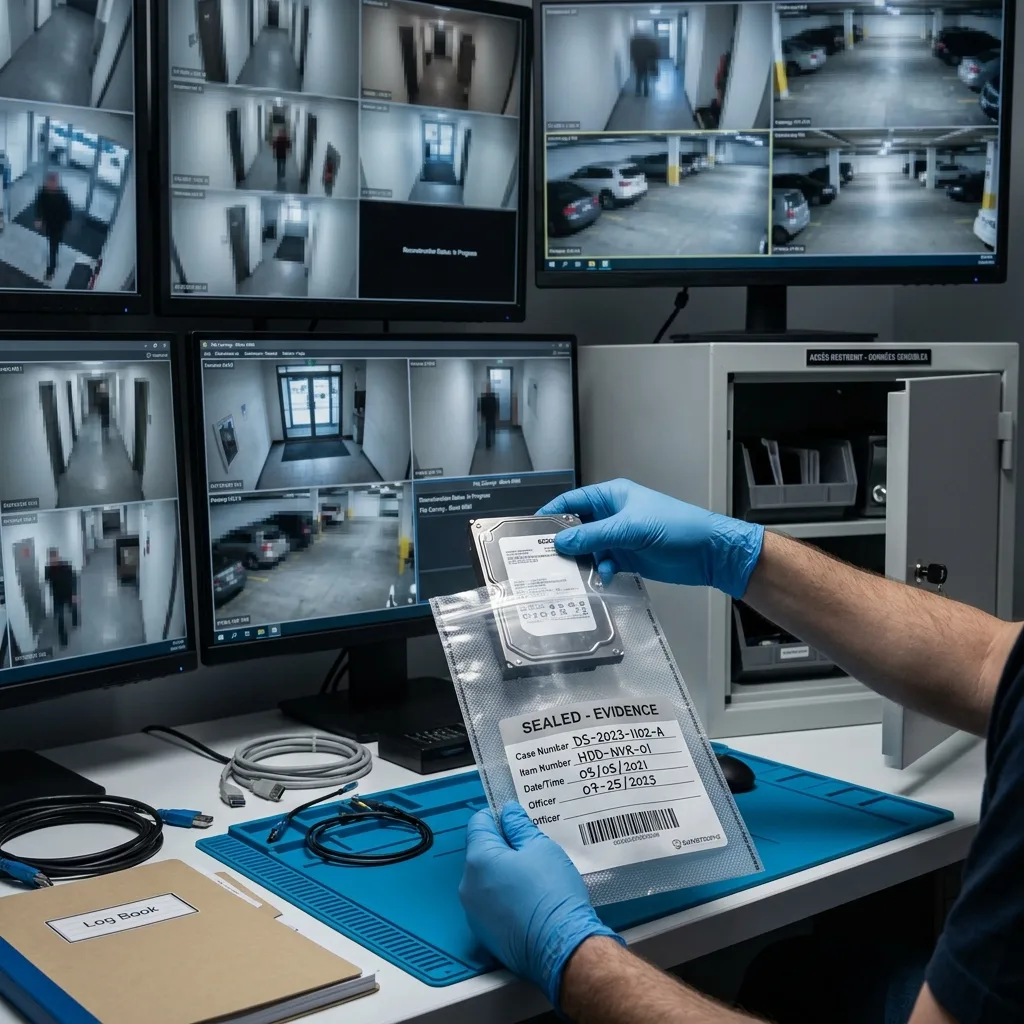
Restrict access to sensitive security footage
Security camera recordings can show people, vehicle plates, private areas and sensitive events, so technical access remains limited to the defined recovery need.
CCTV recovery may expose personal, operational or disputed material beyond the required event. Access is restricted to the work needed for the case, unnecessary viewing is avoided, and recovered sequences are prepared on suitable healthy storage or through an agreed transfer method.
The recovery boundary is equally important. Drives and streams can be assessed, recoverable structures rebuilt and usable sequences checked, but missing images cannot be invented. Encryption without an accessible key and blocks already overwritten remain explicit technical limits.
A restrained finding is more useful than an unsupported promise when an incident carries pressure or uncertainty. Missing regions, playback defects and doubts about timestamps are documented so the status of the footage is not overstated.
For organisational cases, the authorised requester, purpose of the search and intended recipient should be established before delivery. This reduces unnecessary copies and avoids informal transfers of sensitive footage to people outside the agreed scope.
- Limit access to the material required for recovery and checking.
- Control delivery according to sensitivity, volume and authorised recipient.
- Record uncertainties where video blocks, timing records or keys are missing.
Privacy and proportionate technical handling
The data recovery laboratory does not determine the legal purpose of footage. Its handling remains traceable, proportionate and confined to the request provided.
Encryption tied to the original system
Access may depend on a recorder, account or manufacturer key. If the required element is unavailable, some or all video may remain inaccessible.
Verified delivery
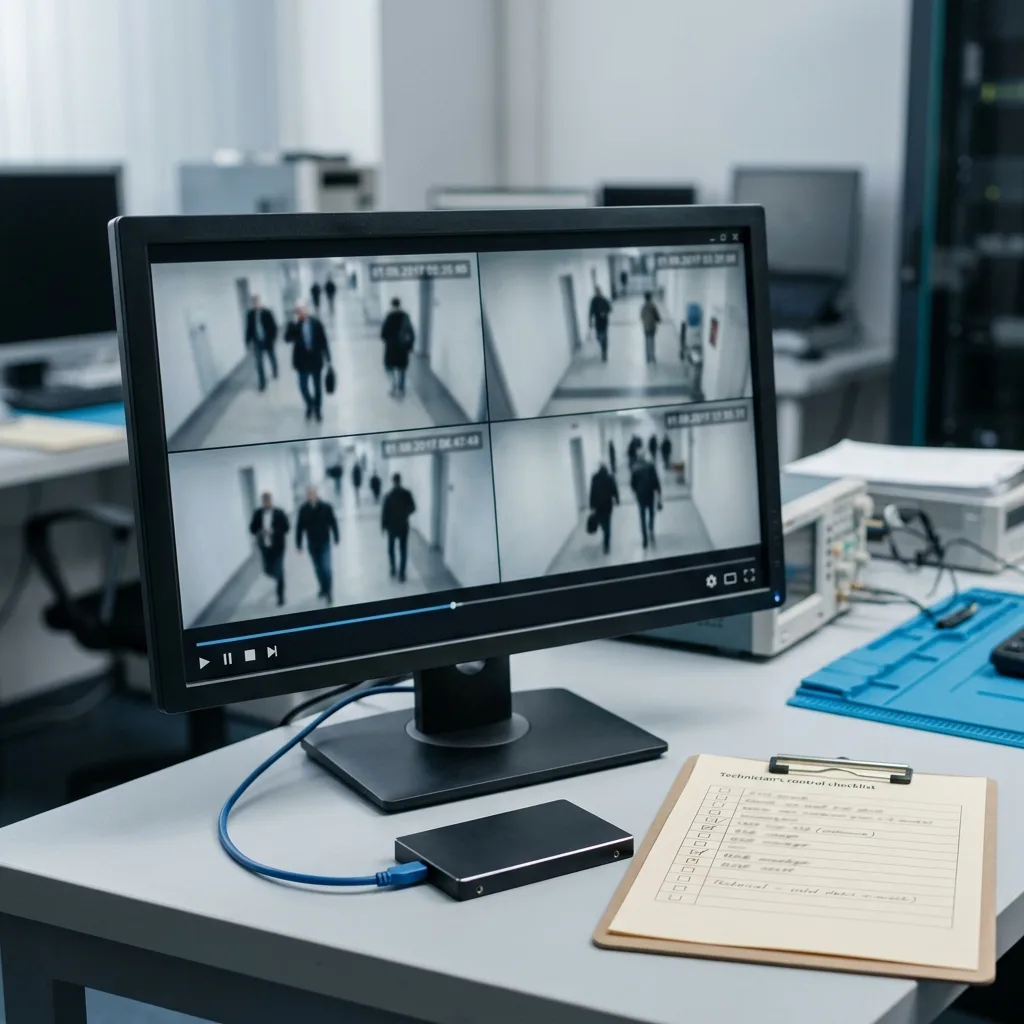
Deliver footage that can be located, played and understood
A practical result is a playable sequence connected to a camera and time period, accompanied by any gaps or timing qualifications that remain.
The quality of the outcome becomes clear at delivery. Hundreds of unlabelled fragments may contain images but provide little practical value. Where the evidence permits, sequences are organised and tested with their camera, period, file format and level of time confidence stated.
Possible outputs include a playable native export with its manufacturer software, conversion to a widely supported container, selected priority clips or raw files accompanied by technical notes. The appropriate choice depends on compatibility, the fidelity required and how the recipient needs to review the footage.
Checks cover playback, length, continuity, timestamps, the requested event and visible corruption across the relevant interval. Opening successfully is only one test; the sequence must remain usable for the purpose defined at intake.
The final record separates recovered footage from partial sequences, absent periods and conclusions that the storage evidence cannot support. That separation prevents technical file recovery from being confused with interpretation of the scene or a claim about its evidential weight.
- Label recovered sequences by camera and period when the records allow.
- Play the delivered files rather than relying on names or thumbnails.
- Describe remaining gaps in video, indexes and timestamp information.
Balancing convenient playback and native format
Conversion can simplify viewing, but a native container and its manufacturer player may need to be retained. The intended use determines the agreed output.
Information that focuses the final checks
Recorder details, disk count, camera identifiers, the time window and urgency help direct validation towards the sequences that matter.
FAQ
Frequently asked questions
Is deleted CCTV footage sometimes recoverable?
It can be, but circular recording is a major constraint. Continued operation may have reused the older blocks, so new writes should be stopped where safe and the recorder drives assessed before further attempts.
Can footage remain when the NVR calendar is blank?
Yes. A damaged playback index or event database can remove calendar entries while H.264 or H.265 streams remain. Recovery then requires the links between video blocks, cameras and times to be reconstructed.
What makes a DVR or NVR export unreadable?
The export may rely on a proprietary container, separate index, particular codec, manufacturer player or encryption key. Renaming it does not repair those dependencies; the recorder structure must be examined.
Can I take disks out of a recorder with several bays?
Preserve and photograph the exact bay order before removal. Proprietary storage and RAID reconstruction can depend on disk sequence, stripe size and parity, and a wrong assumption may corrupt the video timeline.
Will recovered security camera footage retain its time information?
Native timestamps can be retained when their metadata survives, or adjusted where reliable correlation is available. Missing indexes and logs may leave playable footage with lower time confidence, which is reported.
Can complete CCTV evidence be promised before examination?
No. A diagnostic assessment can establish the drive condition, surviving structures and usable sequences, but it cannot recreate footage that was never recorded, has been overwritten or remains encrypted without a key.
Media
Other expertise
- Data Recovery for Failed Internal Hard Drives Professional recovery from internal hard drives affected by mechanical damage, unreadable sectors, lost partitions, formatting or firmware faults.
- Recover Data From a Damaged External Hard Drive Recovery of files from external hard drives affected by impact, damaged USB connections, missing partitions, deletion or unstable media.
- Recovering Files from Failed SSD and NVMe Devices Controlled recovery from inaccessible SSD and NVMe devices affected by controller, NAND, firmware, power, encryption or volume faults.
- Recover Data From a Damaged or Unreadable USB Drive Professional file recovery from USB drives with broken plugs, failing NAND, corrupted structures, missing folders or recognition faults.
- Recover Files From a Failed or Formatted Memory Card Recovery of photos, video and other files from SD, microSD and CompactFlash cards affected by formatting, corruption, read errors or flash faults.
- Recovering Data from a Failed Laptop Recover files from laptops affected by startup failure, impact, liquid, inaccessible accounts, internal drive faults or soldered storage.
- Recovering Data from Mac Computers and Apple Storage Controlled recovery of usable files from Mac computers, APFS volumes, FileVault storage, Apple SSDs and separated Fusion Drives.
- Recovering Data from a Tablet or iPad Recover local photos, documents and application data from tablets with startup, screen, storage, access or synchronisation faults.
- Data Recovery for VMDK, VHDX and Other Virtual Disks Data recovery from VMDK, VHDX, VHD and QCOW2 files, including damaged snapshots, VMFS datastores, databases and virtual machines.
- Recovering Data from RAID, NAS and Storage Arrays Recovery of data from RAID, NAS and server arrays affected by disk faults, unavailable controllers, degraded volumes or unsuccessful rebuilds.
- Recovering Critical Data from Business Servers Recovery of usable data from failed servers, RAID arrays, SQL databases, shared storage, virtual machines and damaged volumes.
- Inside an ISO 5 Clean Room for Hard Drive Recovery How an ISO 5 Class 100 clean room supports hard drive recovery by controlling dust around exposed heads, platters and internal parts.
 Data Recovery for Failed Internal Hard Drives
  Recovering Files from Failed SSD and NVMe Devices
  Recover Data From a Damaged or Unreadable USB Drive
  Recover Files From a Failed or Formatted Memory Card
  Recovering Data from a Failed Laptop
  Recovering Data from a Tablet or iPad
  Data Recovery for VMDK, VHDX and Other Virtual Disks
  Recovering Data from RAID, NAS and Storage Arrays
  Recovering Critical Data from Business Servers
  Inside an ISO 5 Clean Room for Hard Drive Recovery
 Diagnostic assessment
Unsure about a storage device or fault?
Datastrophe assesses the risk before any recovery attempt and points you towards the safest next step.