
Diagnostic assessment
Identify the failed layer
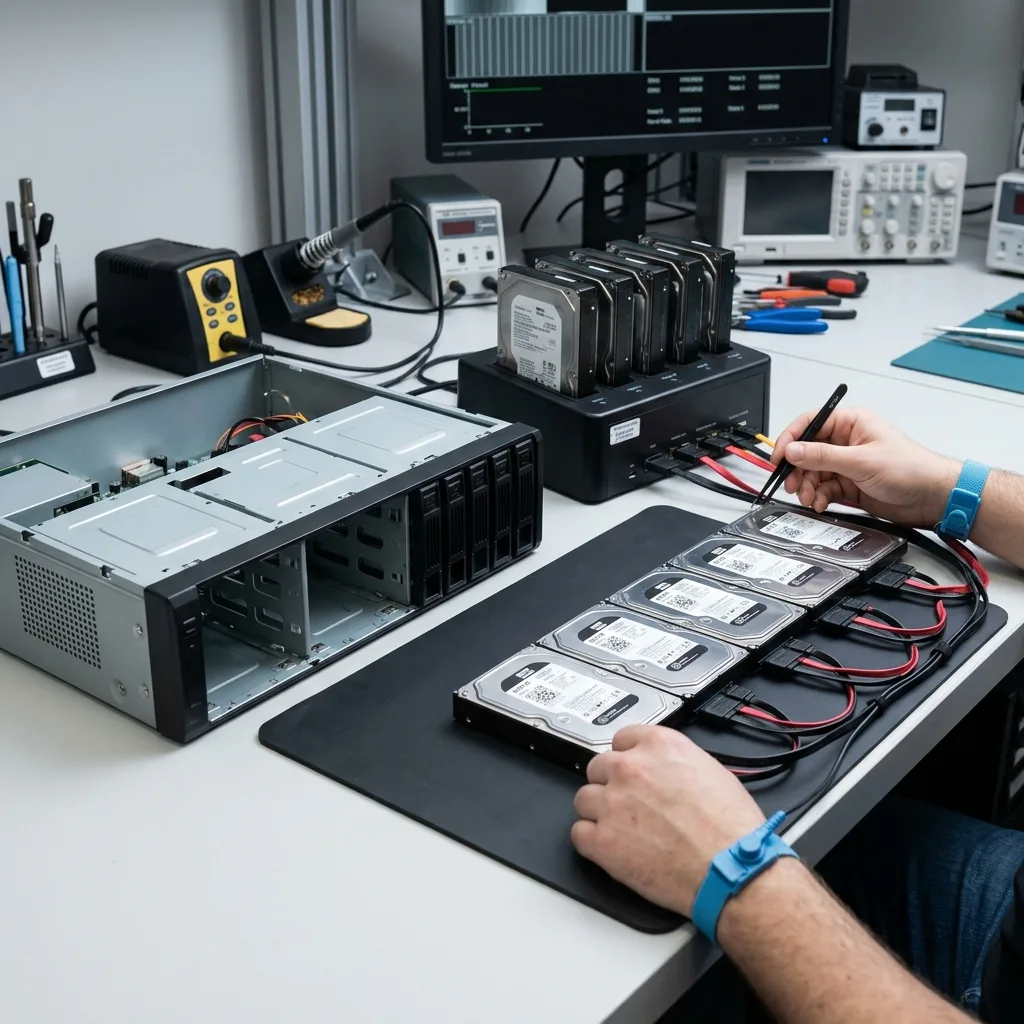
A CCTV case involving RAID, NAS or a VMS server can fail at several levels. A disk may be degraded, the RAID set inconsistent, the file system corrupt, the NAS share inaccessible or the VMS unable to associate streams with cameras. Treating every case as a deleted video would be too imprecise.
First establish where information still exists. A RAID volume can contain useful blocks but be assembled in the wrong order. A NAS can respond over the network while concealing damaged metadata. A VMS can display an empty period even though video fragments remain in storage. Where a recorder serves several buildings or outdoor cameras, note the channel map and exact time window before any recovery attempt.
That separation directs the examination. Datastrophe starts with the physical devices and does not ask for a live volume to be rebuilt before analysis. Each disk, enclosure and log may provide evidence of the chain's actual state.
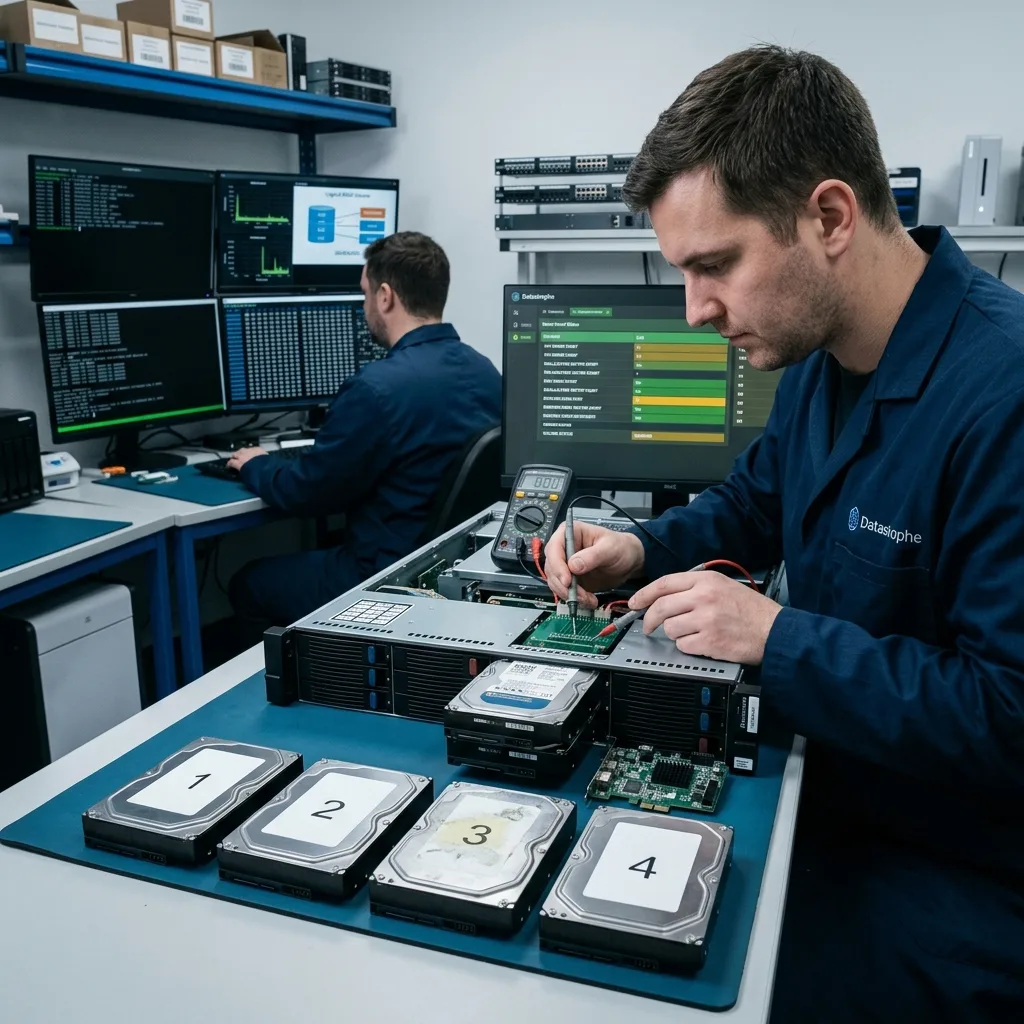
Do not search for the final video too soon. In this kind of installation, it depends on a complete path: physical disk, RAID group, file system, network share, VMS service, application index and finally export. One layer misinterpreting storage can leave the interface empty while blocks remain.
A simple inventory often prevents an expensive mistake. Record the NAS or server model, bay count, disk capacities, indicator lights, alerts, last replacement date and previous actions. These facts determine whether storage recovery, application reconstruction or both are needed.
Diagnostic assessment
Preserve disks and RAID order
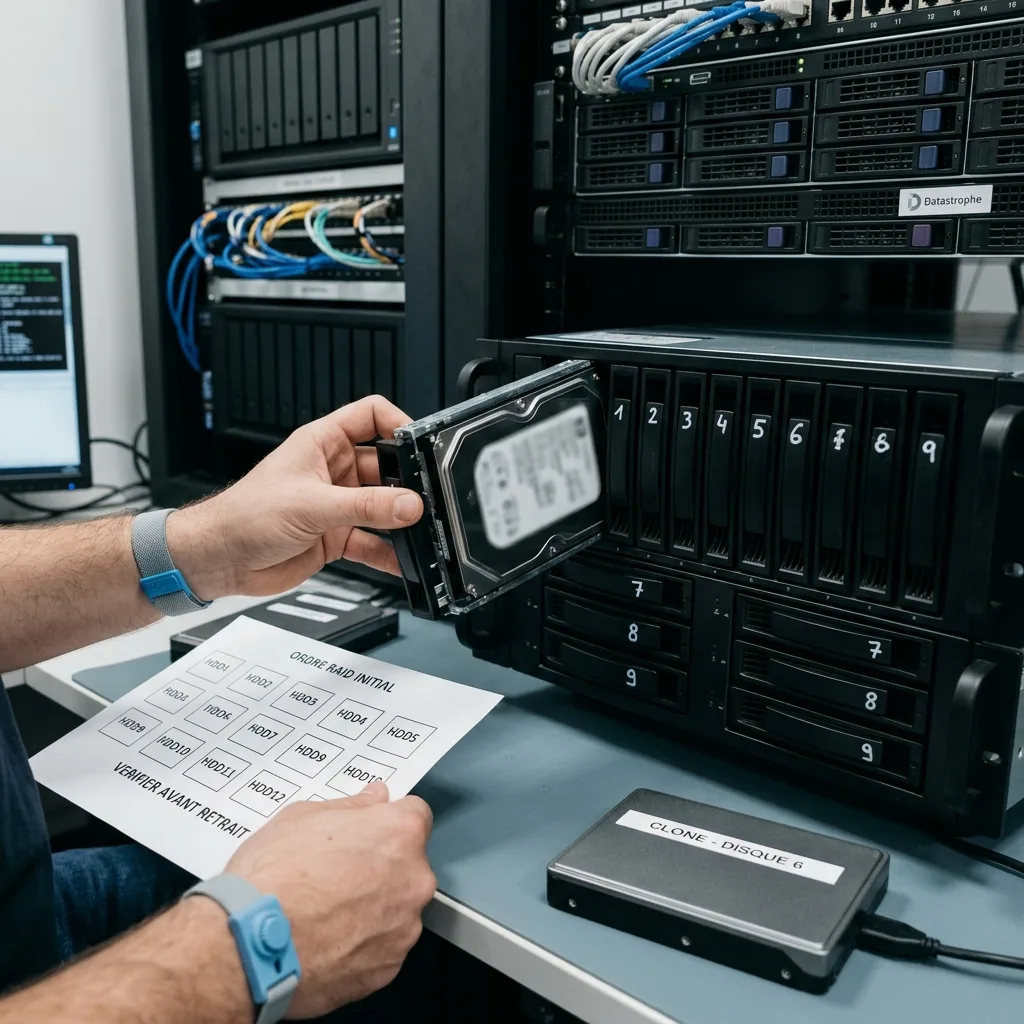
Disk order, stripe size, parity type and replacement history are essential on RAID. A reversal or premature rebuild can produce a volume that appears to mount while its video is mixed, truncated or inconsistently dated.
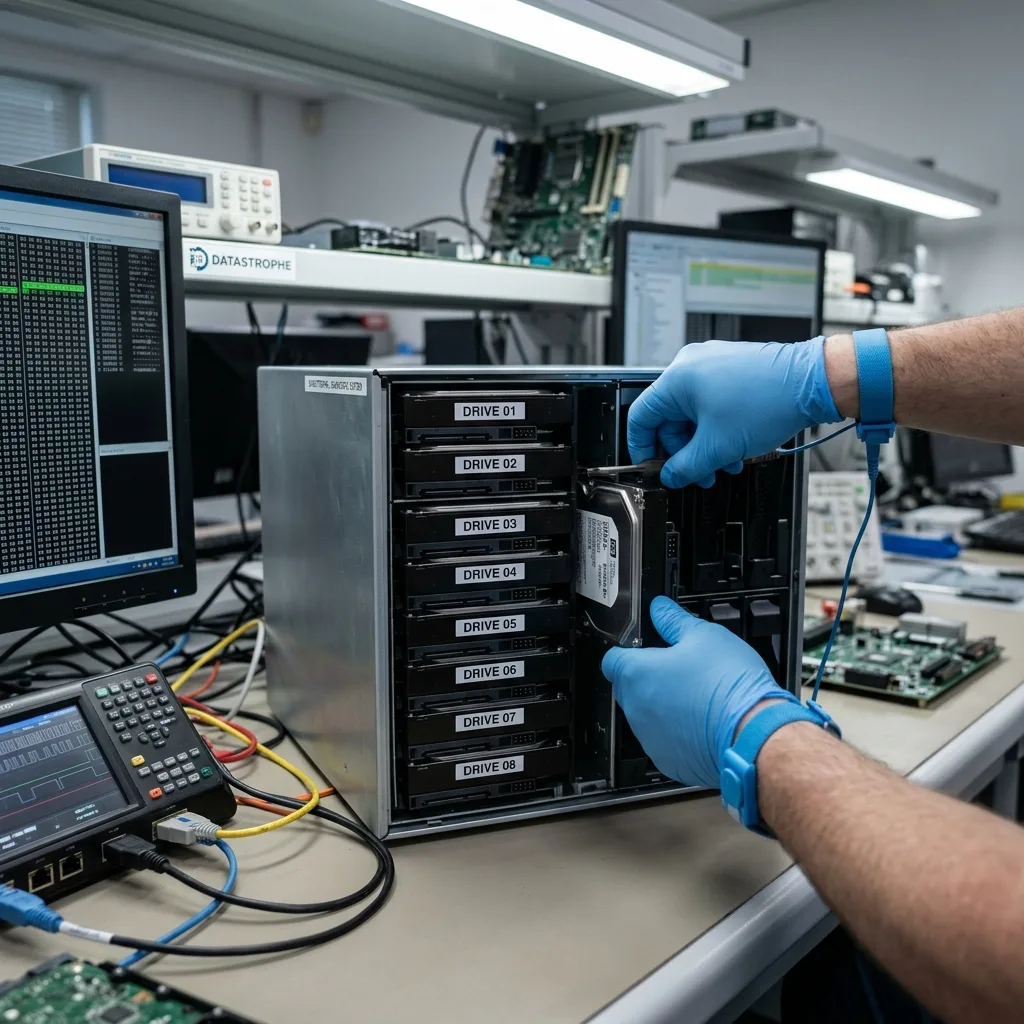
Label disks before removal, photograph the enclosure, note positions and retain error messages. If a member was already replaced, record it: the detail helps establish whether rebuilding was complete, partial or defective.
Work continues from disk images. Weak sectors are acquired carefully, then RAID parameters are tested without writing to the originals. This prevents a recoverable fault becoming permanent loss.
Do not confuse reconstruction with returning the array to production. A volume may be reassembled in the laboratory for data access without becoming dependable enough for service. When surveillance must resume quickly, use replacement storage instead of the equipment under examination.
Acquisition may begin with VMS index areas and then the video blocks for the target period if several disks have errors. This uses the best read opportunities on information relevant to the case instead of unneeded archives.
Diagnostic assessment
Understand the VMS server's role
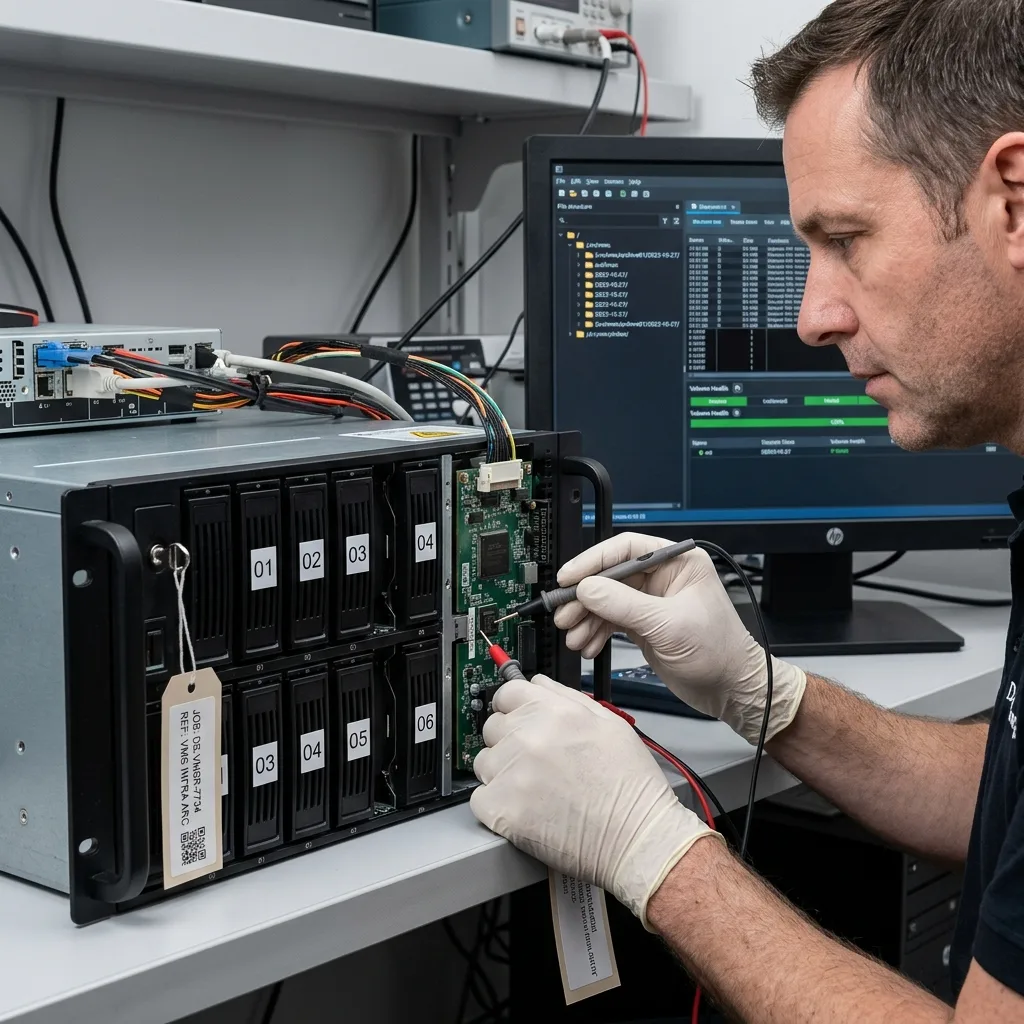
The VMS organises cameras, permissions, alerts, exports and chronology. It can distribute streams across several volumes, create indexes, compress archives or remove older periods automatically. Video can depend as much on software as on disk.
When the VMS will not start, separate application files, logs, index databases and raw streams. Logs can reveal the last write time, abrupt shutdown, affected channel or automatic rotation. Raw streams may remain even when the console cannot show them.
This analysis is especially important for evidence. An extraction without timestamp or camera channel may be technically playable but operationally weak. Delivery must make sense to those who will use the footage.
VMS servers may retain several databases: camera configuration, user rights, event logs, recording schedule and sequence catalogue. Disk failure may affect one database without destroying video streams. By contrast, readable files may survive without the information assigning them to a camera.
The method therefore reconnects the layers instead of producing an unstructured extraction. Camera names, time ranges, internal identifiers and shutdown logs can support a usable set even when the VMS console no longer starts.
Diagnostic assessment
Avoid automatic repairs
NAS interfaces may offer volume checking, file-system repair or array rebuilding. These actions support routine maintenance but are dangerous when the required footage is critical. They change the storage state and complicate analysis.
Avoid mass copies from an unstable volume too. A partial copy can suggest that everything is safe while omitting the relevant sequences, and it can impose the greatest load on the weakest disk areas.
Freeze the installation, record its details and work outside production. Where CCTV continuity is necessary, install new healthy storage instead of restarting the old volume.
The same rule applies to snapshots and automatic backups. Restoration without understanding volume state may overwrite recent files, alter logs or hide the true failure timeline. Decide on restoration only after copying the relevant disks or, at minimum, securing forensic images.
Be wary of exports from a sluggish interface. An export that fails at 80 per cent may read an unstable disk for hours without producing a useful file. Once symptoms are physical, application export is no longer the right first step.
Diagnostic assessment
Build a usable delivery
Delivery is more than a collection of files. It should identify cameras, time ranges, limitations and absent sequences. In RAID and VMS cases, transparency about reconstruction matters as much as the footage itself.
Datastrophe aims for readable, classified exports. A partial period should be named clearly. Where internal time is inconsistent, distinguish system time, camera time and the evidence available.
For specialist handling, NVR and CCTV data recovery explains the overall route. For the storage layer, RAID data recovery covers risks specific to multi-disk volumes.
A serious delivery also distinguishes storage work from software work. State when RAID was reconstructed virtually, when timing is shaped by a partial VMS log, and when some cameras are complete while others are fragmentary. Classification should expose uncertainty instead of conceal it.
Diagnostic assessment
Primary Technical References And Limits
Reference scope — RAID NAS VMS server recovery: For CCTV RAID NAS VMS server recovery, the primary references used are Linux MD administration guide. Physical evidence — RAID NAS VMS server recovery: They define the relevant preservation, storage or validation concepts, but they cannot establish the exact physical condition, controller state, key availability or business consistency of the device received. Controller evidence — RAID NAS VMS server recovery: Those points require measurements on the original set and verification on copies.
Diagnostic assessment
Arrange A Controlled Assessment
Complete set — RAID NAS VMS server recovery: For a technical assessment of CCTV RAID NAS VMS server recovery, provide the complete device or storage set, its associated power and interface parts, the symptom timeline and the priority data. Incident history — RAID NAS VMS server recovery: Keep member order, labels and authorised credentials separate from the parcel paperwork; do not restart the source merely to obtain a new screenshot.
Laboratory responsibility — RAID NAS VMS server recovery: Datastrophe performs the diagnosis, integrity checks and recovery directly in its own laboratory with its own team. Free assessment — RAID NAS VMS server recovery: Diagnosis and the quote are free. Transport boundary — RAID NAS VMS server recovery: Return courier service is included; the carrier moves only the sealed parcel and neither accesses nor processes its data.
Controlled list — RAID NAS VMS server recovery: Before any payment, the client receives the proposed price and a checked list. Verification classes — RAID NAS VMS server recovery: Each item is classified, in order, as recoverable_verified, partial, detected_unverified or unrecoverable. Payment trigger — RAID NAS VMS server recovery: Only recoverable_verified items whose contents were checked and found usable are presented as recoverable. No-result rule — RAID NAS VMS server recovery: Payment is due only after the client accepts both the list and the price.
No-result rule — RAID NAS VMS server recovery: If no usable data is verified, recovery fails, or the client declines the list or price, no standard fee is payable. Rare-part exception — RAID NAS VMS server recovery: The only exception is a rare, costly and non-refundable part, which may be ordered only after a separate, explicit and priced proposal has been accepted.
Diagnostic assessment
Map the complete New Zealand camera-to-VMS chain
Preserve the VMS server, NAS or RAID members, controller and cache, licence or configuration exports and the camera roster as one system. Record drive bay order, removed or spare members, relevant local time windows and any known offset between cameras, recorder and an independent event. Do not rebuild the array or let the VMS initialise a replacement volume on the originals.
Request recovery by channel and event window, then validate the storage layers in order: member geometry, virtual volume, recording database, media container and playable export. Confirm continuity, timestamps and channel identity against the recorded clock offset. A mounted RAID or visible clip name does not by itself prove that the required surveillance sequence is complete or correctly attributed.