

Recovering Critical Data from Business Servers
Datastrophe protects the original server storage, carries out a diagnostic assessment and supplies the files, databases and virtual machines that can be verified as usable.
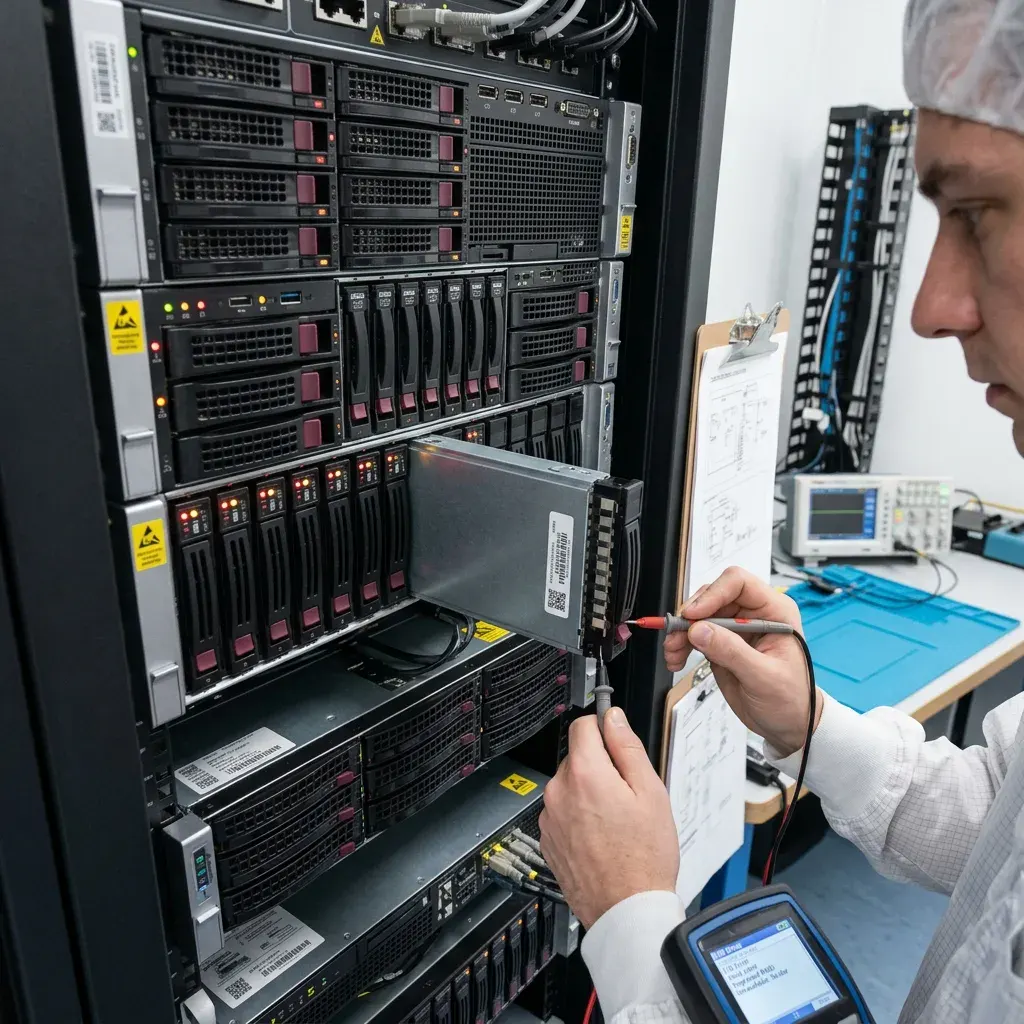
Case assessment
Map the controller, RAID, SAN and volume stack
Draw the storage stack from controller to application so each dependency is preserved and the failed layer can be identified without guesswork.
Map the controller, RAID, SAN or iSCSI layer, logical volumes and file systems before treating a server as one failed box. A database, share or virtual machine may depend on several devices and configuration layers that must be preserved together. Record the topology, identifiers, paths and recent changes before storage is removed or imported elsewhere.
The server and every associated drive are treated as technical evidence. Their condition is recorded, avoidable writes are prevented, and the relevant physical, logical and application layers are mapped before acquisition begins. This provides a sound basis for separating media failure from corruption, deletion or a combination of faults.
Returning the hardware to production is not the goal. Recovery is directed towards a separate, usable copy of the data that remains available, with any gaps caused by overwritten sectors, destroyed components or inaccessible encryption stated plainly.
- Set priorities before beginning a broad extraction
- Confirm which readable items are genuinely usable
- Support the recovery plan with recorded evidence
Map every storage dependency
The review records controllers, member disks, SAN or iSCSI paths, logical volumes, file systems and application data. It prevents unnecessary writes while showing which layers must be acquired together.
A recovery, not a hardware repair
The intended result is an independent copy of data that can be used. Damage, overwriting and encryption without an available key impose real boundaries, and those boundaries remain part of the reported outcome.
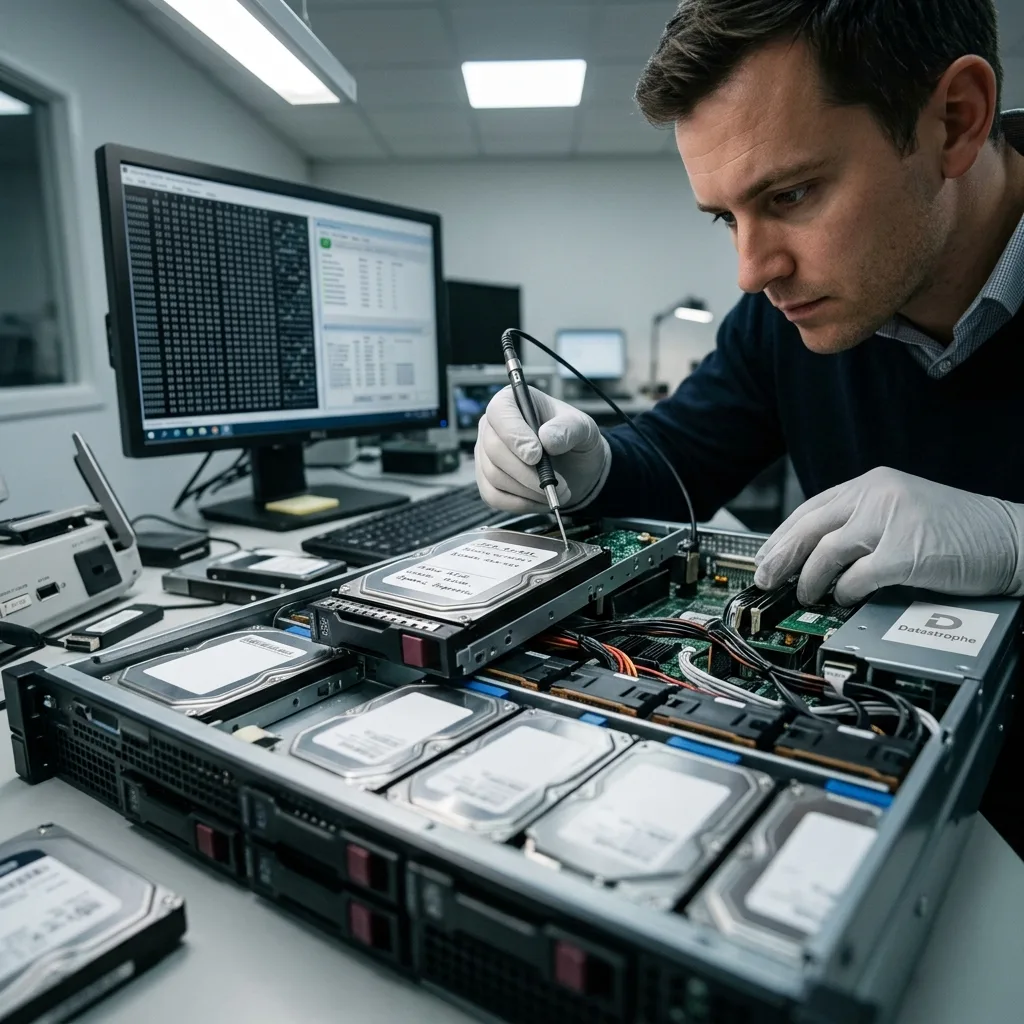
Risk review
Freeze production writes before trying another restart
Record the exact symptom and the events around it; an unreachable server, degraded RAID set or failed restore does not identify the cause on its own.
Important warning signs include an unreachable server, a degraded RAID set, an inconsistent database, a missing share, a RAW volume or a restoration job that will not complete. No single symptom proves the cause, but each one affects the risk and the safest sequence of work. Slow, unstable or intermittently detected drives require particular care.
When the problem appeared is as important as what appeared on screen. A fault following impact or loss of power calls for different handling from deletion, formatting or a RAID rebuild. Earlier actions also matter because they may have altered metadata or written over data that was previously available.
Continued operation can narrow the recovery options. Normal server writes may replace deleted content in a logical-loss case, while repeated attempts to read a failing device can increase physical damage and reduce stable access.
- Write down errors and observable behaviour
- Shut down instead of repeatedly restarting
- Retain a precise sequence of events
Why the sequence of events matters
Impact, power interruption, deletion, formatting and reconstruction affect storage in different ways. A record of subsequent actions is also essential because an attempted repair or rebuild may have changed metadata and recoverable content.
When to stop using the server
Leaving the system active permits further writes and reads. Writes can overwrite deleted data, while persistent reads from damaged storage may make previously accessible areas unstable or unreadable.
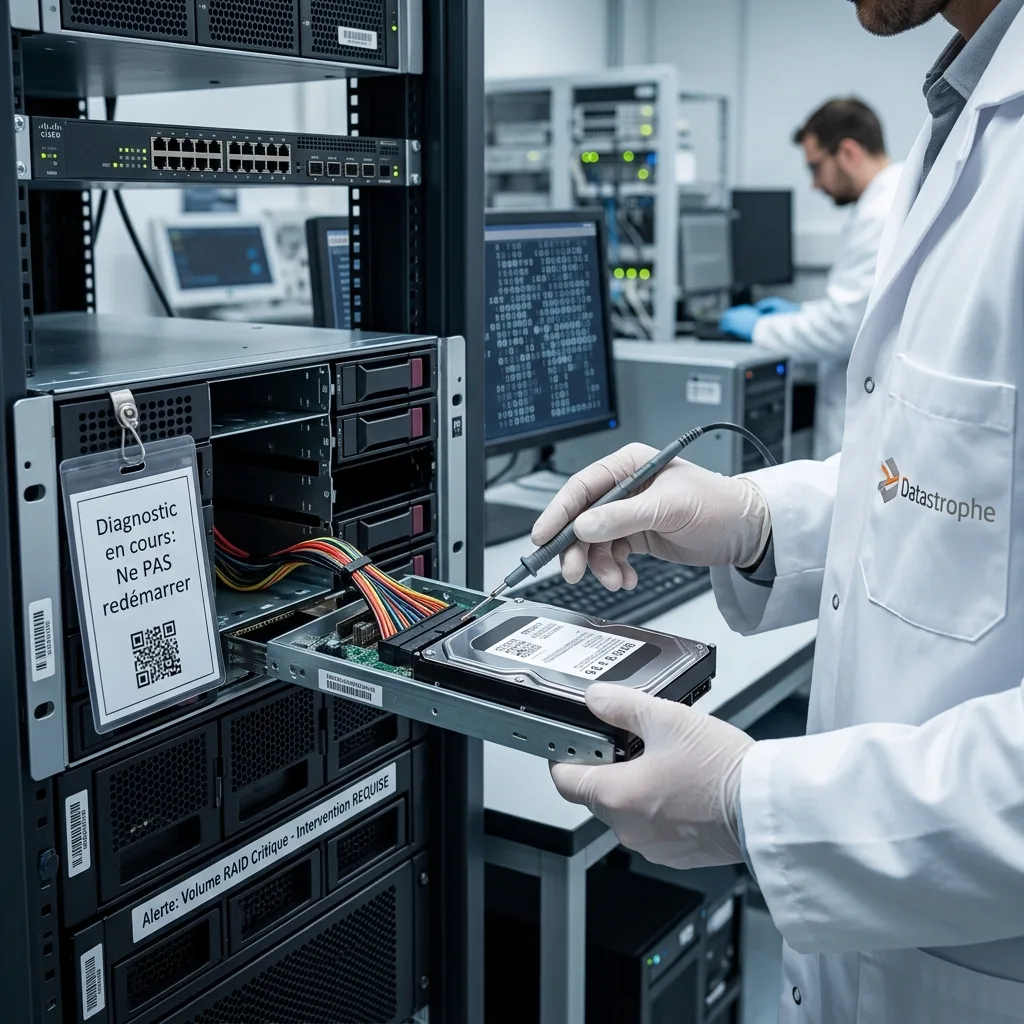
Source protection
Separate operating-system repair from data recovery
Avoid repairs, reinstalls, repeated restarts and uncontrolled RAID imports until the affected storage and configuration have been assessed.
Do not reinstall the operating system, restore onto the affected storage, keep restarting the server, import an unconfirmed RAID configuration or run an automatic repair. Each action changes the evidence available for a reliable assessment and can turn a manageable loss into an incomplete recovery.
Automated tools may clear logs, rewrite file-system structures, relocate fragments or leave databases inconsistent. The safer response is to stop, record the commands or tools already used and retain any error messages for review.
Work in the data recovery laboratory uses controlled acquisition and separate working copies. Keeping investigative tests away from the originals allows alternative reconstructions to be evaluated without repeatedly stressing the source or obscuring useful traces.
- Prevent all unnecessary writes to the source
- Leave automated repair utilities unused
- Keep the original configuration documented
Risks created by automatic repair
A repair utility may rewrite structures, remove logs or move fragments without preserving the earlier state. Record any attempts already made, then stop further changes so the remaining evidence can be assessed consistently.
Why working copies are used
Controlled reads and independent copies allow different recovery hypotheses to be tested without using the original drives as a test environment. This also reduces repeated access to media that may be deteriorating.

Technical evidence
Check SQL databases and logs for transactional consistency
Recovery may require linked analysis of the physical storage, RAID layout, file system, databases, virtual machines and application records.
A server case can span hardware RAID, NTFS, ReFS, ext4, XFS, SQL Server, PostgreSQL and application logs. The evidence at each level determines whether work should concentrate on physical sectors, array geometry, file-system metadata, database structures or several connected layers.
Seeing a directory tree does not establish that its contents are intact. Equally, a blank management interface does not prove that all data is gone. File signatures, journal entries, tables, indexes, snapshots and fragments may still support a coherent result after careful reconstruction.
Analysis moves from the source media and read stability to RAID or volume structures, then to file systems and priority application data. Following that order avoids a result that looks complete in a file listing but fails when the organisation tries to use it.
- Map dependencies between storage and applications
- Test content rather than relying on file listings
- Record the basis for each technical decision
What a file listing cannot prove
Visible names and folders may point to damaged content, while an empty interface can conceal recoverable structures. Logs, signatures, indexes, snapshots and fragments provide additional evidence for determining what can be reconstructed.
A layered examination
The sequence starts with media stability, then addresses array and volume structures before moving into file systems, databases and priority files. Validation at each stage prevents apparent completeness from being mistaken for usability.
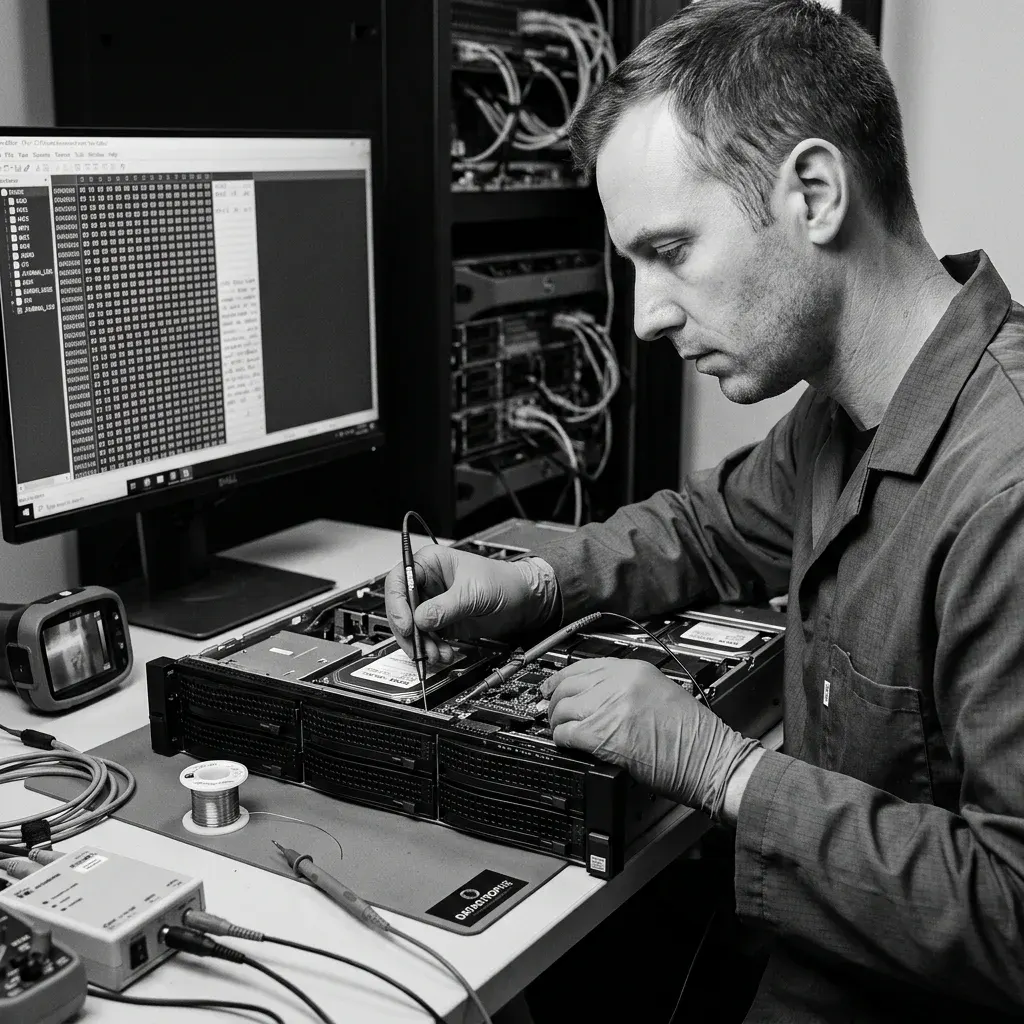
Recovery method
Preserve datastores and snapshot chains on virtual servers
Preserve the complete datastore and snapshot chain before reconstructing a virtual server or attempting any guest-system start-up.
Virtual-server recovery begins by preserving datastores, descriptors and every dependent snapshot before the guest is restarted. Copying only the base VMDK or VHDX can omit the current state, while consolidation may write an incorrect chain back into the source. Hypervisor inventory and logs help establish the correct parent-and-delta sequence.
Unstable storage is acquired with the aim of protecting readable regions. For a logical fault, writes are restricted while deleted or corrupt structures are located. Where faults overlap, the work follows the order least likely to remove later options.
Representative recovered items are then tested. Important documents, databases and virtual machines may be opened, compared with known copies, checked against dates or validated by an appropriate application where possible. A gigabyte total alone is not evidence of success.
- Build the plan around the stated recovery need
- Protect readable areas before broad analysis
- Validate representative priority content
Reconstruct the chain on working copies
Descriptors, extents, parents and deltas are mapped before a candidate virtual disk is assembled. Reconstruction proceeds on protected copies so an incorrect chain cannot alter the only source state.
How results are tested
Representative files and datasets are opened or otherwise checked where possible. Dates, known reference copies and application-level tests help distinguish usable content from files that have only been identified or partly recovered.
Priorities
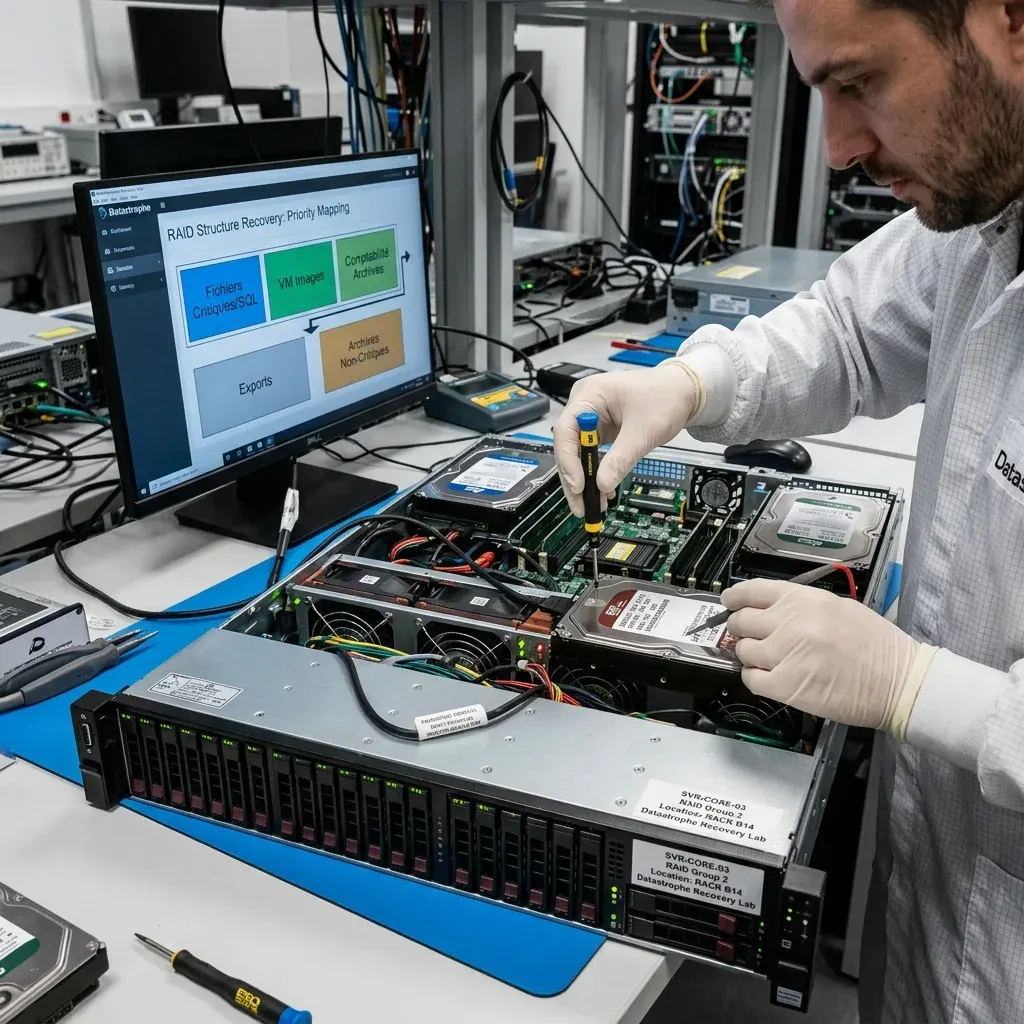
Prioritise identity services, configurations, databases and business shares
List the databases, shared folders, virtual machines, exports and archives that matter most so they can be located and tested first.
Common priorities include SQL databases, shared business folders, virtual machines, exports and accounting archives. Naming them early can direct attention to the most important directories and recent records before a full extraction is complete, particularly when source access is limited.
A focused sequence is valuable when an array is degraded or operations depend on a small group of files. It also avoids exposing unrelated sensitive material and gives the organisation earlier evidence about whether the recovery is meeting its practical objective.
Final checks separate complete and usable items from partial content and entries that were detected but cannot be opened. A filename in an inventory does not demonstrate that its underlying data is intact or suitable for use.
- Identify essential datasets and recent records
- Confirm that key folders can be used
- Mark partial or unverified content clearly
Benefits of an agreed priority list
When access to degraded storage is uncertain, a defined list directs early reads towards the most valuable content. It also limits unnecessary access to unrelated information and provides a timely indication of likely usefulness.
What verification distinguishes
Testing separates usable files from partial results and names that appear only in an inventory. The distinction is recorded because detection alone says nothing about whether the content opens correctly or supports its intended task.
Isolated validation
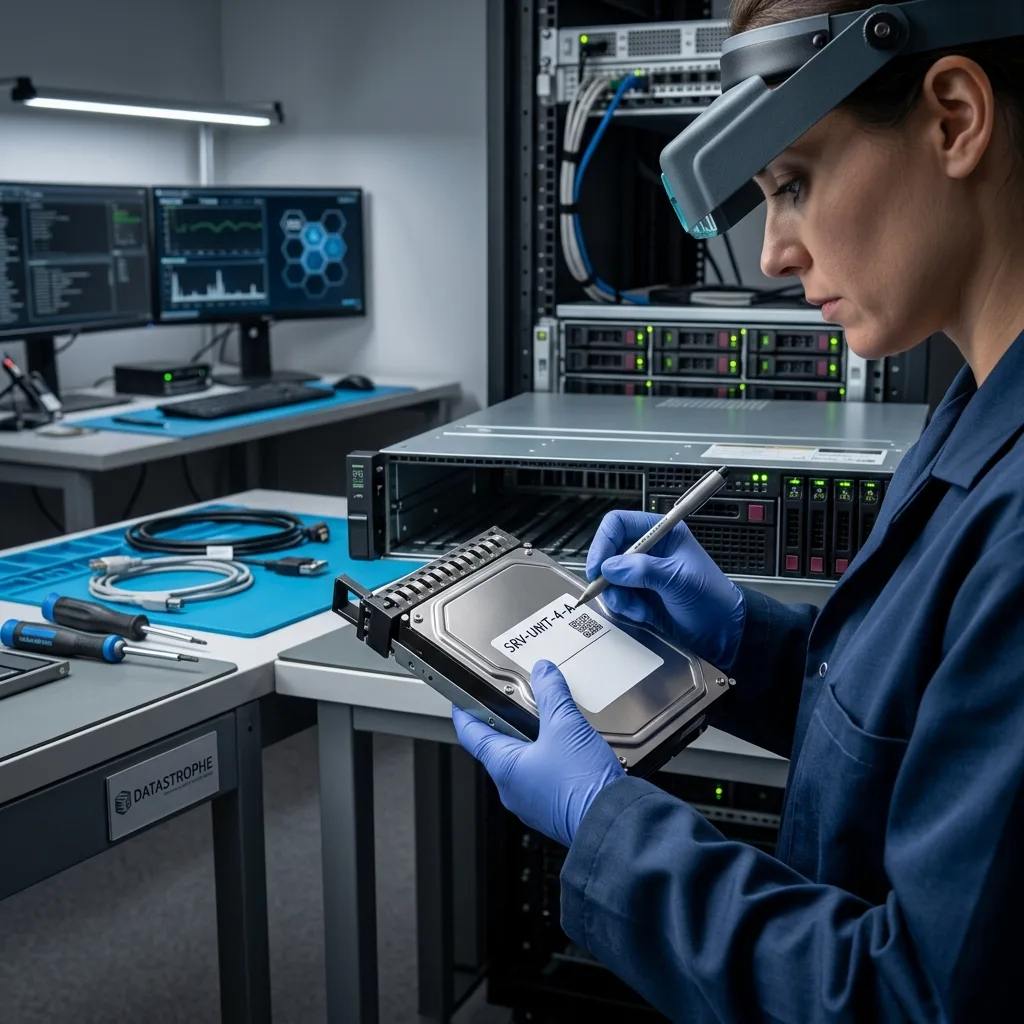
Validate recovered systems in an isolated environment
Test recovered databases, virtual machines and application data away from production before approving any operational reuse.
Recovered server data should be validated in an isolated environment before anything is returned to production. A restored file system can still contain inconsistent databases, incomplete virtual machines, stale identity data or services that replay damaged logs when started.
Isolation allows databases, application services, permissions and dependencies to be tested without exposing live users or writing back to the source. Network access remains restricted, and checks are limited to the agreed recovery scope and operational priorities.
The deliverable records which services were tested, what configuration or conversion was required and which components remain incomplete. Overwriting, failed media, unavailable encryption and unresolved database inconsistency remain visible rather than hidden behind a broad claim of restoration.
- Start recovered services only in isolation
- Check databases and dependencies together
- Document every untested or incomplete component
Test without touching production
Recovered systems are started only on isolated copies with controlled network access. This permits service and dependency checks without altering the source or exposing live workloads.
Record the operational evidence
The outcome identifies services tested, datasets sampled, inaccessible areas, encryption barriers and unresolved database problems. Production decisions can then rely on verified evidence rather than a successful boot alone.

Case details
Provide the topology, logs, backups and recovery objectives
Provide the storage configuration, symptoms, incident history, previous attempts and a concise list of the data or services that have priority.
Prepare the server or storage model, capacity, symptoms, incident date, actions already taken and a list of essential files or services. Photographs of error screens, drive labels and physical damage can add useful detail to the initial assessment.
Retain related hardware and records, including the enclosure, cables, adaptors, power supply, replaced drives, configuration files and any incomplete backup. An apparently secondary item may confirm array geometry, a dependency or the event sequence.
A useful request states what happened, what has been tried, what content has priority and what form of partial result would still have value. This lets the technical review address the real decision instead of assuming that all data has equal importance.
- Describe the server and attached storage accurately
- Include all previous recovery or repair attempts
- State what a useful partial outcome would contain
Hardware and records to retain
Keep enclosures, adaptors, power supplies, replaced drives, configuration records and partial backups together. These items can establish how the storage was assembled and corroborate the incident timeline.
Describe the required outcome
Explain the event, earlier actions and the content that matters most, including what would count as a worthwhile partial recovery. This makes the assessment more focused and the reported result easier to evaluate.
FAQ
Frequently asked questions
What is the first step after a business server data loss?
Stop unnecessary use, record the symptoms and incident sequence, and identify the files or services that matter most. Repeated starts, repairs or rebuilds can change useful structures and increase damage.
Is complete recovery from a failed server always possible?
No. The outcome depends on readable storage, physical condition, later writes, remaining metadata and access to any encryption keys. Recovery is limited to content supported by the technical evidence.
How does a priority-data list help the recovery?
It directs early work towards important databases, shared folders, virtual machines and exports. This is particularly useful with fragile or high-capacity storage, where a full acquisition may take time or access may worsen.
Can the affected server drives return to production afterwards?
Their reuse is not a recovery objective. Verified data is copied to healthy storage, while any source device involved in data loss should be regarded as unsuitable for dependable production service.
What information is included about an incomplete result?
Reporting identifies matters such as unreadable areas, unstable components, overwritten content, damaged metadata, partial files, database inconsistency and encryption that could not be accessed.
Media
Other expertise
- Data Recovery for Failed Internal Hard Drives Professional recovery from internal hard drives affected by mechanical damage, unreadable sectors, lost partitions, formatting or firmware faults.
- Recover Data From a Damaged External Hard Drive Recovery of files from external hard drives affected by impact, damaged USB connections, missing partitions, deletion or unstable media.
- Recovering Files from Failed SSD and NVMe Devices Controlled recovery from inaccessible SSD and NVMe devices affected by controller, NAND, firmware, power, encryption or volume faults.
- Recover Data From a Damaged or Unreadable USB Drive Professional file recovery from USB drives with broken plugs, failing NAND, corrupted structures, missing folders or recognition faults.
- Recover Files From a Failed or Formatted Memory Card Recovery of photos, video and other files from SD, microSD and CompactFlash cards affected by formatting, corruption, read errors or flash faults.
- Recovering Data from a Failed Laptop Recover files from laptops affected by startup failure, impact, liquid, inaccessible accounts, internal drive faults or soldered storage.
- Recovering Data from Mac Computers and Apple Storage Controlled recovery of usable files from Mac computers, APFS volumes, FileVault storage, Apple SSDs and separated Fusion Drives.
- Recovering Data from a Tablet or iPad Recover local photos, documents and application data from tablets with startup, screen, storage, access or synchronisation faults.
- Data Recovery for VMDK, VHDX and Other Virtual Disks Data recovery from VMDK, VHDX, VHD and QCOW2 files, including damaged snapshots, VMFS datastores, databases and virtual machines.
- Recovering Data from RAID, NAS and Storage Arrays Recovery of data from RAID, NAS and server arrays affected by disk faults, unavailable controllers, degraded volumes or unsuccessful rebuilds.
- CCTV Footage Recovery From NVR, DVR and XVR Systems Recovery of security camera footage from NVR, DVR and XVR systems affected by damaged indexes, storage faults, unreadable exports or timestamp errors.
- Inside an ISO 5 Clean Room for Hard Drive Recovery How an ISO 5 Class 100 clean room supports hard drive recovery by controlling dust around exposed heads, platters and internal parts.
 Data Recovery for Failed Internal Hard Drives
  Recovering Files from Failed SSD and NVMe Devices
  Recover Data From a Damaged or Unreadable USB Drive
  Recover Files From a Failed or Formatted Memory Card
  Recovering Data from a Failed Laptop
  Recovering Data from a Tablet or iPad
  Data Recovery for VMDK, VHDX and Other Virtual Disks
  Recovering Data from RAID, NAS and Storage Arrays
  CCTV Footage Recovery From NVR, DVR and XVR Systems
  Inside an ISO 5 Clean Room for Hard Drive Recovery
 Diagnostic assessment
Unsure about a storage device or fault?
Datastrophe assesses the risk before any recovery attempt and points you towards the safest next step.