

Recovering Data from Mac Computers and Apple Storage
Datastrophe preserves the affected Mac storage, assesses the physical and logical layers, and supplies recovered files that have been checked for use.
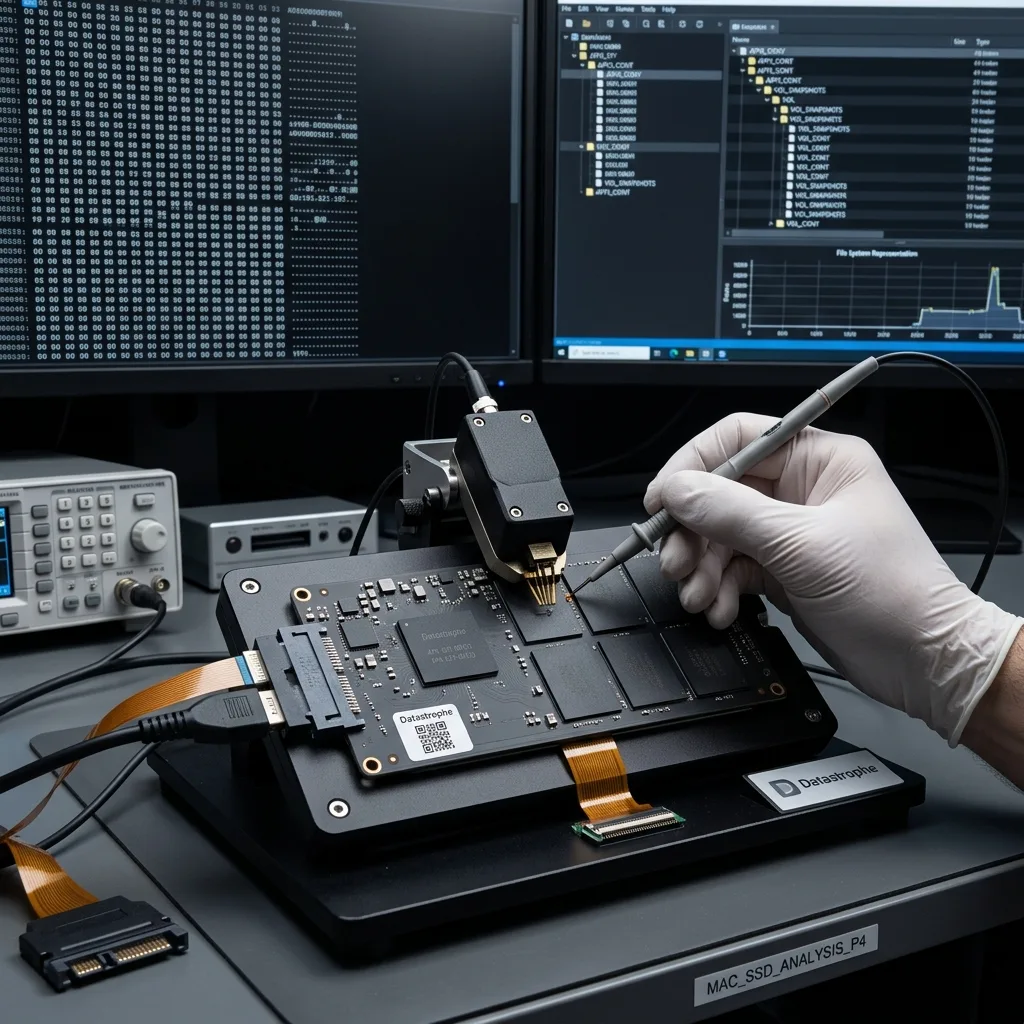
Initial assessment
Reassemble both parts of a Fusion Drive correctly
Keep both Fusion Drive members and their original relationship together; recovery depends on reconstructing the logical set before checking files.
A Fusion Drive must be reconstructed from its paired SSD and hard-drive components, not treated as two unrelated disks. The logical set distributes data and metadata across both devices, so missing the flash tier, mechanical tier or correct relationship can leave an apparently readable but incomplete volume. Preserve both components, their original Mac context and any identifiers before imaging.
The Mac and its storage are treated as technical evidence. Their initial condition is recorded, unnecessary writes are prevented and the physical, encryption and file-system layers are mapped before imaging. This approach helps separate hardware failure, logical damage, structural corruption and combined faults.
Restoring the computer to everyday service is not the purpose of recovery. The intended result is a separate copy of the data that remains obtainable, with clear limits where content has been overwritten, components have failed or encryption credentials are unavailable.
- Preserve the Mac storage before further testing
- Distinguish readable blocks from usable files
- Base the recovery route on recorded evidence
What the Fusion Drive review covers
The condition and identity of both storage members are recorded before hardware, encryption and logical structures are examined. The review establishes whether one tier failed and whether the paired volume can be reconstructed from protected images.
The purpose and limits of recovery
Recovery aims to create an independent copy of available data, not to certify the Mac for reuse. Failed components, overwriting and encryption without the required credentials can impose firm limits on the outcome.
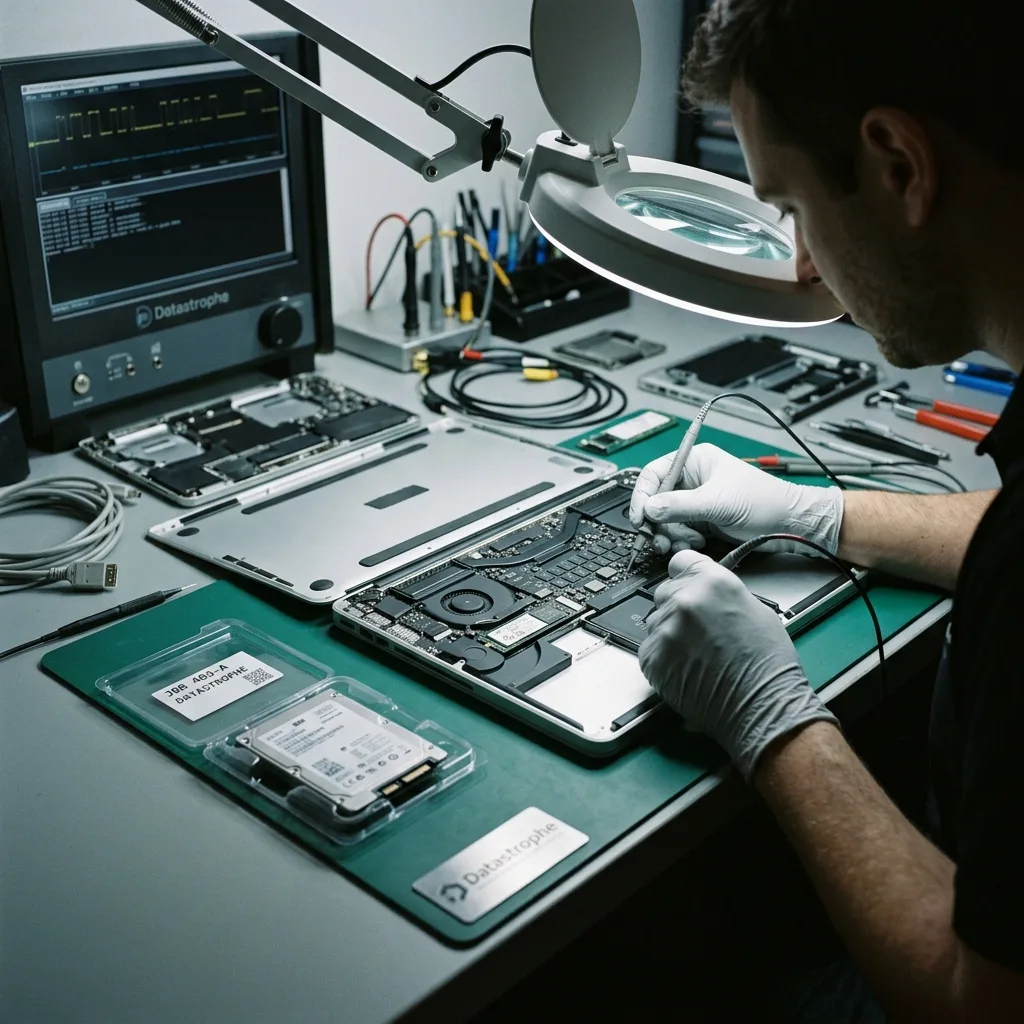
Risk indicators
A flashing folder, frozen Apple logo and dead Mac need different diagnoses
Document the exact startup, volume or hardware symptom and the events around it without repeatedly testing the affected Mac.
Relevant warning signs include a Mac that will not start, a question mark folder, a missing APFS volume, repeated FileVault prompts, liquid damage or a split Fusion Drive. A symptom does not establish the cause by itself, but it affects the immediate risk and the safest order of work. Slow, noisy or intermittent storage should be treated as fragile.
The sequence of events is equally important. Impact, abrupt loss of power, deletion, formatting and attempted reconstruction affect storage differently. Previous Disk Utility work, macOS installation or cloning may also have changed metadata or written new content.
Leaving the Mac powered can narrow recovery options. New writes may replace deleted files in a logical-loss case, while repeated reads can place additional strain on physically unstable storage.
- Record messages and visible device behaviour
- Avoid repeated startup and password attempts
- Retain a precise incident history
Why the event sequence matters
Impact, power interruption, deletion, formatting and reconstruction leave different technical effects. A record of later actions is essential because attempted repairs or installations may have altered the evidence and remaining data.
When to stop using the Mac
Further use permits additional writes and reads. Writes can overwrite deleted content, while persistent reads from damaged storage may turn intermittent access into areas that no longer respond.
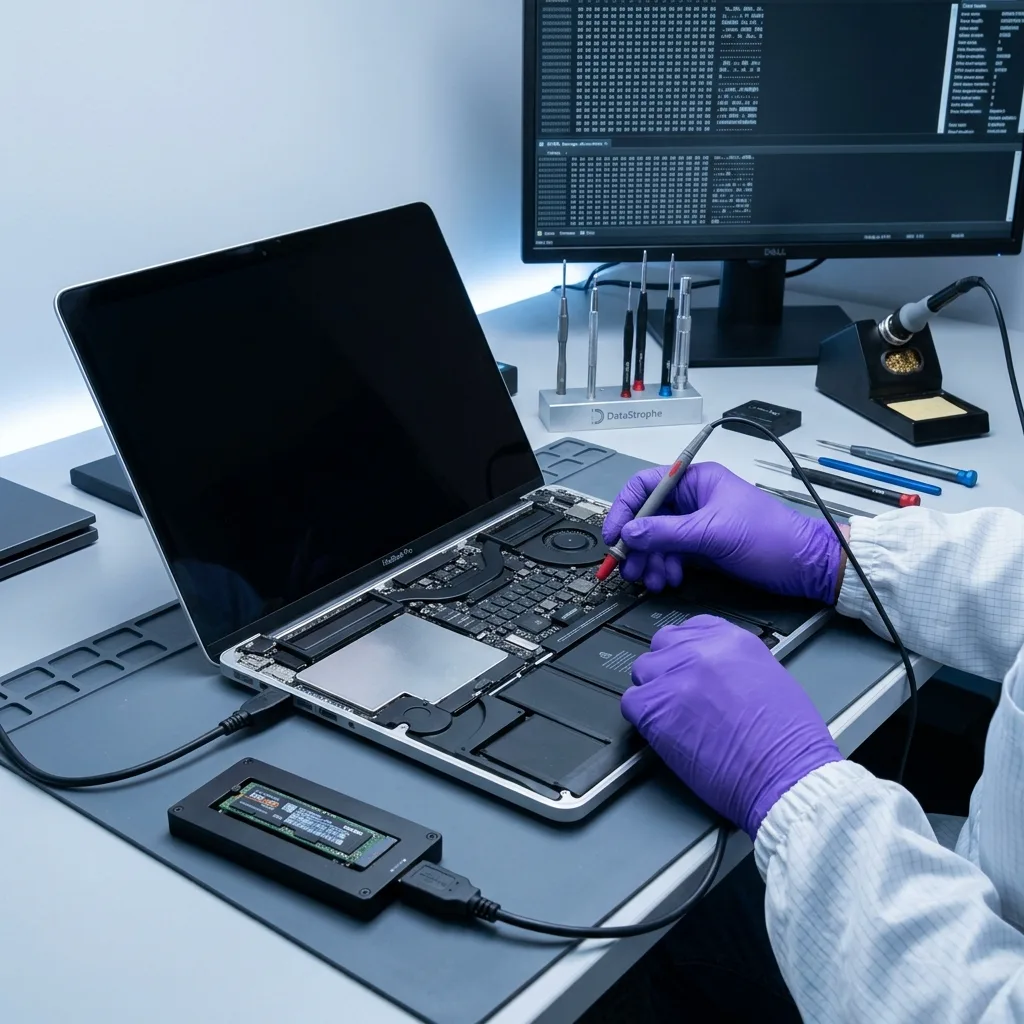
Source protection
Preserve FileVault credentials and avoid system changes
Leave the affected storage unchanged: avoid reinstalls, erasure, automatic repairs and repeated authentication attempts.
Do not reinstall macOS, erase the device in Disk Utility, repair a volume without first preserving it or make repeated password attempts. These actions change the storage before a reliable diagnostic assessment can be completed and may reduce the options for recovery.
Automatic repair can rewrite file-system metadata, clear useful logs or relocate fragments. Stop further experiments and retain the names of tools used, the commands run and any messages displayed.
The data recovery laboratory uses controlled reads and separate working copies wherever the Apple hardware permits. Reconstruction is performed away from the source so that different interpretations can be tested without repeatedly modifying or stressing the original storage.
- Prevent unnecessary writes to the source
- Keep automated repair tools unused
- Document the original storage state
How repair tools can alter the evidence
A repair process may replace metadata, remove logs or rearrange fragments while appearing to fix a volume. Recording earlier actions and stopping new changes allows the remaining structures to be examined consistently.
Why recovery uses working copies
Controlled acquisition provides a separate basis for testing APFS, HFS+ or application-level reconstruction. Keeping those tests away from the original reduces repeated access and protects the source condition.
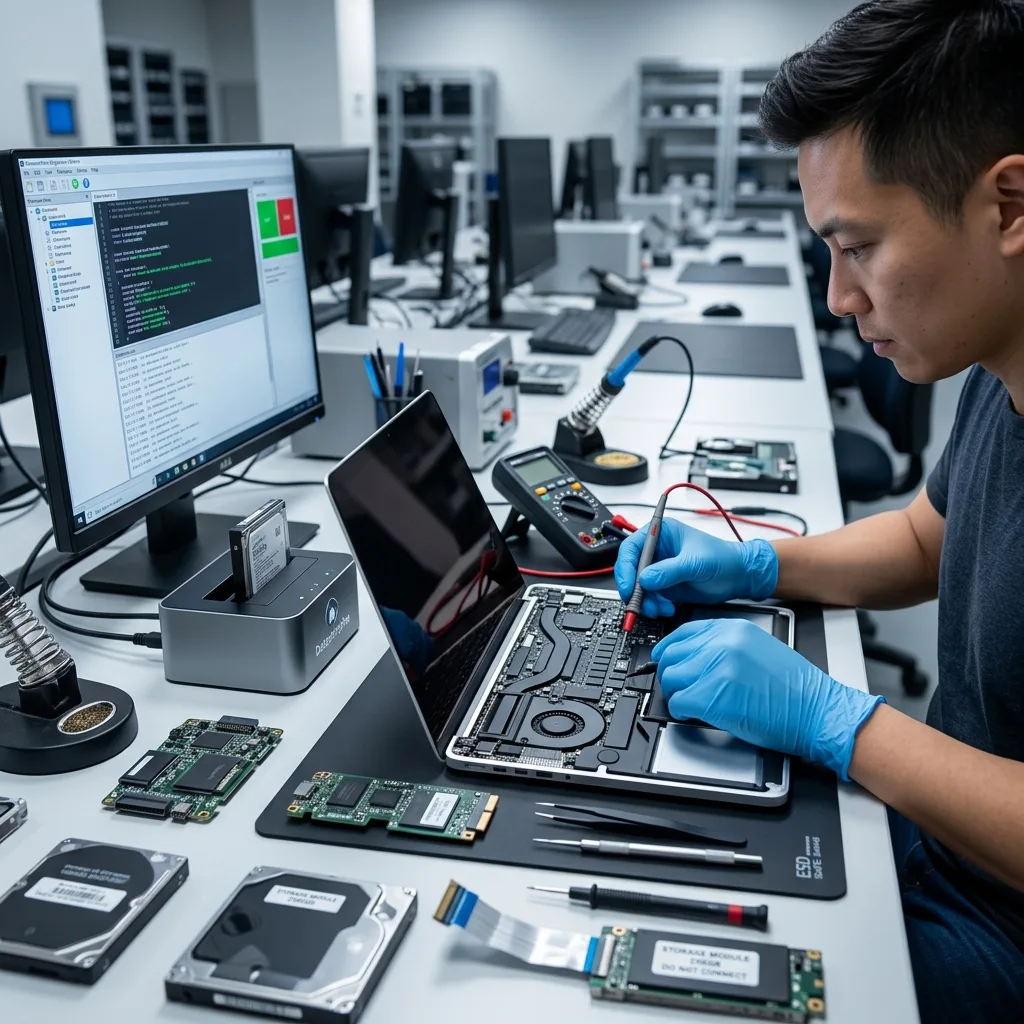
Technical evidence
Read APFS volumes, snapshots and clones as one structure
Physical access, Apple security, container metadata, file systems and application libraries may all need connected analysis.
An Apple case may require analysis of APFS, FileVault, HFS+, Fusion Drive, Apple SSDs, Time Machine, containers and snapshots. The condition of each layer shows whether recovery should focus on physical access, volume metadata, a file system, an application library or several connected structures.
A visible folder tree does not prove that file contents are intact. Equally, an empty interface does not establish total loss. Metadata, signatures, catalogues, snapshots and fragments may still support a coherent reconstruction after normal access has failed.
Work moves from storage stability to container and volume structures, then to priority files and application libraries. Following this order avoids presenting a plausible directory list that fails when the files are opened or imported.
- Map the relationships between Apple storage layers
- Test file content beyond names and folders
- Record why each recovery method is selected
What a folder listing cannot confirm
Names and directories may survive even when their content is damaged, while an unmounted volume can still contain useful structures. File metadata, signatures, snapshots and fragments provide further evidence of what can be rebuilt.
A structured order of analysis
Read stability is considered first, followed by security and volume structures, file systems and priority content. Checks at each stage keep apparent completeness separate from demonstrated usability.
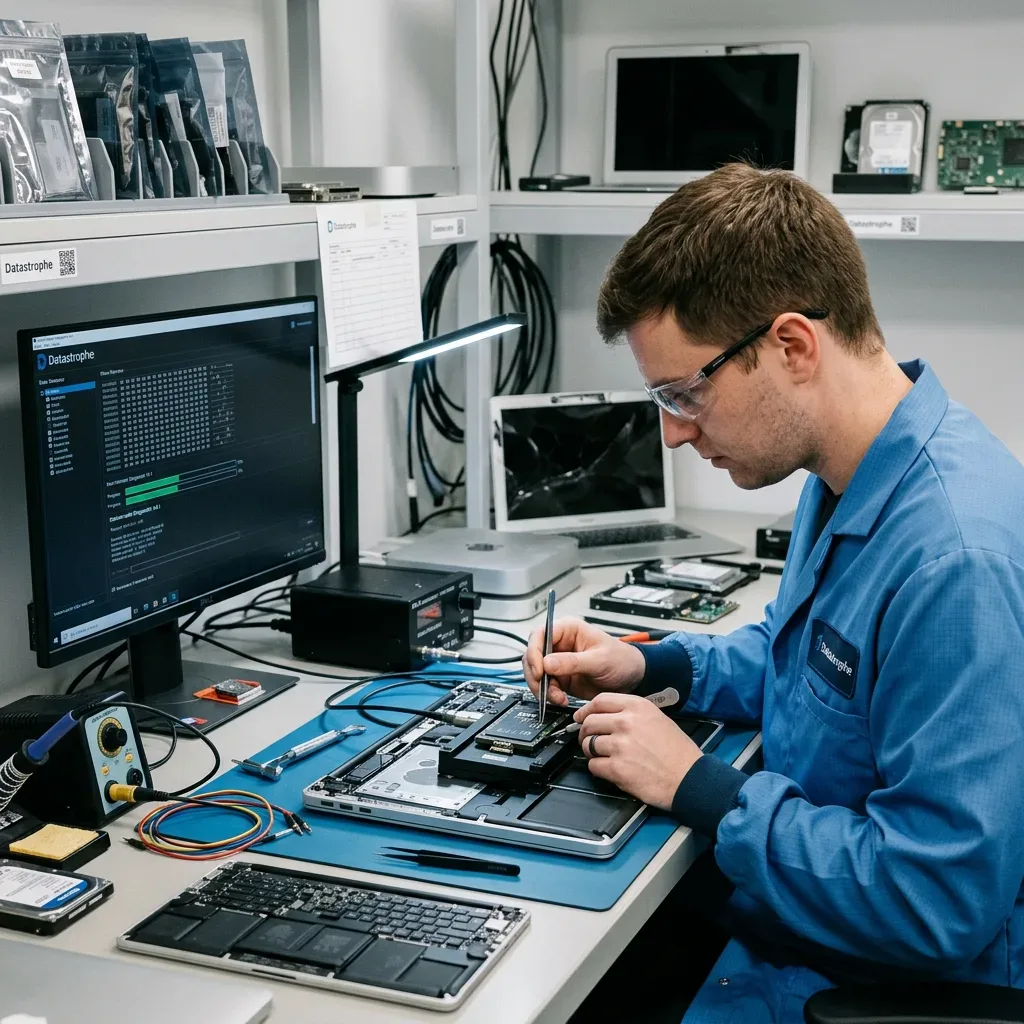
Recovery method
Stabilise a liquid-damaged MacBook without losing soldered storage
Stabilise the liquid-damaged logic board before power testing so access to soldered, encrypted storage is not lost through further corrosion or electrical damage.
After liquid exposure, a MacBook with soldered storage must be stabilised as a complete logic-board system. Powering or charging it can extend corrosion and damage the components needed to decrypt and access NAND data. Record the liquid, elapsed time, charging attempts and required files before controlled board work begins.
If storage access is unstable, acquisition gives priority to areas that remain readable. Logical damage requires strict control of writes while deleted or corrupt structures are located. Combined faults are handled in the order least likely to remove later options.
Representative recovered items are then tested. Important documents and libraries may be opened, compared with known copies, checked by date or imported into a suitable application where possible. A gigabyte count alone is not evidence of a usable result.
- Match acquisition to the observed storage fault
- Protect stable reads before broad reconstruction
- Check representative priority files and libraries
Stabilise before attempting access
Contamination and damaged power rails are addressed before controlled start-up. Once the board can support safe access, readable data is acquired and later reconstruction proceeds on working copies.
How recovered data is tested
Representative documents, photographs, projects and libraries are opened or imported where possible. Dates, known copies and application checks help distinguish working content from items that have only been identified.
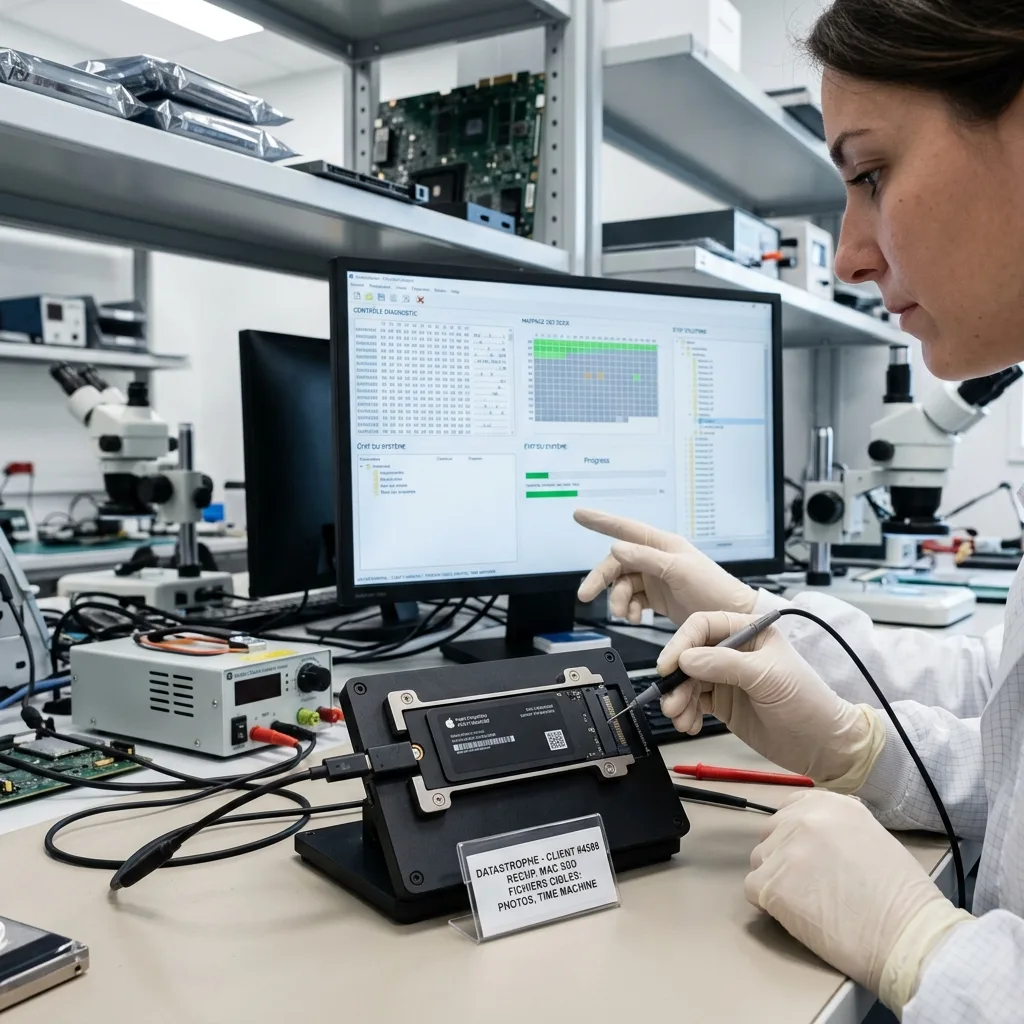
File priorities
Validate Photos, Final Cut and other macOS libraries
List the user folders, documents, creative libraries and backups that matter most so they can be located and checked first.
Common priorities include the Users folder, Photos libraries, Final Cut projects, Logic Pro sessions, documents and Time Machine backups. Naming them early directs limited or intermittent access towards the content with the greatest value before a full extraction is complete.
This focus is particularly useful when storage is degraded or only a small set of files is needed urgently. It also limits unnecessary examination of unrelated personal or business information and provides earlier evidence of likely usefulness.
Final validation separates files that open and work from partial content and names found only in metadata. A file path has little practical value unless its underlying content can be read or used in the required application.
- Rank essential folders and recent projects
- Test libraries in an appropriate application
- Identify partial and unverified content
Why an agreed priority list helps
When access is uncertain, a defined list directs early reads towards the most valuable content. It also restricts unnecessary review of unrelated information and provides a timely indication of the likely outcome.
What file verification establishes
Testing distinguishes usable files from incomplete results and metadata entries without content. That status is recorded so detection is not mistaken for a complete document, photograph or project.
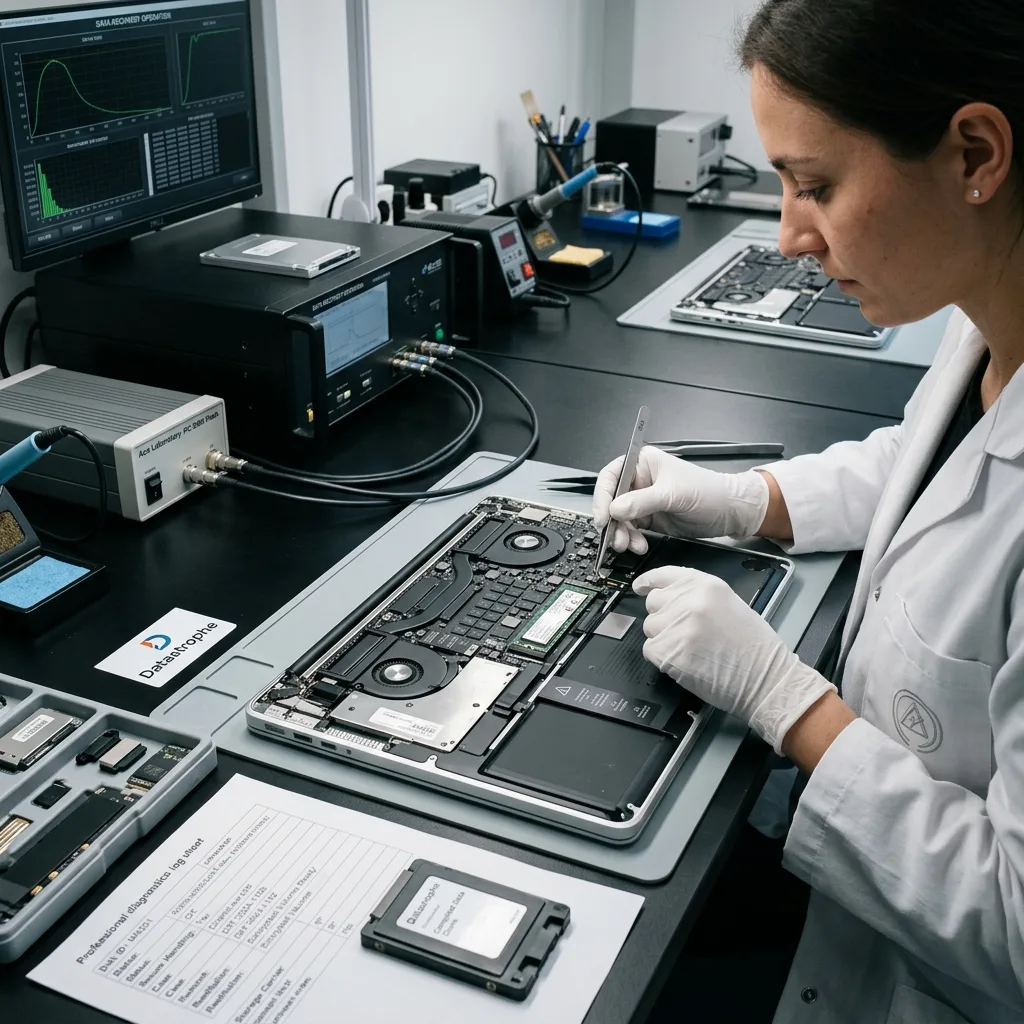
Post-decryption checks
Check decrypted files before handover
Open or structurally check priority files after FileVault access is restored; an unlocked volume can still contain incomplete documents and damaged libraries.
Successful FileVault decryption does not prove that the recovered files are intact. Priority documents, Photos libraries, Final Cut projects and other package-based data must still be opened or checked structurally after the volume has been unlocked.
Validation distinguishes usable files from partial content, broken package references and names that survive only in metadata. Review stays within the agreed scope, and the resulting files are supplied on suitable separate storage with any conversion or targeted extraction identified.
Unavailable FileVault credentials, missing APFS extents, overwritten blocks and damaged library databases remain explicit. These limits are reported according to the checked result rather than hidden behind a general claim of decryption or recovery.
- Test files after the volume is decrypted
- Check package-based libraries as complete sets
- Separate usable, partial and metadata-only items
Check Apple library packages
Photos, Final Cut and similar libraries contain databases, media and internal references. Opening the package or using an appropriate application check can reveal damage that a folder listing misses.
Report the decrypted result accurately
The outcome separates files that open from partial packages, damaged metadata and inaccessible areas. This lets the recipient work from evidence rather than assuming every decrypted name is complete.
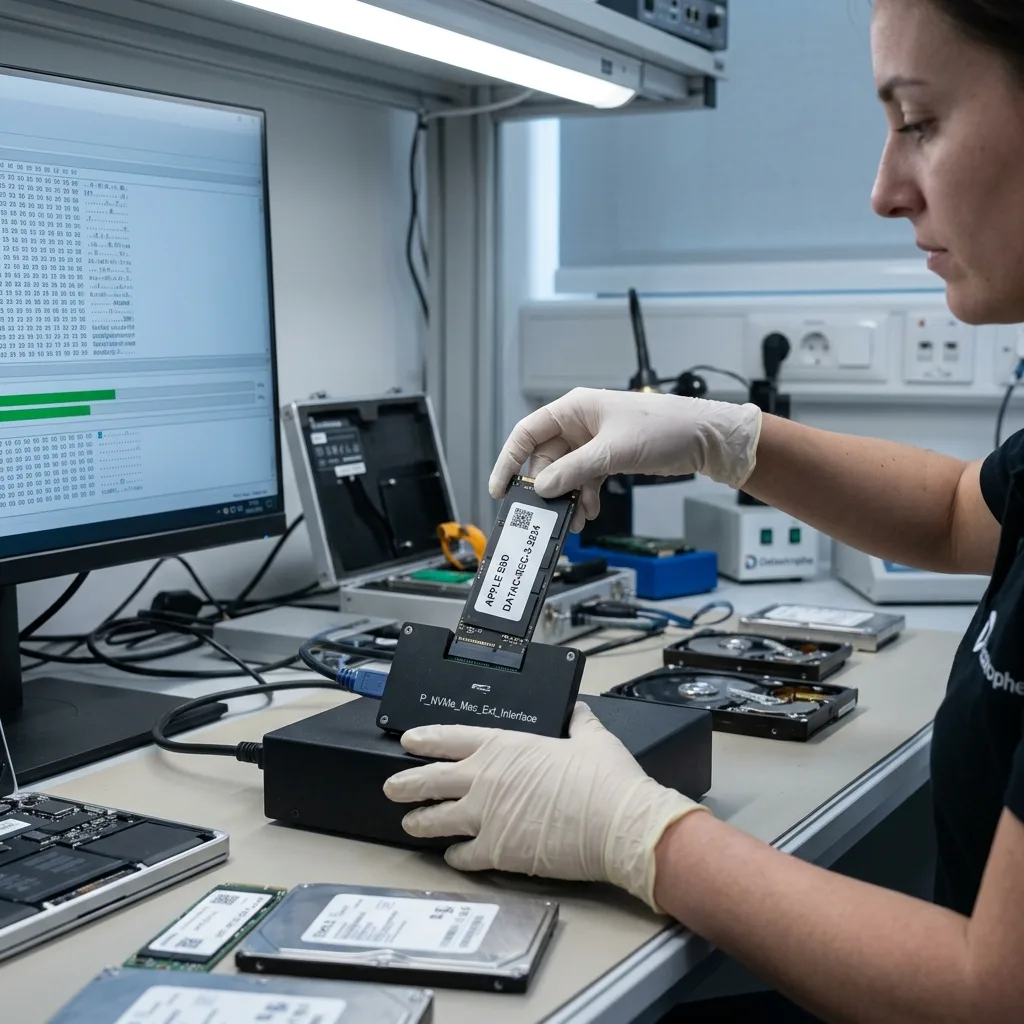
Case information
Provide the Apple model, password and priority libraries
Provide the Mac model, storage arrangement, observed behaviour, event history, previous attempts and a concise priority-file list.
Provide the exact Mac model, storage capacity, symptoms, incident date, actions already taken and a list of priority files. Photographs of error screens, device labels or visible liquid or impact damage can add useful detail to the diagnostic assessment.
Keep relevant equipment and records together, including enclosures, cables, adaptors, power supplies, replaced drives, recovery credentials and partial backups. A secondary item may clarify the storage arrangement or event sequence.
A useful request states what happened, what has been attempted, which content matters and what form of partial result would still have value. This gives the technical review a clear practical objective.
- Identify the Mac and its storage accurately
- Disclose every repair or recovery attempt
- Explain what a useful partial result would contain
Equipment and records to retain
Keep enclosures, adaptors, power supplies, replaced drives, recovery credentials and incomplete backups. These items can establish how the storage was configured and corroborate the incident history.
Describe the required outcome
Explain the event, earlier actions and the content that matters most, including what would count as a worthwhile partial recovery. A precise brief supports a focused assessment and a result that can be evaluated.
FAQ
Frequently asked questions
What should I do first when a Mac stops accessing its data?
Stop unnecessary use, record the symptoms and incident sequence, and list the files that matter most. Repeated starts, repairs or password attempts can alter useful structures or make an unstable fault worse.
Is complete recovery from a failed Mac always possible?
No. The result depends on storage condition, readable areas, later writes, intact metadata and access to FileVault or other encryption credentials. Only content supported by the technical evidence can be reported as recovered.
Why list priority Mac files before recovery starts?
A priority list directs early work towards important user folders, documents, Photos libraries and creative projects. This is valuable when access is intermittent or the storage has a large capacity.
Can the affected Mac storage be reused after recovery?
Dependable reuse should not be assumed. Recovery is intended to extract usable data to healthy separate storage, not to certify the affected device for continued service.
How are gaps in a Mac recovery result reported?
The outcome relates each limitation to the observed evidence, such as unreadable storage, failed components, overwriting, damaged metadata, partial files or inaccessible encryption.
Media
Other expertise
- Data Recovery for Failed Internal Hard Drives Professional recovery from internal hard drives affected by mechanical damage, unreadable sectors, lost partitions, formatting or firmware faults.
- Recover Data From a Damaged External Hard Drive Recovery of files from external hard drives affected by impact, damaged USB connections, missing partitions, deletion or unstable media.
- Recovering Files from Failed SSD and NVMe Devices Controlled recovery from inaccessible SSD and NVMe devices affected by controller, NAND, firmware, power, encryption or volume faults.
- Recover Data From a Damaged or Unreadable USB Drive Professional file recovery from USB drives with broken plugs, failing NAND, corrupted structures, missing folders or recognition faults.
- Recover Files From a Failed or Formatted Memory Card Recovery of photos, video and other files from SD, microSD and CompactFlash cards affected by formatting, corruption, read errors or flash faults.
- Recovering Data from a Failed Laptop Recover files from laptops affected by startup failure, impact, liquid, inaccessible accounts, internal drive faults or soldered storage.
- Recovering Data from a Tablet or iPad Recover local photos, documents and application data from tablets with startup, screen, storage, access or synchronisation faults.
- Data Recovery for VMDK, VHDX and Other Virtual Disks Data recovery from VMDK, VHDX, VHD and QCOW2 files, including damaged snapshots, VMFS datastores, databases and virtual machines.
- Recovering Data from RAID, NAS and Storage Arrays Recovery of data from RAID, NAS and server arrays affected by disk faults, unavailable controllers, degraded volumes or unsuccessful rebuilds.
- Recovering Critical Data from Business Servers Recovery of usable data from failed servers, RAID arrays, SQL databases, shared storage, virtual machines and damaged volumes.
- CCTV Footage Recovery From NVR, DVR and XVR Systems Recovery of security camera footage from NVR, DVR and XVR systems affected by damaged indexes, storage faults, unreadable exports or timestamp errors.
- Inside an ISO 5 Clean Room for Hard Drive Recovery How an ISO 5 Class 100 clean room supports hard drive recovery by controlling dust around exposed heads, platters and internal parts.
 Data Recovery for Failed Internal Hard Drives
  Recovering Files from Failed SSD and NVMe Devices
  Recover Data From a Damaged or Unreadable USB Drive
  Recover Files From a Failed or Formatted Memory Card
  Recovering Data from a Failed Laptop
  Recovering Data from a Tablet or iPad
  Data Recovery for VMDK, VHDX and Other Virtual Disks
  Recovering Data from RAID, NAS and Storage Arrays
  Recovering Critical Data from Business Servers
  CCTV Footage Recovery From NVR, DVR and XVR Systems
  Inside an ISO 5 Clean Room for Hard Drive Recovery
 Diagnostic assessment
Unsure about a storage device or fault?
Datastrophe assesses the risk before any recovery attempt and points you towards the safest next step.