
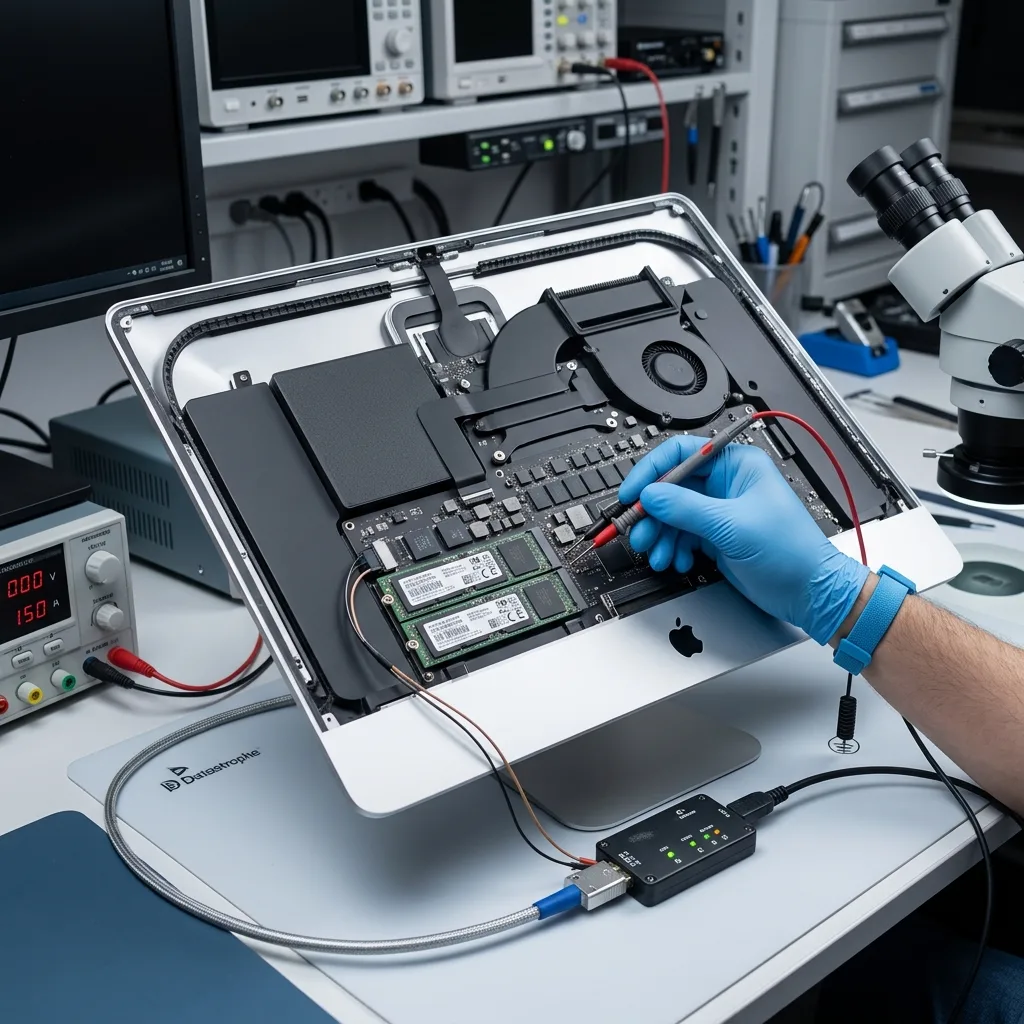
Diagnostic assessment
Understanding SSDs integrated into iMac computers
An iMac may use an SSD or flash storage that is closely integrated with the Apple ecosystem. Keep the original Mac, charger and recovery credentials available because storage access may depend on its host hardware and encryption context. Depending on the model, recovery can depend on the storage device, logic board, controller, encryption and macOS version. The fault can't be lowered to a drive that just needs removing.
Symptoms vary: the iMac may stop starting, show a question-mark folder at boot, lose its volume, become extremely slow, report read errors or refuse a migration. These signs don't all prove the same cause. The storage may be unreliable, the system corrupted or the encryption inaccessible.
The diagnostic assessment determines what remains readable and under which conditions. Priority files, accounts, FileVault keys, Time Machine backups and existing exports should be inventoried from the outset.
Apple architectures differ across model years. Some storage devices are easier to isolate than others, while certain components remain more dependent on the computer. The exact model must be verified before any approach is proposed.
Usage also shapes the approach. An iMac used for photography, video or creative work may contain large libraries with numerous dependencies. Recovering a single folder isn't enough if the library remains inconsistent or its metadata are missing.
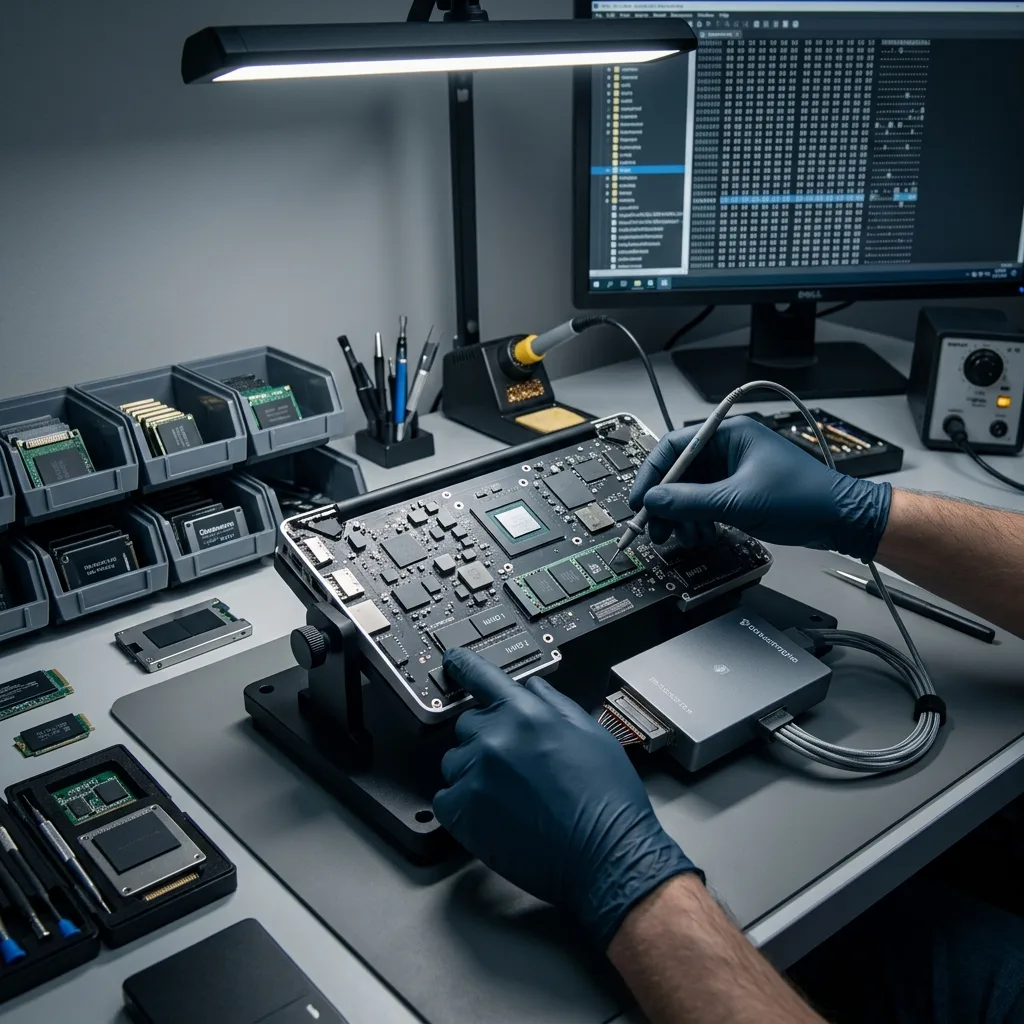
Diagnostic assessment
Interpreting symptoms without inventing a customer case
An earlier title described an SSD rescue as a customer story. Without verifiable evidence, that format isn't acceptable. A valuable article clarifies genuine risks, limits and appropriate actions without promising an outcome or constructing an artificial account.
Symptoms need measured descriptions. An iMac that starts but no longer mounts its volume isn't equivalent to a missing SSD. A drive shown in a utility may still be unreadable. A Time Machine backup may remain usable even when the internal storage doesn't.
Earlier actions should also be recorded: reinstallation, Recovery mode, migration, disk repair, an account change or partial erasure. Any of these can alter the recovery approach.
Precise language matters. Calling an SSD "dead" clarifies very little. It is necessary to know whether the device is missing, slow, encrypted, corrupted, unreliable or dependent on another component. Each condition changes the prospects and the approach.
A symptom should not be mistaken for a diagnosis. A Mac displaying a question-mark folder may have a system, volume, boot or storage issue. Only controlled observation can separate those possibilities.
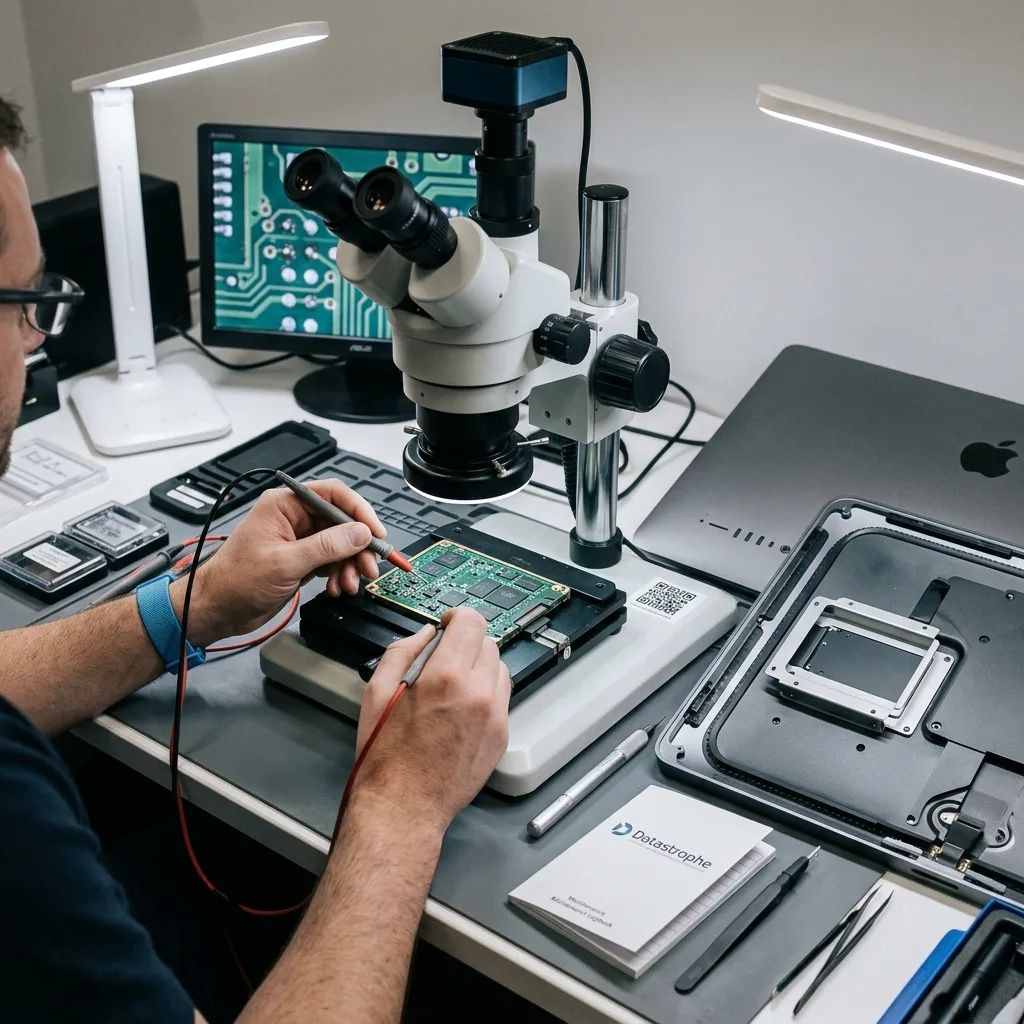
Diagnostic assessment
Protecting the mac, SSD and access keys
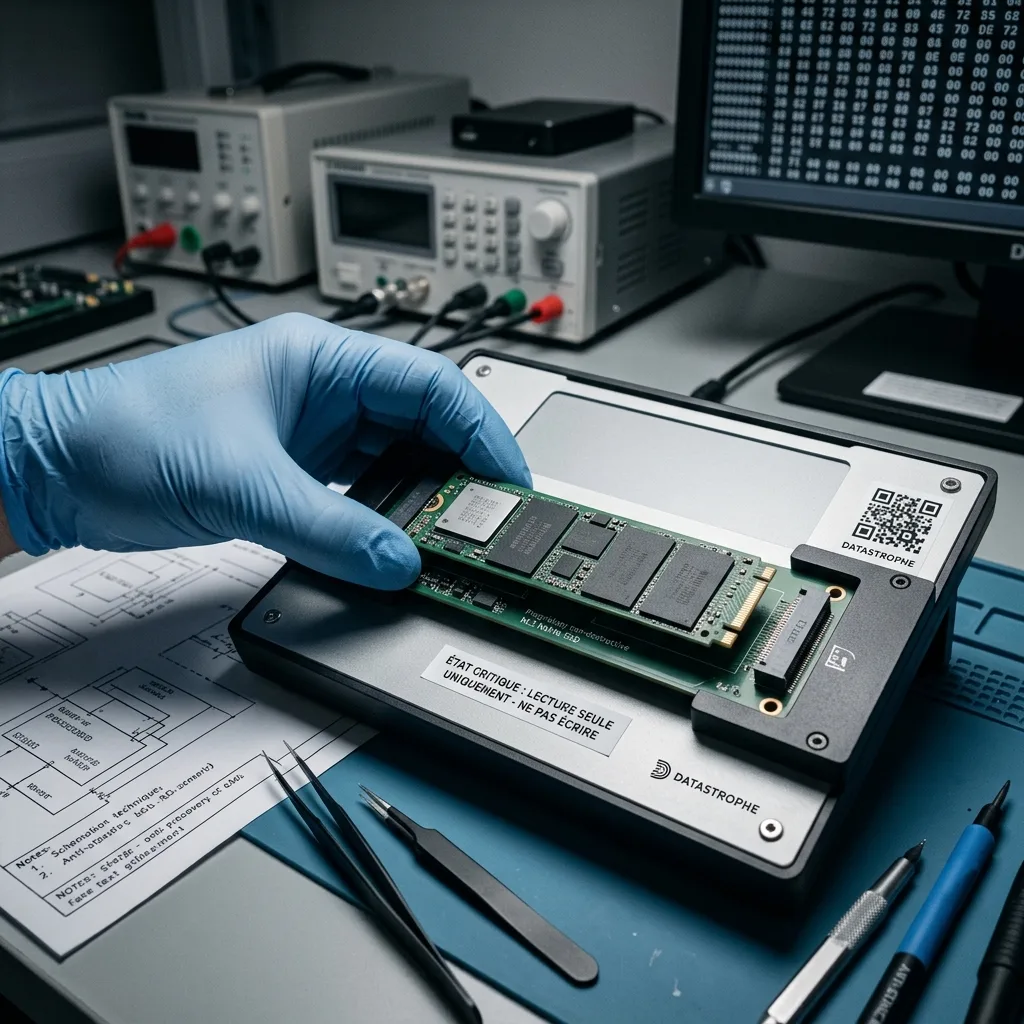
If the data matter, the priority is to avoid writing to the storage device. Reinstalling macOS, producing a new user, erasing a volume or accepting an automatic repair may replace valuable metadata.
Keep the Mac together with its accessories and all available information. Credentials, a FileVault key, backups, model number, displayed messages and failure history may prove decisive. In some cases, the storage device alone isn't enough to access the data.
Any backup should be verified before it is restored. An incomplete or outdated backup may not contain the expected files. Don't overwrite the only source that remains usable.
Related devices may help. A Time Machine drive, clone, older export, cloud account or another synchronised Mac could hold part of the data. Protect these sources before any clean-up operation.
If a repairer is asked to return the iMac to service, make clear that the data take priority. Hardware repair may be appropriate, but it must not lead to a reinstallation or erasure before the storage has been evaluated.
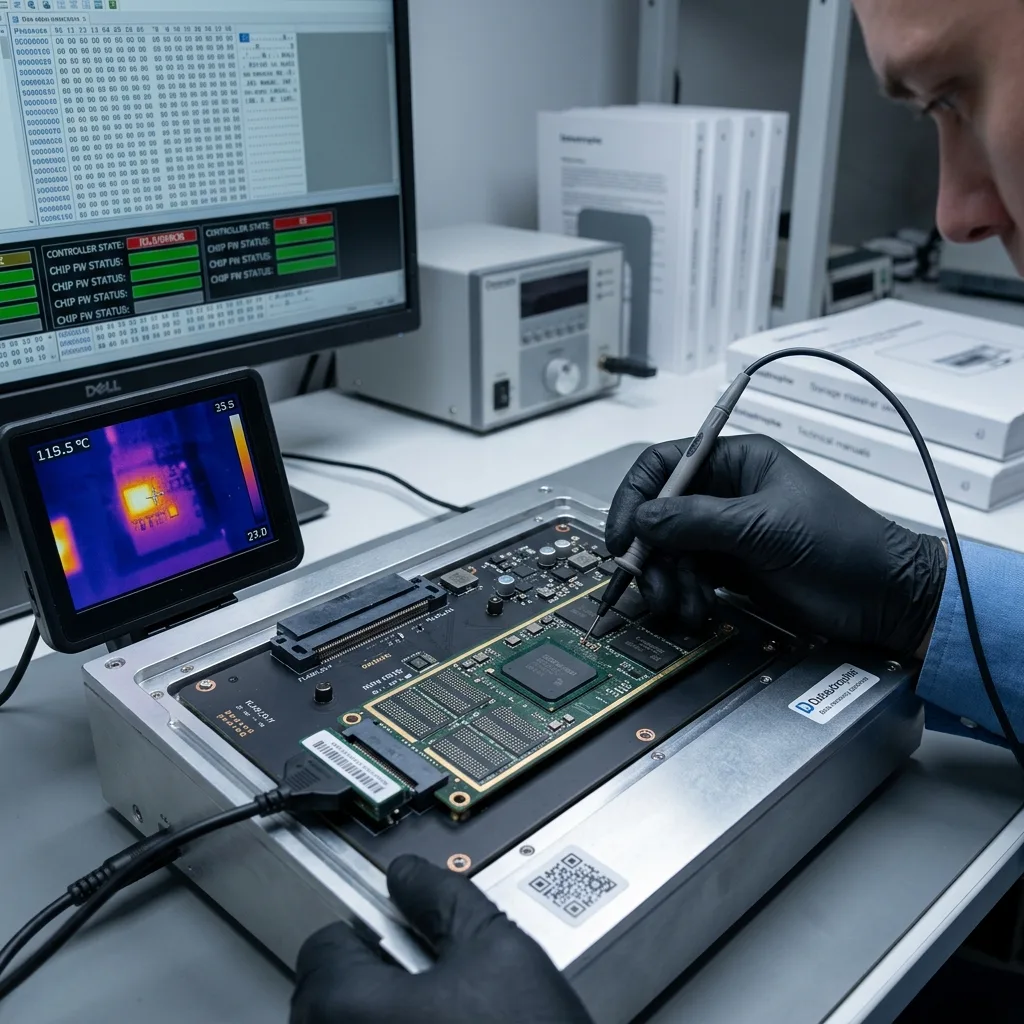
Diagnostic assessment
Evaluating the controller, NAND and encryption
The SSD relies on NAND memory, its controller and the logical layer. Controller failure can prevent access even when data remain in memory. File-system corruption can hide a volume without a major physical fault.
Encryption changes what can be read. Without a key, account or unlocking component, recovered blocks may remain unusable. The assessment must consider security dependencies as well as the presence of files.
Datastrophe follows a controlled workflow: storage condition, read behaviour, imaging options, volume consistency and validation of priority files. Any limits are documented when the device or encryption prevents a usable handover.
This approach keeps data recovery separate from repairing the Mac. Returning the computer to working order may be valuable, but it isn't the priority while data are at risk. The storage device and access keys must be protected before service is restored.
Diagnostic assessment
Connecting apple storage, SSD recovery and the handover
Apple system data recovery covers Macs and their associated storage. SSD data recovery clarifies faults particular to flash memory. This article connects the two without inventing a customer narrative.
A valuable handover should open the expected files, retain the folder structure where available and establish partial or corrupted files. A large number of recovered files means little if critical projects or libraries remain unusable.
To prepare a diagnostic assessment, provide the iMac model, symptoms, available credentials, backups, earlier actions and a list of priority data.
The recovered material should then be verified on a separate healthy storage device. Photos, libraries, audio or video projects and business documents may have internal dependencies. Responsible recovery identifies partial items and doesn't turn a few previews into a broad promise.
Prevention depends on separate, tested backups. Time Machine, an external clone or a cloud export should be verified periodically. A visible backup that has never been restored isn't evidence that the most critical projects or libraries can be recovered.
Keep a record of required accounts and keys as well. An encrypted backup, inaccessible keychain or forgotten account can turn a technically complete copy into unusable data at handover.
When data are protected, this preparation carries as much weight as the storage device itself.
Diagnostic assessment
Primary Technical References And Limits
Reference scope — ssd failure recovery limits: For imac ssd failure recovery limits, the primary references used are europe.kioxia.com. Physical evidence — ssd failure recovery limits: They define the relevant preservation, storage or validation concepts, but they cannot establish the exact physical condition, controller state, key availability or business consistency of the device received. Controller evidence — ssd failure recovery limits: Those points require measurements on the original set and verification on copies.
Diagnostic assessment
Arrange A Controlled Assessment
Complete set — ssd failure recovery limits: For a technical assessment of imac ssd failure recovery limits, provide the complete device or storage set, its associated power and interface parts, the symptom timeline and the priority data. Incident history — ssd failure recovery limits: Keep member order, labels and authorised credentials separate from the parcel paperwork; do not restart the source merely to obtain a new screenshot.
Laboratory responsibility — ssd failure recovery limits: Datastrophe performs the diagnosis, integrity checks and recovery directly in its own laboratory with its own team. Free assessment — ssd failure recovery limits: Diagnosis and the quote are free. Transport boundary — ssd failure recovery limits: Return courier service is included; the carrier moves only the sealed parcel and neither accesses nor processes its data.
Controlled list — ssd failure recovery limits: Before any payment, the client receives the proposed price and a checked list. Verification classes — ssd failure recovery limits: Each item is classified, in order, as recoverable_verified, partial, detected_unverified or unrecoverable. Payment trigger — ssd failure recovery limits: Only recoverable_verified items whose contents were checked and found usable are presented as recoverable. No-result rule — ssd failure recovery limits: Payment is due only after the client accepts both the list and the price.
No-result rule — ssd failure recovery limits: If no usable data is verified, recovery fails, or the client declines the list or price, no standard fee is payable. Rare-part exception — ssd failure recovery limits: The only exception is a rare, costly and non-refundable part, which may be ordered only after a separate, explicit and priced proposal has been accepted.