

Recovering Data from a Tablet or iPad
Datastrophe protects the tablet's current state, investigates the fault and returns only files that have been checked for practical use.
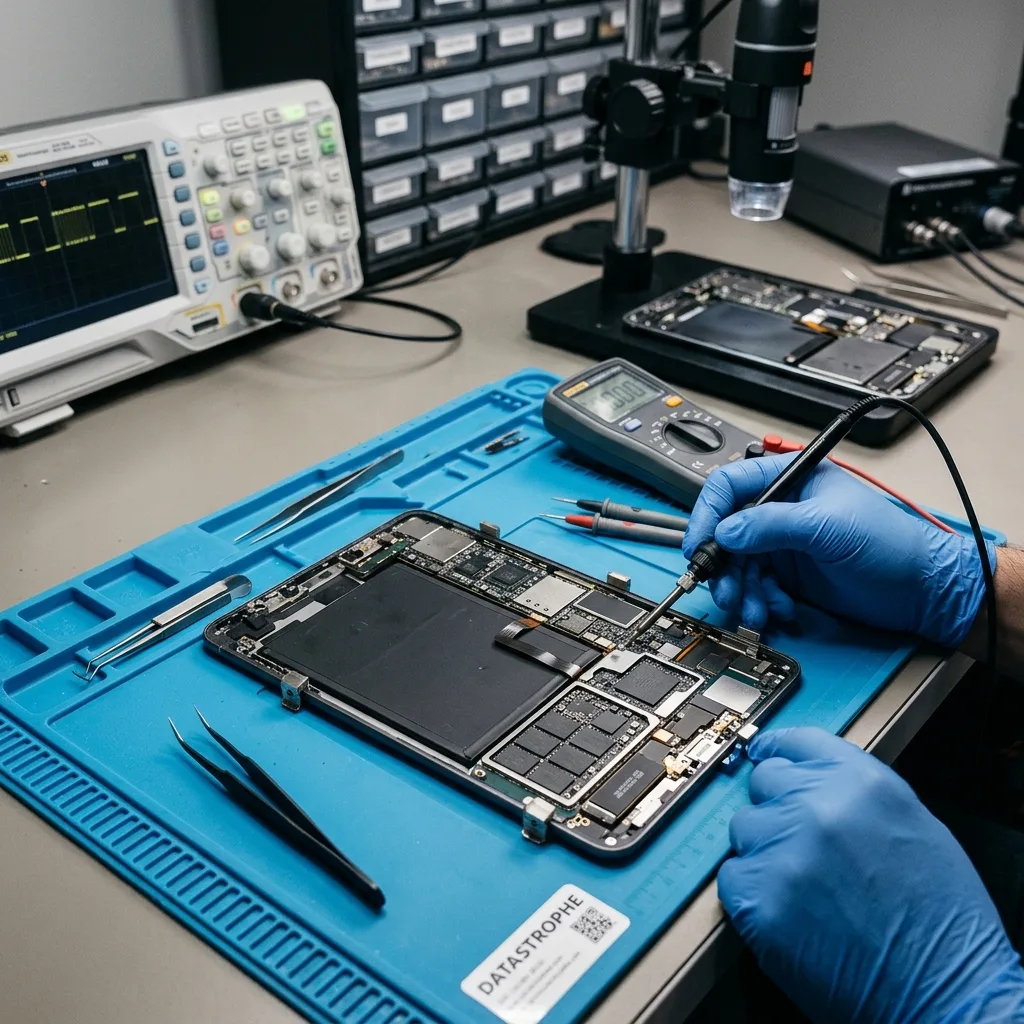
Diagnostic assessment
Separate local tablet data from synchronised content
Confirm what exists only on the tablet, what is synchronised and what is merely a preview before choosing an extraction method.
Local tablet data must be separated from content that still exists in iCloud, Google Drive or another synchronised account. Gallery thumbnails, cached documents and cloud placeholders can look available without containing the original file on the device. Record which applications were used, whether synchronisation completed and which items are absent from every known copy.
The tablet is kept in its existing state while the relevant physical, logical and application layers are identified. Writes, resets and unnecessary updates are avoided. This provides a sound basis for distinguishing hardware damage from filesystem corruption, an account issue or several faults at once.
The purpose is to produce a separate copy of accessible data, not to return the tablet to everyday service. Content may remain unavailable where storage cells are destroyed, data has been overwritten or encryption credentials cannot be supplied.
- Describe the last normal use and first failure
- Identify local files that are not backed up
- Keep the tablet in its present state
Map local and synchronised copies
The review compares application data, account state, available backups and cloud copies. It identifies which originals remain local and whether access can be gained without changing information that may still be recoverable.
What recovery cannot replace
Recovery cannot recreate overwritten content, repair destroyed flash cells or bypass encryption simply because a device is present. The outcome remains limited by readable storage and valid access information.
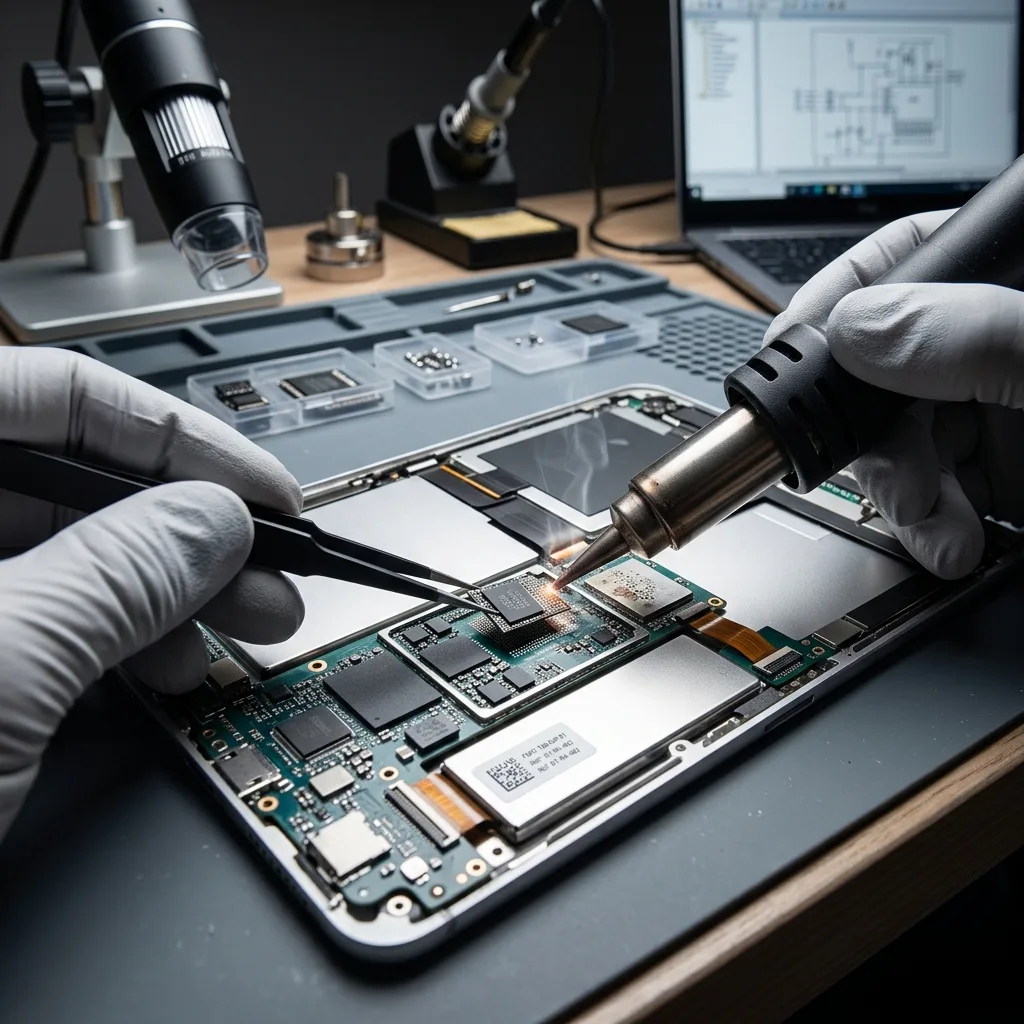
Risk control
After a drop or liquid exposure, do not keep charging
Record the symptoms and sequence of events before further charging, restarting or account activity changes the device.
Failure to start, a broken screen, full storage, missing files, incomplete synchronisation or a passcode problem all need a cautious response. Each symptom has several possible causes. Its timing and the device's later behaviour help determine whether it should remain powered off or retain its current charge.
An impact, liquid exposure, power interruption, deletion or failed update creates a different risk profile. Note the sequence precisely, including restarts, charging attempts, account changes and any software used after the event.
Continued operation can create background writes, complete a pending synchronisation or trigger storage housekeeping. On an unstable device, repeated startup attempts may also place extra demand on damaged circuitry.
- Note screen messages and physical damage
- Avoid repeated startup and unlock attempts
- Check whether synchronisation was complete
Why the sequence matters
The order of an impact, update, deletion, restart and account change can show which storage structures may have altered. A factual timeline is more useful than a guess about the cause.
Local data and cloud copies
A cloud account may hold some photos or documents without containing offline files, application databases or recent unsynchronised changes. Both sources need to be considered before recovery priorities are set.
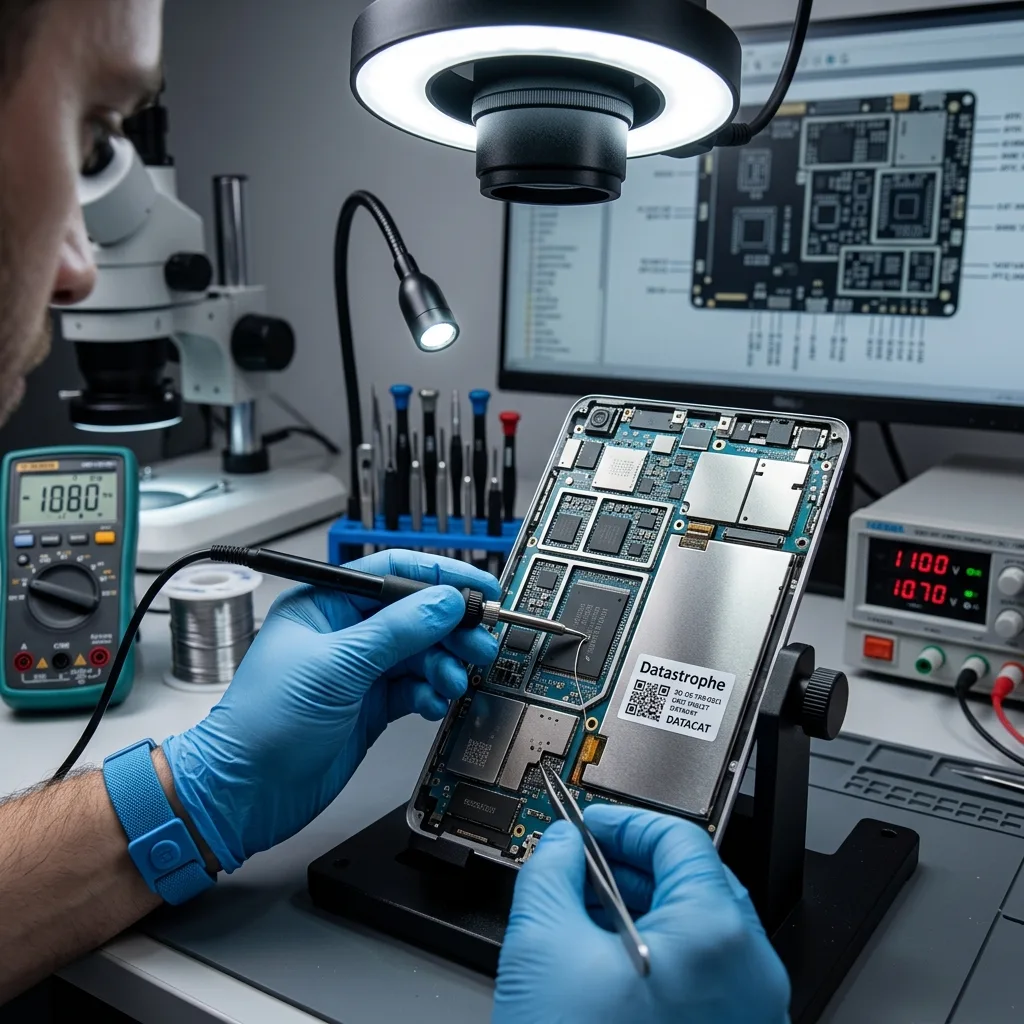
Source preservation
A reset or restore erases the data being sought
Leave the operating system, accounts and security settings unchanged until their effect on local data has been assessed.
Do not perform a factory reset, force an operating-system update or repeat actions that may trigger security erasure. These steps can overwrite local information or change the conditions needed for access. A repair prompt should not be accepted until its effect on stored data is understood.
Automated recovery functions may replace system structures, clear logs or remove account material. Stop unsupervised utilities and document every action already taken, including reset attempts and changes made through a linked account.
Where acquisition is possible, analysis is carried out through controlled access and protected working data. The original tablet is not used for trial-and-error testing across several tools or speculative repair methods.
- Do not reset or update the tablet
- Retain the original passcode and account details
- Keep any microSD card with the device
Why automated repairs are risky
Built-in repair and reset options are designed to restore device operation, not to preserve lost data. They may create new files or remove structures that would otherwise support recovery.
Protecting the original state
Controlled work keeps experiments away from the source wherever the device permits it. If a hardware repair is needed only to enable access, its purpose and effect on the evidence should remain narrowly defined.
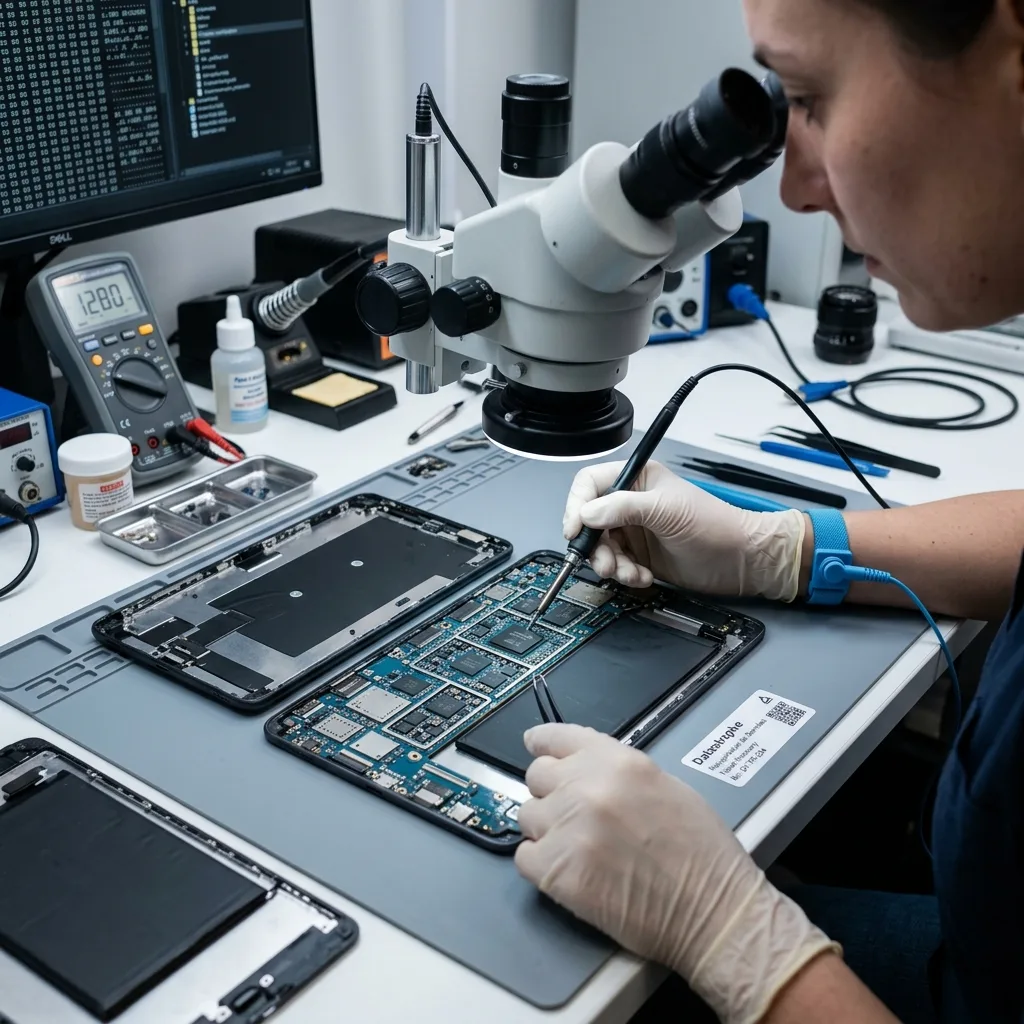
Technical evidence
Passcodes, encryption and the secure element remain tied to the tablet
Usable recovery depends on how storage, encryption, accounts and individual applications interact on the original tablet.
Flash storage, encryption, the user account, backups, application containers and physical connectivity all affect recovery. The available route may operate at a logical, filesystem or application level. Raw flash content alone is often unusable when hardware-bound encryption remains active.
A visible filename or folder does not prove that its content is complete. Equally, an empty interface may hide intact application records, cached files, indexes or databases that can still support a useful extraction.
The examination moves from stable access to logical structures, then to application data and the requested files. Representative items are checked throughout so a technically large extraction is not mistaken for a practical result.
- Confirm the available access level
- Review application data separately
- Check extracted files in their intended format
Interpreting visible structures
Surviving names, indexes and database entries may point to content without proving that every underlying block is present. File opening and application-level checks provide stronger evidence.
A layered examination
Access stability is considered first, followed by storage structures, application containers and priority content. Findings at each stage determine whether the next step is justified.

Laboratory method
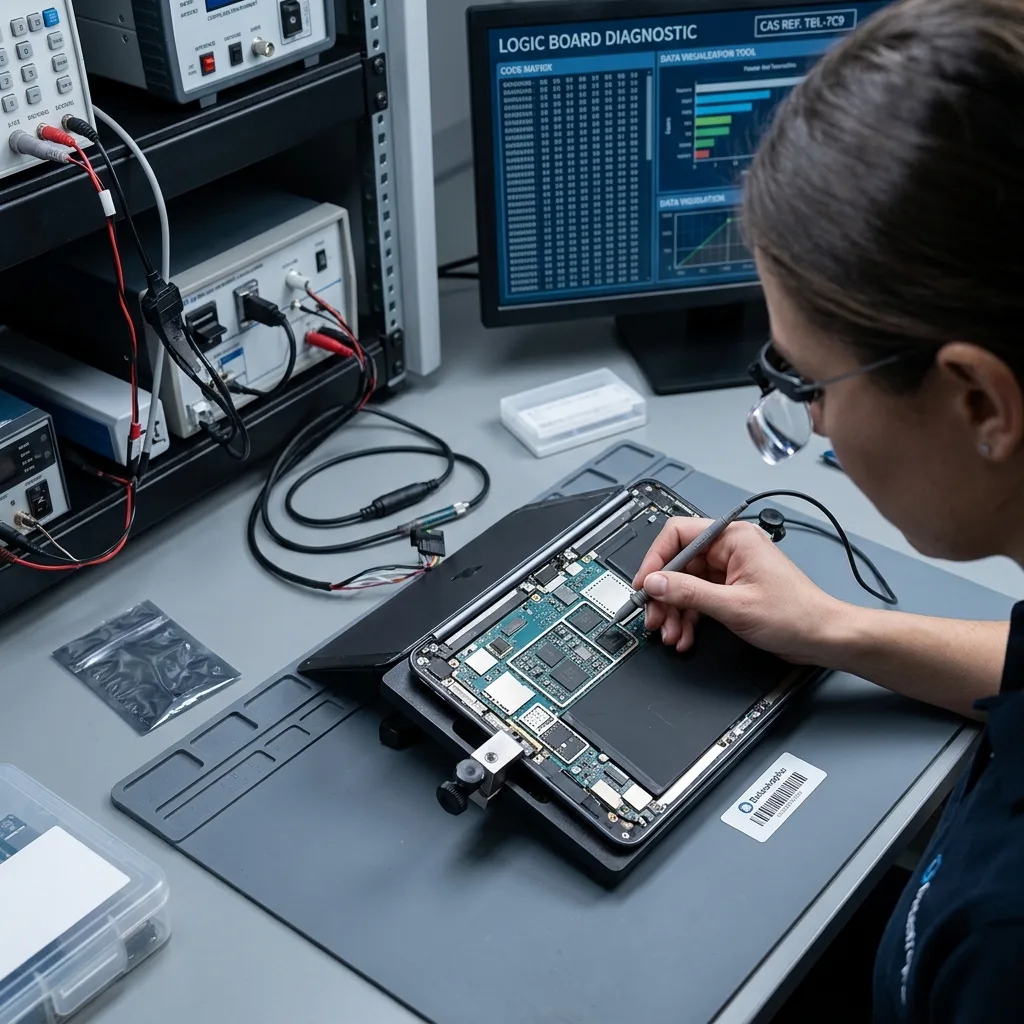
Stabilise the board to obtain decrypted access
Stabilise the original board and preserve its security relationship before attempting decrypted access to embedded tablet storage.
When storage is soldered and encrypted, board stabilisation may be the only route to decrypted access. The processor, secure element, passcode state and NAND contents can depend on the original logic board remaining functional. Controlled power and component work therefore come before any attempt to extract logical files.
If hardware is unstable, the first priority is to establish controlled access without unnecessary writes. For a logical loss, activity is limited while deleted structures and application records are examined. Mixed faults are addressed in the least destructive technical order.
Recovered photos, documents, notes and exports are sampled in suitable viewers or applications. Dates, file structure and expected content help determine whether an item is complete enough to use.
- Choose the least invasive access route
- Protect readable content before deeper analysis
- Verify representative priority files
Preserve the original security relationship
The approach changes according to whether the barrier is power, display, storage stability, account access or encryption. Board work is planned to retain the processor and security components required to interpret local data.
Checking the result
Representative items are opened and compared with their dates, format and expected context where possible. Files that cannot be tested remain identified as partial or unverified.
File verification
Check original files rather than gallery previews
Check full-resolution originals and their application context rather than counting thumbnails or cached previews as recovered files.
Gallery previews and application thumbnails are not substitutes for the original photo, video or document. Validation checks the full file, expected dimensions or duration, internal structure and—where relevant—the application database that links it to dates and albums.
Priorities are particularly useful when access is temporary or the tablet holds a large amount of unrelated content. A defined scope also reduces unnecessary examination of sensitive personal or client information.
The result separates files that open and behave normally from incomplete items and records found only in metadata. Detection in an index is not treated as proof that the associated document or photo can be used.
- Name essential applications and folders
- Open recovered files in suitable software
- Mark incomplete and unverified items
Locate the original behind the preview
Application, file type and date help distinguish an original asset from a cached preview. A limited extraction is useful only when the full content required by the owner can be opened or exported.
What counts as recovered
A usable item can be opened and interpreted in its expected context. Partial content and metadata-only records are retained as separate categories so uncertainty remains visible.

Reusable export
Export photos, notes and documents in reusable formats
Deliver photos, notes and documents in usable formats, with native exports, conversions and partial reconstructions labelled separately.
Recovered tablet data should be exported in formats that can be opened away from the original application. Photos and video retain useful metadata where possible, notes and documents use a practical export format, and application databases are supplied with an explanation when no faithful conversion exists.
The handover distinguishes a native file, an application export, a targeted folder set and a partial reconstruction. Access remains limited to the authorised scope, while filenames, dates and folder relationships are preserved wherever the evidence supports them.
Overwritten areas, failed flash storage, inaccessible encryption and inconsistent databases are reported plainly. A record is not counted as reusable merely because a thumbnail, filename or database row survives.
- Preserve useful dates and folder relationships
- Label native files and converted exports
- Explain application data that cannot be converted
Choose a format the recipient can reuse
Files are organised according to the agreed scope, with native assets, exports and reconstructed application content labelled clearly. The format should not require the failed tablet merely to view the result.
Stating technical constraints
The outcome identifies inaccessible applications, damaged files, missing dates and encryption barriers. The recipient can then decide how to use the available material with those limits in view.
Case preparation
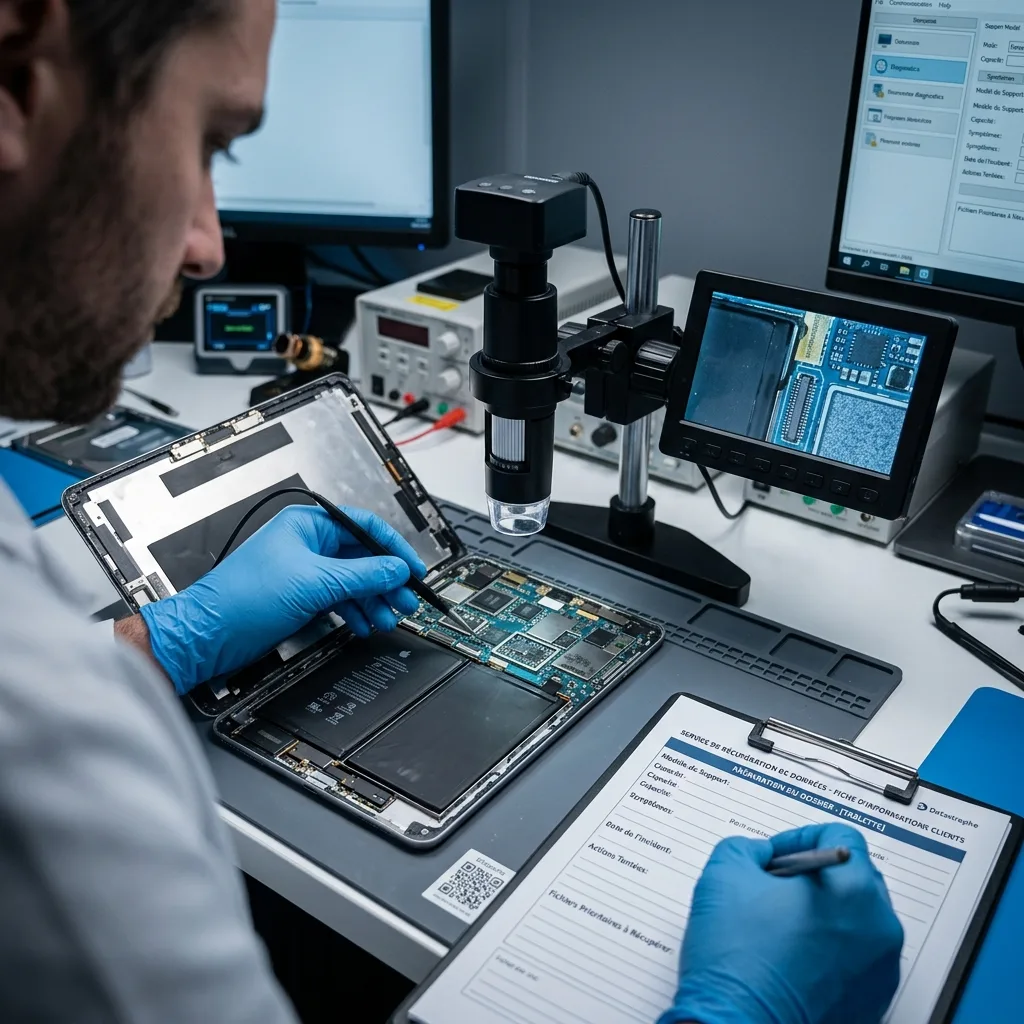
Provide the model, known passcode, backups and priority apps
Accurate device details, access information and priority data allow the initial review to stay focused and proportionate.
Provide the tablet model, storage capacity, symptoms, incident date, previous attempts and a list of priority files or applications. Photographs of the screen, error messages and physical damage can help clarify the starting condition.
Keep the original cable, power adaptor, microSD card and any partial backup with the case where relevant. Supply account details or configuration information only through an agreed secure method.
A useful summary distinguishes observed events from assumptions. State what changed first, what was tried later, which local data is essential and whether a result limited to certain files or dates would still help.
- Provide the model and observed symptoms
- List local files and applications needed
- Describe every reset, update and access attempt
Items and details to retain
Keep accessories, removable storage and any known-good backup available. Record the known passcode and account status without changing either before the assessment.
Writing a useful case summary
Describe facts in chronological order and define what would count as a useful partial result. This gives the laboratory a clearer basis for selecting the next step.
FAQ
Frequently asked questions
What should I do first when a tablet becomes inaccessible?
Stop resets, updates and repeated unlock attempts, record the symptoms and current power state, and do not charge a liquid-damaged device. Keep any removable card unchanged while you identify the local files that matter.
Can every file be recovered from a tablet?
No. The result depends on storage condition, later writes, encryption, credentials and the way each application stores data. Only content supported by available access and file checks should be described as usable.
Why are file and application priorities needed?
Photos, offline documents, notes and application records may sit in different containers. Priorities direct the examination towards the relevant areas and allow useful content to be checked earlier.
Will the tablet be suitable for continued use afterwards?
That is not the purpose of data recovery. The work aims to extract accessible content, and a device associated with data loss or hardware instability should not be treated as reliable because some files were returned.
How are incomplete tablet results described?
The outcome separates checked files from partial items and metadata-only records. Overwritten storage, failed flash, unavailable credentials and encryption barriers are stated as technical limits.
Media
Other expertise
- Data Recovery for Failed Internal Hard Drives Professional recovery from internal hard drives affected by mechanical damage, unreadable sectors, lost partitions, formatting or firmware faults.
- Recover Data From a Damaged External Hard Drive Recovery of files from external hard drives affected by impact, damaged USB connections, missing partitions, deletion or unstable media.
- Recovering Files from Failed SSD and NVMe Devices Controlled recovery from inaccessible SSD and NVMe devices affected by controller, NAND, firmware, power, encryption or volume faults.
- Recover Data From a Damaged or Unreadable USB Drive Professional file recovery from USB drives with broken plugs, failing NAND, corrupted structures, missing folders or recognition faults.
- Recover Files From a Failed or Formatted Memory Card Recovery of photos, video and other files from SD, microSD and CompactFlash cards affected by formatting, corruption, read errors or flash faults.
- Recovering Data from a Failed Laptop Recover files from laptops affected by startup failure, impact, liquid, inaccessible accounts, internal drive faults or soldered storage.
- Recovering Data from Mac Computers and Apple Storage Controlled recovery of usable files from Mac computers, APFS volumes, FileVault storage, Apple SSDs and separated Fusion Drives.
- Data Recovery for VMDK, VHDX and Other Virtual Disks Data recovery from VMDK, VHDX, VHD and QCOW2 files, including damaged snapshots, VMFS datastores, databases and virtual machines.
- Recovering Data from RAID, NAS and Storage Arrays Recovery of data from RAID, NAS and server arrays affected by disk faults, unavailable controllers, degraded volumes or unsuccessful rebuilds.
- Recovering Critical Data from Business Servers Recovery of usable data from failed servers, RAID arrays, SQL databases, shared storage, virtual machines and damaged volumes.
- CCTV Footage Recovery From NVR, DVR and XVR Systems Recovery of security camera footage from NVR, DVR and XVR systems affected by damaged indexes, storage faults, unreadable exports or timestamp errors.
- Inside an ISO 5 Clean Room for Hard Drive Recovery How an ISO 5 Class 100 clean room supports hard drive recovery by controlling dust around exposed heads, platters and internal parts.
 Data Recovery for Failed Internal Hard Drives
  Recovering Files from Failed SSD and NVMe Devices
  Recover Data From a Damaged or Unreadable USB Drive
  Recover Files From a Failed or Formatted Memory Card
  Recovering Data from a Failed Laptop
  Data Recovery for VMDK, VHDX and Other Virtual Disks
  Recovering Data from RAID, NAS and Storage Arrays
  Recovering Critical Data from Business Servers
  CCTV Footage Recovery From NVR, DVR and XVR Systems
  Inside an ISO 5 Clean Room for Hard Drive Recovery
 Diagnostic assessment
Unsure about a storage device or fault?
Datastrophe assesses the risk before any recovery attempt and points you towards the safest next step.