

Data Recovery for Failed Internal Hard Drives
Datastrophe assesses failed internal hard drives, secures the best available read of the source and verifies recovered files before secure handover.
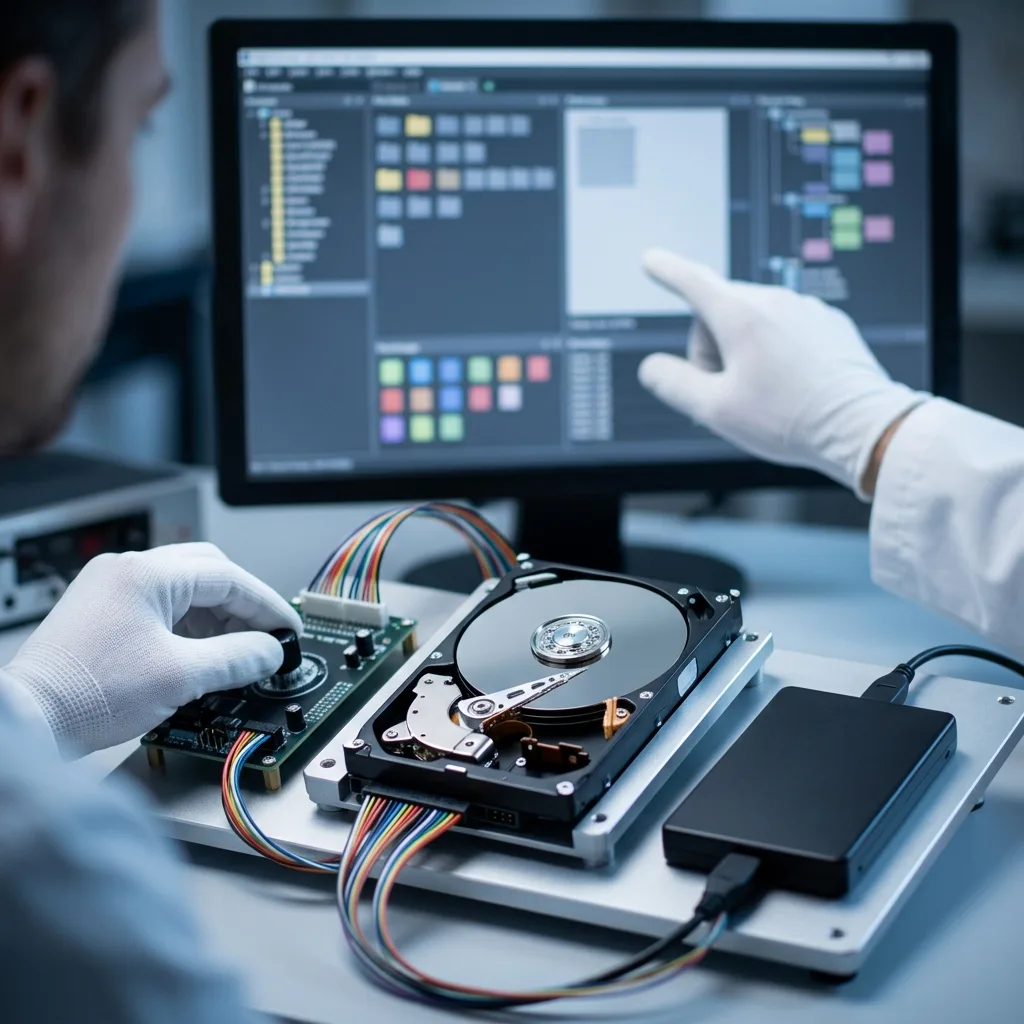
Initial assessment
Identify how the hard drive was used before recovery
Identify the drive's original system and role before interpreting its symptoms. That context determines which structures matter and which recovery path is appropriate.
The way a hard drive was used changes the recovery plan. A bare SATA disk from a desktop, a disk removed from a USB enclosure and a surveillance disk from a DVR or NVR can share a familiar connector while carrying different workloads, file systems and metadata. Record the original computer, enclosure or recorder, the drive format, what happened immediately before the failure and which files matter most.
At the data recovery laboratory, the source is kept unchanged wherever possible while the drive’s behaviour, electronics and readable areas are examined. The findings indicate whether the problem is logical, mechanical, firmware-related or a combination, and whether controlled imaging can begin safely.
The work is intended to retrieve data, not return the failed drive to service. A sound recovery copy may still be incomplete where sectors have been overwritten, platter surfaces are damaged or encryption credentials are unavailable.
- Relate the fault to the required files
- Distinguish readable sectors from usable data
- Base the next step on recorded evidence
What the assessment establishes
The laboratory review checks the source condition without treating it as ordinary working storage. It identifies the likely fault layers and determines whether controlled imaging, firmware access or mechanical intervention should come first.
What recovery cannot restore
Recovery cannot recreate overwritten content, missing encryption keys or material destroyed by physical surface damage. Any such limitation remains part of the reported result.
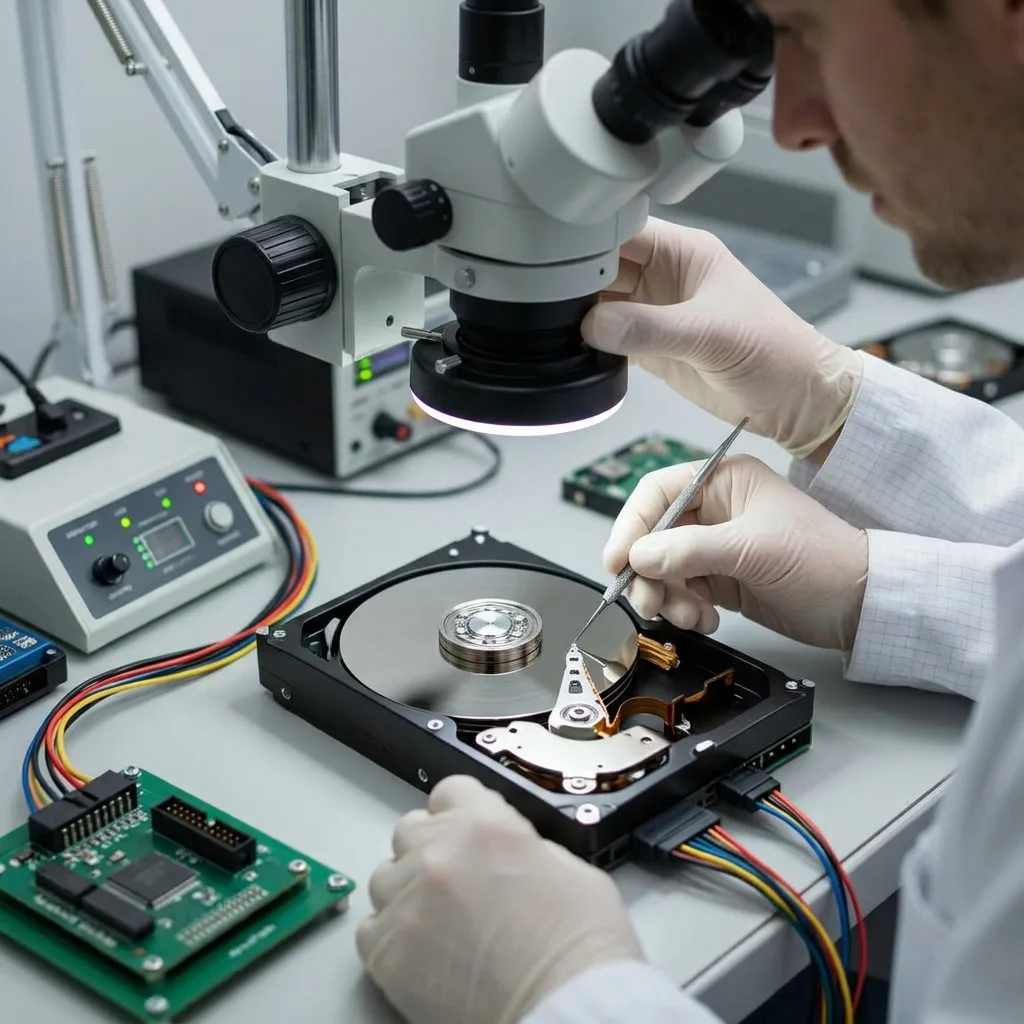
Risk indicators
A clicking hard drive is not a volume to scan
Clicking, intermittent detection, extreme slowness, unstable sectors and RAW volumes all warrant stopping normal use until the cause has been assessed.
Common warning signs include repeated clicking, very slow reads, unstable sectors, a drive that is not recognised, a RAW volume and a partition lost after formatting. None proves a cause by itself. Together with the event history, however, they show how urgently the drive should be isolated and which checks should happen first.
An impact, power interruption, deletion, format operation or attempted rebuild leaves a different technical trail. Note the sequence accurately, including software already run, because an earlier tool may have written to the disk or altered file-system metadata.
Leave the drive switched off once a physical fault is suspected. On a logically damaged but stable disk, new writes may overwrite deleted material; on a mechanically unstable disk, repeated reads may extend media damage.
- Write down the precise behaviour
- Avoid another start-up for confirmation
- Keep a clear incident record
Why the sequence matters
A drive dropped while running presents a different risk from one reformatted by mistake. A concise timeline helps separate original damage from changes introduced by later recovery attempts.
Safe immediate action
Disconnect the disk and store it securely. Do not reconnect it simply to reproduce an error, especially if it clicks, scrapes or repeatedly disappears.
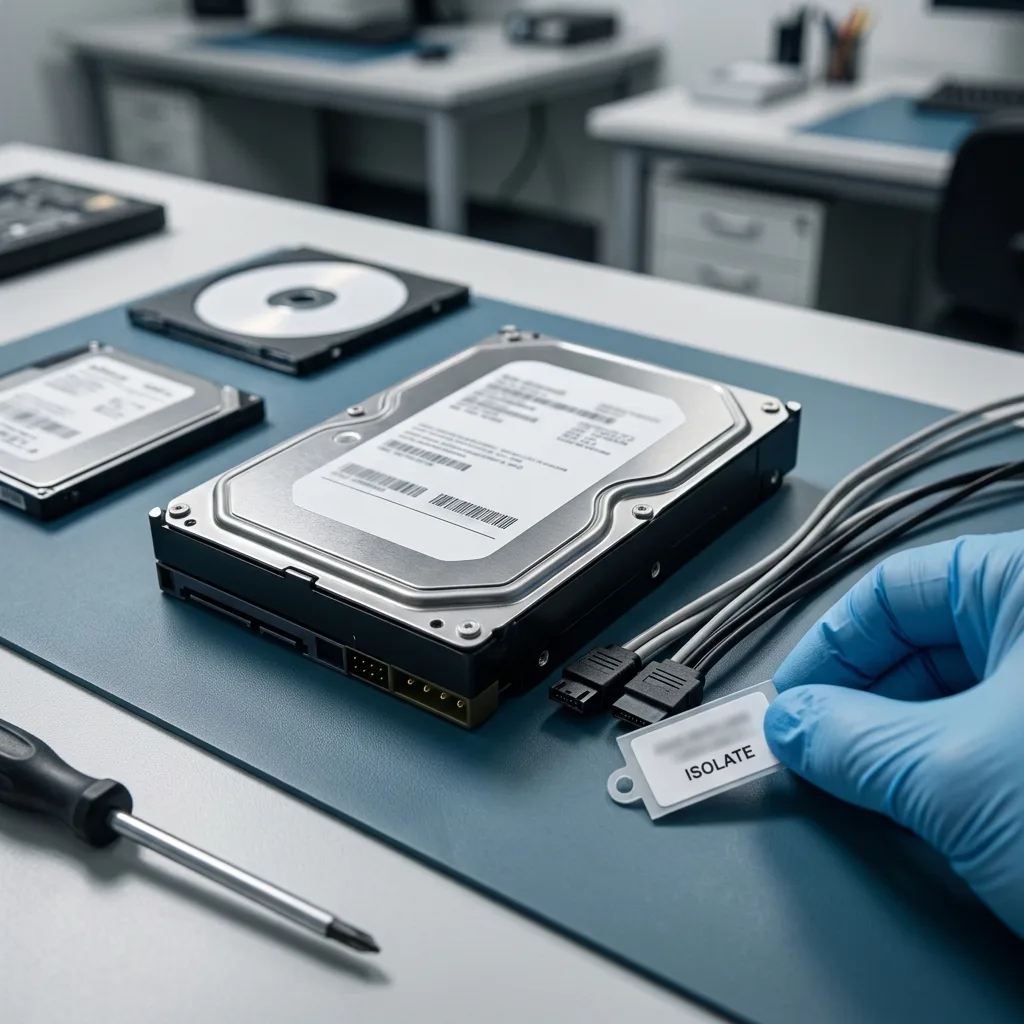
Safe handling
Clean-room controls protect platters when opening is necessary
Keep the drive off, do not write to it and do not open it. A controlled examination should precede any repair, scan or mechanical work.
Avoid repeated restarts, freezing the drive, opening its enclosure, accepting automatic repairs or running scans that write to the disk. These steps can alter metadata or worsen mechanical damage before a stable source image exists. If internal access is justified, it must be planned and performed under the appropriate clean room controls.
File-system repair utilities may rewrite indexes, journals and allocation records. That can turn a clear deletion or corruption case into a more fragmented result, so stop the utility rather than letting it ‘finish’ for reassurance.
Datastrophe uses controlled reads and works from an image or clone whenever the source permits. Keeping investigative work away from the original allows alternative reconstruction methods to be tested without repeatedly stressing the drive.
- Prevent writes to the original drive
- Decline automatic file-system repair
- Keep the device in its post-failure state
Why repair tools can be harmful
A repair command is designed to make a file system mountable, not to preserve evidence for recovery. It may discard damaged references or replace metadata that would otherwise guide reconstruction.
Why the source is protected
Imaging first separates fragile hardware from later file analysis. It also provides a repeatable working copy when more than one reconstruction method needs to be evaluated.
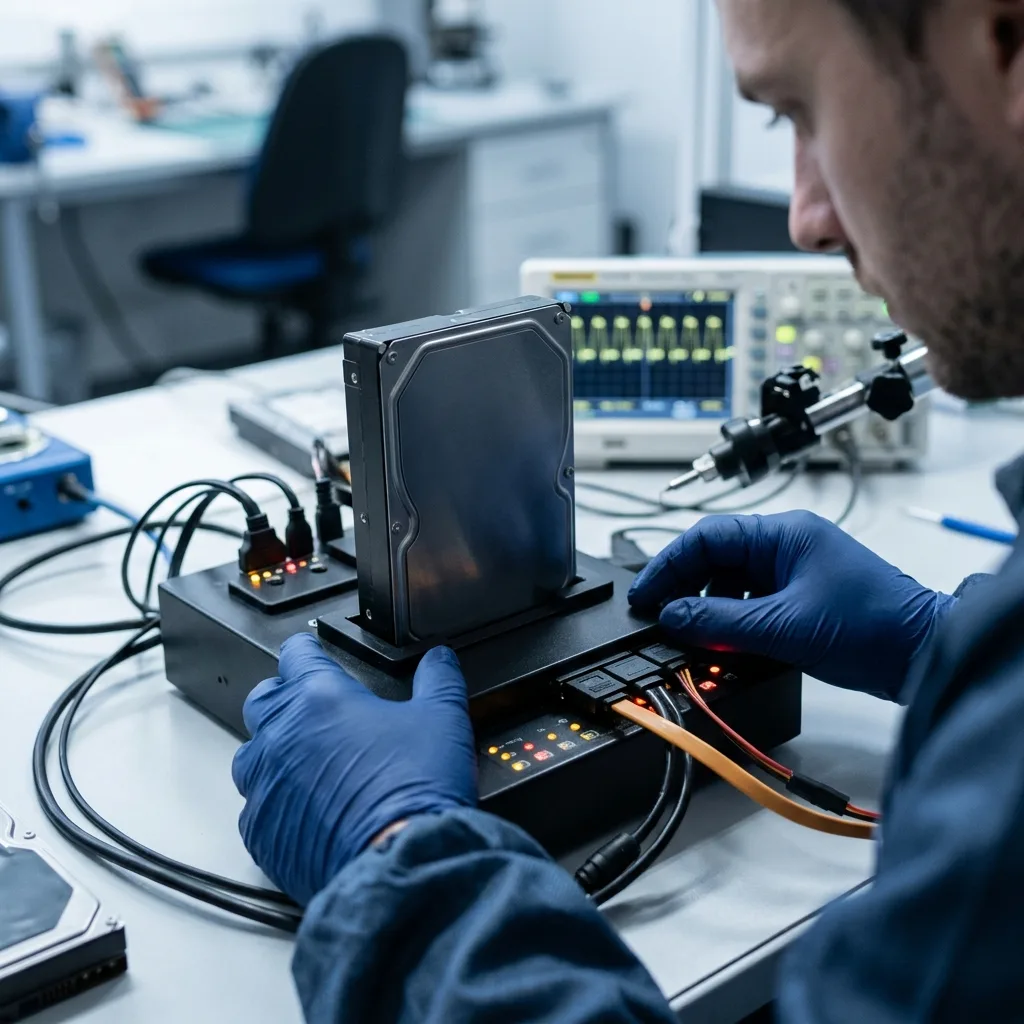
Technical evidence
Read unstable sectors, SMART data and RAW partitions together
Physical condition, sector access, partitions, file-system metadata and file integrity are assessed as connected but distinct layers.
Hard drive recovery may involve platters, heads, firmware, SMART information, partition tables, the NTFS MFT and damaged sectors. The applicable layers depend on the observed failure. Work may start with physical access and sector imaging, then move through partitions, file-system metadata and individual files.
A familiar folder tree does not prove that its contents are intact, while an absent volume does not prove that all data is gone. File signatures, journals, indexes and surviving fragments can provide other routes to reconstruction.
The review moves from source stability to sector capture, logical structure and finally the priority files. This order prevents an apparently complete directory listing from being mistaken for a verified recovery result.
- Map the fault before reconstructing data
- Test file integrity as well as readability
- Keep technical decisions traceable
A folder list is only a starting point
Directory names can survive after file content has been damaged, and file content can survive after directory records are lost. Both structure and content therefore need independent checks.
A layered recovery process
The source is stabilised and imaged as far as practicable before logical reconstruction begins. Priority files are then opened or otherwise validated on the working copy.
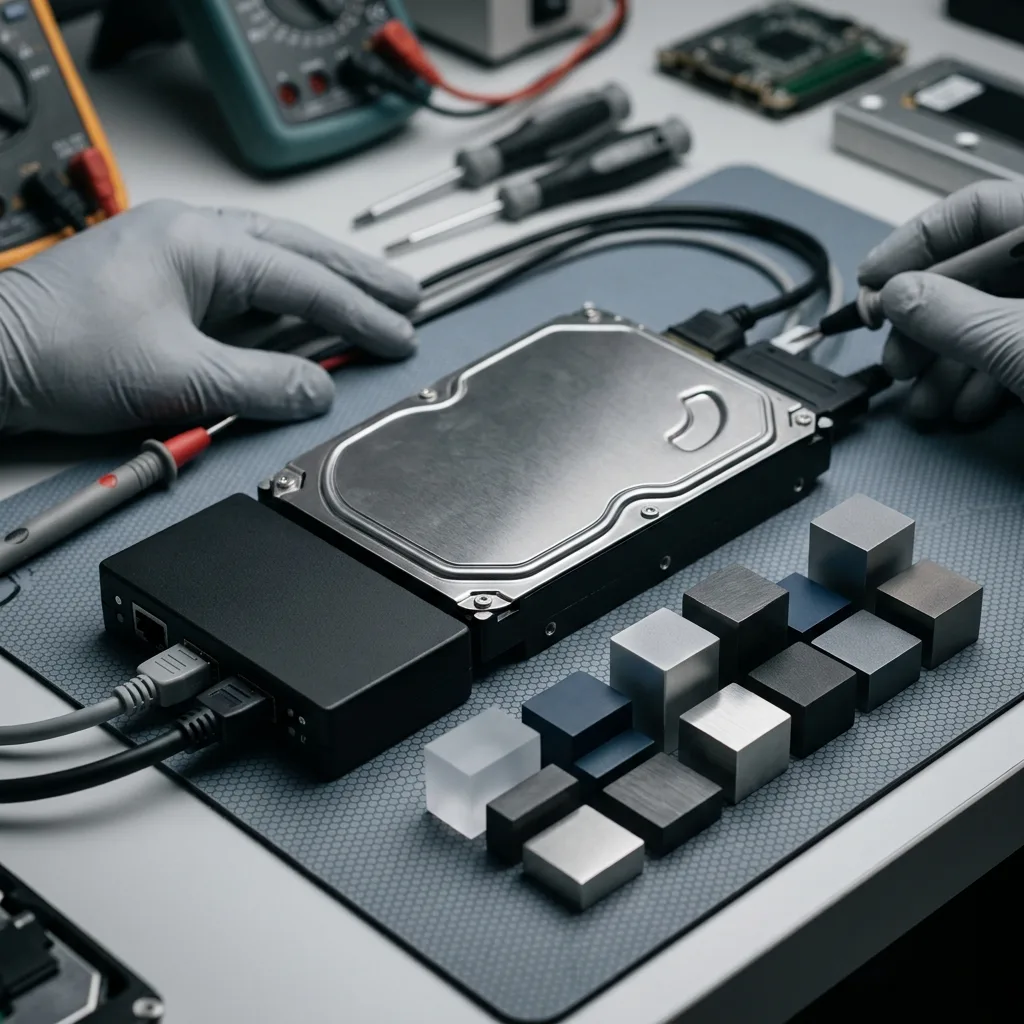
Laboratory process
Image the source drive before reconstructing files
Case details guide the laboratory examination, followed by controlled imaging, reconstruction and verification of the files identified as important.
Each case begins with qualification of the drive, symptoms, loss date, previous actions, expected data volume and essential files. The diagnostic assessment then tests the likely fault and establishes whether imaging can proceed directly or whether laboratory intervention is needed first.
For an unstable drive, readable sectors are captured in a controlled order. For a logical loss, writes remain blocked while deleted or damaged structures are located. Mixed failures are handled in the least destructive sequence supported by the evidence.
Recovered data is sampled for integrity and relevance. Important documents, photographs, archives or databases may be opened, compared with known examples or checked through format-specific validation.
- Qualify the device and loss event
- Image in the safest practical order
- Verify representative priority files
Selecting the least destructive route
The chosen sequence depends on whether the limiting fault is mechanical, electronic, firmware-based or logical. Work progresses only when the preceding step has preserved the best available source state.
Checking what was recovered
File counts and gigabytes provide context but not proof of usability. Representative files are checked, and incomplete or damaged results are identified rather than grouped with sound data.
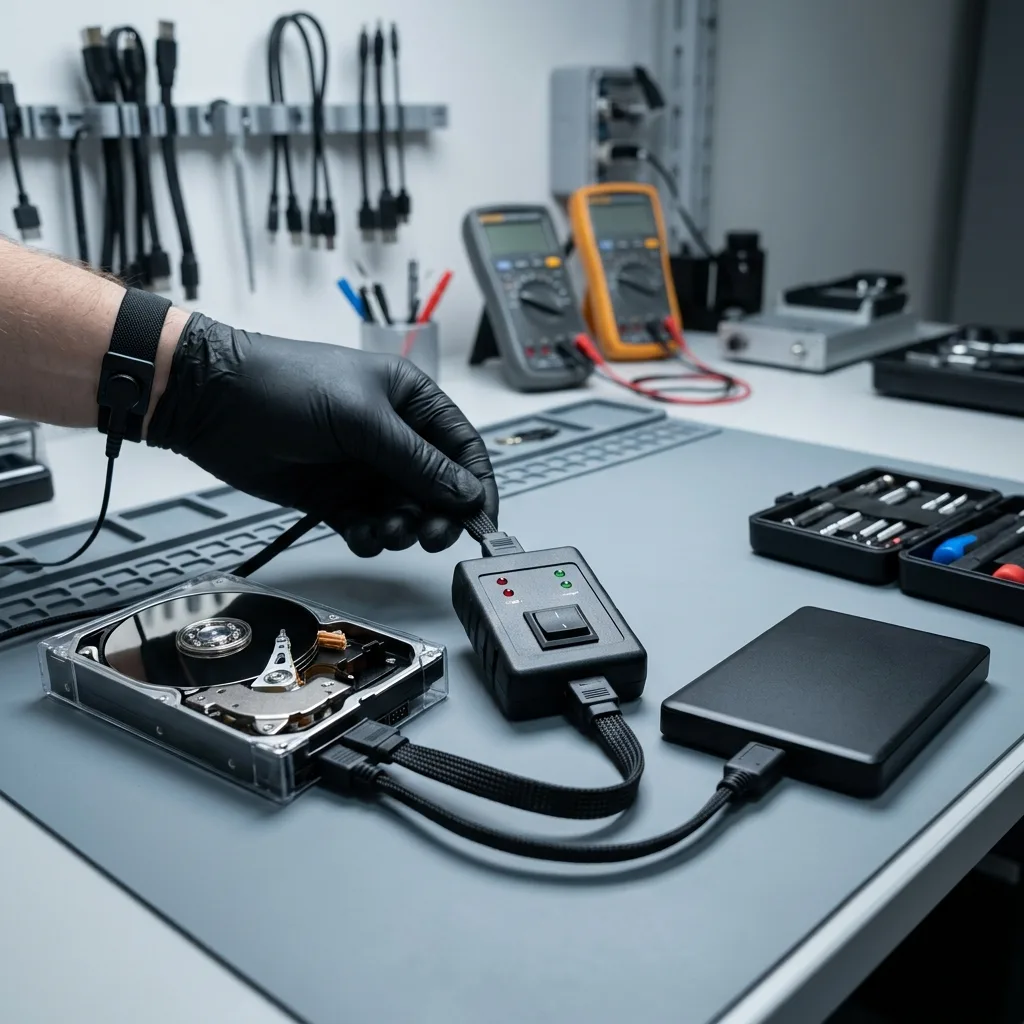
File priorities
Check NTFS, documents and databases—not just gigabytes
Name the documents, photos, databases, archives or security camera footage that matter most so the recovery can target a useful outcome.
Priority material may include work documents, photographs, archives, local databases, user profiles or CCTV footage stored by a DVR/NVR. Listing the essential folders and date ranges at intake allows the assessment to focus on data that will determine whether the result is useful.
Prioritisation matters when the disk is degrading or only part of it can be read safely. It can also limit unnecessary review of unrelated personal or commercial information while giving an earlier indication of the likely outcome.
Final review separates verified files, partial files and items detected only by name or signature. A listed file is not treated as recovered until its content can be read or validated in an appropriate way.
- List essential folders and file types
- Confirm that key files actually open
- Record partial or damaged results
Why a focused list helps
When only limited reading is safe, a clear list of paths, dates and file types directs effort towards the material with the greatest practical value.
How results are classified
Files are grouped by their verified condition. Intact, partial and merely detected items are kept distinct so the handover does not imply completeness that the evidence cannot support.
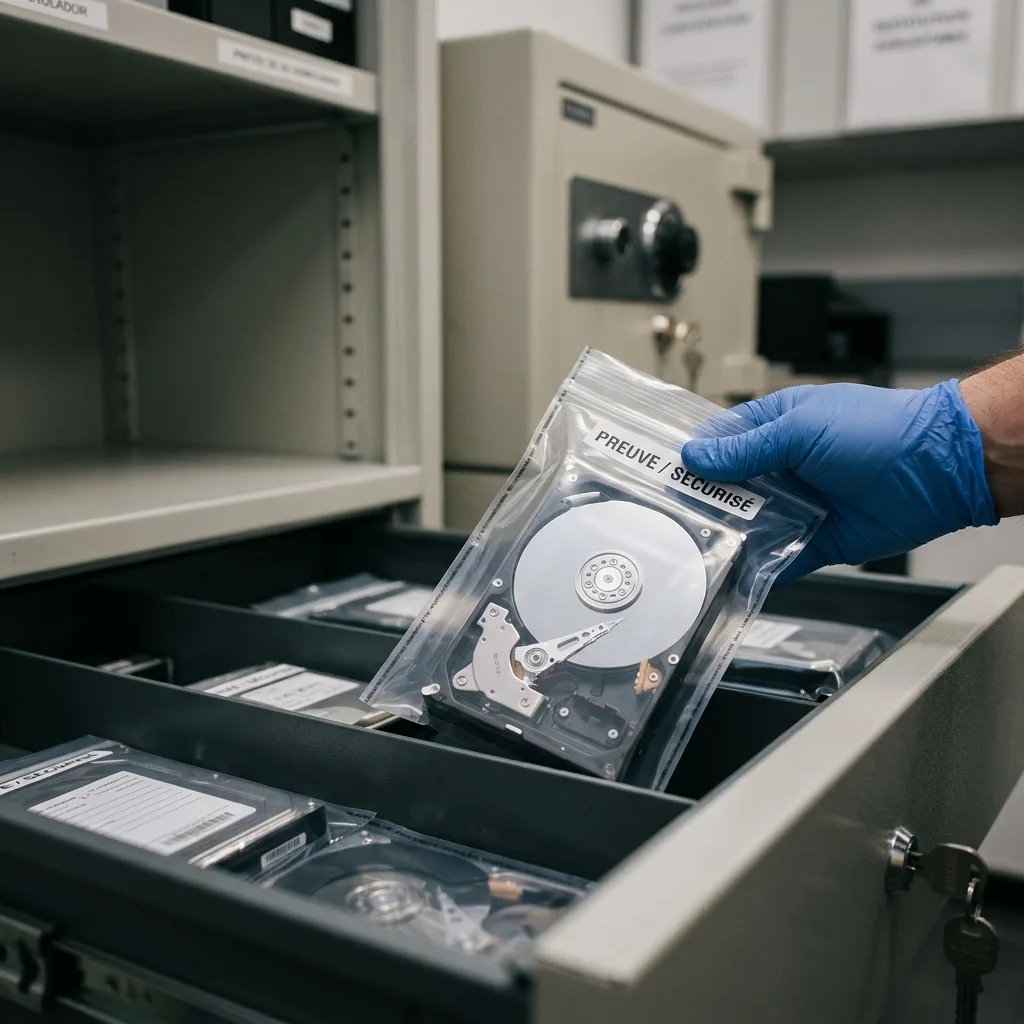
Data handling
Return recovered data on healthy media with clear limits
Access is kept within the agreed recovery scope, and the delivered copy distinguishes verified files from partial or uncertain material.
An internal drive often contains information beyond the requested folders, including personal records, client material, logs and archived exports. The recovery scope should limit access to what is necessary and keep handling proportionate to the stated request.
Recovered material is placed on healthy storage or supplied in another format appropriate to the case. Where files have been converted, extracted selectively or reconstructed only in part, the deliverable is labelled so it cannot be confused with the original source.
Technical limits remain explicit. Overwritten sectors, inaccessible encryption, missing metadata and inconsistent databases are reported because they affect what can safely be relied on.
- Keep the review scope proportionate
- Deliver recovered data on healthy storage
- Describe every material limitation
Understanding the deliverable
The destination media contains recovered data, not a repaired version of the failed drive. Any conversion or partial reconstruction is explained alongside the relevant folders.
Clear reporting of uncertainty
Where integrity cannot be confirmed, the affected file or area is marked accordingly. This gives the recipient a sound basis for deciding what can be reused.
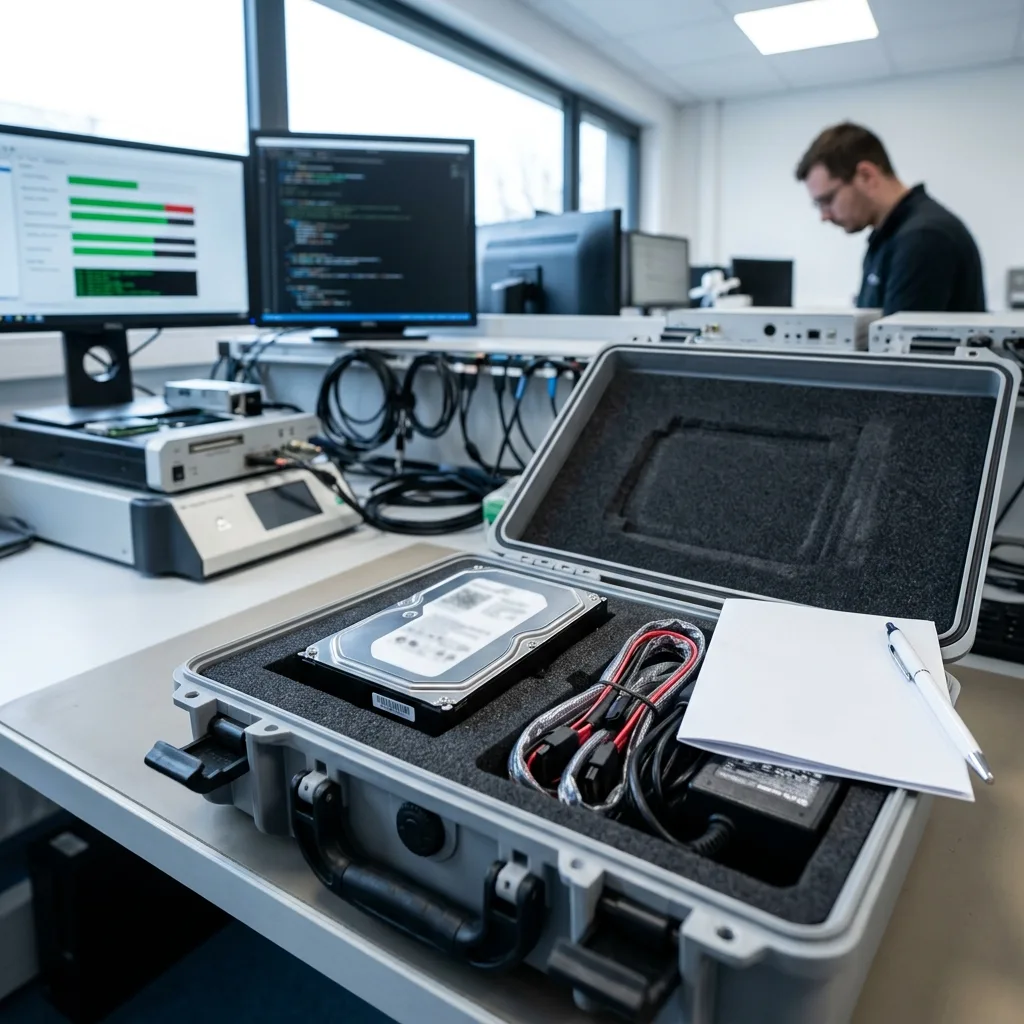
Case preparation
Provide the drive model, symptoms and priority files
Supply the device details, failure history, previous actions and priority files so the laboratory can plan an appropriate assessment.
Provide the drive model and capacity, observed symptoms, incident date, previous recovery attempts and a concise list of priority files. Photographs of error messages or visible damage can assist the initial review without requiring the disk to be powered again.
Keep any relevant enclosure, cable, adaptor, power supply, replaced drive, configuration information or partial backup. These items can help establish the original setup or provide a known comparison for recovered material.
Describe the event factually, including what would count as a useful partial result. A precise request supports a more focused technical review and avoids assumptions about folders that are not important.
- Identify the drive and original system
- Describe all attempts already made
- State the required files and acceptable limits
Items worth retaining
Keep components and records associated with the original setup, even if they seem secondary. They may clarify power, interface or configuration details without another risky start-up.
A clear recovery brief
Include the event sequence, the data that matters and how a partial result would be judged. This lets the assessment address the actual need from the outset.
FAQ
Frequently asked questions
What should I do first when an internal hard drive fails?
Switch it off, record the symptoms and avoid any further repair or scan. Keep the drive in its current condition and note the folders or files that are most important.
Can every file be recovered from a failed hard drive?
No outcome can be assumed before assessment. Recovery depends on the readable sectors, physical surface condition, later writes, surviving metadata and access to any encryption credentials.
Why does the laboratory ask for priority files?
A priority list directs safe reading towards the material that matters most and provides an early way to test whether the recovery meets the practical requirement.
Can I use the original hard drive again after recovery?
That is not the purpose of the work. A drive involved in data loss should not be trusted for ongoing storage; recovered files are supplied on healthy media or through another agreed delivery method.
How will limitations in the result be reported?
The result identifies issues such as unreadable or overwritten sectors, damaged metadata, partial files, inconsistent databases and inaccessible encryption. Unverified files are not presented as complete.
Media
Other expertise
- Recover Data From a Damaged External Hard Drive Recovery of files from external hard drives affected by impact, damaged USB connections, missing partitions, deletion or unstable media.
- Recovering Files from Failed SSD and NVMe Devices Controlled recovery from inaccessible SSD and NVMe devices affected by controller, NAND, firmware, power, encryption or volume faults.
- Recover Data From a Damaged or Unreadable USB Drive Professional file recovery from USB drives with broken plugs, failing NAND, corrupted structures, missing folders or recognition faults.
- Recover Files From a Failed or Formatted Memory Card Recovery of photos, video and other files from SD, microSD and CompactFlash cards affected by formatting, corruption, read errors or flash faults.
- Recovering Data from a Failed Laptop Recover files from laptops affected by startup failure, impact, liquid, inaccessible accounts, internal drive faults or soldered storage.
- Recovering Data from Mac Computers and Apple Storage Controlled recovery of usable files from Mac computers, APFS volumes, FileVault storage, Apple SSDs and separated Fusion Drives.
- Recovering Data from a Tablet or iPad Recover local photos, documents and application data from tablets with startup, screen, storage, access or synchronisation faults.
- Data Recovery for VMDK, VHDX and Other Virtual Disks Data recovery from VMDK, VHDX, VHD and QCOW2 files, including damaged snapshots, VMFS datastores, databases and virtual machines.
- Recovering Data from RAID, NAS and Storage Arrays Recovery of data from RAID, NAS and server arrays affected by disk faults, unavailable controllers, degraded volumes or unsuccessful rebuilds.
- Recovering Critical Data from Business Servers Recovery of usable data from failed servers, RAID arrays, SQL databases, shared storage, virtual machines and damaged volumes.
- CCTV Footage Recovery From NVR, DVR and XVR Systems Recovery of security camera footage from NVR, DVR and XVR systems affected by damaged indexes, storage faults, unreadable exports or timestamp errors.
- Inside an ISO 5 Clean Room for Hard Drive Recovery How an ISO 5 Class 100 clean room supports hard drive recovery by controlling dust around exposed heads, platters and internal parts.
 Recover Data From a Damaged External Hard Drive
  Recovering Files from Failed SSD and NVMe Devices
  Recover Data From a Damaged or Unreadable USB Drive
  Recover Files From a Failed or Formatted Memory Card
  Recovering Data from a Failed Laptop
  Recovering Data from a Tablet or iPad
  Data Recovery for VMDK, VHDX and Other Virtual Disks
  Recovering Data from RAID, NAS and Storage Arrays
  Recovering Critical Data from Business Servers
  CCTV Footage Recovery From NVR, DVR and XVR Systems
  Inside an ISO 5 Clean Room for Hard Drive Recovery
 Diagnostic assessment
Unsure about a storage device or fault?
Datastrophe assesses the risk before any recovery attempt and points you towards the safest next step.