

Data recovery questions answered clearly
Preserve the failed storage as it is. For a New Zealand case, Datastrophe arranges private collection and return, completes the diagnostic assessment in its laboratory at no charge, and lets you decide from a verified file list and an agreed NZD quote.
FAQ
Data recovery questions answered clearly
Immediate actions
What should I do before arranging private collection?
Stop using the storage and record the sequence of events. Shut it down if it clicks, overheats, was dropped or repeatedly disappears. Never open a hard drive, and do not format, initialise, repair, rebuild or reuse the source. Keep related drives, power supplies and adapters identified for the case review.
Supported storage
Which storage types can I send from New Zealand?
Cases can cover hard drives, external drives, SSDs, USB drives, memory cards, NAS, RAID sets, servers, virtual disks, NVR storage, tablets and iPads. The quote confirms which listed storage type and related components should be prepared for collection.
Intake and diagnosis
Are private collection, return and the laboratory assessment included nationwide?
Yes. The quote and diagnostic assessment are free, and Datastrophe includes private collection from and return to the confirmed address. The carrier is responsible only for transporting the sealed parcel. Datastrophe alone performs the diagnosis, technical recovery and file verification in its laboratory.
File decision
What accompanies the NZD quote before I decide?
Before payment, Datastrophe provides the price and a status-based file list. The recoverable_verified status means checked and usable; partial identifies an incomplete item and states its limit; detected_unverified records a name or signature without integrity proof; and unrecoverable means unusable. Only recoverable_verified content is presented as recoverable.
When does the case proceed beyond the free assessment?
You first review the verified file list and the price quoted in NZD. Payment is due only if both are acceptable. Final recovery, preparation of the approved result and return follow payment. A name or file signature that has not passed integrity checks is never treated as a successful recovery.
Payment and fees
Are there standard charges if I decline or no usable data is recovered?
No standard charge is due if no usable data is found, final recovery fails, or you decline the list or price. The rule covers the intervention, collection, return transport, customs and the standard return medium. The single exception is a rare expensive part ordered after separate, explicit and priced approval; that cost is non-refundable even without a result.
Timing, privacy and return
How do distance and inter-island collection affect timing?
The technical timetable depends on stability, capacity, damage and system complexity, while collection and return timing depend on the confirmed address and route. The contact page displays the current New Zealand support hours and available contact details. Datastrophe handles the data; the carrier only moves the sealed parcel.
What is verified before the result is returned?
Datastrophe checks structure, integrity and representative priority files, records partial or unverified items and prepares the accepted result on the standard return medium. Private transport handles the return only. Recovery cannot recreate overwritten, physically destroyed or cryptographically inaccessible information, and failed source storage should not return to ordinary use.
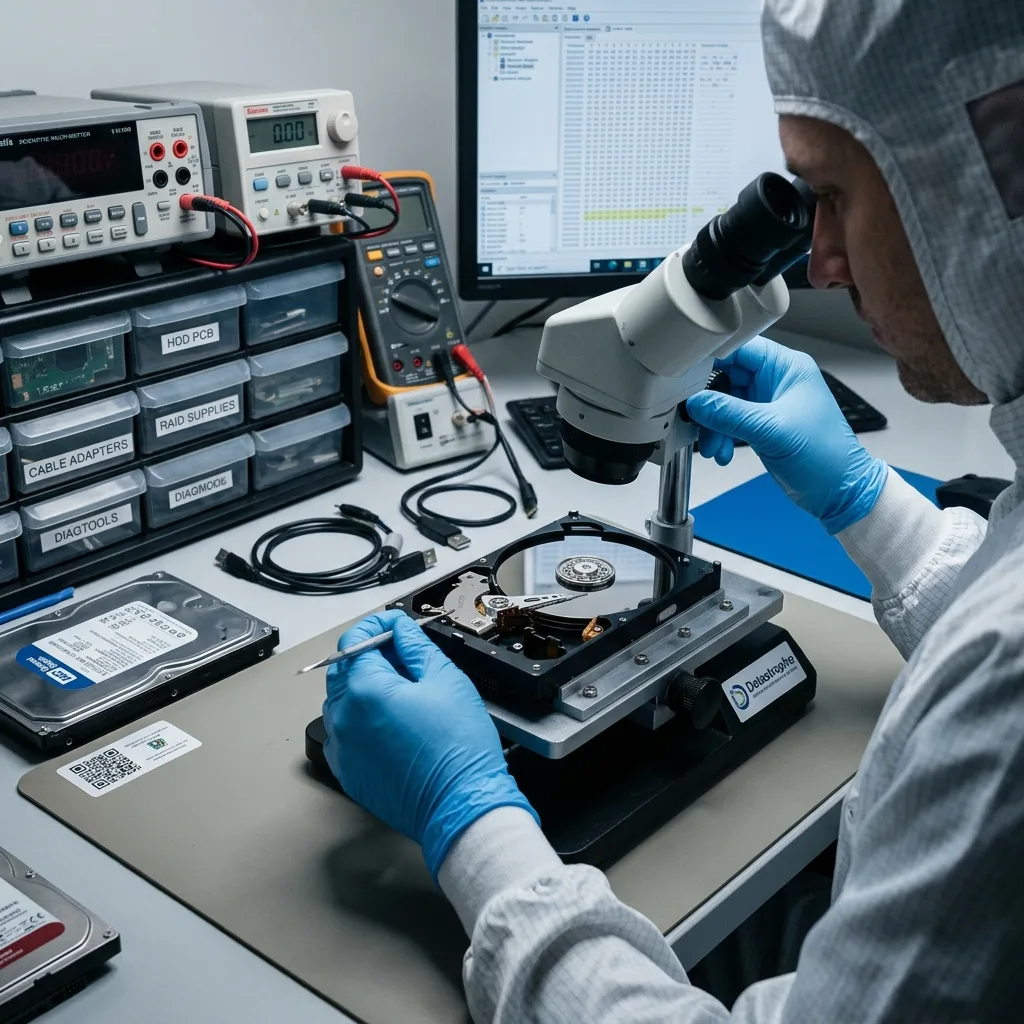
Case context
How to get advice that fits the fault
General answers support an initial decision, but advice about a specific failure needs evidence from that device and its history.
Useful advice begins with the device type, symptoms, incident history, priority files and any work already attempted. Without that context, a general instruction may be unsuitable or expose the source to further risk.
Datastrophe separates reported facts from technical findings and unresolved points. That distinction helps preserve the device, set realistic expectations and identify the next step without implying a guaranteed result.
- Identify the storage technology and symptoms
- List the files that would make recovery useful
- Disclose repairs, scans and recovery attempts
What can be discussed before examination
Reported symptoms can guide immediate precautions and indicate likely fault categories. They cannot confirm which areas remain readable, whether files are intact or what physical work may be required.
Why uncertainty is retained
The condition of components, metadata and encryption may not yet be known. A responsible answer states those gaps instead of presenting a preliminary view as a finding.
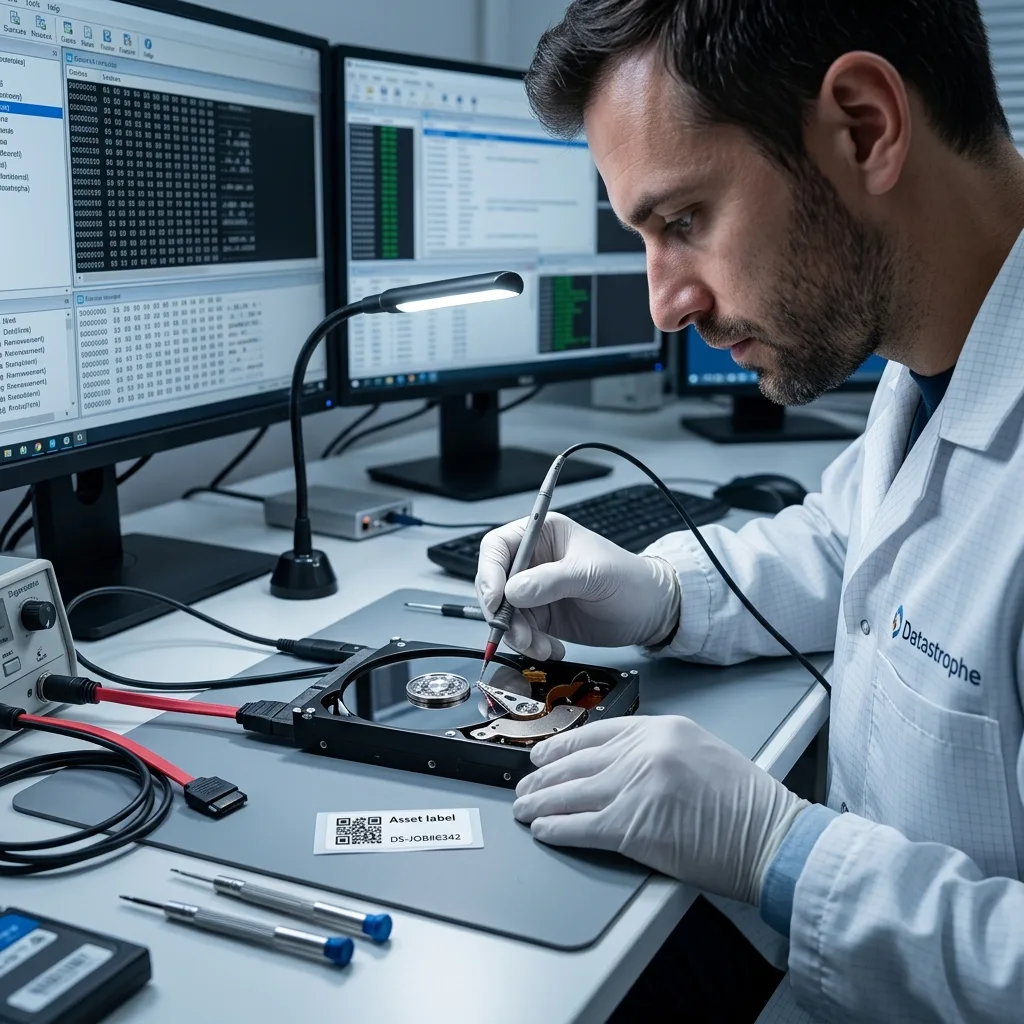
Fault indicators
Facts that can change the recommended response
Physical symptoms, system complexity, encryption, recent writes and required file dates all influence the safest recovery pathway.
Mention impact, liquid exposure, unusual sounds, unrecognised storage, an accidental format, missing files, encryption and operational urgency. Each factor may change the safest method and the amount of examination required.
Also define the useful file scope. A small group of essential folders may call for targeted work, while a failed server or multi-disk system may need broader reconstruction and verification.
- Report any physical damage or instability
- Describe the system rather than one component alone
- State which dates, folders or records are essential
When laboratory handling may be needed
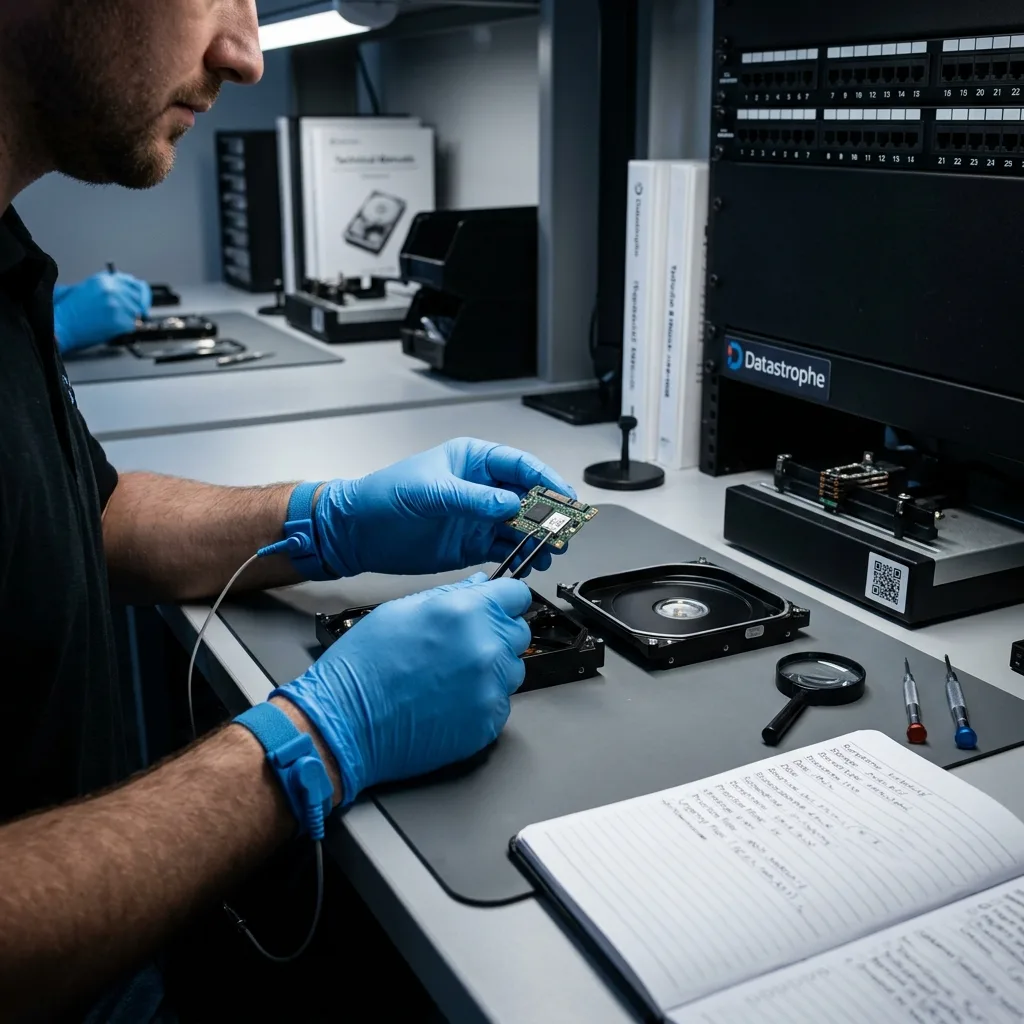
A mechanically damaged hard drive may require clean room work at a data recovery laboratory. Opening it in an uncontrolled setting can introduce contamination and additional damage.
Systems with specialised file requirements
RAID, NAS and server cases depend on configuration as well as disk condition. A DVR/NVR holding CCTV or security camera footage may also require dates, channels and export needs to be specified.
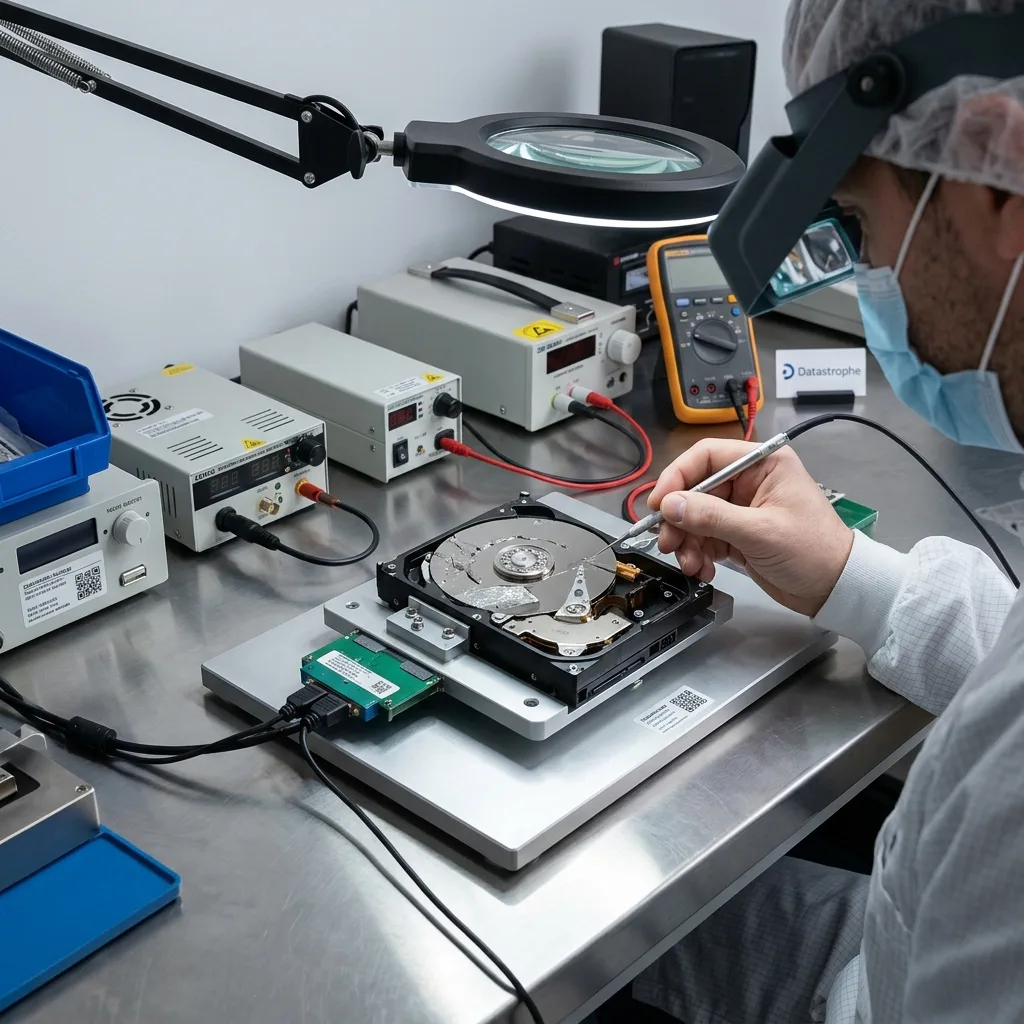
Source preservation
Actions that may make recovery harder
The first priority is to retain the current state of the storage device and prevent avoidable writes, repairs or physical handling.
Do not continue testing an unstable source, accept a format prompt, rebuild an array or run automatic repair without a safe plan. These actions can write new information, obscure the original fault or increase physical damage.
Disconnect the affected storage where this can be done safely, note what happened and preserve every relevant device. A diagnostic assessment should start from an accurate history rather than a source altered by repeated attempts.
- Do not save recovered files back to the source
- Do not approve a format, repair or rebuild
- Record symptoms before disconnecting the device
Why working from a copy matters
Where the source can be read safely, controlled imaging preserves available sectors for later analysis. File repair and extraction can then proceed without repeatedly accessing the original device.
Backup and recovery are different
A backup is a separate copy created before a loss. Recovery attempts to extract information after failure and may produce incomplete files, altered folder structures or no usable result.
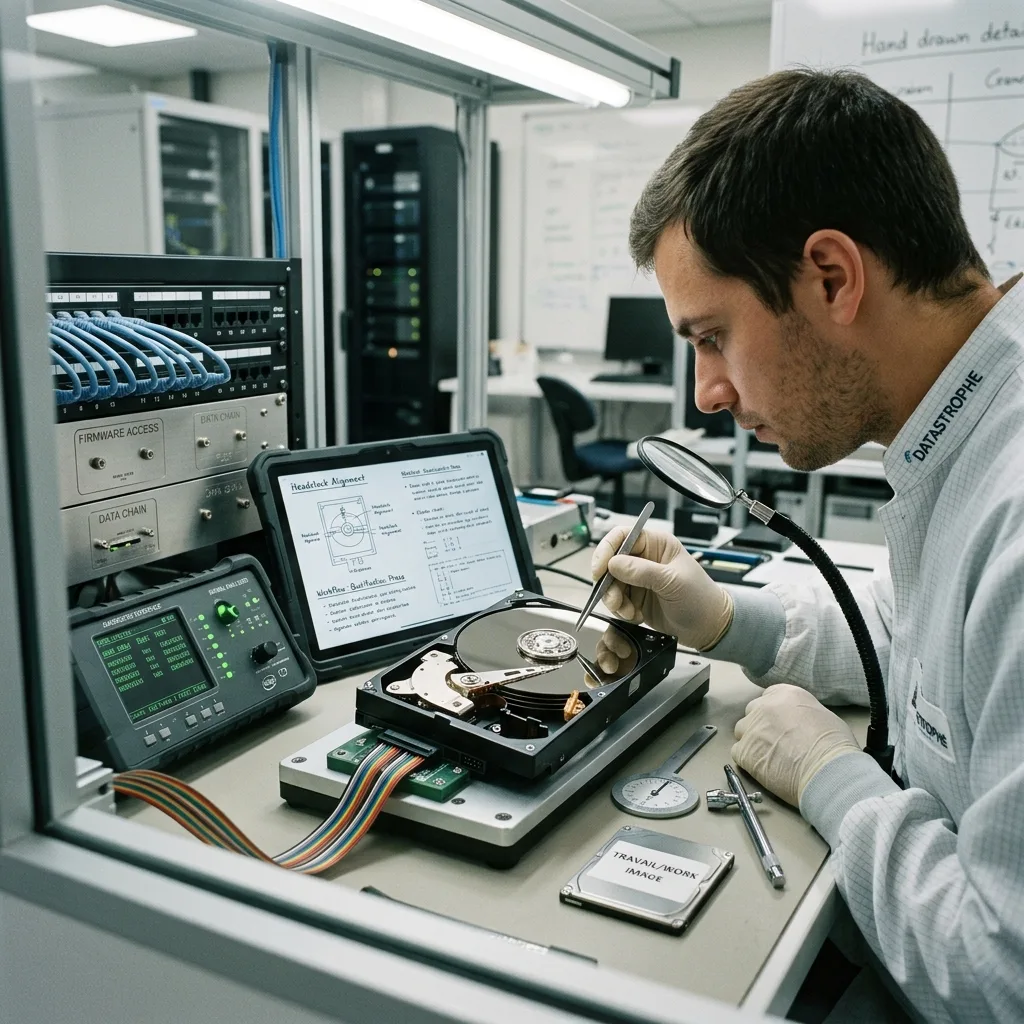
Documented workflow
How a recovery case progresses
Technical evidence, client priorities and information controls stay connected from the initial enquiry to the return of recovered files.
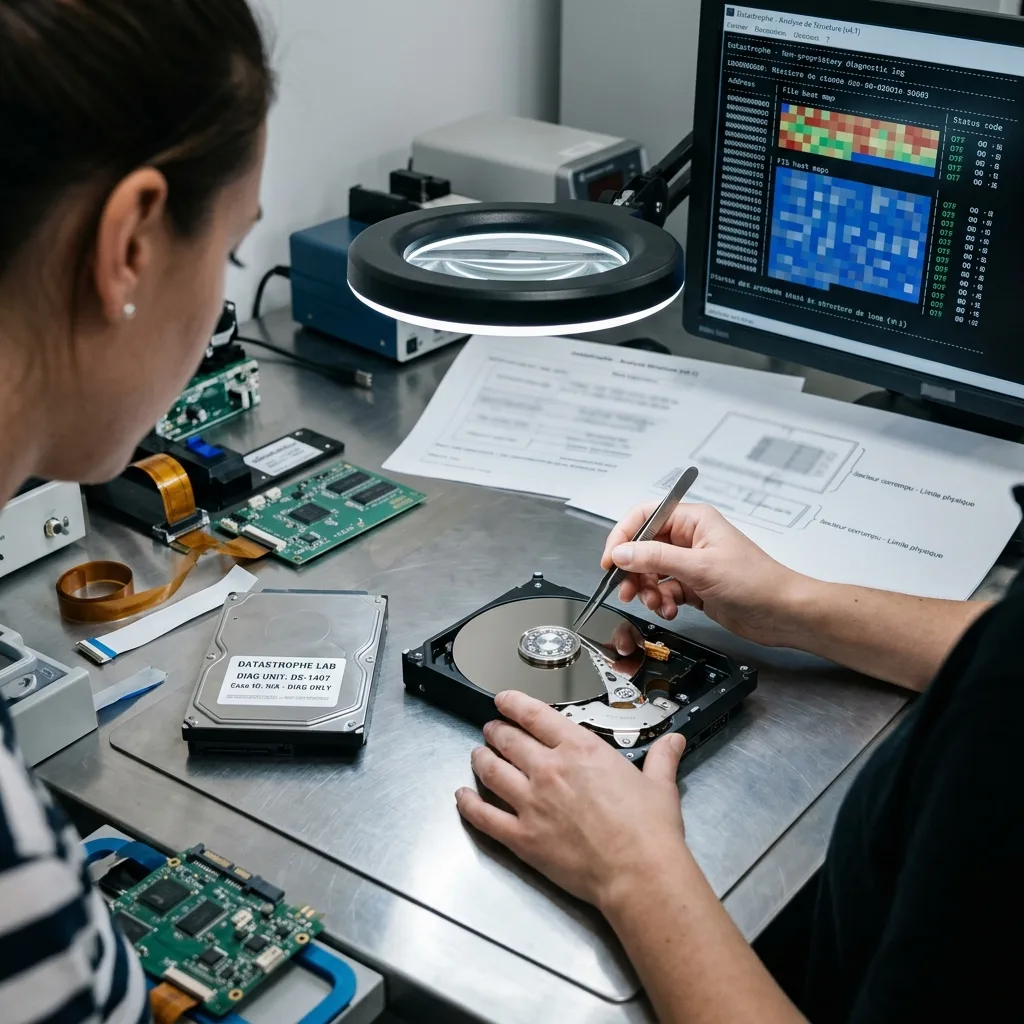
The case moves through incident review, risk control, technical examination, quote, controlled extraction, file checks and secure handover. The sequence may be adapted to the fault, but each decision should remain documented.
A diagnostic assessment establishes findings and limits before recovery is approved. During the work, the record distinguishes readable sectors from usable files and notes any remaining uncertainty about integrity.
- Record confirmed findings and open questions
- Agree the useful file scope before extraction
- Verify priority data before secure handover
Quote and approval
The quote should state the proposed work, expected timeframe, intended recovery scope and known constraints. Approval remains with the authorised client contact.
Verification and return
Recovered files are checked against the agreed priorities and supplied on reliable separate media or another agreed method. Any gaps or uncertain integrity remain part of the result.
Information control
Confidential handling without overstating results
Define who may approve work, receive case information and accept the returned data before examination goes beyond the initial technical need.
Recovery work may expose personal, commercial, financial, health-related or otherwise sensitive material. Access should stay within the agreed purpose, and updates should go only to people authorised on the case.
Confidentiality protects information that remains available. It cannot recreate overwritten content, repair destroyed components or replace missing encryption credentials, so those limits must remain explicit.
- Restrict access to the agreed case purpose
- Confirm the authorised recipient and return method
- Describe incomplete results in specific terms
How access is kept proportionate
Examination should focus on locating and validating the required files. Wider content review is unnecessary unless it forms part of the purpose agreed for the case.
How incomplete recovery is described
The report may identify unreadable regions, missing folder structures, altered names, partial files or uncertain database consistency. A recovered file count alone is not enough.
Immediate response
What to do when a device fails
Preserve the source, document the incident and seek case-specific guidance before carrying out another scan, repair or rebuild.
Record the device details, symptoms, incident date, earlier attempts, genuine urgency and priority files. If the device is unstable, shut it down safely where possible and do not reconnect it merely to confirm the fault.
Contact Datastrophe with the available facts and ask what handling is appropriate. Request a quote once the case can be scoped, and treat any earlier estimate as a preliminary non-binding figure.
- Leave unstable storage powered off where safe
- Keep all related drives and adapters identified
- Request a quote against a clearly defined scope
When to stop immediately
Stop when a device disconnects repeatedly, becomes unusually slow, makes abnormal noises, shows physical damage or requests formatting. Further use may add writes or physical wear.
What to provide with the enquiry
Supply the model, capacity, system context, error messages, incident history, required files and decision-maker details. State any uncertainty rather than filling gaps with assumptions.
Diagnostic assessment
Unsure about a storage device or fault?
Datastrophe assesses the risk before any recovery attempt and points you towards the safest next step.