

Recover Data From a Damaged External Hard Drive
Datastrophe protects the original external drive, identifies the physical or logical fault and supplies recovered files only after practical checks.
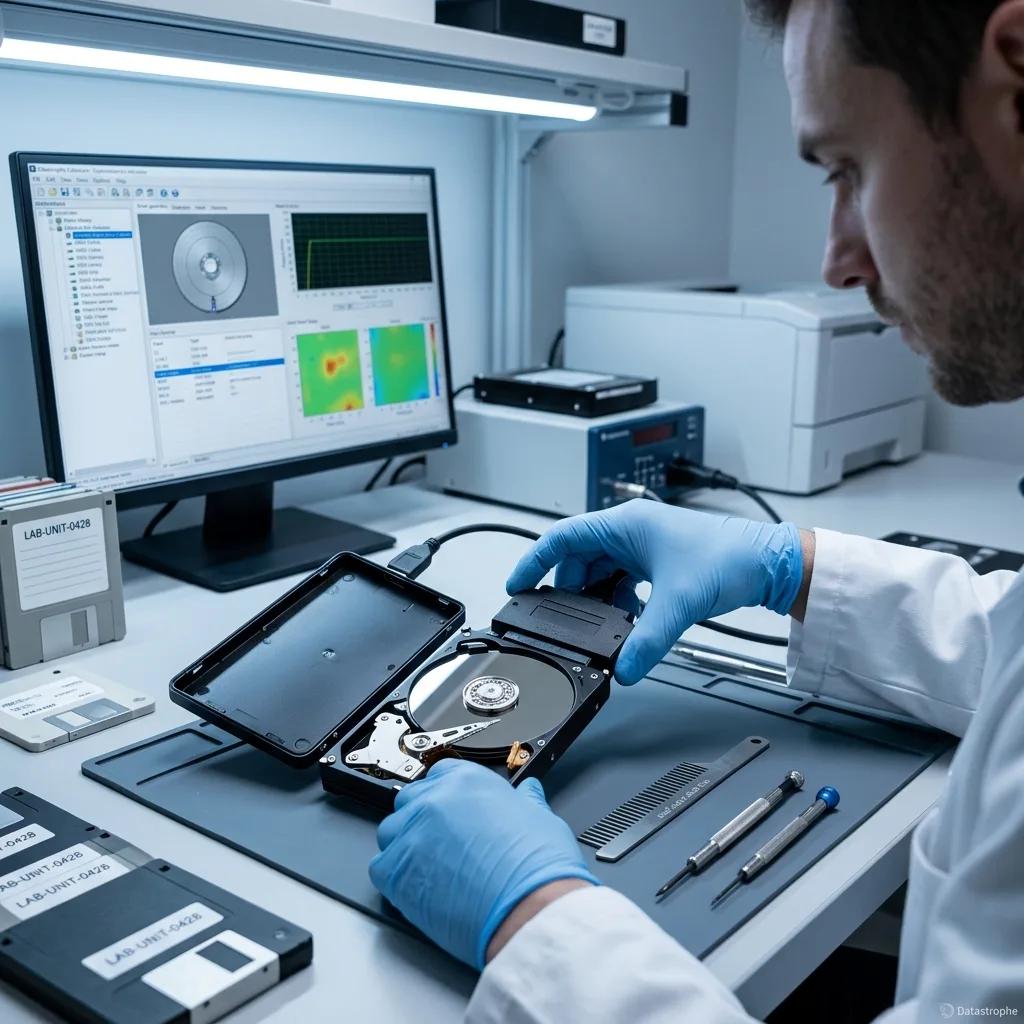
Fault assessment
A lit enclosure does not prove the external drive works
A powered light is not a health check. The cable, enclosure bridge, internal disk and file system must be separated before a safe acquisition route is chosen.
A lit enclosure LED proves only that part of the power path is active; it does not prove the disk is readable. The fault may sit in the cable, power supply, USB-to-SATA bridge, internal electronics, heads, platters or file system. Portable 2.5-inch disks, powered desktop units and separate enclosures must therefore be assessed with their original connection hardware and incident history.
The drive is preserved as technical evidence: writes are prevented, its current condition is recorded and a safe acquisition route is planned. This makes it possible to distinguish file-system damage from a failing mechanism, damaged electronics or a combination of causes.
Recovery does not aim to make the failed drive dependable again. It aims to produce a usable copy of what can still be read, with destroyed, overwritten or encrypted regions reported plainly when access is not possible.
- Relate each test to the files that need recovery
- Distinguish readable sectors from files that work
- Base decisions on recorded technical evidence
What the diagnostic assessment establishes
The original condition is documented, writes are blocked and the safest way to acquire data is chosen. This separates logical damage, physical failure and mixed incidents.
What recovery can and cannot do
The data recovery laboratory works to return usable files, not refurbish failed hardware. Lost, overwritten and inaccessible encrypted areas remain stated limits.
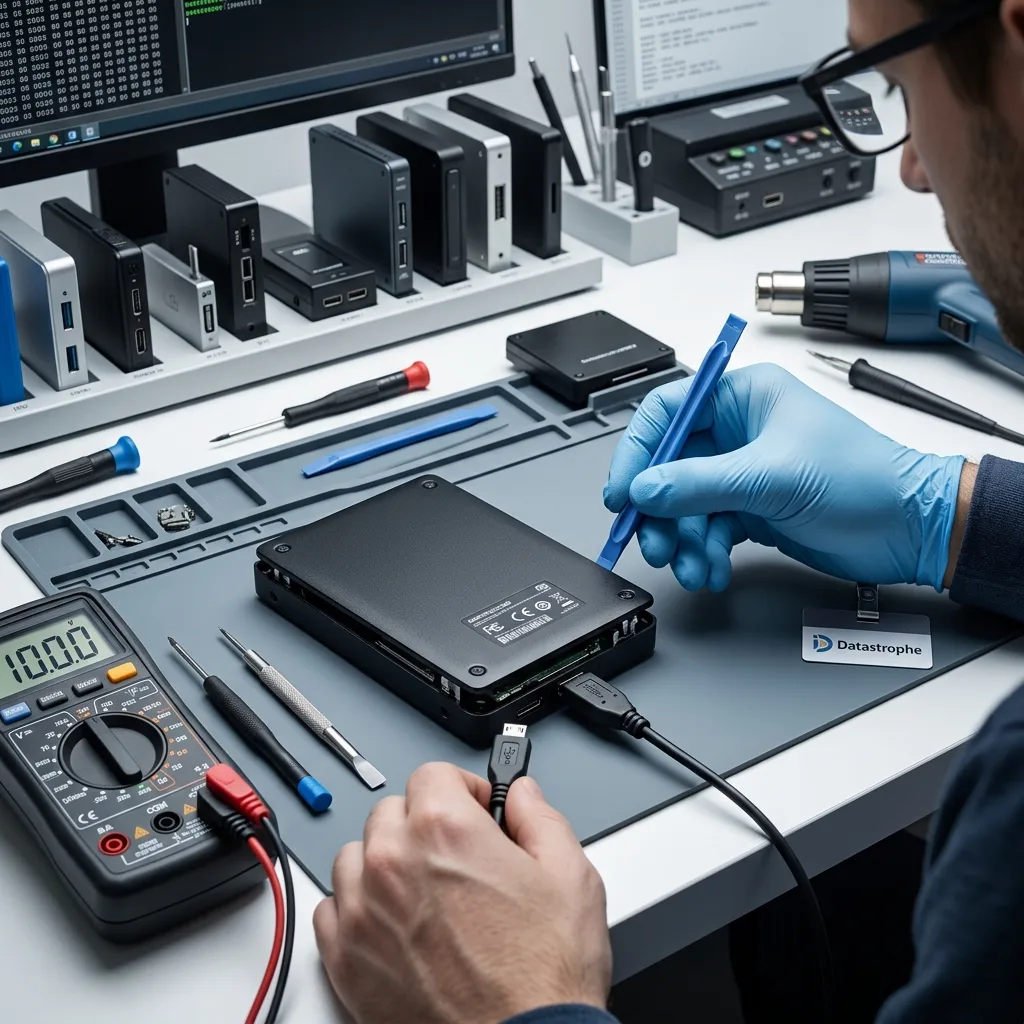
Stop conditions
A dropped enclosure can damage heads and platters
Disconnect a dropped drive that clicks, scrapes, becomes very slow or disappears. Preserve the enclosure and record whether the symptoms began immediately after the impact.
A dropped enclosure can transmit the impact to the heads and platters even when the casing looks intact. New clicking, scraping, extreme slowness, repeated disconnects or intermittent recognition after a fall are reasons to stop the drive. A missing partition or formatting prompt may instead indicate logical damage, but neither should be tested through repeated start-ups.
The sequence of events matters. Impact, loss of power, deletion, formatting and an attempted reconstruction leave different evidence, and earlier actions may have written over data or changed file-system records needed for recovery.
Keeping the drive powered can reduce the available result. Routine writes may reuse deleted space in a logical case, while repeated start-ups and reads can worsen damage to heads, platters or weak sectors.
- Write down the precise behaviour and error messages
- Do not repeat power cycles or scans
- Keep a factual timeline of the incident
Interpreting the incident sequence
A drop, power interruption, deletion, formatting and attempted rebuild require different handling. Previous tests may also have altered important metadata.
The immediate practical step
Power the affected drive down and avoid further writes. Repeated reads can aggravate physical damage, while continued use may overwrite deleted content.
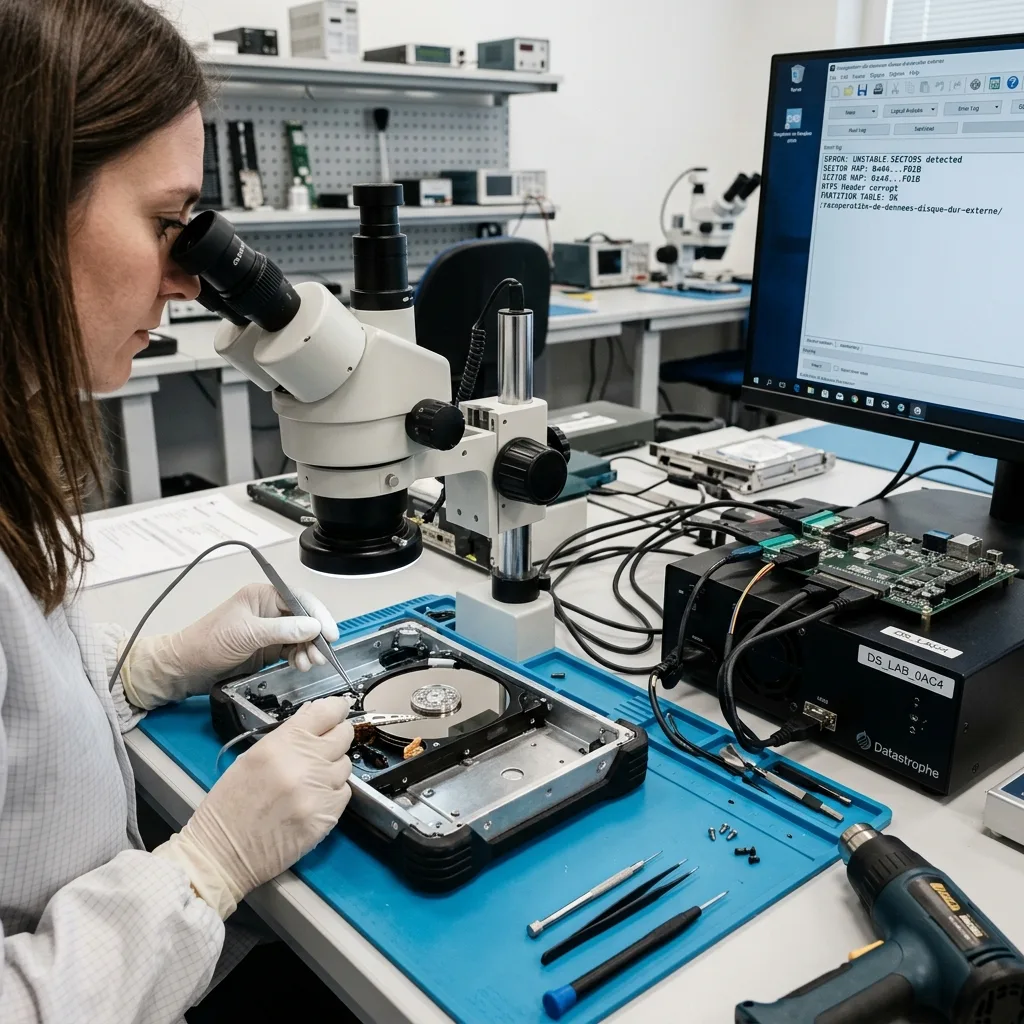
Protect the source
Do not initialise a missing partition or accept a format prompt
Avoid forced connectors, random enclosure changes, formatting approval and scans of an unstable drive until its condition has been assessed.
Do not swap enclosures at random, force a connector, approve a formatting prompt or scan a drive that behaves unpredictably. These actions can change the source or add damage before the actual fault and safest read method are known.
Automatic repair may discard logs, relocate fragments or rewrite allocation structures. A speculative test can therefore turn a coherent recovery into a partial one. Stop and make a record of each action already attempted.
Controlled acquisition and separate working copies are used instead of experimenting on the original. This allows recovery options to be tested without repeatedly reading weak areas or obscuring the starting condition.
- Prevent all writes to the affected disk
- Do not run file-system repair utilities
- Retain the drive in its post-incident state
Why repair tools can be harmful
Automated repair can clear useful journals and rewrite structures. Record earlier tests and leave further examination to controlled working copies.
How evidence is retained
The source is acquired with managed reads wherever possible, allowing analysis to proceed without using the original as a test device.
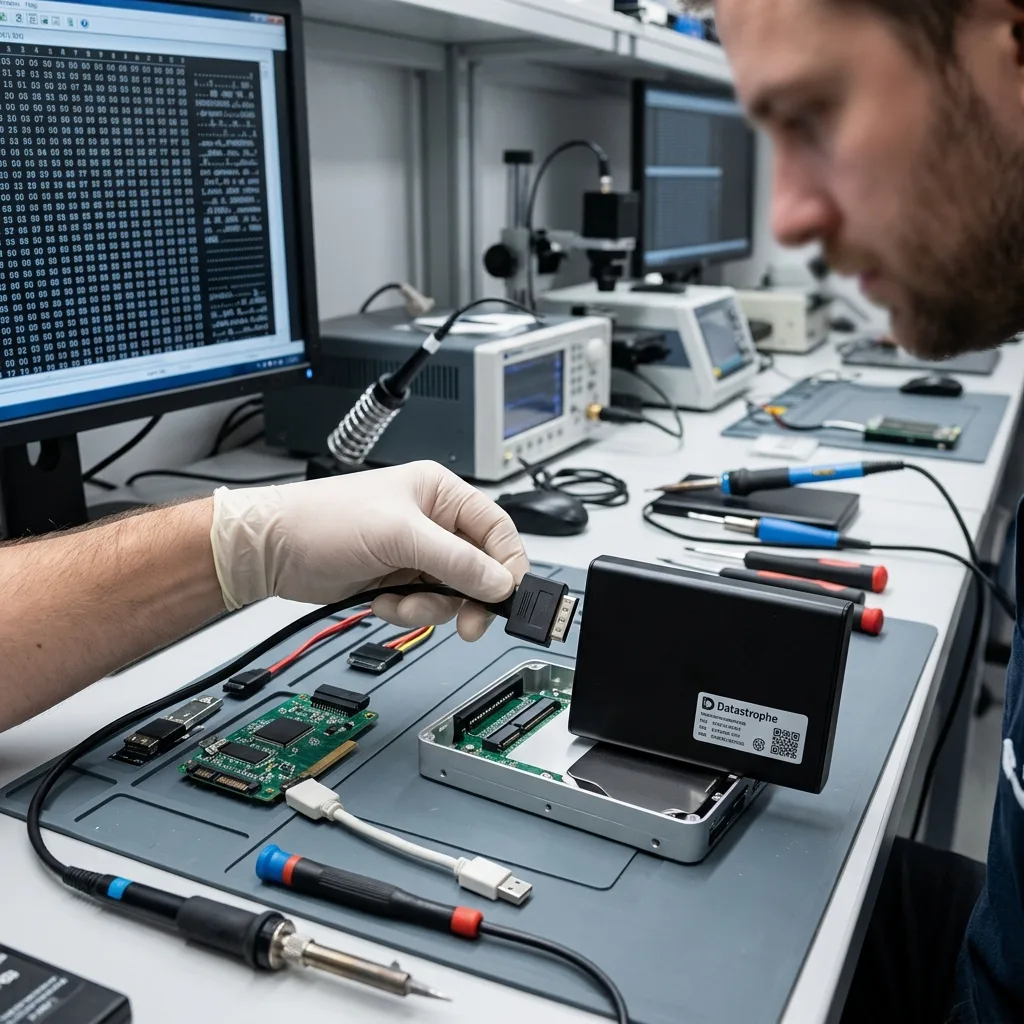
Technical evidence
Keep the original USB-to-SATA bridge when hardware encryption may be involved
USB hardware, power, partition metadata, file systems and unstable sectors are assessed separately to locate the level at which recovery should start.
Examination may include the USB-to-SATA bridge, power delivery, partition map, exFAT, NTFS, HFS+ and unstable sectors. The evidence determines whether work should begin at the physical disk, its metadata, the file system or a higher application layer.
Seeing folders does not confirm that their files are intact. Conversely, an empty disk view does not establish that everything is gone. Allocation records, file signatures, journals, indexes and fragments can still support a documented recovery.
The drive and its read stability are assessed before logical structures and priority files. Moving through these layers in order helps avoid a result that looks complete in an inventory but fails when the content is opened.
- Identify whether the request concerns access, deletion or physical failure
- Confirm that readable content is complete enough to use
- Keep technical decisions traceable to observed evidence
Why a file list is not proof
Folder names can survive while file contents are damaged, and missing folders can sometimes be reconstructed from metadata or file signatures.
Order of examination
Read stability is established first, followed by partition and file-system structures, then the files identified as important.
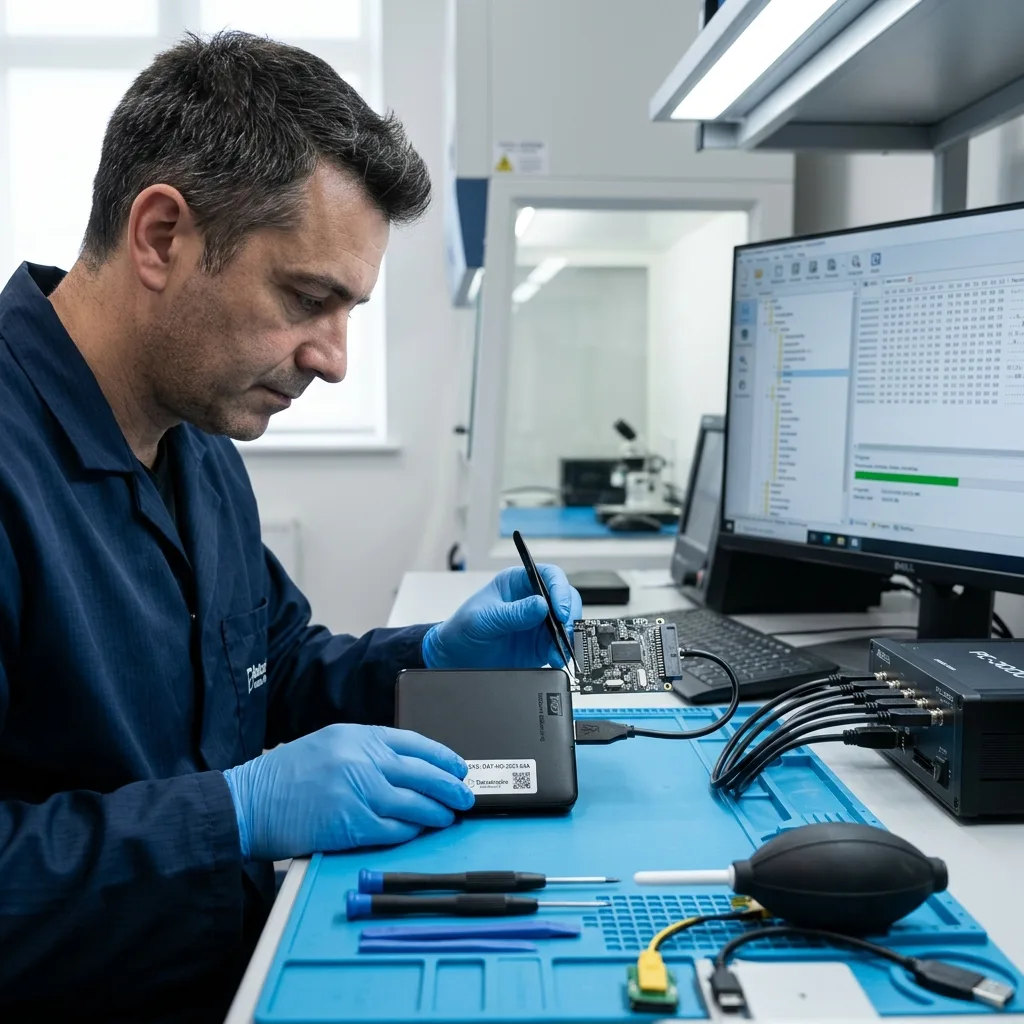
Laboratory process
Image the disk without relying on unstable USB connections
Recovery planning starts with the device, observed symptoms, incident timing, previous attempts, expected volume and files that matter most.
The case is first defined by drive type, symptoms, incident date, previous actions, expected data volume and essential files. These facts allow the data recovery laboratory to select a method suited to the specific fault.
Readable areas are secured first when a drive is unstable. If internal mechanical work is necessary, clean room handling precedes acquisition; logical damage is protected from new writes. Multi-layer failures are handled in the least destructive order.
Recovered output is checked using representative files. Important items are opened and, where possible, compared with expected dates, sizes or known copies; a count of recovered gigabytes is not treated as a quality measure.
- Match the acquisition method to the diagnosed fault
- Keep detection separate from verified file recovery
- Use recorded findings to guide each decision
Choosing the least destructive path
Fragile drives are imaged to preserve readable areas, while logical cases are protected from new writes. Combined faults are addressed in dependency order.
How recovered data is checked
Samples of important files are opened and compared with available reference information. Usability, rather than capacity alone, defines the result.
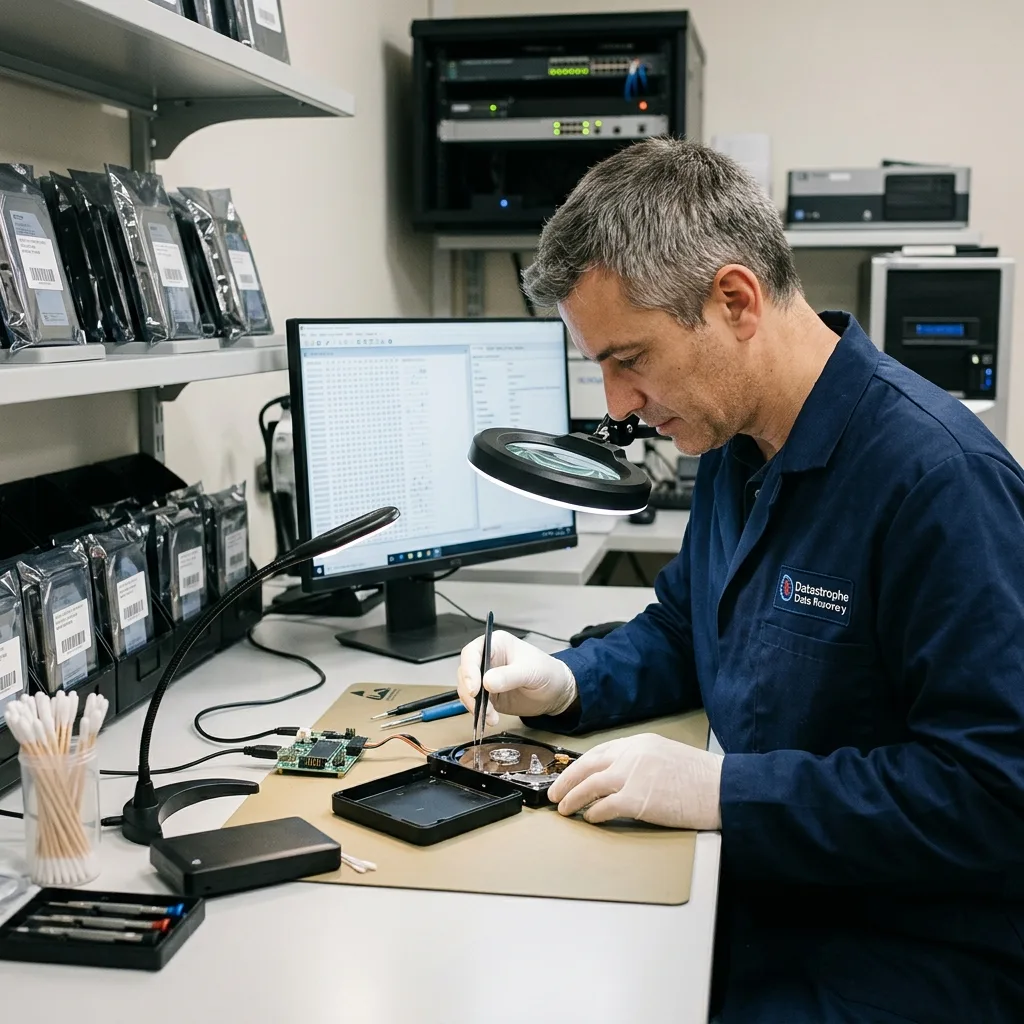
Recovery priorities
Validate archives, photos and catalogues before handover
List the backups, photographs, customer records, videos and project folders that require the earliest and strongest validation.
Backups, photographs, customer archives, video and project folders are common priorities. Naming the most important content early changes the search and validation order, so critical or recent files can be checked before a full extraction finishes.
A focused scope is useful where a drive is deteriorating or only a defined subset is needed. It also limits unnecessary review of sensitive material and provides earlier evidence of whether recovery addresses the actual requirement.
Files that open and function are reported separately from partial content and entries that were merely found. A detected filename has little value until its data can be read and used in context.
- Provide a concise inventory of essential content
- Check that priority folders contain usable files
- Record files that are incomplete or only detected
Why priorities affect the method
On a degraded or high-capacity drive, a focused search can confirm essential data sooner and avoid unnecessary access to unrelated material.
How status is reported
Verified, partial and detected-only files remain separate so the recovery record does not imply more completeness than testing supports.
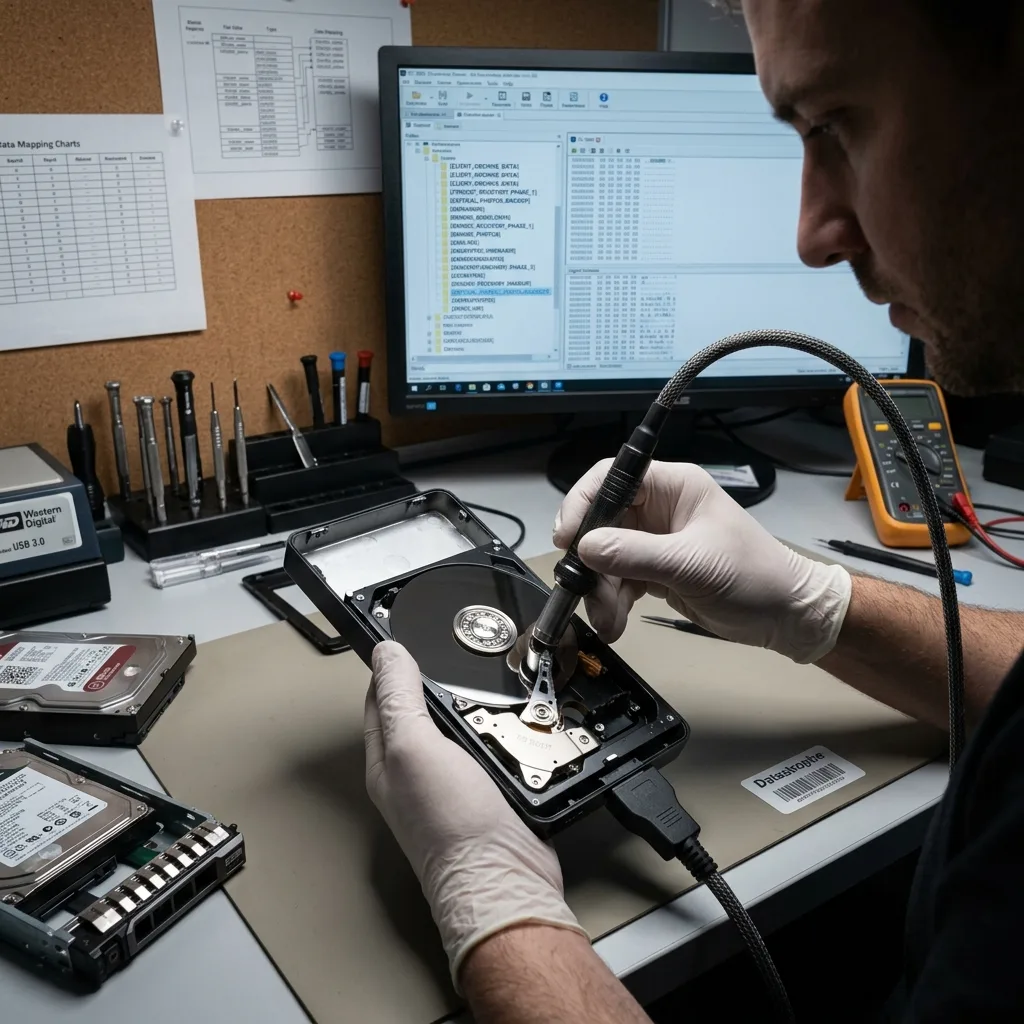
Storage resilience
An external drive is not a backup strategy
Use the recovered copy to establish independent, tested backups rather than returning to a single external disk as the only copy.
An external drive is a storage device, not a complete backup strategy. If the only copy of photographs, archives or business work sits on one portable disk, a fault in the enclosure, bridge or internal media can remove access to everything at once.
Recovered files should first be placed on healthy destination storage, then copied into a plan with at least two independent copies. One copy should be separated from the main computer or kept offline so deletion, corruption, ransomware or electrical damage cannot reach every version together.
Synchronisation and RAID can improve availability, but neither automatically preserves an earlier clean version. Restoration checks, retention rules and a record of the recovery limits are needed before the returned data becomes a dependable working archive.
- Keep at least two independent copies
- Separate one copy from the main system
- Test that priority files can be restored
Build the next backup from verified files
Start with files that have been opened or otherwise checked. Copy them to separate media, define retention for older versions and keep one copy away from the equipment used every day.
Keep recovery limits with the archive
Unreadable regions, missing keys and incomplete files remain part of the record. Carrying those limits into the new archive prevents a partial result from being mistaken for a complete historical backup.
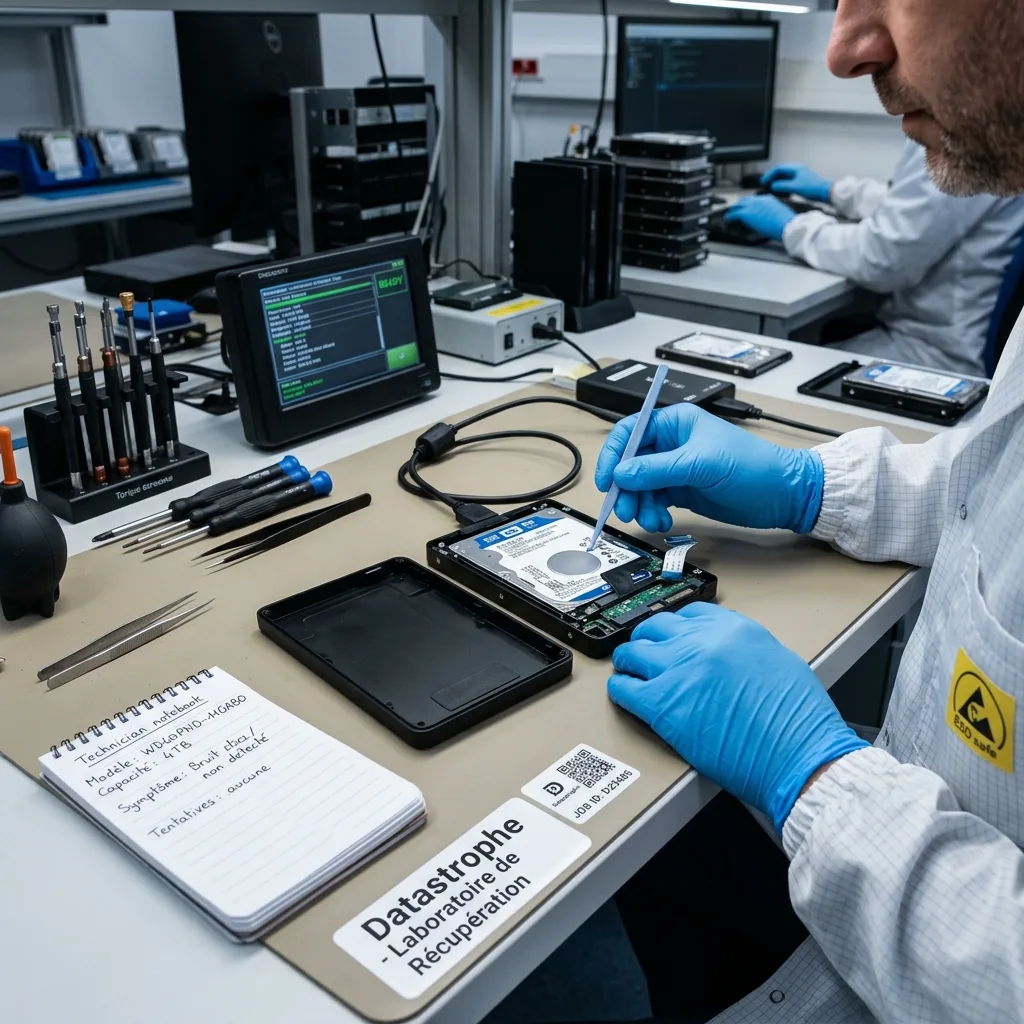
Preparing the case
Send the enclosure, cable and failure timeline
Send the drive details, symptoms, incident history, prior actions and priority file list, together with useful photographs or error information.
Provide the model, capacity, current symptoms, incident date, earlier attempts and a list of priority files. Photographs of the connector, physical damage or error messages can also support the technical review.
Keep the enclosure, cable, adapter, power supply, any drive previously replaced, configuration details and partial backups. One of these items may explain interface behaviour, encryption or the incident timeline.
Describe what happened, what has been tried, which content is essential and what partial outcome would still be useful. A concise factual account supports a more targeted assessment. Include the person authorised to approve the quote and receive the recovered copy.
- Explain the data needed and how the drive failed
- Distinguish files that merely appear from those that open
- Use the diagnostic findings to choose the next step
Accessories and records to keep
Retain the enclosure, cable, adapter, supply, previous disk, configuration information and any partial backup that may explain access or timing.
What to include in the request
State the incident, steps already attempted, essential data and any partial result that would remain useful.
FAQ
Frequently asked questions
What should I do first when an external hard drive fails?
Disconnect it safely, avoid further power cycles or scans, record the symptoms and incident history, and identify the files needed most. Continued attempts may overwrite logical data or worsen a mechanical fault.
Is every file recoverable from a failed external drive?
The outcome depends on the condition of the recording surface and electronics, readable sectors, later writes, surviving metadata and any encryption. A diagnostic assessment establishes what can be attempted without promising content that cannot be verified.
Why are priority files requested before recovery?
A list of essential backups, photographs, customer records or project folders directs acquisition and validation. It can confirm the useful outcome earlier when a drive is fragile or holds a large volume of unrelated data.
Should a recovered external drive be used again?
No. The purpose of recovery is to copy usable data to healthy storage, not to certify a drive that has already failed or lost information for continued use.
How does the laboratory describe technical limits?
Unreadable or overwritten sectors, unstable components, destroyed metadata, incomplete files and inaccessible encryption are stated separately. This prevents detected content from being confused with data whose usability has been checked.
Media
Other expertise
- Data Recovery for Failed Internal Hard Drives Professional recovery from internal hard drives affected by mechanical damage, unreadable sectors, lost partitions, formatting or firmware faults.
- Recovering Files from Failed SSD and NVMe Devices Controlled recovery from inaccessible SSD and NVMe devices affected by controller, NAND, firmware, power, encryption or volume faults.
- Recover Data From a Damaged or Unreadable USB Drive Professional file recovery from USB drives with broken plugs, failing NAND, corrupted structures, missing folders or recognition faults.
- Recover Files From a Failed or Formatted Memory Card Recovery of photos, video and other files from SD, microSD and CompactFlash cards affected by formatting, corruption, read errors or flash faults.
- Recovering Data from a Failed Laptop Recover files from laptops affected by startup failure, impact, liquid, inaccessible accounts, internal drive faults or soldered storage.
- Recovering Data from Mac Computers and Apple Storage Controlled recovery of usable files from Mac computers, APFS volumes, FileVault storage, Apple SSDs and separated Fusion Drives.
- Recovering Data from a Tablet or iPad Recover local photos, documents and application data from tablets with startup, screen, storage, access or synchronisation faults.
- Data Recovery for VMDK, VHDX and Other Virtual Disks Data recovery from VMDK, VHDX, VHD and QCOW2 files, including damaged snapshots, VMFS datastores, databases and virtual machines.
- Recovering Data from RAID, NAS and Storage Arrays Recovery of data from RAID, NAS and server arrays affected by disk faults, unavailable controllers, degraded volumes or unsuccessful rebuilds.
- Recovering Critical Data from Business Servers Recovery of usable data from failed servers, RAID arrays, SQL databases, shared storage, virtual machines and damaged volumes.
- CCTV Footage Recovery From NVR, DVR and XVR Systems Recovery of security camera footage from NVR, DVR and XVR systems affected by damaged indexes, storage faults, unreadable exports or timestamp errors.
- Inside an ISO 5 Clean Room for Hard Drive Recovery How an ISO 5 Class 100 clean room supports hard drive recovery by controlling dust around exposed heads, platters and internal parts.
 Data Recovery for Failed Internal Hard Drives
  Recovering Files from Failed SSD and NVMe Devices
  Recover Data From a Damaged or Unreadable USB Drive
  Recover Files From a Failed or Formatted Memory Card
  Recovering Data from a Failed Laptop
  Recovering Data from a Tablet or iPad
  Data Recovery for VMDK, VHDX and Other Virtual Disks
  Recovering Data from RAID, NAS and Storage Arrays
  Recovering Critical Data from Business Servers
  CCTV Footage Recovery From NVR, DVR and XVR Systems
  Inside an ISO 5 Clean Room for Hard Drive Recovery
 Diagnostic assessment
Unsure about a storage device or fault?
Datastrophe assesses the risk before any recovery attempt and points you towards the safest next step.