

Recover Data From a Damaged or Unreadable USB Drive
Datastrophe examines failed USB flash drives, captures the strongest available source data and checks requested files before secure handover.
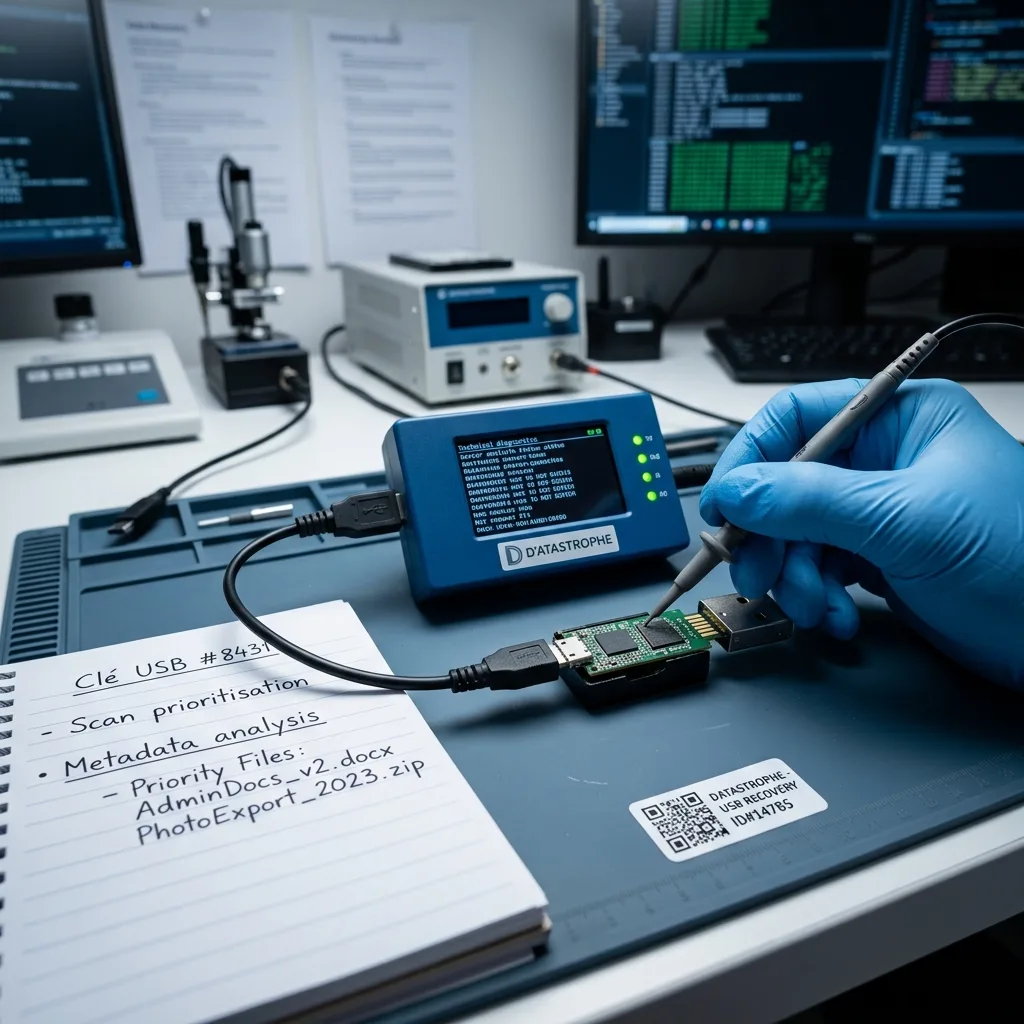
Initial review
Distinguish a USB drive from other flash-media contexts
Identify the removable-flash format and original device context before choosing between connector repair, controller access and NAND reconstruction.
A USB flash drive and a memory card both use NAND, but their original devices and failure patterns are not interchangeable. A USB drive may depend on a plug, printed tracks and controller inside a removable case, while a card may have been formatted or fragmented by a camera or recorder. Keep the USB drive's original use, connector condition and required folders attached to the case history.
The data recovery laboratory keeps the source in its present state wherever possible. Its electrical response, physical construction and readable areas are assessed before an acquisition route is chosen.
The purpose is to retrieve files, not make the USB drive reliable for reuse. Some content may remain unavailable where flash cells have failed, blocks have been overwritten or encryption cannot be unlocked.
- Record how and when the failure appeared
- Identify the folders and files that matter
- Select the method from observed evidence
What the initial examination establishes
The examination distinguishes connector damage, controller or NAND faults and file-system problems. It then identifies the safest practical route for capturing the available data.
Limits that cannot be removed
No method can recreate overwritten blocks, electrically destroyed cells or encrypted content without the required access information. These constraints remain explicit in the result.
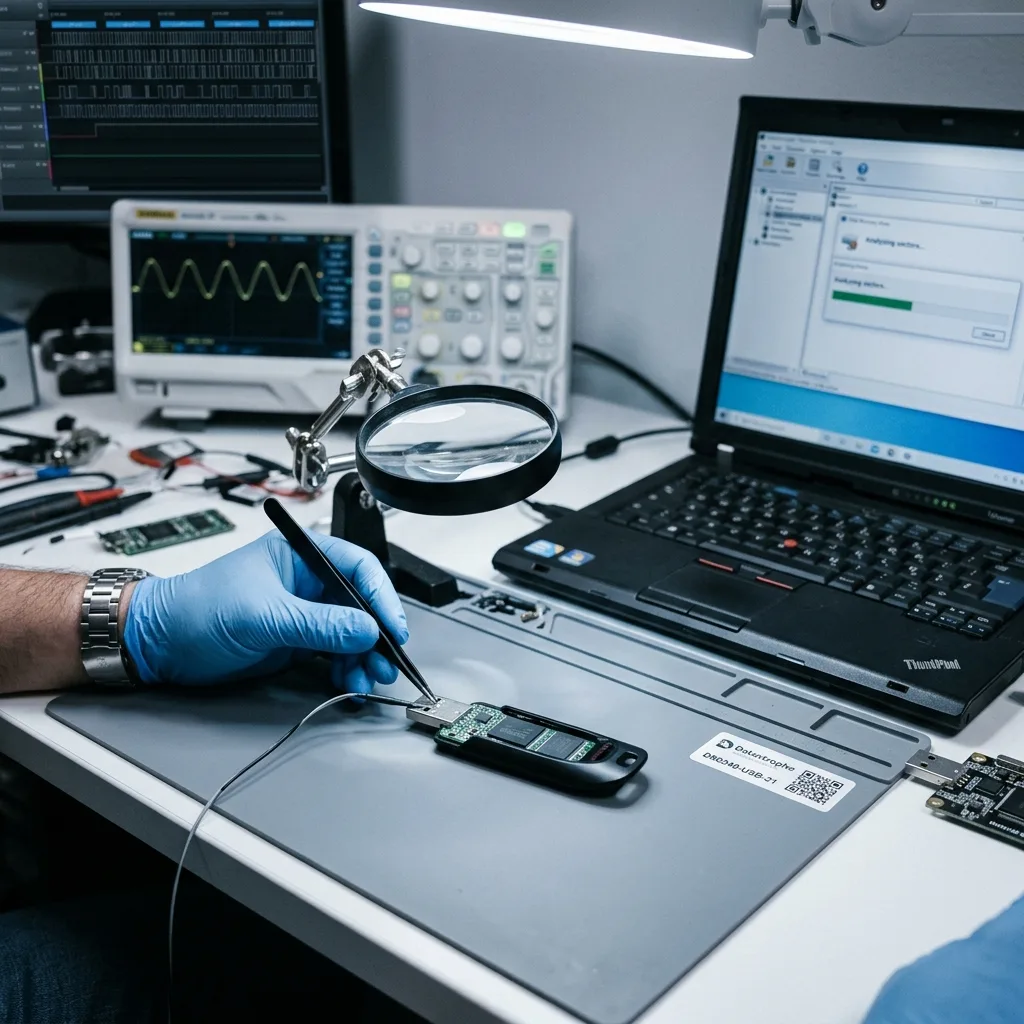
Failure indicators
Zero capacity or a format prompt requires caution
Treat physical damage, unstable recognition, false capacity and sudden file loss as signs that the source should be disconnected and preserved.
A loose or bent plug, intermittent detection, zero capacity, a formatting prompt and missing folders all justify stopping normal use. One symptom does not prove the fault, but it does show that routine retries may change the source or worsen its condition.
Record whether the problem followed an impact, power interruption, deletion, format operation or unsuccessful repair. The sequence matters because each event leaves different physical or logical effects.
Do not leave the drive connected after the loss is noticed. New writes may replace deleted content, while repeated access to unstable components can reduce the amount that remains readable.
- Write down the exact computer message
- Avoid repeated connection cycles
- Keep an accurate incident timeline
Why the event sequence is useful
A drive damaged by impact presents different questions from one formatted by mistake. The timeline also shows whether later actions may have overwritten or altered useful structures.
The safest immediate response
Disconnect the flash drive and protect it from bending, static and further use. Do not reconnect it merely to confirm that the same fault is still present.
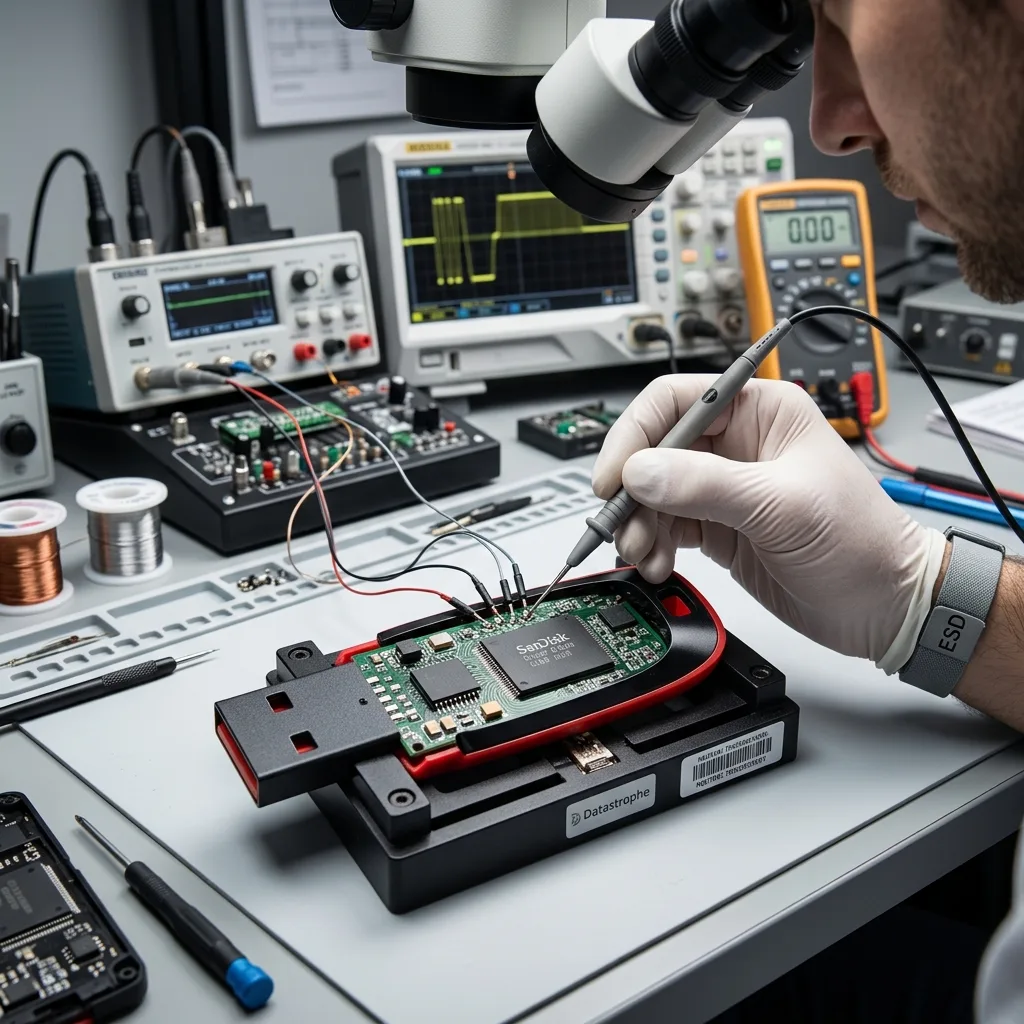
Source protection
Protect damaged connector tracks before soldering
Keep the USB drive unchanged. Physical adjustments, formatting and automated repair may remove evidence or place recoverable areas at further risk.
Do not straighten a damaged plug, test the drive across several computers, format it, attempt unplanned soldering or run a tool that writes to the source. These actions can disturb fragile connections, alter allocation data or overwrite content before a dependable image has been made.
Automatic repair utilities are designed to make a volume mountable, not preserve its earlier state. They may replace indexes, discard damaged entries or move fragments needed for reconstruction.
Datastrophe acquires readable data in a controlled way and performs reconstruction on working copies. This allows different interpretations to be tested without repeatedly accessing the original flash memory.
- Prevent every write to the source
- Leave physical repairs to the laboratory
- Carry out reconstruction on copies
How an automatic fix can interfere
A repair program may favour a tidy file system over preservation. Replaced allocation records or removed entries can make lost files harder to locate and interpret.
Why the original is not a test device
A stable acquisition provides a repeatable source for reconstruction and validation. It also reduces unnecessary reads from components that may be physically unstable.
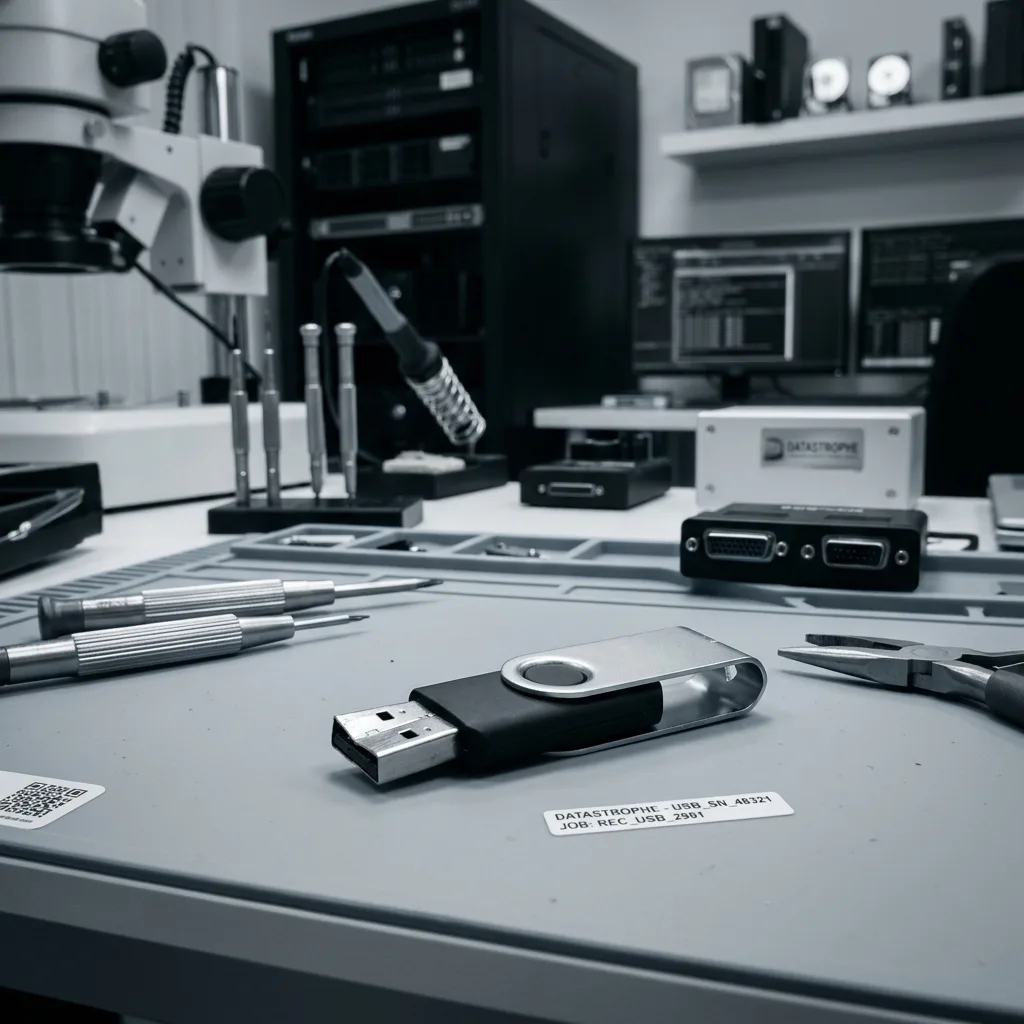
Recovery layers
Controller logic, ECC and scrambling shape raw NAND data
Physical access, controller translation, file-system records and file integrity must each be evaluated before the recovered set can be relied on.
USB recovery may involve the plug, controller, NAND chips, ECC, allocation tables and FAT32 or exFAT structures. Each layer answers a different question, from obtaining stable raw data to rebuilding folders and verifying individual files.
A normal-looking directory does not confirm that the file content survived. An empty or unmountable volume can also retain signatures, allocation records and fragments that support a useful reconstruction.
Work proceeds from source acquisition to controller translation, file-system analysis and file validation. Keeping these stages distinct prevents a list of plausible names from being treated as a complete result.
- Capture the strongest available source image
- Reconstruct logical records on a copy
- Verify content instead of relying on names
Why a blank volume may mislead
The computer relies on working controller responses and logical records. When those layers fail, underlying blocks may still contain material that can be reconstructed another way.
How the evidence is ordered
The laboratory first secures readable source data, then interprets the logical structures and finally tests requested files. Each conclusion is tied to the relevant layer.
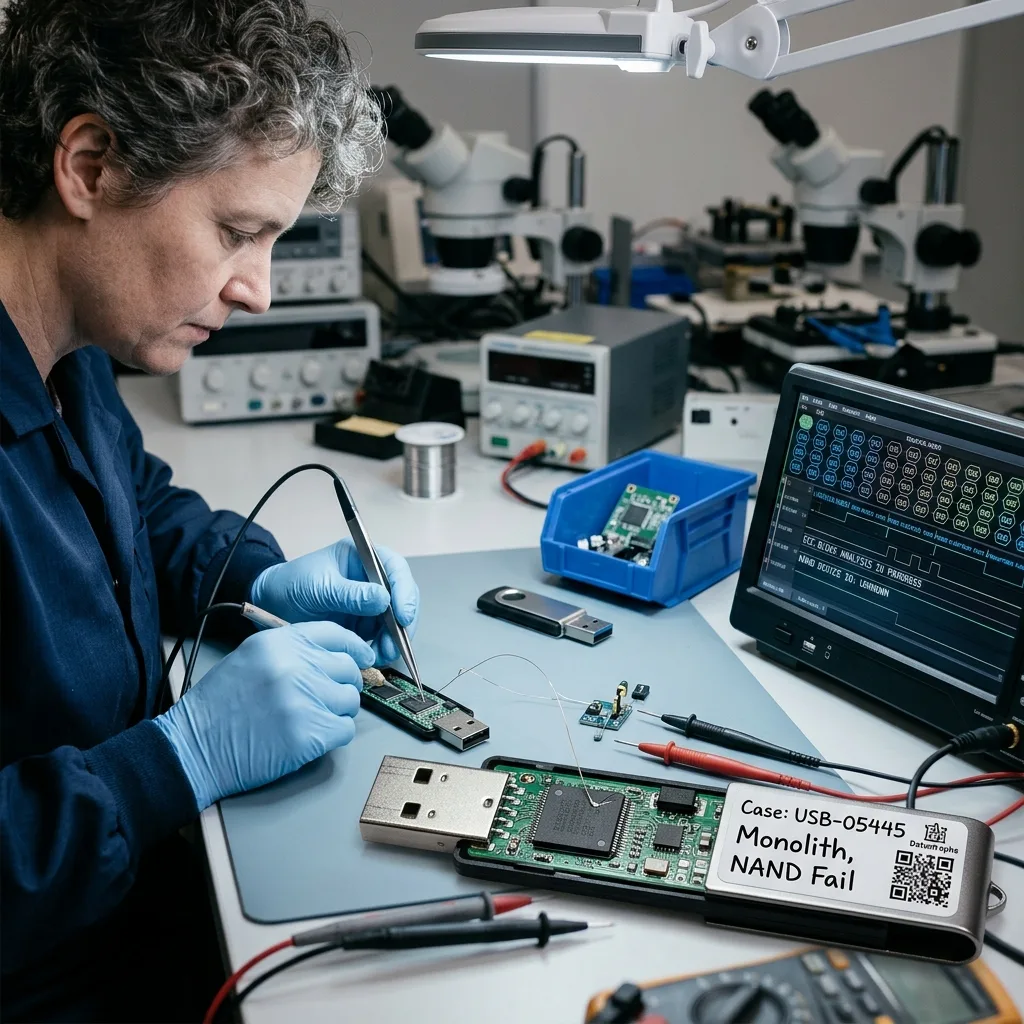
Laboratory workflow
Read an unstable USB drive without exhausting it
A focused intake leads to controlled acquisition, logical reconstruction and practical checks of the documents, photos and other files requested.
Intake records the drive model and capacity, observed symptoms, incident date, previous attempts, expected data volume and essential files. This information gives the diagnostic assessment a clear purpose and helps avoid unnecessary work on unrelated material.
If access is unstable, the readable areas are acquired in a controlled order. If the loss is logical, writes remain blocked while deleted or corrupted structures are identified on a working image.
Representative results are then checked. Important documents should open and contain expected information, while photos, archives and exports require checks suited to their formats.
- Qualify the drive and failure history
- Acquire readable areas in a planned order
- Test a representative set of priority files
Choosing an acquisition method
The observed construction and fault determine whether controlled USB access, connector work or direct NAND reading is suitable. The least destructive viable method comes first.
Confirming a usable outcome
Storage volume and file counts provide context only. Priority files are opened or technically checked, and any incomplete material stays separate from verified content.
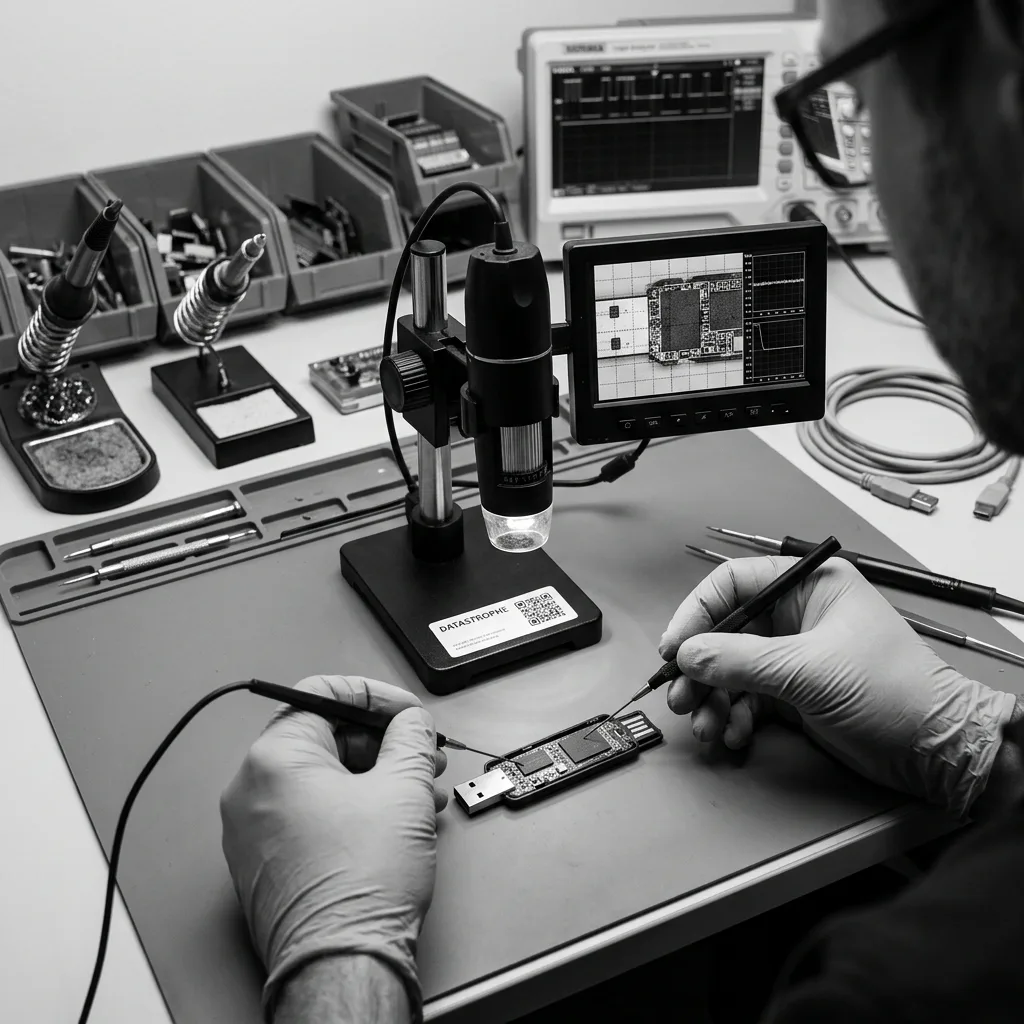
Data priorities
Rebuild folders as well as individual files
List essential folders, date ranges and file types so limited reading can be directed towards a result that meets the actual requirement.
Priority data commonly includes study material, office documents, accounting exports, photographs and business folders. Provide useful paths, date ranges, file names and known examples so the most important items can be located and checked early.
Priorities are especially helpful if only part of the NAND can be read or if further access carries risk. They also limit unnecessary handling of unrelated personal or commercial information.
The final review separates verified files, partial content and items detected only through metadata or signatures. A name in a directory does not prove that the underlying file is complete.
- Provide paths, dates and known file examples
- Open or validate the important output
- Label incomplete material accurately
Why a precise list improves the work
A focused list directs acquisition and checking when the whole device cannot be read safely. It can also show earlier whether a partial recovery meets the stated need.
What file checking distinguishes
Verified, incomplete and metadata-only results are reported separately. This prevents directory entries, thumbnails or signatures from being mistaken for sound original files.
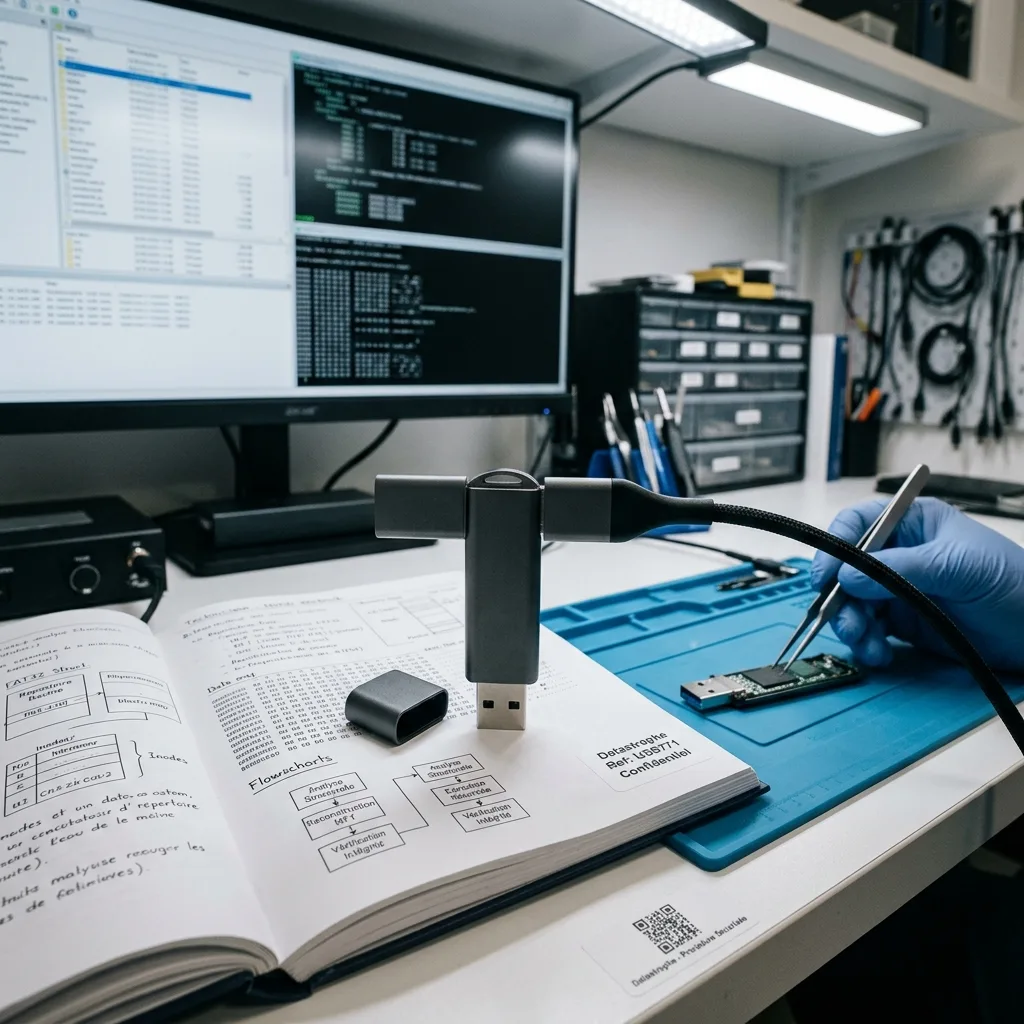
Handling and delivery
Return recovered files on healthy media and document source handling
The recovery remains within the defined scope, and the delivered copy distinguishes verified files from converted, reconstructed or incomplete material.
A USB drive may hold personal records, client material, saved exports and other information beyond the requested folders. Access is kept within the agreed recovery scope, with unrelated content excluded from the practical review wherever possible.
Recovered files are supplied on healthy storage or by another agreed method. Converted, selectively extracted or partly reconstructed items are labelled so they are not confused with intact originals. The case record states whether physical access altered the source and what return, retention or secure-disposal arrangement applies to that individual device.
Overwritten areas, dead flash cells, missing metadata and inaccessible encryption remain visible in the outcome. None is concealed within a headline recovery percentage or file count.
- Limit access to the requested scope
- Use healthy destination storage
- State gaps and uncertainty plainly
What is included in the delivery
The recipient receives a checked data set on suitable destination storage, not a repaired USB drive. Conversions and partial reconstructions are identified beside the relevant files.
What happens to the source drive
Physical and chip-level work can permanently alter this class of media, while a logical acquisition may leave it physically intact but still unreliable. The agreed case terms record whether the original drive is returned, retained for a defined period or securely destroyed.
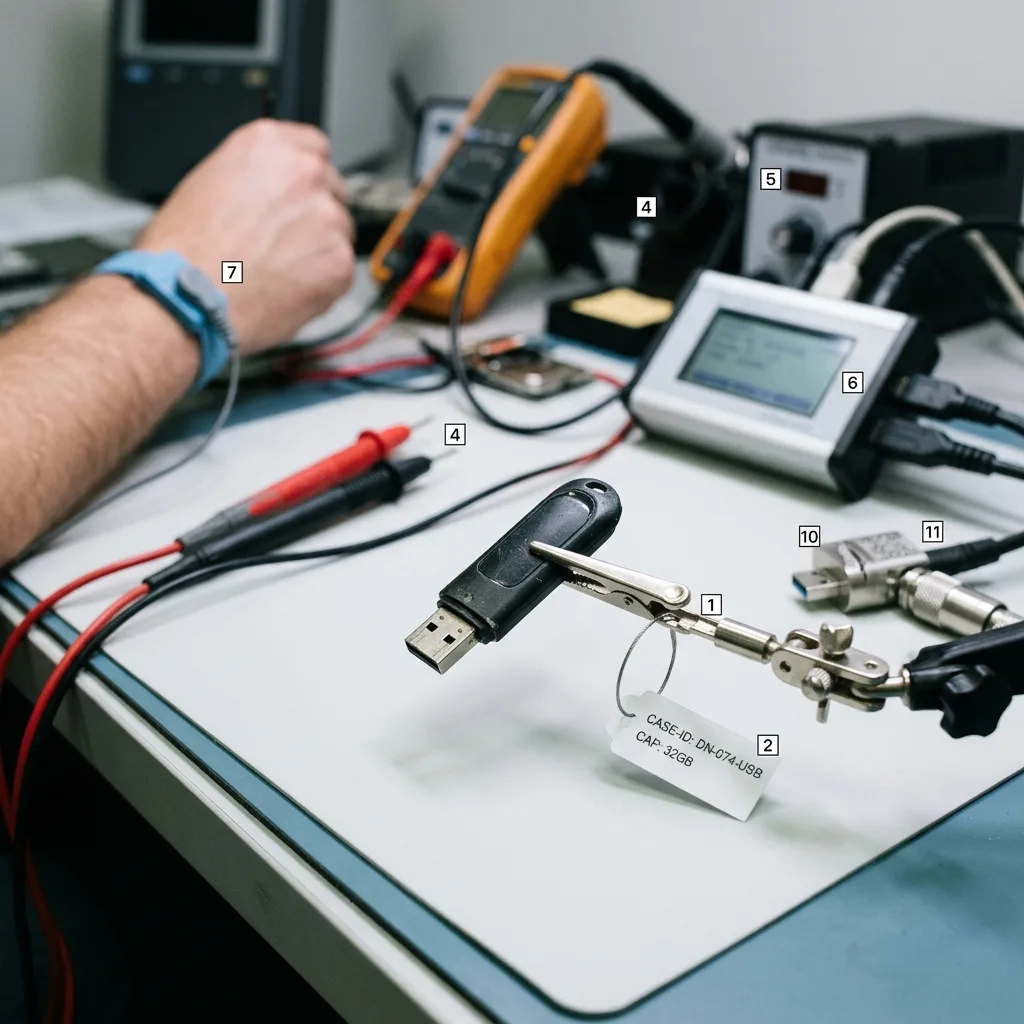
Case preparation
Photograph the drive and describe the incident without reconnecting it
Device details, visible symptoms, previous attempts and a practical file list allow the laboratory to plan a focused recovery assessment.
Provide the USB drive brand, model and capacity, its symptoms, the incident date and every action already attempted. Add a concise list of essential folders or files, along with photographs of visible damage or error messages where available.
Keep relevant adaptors, extension leads, partial backups and configuration information. These items may explain the original setup or provide known examples without another risky connection to the failed drive.
Describe observed events rather than guessing the cause. State what happened, what has been tried and what would count as an acceptable partial result so the review can address the real requirement.
- Identify the USB drive and its capacity
- List every action since the failure
- Define the required files and useful limits
Items and records worth keeping
Retain photographs, adaptors, partial copies and setup details associated with the drive. They can clarify its condition and content without placing the source under further load.
A useful case brief
Set out the event in order, identify the essential data and explain how a partial result would be judged. This keeps the work aligned with the intended outcome.
FAQ
Frequently asked questions
What should I do first when a USB drive stops working?
Disconnect it, record the symptoms and leave it in its current state. Do not format, repair or repeatedly test the drive, and make a list of the files that matter most.
Is every file recoverable from a failed USB flash drive?
Not necessarily. The result depends on readable NAND, controller behaviour, writes made after the incident, surviving logical records and any encryption. Examination is needed before the available scope can be established.
Why should I provide a list of priority data?
File names, paths, dates and types direct limited acquisition towards the most useful material. They also allow important documents or photos to be checked earlier when the flash drive is unstable.
Will Datastrophe return my original USB drive?
That depends on the method and the agreed case terms. Physical or NAND-level work can permanently alter the device; a logically acquired drive may remain intact but unsuitable for reuse. Return, retention or secure destruction is documented for the individual case.
How are partial files and technical limits reported?
Verified files are separated from incomplete content and metadata-only detections. Unreadable flash, overwritten blocks, missing records and inaccessible encryption are stated clearly rather than presented as successful recovery.
Media
Other expertise
- Data Recovery for Failed Internal Hard Drives Professional recovery from internal hard drives affected by mechanical damage, unreadable sectors, lost partitions, formatting or firmware faults.
- Recover Data From a Damaged External Hard Drive Recovery of files from external hard drives affected by impact, damaged USB connections, missing partitions, deletion or unstable media.
- Recovering Files from Failed SSD and NVMe Devices Controlled recovery from inaccessible SSD and NVMe devices affected by controller, NAND, firmware, power, encryption or volume faults.
- Recover Files From a Failed or Formatted Memory Card Recovery of photos, video and other files from SD, microSD and CompactFlash cards affected by formatting, corruption, read errors or flash faults.
- Recovering Data from a Failed Laptop Recover files from laptops affected by startup failure, impact, liquid, inaccessible accounts, internal drive faults or soldered storage.
- Recovering Data from Mac Computers and Apple Storage Controlled recovery of usable files from Mac computers, APFS volumes, FileVault storage, Apple SSDs and separated Fusion Drives.
- Recovering Data from a Tablet or iPad Recover local photos, documents and application data from tablets with startup, screen, storage, access or synchronisation faults.
- Data Recovery for VMDK, VHDX and Other Virtual Disks Data recovery from VMDK, VHDX, VHD and QCOW2 files, including damaged snapshots, VMFS datastores, databases and virtual machines.
- Recovering Data from RAID, NAS and Storage Arrays Recovery of data from RAID, NAS and server arrays affected by disk faults, unavailable controllers, degraded volumes or unsuccessful rebuilds.
- Recovering Critical Data from Business Servers Recovery of usable data from failed servers, RAID arrays, SQL databases, shared storage, virtual machines and damaged volumes.
- CCTV Footage Recovery From NVR, DVR and XVR Systems Recovery of security camera footage from NVR, DVR and XVR systems affected by damaged indexes, storage faults, unreadable exports or timestamp errors.
- Inside an ISO 5 Clean Room for Hard Drive Recovery How an ISO 5 Class 100 clean room supports hard drive recovery by controlling dust around exposed heads, platters and internal parts.
 Data Recovery for Failed Internal Hard Drives
  Recovering Files from Failed SSD and NVMe Devices
  Recover Files From a Failed or Formatted Memory Card
  Recovering Data from a Failed Laptop
  Recovering Data from a Tablet or iPad
  Data Recovery for VMDK, VHDX and Other Virtual Disks
  Recovering Data from RAID, NAS and Storage Arrays
  Recovering Critical Data from Business Servers
  CCTV Footage Recovery From NVR, DVR and XVR Systems
  Inside an ISO 5 Clean Room for Hard Drive Recovery
 Diagnostic assessment
Unsure about a storage device or fault?
Datastrophe assesses the risk before any recovery attempt and points you towards the safest next step.