

Diagnostic assessment
Identify critical data before hardware
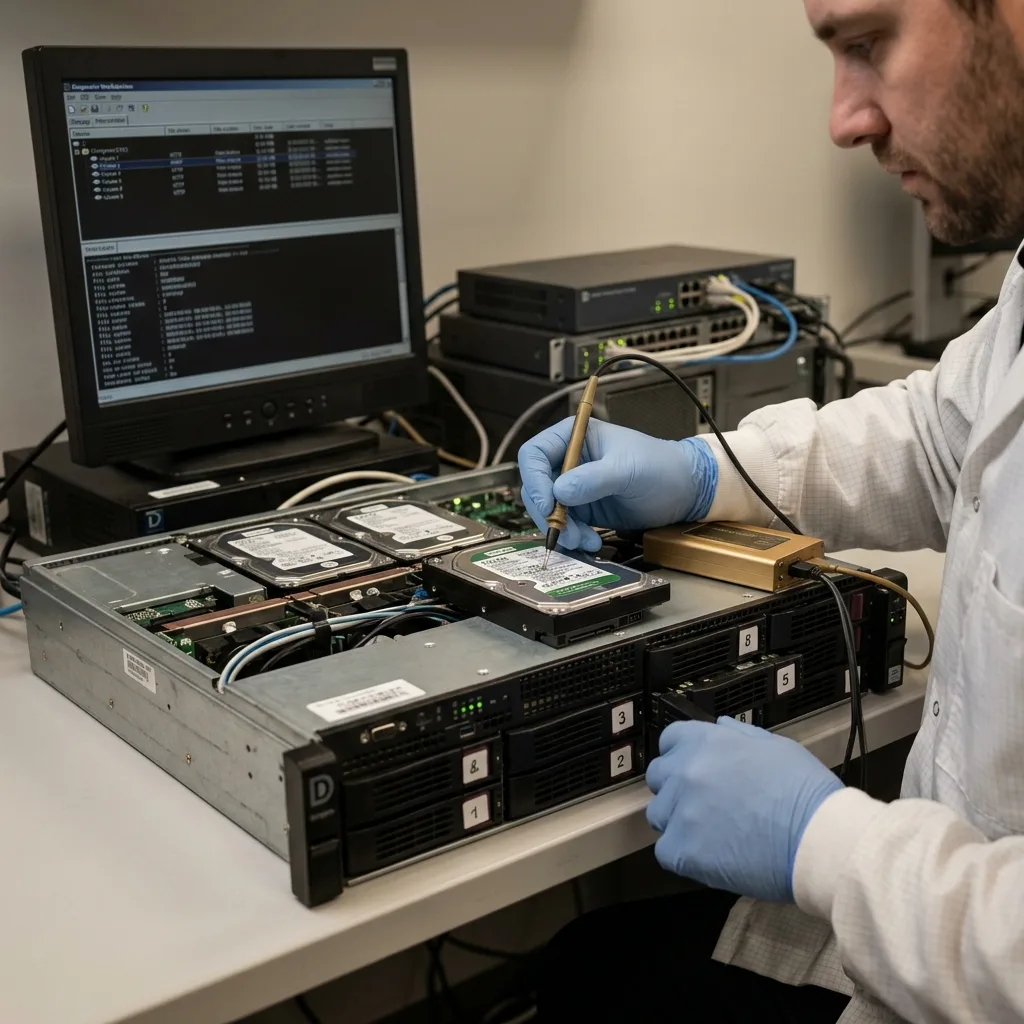
A business IT failure creates immediate pressure: bring a server back online, restart an application, rebuild a volume or restore a backup. Before any of that, identify what needs preserving. Accounts, operational databases, client files, production, email and archives have different priorities. For a small business spread across sites, a verified offline copy keeps service restoration separate from preservation of the failed system.
The visible piece of hardware is not always the true source of the data. A workstation may depend on a NAS, an application on a file server, a database on RAID and a backup on yet another system. Without that map, effort can be aimed at the wrong storage.
Set priorities early. Finding one database calls for a different approach from restoring an entire share, and recovery improves when the organisation knows which periods, folders, applications and users are critical.
Involve operational staff as well as IT. A folder that looks secondary can contain the documents needed for billing, regulatory work or client delivery, and business priorities stop resources being directed at the wrong scope.
Classify data into three groups: essential for immediate operations, important but deferrable, and secondary. That avoids an unnecessarily broad recovery while still protecting what changes the restoration decision.
Diagnostic assessment
Stabilise the incident without overwriting
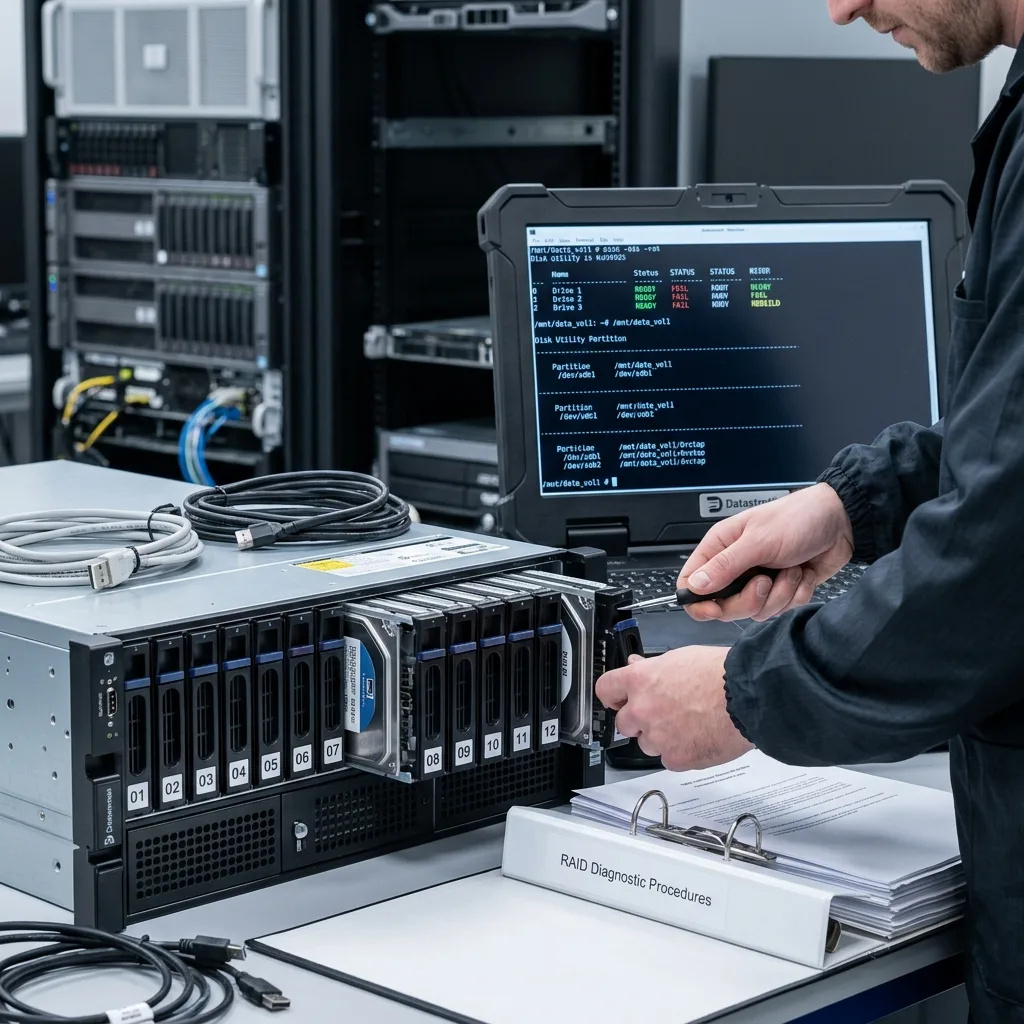
Keep business continuity separate from data recovery. Resume operations on healthy infrastructure, a verified backup or a recovery environment, and leave the failed storage available for examination.
Automatic actions can be destructive. RAID rebuilds, volume repair, forced synchronisation, log clean-up, reinstallation and global restoration can alter evidence and overwrite useful areas. Each decision needs a clear timeline.
Document everything already done: restarts, replacement disks, error messages, restored backups, scripts and any supplier intervention. Even sensible actions can change the recovery approach later.
Keep the record factual. Times, computer names, screenshots, drive numbers, backup versions and exact messages are worth more than an approximate summary, because they can show whether data were overwritten after the first failure.
When several suppliers are involved, each needs to know the frozen state. One isolated maintenance action can contradict the recovery plan, and a short coordination point is better than several unrecorded tests.

Diagnostic assessment
Distinguish server, workstation and backup failure
A business failure may begin in a disk, RAID controller, server, NAS, virtual machine, corrupt database or human action. The symptom can look identical: a service that is unavailable, a folder that has vanished, an application that is blocked or files that appear corrupt.
Trace the layers. Review the physical storage, RAID, file system, application and backups. Premature restoration may bring access back while removing a healthier version.
Test backups before replacing them. They can contain propagated corruption, lack application dependencies or omit folders, so restoration should prove the data open and remain consistent.
Synchronised environments add difficulty. Cloud folders, replicated NAS and incremental backups can reproduce deletion or corruption, so compare sources before choosing the most reliable one.
Mount or restore backups in a separate area where possible. That checks files without overwriting production or losing the original failure state, and it should test priority data rather than only the restoration job.
Diagnostic assessment
Organise assessment and service restoration
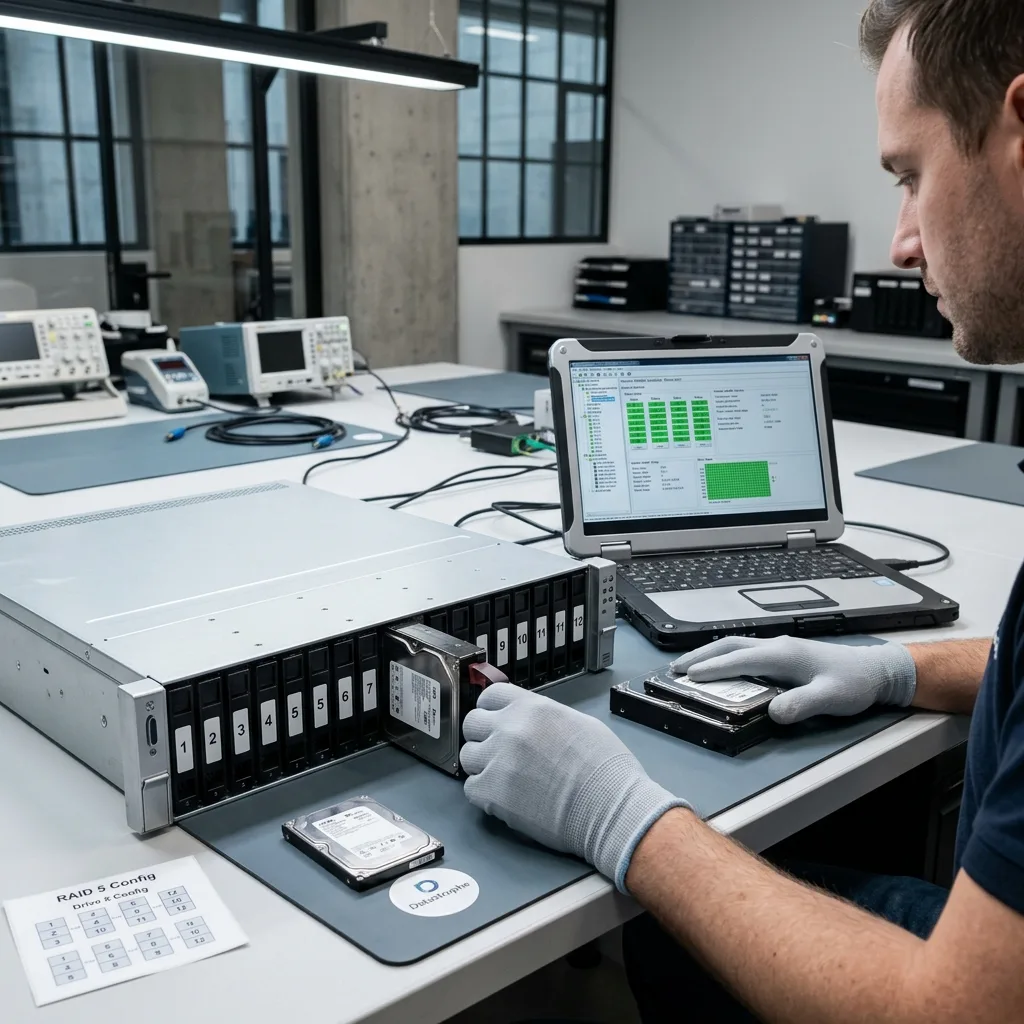
Datastrophe focuses on preserving storage and returning usable data. In a business case that means documenting the original state, ranking the data and not mistaking a recovered volume for a restorable service.
A technical image allows analysis without stressing the original. Server and NAS cases can require several disks, RAID metadata, configuration and logs, while a business database also needs its dependencies.
Plan operational restoration separately: who validates files, where they are returned, which versions remain and which permissions apply. Recovery must be usable by the organisation, not merely listed in a folder.
Assign validation to people who recognise the expected data. A readable file can still be useless when its period, format, dependencies or permissions are wrong, so include at least a minimum business check.
Diagnostic assessment
Prevent failure without multiplying procedures
Effective prevention stays simple: tested backups, controlled permissions, a storage inventory, disk monitoring, application documentation and a stop procedure. Long procedures are seldom followed during an incident.
Server data recovery covers business servers, while RAID and NAS data recovery addresses multi-disk storage. The general process explains the handling stages.
Prepare storage, logs, messages, chronology, available backups and data priorities for assessment. That avoids random testing and speeds the decision.
Afterwards, a short review is usually enough: likely cause, action not to repeat, backup to correct and alert to add. The aim is not heavy documentation but a less destructive next failure.
Keep improvements proportionate. A small business does not need a complex regime when it has a clear procedure, tested backups and known responsibilities; useful prevention is the kind people apply.
Prepare contact details and information before an emergency. Knowing whom to call, which devices to isolate and which operations to stop prevents secondary loss when a server or NAS becomes inaccessible.
That preparation also reduces the irreversible writes caused by decisions made under stress.
Diagnostic assessment
Primary Technical References And Limits
Reference scope — IT failure data loss: For business IT failure data loss, the primary references used are NIST SP 800-86. Physical evidence — IT failure data loss: They define the relevant preservation, storage or validation concepts, but they cannot establish the exact physical condition, controller state, key availability or business consistency of the device received. Controller evidence — IT failure data loss: Those points require measurements on the original set and verification on copies.
Diagnostic assessment
Arrange A Controlled Assessment
Complete set — IT failure data loss: For a technical assessment of business IT failure data loss, provide the complete device or storage set, its associated power and interface parts, the symptom timeline and the priority data. Incident history — IT failure data loss: Keep member order, labels and authorised credentials separate from the parcel paperwork; do not restart the source merely to obtain a new screenshot.
Laboratory responsibility — IT failure data loss: Datastrophe performs the diagnosis, integrity checks and recovery directly in its own laboratory with its own team. Free assessment — IT failure data loss: Diagnosis and the quote are free. Transport boundary — IT failure data loss: Return courier service is included; the carrier moves only the sealed parcel and neither accesses nor processes its data.
Controlled list — IT failure data loss: Before any payment, the client receives the proposed price and a checked list. Verification classes — IT failure data loss: Each item is classified, in order, as recoverable_verified, partial, detected_unverified or unrecoverable. Payment trigger — IT failure data loss: Only recoverable_verified items whose contents were checked and found usable are presented as recoverable. No-result rule — IT failure data loss: Payment is due only after the client accepts both the list and the price.
No-result rule — IT failure data loss: If no usable data is verified, recovery fails, or the client declines the list or price, no standard fee is payable. Rare-part exception — IT failure data loss: The only exception is a rare, costly and non-refundable part, which may be ordered only after a separate, explicit and priced proposal has been accepted.