

Diagnostic assessment
A permanent write load
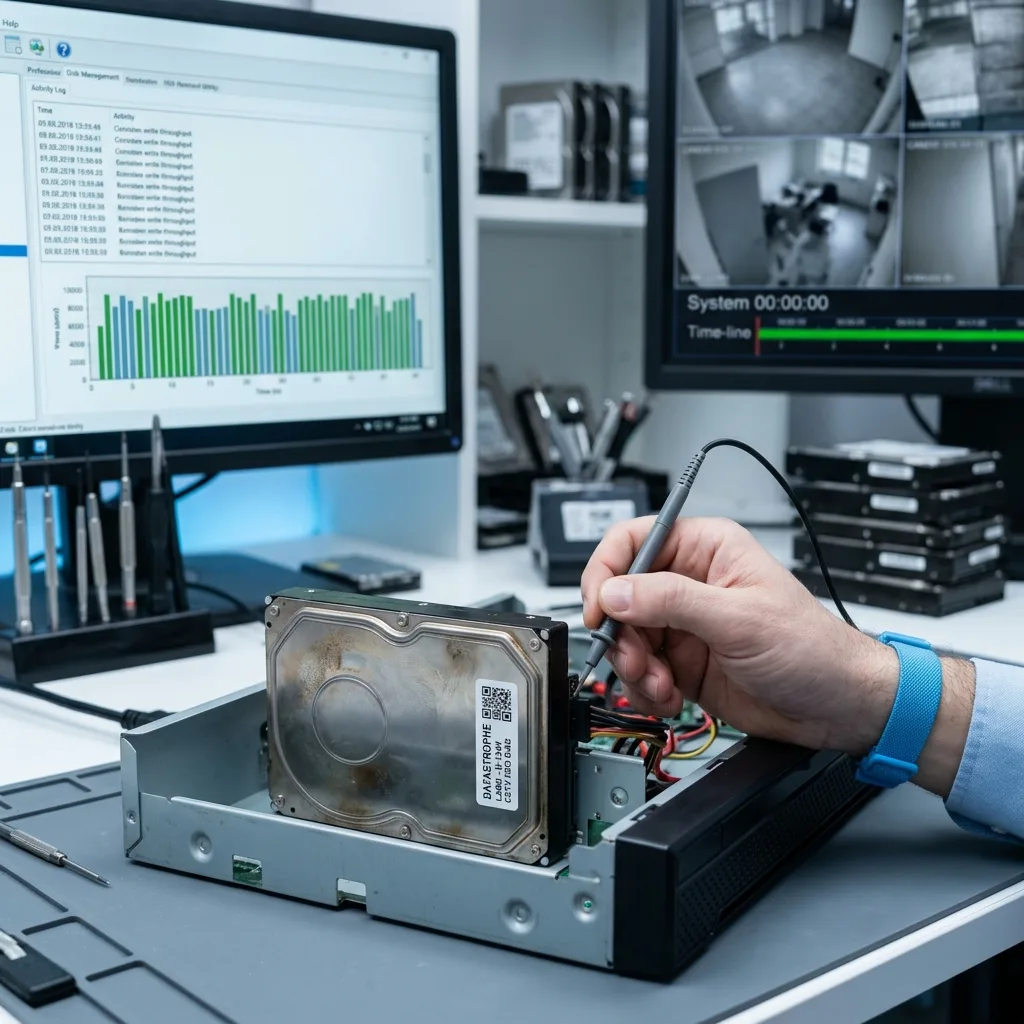
A CCTV hard drive works to a different rhythm from a desktop drive. It receives continuous streams, sometimes from several cameras, with few idle periods. Rotation, heat and repeated writes gradually expose weaker areas.
This workload does not destroy the device at once. Instead, wear accumulates. Early symptoms may be discreet: slow exports, missing older periods, occasional errors, recorder restarts or incomplete recordings. Where a recorder serves several buildings or outdoor cameras, note the channel map and exact time window before any recovery attempt.
A surveillance-grade drive withstands this use better than a consumer model, but it cannot make failure impossible. It remains a mechanical device.
Continuous writing also affects how faults are detected. As the drive is always working, the recorder may bypass a degraded area for a while without raising an obvious alert. Recent streams continue to be recorded, while some older periods become slow or impossible to export.
Risk rises with camera count, resolution, bit rate and retention period. Writing eight high-definition streams to one drive does not impose the same load as recording one motion-triggered camera.
Diagnostic assessment
Heat, dust and vibration
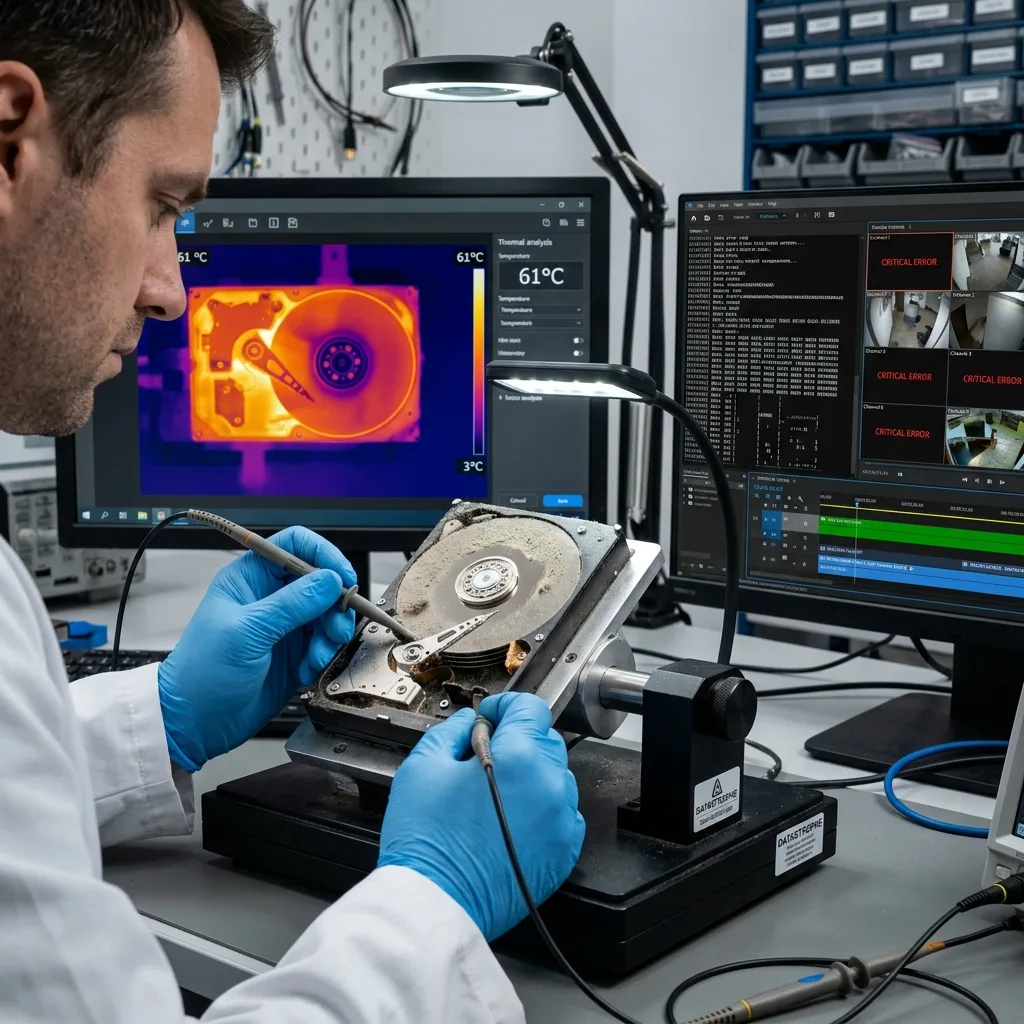
Recorders are sometimes installed in cupboards, suspended ceilings, shops, plant rooms or poorly ventilated racks. Heat accelerates wear and makes errors more likely. Even modest vibration can disturb the heads and increase access times.
Dust and ageing power supplies add another layer of risk. Unstable voltage can cause abrupt shutdowns or corrupt writes. A seized fan can turn a predictable problem into sudden loss.
These causes are ordinary, but their consequences are serious: footage can be absent because the device had already been recording unreliably for several days.
Real installations are rarely ideal. A DVR beside a heat source, enclosed in furniture or standing on a vibrating surface can run for years before showing a fault. By the time the failure is noticed, weak sectors may already affect indexes or fragments from the required period.
Maintenance must go beyond checking live camera views. Older sequences should play back, exports should complete and the clock should remain consistent. A system can display live pictures after losing its ability to retrieve recordings.
Diagnostic assessment
Unstable sectors and corrupted indexes
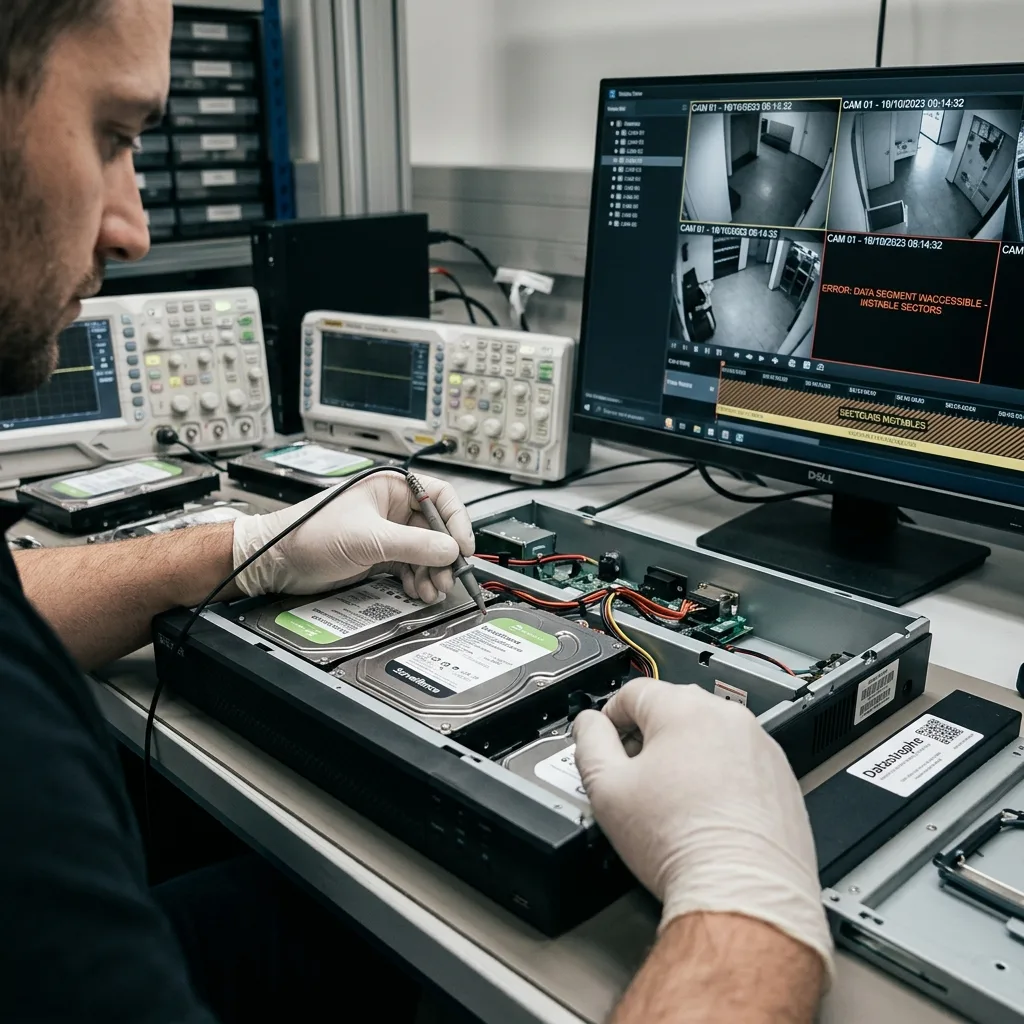
When sectors become unstable, a DVR or NVR may continue operating while losing fragments. The interface still shows the cameras, but certain periods no longer export. The fault is discovered precisely when the footage is needed as evidence.
Indexes can also become corrupt after a power cut or hard restart. Streams can still exist, but the timeline no longer associates them correctly with their cameras. Examination then has to cover both the disk and the video structure.
Datastrophe therefore looks for hardware symptoms and logical inconsistencies. The two commonly compound one another.
Unstable sectors sometimes create misleading signs. A day appears in the calendar but export fails. A camera seems absent when only a few index blocks are unreadable. A file starts playing and then stops abruptly. These signs do not prove that the footage has gone; they show that the retrieval chain is no longer dependable.
Do not let the recorder "repair" these inconsistencies before a copy has been secured. An automatic repair can make the interface tidier while erasing valuable clues needed for reconstruction.
Diagnostic assessment
Prevention without false reassurance
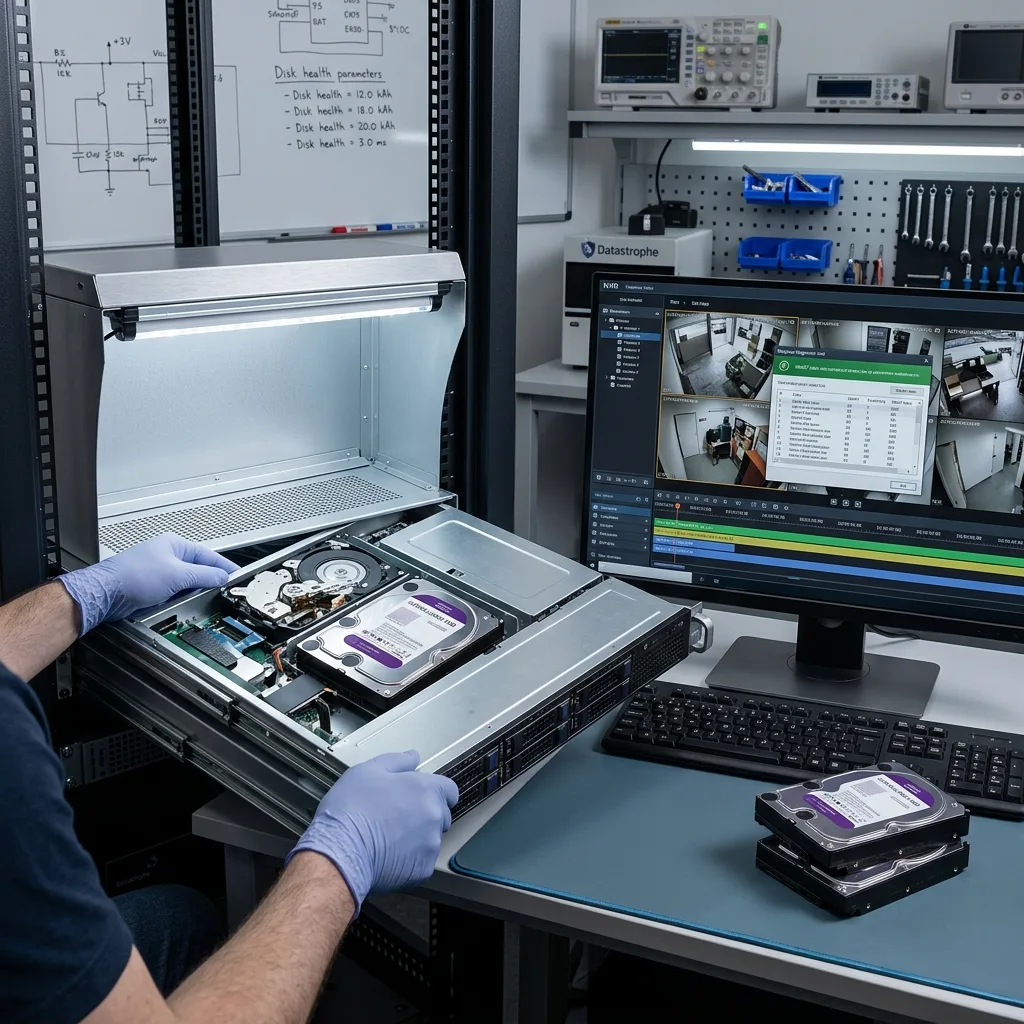
Useful prevention is practical: good ventilation, stable power, suitable drives, health monitoring, planned replacement, export of critical sequences and regular playback tests. A system that records is not always one that can retrieve.
Do not rely solely on the recording loop either. Any period that must be retained should be exported to healthy storage or a controlled archive. The loop is designed to overwrite, not to protect footage indefinitely.
These precautions do not replace an assessment after failure. They simply reduce the chance of discovering too late that recordings were no longer reliable.
A meaningful preventive check must focus on retrieval. Detection alone is insufficient. Test a recent export, an older export, camera naming and the actual retention period. This commonly reveals a problem before an incident makes the footage indispensable.
For sensitive sites, a planned replacement cycle can be more reliable than waiting for failure. Surveillance drives are built for sustained use, but not for keeping critical streams indefinitely without oversight.
Prevention should also define who acts when footage becomes important. If nobody knows how to stop the recorder, export a sequence or replace storage without losing disk order, the installation remains vulnerable. A short written procedure can prevent destructive actions on the day recordings are required.
Diagnostic assessment
When to request data recovery
Ask for an assessment if the drive disappears, clicks, slows down, overheats, blocks exports or prompts the recorder to format it. Preserve the device instead of repeatedly restarting it.
For the detailed hardware case, a failed DVR or NVR hard drive explains the symptoms and actions to prevent. For service information, NVR CCTV data recovery sets out the route into the laboratory.
Once a symptom appears, the priority changes from prevention to preservation. Stop writes, avoid software scans, do not format the drive and retain the installation details. That context improves the chance of recovering the right period instead of a volume of footage stripped of meaning.
This article deals with causes of failure and realistic prevention. The dedicated DVR/NVR drive article covers urgent steps once the disk has failed, while the NVR service route is more relevant when the wider installation is affected.
Diagnostic assessment
Primary Technical References And Limits
Reference scope — hard drive failures: For CCTV hard drive failures, the primary references used are NIST SP 800-86. Physical evidence — hard drive failures: They define the relevant preservation, storage or validation concepts, but they cannot establish the exact physical condition, controller state, key availability or business consistency of the device received. Controller evidence — hard drive failures: Those points require measurements on the original set and verification on copies.
Diagnostic assessment
Arrange A Controlled Assessment
Complete set — hard drive failures: For a technical assessment of CCTV hard drive failures, provide the complete device or storage set, its associated power and interface parts, the symptom timeline and the priority data. Incident history — hard drive failures: Keep member order, labels and authorised credentials separate from the parcel paperwork; do not restart the source merely to obtain a new screenshot.
Laboratory responsibility — hard drive failures: Datastrophe performs the diagnosis, integrity checks and recovery directly in its own laboratory with its own team. Free assessment — hard drive failures: Diagnosis and the quote are free. Transport boundary — hard drive failures: Return courier service is included; the carrier moves only the sealed parcel and neither accesses nor processes its data.
Controlled list — hard drive failures: Before any payment, the client receives the proposed price and a checked list. Verification classes — hard drive failures: Each item is classified, in order, as recoverable_verified, partial, detected_unverified or unrecoverable. Payment trigger — hard drive failures: Only recoverable_verified items whose contents were checked and found usable are presented as recoverable. No-result rule — hard drive failures: Payment is due only after the client accepts both the list and the price.
No-result rule — hard drive failures: If no usable data is verified, recovery fails, or the client declines the list or price, no standard fee is payable. Rare-part exception — hard drive failures: The only exception is a rare, costly and non-refundable part, which may be ordered only after a separate, explicit and priced proposal has been accepted.
Diagnostic assessment
Preserve the recorder context, not only the disk
For a New Zealand surveillance incident, retain the DVR or NVR, its power supply, every installed drive and a note of the bay order. Record the camera names, relevant local time window, daylight-saving setting and any known clock offset against an independent event. A replacement disk or a recorder restart can alter retention metadata before the required sequence has been isolated.
The priority request should name channels and event windows rather than asking for every clip at once. Validation must confirm playable video, continuity, frame timing and the relationship between exported files and the recorder timeline. A recovered container without its index, codec context or correct channel mapping is evidence of detection, not a verified surveillance result.