
Diagnostic assessment
Understanding the data produced by an inspection drone
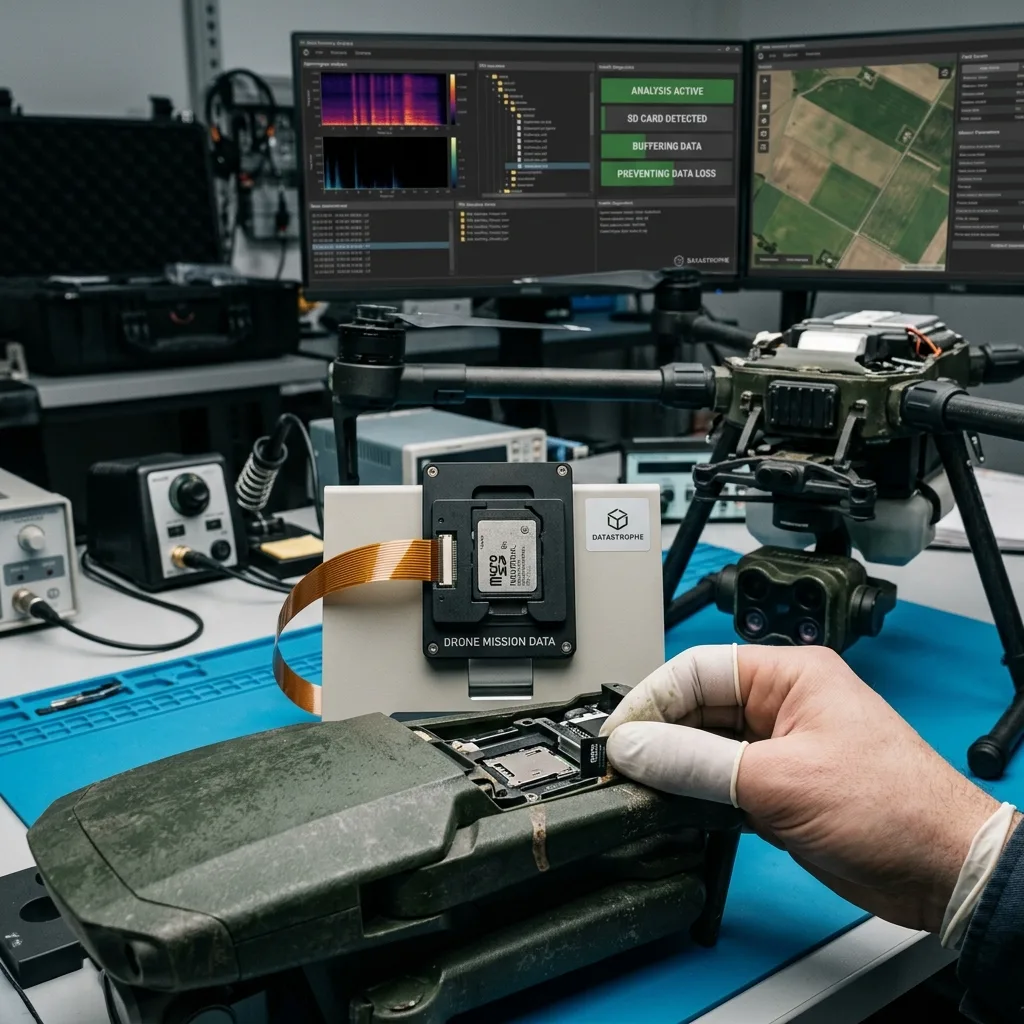
An inspection drone frequently produces more than a simple set of photographs. For aerial survey or inspection work, keep the flight device, card and incident notes together without putting the media back into service. Depending on the use case, the memory card may contain images of surveyed areas, control videos, mission exports, sensor readings, flight-path files or data needed by a specialist business tool. A loss can therefore interrupt an analysis, a comparison or a treatment decision.
The risk increases when the same card is used for several flights without a controlled copy. A successful flight isn't evidence that the files are safe. While the data remain only on the drone card, they can still be affected by failure, deletion, formatting or overwriting.
It is also critical to separate raw data from processed data. Files present on the card may require a tool, metadata or a precise folder structure. Recovering isolated images isn't necessarily enough if the objective is to reconstruct a complete mission.
That distinction helps set priorities. Before any recovery work, it should be clear whether the target is a date, a plot, a whole flight, particular images or associated technical files. Assessment is more effective when the need is explicit.
Periods of field work make this discipline even more critical. A flight may depend on a weather window, a planned treatment or an observation that can't be repeated under the same conditions. File loss can therefore have an operational impact even when the storage media look ordinary.
Diagnostic assessment
Choosing and preparing the memory card
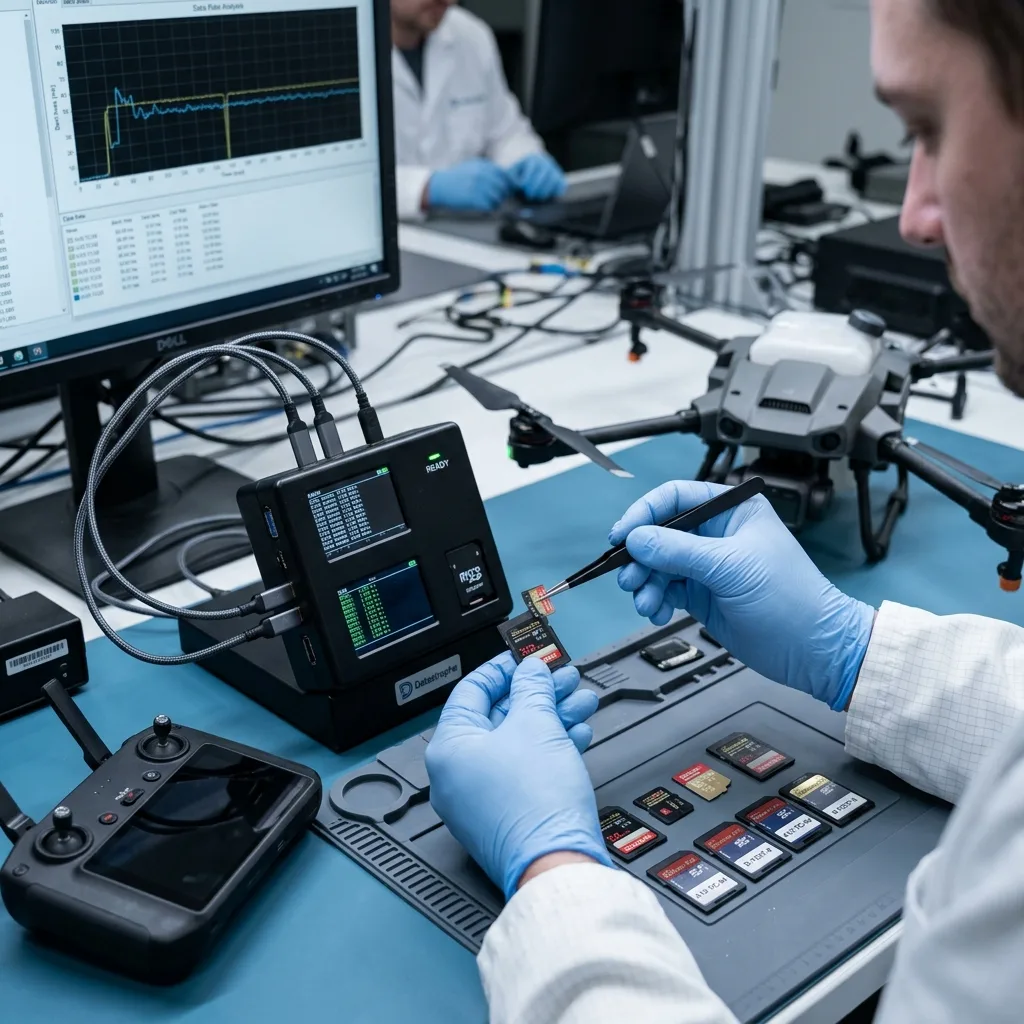
Prevention starts before the flight. A good quality memory card, suited to the drone's write rate, reduces the risk of a stop during recording. Capacity should not be the only criterion. A card that is too slow, worn or counterfeit can produce incomplete files.
Formatting must be controlled. It is generally better to format in the intended device, after the earlier data have been copied and verified. Mixing uses between camera, drone, computer and external reader increases the risk of inconsistent structures or stray folders.
Card rotation is valuable. Using several cards avoids writing straight away back to the only available one. It also leaves a margin if a card becomes unreadable after a critical flight.
Field conditions matter. Dust, moisture, heat, loose transport and handling with gloves can damage contacts or encourage cards to be removed too promptly. A clean case and a simple procedure lower these incidents.
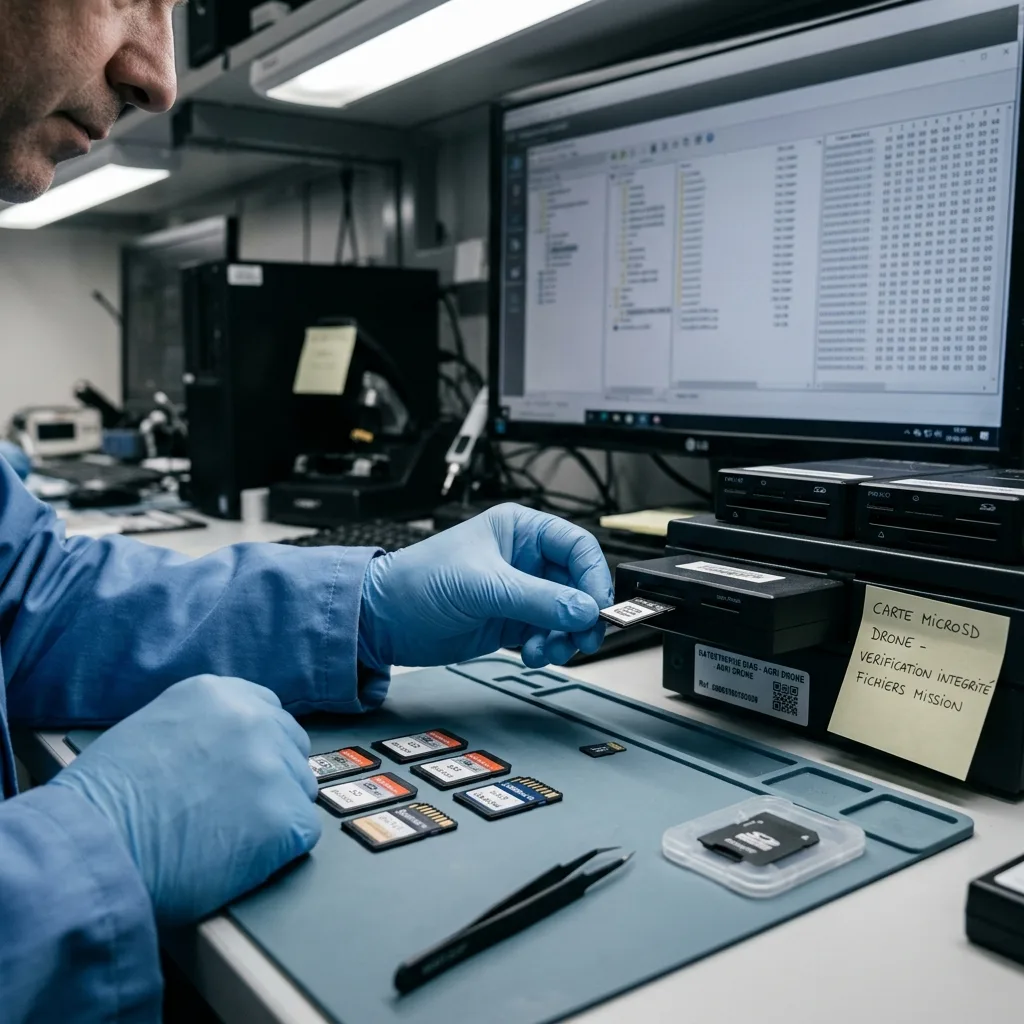
Labelling cards, or linking them to a mission log, is also valuable. That habit prevents accidental reuse and makes it easier to search when a card may still contain a critical plot or date.
Diagnostic assessment
Avoiding interrupted writes
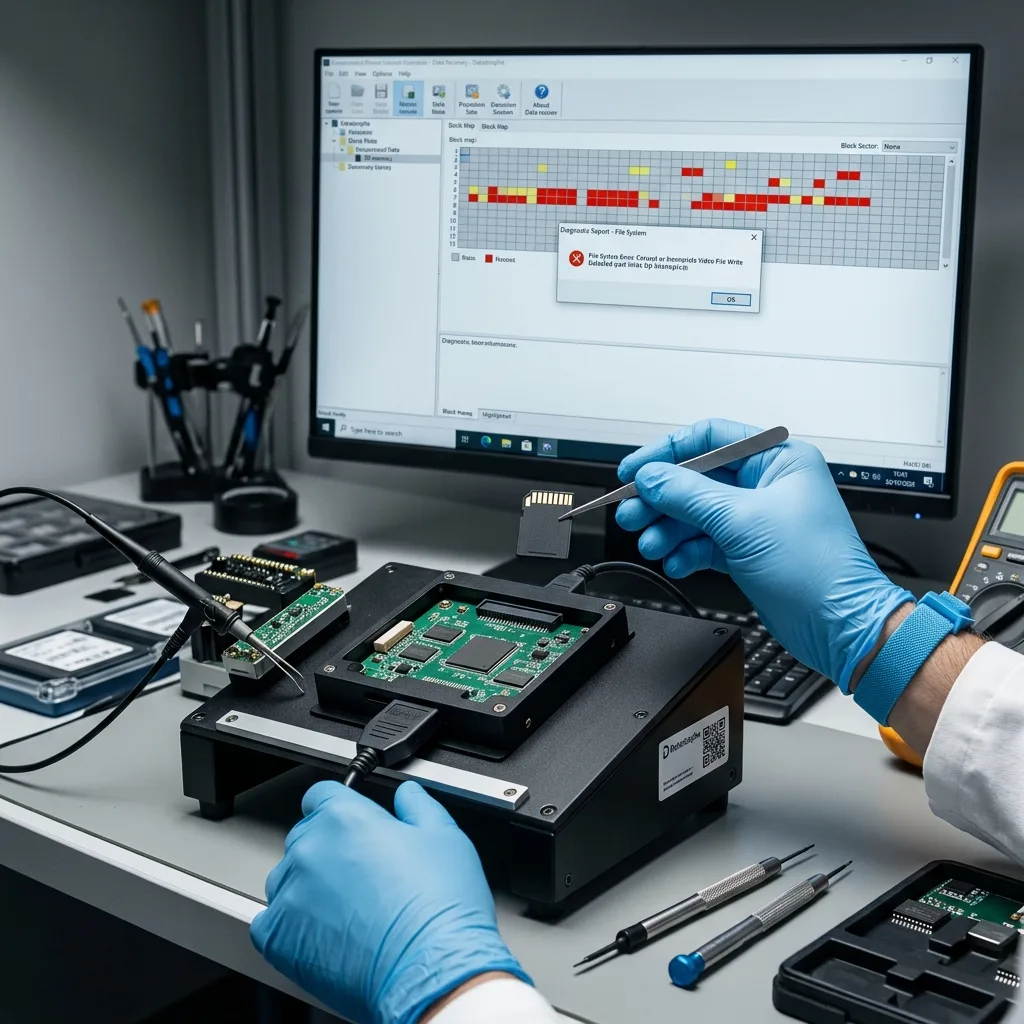
Some losses happen during writing. A low battery, drone shutdown, card removal, power-off too soon or a very large file can leave a video, image or index incomplete. The card isn't necessarily destroyed, but its file system can become inconsistent.
The right response is to let the drone finish recording before powering it off or removing the card. After an alert, avoid starting several more write cycles on the same device. Each new flight can replace areas that are still valuable.
The post-mission copy must be verified. Copying a folder isn't enough if the files don't open or expected metadata are missing. A quick verify on a healthy workstation can reveal an anomaly before the card is formatted.
Automatic repairs offered by the operating system should also be avoided. A message asking to repair or format the card doesn't mean that the data are lost. Accepting too promptly can change structures that may still be recoverable.
After a copy, the card should not go straight back into service if there is any doubt. Keep it until the files have been validated and use another card for the next flight. That separation protects the last readable version.
Diagnostic assessment
Responding to an unreadable card
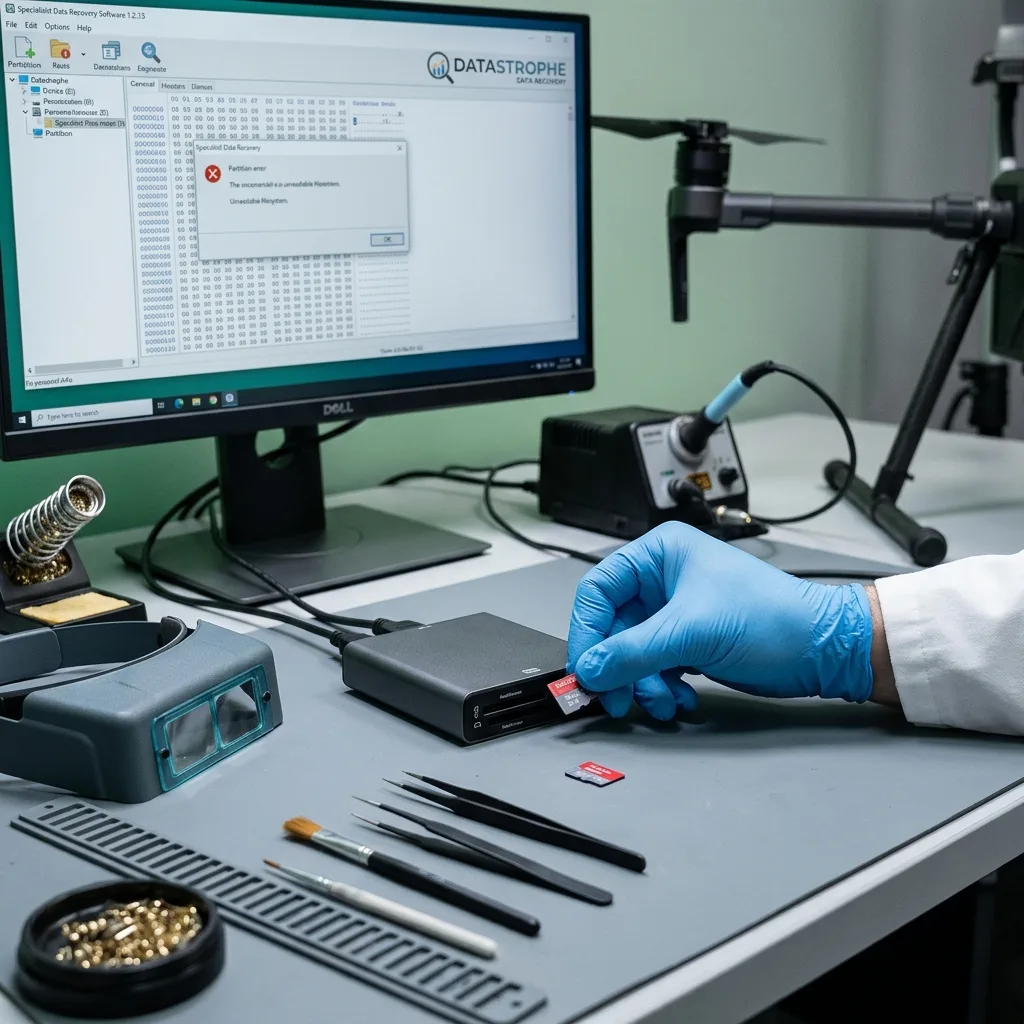
If the SD or microSD card becomes unreadable, isolate it. Don't reformat it, record another flight, launch an automatic repair or try multiple readers without a clear purpose. Those attempts can turn limited corruption into overwriting.
The initial examination starts with the card's behaviour: recognition, displayed capacity, error messages, read speed, visible folders and priority files. Incorrect capacity can indicate a controller fault. A card recognised as empty may have lost metadata without all data being erased.
When reading is still possible, a technical copy allows work to be carried out from an image rather than the original. This protects the areas that are still readable and allows later analysis of the structure, file signatures and export consistency.
Datastrophe separates file recovery from valuable handover. For an inspection drone, the period, mission names, file order and associated metadata may need to be verified. The outcome must be usable, not just large in volume.
Diagnostic assessment
Organising copying, checks and archiving
A simple procedure greatly reduces losses: copy after the mission, verify the files, keep an independent copy, document the plot or project, and only then reuse the card. This takes little time and avoids discovering corruption several weeks later.
Archiving should separate originals from processed files. Exports generated by a field tool don't always replace the raw data. Keeping both makes it possible to repeat an analysis if the initial processing was incomplete.
Memory card data recovery clarifies how a card is handled when it becomes unreadable, formatted or corrupted. The damage assessment helps distinguish logical, electronic and flash-related faults.
When the real risk is the same, the decisions remain the same: protect the card, clarify its use and limit writes. The primary subject remains inspection-drone field prevention. The service workflow takes over once the memory card has failed or critical files are no longer accessible.
To prepare a diagnostic request, provide the card, the drone model, the mission date, the files expected, the messages observed and the actions already attempted. This information helps target recovery without multiplying tests.
If a partial copy has already been made, keep it without cleaning it up or renaming files in bulk. Incomplete files, logs and residual folders can help reconstruct the mission structure or confirm the order of the shots.
Diagnostic assessment
Primary Technical References And Limits
Reference scope — inspection drone memory card data: For inspection drone memory card data loss, the primary references used are www.sdcard.org. Physical evidence — inspection drone memory card data: They define the relevant preservation, storage or validation concepts, but they cannot establish the exact physical condition, controller state, key availability or business consistency of the device received. Controller evidence — inspection drone memory card data: Those points require measurements on the original set and verification on copies.
Diagnostic assessment
Arrange A Controlled Assessment
Complete set — inspection drone memory card data: For a technical assessment of inspection drone memory card data loss, provide the complete device or storage set, its associated power and interface parts, the symptom timeline and the priority data. Incident history — inspection drone memory card data: Keep member order, labels and authorised credentials separate from the parcel paperwork; do not restart the source merely to obtain a new screenshot.
Laboratory responsibility — inspection drone memory card data: Datastrophe performs the diagnosis, integrity checks and recovery directly in its own laboratory with its own team. Free assessment — inspection drone memory card data: Diagnosis and the quote are free. Transport boundary — inspection drone memory card data: Return courier service is included; the carrier moves only the sealed parcel and neither accesses nor processes its data.
Controlled list — inspection drone memory card data: Before any payment, the client receives the proposed price and a checked list. Verification classes — inspection drone memory card data: Each item is classified, in order, as recoverable_verified, partial, detected_unverified or unrecoverable. Payment trigger — inspection drone memory card data: Only recoverable_verified items whose contents were checked and found usable are presented as recoverable. No-result rule — inspection drone memory card data: Payment is due only after the client accepts both the list and the price.
No-result rule — inspection drone memory card data: If no usable data is verified, recovery fails, or the client declines the list or price, no standard fee is payable. Rare-part exception — inspection drone memory card data: The only exception is a rare, costly and non-refundable part, which may be ordered only after a separate, explicit and priced proposal has been accepted.