
Diagnostic assessment
Understanding optical disc reading
An optical disc stores data in a structure read by a laser beam. Preserve its orientation and label, avoid household cleaning methods, and record which drives have already failed to read it. CDs, DVDs and Blu-ray discs differ in density, data layer and tolerance of defects. Readability therefore depends on the disc, optical drive and format.
The disc may have been pressed industrially or recorded. A pressed disc, CD-R, DVD-R, recordable Blu-ray or rewritable disc won't age in the same way. Recording quality, the manufacturer of the media, write speed and storage conditions can all affect readability.
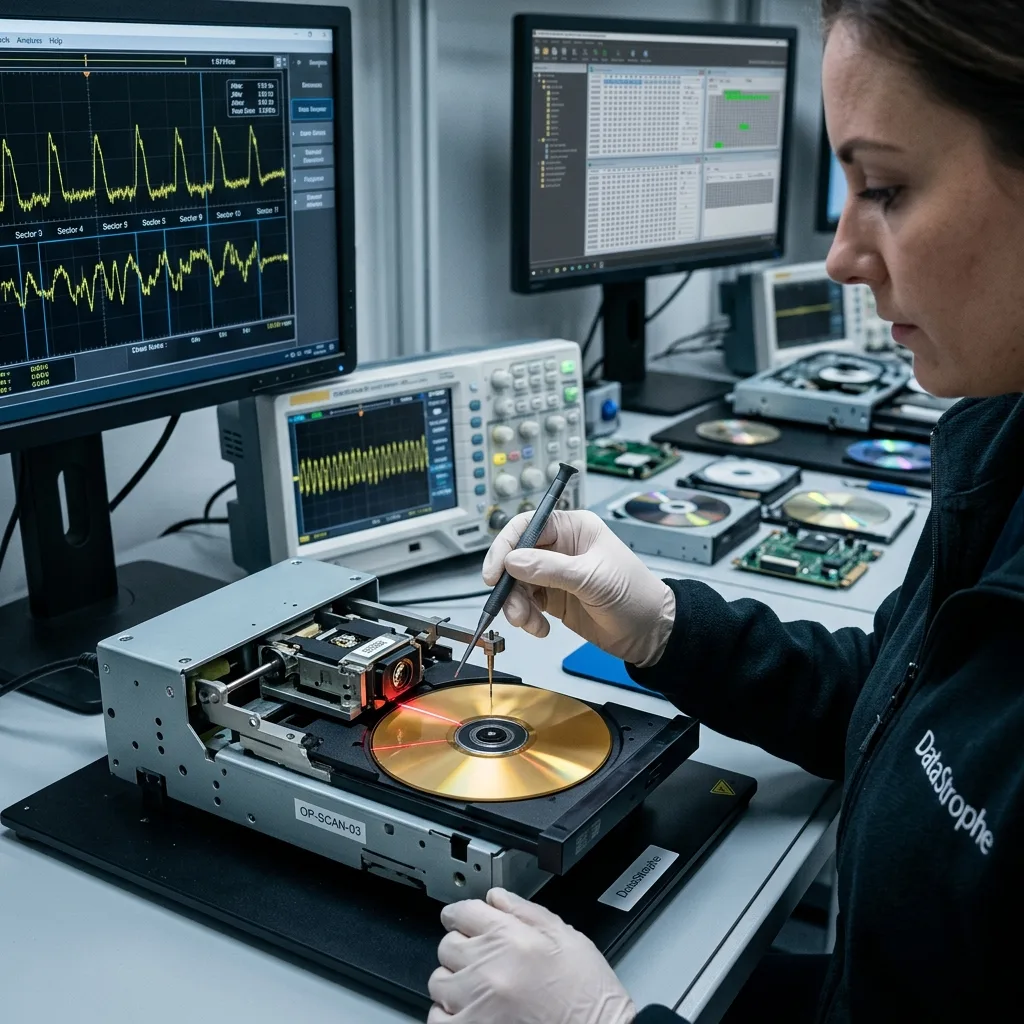
Unlike a hard drive, an optical disc has no internal read heads to replace. Issues are more likely to involve the surface, layers, reflectivity, session format, optical drive and its ability to reread weak areas.
This difference is why optical media need their own diagnostic assessment rather than approaches borrowed from mechanical drives or SSDs.
The logical structure carries as much weight as the surface. A disc may contain a single session, several sessions, a video format, a folder structure or an application export. A drive can recognise the disc without providing access to all its contents.
Diagnostic assessment
Establishing physical limits
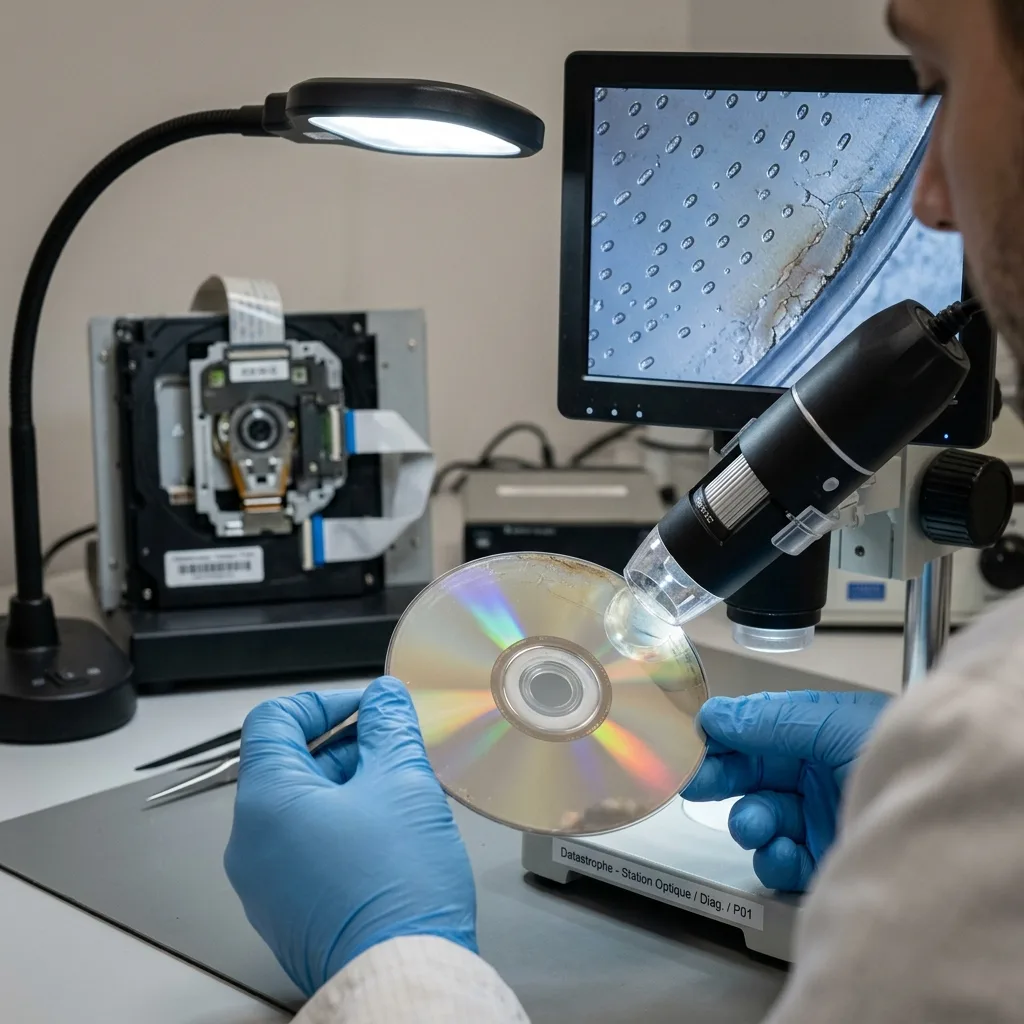
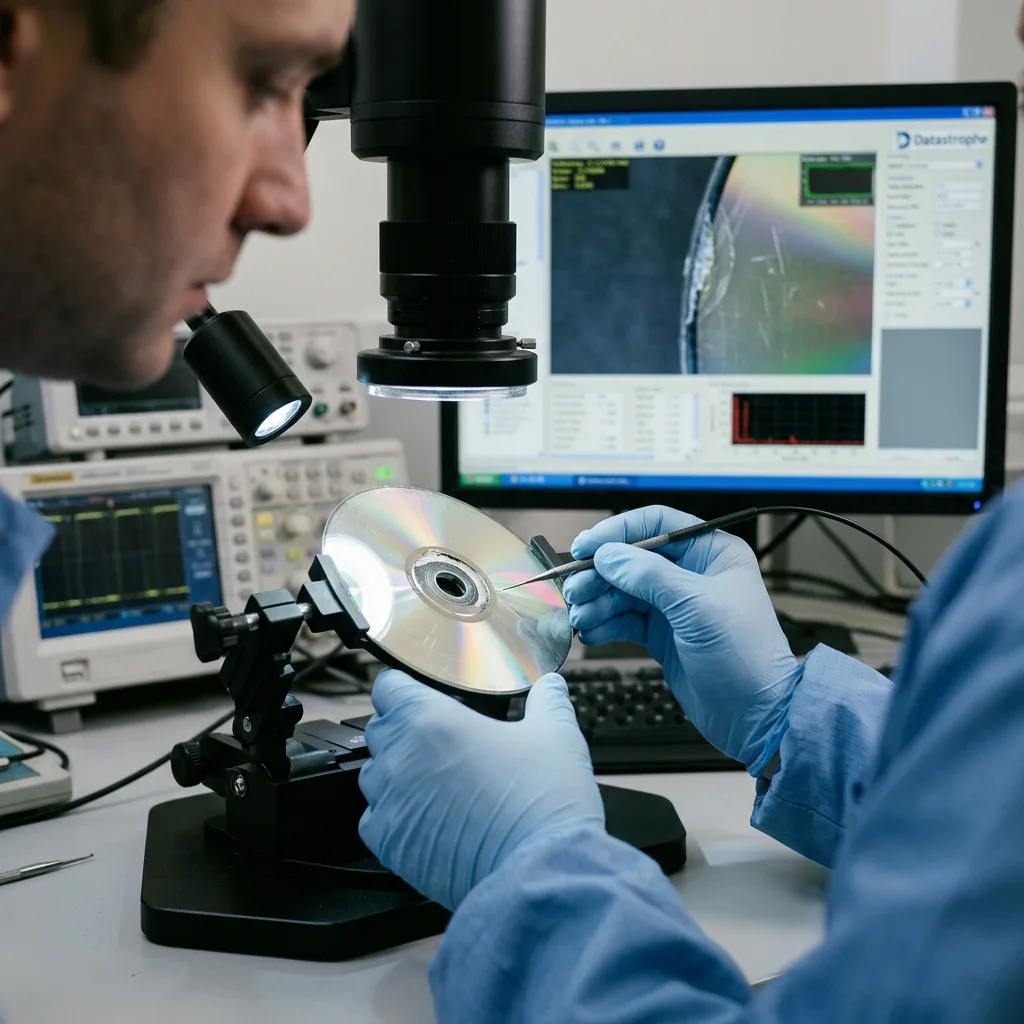
Visible physical defects don't always tell the whole story. A shallow scratch may be less serious than damage to the data layer. A mark, delamination, crack, distortion or heat exposure can all interfere with reading.
The direction of a scratch matters. Some scratches disrupt continuous reading more severely than others. Its location also matters: the index, table of contents, session, file system or the files themselves may be affected.
Avoid aggressive treatment. Heating, bending, random polishing or scraping can turn localised damage into permanent loss. Gently removing dust is quite distinct from attempting a mechanical repair.
Damaged optical media examines visible damage. The broader concern here is how optical reading, formats and physical limits interact.
Storage conditions frequently clarify part of the issue. Prolonged exposure to heat, humidity, light or unsuitable sleeves can alter a recorded disc. It may look sound while still requiring several cautious read passes.
Diagnostic assessment
Choosing the right drive and context
An optical disc may read successfully in one drive and fail in another. Drives differ in age, optics, firmware, error tolerance and format support. Randomly trying one after another isn't a sound approach.
Record the original context: the device that wrote the disc, operating system, session format, whether it was finalised, the type of media and the expected files. An unfinalised disc or one recorded by a particular device may require a compatible read workflow.
Some discs hold multiple sessions, hidden folders, video formats, software exports or proprietary structures. Recovery must verify both the folder structure and the files rather than stopping at a raw image.
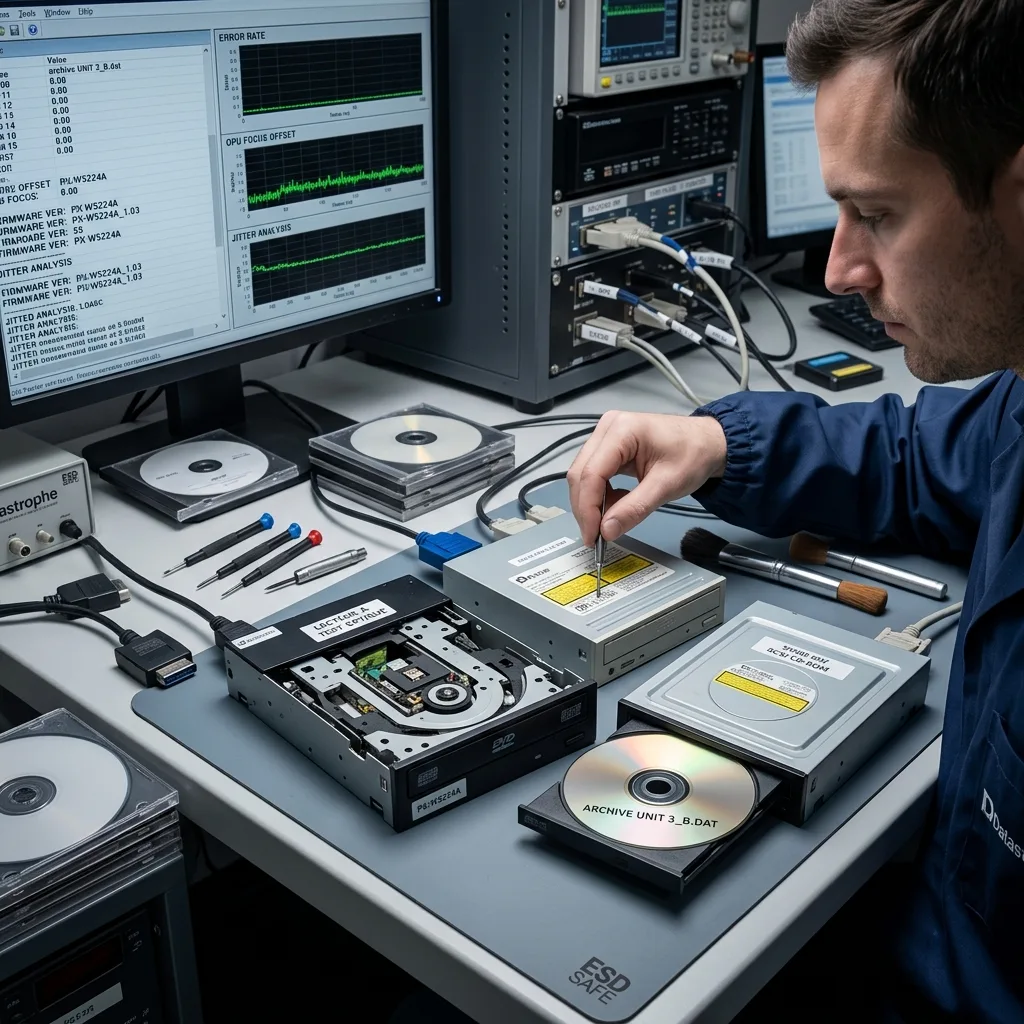
Datastrophe uses controlled reading. The practical objective is to protect the disc, understand its format and produce a usable copy without adding scratches or making needless writes.
The chosen optical drive is part of the diagnostic assessment. A worn drive may fail on a disc that remains usable. A more tolerant drive may read certain areas, but every resulting file still needs validation.
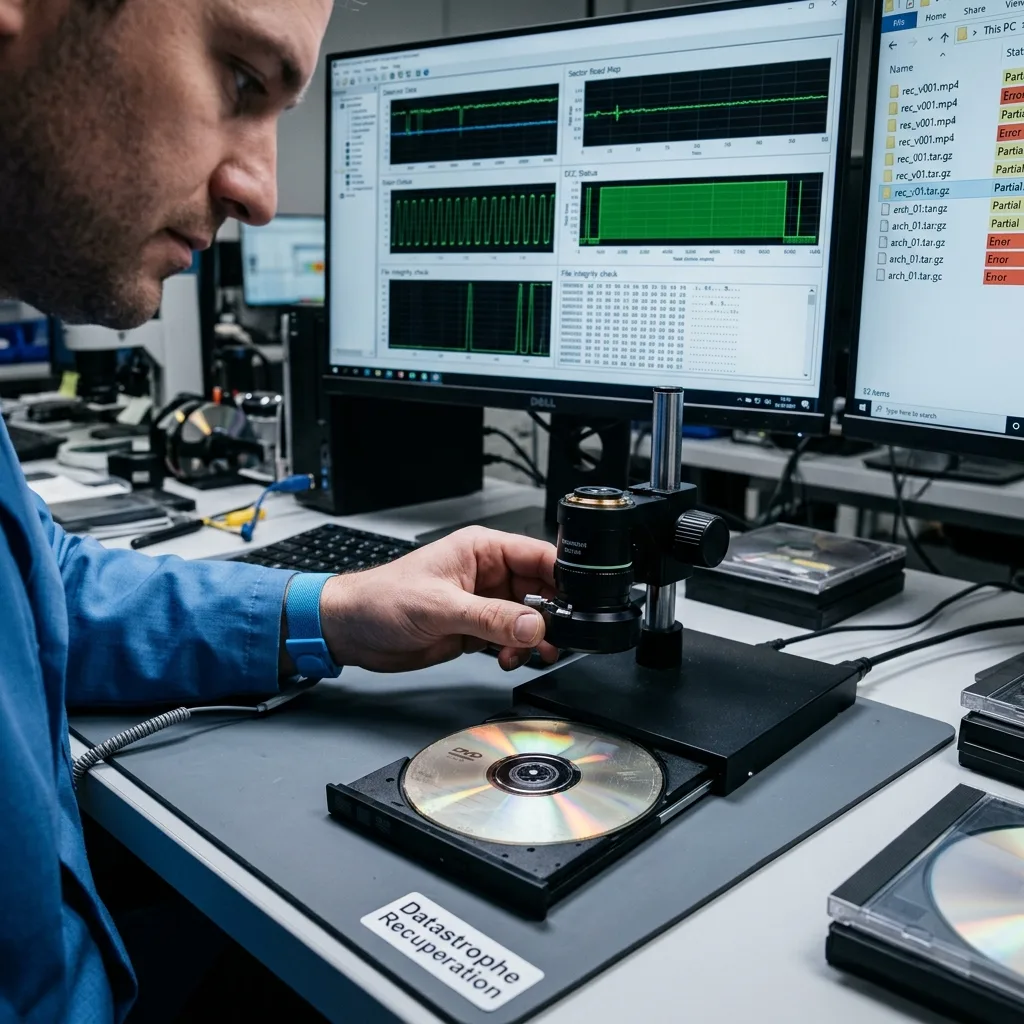
Diagnostic assessment
Validating the recovered files
An optical extraction may produce visible but incomplete files. A video might start and then stop. An archive could show its contents but fail to extract. Photographs may open with defects. Validation must reflect actual use.
Recovered, incomplete and unreadable files should be distinguished. A folder listing rarely demonstrates success on its own. Priority files need to be opened, verified and, where necessary, compared with other copies.
Optical media frequently serve as archives for photographs, videos, administrative exports, old backups or business files. Their value depends on returning the content in a current, understandable and documented format.
Hard drive or optical media recovery compares these storage families. Optical archives primarily require patient validation, at times file by file when the content is sensitive.
Validation should also state the limits. A partial file may help with a documentary requirement but remain useless for evidential purposes or business resumption. That distinction needs to be clear at handover.
Diagnostic assessment
Migrating before optical drives disappear
Even when an optical disc remains readable, it is no longer suitable for service as the only archive. Optical drives are disappearing, systems change and media age. The appropriate strategy is to migrate the content to current storage with a verified backup.
Migration should retain the organisation and context: disc name, date, source, device, format, any incomplete files and the verifying approach. Without this documentation, a migrated archive may become difficult to interpret.
Avoid combining everything without validation. A bulk migration can conceal errors when files are never opened. Sampling the collection and verifying critical files helps expose the limits.
When several discs form one archive, retain their order and labels. Volumes recorded over several years may contain duplicates, versions and dependencies. Migration should protect that history rather than extract isolated files only.
Keep a record of the optical drives and reading conditions used. If a file later proves incomplete, this information shows whether another controlled read may be worthwhile or whether the limitation lies with the disc.
Place the final copy on a healthy storage device with a separate backup, so the archive no longer depends on the original optical disc.
It should also remain readable without a rare drive or discontinued application.
Optical storage remains valuable as a historical source, but recovery depends on its assessment. Careful reading, data validation and orderly migration prevent unreadability from being discovered only when the archive becomes urgent.
Diagnostic assessment
Primary Technical References And Limits
Reference scope — storage recovery limits: For optical storage recovery limits, the primary references used are NIST SP 800-86. Physical evidence — storage recovery limits: They define the relevant preservation, storage or validation concepts, but they cannot establish the exact physical condition, controller state, key availability or business consistency of the device received. Controller evidence — storage recovery limits: Those points require measurements on the original set and verification on copies.
Diagnostic assessment
Arrange A Controlled Assessment
Complete set — storage recovery limits: For a technical assessment of optical storage recovery limits, provide the complete device or storage set, its associated power and interface parts, the symptom timeline and the priority data. Incident history — storage recovery limits: Keep member order, labels and authorised credentials separate from the parcel paperwork; do not restart the source merely to obtain a new screenshot.
Laboratory responsibility — storage recovery limits: Datastrophe performs the diagnosis, integrity checks and recovery directly in its own laboratory with its own team. Free assessment — storage recovery limits: Diagnosis and the quote are free. Transport boundary — storage recovery limits: Return courier service is included; the carrier moves only the sealed parcel and neither accesses nor processes its data.
Controlled list — storage recovery limits: Before any payment, the client receives the proposed price and a checked list. Verification classes — storage recovery limits: Each item is classified, in order, as recoverable_verified, partial, detected_unverified or unrecoverable. Payment trigger — storage recovery limits: Only recoverable_verified items whose contents were checked and found usable are presented as recoverable. No-result rule — storage recovery limits: Payment is due only after the client accepts both the list and the price.
No-result rule — storage recovery limits: If no usable data is verified, recovery fails, or the client declines the list or price, no standard fee is payable. Rare-part exception — storage recovery limits: The only exception is a rare, costly and non-refundable part, which may be ordered only after a separate, explicit and priced proposal has been accepted.