

Diagnostic assessment
Heat Often Hides The Actual Fault
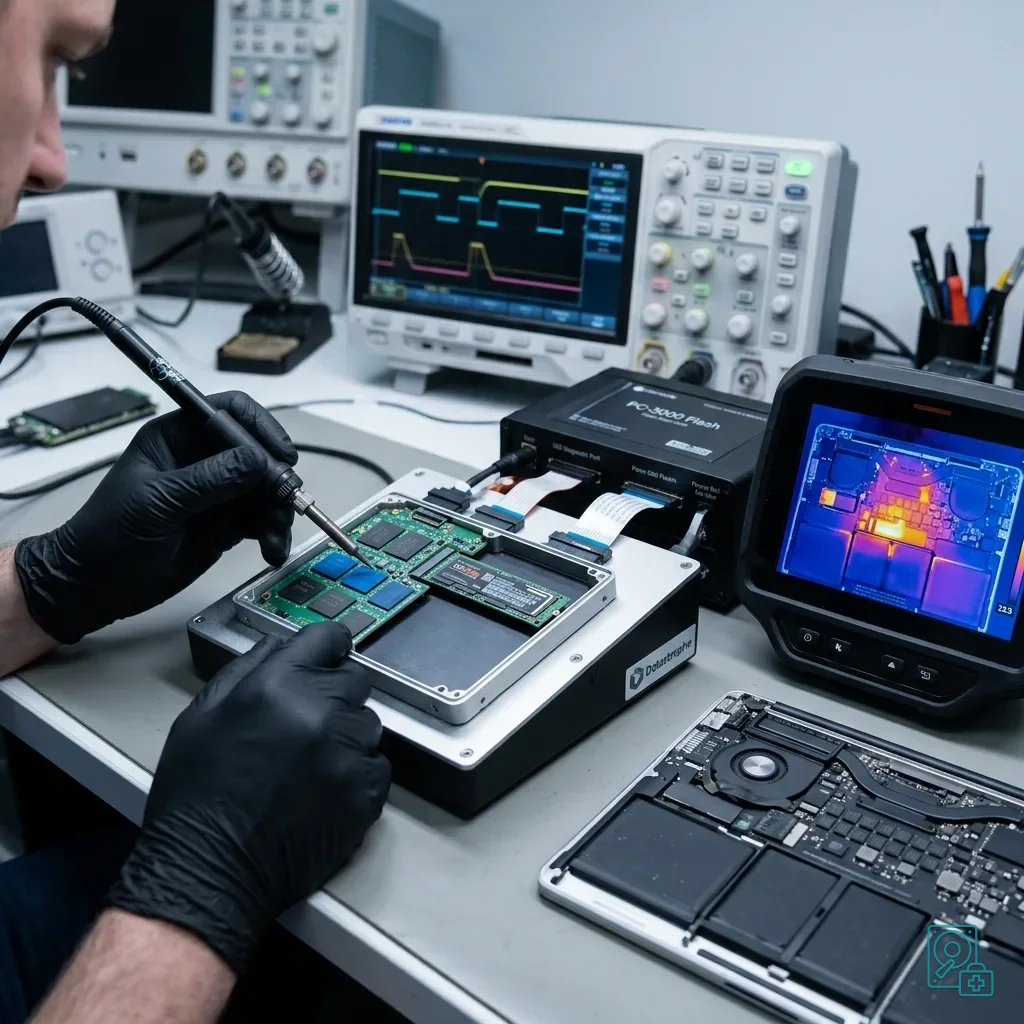
A hot MacBook Pro does not automatically have a failed SSD. High load, blocked airflow, an ageing battery, power-circuit trouble, board faults, confined use, and slow storage can all raise temperature, so the case surface is not enough for a data decision.
Read the symptoms as a sequence: sudden slowdown, restart, missing volume, blank display, stalled update, Recovery message, full-speed fans, or shutdown during copying. Their order and combination are more useful than any single observation.
An unstable SSD can cause long read delays, errors or intermittent disappearance of a volume. On a recent Mac, those signs may overlap with secure start-up protections, FileVault behaviour and logic-board condition, so a visible volume at one moment is not proof of stability.
The Apple system data recovery service describes the general route. This article isolates heat on a MacBook Pro because familiar troubleshooting can become risky when storage is integrated and the machine cannot sustain reliable access.
Distinguish prevention from a failure already in progress. If the Mac is still genuinely stable, copy critical data cleanly to healthy independent storage and validate it. If it is already restarting, losing volumes or stopping copies, prolonged activity may worsen the position.
Diagnostic assessment
Soldered Storage Encryption And Power Complicate Access
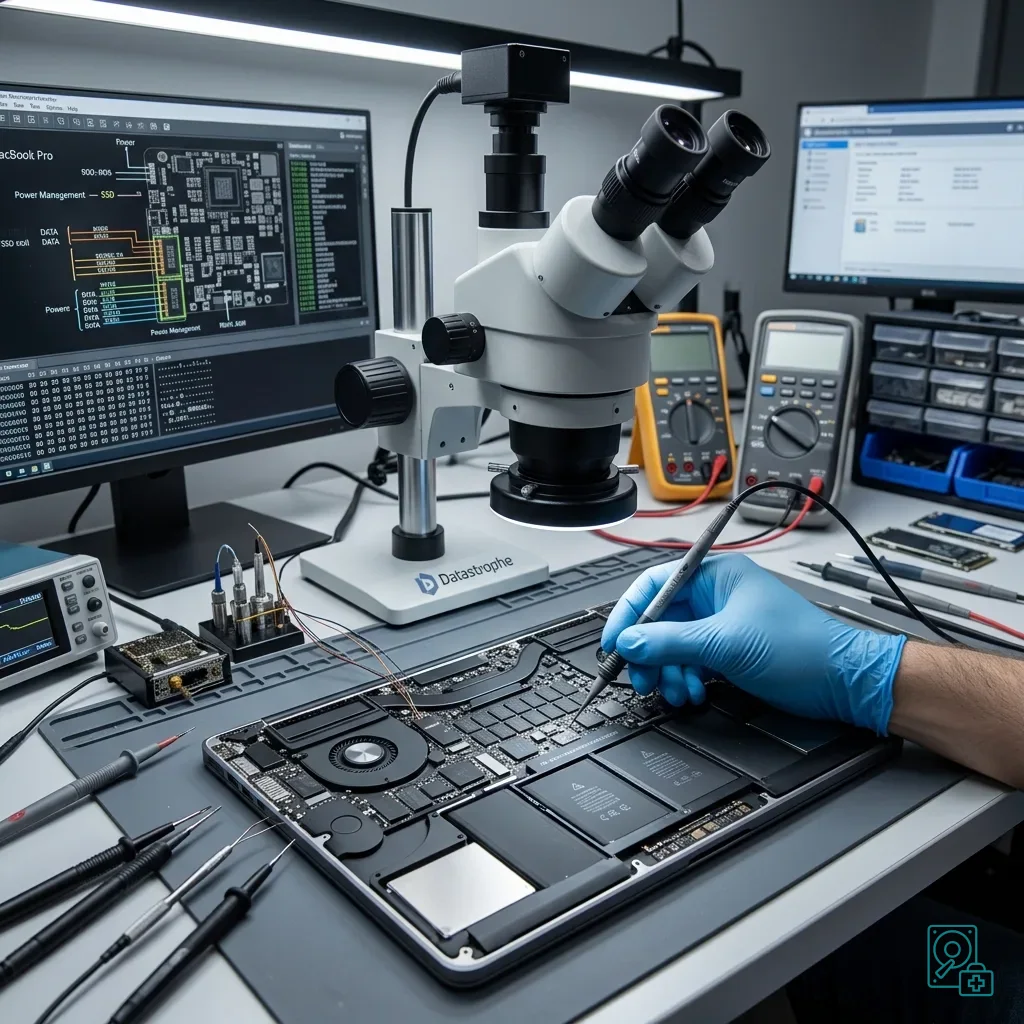
On many newer MacBook Pro models, storage cannot be removed and read in another computer. Soldered flash and security hardware make access dependent on the complete Mac, its electronic condition, and the original encryption context.
FileVault, the authorised user, recovery key, and Apple security controls may all be required. Physically readable flash is insufficient while content remains encrypted, so retain access material securely until a protected transfer method is agreed.
Heat may also result from unstable power. A Mac that switches off during a write, update or database transaction can leave the logical volume inconsistent. Repeated start-ups then add system writes and may trigger maintenance while the underlying fault remains unresolved.
Recent Mac SSD and encryption recovery explains these general constraints. The MacBook Pro heat case adds battery, cooling and shutdown behaviour, each of which can influence whether controlled access is possible and for how long.
Assessment must therefore cover the whole picture: exact model, machine condition, heat pattern, macOS version, encryption and the final events before failure. One warning message cannot determine whether the primary fault is logical, electronic, thermal or within storage.
Diagnostic assessment
Avoid Repeated Restarts And Reinstallation
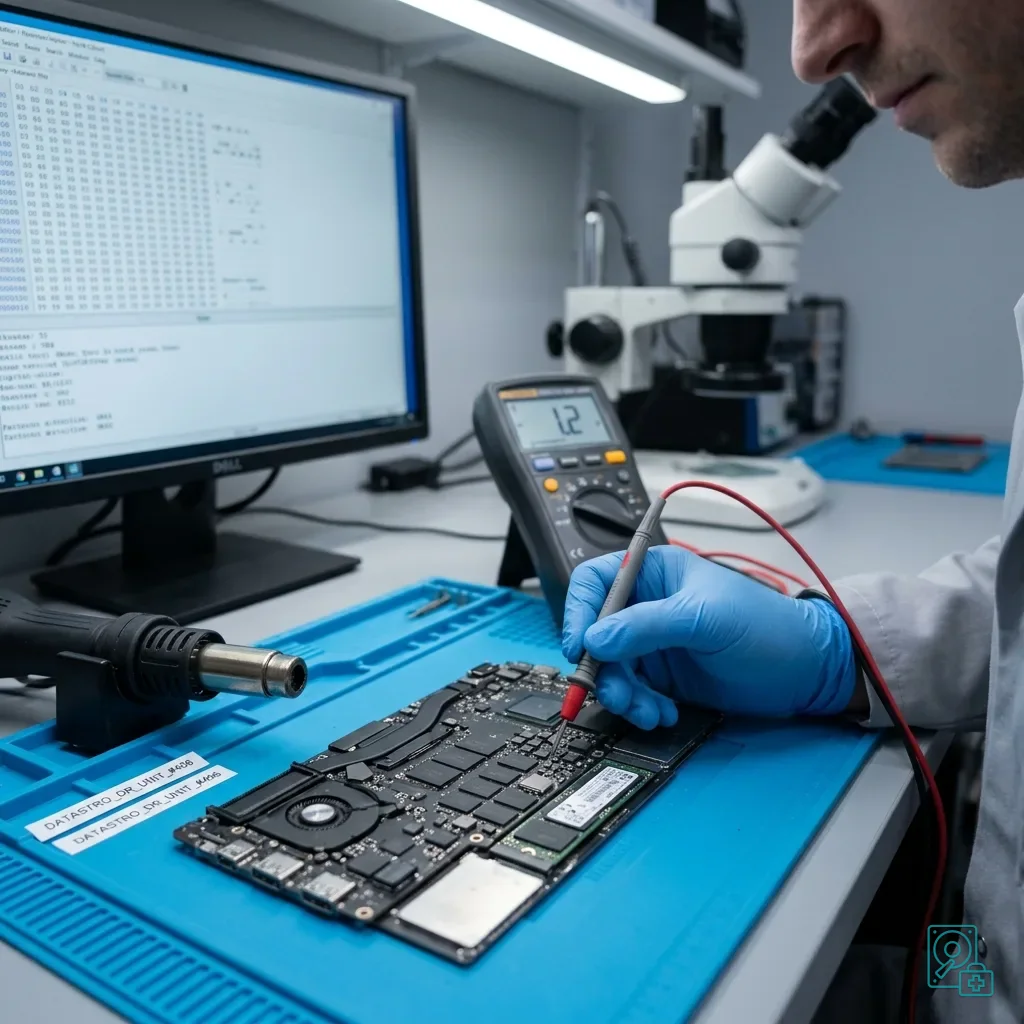
When a hot MacBook Pro loops at startup, system tools may offer repair, reinstallation, or restoration. Do not select them automatically until the required local data has been verified on an independent copy.
Reinstallation writes to the volume, automated repair revises structures, and restoration can erase the recoverable incident state. Even ordinary restarts may launch maintenance, indexing, or synchronisation against the unstable source.
If behaviour becomes abnormal and the data matters, switch the machine off and document what happened. The displayed message, failure time, preceding impact or liquid, update and interrupted copy are more useful than an undocumented series of troubleshooting attempts.
Preventing MacBook data loss before failure covers earlier warning signs and backups. Here, the failure is more advanced: the aim is to preserve what remains readable without turning a storage or power problem into avoidable overwriting.
If a copy has already begun, record its destination, scope and stopping point. An interrupted copy may contain useful files alongside partial ones, but it is not a verified backup and should not justify deleting or repurposing the only remaining source.

Diagnostic assessment
Retain The Machine And Its Access Context
With a recent MacBook Pro, sending one component or erasing the machine may remove the only data route. Keep the complete Mac, relevant charger, exact model, authorised account path, FileVault material, failure date, and intervention history together.
List valuable content by type and location. Business folders, photo libraries, video projects, development environments, and local databases require different integrity checks, so named priorities should guide acquisition and validation.
Report any external heat exposure, liquid or impact clearly. These details may require electronic inspection before extended powering. Heat is not always the cause of failure; it may be the consequence of a damaged component or repeated unsuccessful activity.
Preserve related sources such as Time Machine storage, a clone, application export and cloud account. They may provide a healthy version or missing dependency, but inspect them separately and never restore them over the original MacBook Pro during assessment.
Take particular care with synchronised folders. iCloud, business tools and code repositories can propagate deletion or a corrupt version. Establish what each location still contains before reconnecting the Mac or allowing synchronisation to resume.
Diagnostic assessment
Prevent Another Loss After Recovery
After recovery, address cooling, battery health, available capacity, and warning signs as well as backups. A MacBook Pro that has already slowed severely or shut down should not immediately become the sole home of important data again.
Test backups instead of merely enabling them. Restore and open representative recent and older content on separate healthy storage, including libraries, projects, development environments, and databases rather than simple documents alone.
Avoid running the SSD with critically low free space. Insufficient space can increase slowdowns, prevent updates and complicate snapshots. Free capacity cannot guarantee against failure, but it supports stable system and backup behaviour.
For professional use, define where master files live, where independent copies are held and what staff should do if the Mac heats or switches off. The response should not depend on improvisation after the storage has become inaccessible.
Datastrophe can assess a MacBook Pro that no longer starts, overheats abnormally or presents an inaccessible SSD. The first aim is to preserve data and access, then distinguish the contribution of the Mac, storage, encryption and logical corruption.
Diagnostic assessment
Primary Technical References And Limits
Reference scope — MacBook Pro integrated SSD recovery: For overheating MacBook Pro integrated SSD recovery, the primary references used are europe.kioxia.com. Physical evidence — MacBook Pro integrated SSD recovery: They define the relevant preservation, storage or validation concepts, but they cannot establish the exact physical condition, controller state, key availability or business consistency of the device received. Controller evidence — MacBook Pro integrated SSD recovery: Those points require measurements on the original set and verification on copies.
Diagnostic assessment
Arrange A Controlled Assessment
Complete set — MacBook Pro integrated SSD recovery: For a technical assessment of overheating MacBook Pro integrated SSD recovery, provide the complete device or storage set, its associated power and interface parts, the symptom timeline and the priority data. Incident history — MacBook Pro integrated SSD recovery: Keep member order, labels and authorised credentials separate from the parcel paperwork; do not restart the source merely to obtain a new screenshot.
Laboratory responsibility — MacBook Pro integrated SSD recovery: Datastrophe performs the diagnosis, integrity checks and recovery directly in its own laboratory with its own team. Free assessment — MacBook Pro integrated SSD recovery: Diagnosis and the quote are free. Transport boundary — MacBook Pro integrated SSD recovery: Return courier service is included; the carrier moves only the sealed parcel and neither accesses nor processes its data.
Controlled list — MacBook Pro integrated SSD recovery: Before any payment, the client receives the proposed price and a checked list. Verification classes — MacBook Pro integrated SSD recovery: Each item is classified, in order, as recoverable_verified, partial, detected_unverified or unrecoverable. Payment trigger — MacBook Pro integrated SSD recovery: Only recoverable_verified items whose contents were checked and found usable are presented as recoverable. No-result rule — MacBook Pro integrated SSD recovery: Payment is due only after the client accepts both the list and the price.
No-result rule — MacBook Pro integrated SSD recovery: If no usable data is verified, recovery fails, or the client declines the list or price, no standard fee is payable. Rare-part exception — MacBook Pro integrated SSD recovery: The only exception is a rare, costly and non-refundable part, which may be ordered only after a separate, explicit and priced proposal has been accepted.