

Diagnostic assessment
Establish the device before the failure
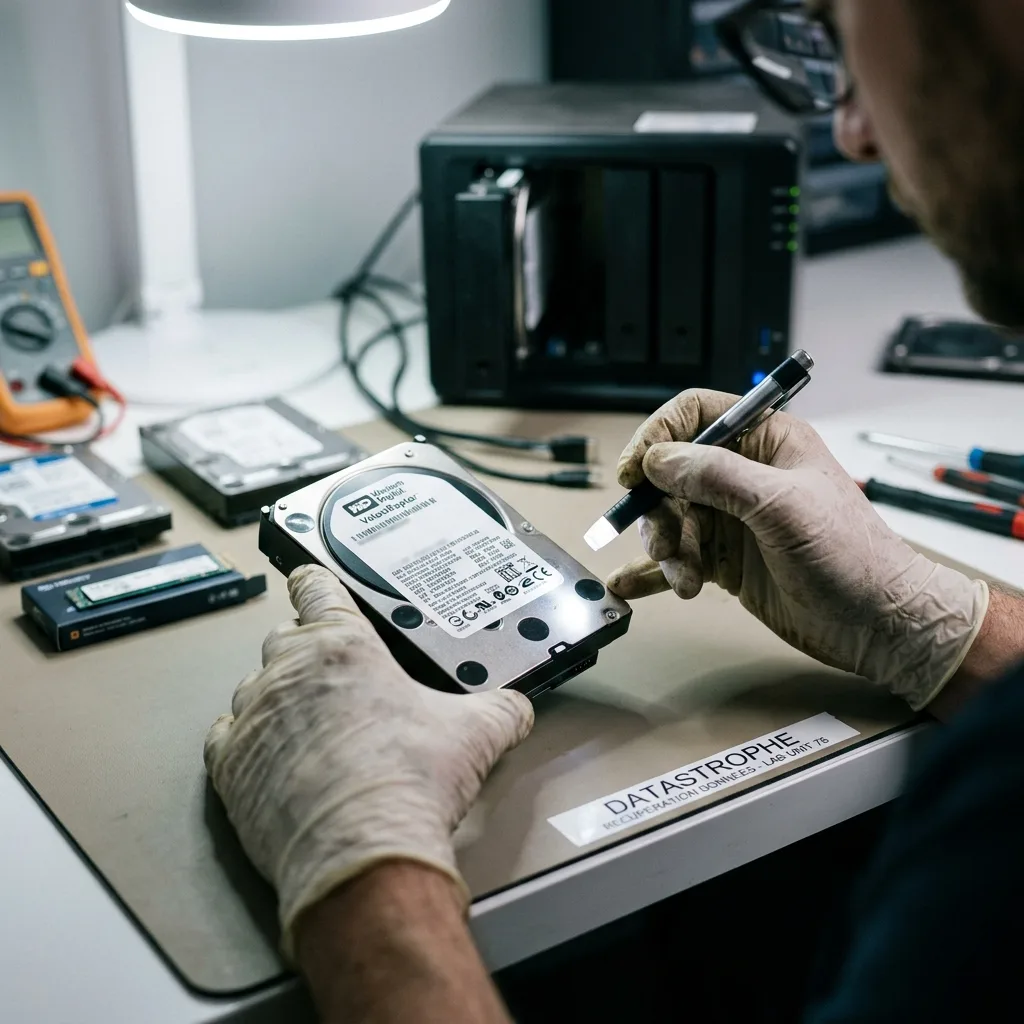
Physical storage may be an internal or external hard drive, SSD, USB flash drive, memory card, RAID array, NAS appliance or storage integrated into a computer. Start by identifying the exact device, host system, last known behaviour and priority data before deciding how it should be handled. These families don't share the same components, symptoms or limits. Discussing data recovery without naming the device misses half the assessment.
A mechanical hard drive depends on platters, read/write heads, a motor and electronics. SSDs and flash storage rely on a controller, NAND memory and at times encryption. RAID and NAS add configuration that determines disk order, parity, volumes and system dependencies.
That distinction prevents poor first steps. Don't scan a clicking disk as though it were a USB drive. An absent SSD isn't the same as a deleted partition. An inaccessible NAS can't be lowered to one disk removed from its bay. Each technology calls for distinct caution.
Establish where the data actually reside. A document may sit on a local disk, encrypted volume, network share or inside an application that depends on a database. The most obvious device isn't necessarily the only item worth protecting.
Diagnostic assessment
Separate symptom, cause and required data
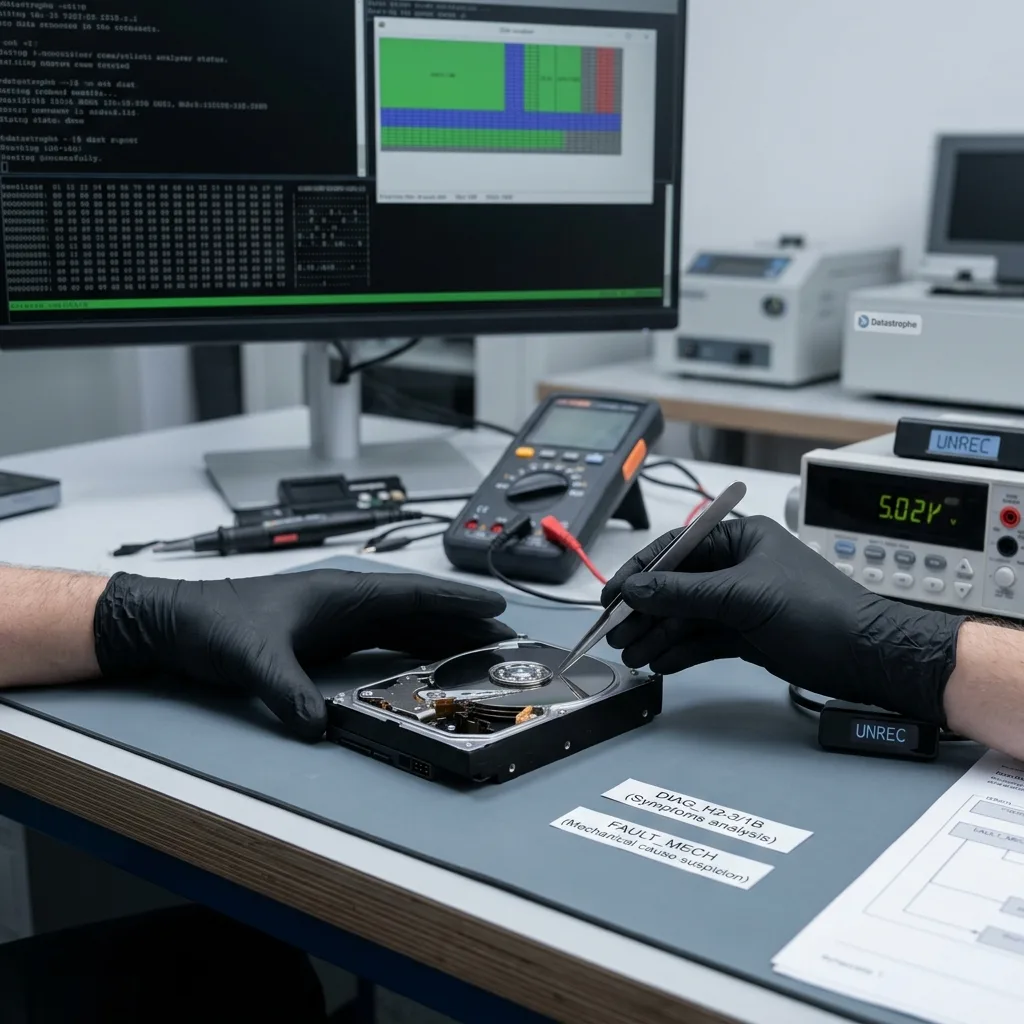
The symptom is what the user sees: a drive not recognised, a format prompt, missing file, empty volume, slowness, noise, error message or inaccessible service. The cause may be physical, electronic, logical, application-related or an interrupted write. The data requirement is distinct again: a few files, one database, photographs, video or a complete volume.
This separation changes the approach. If one folder is the priority, recovery may seek a dependable copy from that region first. Reconstructing a whole volume requires a broader view of device condition. Where storage is unreliable, preservation takes precedence over completeness.
Earlier attempts matter greatly. Automatic repair, restoration, formatting and reinstallation can alter metadata. Repeated connection may generate further writes. Supply the timeline as accurately as possible.
Datastrophe works from facts: device, symptom, context, actions taken and priority data. This approach avoids broad promises and concentrates on what can be verified.
Diagnostic assessment
Protect the original before looking for files
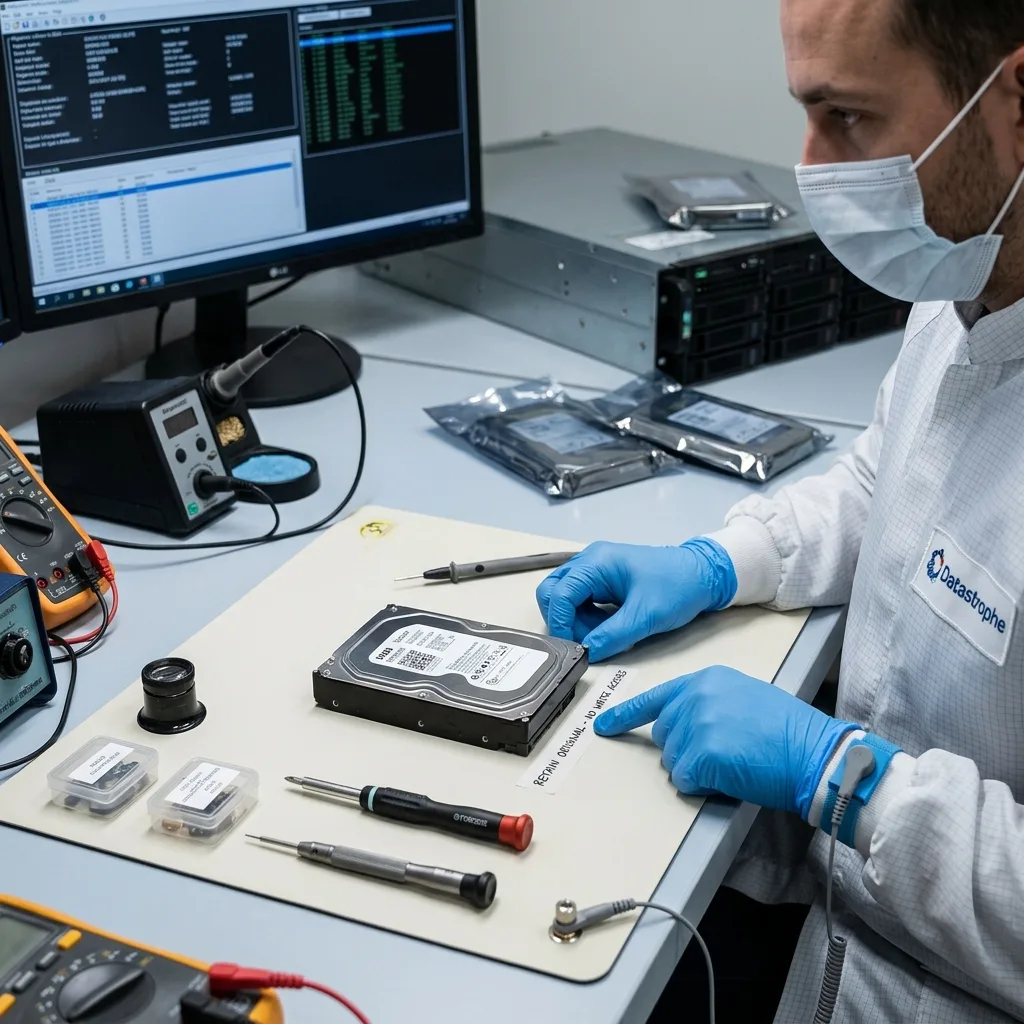
Serious data recovery frequently begins with one straightforward action: stop using the device. Every write can replace a valuable area, each restart may place load on fragile mechanics, and every scan can multiply reads across unreliable sectors.
When storage still responds, the objective isn't to browse it at length from the working computer. First decide whether a technical copy can be acquired. Files can then be analysed without repeated attempts on the original.
For a hard drive, preservation may mean removing power when abnormal noise begins. On a USB flash drive, it can mean refusing an operating-system format prompt. With an SSD, it may require limiting power cycles when the controller responds intermittently.
The data recovery process describes this general route. These shared principles direct each case to the right technology without replacing specialist handling.

Diagnostic assessment
Understand the limits of each technology
A hard drive may be constrained by unreadable sectors, damaged heads, scored platters or failed electronics. An SSD can be limited by an inaccessible controller, degraded flash, active encryption or incoherent internal tables. A memory card may become unreadable after an interrupted write or advanced wear.
Limitations don't automatically mean impossibility. They indicate that outcomes must be measured. Some files may be valid, others partial, corrupt or absent. Assessment should clarify that distinction rather than promising complete recovery.
Multi-disk systems introduce further difficulty. One visible disk may not be enough for RAID or NAS. Disk order, RAID level, replaced members, rebuild history and logs may all be required to interpret the volume.
This diversity justifies a device-led approach. Dedicated pages cover hard drives, SSDs, USB flash drives, memory cards, RAID and servers more precisely. The frequent basis remains: don't write, evaluate, copy when practicable, then reconstruct.
Diagnostic assessment
Prepare a usable case file
A case moves more efficiently when valuable details are gathered at the outset. Device model, capacity, original equipment, operating system, displayed message, failure date and actions attempted all inform examination.
The priority data list matters just as much. It may establish folders, extensions, a period, application or user. Without priorities, a laboratory can recover many secondary items without meeting the real need.
Retain relevant accessories: external enclosure, power supply, NAS caddy, adaptor, original computer or documentation for a business application. They may clarify the context, especially where storage depends on particular hardware or encryption.
Physical-storage data recovery isn't a collection of recipes. It is a progressive examination that starts with the device, protects the initial state and seeks usable files. This measured approach prevents destructive attempts and selects the right route.
Keep established facts separate from what remains uncertain. A visible folder may be incomplete; a file preview isn't evidence that the whole volume is recoverable; and storage recognised by the system can still be unreliable during read-out. This caution prevents an encouraging sign becoming a promise.
Preparation should include delivery requirements. Some data need their directory tree, others dates, filenames or application coherence. The aim is a usable outcome rather than merely a quantity of copied files. That distinction separates professional recovery from an automated attempt.
Diagnostic assessment
Primary Technical References And Limits
Reference scope — storage data recovery: For physical storage data recovery, the primary references used are NIST SP 800-86. Physical evidence — storage data recovery: They define the relevant preservation, storage or validation concepts, but they cannot establish the exact physical condition, controller state, key availability or business consistency of the device received. Controller evidence — storage data recovery: Those points require measurements on the original set and verification on copies.
Diagnostic assessment
Arrange A Controlled Assessment
Complete set — storage data recovery: For a technical assessment of physical storage data recovery, provide the complete device or storage set, its associated power and interface parts, the symptom timeline and the priority data. Incident history — storage data recovery: Keep member order, labels and authorised credentials separate from the parcel paperwork; do not restart the source merely to obtain a new screenshot.
Laboratory responsibility — storage data recovery: Datastrophe performs the diagnosis, integrity checks and recovery directly in its own laboratory with its own team. Free assessment — storage data recovery: Diagnosis and the quote are free. Transport boundary — storage data recovery: Return courier service is included; the carrier moves only the sealed parcel and neither accesses nor processes its data.
Controlled list — storage data recovery: Before any payment, the client receives the proposed price and a checked list. Verification classes — storage data recovery: Each item is classified, in order, as recoverable_verified, partial, detected_unverified or unrecoverable. Payment trigger — storage data recovery: Only recoverable_verified items whose contents were checked and found usable are presented as recoverable. No-result rule — storage data recovery: Payment is due only after the client accepts both the list and the price.
No-result rule — storage data recovery: If no usable data is verified, recovery fails, or the client declines the list or price, no standard fee is payable. Rare-part exception — storage data recovery: The only exception is a rare, costly and non-refundable part, which may be ordered only after a separate, explicit and priced proposal has been accepted.