
Diagnostic assessment
Do not confuse visibility with recoverability
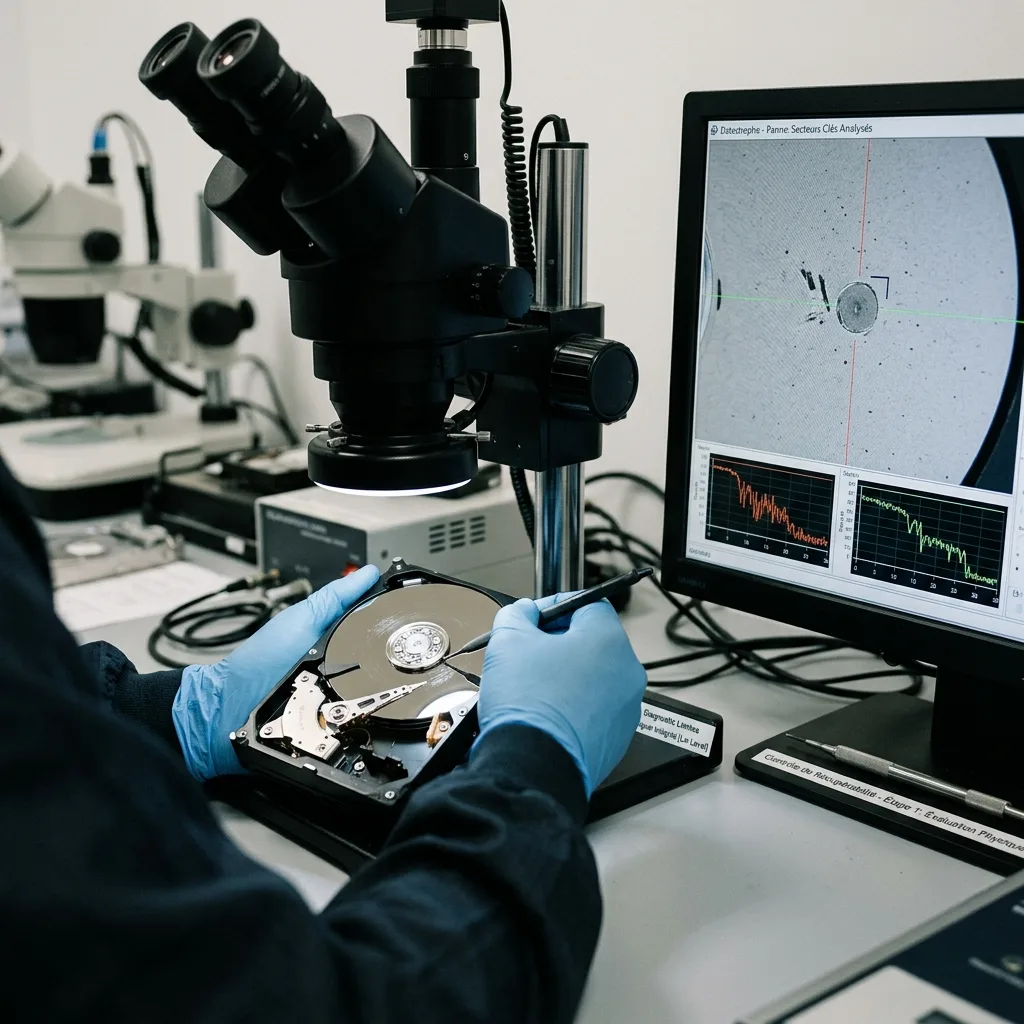
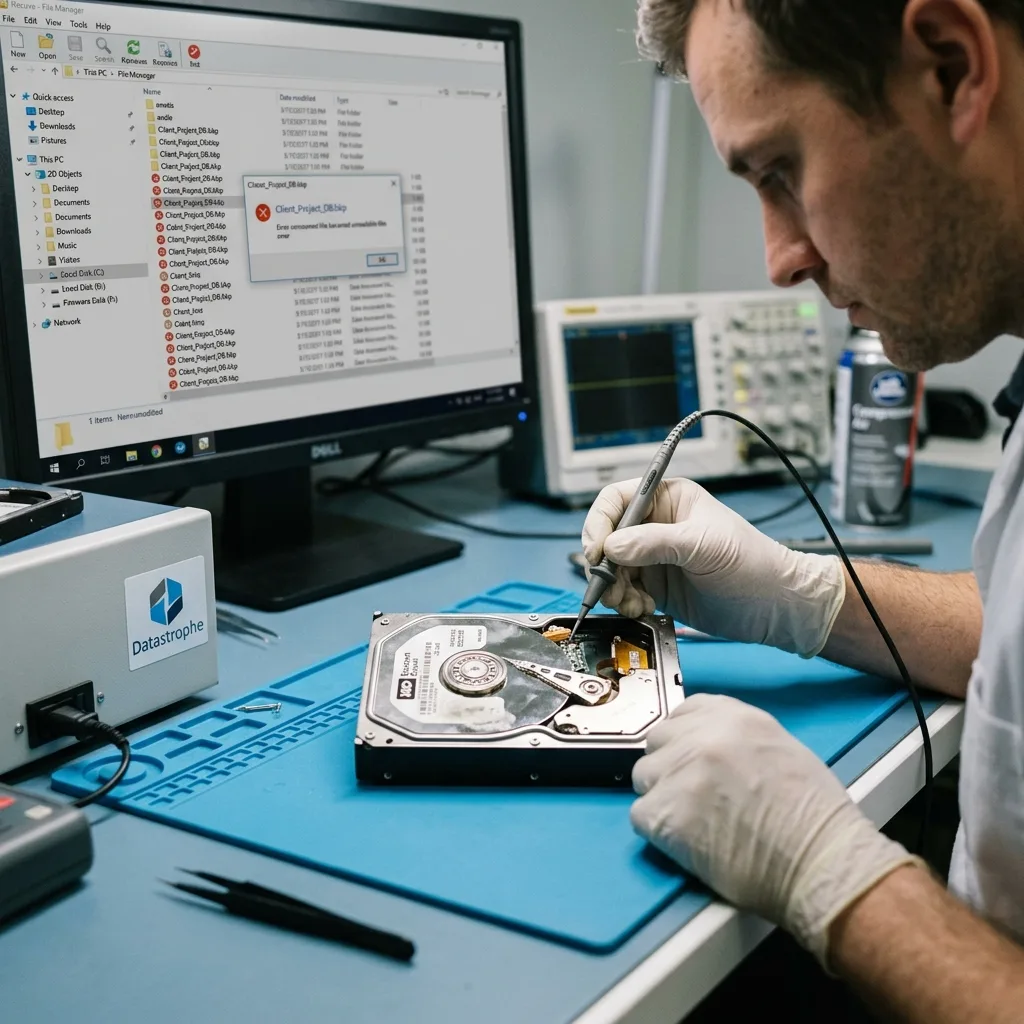
A failed device may still appear in the operating system, showing its name, capacity or some folders. That is useful, but does not prove the data can be recovered in usable form. A listed file may not open, a visible database may be inconsistent and a folder tree can conceal unreadable sectors.
Recoverability depends on physical condition, electronic stability, file system, metadata, real file contents and actions taken since the failure. A noisy hard drive, disappearing SSD, hot USB device and memory card requesting formatting describe different incidents.
Avoid quick conclusions. "The disk is visible" and "the folders are there" are insufficient. Equally, a device that no longer mounts is not automatically lost. The meaningful test is whether priority data can be read without worsening the initial condition.
This distinction also improves communication. Within a family, voluntary organisation or business, people can perceive the loss differently. A visible tree may reassure falsely, while an error message may cause needless alarm. Return to the files that are actually needed.
Storage media damage assessment explains this analysis and the signs that indicate when attempts should stop.
Diagnostic assessment
Read failure signals without persisting
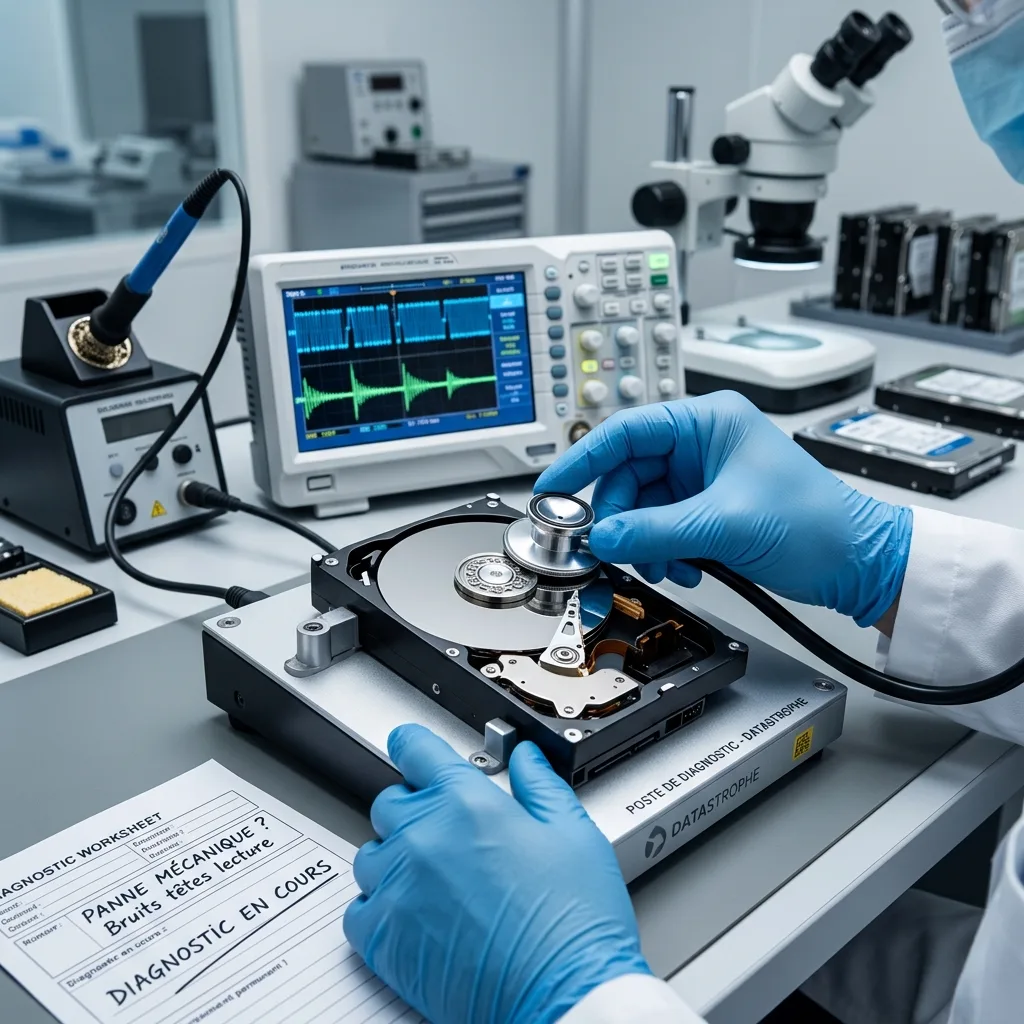
Clicking, scraping, stopped rotation, repeated disconnection, extreme slowness, input-output errors, format requests and inconsistent capacity all require immediate caution. They show that the device is not stable.
Chronology matters as much as the message. A power cut, fall, overheating, deletion followed by writes or automatic repair can change the diagnosis. Two devices with the same error may have very different prospects for recovery.
Observe behaviour during copying. If several files copy before throughput collapses, the device disconnects or the file browser freezes, random copying is a poor approach. Weak areas may be stressed repeatedly without benefit.
Identify priority data before a prolonged attempt. Where only a limited reading window remains, target essential folders instead of traversing the whole volume in an arbitrary order.
Record system messages without interpreting them too quickly. "Access denied", "incorrect parameter", "you need to format the disk" and "unreadable file" may describe different situations. Exact wording, time and triggering action are more useful than one isolated screenshot.
Diagnostic assessment
What genuinely reduces recovery prospects
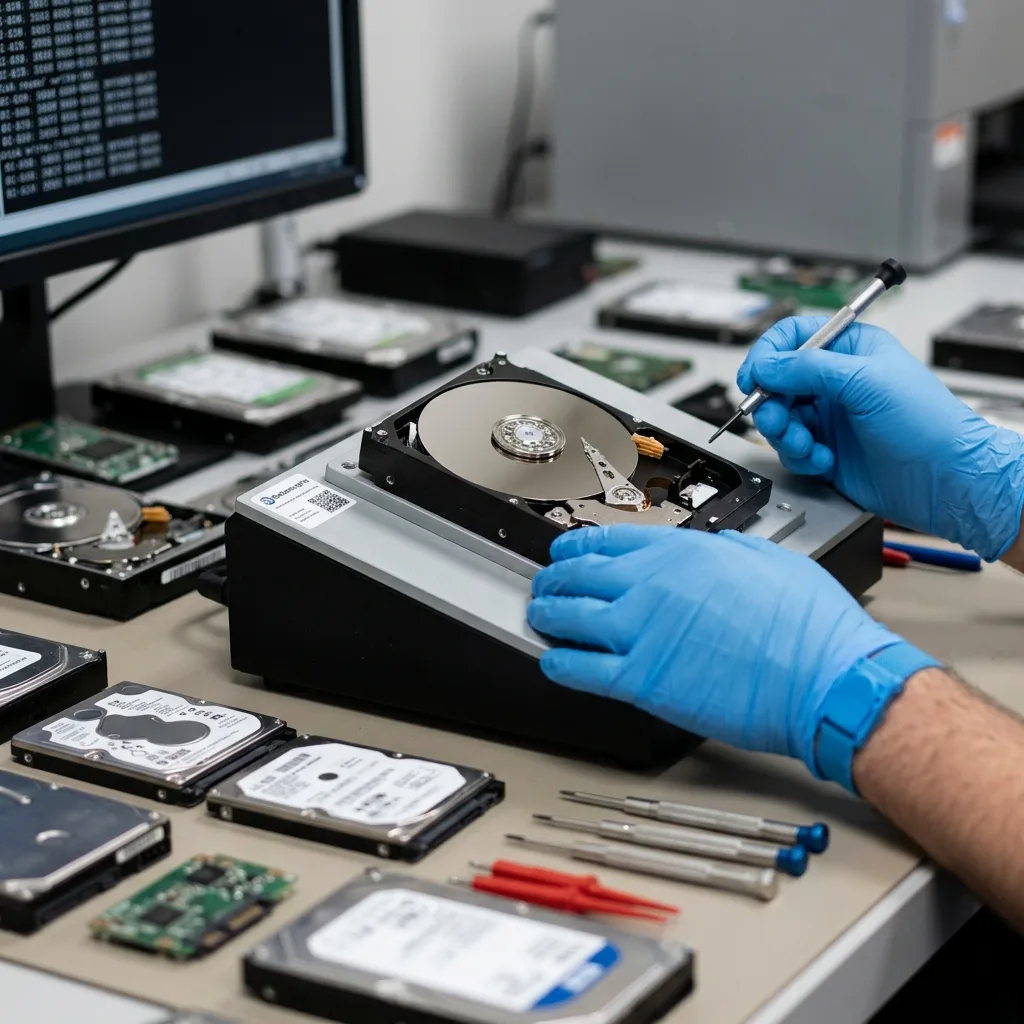
Writes and repairs that alter the device do most harm. Formatting, initialisation, reinstallation, restoring a backup to the same place and accepting automatic repair may overwrite information that remains useful.
Repeated reads also threaten unstable storage. Full scans, exhaustive searches and copies restarted against the same folders can tire a mechanical disk, lock a failing SSD or accelerate loss of flash access.
Avoid system repair tools when the data matter. They aim to make a volume usable, not preserve evidence of its original state. An altered table can make recovery harder even when the computer subsequently describes the volume as repaired.
Silent overwriting is another factor. After deletion, quick formatting or reinstallation, data may remain until replaced. Continued computer use, folder synchronisation and downloads onto the device then reduce the chance of finding the required version.
Actions to avoid after data loss covers these risks. The less the device changes, the more options remain.
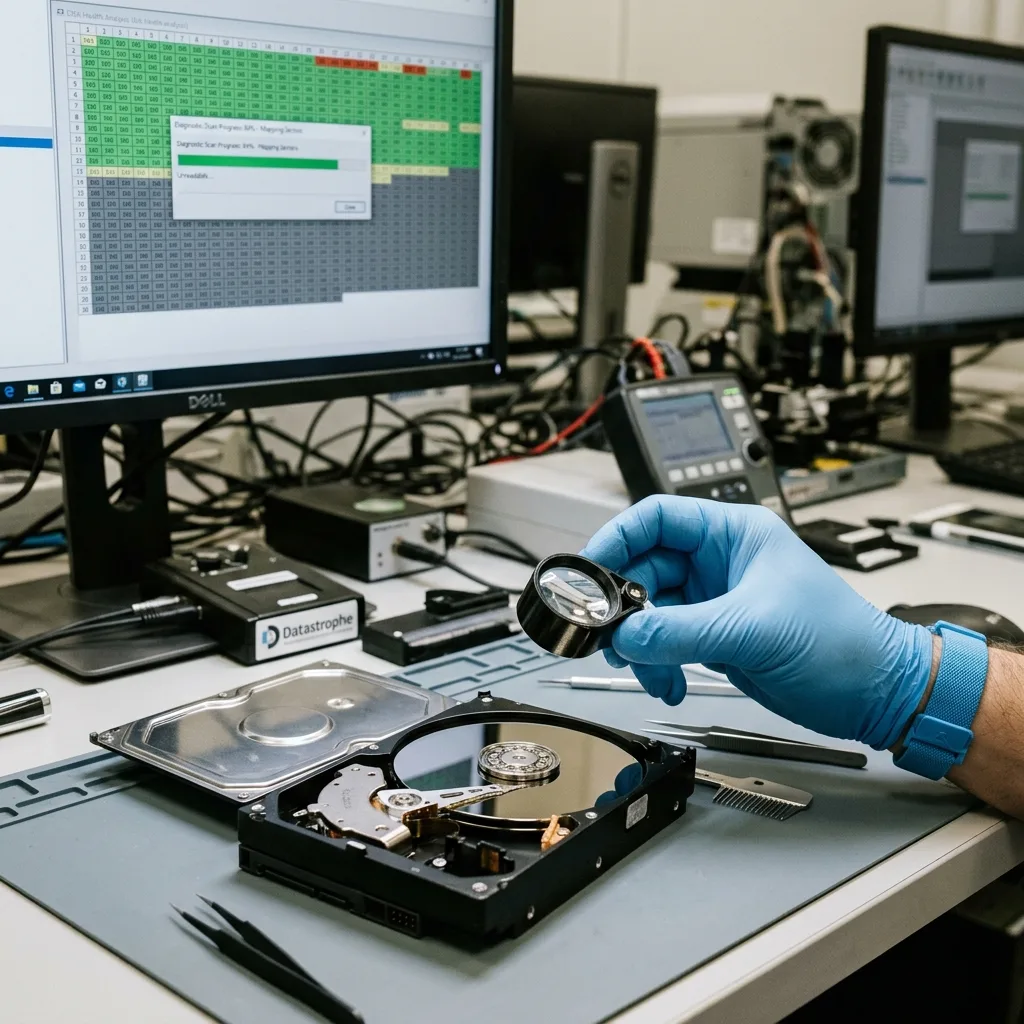
Diagnostic assessment
What examination can confirm
Responsible diagnosis does not promise a result before controlled acquisition. It first asks whether the device may be imaged, which areas are readable, which files take priority and which limits must be stated. This separates the hardware failure from actual file condition.
Where possible, work proceeds from a technical image. The original experiences less stress, errors are documented and logical analysis continues without repeating dangerous reads. Recovery becomes a method instead of a series of attempts.
The outcome may be partial. Some files can be intact, others incomplete, and some areas permanently overwritten or unreadable. This is more useful than a vague percentage because it shows what can actually be used.
Validate according to the intended use. A photograph must open, an archive decompress, a database work in its application and a video play beyond its first seconds. Present data are not always usable data.
The data recovery process explains how Datastrophe takes the result from device qualification through to checked handover.
Diagnostic assessment
Prepare the device without altering it
Note the facts: device type, failure date, displayed messages, noise, previous actions, priority files and available backups before sending it. This informs the method and limits unnecessary reading.
Do not clean the device, dismantle a mechanical drive, replace parts at random or keep trying adapters when behaviour worsens. Leave it powered off, protect it from impact and include relevant context.
In professional environments, preserve dependencies too: the NAS enclosure, drive order, passwords, configuration, business application and associated storage. Present data can still be unusable if the environment needed to interpret them has been reset.
Recoverability cannot be answered reliably online without examination. The immediate actions are nevertheless clear: stop writes, document symptoms, rank files and preserve the device. That discipline keeps the best options open.
When several people handled the device, gather their accounts before sending it. A copy attempt, repair accepted by mistake or enclosure change may explain altered behaviour. Reporting those actions honestly can prevent a risky operation being repeated.
Diagnostic assessment
Primary Technical References And Limits
Reference scope — data after storage failure: For recoverable data after storage failure, the primary references used are NIST SP 800-86. Physical evidence — data after storage failure: They define the relevant preservation, storage or validation concepts, but they cannot establish the exact physical condition, controller state, key availability or business consistency of the device received. Controller evidence — data after storage failure: Those points require measurements on the original set and verification on copies.
Diagnostic assessment
Arrange A Controlled Assessment
Complete set — data after storage failure: For a technical assessment of recoverable data after storage failure, provide the complete device or storage set, its associated power and interface parts, the symptom timeline and the priority data. Incident history — data after storage failure: Keep member order, labels and authorised credentials separate from the parcel paperwork; do not restart the source merely to obtain a new screenshot.
Laboratory responsibility — data after storage failure: Datastrophe performs the diagnosis, integrity checks and recovery directly in its own laboratory with its own team. Free assessment — data after storage failure: Diagnosis and the quote are free. Transport boundary — data after storage failure: Return courier service is included; the carrier moves only the sealed parcel and neither accesses nor processes its data.
Controlled list — data after storage failure: Before any payment, the client receives the proposed price and a checked list. Verification classes — data after storage failure: Each item is classified, in order, as recoverable_verified, partial, detected_unverified or unrecoverable. Payment trigger — data after storage failure: Only recoverable_verified items whose contents were checked and found usable are presented as recoverable. No-result rule — data after storage failure: Payment is due only after the client accepts both the list and the price.
No-result rule — data after storage failure: If no usable data is verified, recovery fails, or the client declines the list or price, no standard fee is payable. Rare-part exception — data after storage failure: The only exception is a rare, costly and non-refundable part, which may be ordered only after a separate, explicit and priced proposal has been accepted.
Diagnostic assessment
Evidence that separates detection from recovery
For a New Zealand handover, list the datasets that must be usable after return, not merely the folders that used to appear. Add an example that can be independently opened for each priority type, such as a complete accounting period, project archive or camera sequence. If the source travelled between offices or regions, record the last confirmed copy and the local time used by the affected system.
During validation, compare directory structure, file size, internal metadata and an application-level opening test. A signature scan may find a document or photograph while omitting its original name or neighbouring records; a damaged database may expose tables without producing a consistent application state. Those outcomes belong in separate verification classes and should never be collapsed into one recovery percentage.