


Diagnostic assessment
Remote Work Adds Layers Around A Virtual Disk
Remote access surrounds a virtual disk with a hypervisor, network share, VPN, sync client, local cache and backup schedule. After an interruption, each layer may hold a credible but different version of the same project or database.
A missing folder, returned old version or stalled guest can look routine until several systems reconnect and reconcile it. The technical risk comes from simultaneous writes and automated conflict handling before the authoritative state is known.
First establish where writes occurred. A colleague may have worked offline before reconnecting, an application may have kept files open or synchronisation may have stopped halfway through a database or archive. These details substantially alter which state should be examined first.
Virtual disk recovery covers virtualised environments generally. The particular issue here is the risk created by remote access and by the synchronisation mechanisms surrounding the disk.
Do not immediately select the latest displayed version. Newest does not necessarily mean healthiest. An older local copy may retain a usable structure, while a later synchronised version may already have propagated the incident.

Diagnostic assessment
Synchronisation And VPNs Can Conceal The Failure
A VPN feels like a direct office connection while adding latency, reconnects, permissions, locks and cache behaviour. A write may fail or remain queued during an unstable session, with the application reporting trouble only after the user has continued working.
Sync clients may create conflict names, retain temporary blocks, declare a folder current before all data arrive or mirror a remote deletion locally. A green status icon is therefore not evidence that the virtual disk and workstation cache are complete.
Chronology becomes essential. Record when the computer was offline, when it reconnected, which user opened the files, what message appeared and whether a backup started. This evidence helps select the first source to analyse without allowing one copy to overwrite another.
Virtual machines also involve very large synchronised files. Copying or moving a VMDK, VHDX or equivalent disk while a task is failing can produce an incomplete version. A file having the expected name and a substantial size does not prove that its internal data is coherent.
Warning signs in a clustered virtual-disk environment adds the infrastructure perspective. During remote work, the greater problem is often not the cluster itself but the scattering of states across the workstation, network and storage.
Diagnostic assessment
Preserve Snapshots And Local Copies
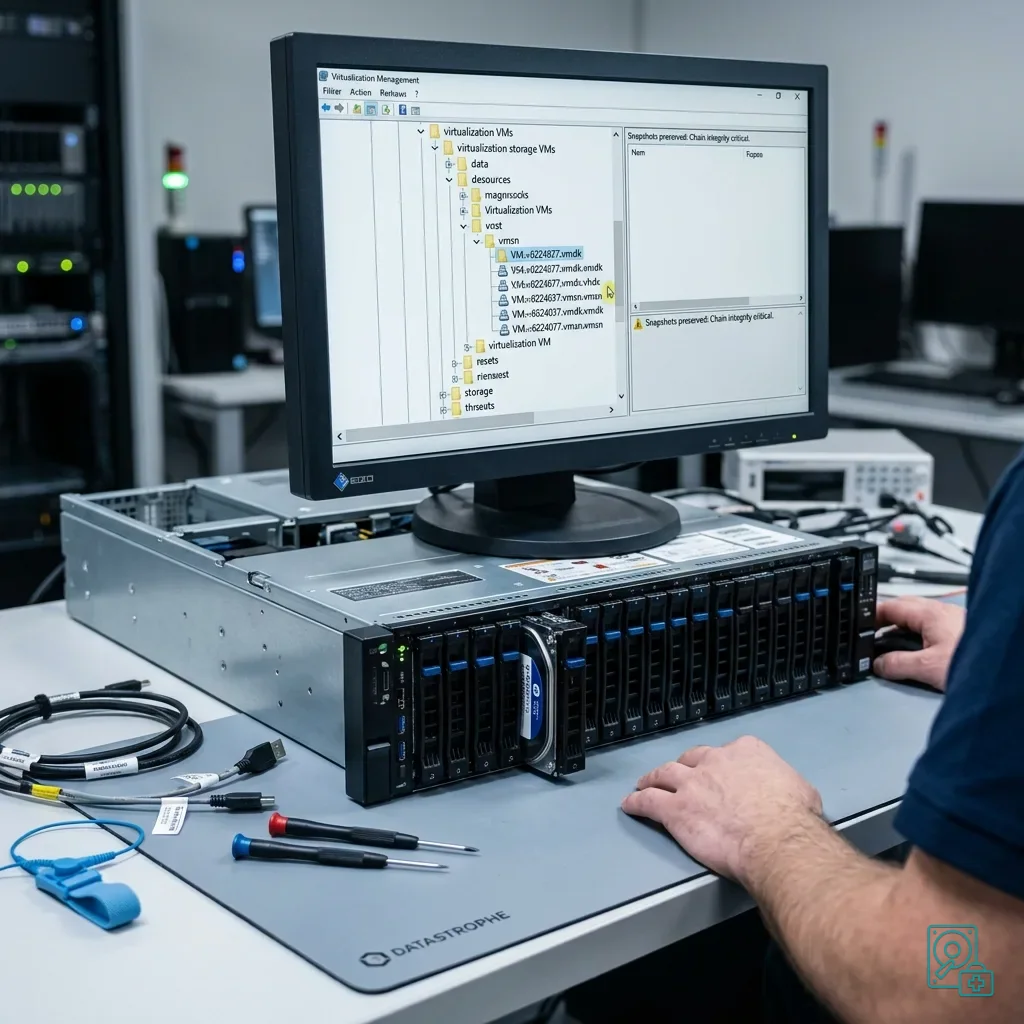
Retain base extents, snapshot deltas, descriptors and logs before altering the chain. Deleting an old-looking delta for space may remove the point that still matches a coherent workstation or server version.
Preserve each worker's cache, exported archive, temporary directory and offline database separately. A secondary laptop version may be incomplete, yet still provide intact files or a timestamp comparison unavailable from the server.
Avoid renaming or moving these items without a record. If a copy is required, make it to healthy storage and note its source, time, workstation and user. This is not administrative formality; it keeps the incident understandable when several similar versions exist.
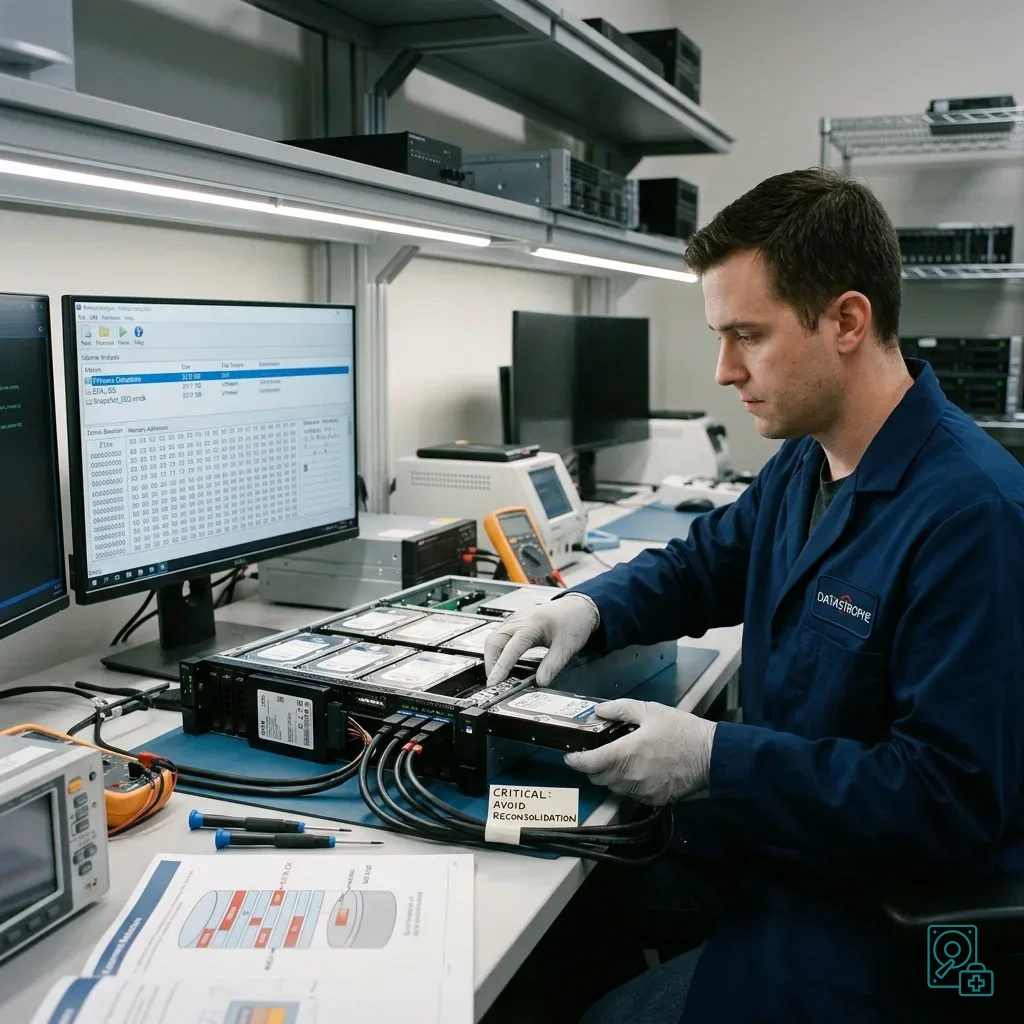
Pressure to consolidate snapshots is strong when storage space is scarce. Consolidation changes files and can obscure the failure point, however. If work must resume, use a separate environment or a clearly identified copy while leaving the source intact.
This follows the same principles as incident documentation. The more distributed the environment, the more important its chronology and complete source list become in preventing an unsuitable restoration.
Diagnostic assessment
Avoid Hurried Reconstruction
Do not globally restart sync, restore into the same share, delete conflict files, consolidate snapshots or extend the volume before preservation. Each action can overwrite one side of the version comparison the investigation still needs.
The first decision is which writes to freeze and which states to collect. Relevant evidence may sit on the server, a powered-off guest, several remote computers, the cloud service and a backup catalogue with different clocks.
Separate operational continuity from recovery. Work may resume from a working copy or partial restoration as long as the sources are not overwritten. Recovery must independently establish what was deleted, corrupted or left out of synchronisation.
Local databases, business files and compressed archives are particularly sensitive. Partial synchronisation can leave a file visible but unusable. Small files are not automatically the priority; structural files may determine whether an entire application can operate.
List every involved device and account before substantial corrective work. This avoids searching only the server when a sound version may remain on a workstation that never completed its synchronisation.
Diagnostic assessment
Prepare A Controlled Restart
Define the authoritative location, sync direction, offline rules, version retention and the person authorised to pause replication during an incident. More copies without ownership simply create more competing states.
Document each virtual disk's format, datastore, snapshots, applications, remote caches and backup scope. A controlled restart should reconnect one layer at a time while validation confirms the intended version remains authoritative.
Remote workers also need concise instructions: do not reopen an application repeatedly, delete conflict files, clear a cache or perform a local restoration without guidance. These simple limits often stop a small loss becoming a wider incident.
Backups require regular verification, but that does not replace understanding synchronisation. A backup may capture a state that is already corrupted or incomplete, so testing must include actually opening critical files and confirming the expected records.
Once failure has occurred, Datastrophe can examine the available layers: virtual disk, snapshots, local copies, underlying physical media and incident chronology. The practical objective is to preserve what remains, identify the most coherent version and return useful data without promising more than the evidence supports.
Diagnostic assessment
Primary Technical References And Limits
Reference scope — virtual disk synchronisation versions: For remote-work virtual disk synchronisation versions, the primary references used are NIST SP 800-86. Physical evidence — virtual disk synchronisation versions: They define the relevant preservation, storage or validation concepts, but they cannot establish the exact physical condition, controller state, key availability or business consistency of the device received. Controller evidence — virtual disk synchronisation versions: Those points require measurements on the original set and verification on copies.
Diagnostic assessment
Arrange A Controlled Assessment
Complete set — virtual disk synchronisation versions: For a technical assessment of remote-work virtual disk synchronisation versions, provide the complete device or storage set, its associated power and interface parts, the symptom timeline and the priority data. Incident history — virtual disk synchronisation versions: Keep member order, labels and authorised credentials separate from the parcel paperwork; do not restart the source merely to obtain a new screenshot.
Laboratory responsibility — virtual disk synchronisation versions: Datastrophe performs the diagnosis, integrity checks and recovery directly in its own laboratory with its own team. Free assessment — virtual disk synchronisation versions: Diagnosis and the quote are free. Transport boundary — virtual disk synchronisation versions: Return courier service is included; the carrier moves only the sealed parcel and neither accesses nor processes its data.
Controlled list — virtual disk synchronisation versions: Before any payment, the client receives the proposed price and a checked list. Verification classes — virtual disk synchronisation versions: Each item is classified, in order, as recoverable_verified, partial, detected_unverified or unrecoverable. Payment trigger — virtual disk synchronisation versions: Only recoverable_verified items whose contents were checked and found usable are presented as recoverable. Missing result terms — virtual disk synchronisation versions: Payment is due only after the client accepts both the list and the price.
Recovery failure outcome — virtual disk synchronisation versions: If no usable data is verified, recovery fails, or the client declines the list or price, no standard fee is payable. Rare-part exception — virtual disk synchronisation versions: The only exception is a rare, costly and non-refundable part, which may be ordered only after a separate, explicit and priced proposal has been accepted.