
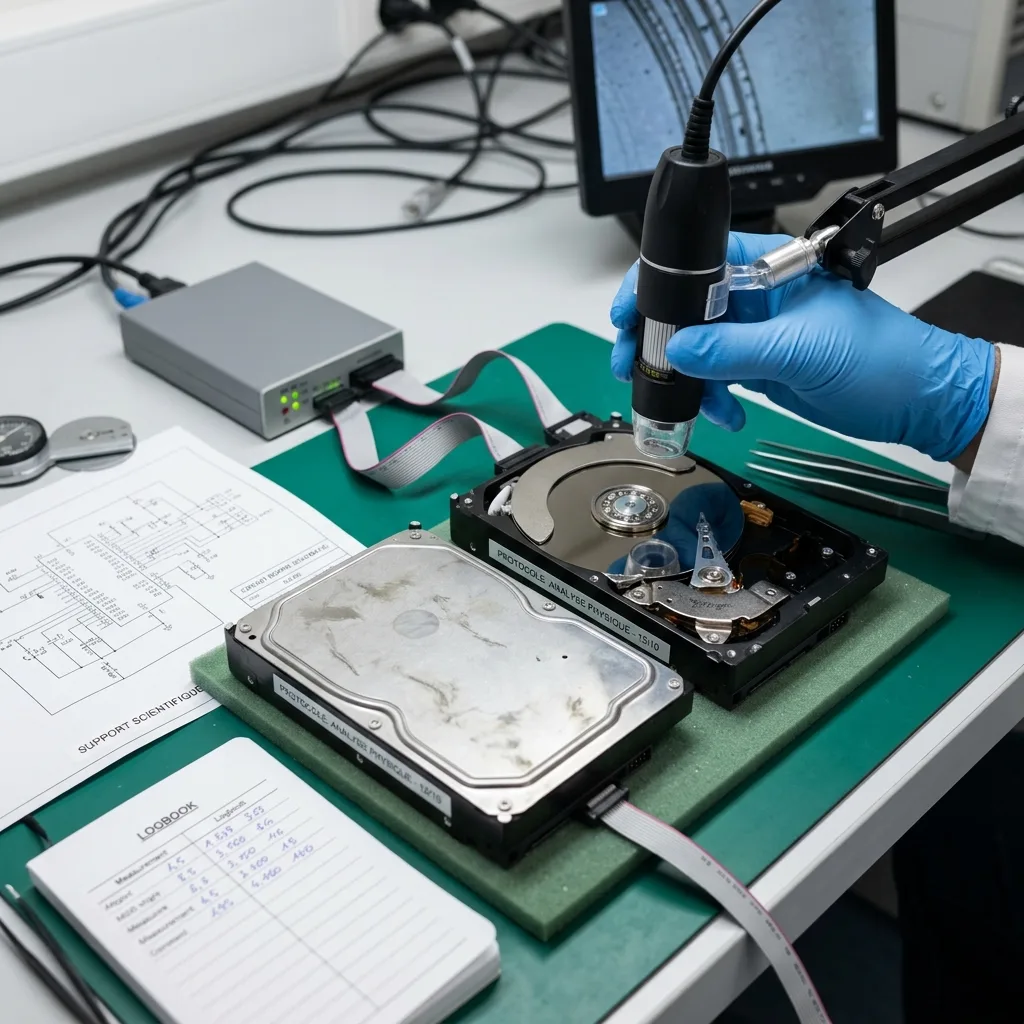

Diagnostic assessment
Scientific data depend on context
In a scientific laboratory, data are not always one isolated file. They may depend on an instrument, application, protocol, calibration, proprietary format, export and measurement period. Recovering a file without that context may be insufficient after storage failure.
An instrument drive, acquisition workstation, control computer or transfer device may contain results, settings, logs and metadata together. These elements give measurements their meaning. Separating or overwriting them can make the handover less useful. Where storage is built into specialist equipment, record the machine model, software version and operating context before removing the module.
Preserve the state first. Do not reinstall software, restart acquisition, reformat a volume or move files at random when missing data are important.
The data recovery process describes the general service route. Scientific cases add the need to make recovered measurements interpretable.
This also applies to mixed environments where an old computer controls a modern instrument, or the reverse. Data may pass through several machines before archiving. Mapping that path avoids searching only the last device used.

Diagnostic assessment
Instruments can write closed formats
Many instruments use specific formats. A file may open only with a particular tool, version or associated metadata database. Raw recovery can therefore produce present but hard-to-interpret files.
Keep the software, licences, exports, screenshots and available documentation. They do not replace the failed storage, but help verify that recovered files match the intended experiment.
Proprietary formats resemble CCTV systems in one respect: raw content and its index cannot always be separated. Aim for usable data, not merely a list of files.
State which matter: raw measurements, calculated results, reports, images, spectra, logs or CSV exports when an instrument produces several versions or processing stages. That hierarchy shapes the examination.
Retain method, batch, sample and series names too. These labels can identify correct files when the folder structure is damaged. Without them, recovered items may be difficult to connect to a protocol.
Diagnostic assessment
Laboratory storage faces real stresses
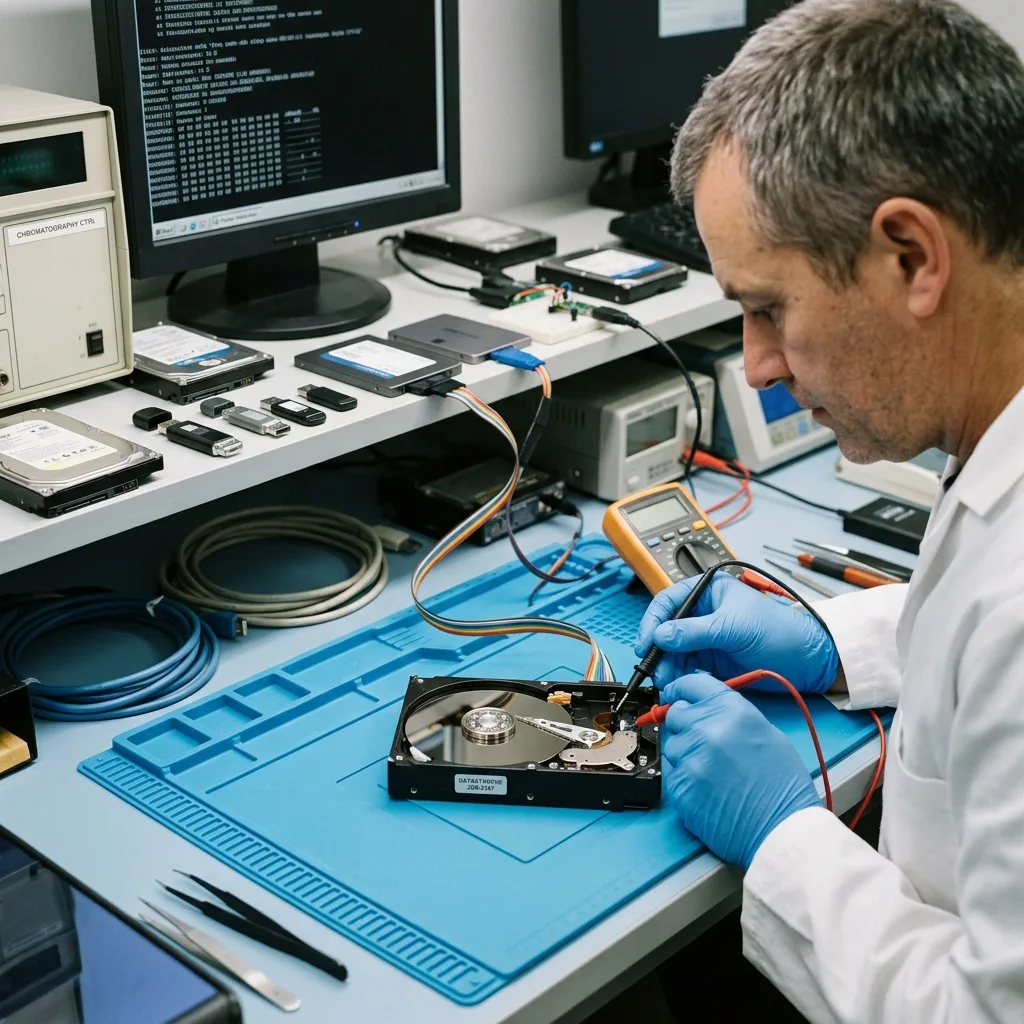
A laboratory is not always gentle on storage. Drives can remain connected for long periods, USB devices circulate between instruments, computers control ageing equipment and exports stay on external media that are seldom replaced.
Risks include unstable power, shutdown during writing, old workstations, outdated systems, full disks, bent USB connectors, moisture, dust and non-standard formats. An apparent IT fault can originate in the physical environment.
Legacy instruments also need consideration. Some computers are difficult to replace because they control one particular device. Recovery should protect the data without making the environment harder to restore.
Storage media maintenance complements this topic. In a laboratory, maintenance supports protocol continuity and disk health.
Transfer devices deserve particular attention. A USB flash drive or external disk used between instruments and analysis computers may hold the only recent export. An independent copy must protect that intermediary role.
Diagnostic assessment
Prioritise measurements before recovery
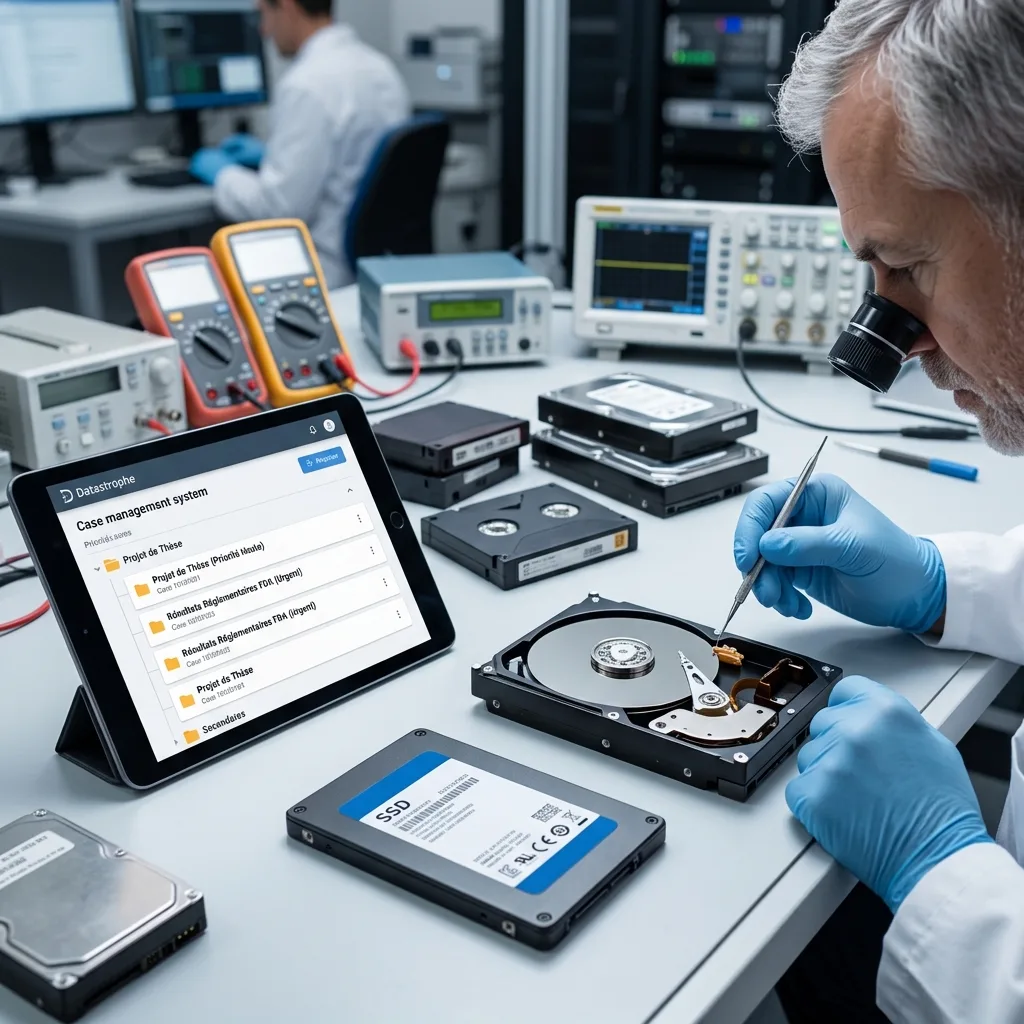
A scientific case should identify what has priority. A recent campaign, long series, thesis work, regulated results and client data do not rank like secondary archives. Expected periods and experiments direct the work.
Where possible, provide dates, project names, formats, software, instruments and usual paths. Those details help locate files and check the consistency of recovered results.
Reading everything from an unstable device without priorities can be risky. Targeted acquisition of critical data can be preferable to an exhaustive read that places too much demand on the hardware. Decide from its actual condition.
Incident documentation is especially useful here, connecting symptoms and handling to the experiment and expected files.
State confidentiality, intellectual-property or regulated-data constraints at the outset. Handover can then be limited to necessary projects, reducing exposure and making review easier.
Diagnostic assessment
Prevent loss without breaking the measurement chain
Laboratory prevention relies on tested backups and a clear understanding of the measurement chain. Know where data originate, where they are transformed, where they are exported and where they are archived.
An automatic copy is insufficient when it omits metadata, software or parameters. A useful backup lets the laboratory reopen data and verify their interpretation. Test standard exports before an incident, not just after failure.
Replace removable storage regularly and do not leave it as the sole holder of a measurement. Legacy instrument computers need particular care because replacing their environment may be harder than restoring one file.
Keep the response factual: preserve the device, retain instrument context, identify priority measurements and avoid writes after a failure. Successful scientific recovery returns data that are readable and intelligible.
Record what was recovered, what remains uncertain and which part of the measurement chain must be replaced after handover. This prevents fragile hardware or a failed procedure returning to service.
Validation should involve the people who know the instrument. They can confirm that a series, export or report corresponds to the required protocol, supplementing technical file checks.
Diagnostic assessment
Primary Technical References And Limits
Reference scope — laboratory data preservation: For scientific laboratory data preservation, the primary references used are NIST SP 800-86. Physical evidence — laboratory data preservation: They define the relevant preservation, storage or validation concepts, but they cannot establish the exact physical condition, controller state, key availability or business consistency of the device received. Controller evidence — laboratory data preservation: Those points require measurements on the original set and verification on copies.
Diagnostic assessment
Arrange A Controlled Assessment
Complete set — laboratory data preservation: For a technical assessment of scientific laboratory data preservation, provide the complete device or storage set, its associated power and interface parts, the symptom timeline and the priority data. Incident history — laboratory data preservation: Keep member order, labels and authorised credentials separate from the parcel paperwork; do not restart the source merely to obtain a new screenshot.
Laboratory responsibility — laboratory data preservation: Datastrophe performs the diagnosis, integrity checks and recovery directly in its own laboratory with its own team. Free assessment — laboratory data preservation: Diagnosis and the quote are free. Transport boundary — laboratory data preservation: Return courier service is included; the carrier moves only the sealed parcel and neither accesses nor processes its data.
Controlled list — laboratory data preservation: Before any payment, the client receives the proposed price and a checked list. Verification classes — laboratory data preservation: Each item is classified, in order, as recoverable_verified, partial, detected_unverified or unrecoverable. Payment trigger — laboratory data preservation: Only recoverable_verified items whose contents were checked and found usable are presented as recoverable. No-result rule — laboratory data preservation: Payment is due only after the client accepts both the list and the price.
No-result rule — laboratory data preservation: If no usable data is verified, recovery fails, or the client declines the list or price, no standard fee is payable. Rare-part exception — laboratory data preservation: The only exception is a rare, costly and non-refundable part, which may be ordered only after a separate, explicit and priced proposal has been accepted.
Diagnostic assessment
New Zealand field-to-laboratory handover
Where data moved from a field station to a central laboratory, document every copy stage rather than submitting only the final drive. Include recorder or instrument serials, deployment dates, local time settings, transfer software, checksum logs and any removable cards that acted as the first capture medium. A later project folder may omit sidecar metadata that is essential for interpreting the measurements.
Build the priority list around named surveys, samples or acquisition windows and note the expected file family for each one. Keep the original media write-protected and preserve the receiving workstation if it contains catalogues or proprietary indexes. Validation should reconcile recovered records with field notes and known counts; the presence of plausible filenames is not enough to establish a complete scientific dataset.