

Recover Files from Failed Macs and Apple Storage
Datastrophe protects the original Mac storage, identifies the failure and recovers priority files that can be opened and checked.
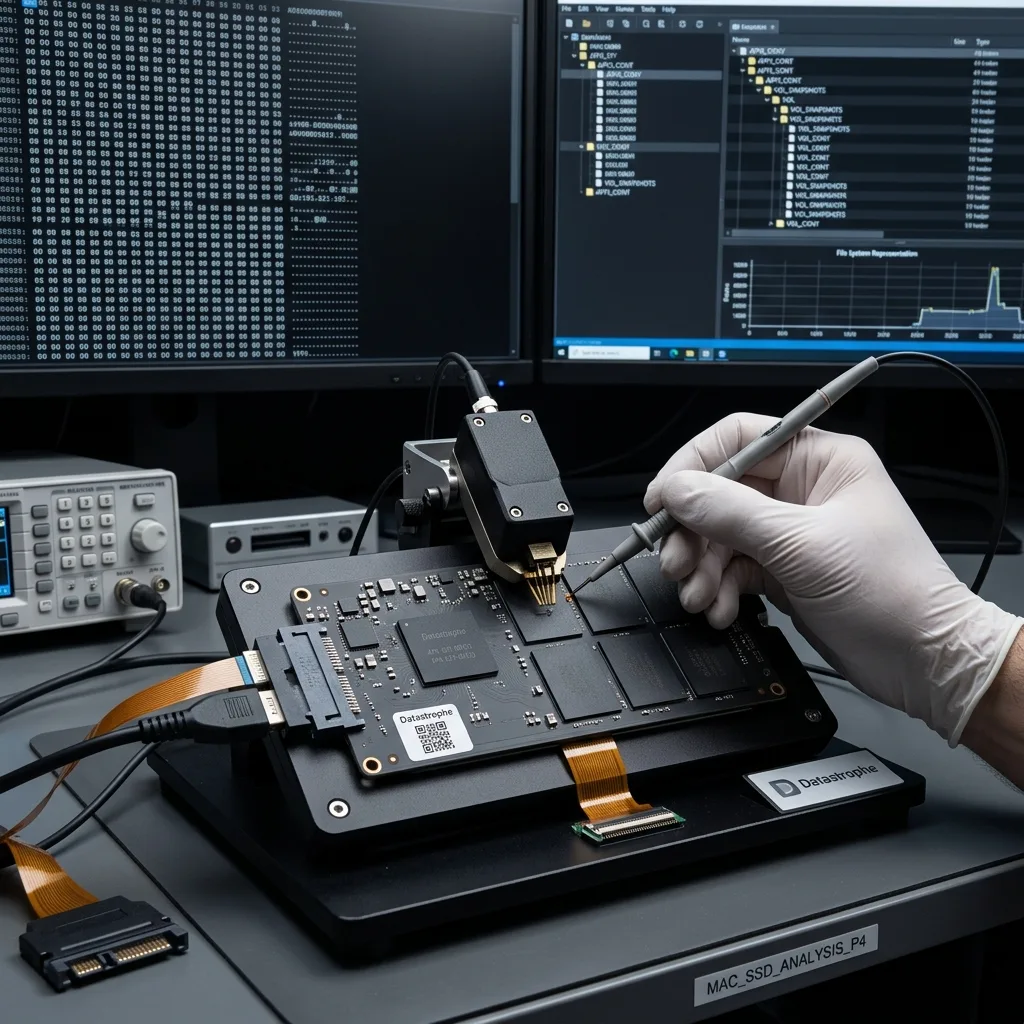
Initial review
Keep both Fusion Drive members in the correct pair
Map the Apple hardware and preserve both the SSD and hard-drive members of a Fusion Drive before choosing how to acquire them.
Start by identifying the Mac model, storage arrangement, incident sequence and files that matter. A MacBook, iMac or Mac mini may use an Apple SSD, removable storage, a Fusion Drive or a Time Machine disk. APFS and HFS+ volumes require different reconstruction work, so a failed startup alone does not identify the cause.
In the data recovery laboratory, the original storage is preserved while its interface, physical condition and logical presentation are recorded. Reads are planned around the observed fault, and writes to the source are avoided wherever the recovery path allows.
The purpose is to extract data, not return a failed Mac to routine service. Recoverable content is moved to healthy storage, while overwritten areas, dead flash and encryption without usable credentials remain stated limitations.
- Identify the Mac and every storage component
- Confirm APFS, HFS+ and encryption details
- Rank the folders and application libraries
What the storage map establishes
The review records the device type, container layout, encryption state and relationship between internal and external storage. Those facts define which sources must be acquired together.
What recovery cannot recreate
No process can restore overwritten blocks or unlock FileVault data without the required key material. These boundaries are reported alongside the content that passes validation.
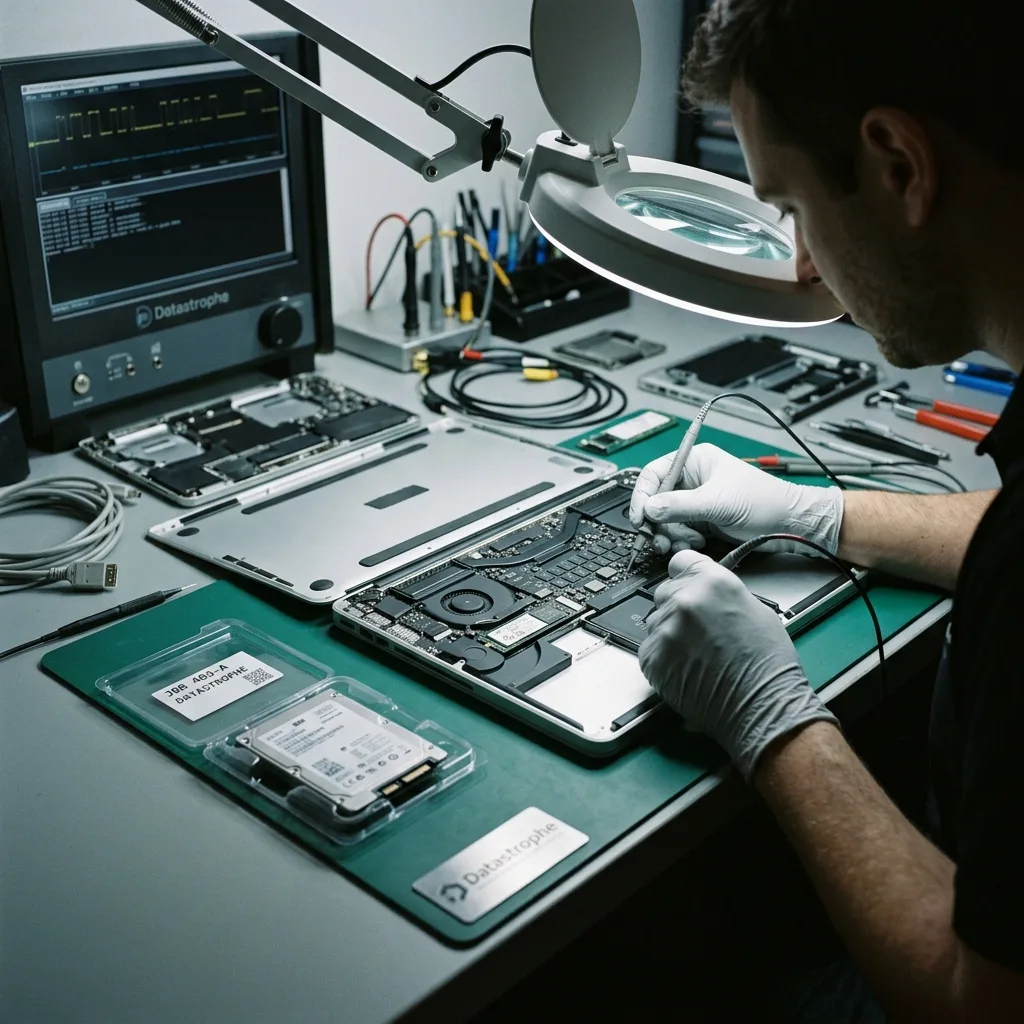
Risk control
Treat a flashing folder, stalled Apple logo and powered-off Mac as different faults
Startup loops, missing volumes and intermittent storage are reasons to preserve the current state, not keep testing it.
Pause when a Mac shows a question-mark folder, loses an APFS volume, loops at startup, requests an unexpected FileVault key or fails after liquid exposure. A split Fusion Drive, intermittent detection or unusual noise from a mechanical component also calls for controlled handling.
Record what happened before the failure and every action taken afterwards. An impact, power interruption, deletion, Disk Utility operation, macOS reinstall or attempted Fusion Drive repair can each alter different structures.
Continued operation may reduce the recoverable scope. Background writes can replace deleted content, while repeated access to an unstable hard disk or damaged electronics can make readable areas less reliable.
- Capture the exact screen message or behaviour
- List restarts, repairs and password attempts
- Disconnect unstable external storage safely
Build the incident timeline
Include the last normal use, the first symptom, power events, software changes and every recovery attempt. This sequence shows which metadata may have been rewritten later.
Stop changes to the source
Avoid routine boots, background synchronisation and repeated reads from unstable storage. Preserving the present state leaves more evidence available for a controlled recovery.
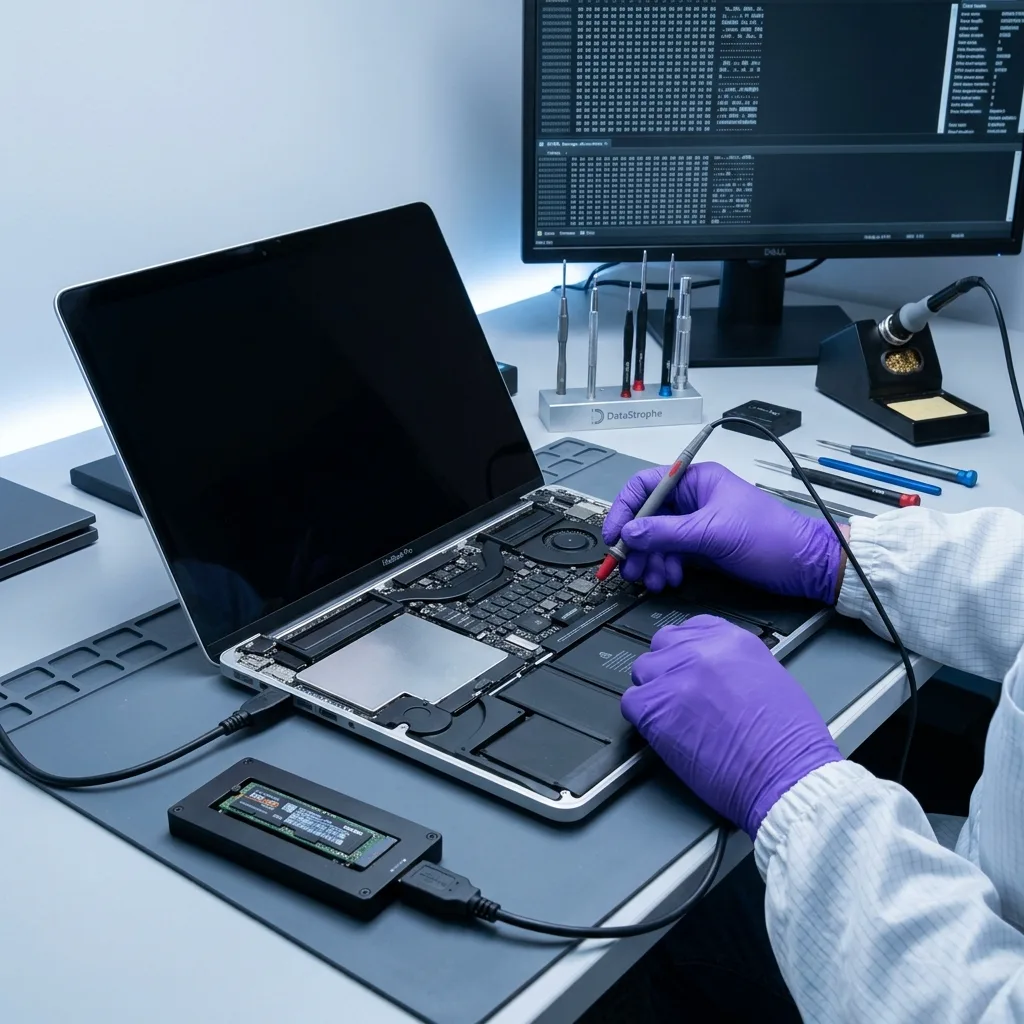
Source protection
Preserve FileVault credentials before repairing Mac storage
Keep FileVault recovery material with the correct Mac and avoid reinstalls, volume repairs or password experiments until the source is understood.
Do not erase the disk, reinstall macOS, run Disk Utility First Aid repeatedly or create a new APFS volume on the affected storage. Avoid uncontrolled FileVault password attempts and do not re-pair Fusion Drive components without a verified map of the original arrangement.
Repair tools are designed to make a volume mount again. They may update journals, object maps, catalogues or allocation records that recovery work needs to interpret the earlier state.
Controlled acquisition separates preservation from reconstruction. Once a stable working copy exists, alternative APFS, HFS+ or application-level interpretations can be tested without continuing to change the original storage.
- Do not erase or add APFS volumes
- Avoid write-enabled repair utilities
- Reconstruct from controlled copies
Why First Aid can be destructive
A successful repair may still discard older records or commit an incomplete view of the container. Mounting the volume is a different objective from preserving evidence of lost files.
Why recovery uses a working copy
A protected acquisition allows several reconstruction methods to be compared. If one interpretation fails, another can be tested without asking the source to tolerate the same workload again.
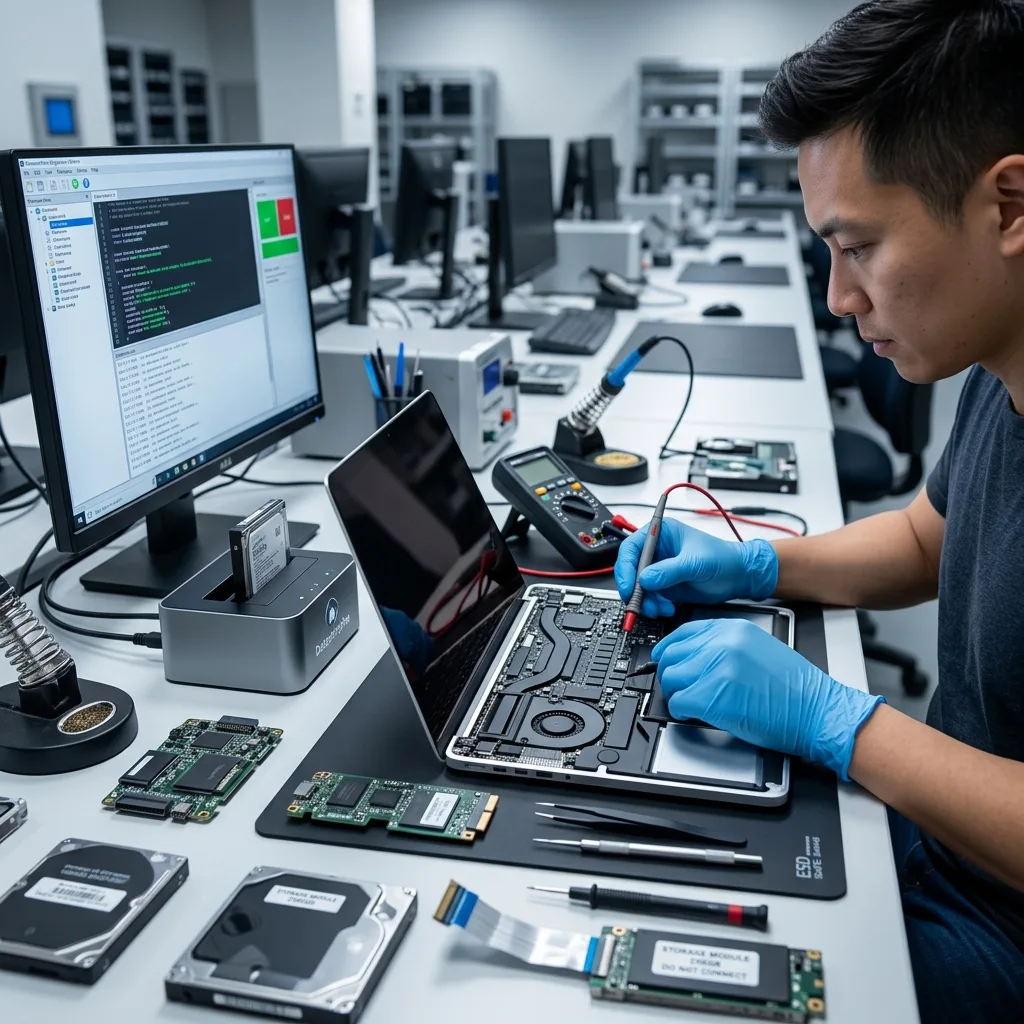
Technical evidence
Map APFS volumes, snapshots and file clones before extraction
Follow the evidence from the physical device through Apple containers and encryption to the files and libraries that matter.
Mac recovery can involve physical storage, a Fusion Drive pair, an APFS container, FileVault, volume groups and application packages. HFS+ catalogues, Time Machine backups and snapshots add other paths that may hold the required version of a file.
A familiar folder tree can survive while file extents point to missing or overwritten blocks. The reverse is also possible: a Mac that shows no startup disk may still contain readable container metadata and file content.
Analysis proceeds from device readability to the storage map, container metadata, file system and priority applications. This order prevents a plausible directory export from being confused with a complete recovery.
- Confirm every component and volume role
- Interpret encryption and container metadata
- Test application packages in context
A folder name is not validation
Names, dates and sizes can remain when file blocks are incomplete. Representative files and library databases must open correctly before the dataset is called usable.
Container order matters
Storage devices and Fusion Drive relationships are established before APFS volumes are reconstructed. File and application checks follow only after those lower layers are coherent.
Laboratory process
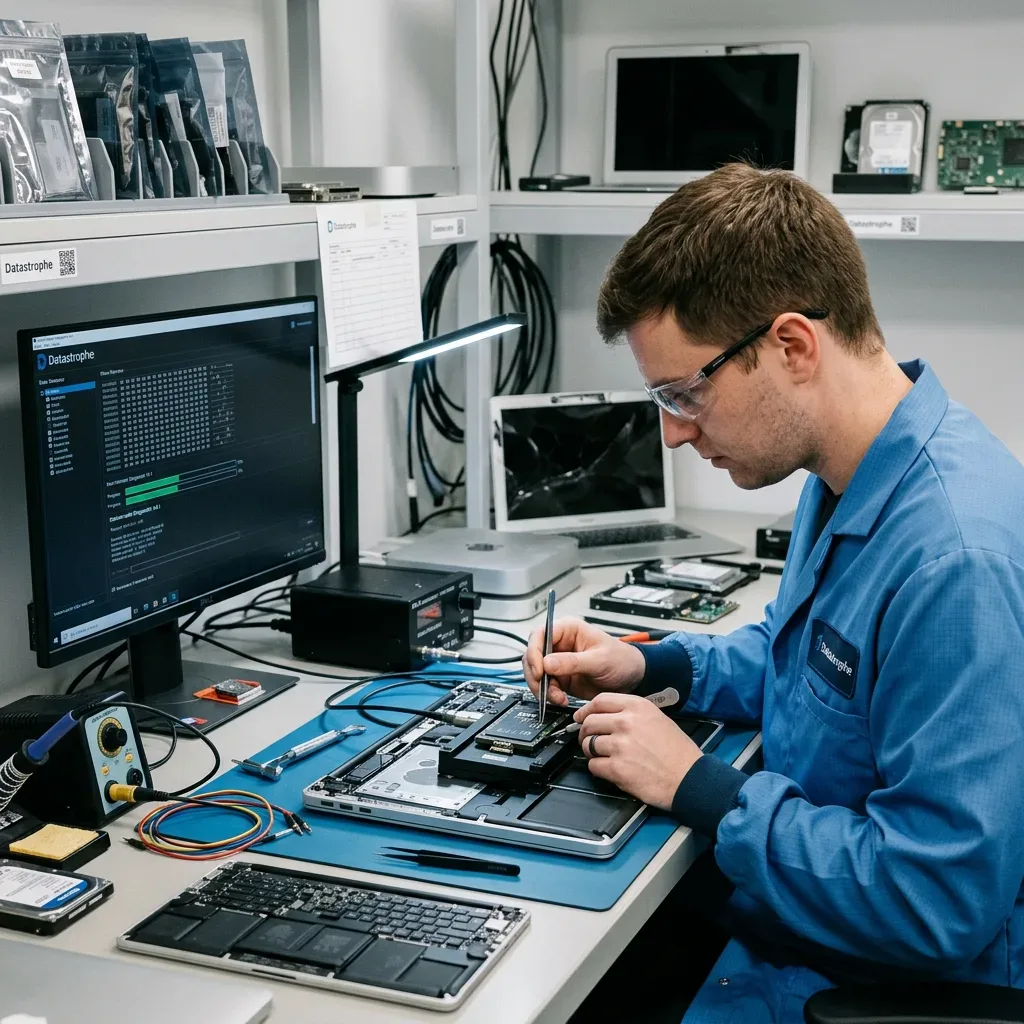
Stabilise a liquid-damaged MacBook before accessing soldered storage
Stabilise liquid-damaged electronics, preserve the original logic board and security context, then acquire and validate priority data.
A liquid-damaged MacBook must be stabilised before power is applied to soldered storage. Case qualification records the model, storage type, exposure, symptoms, loss date, earlier actions and essential files so board work protects the original logic board and its security dependencies.
Unstable hardware is acquired with priority given to readable and important regions. Logical damage is handled without new source writes, while multi-layer faults are addressed in the order least likely to remove remaining evidence.
Recovered documents, photographs, project files and libraries are sampled and opened. Dates, internal structures and expected contents are compared where possible; a total number of gigabytes is not sufficient validation.
- Set the recovery scope before extraction
- Acquire according to device stability
- Open and inspect representative files
Acquisition follows the failure
Read order, retry behaviour and the chosen interface depend on the source condition. The objective is to secure important accessible data without adding unnecessary load.
Validation follows the file type
A document, Photos library and Final Cut Pro project need different checks. Testing is selected around the priority list and the way each recovered item will be used.
Recovery priorities
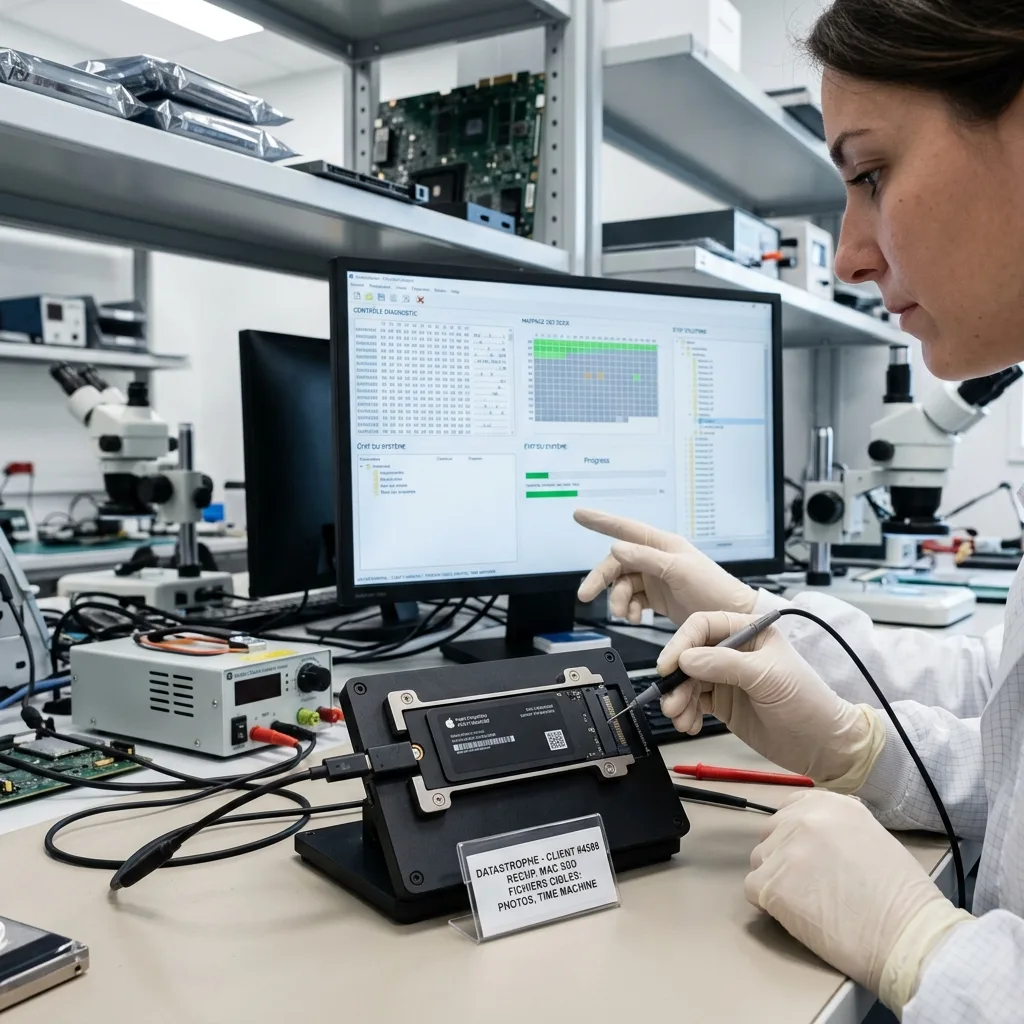
Validate Photos, Final Cut and other macOS library packages
Rank the folders, libraries, projects and dates that would make the recovery useful before broad extraction begins.
List the Users folders, documents, Photos libraries, Final Cut Pro projects, Logic sessions and Time Machine dates needed first. Clear priorities allow important structures to be targeted before an exhaustive extraction.
Prioritisation is especially useful when storage is unstable or only one component of a Fusion Drive remains readable. It also limits unnecessary access to unrelated personal or business material.
Final checks separate items that open correctly from damaged content and metadata-only detections. A library name in a report is not treated as success when its database or assets cannot be used.
- Name the required users and applications
- Provide relevant project and backup dates
- Separate usable, partial and detected items
Priority guides the read order
When access is limited, known volume roles and file-system records help direct effort towards valuable data before less important regions are acquired.
Usable means more than listed
Recovered packages and files are tested for readable content and coherent structure. Failed checks remain visible as partial or unusable rather than being added to a success total.
Confidential delivery
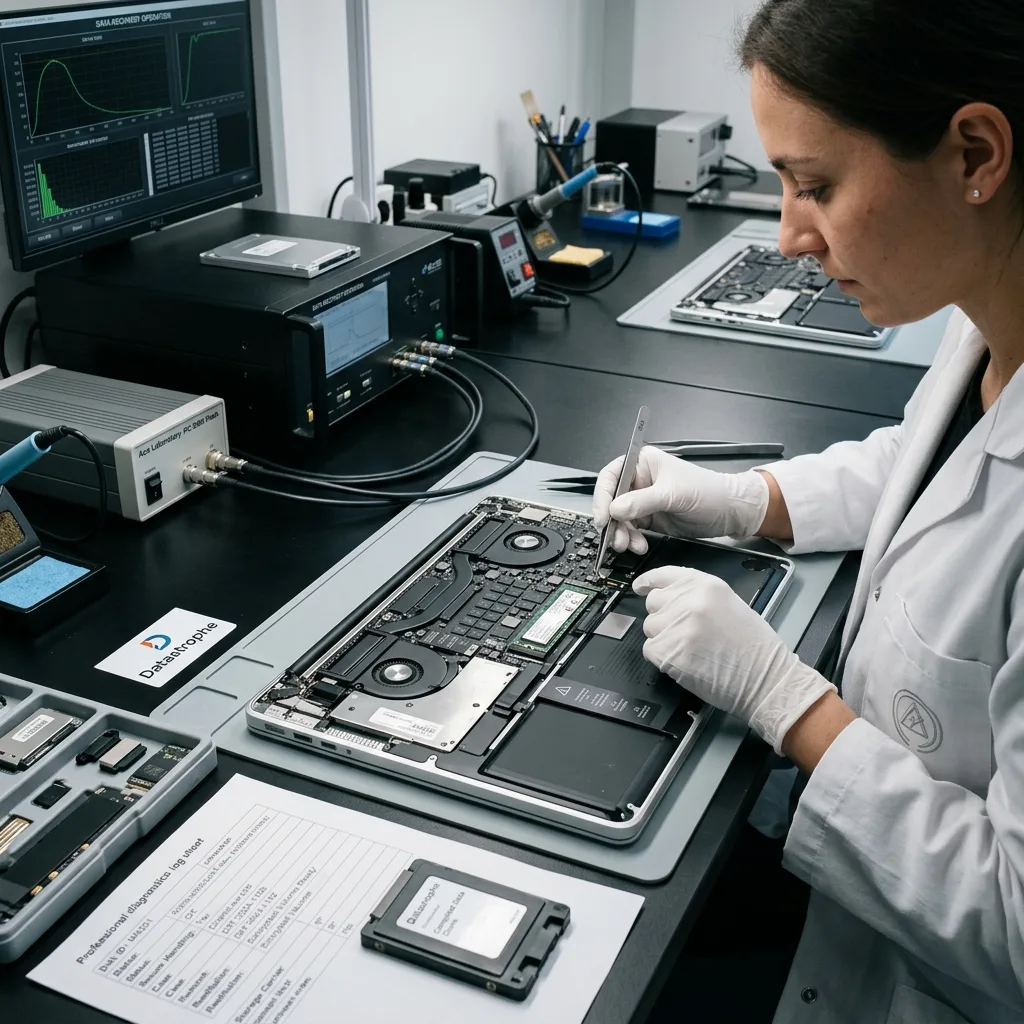
Check decrypted Mac files before secure handover
Restrict recovery to the agreed data, label reconstructed content and document the supplied files accurately.
A Mac may contain messages, browsing records, personal photographs, client files, credentials and application data beyond the requested scope. Human access and extraction should remain limited to what the case requires.
Validated data is supplied on healthy storage or in an agreed format. Exports, converted libraries and partial reconstructions are labelled so they are not mistaken for an untouched copy of the source.
Overwritten blocks, failed storage, missing Fusion Drive components and inaccessible encryption remain part of the result. Reporting these limits gives the receiving user a reliable basis for deciding what can be restored.
- Minimise access to unrelated Mac data
- Deliver on healthy destination storage
- Record formats and technical boundaries
Define the delivery format
Handover notes distinguish ordinary files from library exports, converted data and partial packages. This helps the recipient choose the correct import or review process.
Keep boundaries with the result
Unreadable areas and failed file checks are reported beside successful content. The outcome remains useful because it does not conceal uncertainty behind a total file count.
Case preparation
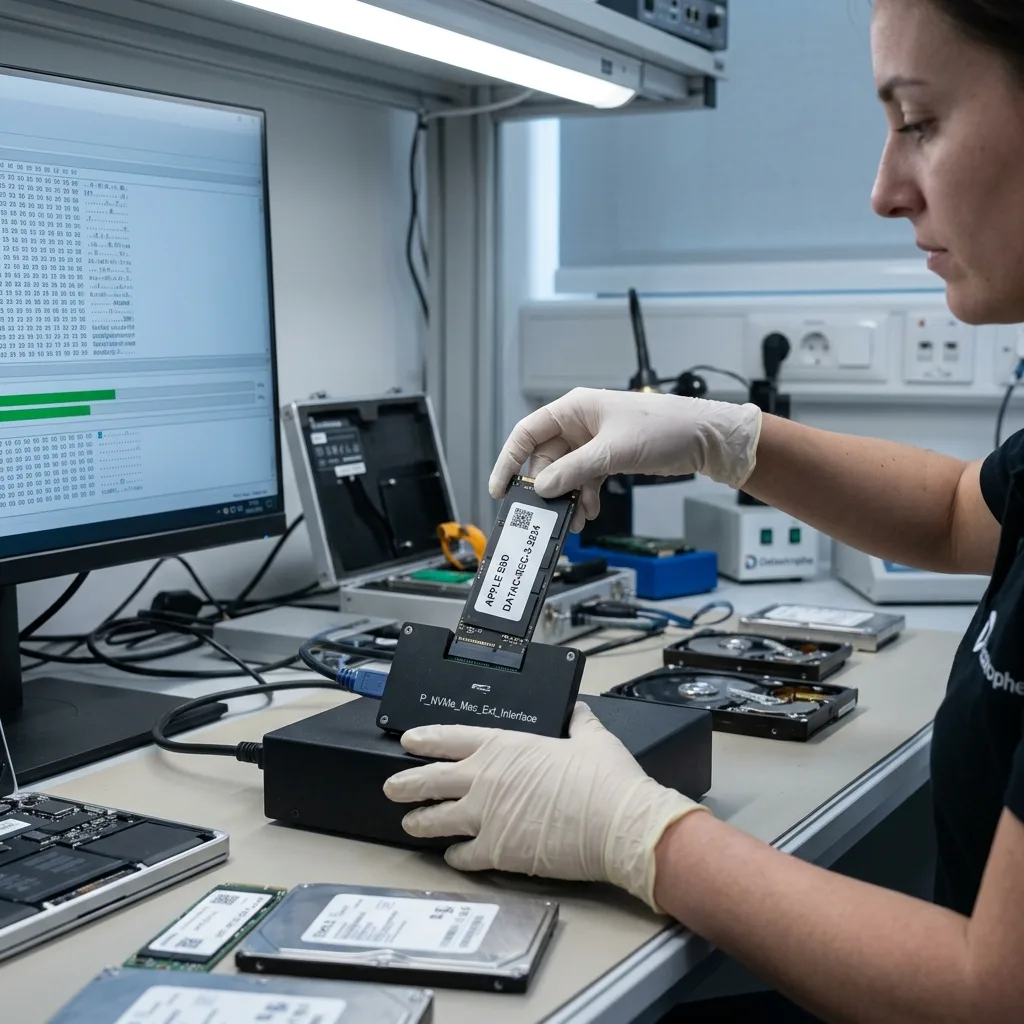
Prepare the Apple model, credentials and priority libraries
Send an accurate hardware description, incident history and ranked file list so the right Mac storage problem is assessed.
Provide the Mac model, storage capacity, observed symptoms, incident date, previous actions and priority files. Photographs of screen messages, connectors and liquid or impact damage can reduce ambiguity during the initial review.
Keep relevant power supplies, adapters, enclosures, removed drives and partial backups with the case. For a Fusion Drive, both storage components and any record of their original pairing may be important.
Describe the incident factually: what changed, which utilities were run, whether FileVault is enabled and what partial result would still help. This gives the diagnostic assessment a practical target.
Keep the complete Mac available when storage is soldered, and do not issue a remote erase through Apple Account device controls or change account security merely to test access. Record which recovery key or authorised password exists, but arrange credential transfer separately rather than placing secrets in the freight package. On T2 and Apple silicon Macs, access may depend on the original logic board, Secure Enclave state, FileVault credentials and the paired user account.
If an iMac, Mac mini or external Apple storage device will travel by freight, photograph serial numbers and connected storage before dismantling the setup. Protect the display and enclosure in rigid packaging, immobilise any separately removed drive and label its original role. Keep Fusion Drive components together so transport does not break the evidence needed to reconstruct their pairing.
- Photograph messages and physical damage
- Keep paired storage and useful accessories
- Identify the minimum useful recovery
Retain related hardware
Adapters, enclosures and removed drives may clarify the original storage path. Keep them available until the assessment establishes which components are relevant.
State the required outcome
Name the users, folders, libraries and dates that matter. A clear minimum result allows acquisition and validation to focus on data that can actually be used.
FAQ
Frequently asked questions
What should I do first when a Mac loses access to its files?
Stop routine use, record the exact symptom and avoid repairs or reinstalls. Keep all storage components together and identify the folders, libraries or backup dates needed first.
Is complete recovery from failed Apple storage always possible?
No. The outcome depends on readable storage, later writes, surviving APFS or HFS+ metadata, every Fusion Drive component and access to the required encryption credentials.
Why does a Mac recovery case need file priorities?
Priorities direct limited reads towards the Users folder, Photos libraries, creative projects or backup dates with practical value. They also define which recovered items require detailed checks.
Can the original Mac storage be reused after recovery?
Recovery is intended to extract data, not certify failed storage for continued service. Move validated files to healthy storage and treat any source involved in the loss as unreliable.
How are incomplete or inaccessible Mac files reported?
The result separates validated files from partial content and metadata-only detections. Overwrite, unreadable components, missing credentials and failed library checks remain explicit limitations.
Media
Other expertise
- Data Recovery for Failed Internal Hard Drives Controlled recovery of files from internal hard drives affected by mechanical damage, bad sectors, formatting or lost partitions.
- External Hard Drive Data Recovery and Fault Assessment Recover files from dropped, unstable or unrecognised external drives, including USB bridge, enclosure, partition and physical disk failures.
- Recover Files from Failed SSD and NVMe Storage Technical SSD and NVMe recovery for controller faults, failed NAND, firmware problems, encryption and unreadable volumes.
- Recover Files from a Damaged USB Flash Drive Technically assessed recovery for USB drives with broken connectors, failed controllers, corrupted NAND, missing files or no detection.
- Memory Card Photo and Video Recovery Practical recovery of photographs and video from damaged, formatted or unreadable SD, microSD and CompactFlash cards.
- Laptop File Recovery After Hardware or System Failure Recover files from laptops affected by startup faults, liquid, impact, inaccessible accounts, internal drive failure or soldered SSD problems.
- iPad and Tablet Data Recovery Professional tablet recovery for inaccessible iPads and other devices, covering flash storage, local files, encryption and reset risks.
- Recover Data from Virtual Disks and Snapshots Recovery of data from VMDK, VHDX, VHD and QCOW2 virtual disks, including snapshots, VMFS datastores, databases and damaged VMs.
- Recovering Data From RAID, NAS and Storage Arrays Recover data from failed RAID 0, 1, 5, 6 and 10 arrays, NAS units, servers, SHR, ZFS and Btrfs after disk, controller or rebuild faults.
- Recover Critical Data from Failed Servers Practical server data recovery for failed RAID arrays, databases, virtual machines, file shares and damaged file systems.
- Recover CCTV Footage from NVR, DVR and XVR Recorders Recovery of CCTV and security camera footage from NVR, DVR and XVR systems with damaged indexes, H.264/H.265 streams, RAID storage or failed exports.
- How ISO Class 5 Clean-room Recovery Protects Hard Drives See how ISO Class 5 clean-room conditions support hard drive recovery, from particle control and platter inspection to technical limits and cost.
 Data Recovery for Failed Internal Hard Drives
  Recover Files from Failed SSD and NVMe Storage
  Recover Files from a Damaged USB Flash Drive
  Memory Card Photo and Video Recovery
  Laptop File Recovery After Hardware or System Failure
  iPad and Tablet Data Recovery
  Recover Data from Virtual Disks and Snapshots
  Recovering Data From RAID, NAS and Storage Arrays
  Recover Critical Data from Failed Servers
  Recover CCTV Footage from NVR, DVR and XVR Recorders
  How ISO Class 5 Clean-room Recovery Protects Hard Drives
 Diagnostic assessment
Unsure about a storage device or fault?
Datastrophe assesses the risk before any recovery attempt and points you towards the safest next step.