

Recover Files from a Damaged USB Flash Drive
Datastrophe protects the original USB drive, completes a diagnostic assessment and supplies recovered documents, photographs and other files only after they have been checked for use.
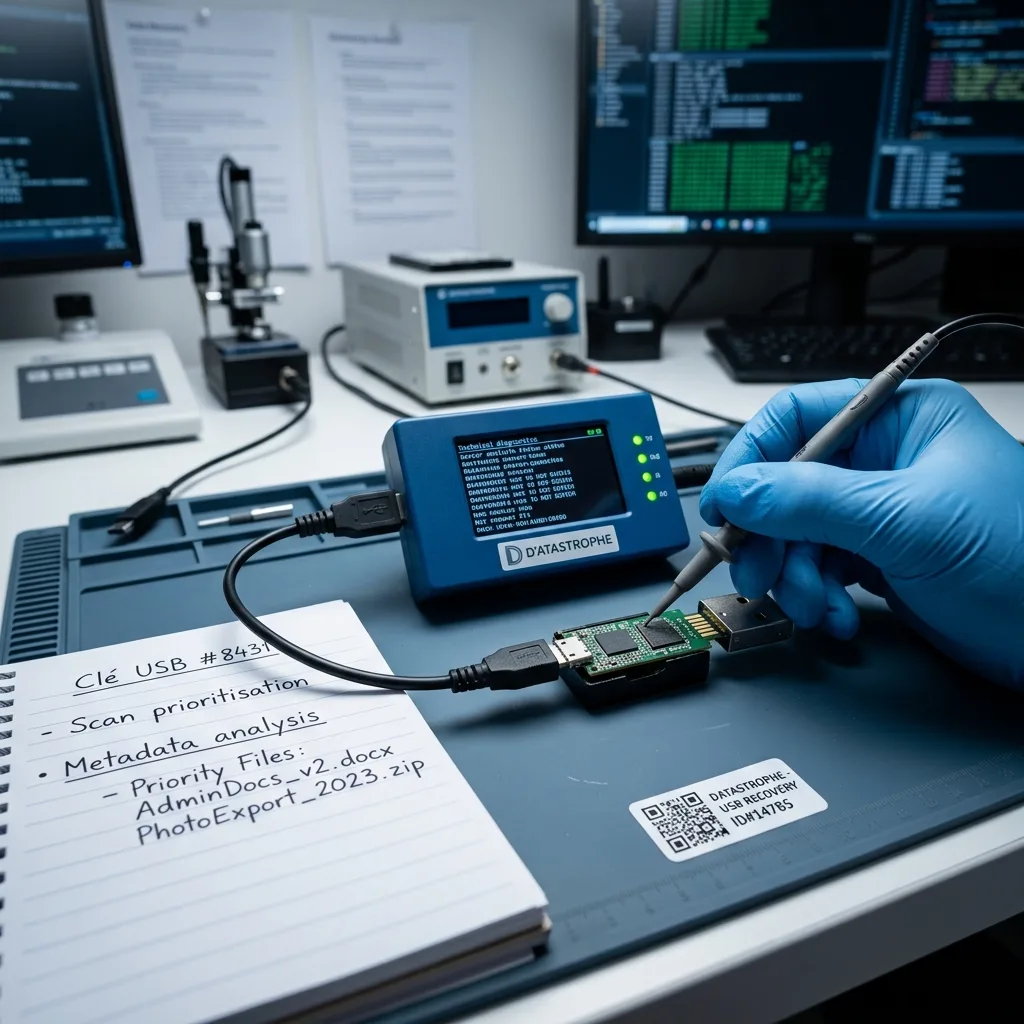
Construction review
Distinguish conventional PCB and monolithic USB construction before choosing a method
Identify whether the USB device uses a conventional PCB or monolithic package before choosing connector, controller or direct-memory access.
A conventional USB flash drive has a connector, controller and one or more NAND packages on a separate printed circuit board, while a monolithic design integrates those functions into a compact package. That construction changes which test points and data paths are available after a broken connector, failed controller or electrical incident. The first task is therefore to identify the architecture without flexing, sanding or probing the device unnecessarily.
On a conventional PCB, controlled access may begin with connector repair, board-level power checks or communication through the original controller. A monolithic device may instead require a documented pinout and access through manufacturer-specific test points. In both cases, the diagnostic assessment records electronic response and prevents writes before a stable acquisition route is selected.
The purpose is to obtain a reliable copy of recoverable content, not return the damaged USB hardware to everyday service. Overwritten pages, unreadable NAND cells and encrypted content without the required key remain genuine technical limits regardless of the package style.
- Identify the PCB or monolithic construction
- Record available test points and electronic response
- Choose the least intrusive stable access path
How construction changes access
A conventional board exposes separate components and traces that can be assessed individually. A monolithic device offers fewer direct component boundaries, so identification of its pinout, controller family and safe electrical interface becomes part of the acquisition plan.
The recovery boundary
Recovery creates a usable data copy; it does not certify either construction for reuse. Failed memory, overwritten pages and content locked by unavailable encryption credentials are reported as limitations.
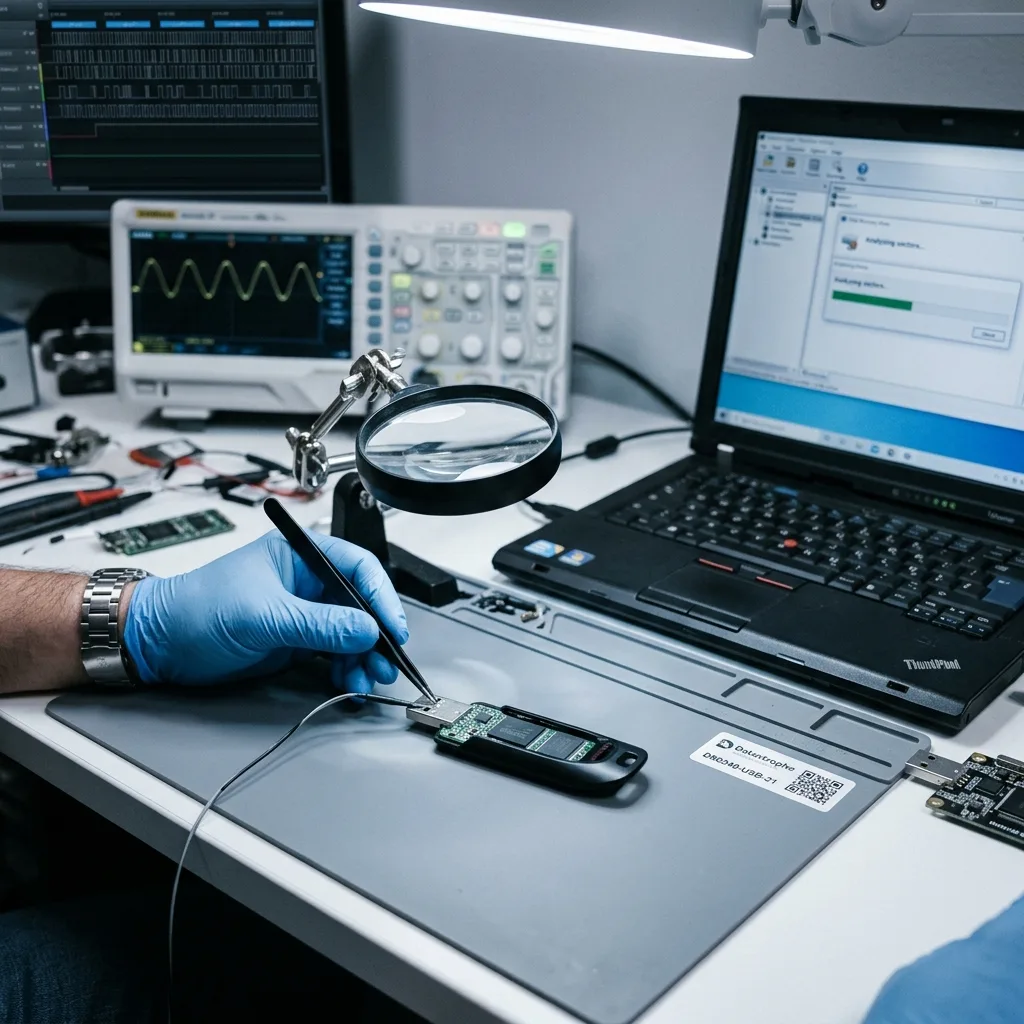
Warning signs
Recognise symptoms that require restraint
Zero capacity, formatting requests, intermittent detection and physical connector damage are signals to disconnect the drive and stop testing.
Stop when a USB drive reports zero capacity, requests formatting, disconnects repeatedly or shows missing files. A bent or detached connector is also a clear reason not to power the device. These signs indicate risk but do not, by themselves, identify the failed component.
Write down the order of events, including impact, abrupt removal, power loss, deletion, formatting and any software already run. Later writes or repair attempts may have altered allocation records and dates that would otherwise help the reconstruction.
Continued use creates two distinct hazards. New files may replace deleted content in a logical case, and unstable electronics or flash can deteriorate under repeated power cycles and read attempts.
- Note the exact operating-system message
- Avoid further power cycles
- Record all attempted repairs and scans
Why the timeline changes the method
Impact, unsafe removal, deletion and formatting affect different layers. A precise event sequence, including every later attempt, helps distinguish the original fault from changes made after the loss.
Disconnect rather than retest
New writes can overwrite deleted files, while repeated reads can place more strain on failing NAND, solder joints or power circuitry. Leaving the device unpowered protects the best state still available.

Source protection
Protect torn connector traces before any soldering
Leave a bent or torn connector undisturbed until its pads, traces and power path have been inspected and a safe acquisition route established.
Do not bend the plug back, repeatedly try other computers, format the drive or begin soldering before the circuit has been assessed. Uncontrolled recovery utilities are also risky on an unstable device because they may write metadata or continue reading through escalating errors.
Automatic file-system repair can replace allocation information, discard inconsistent entries and alter timestamps. A drive that appears to mount afterwards may have lost evidence needed to retrieve the earlier state of a document or folder.
Datastrophe acquires the source under controlled conditions and performs reconstruction on working copies. That approach allows alternate XOR, interleave and file-system hypotheses to be tested without repeatedly exposing the original NAND.
- Do not force or resolder the connector
- Avoid formatting and automatic repair
- Test recovery methods on working images
Automatic repair rewrites useful evidence
Repair software may rebuild allocation tables or remove records it considers invalid. Those changes can make the device look cleaner while reducing the information available to reconstruct deleted or damaged files.
Protect the original NAND image
Once readable data has been acquired, controller transformations and logical structures can be examined on copies. The source device is then spared from repeated experiments and competing reconstruction methods remain comparable.
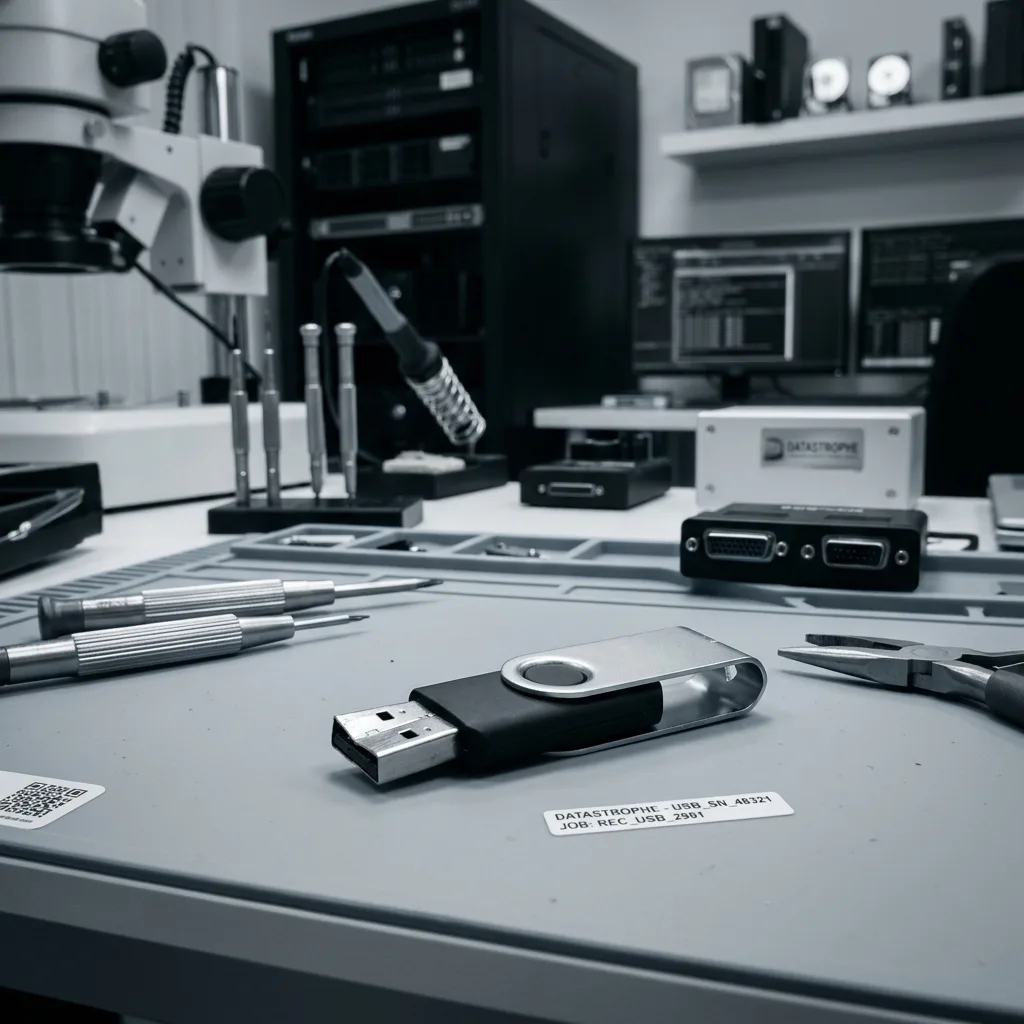
Technical findings
Reconstruct controller translation, ECC and scrambling
Recovery connects raw NAND and controller translation with allocation records, folder metadata and checks of the actual file content.
USB flash recovery can span NAND pages, controller translation, ECC, interleave, FAT32 or exFAT allocation and individual file formats. The diagnostic assessment identifies which layers are available directly and which must be rebuilt from a raw memory acquisition.
A folder list does not prove that the listed files contain sound data. Equally, a blank or zero-capacity device can still hold readable NAND pages. File names, dates, signatures and content checks need to be compared rather than treated as interchangeable evidence.
Work proceeds from stable acquisition to controller reconstruction, then to partitions and file systems, and finally to required files. Keeping that order makes it possible to trace a damaged document back to a read error, missing metadata or failed reconstruction assumption.
- Correct NAND errors before reconstruction
- Rebuild controller and allocation mappings
- Open required files to confirm usability
Detection is not the same as a working file
A directory entry or signature can survive without complete file content, and sound content can remain after its original name is lost. Both the logical context and the underlying bytes must therefore be checked.
Maintain a traceable layer sequence
The laboratory first acquires the memory, then resolves controller transformations and file-system structures before testing priority documents. This sequence keeps physical errors and reconstruction gaps visible.
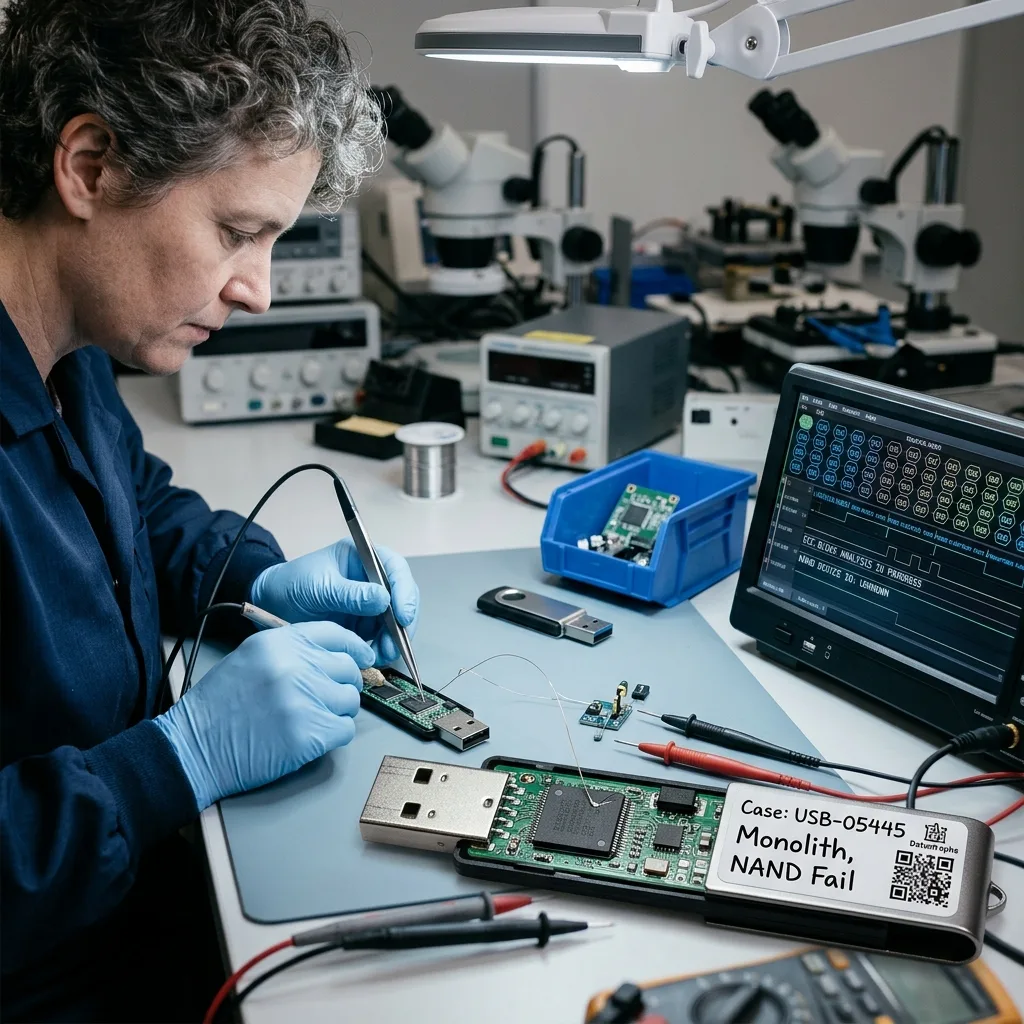
Workflow
Read unstable NAND before access deteriorates
Hardware stability and file priorities determine whether acquisition uses the repaired connector, controller access or a raw NAND route.
A case is scoped by the drive type, capacity, symptoms, incident date, previous work, expected data volume and essential files. These facts establish whether the priority is a safe connector repair for imaging, controller access or direct NAND acquisition.
Readable regions are protected first when memory is unstable. Deleted or corrupted logical structures are examined without writing to the source. If physical and logical issues coexist, the acquisition is completed as far as safely possible before reconstruction begins.
Representative documents, photographs and archives are then opened and checked. Where appropriate, dates, internal structure and expected application behaviour are compared. A large extraction is not called successful merely because it occupies substantial storage.
- Scope the fault and essential content
- Acquire readable memory with controlled power
- Validate representative priority files
Select an acquisition route from evidence
A conventional image may suit a stable logical fault, while damaged electronics or controller failure can require direct memory access. The observed condition, not a standard recipe, determines the sequence.
Check content before reporting success
Priority documents and media are opened with suitable applications and their internal structure is examined where possible. Partial, corrupt and fully usable items remain separate in the reported outcome.
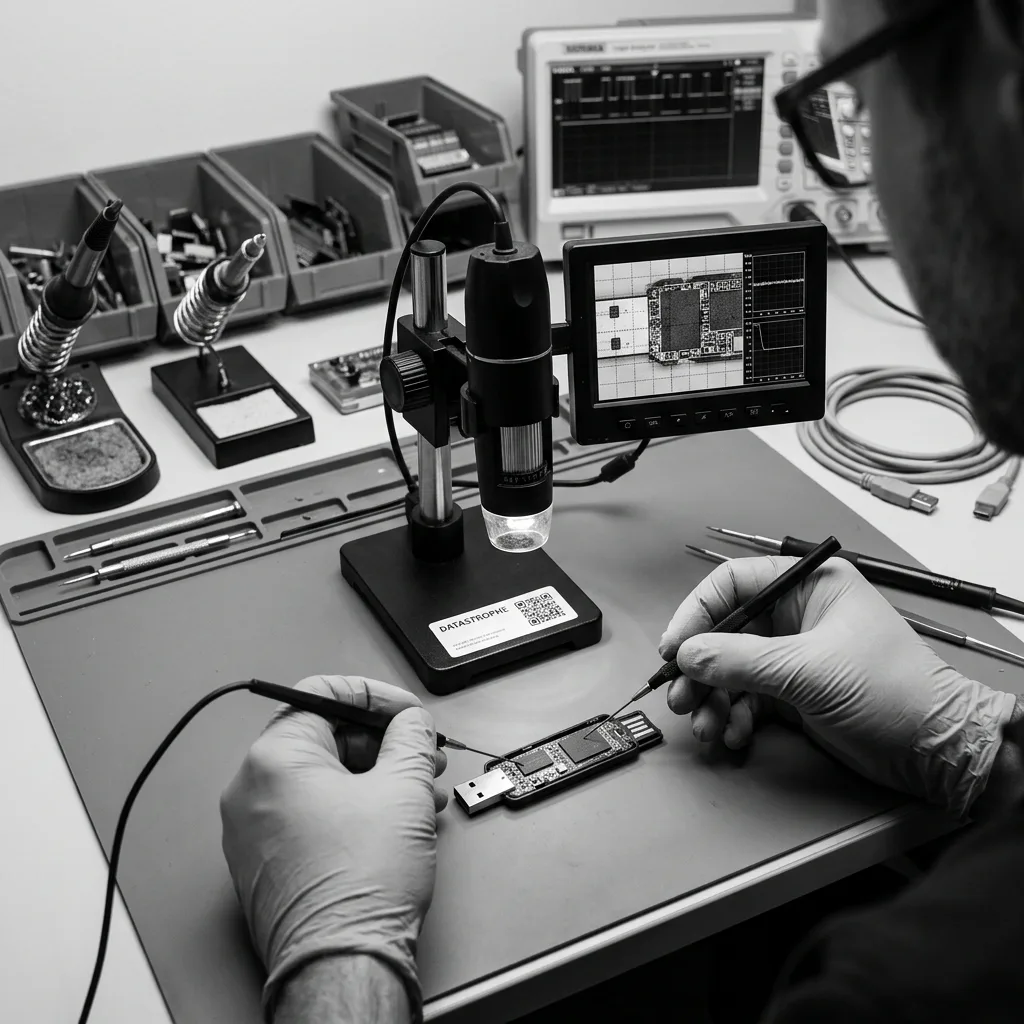
Priorities
Recover documents, photographs and the original folder tree
File names, dates, extensions and folder paths help direct reconstruction and validation towards the documents that matter most.
List the administrative records, office documents, photographs, exports, study material and business folders that are needed most. Known names, extensions, dates and folder paths help locate those items when the original allocation structure is incomplete.
A clear priority set is valuable when the NAND has many bad pages or the drive contains years of unrelated material. It directs validation towards the genuine need and limits unnecessary exposure of personal or commercially sensitive content.
The result distinguishes files that open normally, partial files with known defects and items detected only through metadata or signatures. This prevents an unverified directory listing from being presented as recovered work.
- Nominate essential folders and documents
- Provide known names, formats and dates
- Distinguish usable files from partial results
Focus limited reads on real priorities
Where NAND errors restrict acquisition, known folders and formats help decide which regions and reconstructions deserve early attention. They also allow an early view of whether the recoverable scope meets the practical need.
Use clear result categories
Files that pass opening checks, files with partial content and entries supported only by names or signatures are reported separately. The distinction keeps the handover accurate and useful.
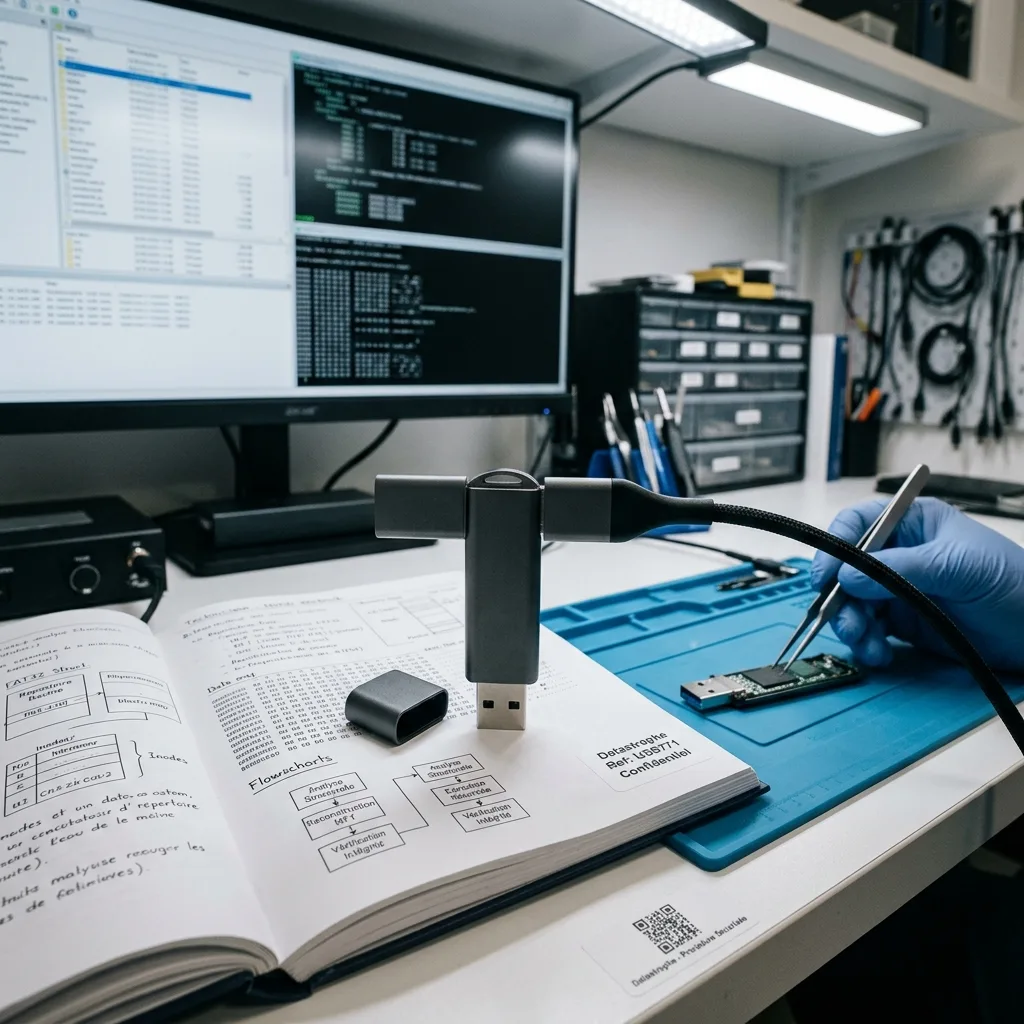
Privacy and delivery
Return files on healthy storage and document the source treatment
The agreed search scope, reconstruction method and usability checks are documented before recovered files are placed on destination storage.
A small USB drive may contain a broad mix of personal details, client records, exports and internal documents. Recovery should restrict technical review to the agreed purpose and minimise human access outside the checks needed to establish that files work.
Recovered material is supplied on reliable destination storage or in another case-appropriate format. Conversion, carving and partial reconstruction are identified in the delivery. The source drive is never reused as the destination, and any physical alteration, retention or disposal requirement is agreed and recorded for the individual case.
Unreadable NAND, overwritten areas, inaccessible encryption and inconsistent data structures are reported plainly. The outcome should support a decision based on observed limits, not on an assumption that every detected name represents a complete file.
- Limit access to the agreed file scope
- Identify converted or reconstructed content
- Supply checked files on reliable media
Know what the delivery contains
The handover identifies destination storage and any items recovered through carving, conversion or partial reconstruction. It also records whether physical access altered the source and what return, retention or disposal arrangement applies to that case.
Connect each gap to its cause
Reported gaps are tied to evidence such as uncorrectable NAND, overwrite, lost mapping data, incomplete file structure or inaccessible encryption. This makes the boundary of the usable result explicit.
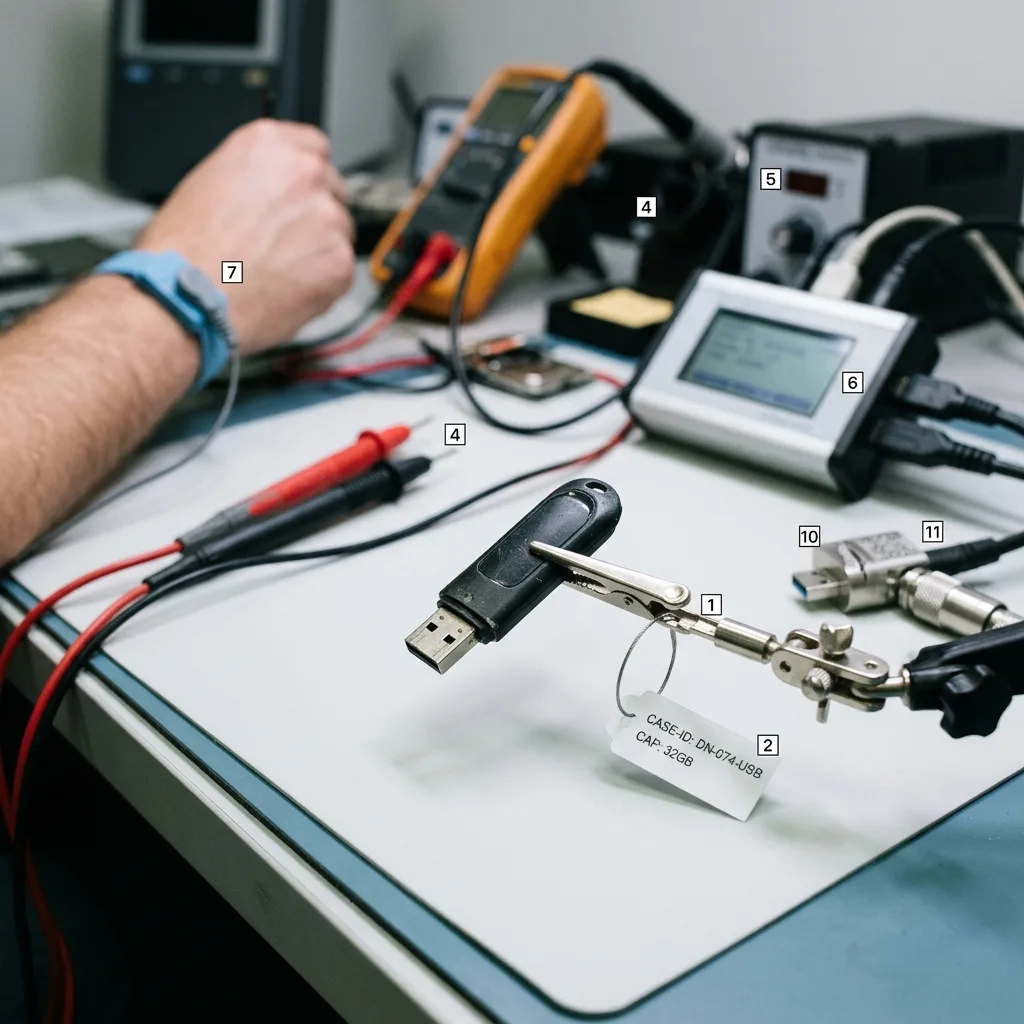
Preparation
Photograph the drive and record the incident before reconnecting it
Device details, clear photographs, the incident sequence and a precise file list make the initial technical review more useful.
Send the make, model and capacity, the reported symptoms, the date and sequence of the incident, and a record of every attempt already made. Photographs of the connector, circuit or error message can help the laboratory plan safe receipt and examination.
Keep relevant adaptors, extension leads, enclosures and any partial backup or known-good reference file. An apparently minor accessory or sample may clarify power behaviour, the expected file system or the original naming and date pattern.
Describe the minimum useful outcome and nominate the folders or individual files that matter. A factual account enables a focused technical assessment and avoids spending fragile read opportunities on low-priority content.
- Photograph physical damage before packing
- List important folders, dates and file types
- Disclose formatting, soldering and software attempts
Retain accessories and reference material
Adaptors, enclosures, partial backups and known-good samples can explain expected power, file naming and format. Keep them available even when the failed USB drive is the only item initially sent.
State a practical recovery goal
The case summary should identify what happened, what changed afterwards and what would count as a useful partial result. That information lets the technical plan follow the client's actual priority.
FAQ
Frequently asked questions
What should I do when a USB flash drive stops being recognised?
Disconnect it and avoid bending the connector, trying multiple computers or accepting a format prompt. Record the displayed message and incident history, then identify the files needed most. Repeated power cycles or writes can worsen physical and logical damage.
Can all files be recovered from a failed USB drive?
Not in every case. Results depend on NAND readability, controller reconstruction, overwrite after the incident, remaining metadata and any encryption. The reported outcome covers files supported by the evidence and states where content is partial or inaccessible.
Which files should be prioritised on a failing USB drive?
File names, folders, dates and formats guide both reconstruction and checks. When flash is unstable or holds a large amount of material, this information directs limited read opportunities towards the documents or photographs with the greatest practical value.
Can the original USB drive be used again after recovery?
It should not be treated as reliable storage. Connector work, direct NAND access or the original electrical fault may leave the device unsuitable for reuse. Recovered files go to healthy destination storage, while return, retention or disposal of the source is documented for the individual case.
How are incomplete or unrecoverable USB files reported?
Limitations are linked to observed causes such as uncorrectable NAND errors, missing controller mapping, overwritten content, damaged metadata, incomplete file structure or unavailable encryption credentials. Usable, partial and merely detected items remain separate.
Media
Other expertise
- Data Recovery for Failed Internal Hard Drives Controlled recovery of files from internal hard drives affected by mechanical damage, bad sectors, formatting or lost partitions.
- External Hard Drive Data Recovery and Fault Assessment Recover files from dropped, unstable or unrecognised external drives, including USB bridge, enclosure, partition and physical disk failures.
- Recover Files from Failed SSD and NVMe Storage Technical SSD and NVMe recovery for controller faults, failed NAND, firmware problems, encryption and unreadable volumes.
- Memory Card Photo and Video Recovery Practical recovery of photographs and video from damaged, formatted or unreadable SD, microSD and CompactFlash cards.
- Laptop File Recovery After Hardware or System Failure Recover files from laptops affected by startup faults, liquid, impact, inaccessible accounts, internal drive failure or soldered SSD problems.
- Recover Files from Failed Macs and Apple Storage Practical Mac recovery for damaged APFS or HFS+ volumes, FileVault issues, failed Apple SSDs, split Fusion Drives and liquid incidents.
- iPad and Tablet Data Recovery Professional tablet recovery for inaccessible iPads and other devices, covering flash storage, local files, encryption and reset risks.
- Recover Data from Virtual Disks and Snapshots Recovery of data from VMDK, VHDX, VHD and QCOW2 virtual disks, including snapshots, VMFS datastores, databases and damaged VMs.
- Recovering Data From RAID, NAS and Storage Arrays Recover data from failed RAID 0, 1, 5, 6 and 10 arrays, NAS units, servers, SHR, ZFS and Btrfs after disk, controller or rebuild faults.
- Recover Critical Data from Failed Servers Practical server data recovery for failed RAID arrays, databases, virtual machines, file shares and damaged file systems.
- Recover CCTV Footage from NVR, DVR and XVR Recorders Recovery of CCTV and security camera footage from NVR, DVR and XVR systems with damaged indexes, H.264/H.265 streams, RAID storage or failed exports.
- How ISO Class 5 Clean-room Recovery Protects Hard Drives See how ISO Class 5 clean-room conditions support hard drive recovery, from particle control and platter inspection to technical limits and cost.
 Data Recovery for Failed Internal Hard Drives
  Recover Files from Failed SSD and NVMe Storage
  Memory Card Photo and Video Recovery
  Laptop File Recovery After Hardware or System Failure
  iPad and Tablet Data Recovery
  Recover Data from Virtual Disks and Snapshots
  Recovering Data From RAID, NAS and Storage Arrays
  Recover Critical Data from Failed Servers
  Recover CCTV Footage from NVR, DVR and XVR Recorders
  How ISO Class 5 Clean-room Recovery Protects Hard Drives
 Diagnostic assessment
Unsure about a storage device or fault?
Datastrophe assesses the risk before any recovery attempt and points you towards the safest next step.