

Recover Data from Virtual Disks and Snapshots
Datastrophe preserves VMDK, VHDX and snapshot chains, reconstructs the correct parent and delta relationships, then validates priority guest files and application data on protected copies.

Diagnostic
Copy the datastore and underlying storage before analysis
A virtual-disk incident seldom presents as one self-contained file failure. The required result may be a machine, database or volume held inside a damaged VMDK, VHDX, VHD or QCOW2. VMware, Hyper-V, Proxmox, VirtualBox and KVM cases can involve VMFS datastores, snapshots, deltas and guest systems. Assessment therefore maps the storage layout, event sequence and business value before any component is altered.
For VMDK and VHDX recovery, locating the disk file is only the start. The descriptor, flat extent, snapshot deltas, parent disk and guest system must form a consistent chain. A missing delta or mismatched CID may prevent the VM from loading even when most data blocks remain readable.
- Map descriptors, flat extents and snapshot deltas
- Distinguish the datastore from the guest file system
- Rank SQL databases, shared data and application files
What the initial examination covers
Datastrophe treats this type of media as a technical evidence case: preserve the initial state, avoid writes, identify the useful layers and select a controlled image read-out and reconstruction sequence. This caution helps separate a logical fault, a physical fault, structural corruption or a combined case.
What a recoverable outcome must still disclose
The work is not intended to return suspect hardware to service. It aims to create a usable copy of the data that can still be recovered and to state where destroyed blocks, later writes or encryption without an available key restrict the result.
Warning signs
Trace every snapshot parent, delta and content identifier
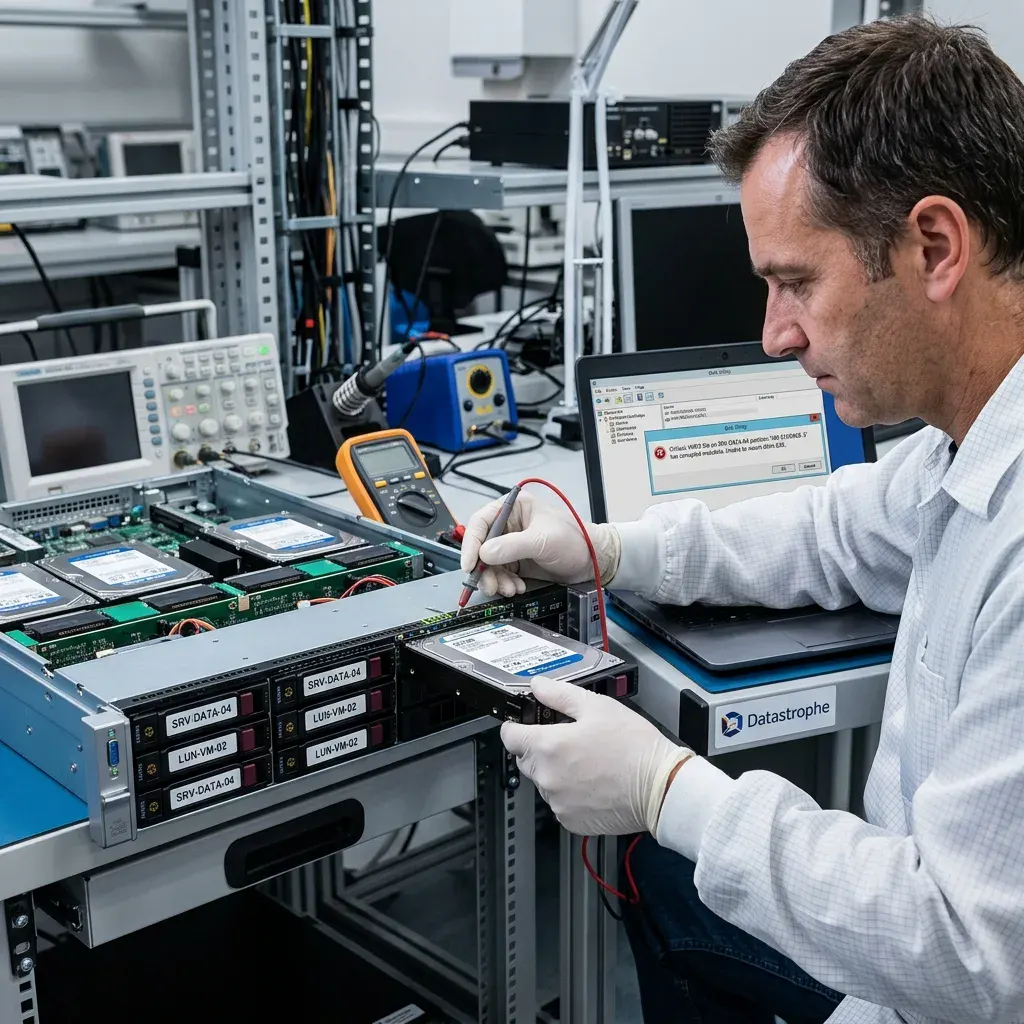
The most common symptoms are a VM no longer starting, an incomplete snapshot, corrupted VMDK, unreadable VHDX, damaged datastore and missing delta disk.
The most common symptoms are: VM no longer starting, incomplete snapshot, corrupted VMDK, unreadable VHDX, damaged datastore and missing delta disk. One symptom alone is not always enough to identify the cause, but it indicates the risk level and the order of operations. Slow, noisy, unstable or intermittently recognised media should be treated as fragile.
Leaving the host or datastore active can compound the loss. New writes may replace deleted content, while repeated reads from failing physical storage can make marginal regions inaccessible before they are acquired.
Assessment distinguishes a failing datastore from corruption in the virtual disk and damage inside the guest. VMFS, NTFS, ext4, XFS, VHDX journals and QCOW2 backing files each carry different offsets, allocation units and consistency records, so none should be approached as an ordinary standalone partition.
- Review parent CIDs, grain tables and VHDX journals
- Assess VMFS, QCOW2, VHDX or VMDK before exporting data
- Return a rebuilt VM or targeted export according to the need
Separate the symptom from the cause
Establish the sequence of events as well as the visible symptom. Impact, power interruption, deletion, formatting and a failed rebuild require different handling. Previous tools may also have written to the source or altered metadata needed for reconstruction.
Freeze host and storage activity
Once a fault appears, stop unnecessary VM activity and storage scans. This limits fresh allocation on logical cases and avoids repeatedly seeking across unstable physical areas that may have only a small remaining read window.
Source protection
Do not consolidate a virtual machine that no longer starts
Do not consolidate the chain, test-boot the guest, remove deltas, copy only selected components or accept an automatic repair. Each step can write new metadata or sever a parent relationship. Apparent progress is misleading when it changes the evidence before the chain and storage condition have been established.
Guest repair utilities may discard logs, relocate fragments and rewrite allocation structures using an incomplete view. Even a quick boot test can reduce recovery quality, so further attempts should stop and all previous actions should be recorded.
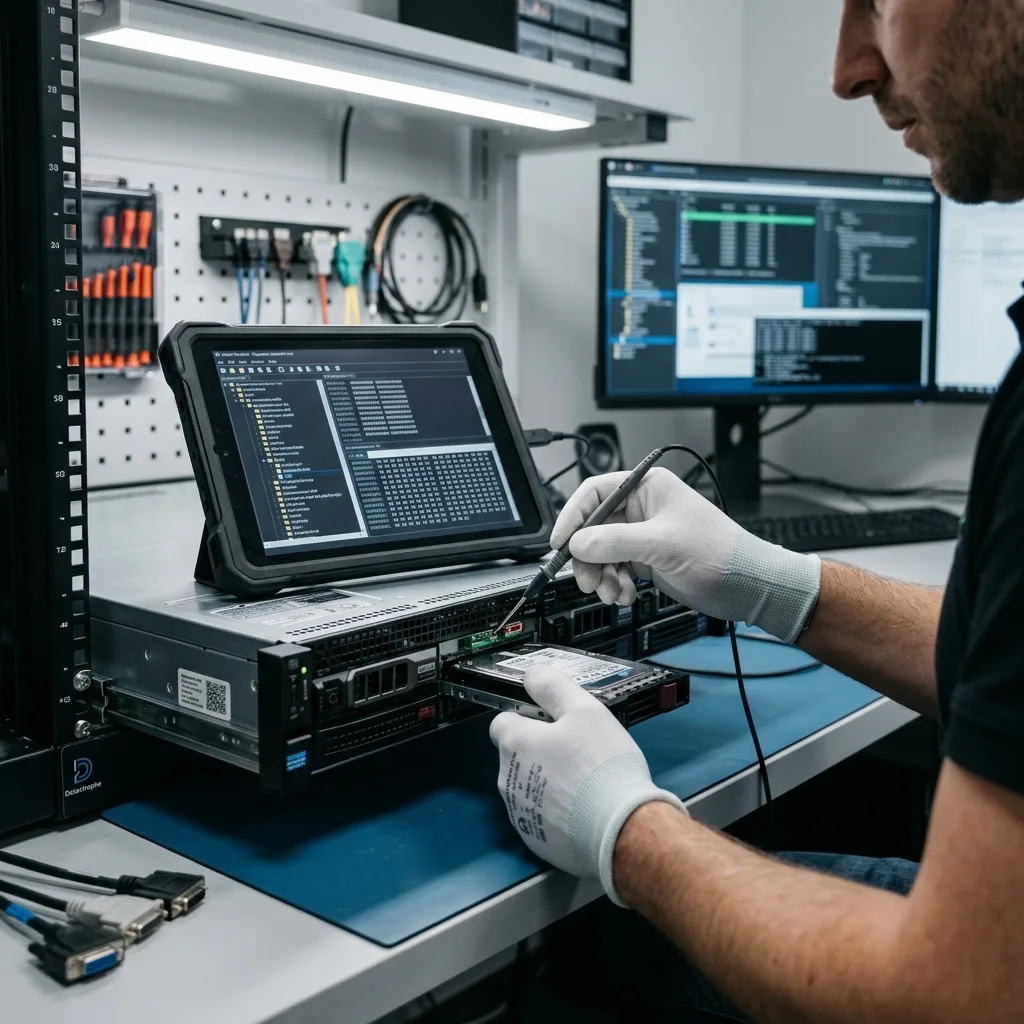
Source files and host storage are preserved for acquisition, not experimentation. Reconstruction takes place on controlled working copies, allowing alternative parent and snapshot relationships to be tested without altering the original evidence.
Premature consolidation can lock an error into the snapshot chain. The data recovery laboratory first records parent relationships, delta files, modification times and expected sizes, then reconstructs a coherent view without writing back to the source.
- Record every descriptor, extent and delta before changes
- Inspect the virtual disk format before attempting repair
- Set database and application priorities before extraction
Why automated repair can destroy recovery evidence
Automated repair can clear journals, relocate fragments, rewrite metadata or create internally inconsistent files. A test boot can therefore reduce what is recoverable. Stop further attempts and record every action already taken.
Why the original must remain unchanged
Datastrophe reads the source in a controlled way and performs tests on working copies. Keeping the original unchanged allows several reconstruction paths to be compared without repeatedly stressing the underlying storage or erasing useful traces.

Layer analysis
Interpret VMDK, VHDX and dynamic-disk metadata correctly
The review may span VMDK, VHDX, QCOW2, snapshot metadata, VMFS, NTFS, ext4 and application databases.
Technical points to analyse include VMDK, VHDX, QCOW2, snapshots, VMFS, NTFS, ext4 and SQL databases. These elements determine whether recovery should focus on physical blocks, metadata, the file system, an application layer or a combination of several levels.
A browsable directory tree can point to files whose extents are incomplete, while an unmountable guest volume may still contain valuable metadata and content. Logs, signatures, indexes and snapshot records are assessed together before the result is classified.
- Correlate parent CIDs with grain tables and VHDX logs
- Analyse datastore, container and guest layers independently
- Choose between a reconstructed VM and a focused export
Choose the recovery layer
Folder names alone do not establish file integrity, and a failed mount does not establish total loss. The decision rests on block coverage, allocation metadata, application structures and the ability to open representative priority files.
Analyse from storage up to the application
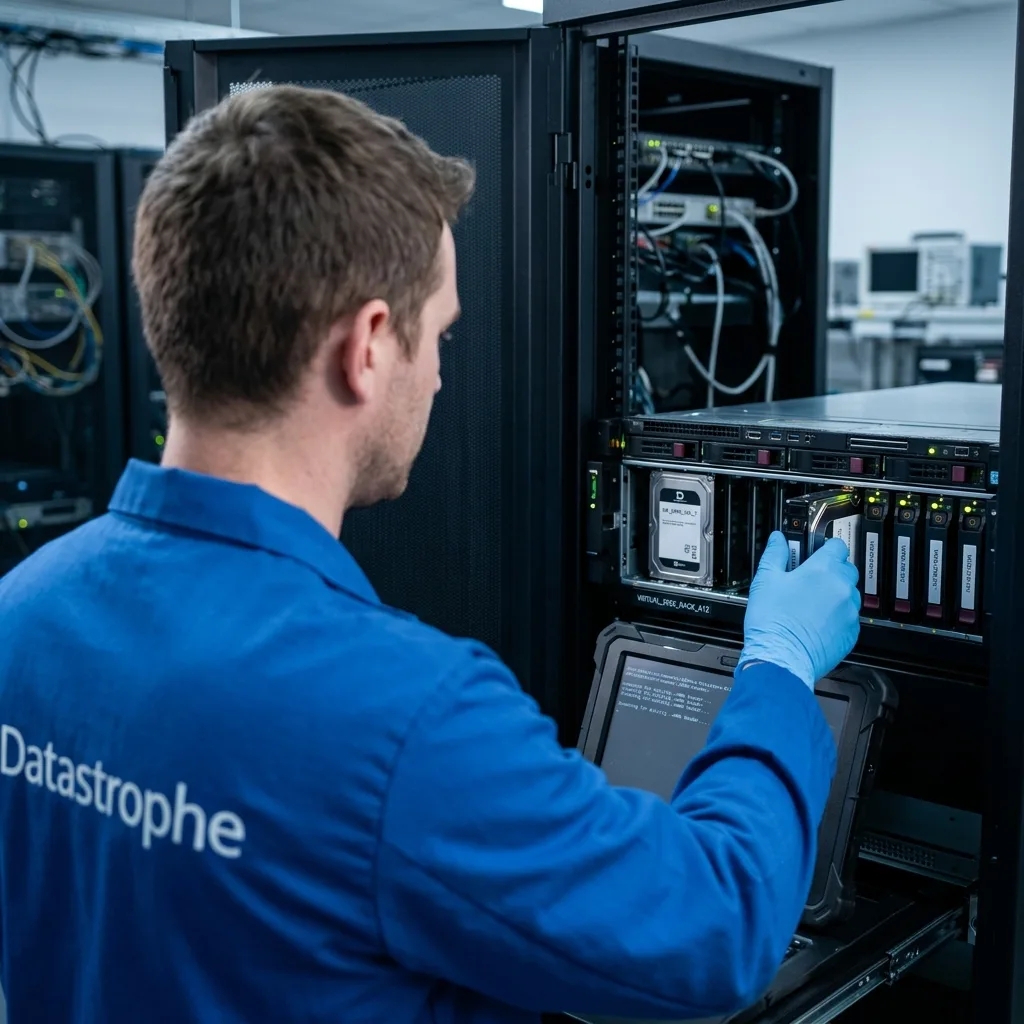
Analysis moves upwards from the source media. Read stability is established first, virtual and logical structures are reconstructed next, and priority files are tested last. Keeping that order prevents a mountable image from being mistaken for an outcome that actually meets the operational or personal requirement.
Recovery workflow
Mount a protected copy read-only before starting the guest
Initial case qualification records the media, symptoms, incident date, previous actions, expected capacity and essential files. Those facts determine whether acquisition should prioritise a fragile datastore, a missing snapshot or a guest file system, instead of applying one generic sequence to every virtual environment.
Recovered material is tested against representative priorities. Documents and databases are opened or structurally checked, dates are reviewed and reference copies are compared when available; volume alone is not treated as evidence of success.
Sparse and dynamic formats require careful interpretation. Grain tables, allocation bitmaps, thin-provisioned extents and unallocated ranges may describe blocks that were never stored. File size alone does not prove a virtual disk is complete.
- Confirm the descriptor and every linked extent or delta
- Acquire the container before logical reconstruction
- Validate priority databases and application content
What the case assessment covers
If the physical storage is unstable, readable regions are secured first. For logical damage, writes are stopped while deleted or corrupted structures are traced. Where several layers are affected, work proceeds in the safest technical order.
How the result is measured
Representative files are opened and compared with known references where possible. Dates, internal structure and application behaviour matter more than the reported number of recovered gigabytes.

Priority data
Check databases and services for application consistency
Databases, shared folders, application data, exports and critical virtual machines are commonly prioritised before broad extraction begins.
Priority data commonly includes operational databases, shared folders, application records, exports and critical VMs. Naming these items before acquisition directs early reads towards the material that matters instead of delaying every useful check until a full extraction finishes.
Hyper-V, VMware, Proxmox and KVM cases often depend on companion material such as VMX, VMCX or XML configuration, hypervisor logs, manifests, OVF exports and snapshot metadata. These records can establish the correct reconstruction order.
- Use logs and allocation metadata to locate priority ranges
- Check each virtualisation layer before extracting files
- Provide either a rebuilt VM or the required data set
Set a read priority before acquisition
Prioritisation is especially useful when the host storage is deteriorating or only a defined set of data is business-critical. It reduces access to unrelated sensitive material and shows earlier whether the recovery is meeting the actual requirement.
Classify the verified output
Final review groups the output into files that work, files that are incomplete and entries detected without enough content to verify. A filename in an inventory is not treated as success unless the data can be read again or used in the application context requested.
Secure delivery
Document the reconstructed version and every missing block
Storage media often contains more than the requested files: histories, personal data, client documents, exports, logs or internal information.
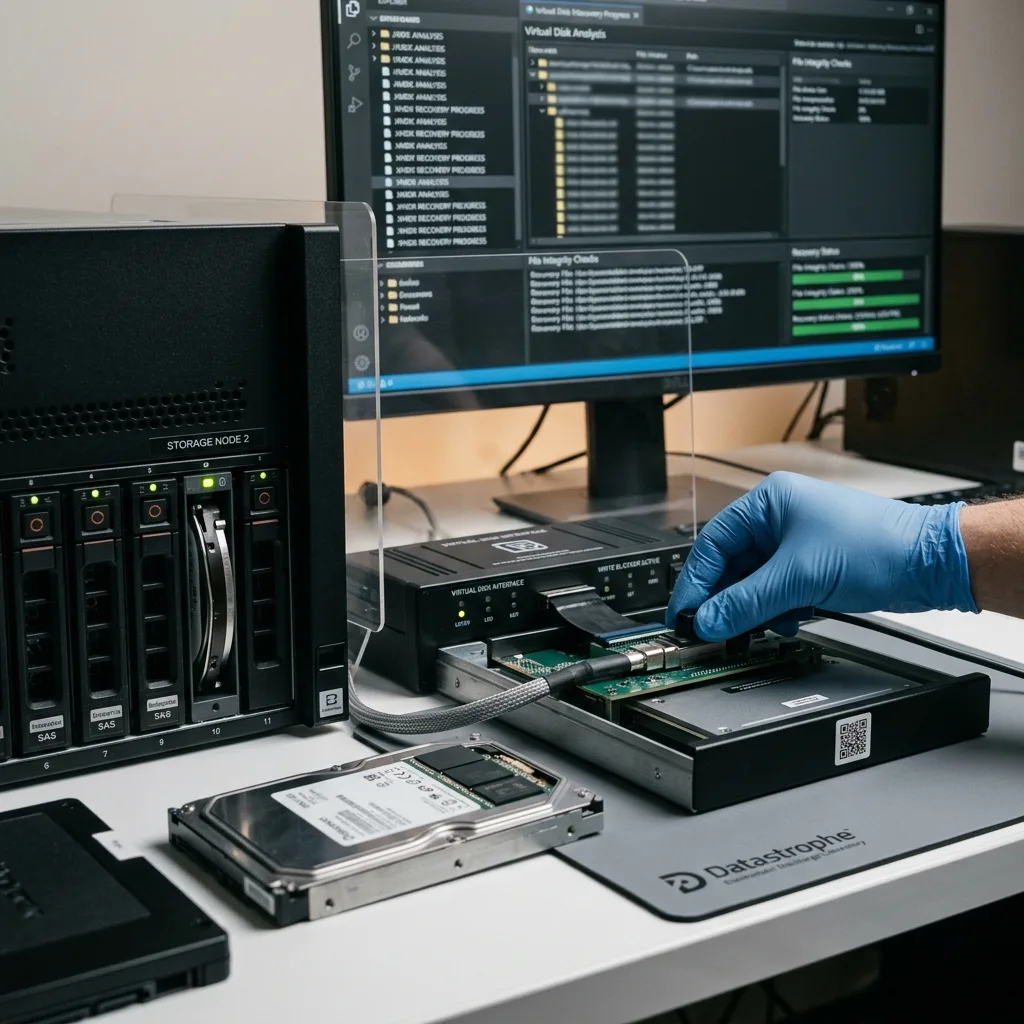
A storage device often holds more than the requested files: histories, personal data, client documents, exports, logs or internal information. Recovery must therefore restrict human access and organise a controlled handover.
The handover report identifies overwritten blocks, unreadable storage, unavailable decryption material and databases that remain inconsistent. Keeping those constraints visible prevents a partial result from being mistaken for a complete operational recovery.
Validation goes beyond mounting the container. Priority files are opened within the guest context, and extracted databases are checked for consistency because a visible directory tree can conceal broken logs, missing ACLs or incomplete records.
- Document the complete disk and snapshot relationship
- Keep datastore and guest-system findings distinct
- Limit checking to the files needed for validation
What the handover records
Recovered data is supplied on healthy storage or through a transfer suited to its volume and sensitivity. Handover notes identify whether the result is a rebuilt container, converted disk, targeted extraction or partial reconstruction.
Limits recorded at handover
Overwritten blocks, unreadable physical regions, unavailable encryption keys and inconsistent databases remain explicit limitations. The report distinguishes these conditions so the client can judge the result accurately.
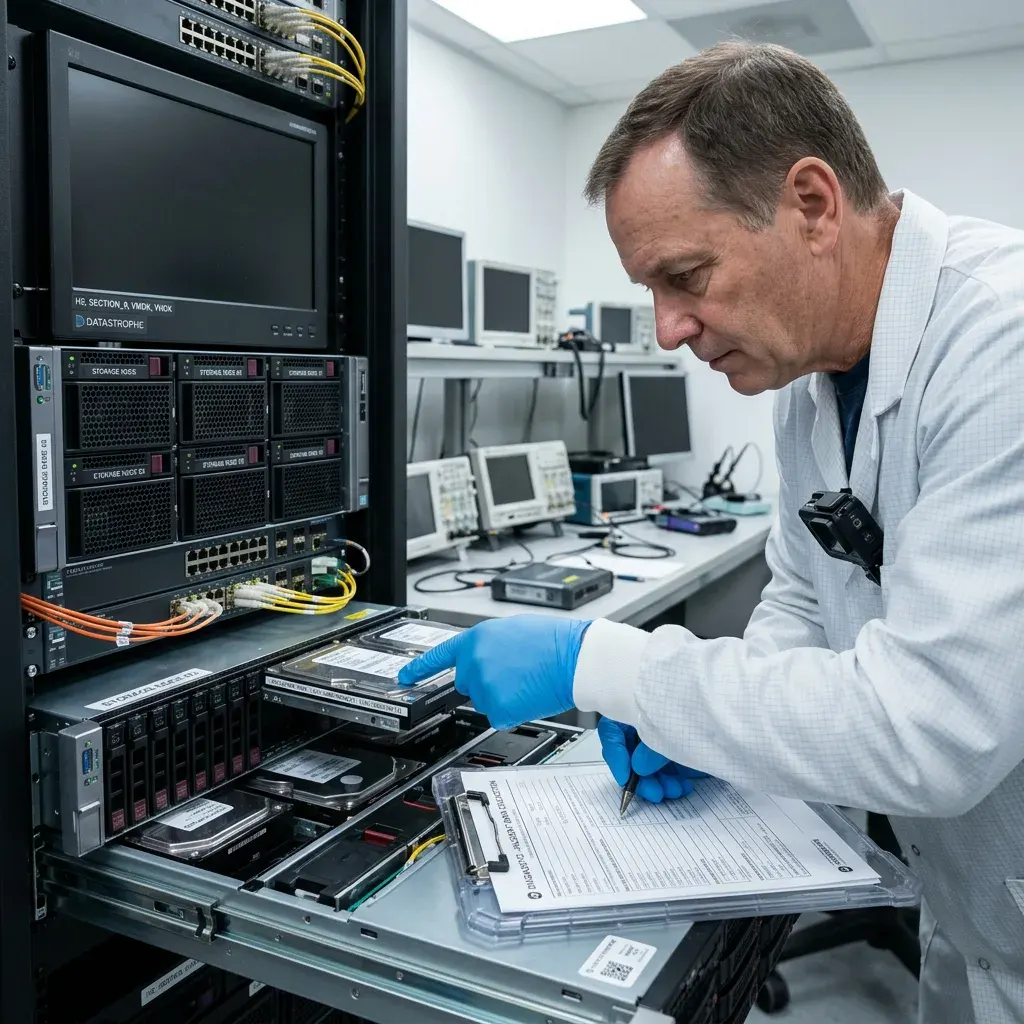
Case preparation
Prepare the VM inventory, hypervisor and snapshot chain
Prepare the storage type and capacity, symptoms, incident date, previous actions and priority files before arranging recovery.
Before arranging recovery, record the host storage model and capacity, observed errors, incident date, attempted actions and required files. Screenshots of hypervisor messages and storage alerts can provide useful context.
Keep related hardware and records, including enclosures, adaptors, power supplies, replaced drives, VM configuration files and partial backups. These items can reveal sector translation, expected topology or the point at which the snapshot chain changed.
Provide a concise incident account: what failed, what remained accessible, which tools ran and which partial result would still be useful. Clear priorities keep the examination focused on the actual operational requirement.
Possible deliverables include extracted folders, a reconstructed virtual disk, a focused database export, an application directory or a review copy. The chosen format must suit the intended use and reflect any break in the snapshot chain.
- Supply descriptors, manifests and related configuration files
- Record hypervisor errors and any repair already attempted
- State whether a rebuilt VM or targeted export is required
Preserve companion evidence
Retain any enclosure, cable, adaptor, power supply, replaced drive, configuration file or partial backup connected with the incident. An apparently secondary item may establish the correct layout or confirm when the chain changed.
Describe the required outcome
State the event and the required outcome without assuming a cause. A record of previous attempts, essential data and acceptable partial results gives the technical review a clear target and reduces unnecessary work on unrelated content.
FAQ
Frequently asked questions
What is the safest first step after a virtual disk failure?
Stop further handling, note the exact error and preserve every datastore, parent disk and snapshot in its present location. List the workloads needed first. Repeated starts or consolidation attempts can rewrite metadata and reduce the versions still available.
Is complete recovery possible from every damaged virtual disk?
Recoverability is set by the readable source blocks, surviving chain metadata, activity since the incident and access to any encryption material. The assessment identifies the strongest supportable outcome and does not promise a complete VM before its data and applications have been checked.
How does a priority file list affect the recovery plan?
Priorities such as business databases, shared folders and application files shape the initial examination and file checks. They make it possible to confirm quickly whether the recovery meets the real need, especially when the source device is fragile or high capacity.
Should the original storage return to production after recovery?
No. Recovery extracts and verifies useful information for delivery on healthy storage; it does not certify the affected datastore or host for renewed production use. Rebuild the service on reliable infrastructure after the accepted output has been reviewed.
How will unrecoverable areas and other limits be reported?
Reported limits are tied to evidence such as overwritten ranges, unstable source media, missing chain records, incomplete files, database inconsistency or unavailable decryption material. This lets the client distinguish a verified result from a plausible-looking but incomplete virtual machine.
Media
Other expertise
- Data Recovery for Failed Internal Hard Drives Controlled recovery of files from internal hard drives affected by mechanical damage, bad sectors, formatting or lost partitions.
- External Hard Drive Data Recovery and Fault Assessment Recover files from dropped, unstable or unrecognised external drives, including USB bridge, enclosure, partition and physical disk failures.
- Recover Files from Failed SSD and NVMe Storage Technical SSD and NVMe recovery for controller faults, failed NAND, firmware problems, encryption and unreadable volumes.
- Recover Files from a Damaged USB Flash Drive Technically assessed recovery for USB drives with broken connectors, failed controllers, corrupted NAND, missing files or no detection.
- Memory Card Photo and Video Recovery Practical recovery of photographs and video from damaged, formatted or unreadable SD, microSD and CompactFlash cards.
- Laptop File Recovery After Hardware or System Failure Recover files from laptops affected by startup faults, liquid, impact, inaccessible accounts, internal drive failure or soldered SSD problems.
- Recover Files from Failed Macs and Apple Storage Practical Mac recovery for damaged APFS or HFS+ volumes, FileVault issues, failed Apple SSDs, split Fusion Drives and liquid incidents.
- iPad and Tablet Data Recovery Professional tablet recovery for inaccessible iPads and other devices, covering flash storage, local files, encryption and reset risks.
- Recovering Data From RAID, NAS and Storage Arrays Recover data from failed RAID 0, 1, 5, 6 and 10 arrays, NAS units, servers, SHR, ZFS and Btrfs after disk, controller or rebuild faults.
- Recover Critical Data from Failed Servers Practical server data recovery for failed RAID arrays, databases, virtual machines, file shares and damaged file systems.
- Recover CCTV Footage from NVR, DVR and XVR Recorders Recovery of CCTV and security camera footage from NVR, DVR and XVR systems with damaged indexes, H.264/H.265 streams, RAID storage or failed exports.
- How ISO Class 5 Clean-room Recovery Protects Hard Drives See how ISO Class 5 clean-room conditions support hard drive recovery, from particle control and platter inspection to technical limits and cost.
 Data Recovery for Failed Internal Hard Drives
  Recover Files from Failed SSD and NVMe Storage
  Recover Files from a Damaged USB Flash Drive
  Memory Card Photo and Video Recovery
  Laptop File Recovery After Hardware or System Failure
  iPad and Tablet Data Recovery
  Recovering Data From RAID, NAS and Storage Arrays
  Recover Critical Data from Failed Servers
  Recover CCTV Footage from NVR, DVR and XVR Recorders
  How ISO Class 5 Clean-room Recovery Protects Hard Drives
 Diagnostic assessment
Unsure about a storage device or fault?
Datastrophe assesses the risk before any recovery attempt and points you towards the safest next step.