

iPad and Tablet Data Recovery
Datastrophe assesses failed or inaccessible tablets, protects their current state and returns only recovered files that have passed appropriate checks.
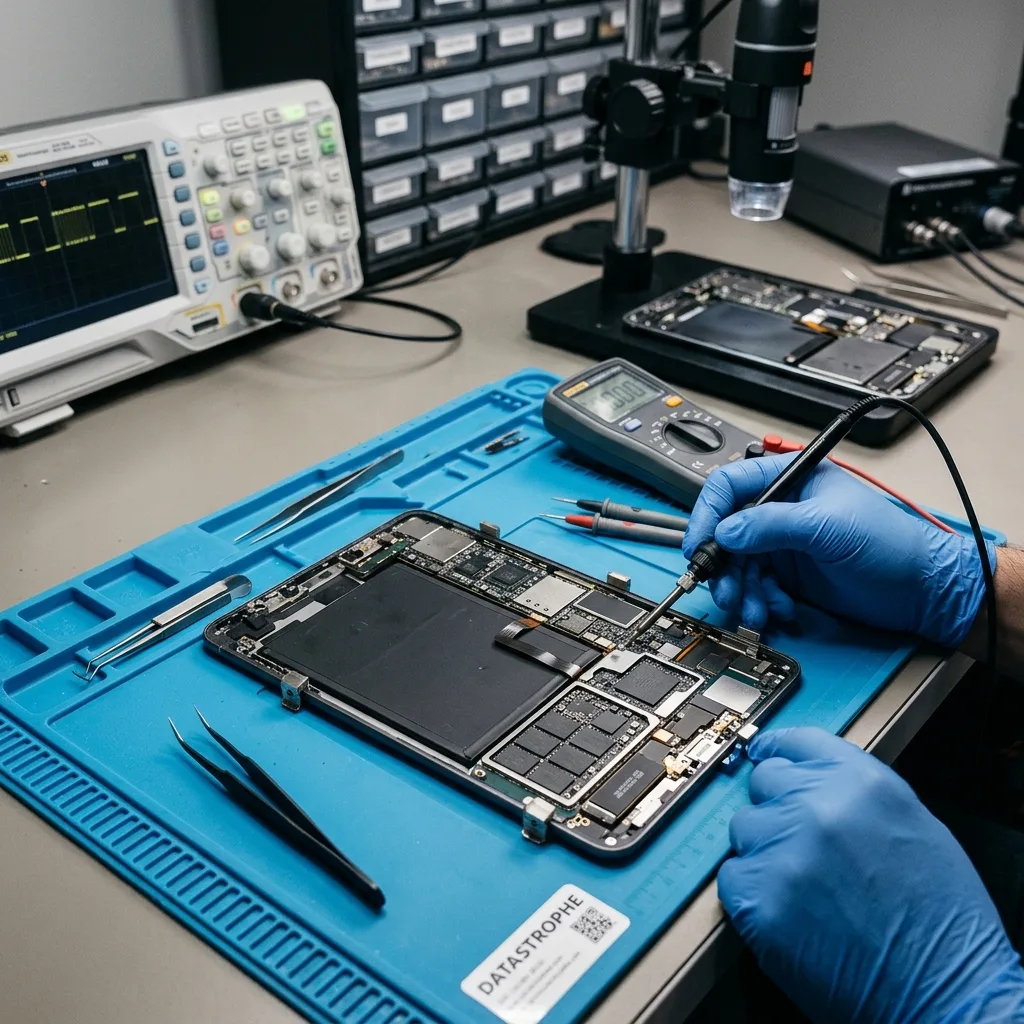
Initial assessment
Distinguish local tablet data from synchronised content
The first task is to identify whether the obstacle lies in power, display, software, flash storage, an account or encryption—and where the required data is actually stored.
A tablet that will not open does not automatically mean its local files have been lost. The fault may involve power, the display, the operating system, internal flash storage, an account or encryption. Recovery requests often concern photos, documents, exportable notes, work files or application data held on an iPad or another tablet. The diagnostic assessment begins with how the device was used, what happened and which items are most important.
The tablet is kept in its received state while the data recovery laboratory assesses safe access options. Unnecessary writes and update prompts are avoided, and the device, storage and application layers are considered separately. This helps distinguish a logical access problem from hardware damage, corrupted structures or a combination of faults.
The purpose is to recover usable data to another destination, not to promise that the tablet can be returned to service. Content that has been securely erased, overwritten or protected by unavailable credentials may remain inaccessible.
- List the local photos, documents and app data needed
- Separate device access from data usability
- Choose acquisition from the observed fault
What is assessed first
The laboratory records the device state, symptoms, account context and likely storage locations before attempting access. Hardware, operating-system, file-system and application layers are then considered in an order that limits changes to the source.
Limits of a data recovery case
The objective is a separate copy of recoverable files rather than a tablet repaired for continued use. Secure erasure, overwritten flash pages and encryption without the necessary credential or key can prevent recovery and are not treated as recoverable.
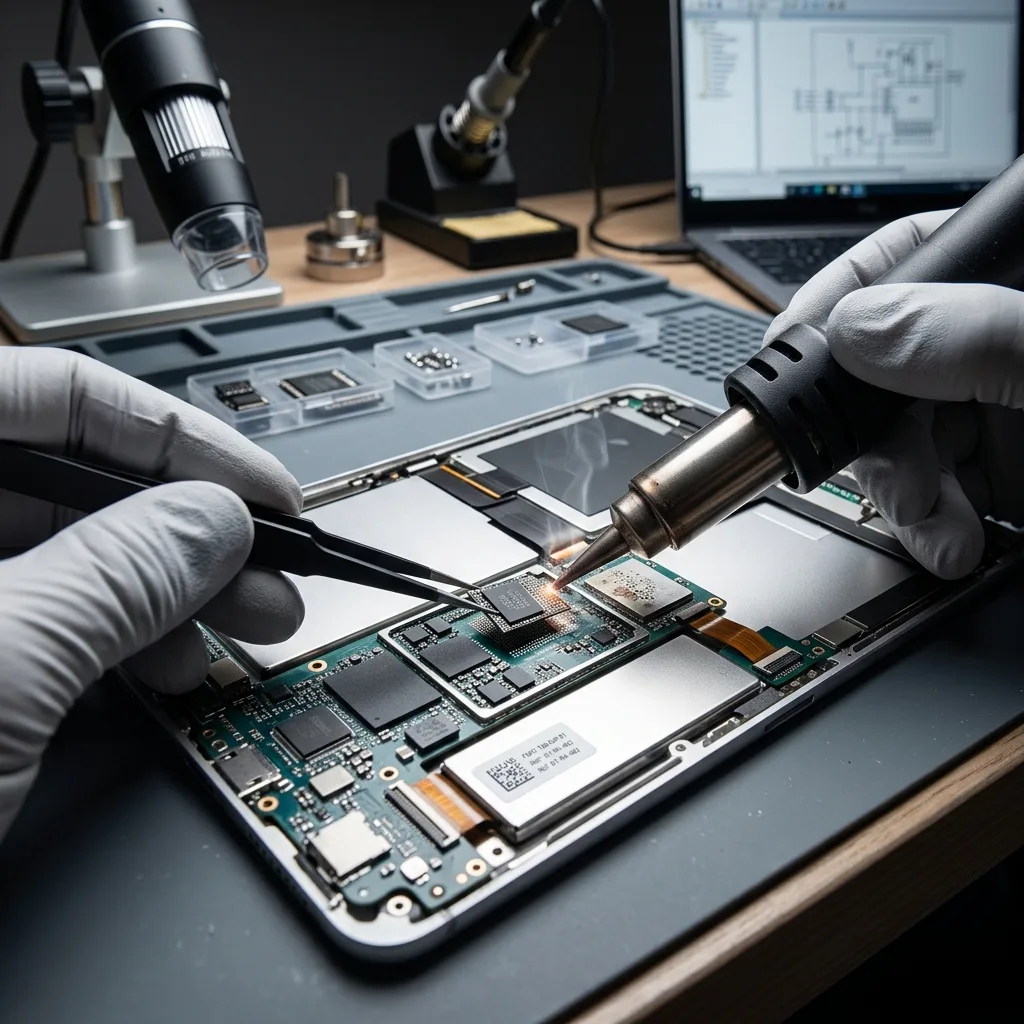
Risk signs
Do not keep charging a dropped or liquid-damaged tablet
No-start faults, damaged screens, sync gaps and account barriers have different implications, so record the exact behaviour and avoid repeated attempts.
A no-start condition, broken display, full storage, missing files, incomplete synchronisation, locked account or passcode prompt needs careful interpretation. None of these symptoms proves what has happened to the underlying data. A device that becomes unusually hot, restarts, freezes or is detected intermittently should not be subjected to repeated trials.
Write down the incident sequence, including impact, liquid exposure, deletion, an update, a failed sync or any recovery-mode attempt. The same visible symptom can result from very different faults, and actions taken afterwards may modify logs, account state or local content.
Continued use creates fresh cache, log and application writes that can replace deleted data. With a hardware fault, repeated power cycles may also worsen an unstable connection or component. Stop when access is unreliable rather than repeatedly testing it.
- Note messages, heat, restarts and connection behaviour
- Record the sequence before and after the incident
- Stop repeated passcode and recovery-mode attempts
Build an accurate timeline
Impact, liquid, deletion, updates and synchronisation faults lead to different technical questions. Recording what the tablet did before and after the loss helps separate the initial fault from later changes caused by restarts or software prompts.
Minimise further changes
Normal use can generate background writes even when no new document is deliberately saved. If the device is unstable, additional charging and power cycles can also aggravate hardware faults, so testing should stop once the symptom is documented.
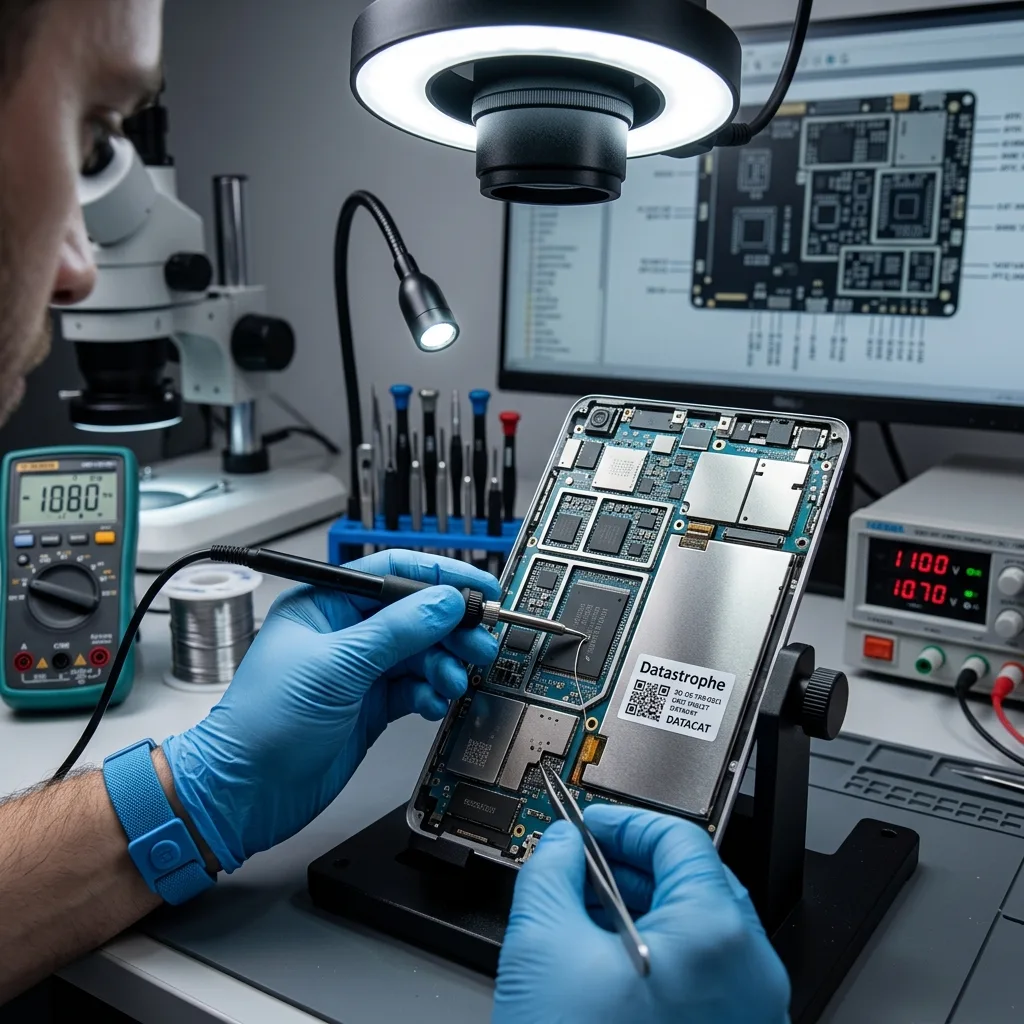
Preserve the device
Do not reset or restore the tablet before recovery
Do not factory-reset, restore, force an update or keep entering credentials when security erasure may be enabled.
Avoid a factory reset, forced operating-system update, restore process or repeated passcode attempts that may trigger security erasure. These steps alter the device before the failure is understood and can permanently remove the very local content being sought.
Automated repair or recovery mode can rewrite system areas, discard logs and change application storage. Even when the tablet later starts, the new state may provide fewer recovery options. Preserve the messages shown and document any process already attempted.
Where acquisition is possible, analysis should use a protected extraction or working copy rather than trial-and-error changes to the original tablet. This keeps file review separate from the source device and makes findings repeatable.
- Decline reset and update prompts
- Keep any microSD card with the tablet
- Record previous repair and access attempts
Why software repair can be destructive
A restore or update may replace system and application structures, clear diagnostic information or complete a pending security action. These changes can remove local data even if they appear to improve the tablet's general operation.
Keep analysis separate from the source
When a controlled acquisition can be made, file-system and application review takes place on the extracted data. This avoids unnecessary interaction with the original tablet and allows results to be checked consistently.
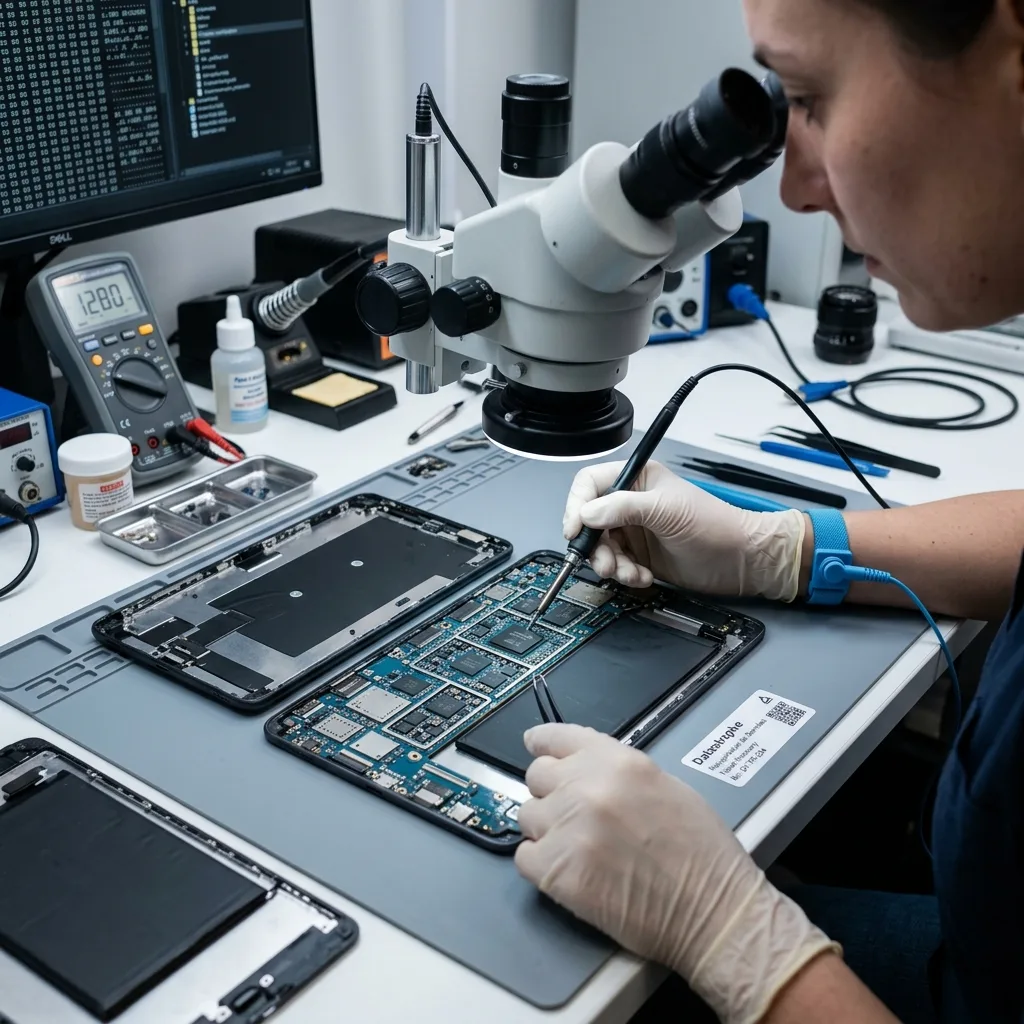
Technical evidence
Keep the passcode, encryption and security hardware with the tablet
Flash memory is only one layer; encryption, accounts, app containers, backups and connectivity determine whether local data can be acquired and interpreted.
Tablet recovery can involve flash storage, encryption, user accounts, backups, application containers and physical connectivity. The useful evidence may sit across hardware, file-system, operating-system and app layers, so one generic scan cannot answer every case.
Seeing folders or thumbnails does not confirm that full files are present. Conversely, an empty application view may result from a damaged index while content fragments or exports remain available. File headers, databases, caches and account records can help establish what survives.
The device and acquisition stability are assessed before logical structures, application data and priority files. This order prevents a visually convincing interface or file list from being mistaken for a complete recovery.
- Assess hardware access before logical structures
- Identify app-specific databases and exports
- Verify full files rather than thumbnails
Indicators of usable data
Folder names, thumbnails and database entries are clues, not proof of complete content. Internal file structure, expected size, metadata and practical opening or export checks provide stronger evidence that an item can be used.
Follow the data layers in order
Acquisition stability comes first, followed by file-system and operating-system structures, app containers and priority content. This sequence keeps the result anchored to evidence rather than to what the tablet interface happens to display.

Recovery method
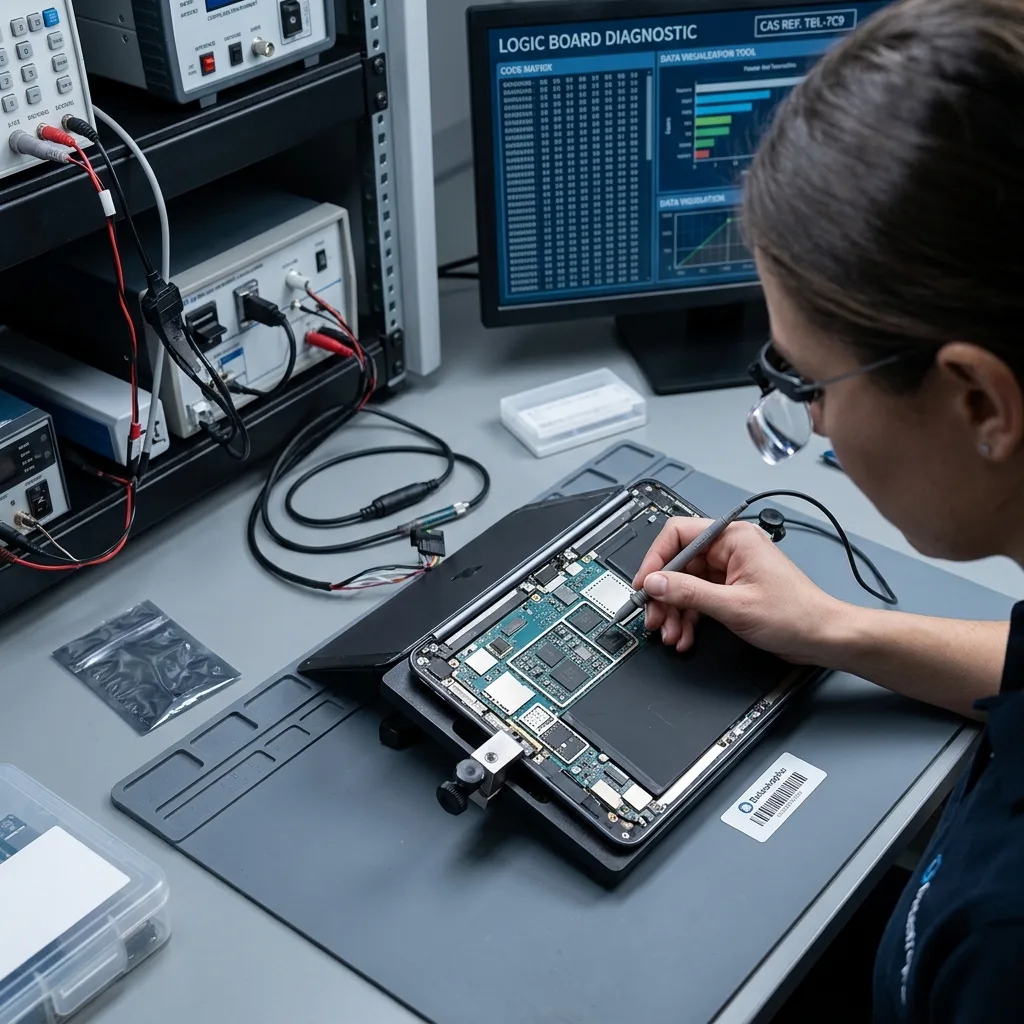
Stabilise the tablet board to obtain decrypted access
Stabilise the original board and preserve its security state before attempting decrypted access to application and file data.
Datastrophe first records the tablet model, symptoms, incident date, prior attempts, expected local content and essential files. The diagnostic assessment uses this information to determine whether the immediate task is stabilising access, preserving a logical state or locating data across applications and backups.
An unstable tablet is handled to protect the access that remains. For logical loss, writes and account changes are minimised while deleted or damaged structures are assessed. Mixed faults are addressed in the order least likely to alter recoverable data.
Representative photos, documents, notes and application files are checked after extraction. Dates, file structure and the ability to open or export content give a more reliable measure than a total number of gigabytes.
- Preserve remaining access before extraction
- Review protected data away from the source
- Test representative priority files
How the method is chosen
Hardware stability, encryption state and the type of logical loss determine the first safe action. When faults overlap, preservation takes precedence and later analysis is performed from the most reliable acquisition available.
How recovered content is checked
Testing covers representative items from the priority list, including their internal structure, dates and ability to open or export. The findings distinguish genuinely useful content from partial data, previews and unsupported entries.
File priorities
Validate original tablet files rather than gallery previews
Name the local photos, documents, notes and application records needed, including useful dates and examples where possible.
Common priorities include local photos, offline documents, exportable notes, project folders and application records. Listing exact examples, file types and date ranges helps the recovery work target useful content instead of treating every cached or system file as equally important.
Prioritisation is particularly useful when access is intermittent or storage is badly degraded. It also limits unnecessary exposure of unrelated personal or work data and provides early evidence about whether the recovery can meet the core need.
A final result separates complete and usable files from partial items, thumbnails, placeholders and metadata-only records. Each category has different practical value and should not be combined into one undifferentiated file count.
- List specific folders, apps and file types
- Separate local items from cloud-only content
- State whether a partial export would still help
Why examples improve the search
Known filenames, dates, applications and folder locations provide concrete checks for an extraction. They help locate the required material sooner and show whether the surviving app or file-system structures are being interpreted correctly.
Report different result categories
Complete files, partial data, previews and metadata records are reported separately. This gives a realistic account of what can be opened, exported or reused and what remains only as evidence that an item once existed.

Secure handover
Export photos, notes and documents in reusable formats
Only authorised content is examined, and the returned data is organised so usable exports, partial items and access limits are easy to understand.
A tablet can contain messages, personal photos, client files, account history and work information outside the requested scope. Laboratory access should be limited to what is authorised and technically necessary for acquisition, file identification and validation.
Recovered content is placed on suitable destination storage or prepared as an agreed export. When an application database, conversion or partial extraction is supplied, its format and limitations are explained so it is not mistaken for the original working application.
The result states where access was blocked by overwritten content, failed flash storage, unavailable credentials, encryption or damaged application structures. These constraints remain important even when other files have been recovered successfully.
- Agree on the authorised content scope
- Return files in a practical destination format
- Record access and completeness limitations
Choosing the handover format
The output may consist of ordinary files, an application export, a database or a targeted partial result. Its structure is described so the recipient understands what has been recovered and whether further application-specific work is needed.
Constraints are reported directly
Failed flash areas, overwritten data, missing credentials and damaged app structures can prevent complete recovery. These issues are recorded alongside usable content instead of being hidden within an overall data total.
Case details
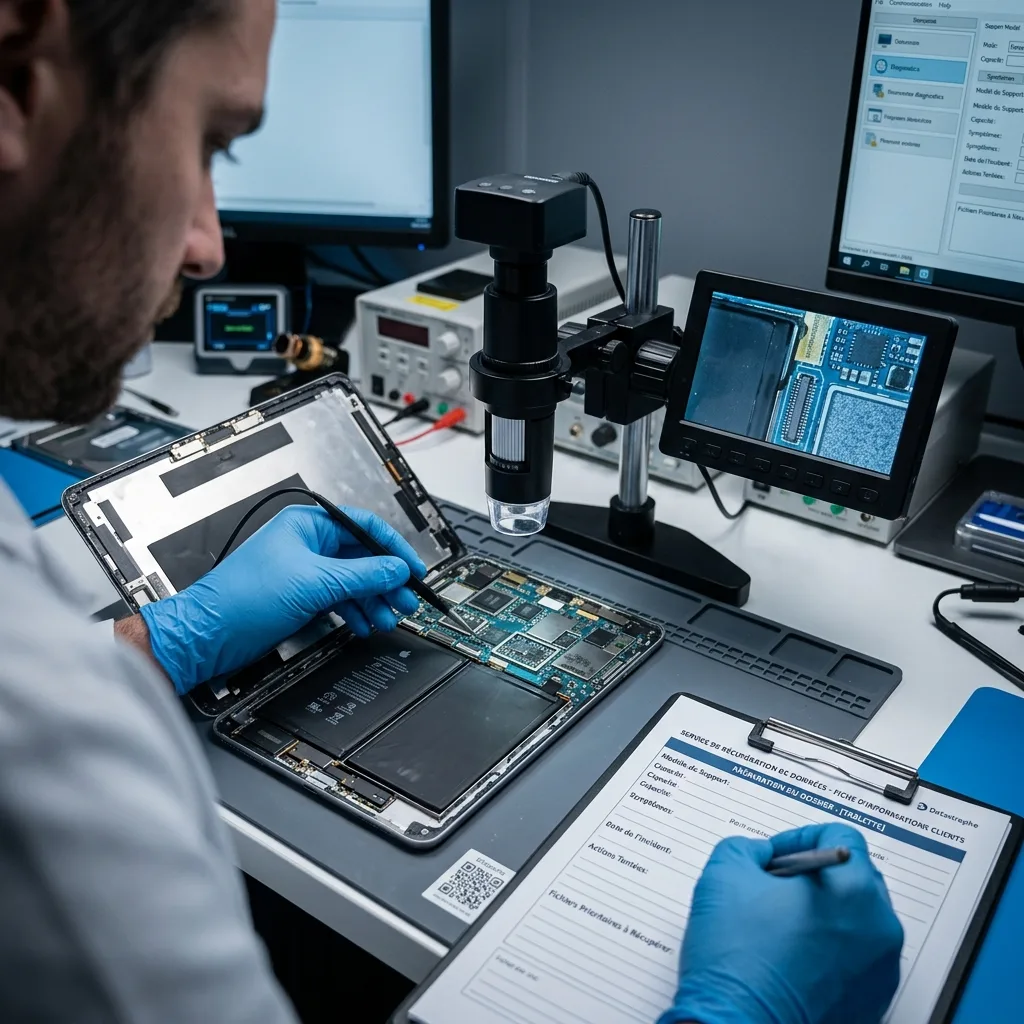
Prepare the model, known passcode, backups and priority apps
Include the tablet model, symptoms, incident history, previous attempts, relevant accessories and a precise list of required local files.
Provide the exact tablet model, storage capacity, symptoms, incident date, previous attempts and a list of the local content required. Photographs of damage or error messages can help, as can details about when the device last started and whether any reset warning appeared.
Keep the charger, cable, adaptor, microSD card and any relevant configuration or partial backup with the case. Note whether each accessory is original to the tablet and whether the removable card was used as portable or adopted storage.
Describe the event factually, including liquid or impact, updates, passcode attempts, repair visits and account changes. Also state which partial result would still be useful; this helps the assessment focus on practical outcomes.
- Keep the tablet and removable storage together
- Provide passcode and management context securely
- List priority apps, files and date ranges
Include relevant accessories and context
Chargers, cables, removable cards and management details can explain an access fault or storage relationship. Keep them with the device and note any substitutions, repairs or configuration changes made after the incident.
Define a useful partial outcome
If a complete result is not essential, identify the photos, documents, notes or app records that would provide value on their own. This gives the laboratory clear targets for early validation.
FAQ
Frequently asked questions
What should I do first when a tablet becomes inaccessible?
Stop resets, updates and repeated passcode attempts. Record the exact symptoms and incident sequence, keep any microSD card with the device, and list the local photos, documents or app data required. These steps preserve the current state for assessment.
Can all local data be recovered from a failed tablet?
That cannot be determined before the device is assessed. The outcome depends on flash-memory condition, overwriting, reset or security-erase activity, available credentials, encryption and surviving app structures. Only content supported by extraction and usability checks is reported as recovered.
Why list priority tablet files and applications?
Specific photos, documents, notes, apps and dates provide practical search and validation targets. They are especially useful when device access is unstable, storage is damaged or only part of an application database can be extracted.
Will the tablet be suitable for continued use after recovery?
Returning the device to service is not the recovery objective. The work focuses on copying usable content to another destination. A tablet involved in unexplained data loss or hardware failure should be treated as unreliable until separately assessed.
How are tablet recovery limitations presented?
The handover identifies obstacles such as failed flash areas, overwritten content, incomplete application data, unavailable credentials and inaccessible encryption. Complete files, partial items, previews and metadata-only detections are distinguished where relevant.
Media
Other expertise
- Data Recovery for Failed Internal Hard Drives Controlled recovery of files from internal hard drives affected by mechanical damage, bad sectors, formatting or lost partitions.
- External Hard Drive Data Recovery and Fault Assessment Recover files from dropped, unstable or unrecognised external drives, including USB bridge, enclosure, partition and physical disk failures.
- Recover Files from Failed SSD and NVMe Storage Technical SSD and NVMe recovery for controller faults, failed NAND, firmware problems, encryption and unreadable volumes.
- Recover Files from a Damaged USB Flash Drive Technically assessed recovery for USB drives with broken connectors, failed controllers, corrupted NAND, missing files or no detection.
- Memory Card Photo and Video Recovery Practical recovery of photographs and video from damaged, formatted or unreadable SD, microSD and CompactFlash cards.
- Laptop File Recovery After Hardware or System Failure Recover files from laptops affected by startup faults, liquid, impact, inaccessible accounts, internal drive failure or soldered SSD problems.
- Recover Files from Failed Macs and Apple Storage Practical Mac recovery for damaged APFS or HFS+ volumes, FileVault issues, failed Apple SSDs, split Fusion Drives and liquid incidents.
- Recover Data from Virtual Disks and Snapshots Recovery of data from VMDK, VHDX, VHD and QCOW2 virtual disks, including snapshots, VMFS datastores, databases and damaged VMs.
- Recovering Data From RAID, NAS and Storage Arrays Recover data from failed RAID 0, 1, 5, 6 and 10 arrays, NAS units, servers, SHR, ZFS and Btrfs after disk, controller or rebuild faults.
- Recover Critical Data from Failed Servers Practical server data recovery for failed RAID arrays, databases, virtual machines, file shares and damaged file systems.
- Recover CCTV Footage from NVR, DVR and XVR Recorders Recovery of CCTV and security camera footage from NVR, DVR and XVR systems with damaged indexes, H.264/H.265 streams, RAID storage or failed exports.
- How ISO Class 5 Clean-room Recovery Protects Hard Drives See how ISO Class 5 clean-room conditions support hard drive recovery, from particle control and platter inspection to technical limits and cost.
 Data Recovery for Failed Internal Hard Drives
  Recover Files from Failed SSD and NVMe Storage
  Recover Files from a Damaged USB Flash Drive
  Memory Card Photo and Video Recovery
  Laptop File Recovery After Hardware or System Failure
  Recover Data from Virtual Disks and Snapshots
  Recovering Data From RAID, NAS and Storage Arrays
  Recover Critical Data from Failed Servers
  Recover CCTV Footage from NVR, DVR and XVR Recorders
  How ISO Class 5 Clean-room Recovery Protects Hard Drives
 Diagnostic assessment
Unsure about a storage device or fault?
Datastrophe assesses the risk before any recovery attempt and points you towards the safest next step.