

Recover Files from Failed SSD and NVMe Storage
Datastrophe assesses SSD and NVMe failures, protects the original device and recovers the files that can be read and validated.
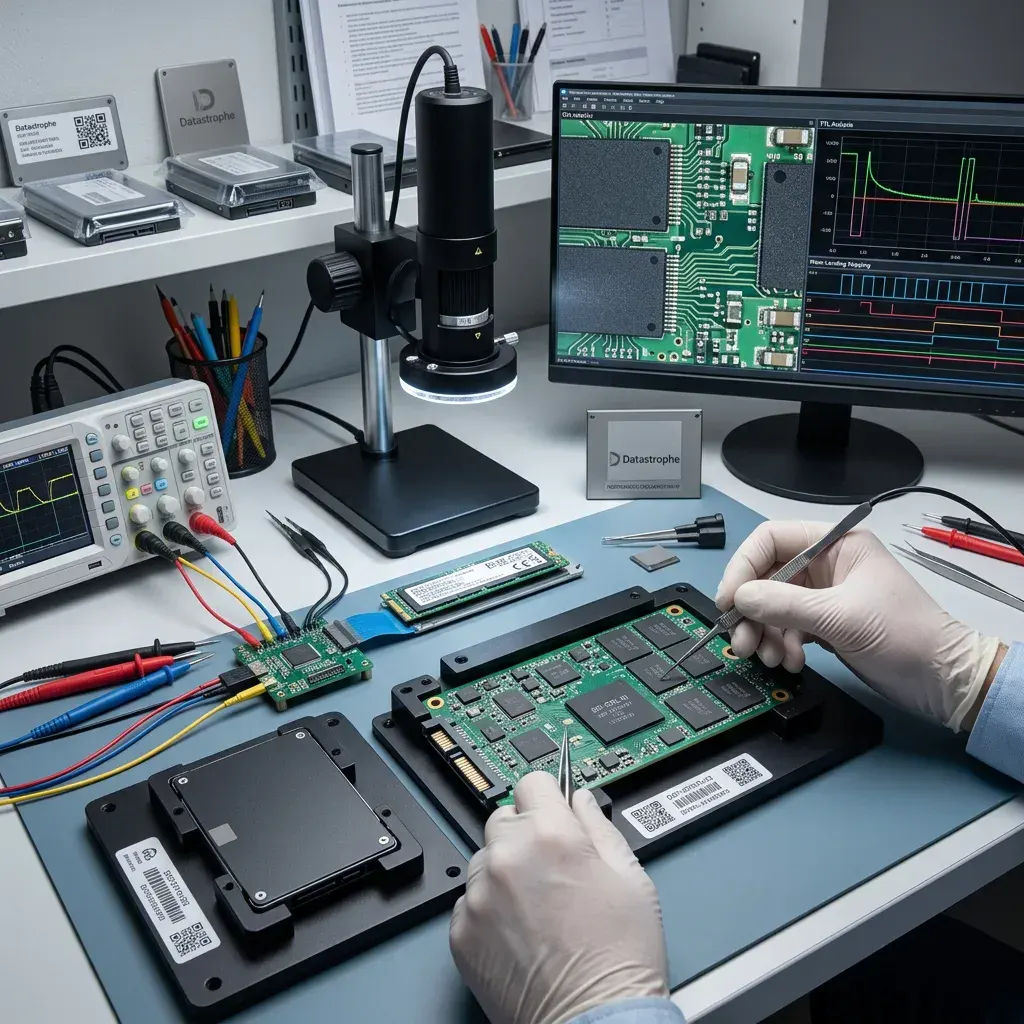
Device assessment
Stabilise short-circuit or liquid damage before reading the SSD
Inspect the power path and electronics first when heat, liquid or a short circuit preceded the failure, then select the least intrusive read method.
An SSD exposed to liquid, excess voltage or a short circuit should be stabilised before power is applied for data access. An SSD may disappear, report the wrong capacity, remain busy, mount without expected files or stop responding after a power event. SATA SSDs, M.2 NVMe drives, system disks, laptops and workstation storage all present different electrical and logical access paths.
At the data recovery laboratory, the device is kept in its current state while its interface, controller behaviour and logical presentation are assessed. Writes are avoided, and acquisition is planned around the symptoms rather than repeated trial and error.
Recovery does not aim to certify the SSD for continued use. It aims to copy the retrievable content to healthy storage and state where failed NAND, overwritten pages or unavailable encryption credentials prevent a complete result.
- Record liquid, heat and power-event evidence
- Separate controller faults from logical damage
- Confirm encryption and priority files
What the initial assessment looks for
The review combines model information, power history, controller response, logical layout and encryption status. Together, these observations define a controlled way to acquire accessible data.
Where the technical limits begin
Failed memory cells, completed TRIM activity, overwritten content and encryption without the required key can place data beyond recovery. These conditions are reported as limitations.
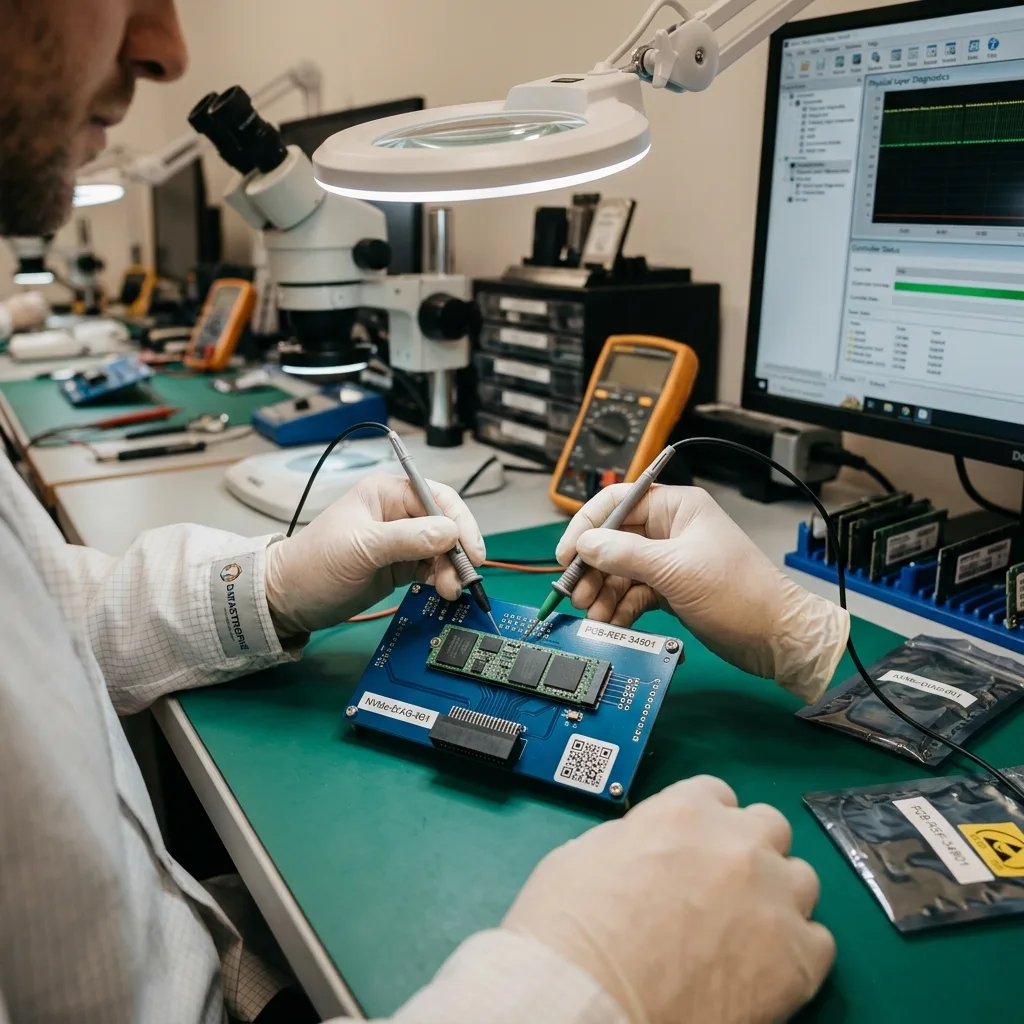
Failure signs
Treat unstable SSD behaviour as a warning
Wrong capacity, intermittent detection and I/O errors are reasons to stop routine use and preserve the device state.
Stop and assess an SSD that is undetected, shows an unusual capacity, produces I/O errors, fails to boot or repeatedly requests an encryption key. A single symptom may have several causes, but instability means that the next reads should be planned carefully.
Write down the sequence of events, including impact, power loss, deletion, formatting, updates and automated scanning software already used. This history can explain whether the present state comes from the original fault or a later attempt.
Leaving a damaged SSD powered can allow background activity to continue. Garbage collection, operating-system writes and further TRIM commands may change data that was still represented in the flash translation layer.
- Capture exact error messages
- Avoid repeated boot and power cycles
- List all software already run
Record the sequence, not just the error
Power events, updates, repair attempts and changes in detection can show when the device state shifted. This evidence helps prevent the wrong recovery path from being repeated.
Reduce background change
Disconnect the SSD from normal workloads once data loss is confirmed. Continued use may trigger writes and internal maintenance that cannot be reversed later.
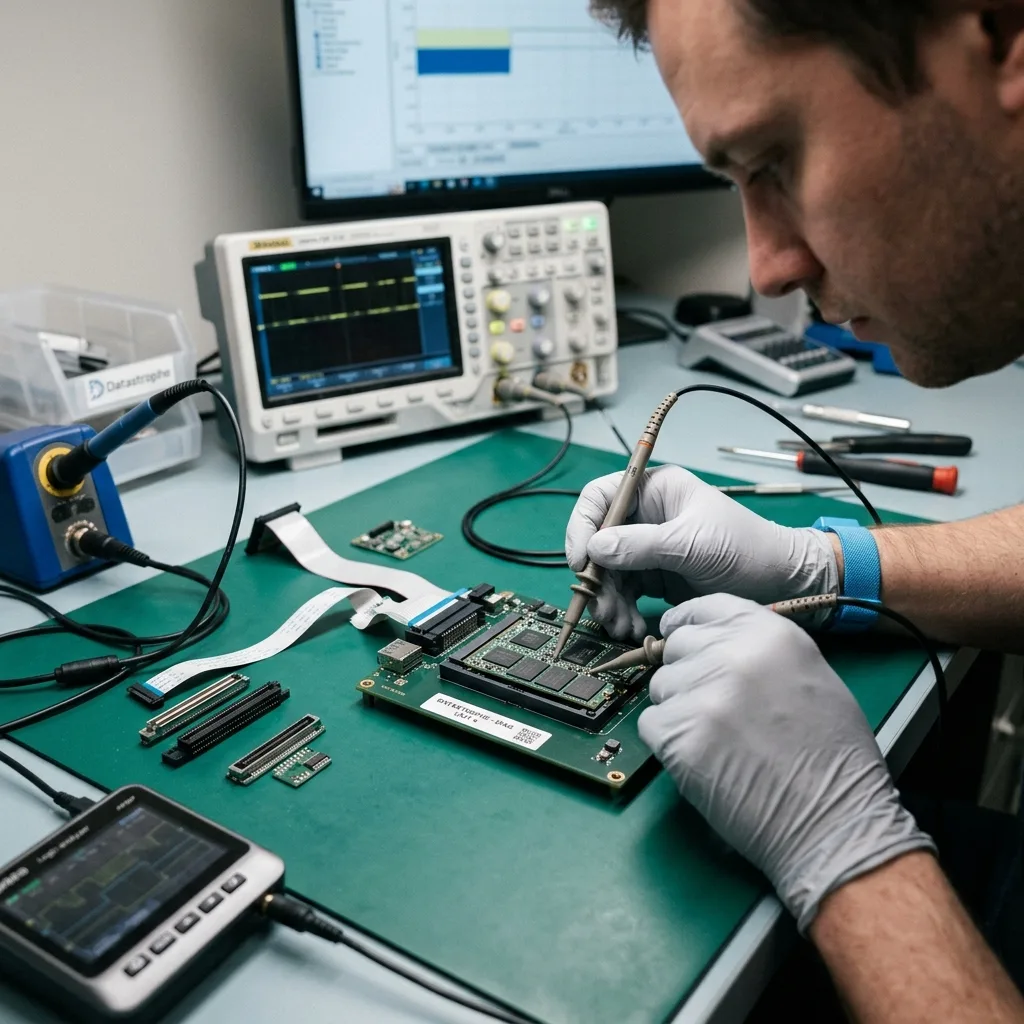
Preservation
Avoid writes after deletion or formatting because TRIM changes the prognosis
Keep new writes and uncontrolled load away from the SSD until its controller and logical state have been assessed.
Avoid reinitialising the SSD, installing an operating system, running write-enabled repair tools or forcing a full-speed software clone. These steps can change logical metadata, issue TRIM commands or place unnecessary load on a failing controller.
Automatic repair is intended to make a volume mountable, not to preserve deleted records. It may rewrite allocation information or journals and leave fewer options for a controlled reconstruction.
A working copy is created with reads suited to the device's stability. Logical recovery and alternative interpretations are then performed away from the original SSD whenever acquisition is possible.
- Never initialise the source device
- Disable write-enabled repair attempts
- Acquire with a fault-aware read plan
Why a normal clone can be risky
A standard cloning tool may retry weak areas without regard to controller temperature or stability. A controlled method adjusts the read sequence to preserve access for priority regions.
Why work moves to a copy
Once a stable acquisition exists, file-system and signature analysis can be repeated without sending more commands to the original SSD or changing its logical state.
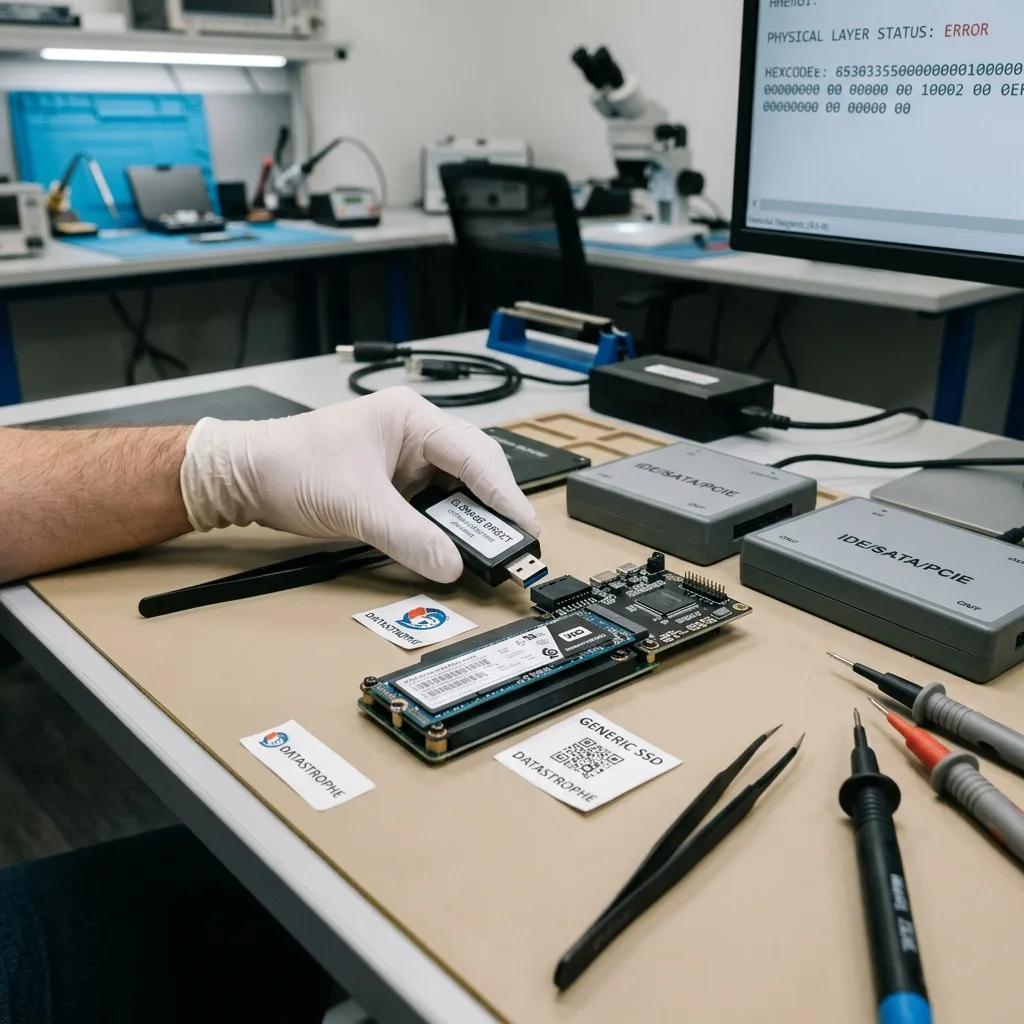
Flash architecture
Follow the controller-to-file data path
Trace data from NAND and controller translation through the file system before judging whether individual files survived.
SSD recovery may depend on the controller, NAND geometry, firmware, flash translation layer, TRIM, wear levelling and hardware encryption. These components decide whether raw flash content can be mapped back to logical sectors and files.
A recognisable folder tree is not proof that file contents survived. Conversely, a device that will not mount may still expose useful logical sectors or structures through a controlled technical path.
Analysis progresses from stable device access to address translation, partitions, file systems and priority content. Each layer is checked before conclusions are drawn from the next one.
- Assess controller and firmware response
- Reconstruct logical addressing where possible
- Validate files above the block layer
Visible names can hide damage
Directory metadata may remain after file pages have been trimmed, overwritten or lost. Opening and structural checks are required before any file is counted as usable.
Layer order matters
Controller access and address translation come before file-system reconstruction. Skipping that sequence can create a convincing but incorrectly mapped set of fragments.
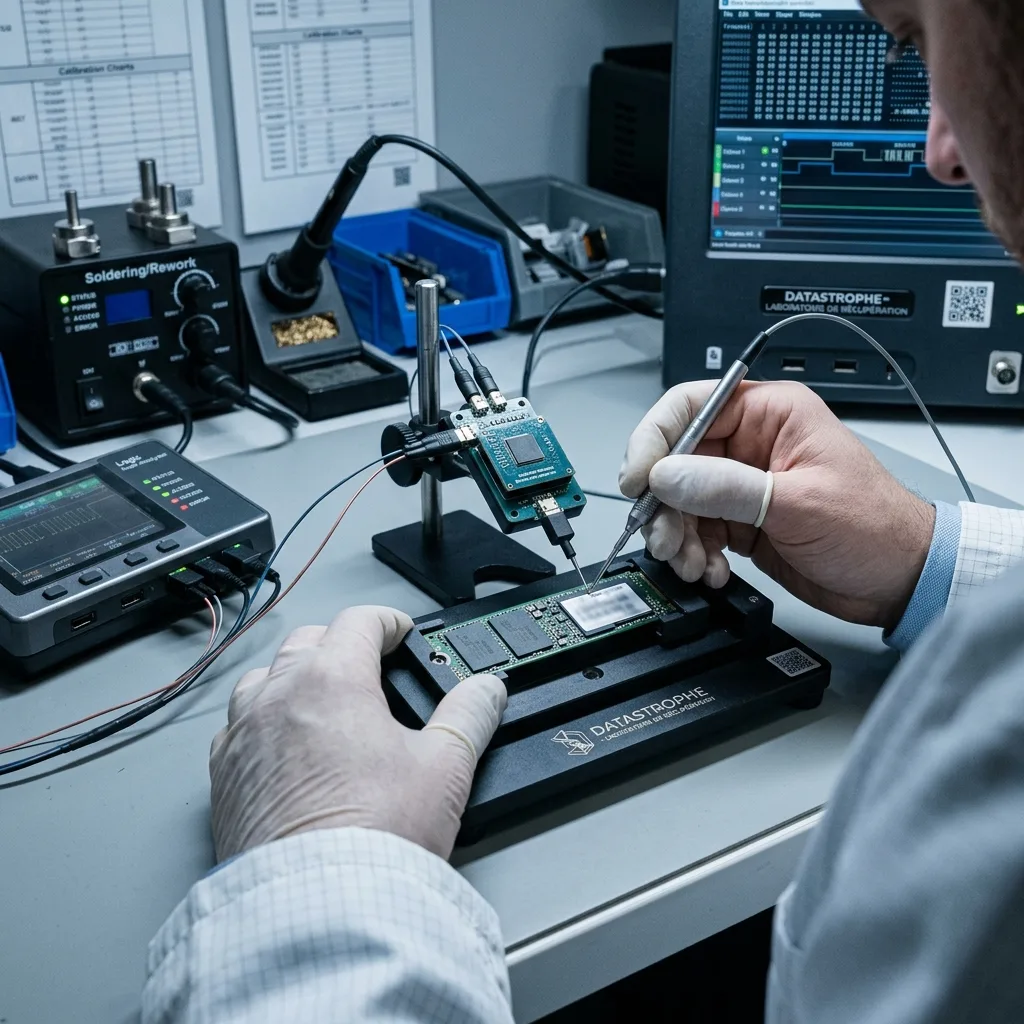
Controlled recovery
Choose logical access or NAND reconstruction in controlled stages
Define the essential data, acquire what the device can safely provide, then validate the recovered content at file level.
Case qualification records the device model, symptoms, loss date, prior attempts, expected volume and essential files. It gives the laboratory a defined target and prevents unnecessary work on content that is not required.
For an unstable SSD, early reads favour accessible priority regions and the information needed to understand translation. Logical cases are handled without new writes, while mixed faults are approached in the least destructive order available.
Recovered files are sampled and opened, with dates, internal structures and expected contents checked where possible. A large extraction is not treated as a successful recovery until useful files pass those checks.
- Qualify symptoms and previous actions
- Prioritise stable acquisition
- Open and inspect representative files
Acquisition responds to stability
Read order, retry behaviour and thermal load are adjusted to the observed fault. The goal is to secure useful logical content before device access deteriorates.
Checks respond to file type
Documents, databases, media and project bundles need different validation. Representative testing is chosen around the priority list rather than a single generic pass.
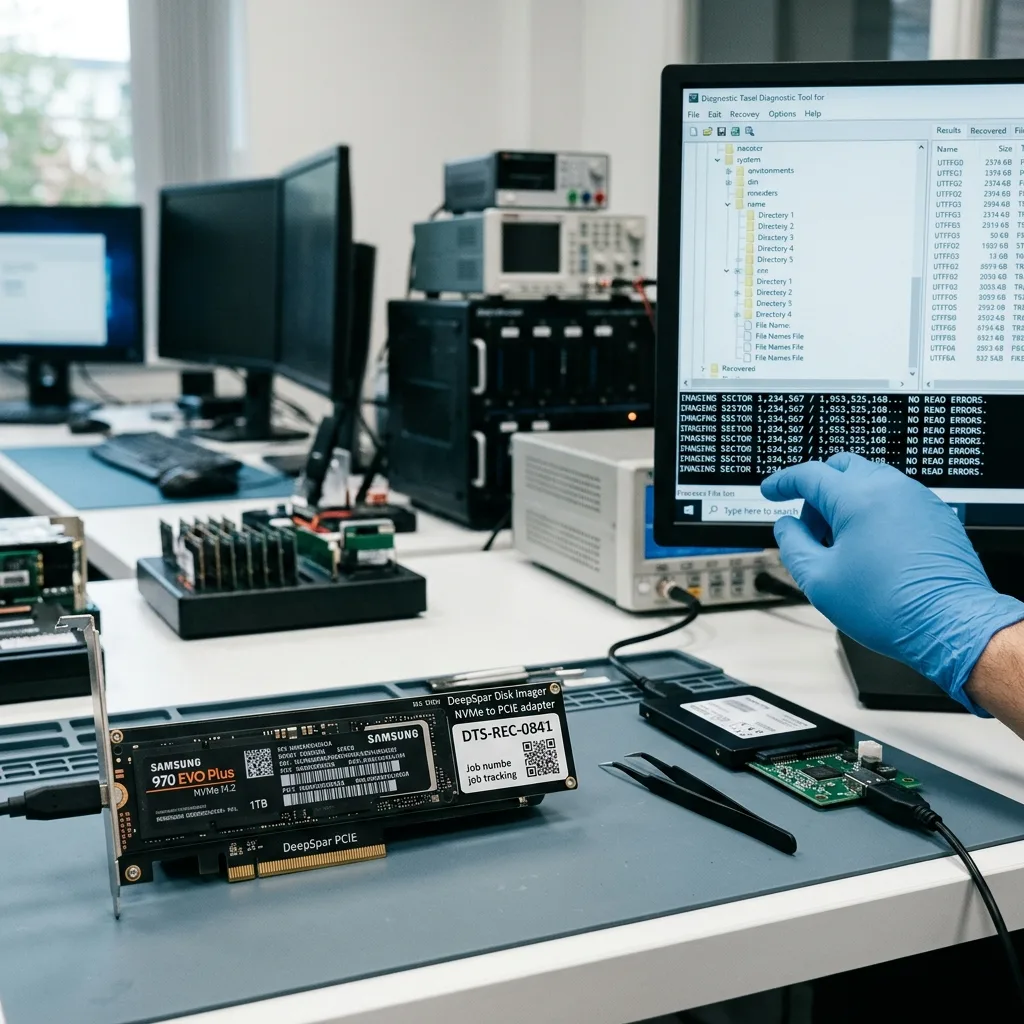
Recovery scope
Validate priority files after ECC and logical reconstruction
Name the folders, projects and dates that matter, then validate their content after ECC correction and logical address reconstruction.
Identify the user profile, recent documents, databases, photographs and active creative projects first. A precise list lets the acquisition and reconstruction focus on the content that would make the recovery useful.
Prioritisation matters when the controller is unstable or only part of the logical address range can be read. It also avoids exposing unrelated personal or business information without a recovery need.
Final checks place files into usable, partial and detected-only groups. A filename or signature alone is insufficient when the content cannot be opened or interpreted.
- Rank critical folders and file types
- Give relevant dates and project names
- Separate usable results from detections
Priority changes acquisition order
When access is unreliable, known logical ranges and file-system records can be targeted before less important regions. This may improve the practical outcome of a partial case.
Validation changes the file count
Detected entries are tested for readable content and correct structure. Files that fail those checks remain clearly identified as partial or unusable.
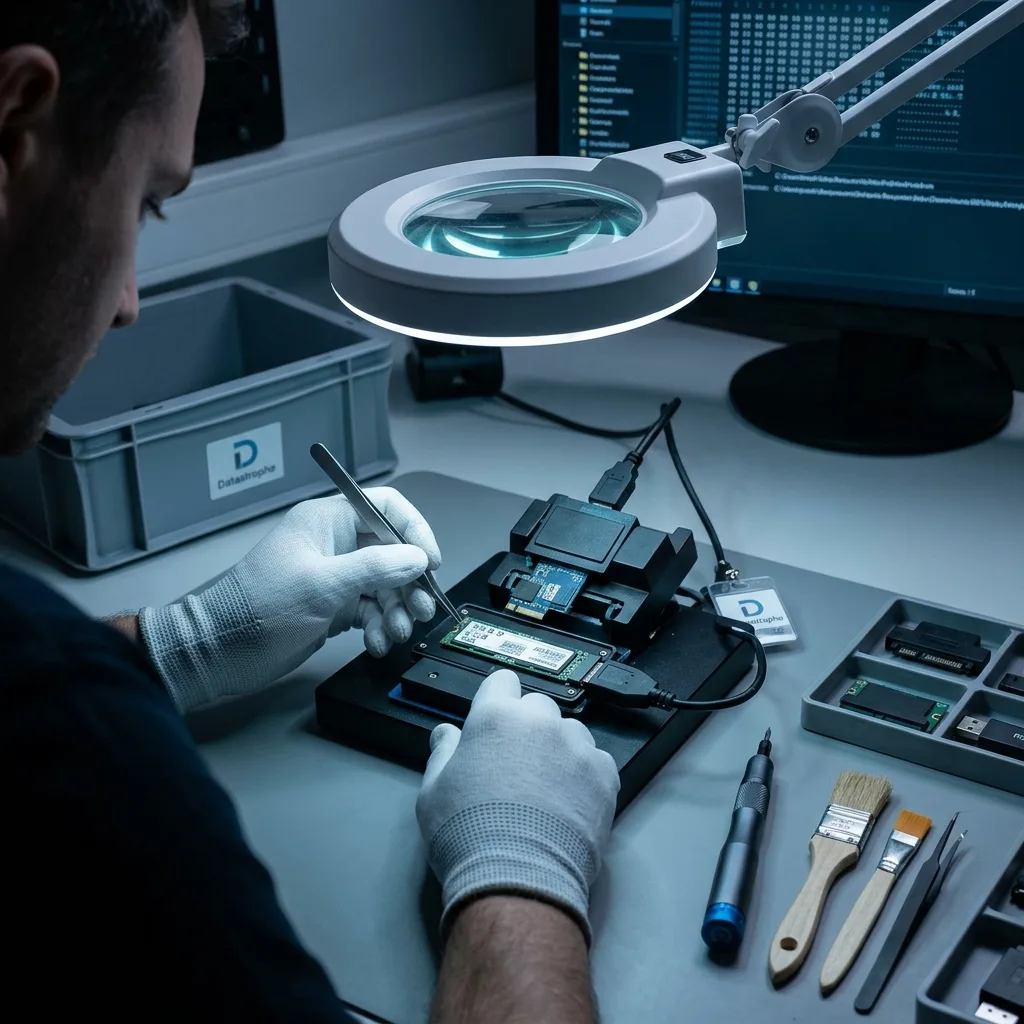
Encryption and delivery
Keep BitLocker and FileVault credentials with the recovery context
Preserve the correct recovery key and account context, restrict access to the agreed scope and deliver only validated data.
An SSD can contain browser history, personal records, client material, logs and internal documents well beyond the requested files. The recovery scope should limit access to what is technically and practically necessary.
BitLocker, FileVault or hardware-encryption recovery material must remain associated with the correct device and user account. Credentials are transferred through an agreed secure channel, not placed in the freight package, then validated against the acquired copy before file reconstruction.
Failed NAND, overwritten logical pages, destroyed metadata and inaccessible encryption remain explicit boundaries. A clear result supports a sound decision even when complete recovery is not possible.
- Retain the correct BitLocker or FileVault recovery material
- Transfer credentials through a separate secure channel
- Document every encryption and media limitation
Describe the supplied format
Delivery notes distinguish original files from exports, conversions and partial reconstructions. This prevents technically different outputs from being treated as equivalent.
Keep limitations beside the result
The outcome records unreadable areas and files that failed validation as well as successful content. This gives the client an accurate basis for next steps.

Case details
Send the details that shape the assessment
Accurate model, symptom and priority information makes the initial SSD assessment faster and more relevant.
Provide the SSD model, capacity, interface, symptoms, incident date, previous attempts and priority files. Clear photographs of the label, PCB condition or on-screen errors may help identify the exact device and failure history.
Keep the original computer, enclosure, adapter, cable, power supply, removed drive and any earlier image or backup where relevant. These items may explain power, interface or encryption dependencies.
Use a factual case summary: what happened, when detection changed, what software was run and what partial outcome would still be valuable. This directs the diagnostic assessment towards the real problem.
Some bridges alter sector presentation or participate in hardware encryption, so moving the module to a different adapter can change what the host reports. Record whether the device behaved differently when connected directly, but stop swapping adapters once instability appears. If the SSD was used through a USB or Thunderbolt enclosure, retain that enclosure and its cable.
For freight, power the device down, place it in an antistatic sleeve, immobilise it inside a rigid box and keep loose metal parts away from the connector. Do not chill, heat or repeatedly test the SSD before dispatch, and provide passwords or recovery keys only through the separately agreed secure channel. Report unusual heat, liquid exposure or a swollen host battery before packing.
- Photograph the device label
- Describe detection and power behaviour
- List essential folders and file types
Retain the host and accessories
The computer, adapter or enclosure may contain interface details or credentials needed to interpret the source. Keep them available until the assessment confirms what is relevant.
Explain what would be useful
Identify the folders, dates, applications and minimum acceptable result. That information helps align acquisition and validation with the files that matter.
FAQ
Frequently asked questions
What should I do when an SSD or NVMe drive stops responding?
Disconnect it from normal use, avoid reinitialisation and repeated power cycles, and record exactly how detection changed. Identify the priority files before any further scanning or repair attempt.
Can every file be recovered from failed flash storage?
No. Recoverability depends on controller access, surviving NAND content, the flash translation layer, TRIM and overwrite activity, file-system metadata and available encryption credentials.
Why are file priorities important for an SSD case?
An unstable controller may provide only a limited access window. Knowing the essential folders, dates and file types allows reads and validation to focus on the content with practical value.
Should a recovered SSD be returned to everyday use?
No. Recovery extracts data from a device that has already shown unreliable behaviour. Move the result to healthy storage and replace the affected SSD rather than trusting it with production data.
How do I obtain a quote for SSD or NVMe recovery?
Request a quote with the model, capacity, symptoms, prior actions, encryption status and required files. The diagnostic assessment then defines the acquisition method, controller or NAND work, decryption requirements and validation scope.
Media
Other expertise
- Data Recovery for Failed Internal Hard Drives Controlled recovery of files from internal hard drives affected by mechanical damage, bad sectors, formatting or lost partitions.
- External Hard Drive Data Recovery and Fault Assessment Recover files from dropped, unstable or unrecognised external drives, including USB bridge, enclosure, partition and physical disk failures.
- Recover Files from a Damaged USB Flash Drive Technically assessed recovery for USB drives with broken connectors, failed controllers, corrupted NAND, missing files or no detection.
- Memory Card Photo and Video Recovery Practical recovery of photographs and video from damaged, formatted or unreadable SD, microSD and CompactFlash cards.
- Laptop File Recovery After Hardware or System Failure Recover files from laptops affected by startup faults, liquid, impact, inaccessible accounts, internal drive failure or soldered SSD problems.
- Recover Files from Failed Macs and Apple Storage Practical Mac recovery for damaged APFS or HFS+ volumes, FileVault issues, failed Apple SSDs, split Fusion Drives and liquid incidents.
- iPad and Tablet Data Recovery Professional tablet recovery for inaccessible iPads and other devices, covering flash storage, local files, encryption and reset risks.
- Recover Data from Virtual Disks and Snapshots Recovery of data from VMDK, VHDX, VHD and QCOW2 virtual disks, including snapshots, VMFS datastores, databases and damaged VMs.
- Recovering Data From RAID, NAS and Storage Arrays Recover data from failed RAID 0, 1, 5, 6 and 10 arrays, NAS units, servers, SHR, ZFS and Btrfs after disk, controller or rebuild faults.
- Recover Critical Data from Failed Servers Practical server data recovery for failed RAID arrays, databases, virtual machines, file shares and damaged file systems.
- Recover CCTV Footage from NVR, DVR and XVR Recorders Recovery of CCTV and security camera footage from NVR, DVR and XVR systems with damaged indexes, H.264/H.265 streams, RAID storage or failed exports.
- How ISO Class 5 Clean-room Recovery Protects Hard Drives See how ISO Class 5 clean-room conditions support hard drive recovery, from particle control and platter inspection to technical limits and cost.
 Data Recovery for Failed Internal Hard Drives
  Recover Files from a Damaged USB Flash Drive
  Memory Card Photo and Video Recovery
  Laptop File Recovery After Hardware or System Failure
  iPad and Tablet Data Recovery
  Recover Data from Virtual Disks and Snapshots
  Recovering Data From RAID, NAS and Storage Arrays
  Recover Critical Data from Failed Servers
  Recover CCTV Footage from NVR, DVR and XVR Recorders
  How ISO Class 5 Clean-room Recovery Protects Hard Drives
 Diagnostic assessment
Unsure about a storage device or fault?
Datastrophe assesses the risk before any recovery attempt and points you towards the safest next step.