

Data recovery questions answered clearly
Leave the failed storage unchanged. Datastrophe arranges private courier collection and return across the country, completes the laboratory assessment free of charge, and lets you decide from a verified file list and an agreed AUD quote.
FAQ
Data recovery questions answered clearly
Immediate actions
What should I do before the courier collects my storage?
Stop using the storage and note the incident. Shut it down if it clicks, overheats, has been dropped or repeatedly disappears. Never open a hard drive, and do not format, initialise, repair, rebuild or reuse the source. Keep every member of a NAS or RAID set identified and in its known order.
Supported storage
Which storage types can I send from Australia?
Cases can include hard drives, external drives, SSDs, USB drives, memory cards, NAS, RAID sets, servers, virtual disks, NVR storage, tablets and iPads. The quote confirms which listed storage type and related components belong in the parcel.
Intake and diagnosis
Are the assessment and private courier service included nationwide?
Yes. The quote and laboratory diagnostic assessment are free, and private collection and return to the confirmed address are included. The courier carries only the sealed parcel and never accesses or processes its data. Diagnosis, technical recovery and verification remain entirely with Datastrophe in its laboratory.
File decision
What evidence is supplied with the AUD quote before payment?
Datastrophe supplies the quoted price and a file list first. The recoverable_verified status means the item was checked and is usable; partial states the remaining limitation; detected_unverified records only a name or signature without integrity proof; and unrecoverable means unusable. Only recoverable_verified entries are described as recoverable.
When does the case proceed to final recovery?
Review the verified file list and the price quoted in AUD before making a commitment. You pay only when both suit you. Final recovery, preparation of the approved result and return take place after payment. A detected filename on its own does not qualify as a successful result.
Payment and fees
What do I owe if there is no usable result or I reject the quote?
No standard charge is due when no usable data is found, final recovery fails, or you reject the file list or price. The intervention, collection, return transport, customs and standard return medium are covered by that rule. Only a rare expensive part approved separately and at a stated price is non-refundable if recovery fails.
Timing, privacy and return
How do domestic time zones and distance affect updates?
The laboratory findings set the technical timetable, while collection distance and the recipient's local time zone affect logistics and contact windows. The contact page displays the current support hours and available contact details. Datastrophe performs all technical work; the courier only carries the sealed parcel.
How is the accepted result checked before return?
Datastrophe checks structure, integrity and representative priority files, identifies anything partial or unverified, and prepares the accepted result on the standard return medium. The private courier then handles the return leg only. Overwritten, physically destroyed or cryptographically inaccessible information cannot be recreated, and failed source storage should not be reused.
Case context
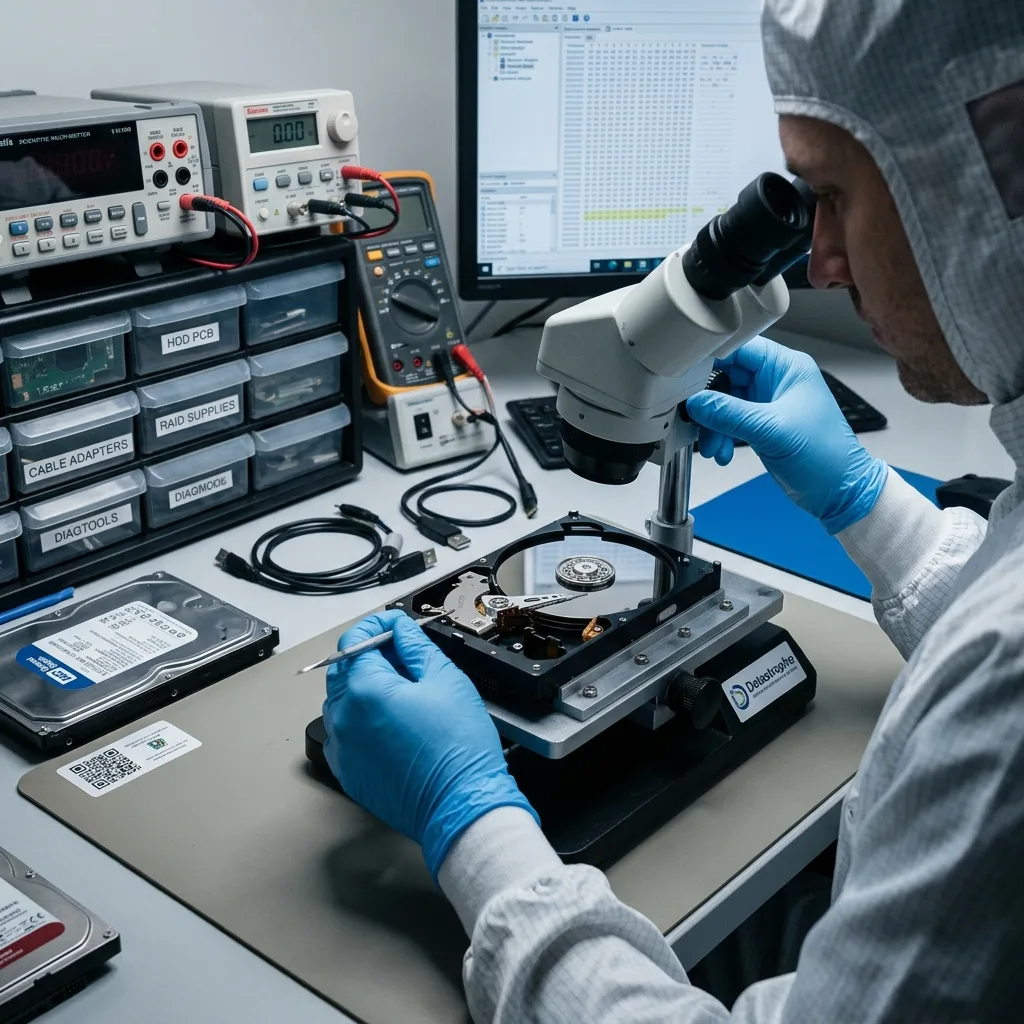
Start with the device and the symptoms
Gather observable facts before deciding whether the source should be isolated, transported or examined in a controlled setting.
Useful advice begins with the storage type, reported symptoms, incident timing, previous attempts and the files that matter most. Those facts help separate a logical access problem from signs of physical instability without claiming to diagnose the device remotely.
Describe what changed, any exact error message or unusual sound, and whether the source remains connected. If important files are at risk, a diagnostic assessment may be safer than another restart, scan or repair attempt.
- Identify the storage device and capacity
- Record symptoms and actions in time order
- List the files or systems that have priority
What an initial review can indicate
Reported behaviour can reveal immediate risk and the handling precautions appropriate to the device type. It cannot confirm internal damage, readable areas or file integrity.
What depends on examination
Recoverable scope depends on the actual source, surviving metadata, encryption and any changes made after the incident. Those unknowns should stay explicit until evidence resolves them.
Technical scope
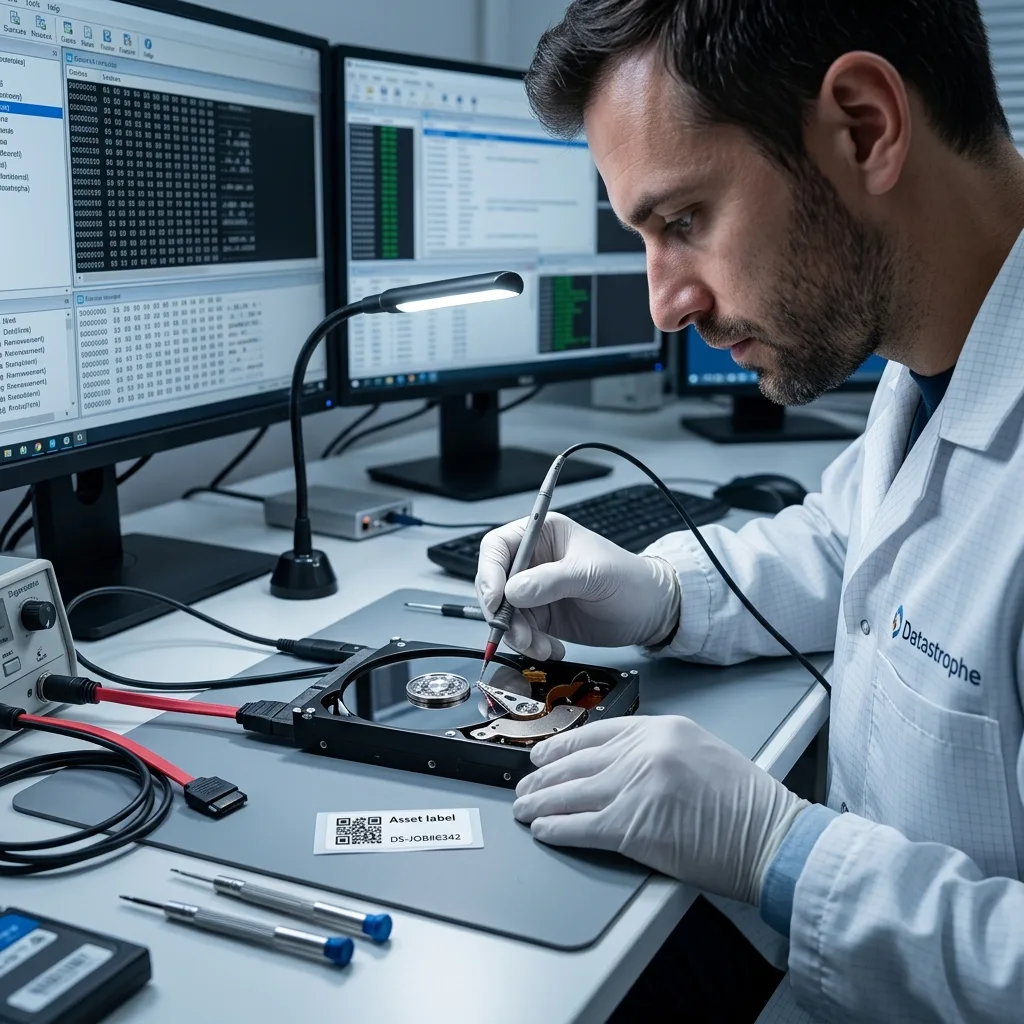
Information that changes the recovery plan
Storage architecture, source stability and the required data set determine which recovery path is technically appropriate.
Report impact damage, liquid exposure, clicking, format prompts, missing volumes, slow access, failed rebuilds and encryption. For NAS, RAID, servers or DVR/NVR recorders, retain the drive order, controller details and known configuration.
The required result also shapes the work. A few documents, a database, a virtual machine or CCTV or security camera footage can require different acquisition, reconstruction and checking priorities.
- Quote exact messages rather than paraphrasing
- Keep members of an array clearly labelled
- Explain how the important output can be checked
Why file priorities matter
Fragile media may allow only limited stable reading. A ranked list directs early acquisition and validation towards the content with the greatest practical value.
Why configuration details matter
Multi-drive systems depend on member order, layout and controller history. Preserving those details can prevent a logical reconstruction problem from becoming harder.
Source protection
Actions that can reduce recovery options
The safest early response prevents avoidable writes, mechanical stress and loss of information needed to interpret the device.
Do not initialise an unrecognised disk, accept a format prompt, run automatic repair or save recovered files to the source. Repeated power cycles can also stress a hard drive with an active mechanical fault.
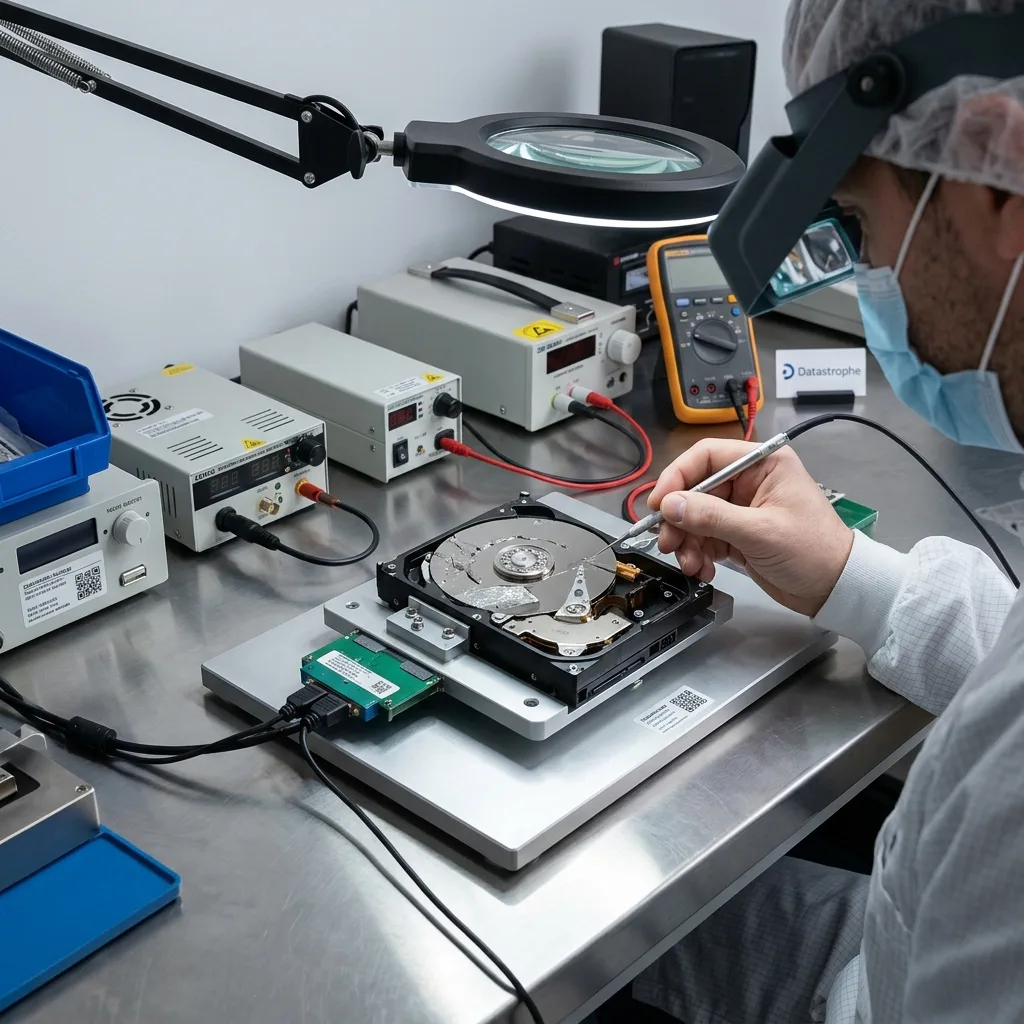
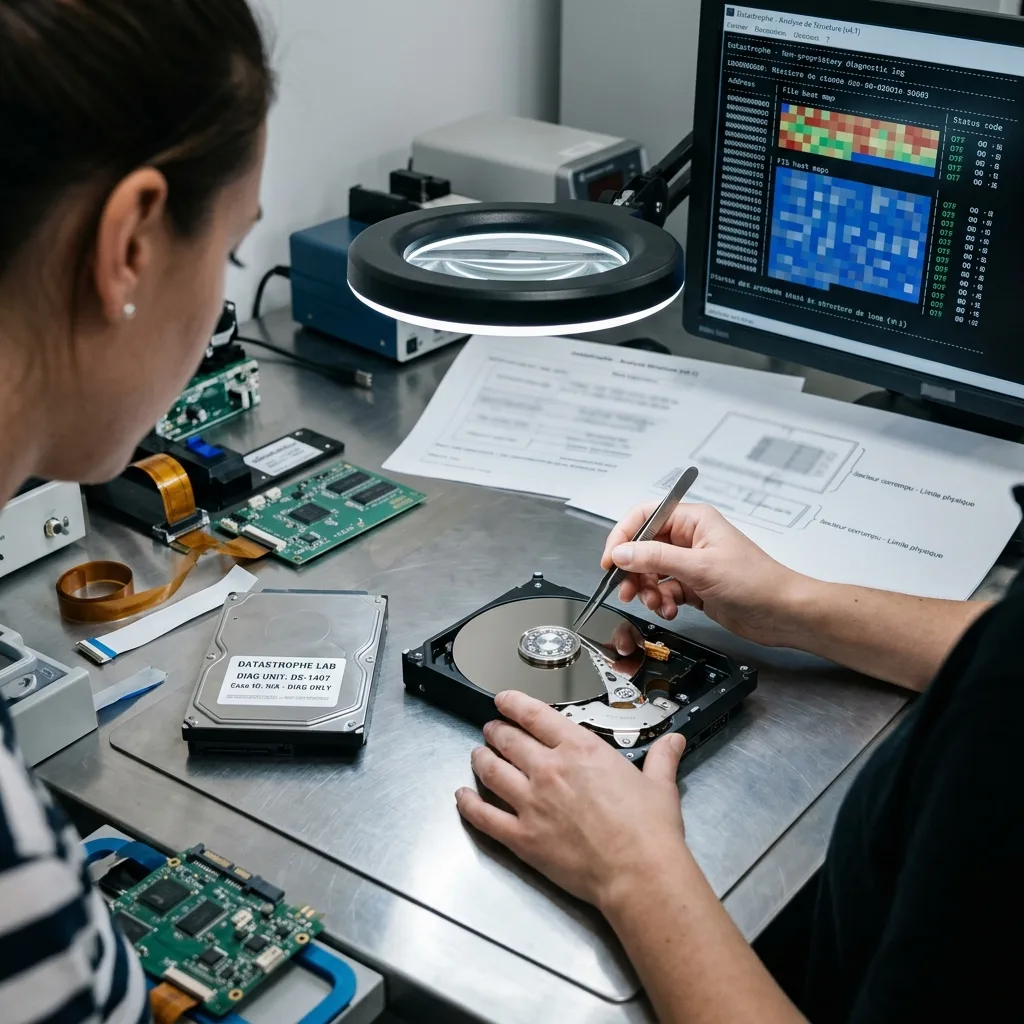
Opening a hard drive outside an appropriate clean room can introduce contamination. A data recovery laboratory protects the source, documents previous work and uses a controlled copy or image where the condition allows.
- Leave initialise and format prompts unanswered
- Keep all recovered output off the source
- Do not open a hard drive in an ordinary room
When software may be inappropriate
Recovery utilities assume the source can tolerate sustained reading. Unusual sounds, disconnections or rapidly worsening access are reasons to stop rather than continue scanning.
Why previous attempts must be disclosed
Repair commands, rebuilds, component changes and earlier recovery work can alter metadata or device behaviour. A complete history helps avoid repeating a harmful step.
Recovery workflow
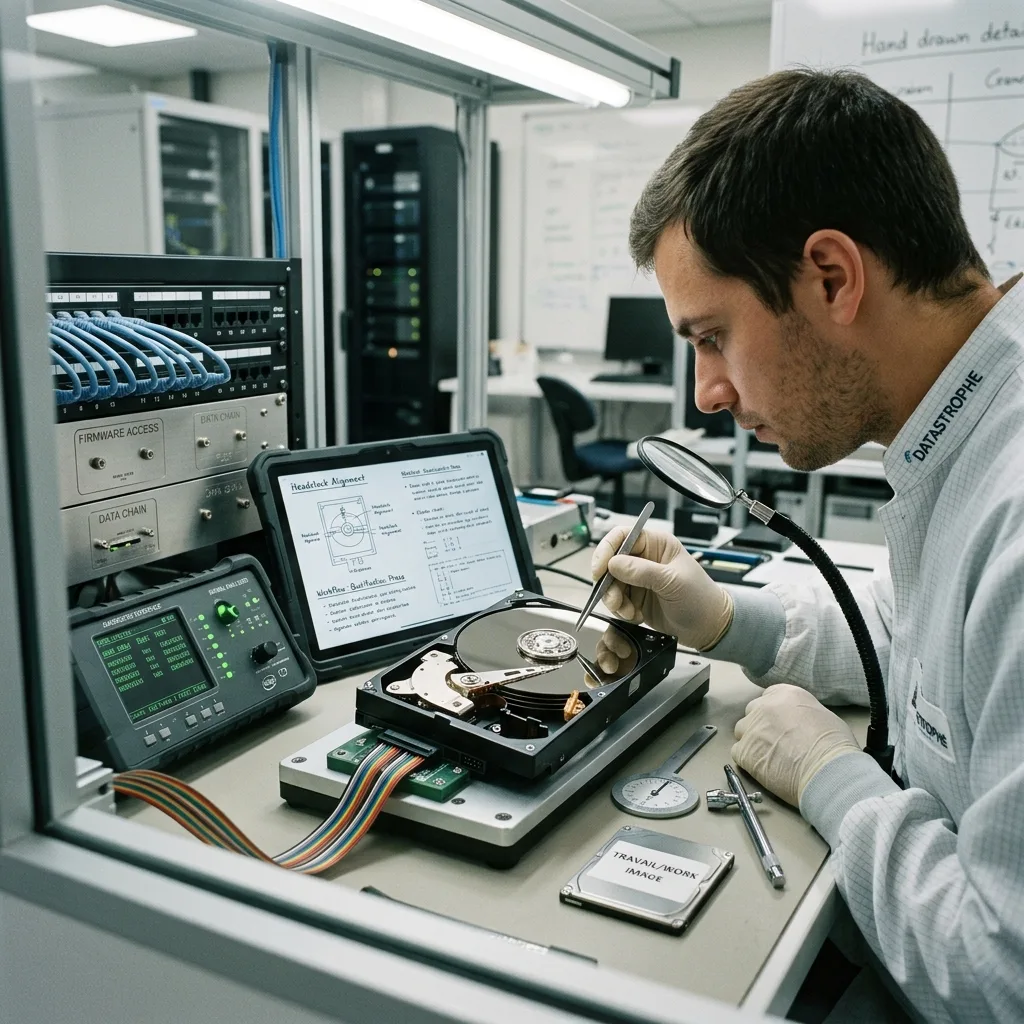
How assessment, quote and recovery fit together
Each stage should turn a specific unknown into evidence while keeping the decision to proceed with the client.
A diagnostic assessment establishes the fault evidence, source stability and likely work where the case cannot be scoped from the description alone. A commercial quote can then define the proposed work, price and remaining limitations.
If you approve the scope, recovery proceeds using methods suited to the fault. Results are checked against the agreed priorities before separate healthy media and secure handover arrangements are prepared.
- Assess risk before committing to recovery
- Link the quote to a defined technical scope
- Check priority files before secure handover
What a quote does and does not mean
A quote sets out commercial terms for defined work. It does not guarantee that every block, file name, folder structure or damaged file will be recoverable.
How the result is checked
Verification may include opening representative priority files, reviewing expected folders and recording incomplete items. Some specialist formats still require client knowledge or their native application.
Data control
Confidential handling and honest limitations
Confidentiality governs who can access recovered information, why access is required and how the result is transferred.
Recovered storage can contain personal, financial, operational or other sensitive information. Access should remain within the agreed recovery and checking scope, with credentials exchanged only through an appropriate secure process.
Technical reporting should distinguish data that were acquired from files that were actually validated. Unreadable regions, missing metadata, internal corruption and unavailable decryption material can all affect the usable result.
- Limit access to the agreed recovery objective
- Deliver files on separate reliable storage
- Record incomplete or unverified output clearly
How partial results should be described
A useful report identifies unreadable areas, files without original names, items that fail checks and content that cannot be interpreted without keys or applications.
Planning a secure handover
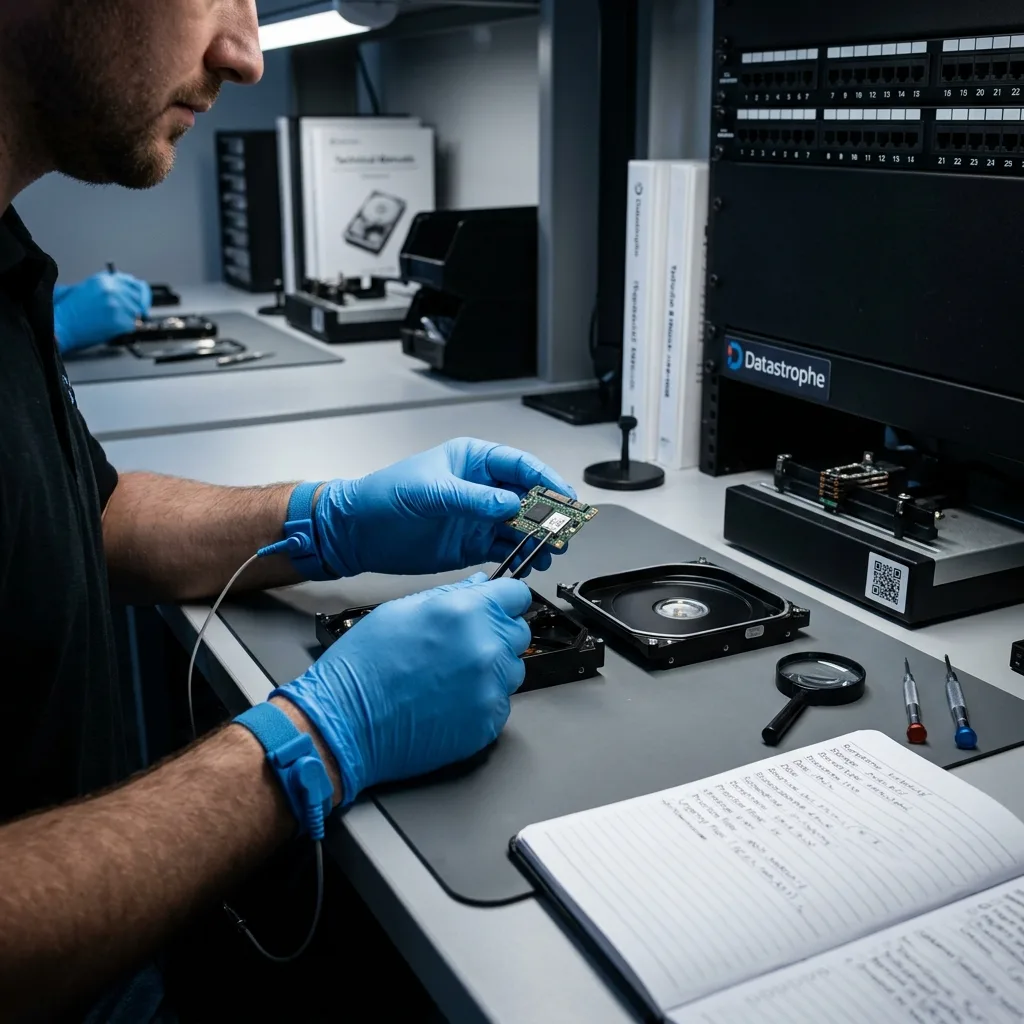
Agree on destination storage, an authorised recipient and any access controls needed for delivery. The failed device should never be the destination for recovered files.
Next action
Prepare the case without further testing
A concise case summary gives the data recovery laboratory better evidence than an unsupported diagnosis or another test of unstable storage.
Write down the hardware details, symptoms, incident date, previous actions, required data and genuine deadline. Photographs of external damage and exact on-screen messages can help, provided no equipment is dismantled to obtain them.
Where it is safe, stop using unstable storage and preserve its current state. Submit the information already available; another scan, restart or repair attempt is not needed to make an enquiry useful.
- Describe the failure in chronological order
- Rank the data that would make recovery useful
- Keep passwords and configuration details available
Before transporting storage
Follow handling advice suited to the media. Protect equipment from impact, static and loose movement, and keep every component from one case clearly associated.
Keep early expectations provisional
Symptoms can indicate risk but cannot prove the final outcome. Treat any early view as conditional until the source and recovered file structures have been examined.
Diagnostic assessment
Unsure about a storage device or fault?
Datastrophe assesses the risk before any recovery attempt and points you towards the safest next step.