

Recover CCTV Footage from NVR, DVR and XVR Recorders
Datastrophe approaches NVR, DVR and XVR recovery as a recorder-system problem: protect the drives, reconstruct video and timing structures, then test the requested sequences. Camera channel, time window, codec, index condition and disk health are recorded so the handover identifies playable results and any unresolved gaps.
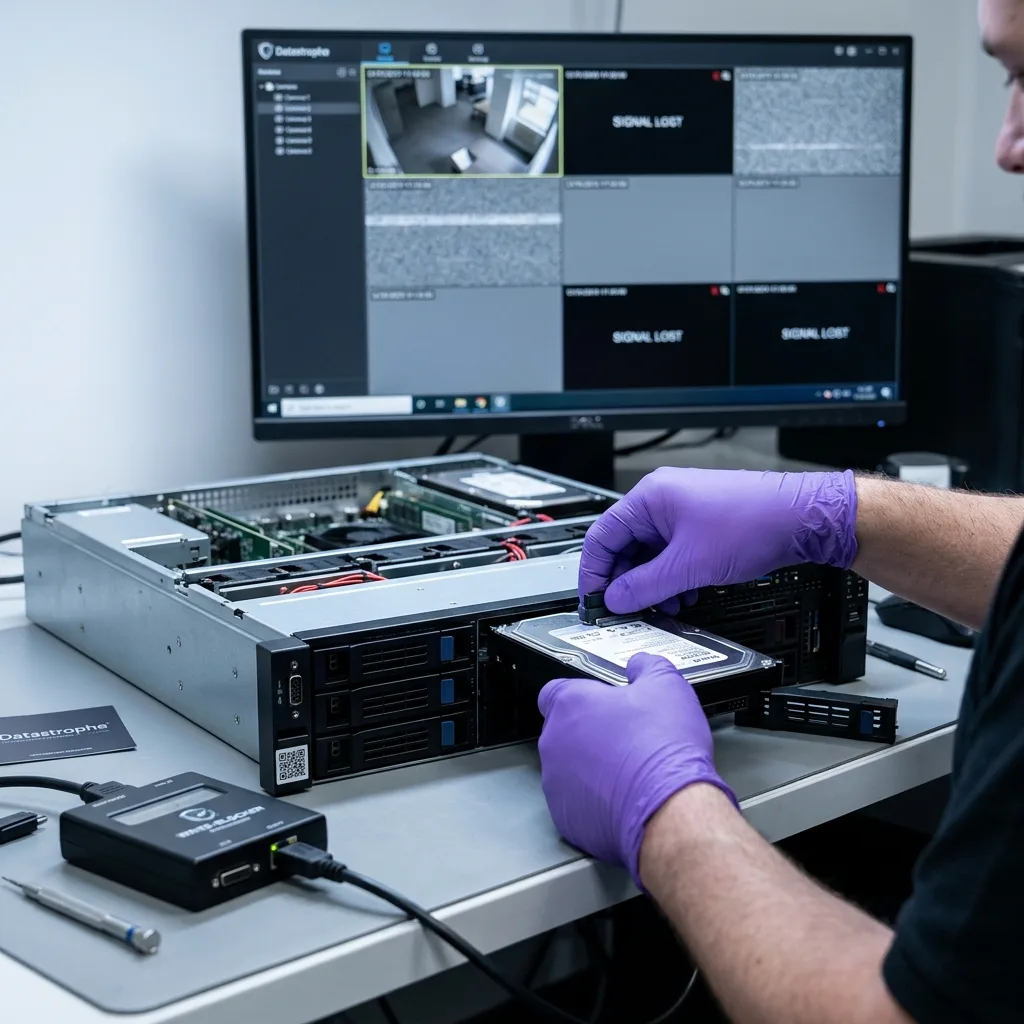
Real need
When CCTV becomes unreadable, preserve the digital scene
Avoid repeated restarts and freeze the recorder state before logs, index maintenance or circular recording alters useful blocks.
A request for recorder footage usually begins with an event, not a storage diagnosis. A camera may skip the required period, an insurer's export may be empty, the calendar may show no recordings, or the unit may fail after a power outage. Recorder type and storage layout are identified only after those symptoms and the required scene have been fixed.
First determine whether footage is absent from the recorder interface or absent from the drives themselves. A blank calendar can result from a damaged index, inconsistent event database, unmounted proprietary volume, missing array member or an unreferenced codec stream while the underlying video blocks still exist.
Prevent further writes before trying to rebuild anything. A restart may add logs, recreate indexes, purge older periods or reallocate recording blocks. An uncontrolled attempt can replace the very CCTV footage being sought, particularly on a recorder using circular retention.
Before acquisition, the case is framed by camera count, recorder model, target dates, symptoms, array layout, drive noise, restart history and the reason the footage matters. That operational picture prevents a multi-layer timeline from being reduced to an ordinary deleted-file search.
- Stop recording writes when the required period may soon be overwritten.
- Specify cameras and a time window so acquisition can follow the actual priority.
- Record every bay position before moving drives from a multi-bay unit.
NVR, DVR and XVR systems store video differently
DVR units usually encode analogue feeds, NVR systems receive network cameras and XVR models combine several input types. The requested outcome remains viewable CCTV, but the recorder architecture determines how streams, channels and indexes must be reconstructed.
Metadata gives footage its camera and time context
A useful result must play, match the correct camera, carry an understood time reference and arrive in a format the authorised recipient can review. Raw stream data by itself may not meet that need.
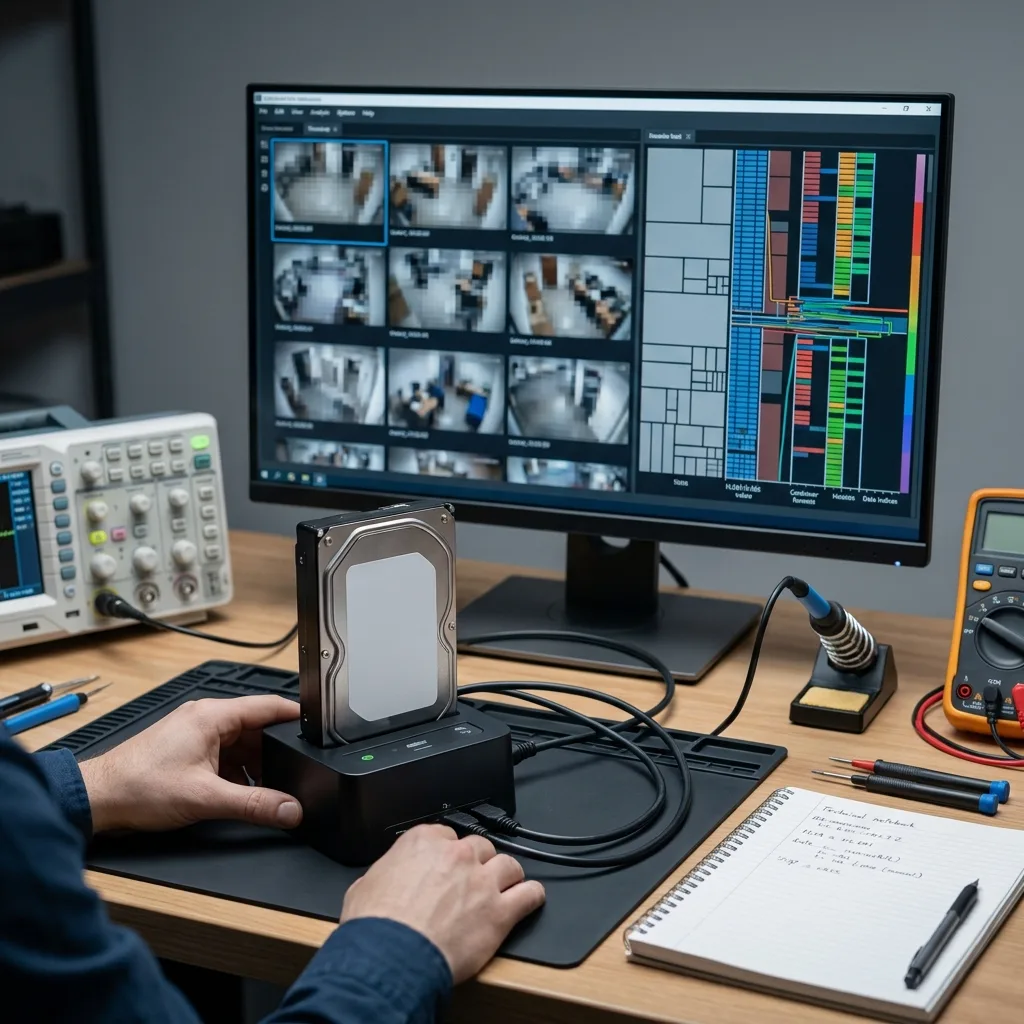
Codec structure
The H.264 or H.265 codec can be intact while export remains impossible
Security camera footage depends on a codec, container, index, time data and sometimes the manufacturer’s player, not images alone.
Most multi-camera recorders rely on H.264, H.265/HEVC or a vendor-specific variation for continuous storage. Compression organises footage into reference frames, dependent frames, GOP sequences and sometimes multiplexed channels. Damage at a GOP boundary or in its lookup index can stop the native player while later portions of the stream remain decodable.
Manufacturer-specific containers add another layer. A familiar extension may conceal private metadata, recorder-side encryption, camera mapping or a separate time database. Simply renaming the export or trying a general media player can therefore suggest the footage is corrupt when its supporting structure is missing.
Work is performed from an acquired copy while the stream, container, playback index, event database, thumbnails, logs and channel metadata are separated. A clip that merely opens is not enough: the output must be testable, linked to its context and supplied in a format the authorised recipient can understand.
The diagnostic assessment also defines the boundary of recovery. Overwritten reference frames, recorder encryption without its key and a camera that never captured the requested period cannot be reconstructed. The findings distinguish absent data from damaged, partial and verifiably recoverable footage.
- H.264 streams may fail around missing reference frames or GOP boundaries.
- H.265/HEVC streams use denser compression and may react differently to incomplete fragments.
- Recorder-specific formats can require rebuilt metadata or a controlled native export.
A recognised codec is not a complete recording
Decodable frames may remain while damaged container records, indexes or time markers prevent reliable playback and navigation.
Official export can hide the real state
An empty export does not prove the data is absent; it may simply show that the interface can no longer find its route to the video blocks.

Recorder storage
With multiple drives, the recorder may not store a simple video file
A professional recorder may spread footage across proprietary RAID, segmented volumes, mirrored drives or camera-based allocation.
A small home recorder may use one disk, while retail sites, farms, strata properties, warehouses and industrial facilities can rely on several bays. The manufacturer may distribute streams by mirroring, aggregation, disk rotation, standard RAID, proprietary parity or an allocation scheme that does not resemble a familiar computer file system.
Do not connect each removed drive to a computer and accept whatever it proposes. A workstation may request formatting, display an empty partition or expose only scattered blocks. That view does not establish that the disk is blank; the array order, stripe geometry, parity and proprietary allocation rules may need reconstruction first.
The data recovery laboratory records bay order, disk identity, capacity, SMART evidence, unstable regions and storage signatures. For RAID-like systems, geometry is derived from the evidence rather than assumed. The wrong member order or parity can yield video that plays but combines the timeline incorrectly.
Continuous surveillance load also shapes the result. Multiple high-resolution channels write without pause, so a degraded member may affect selected cameras or time ranges rather than the whole volume. Recovery is judged against the priority sequences and documented gaps, not an assumption that every period will reconstruct perfectly.
- Label every drive and bay before anything is removed.
- Avoid recorder-led rebuilds until the original layout has been assessed.
- Reject formatting prompts from Windows, macOS, Linux or the recorder interface.
Conventional RAID versus recorder-specific allocation
Some layouts follow recognised RAID patterns; others are designed solely for continuous multi-camera recording. Reconstruction must follow the observed metadata and block distribution rather than a model-based guess.
A camera stream may span several storage devices
One camera may be spread across several media, or several cameras may alternate in the same areas. Checking is therefore done by time range and by source.
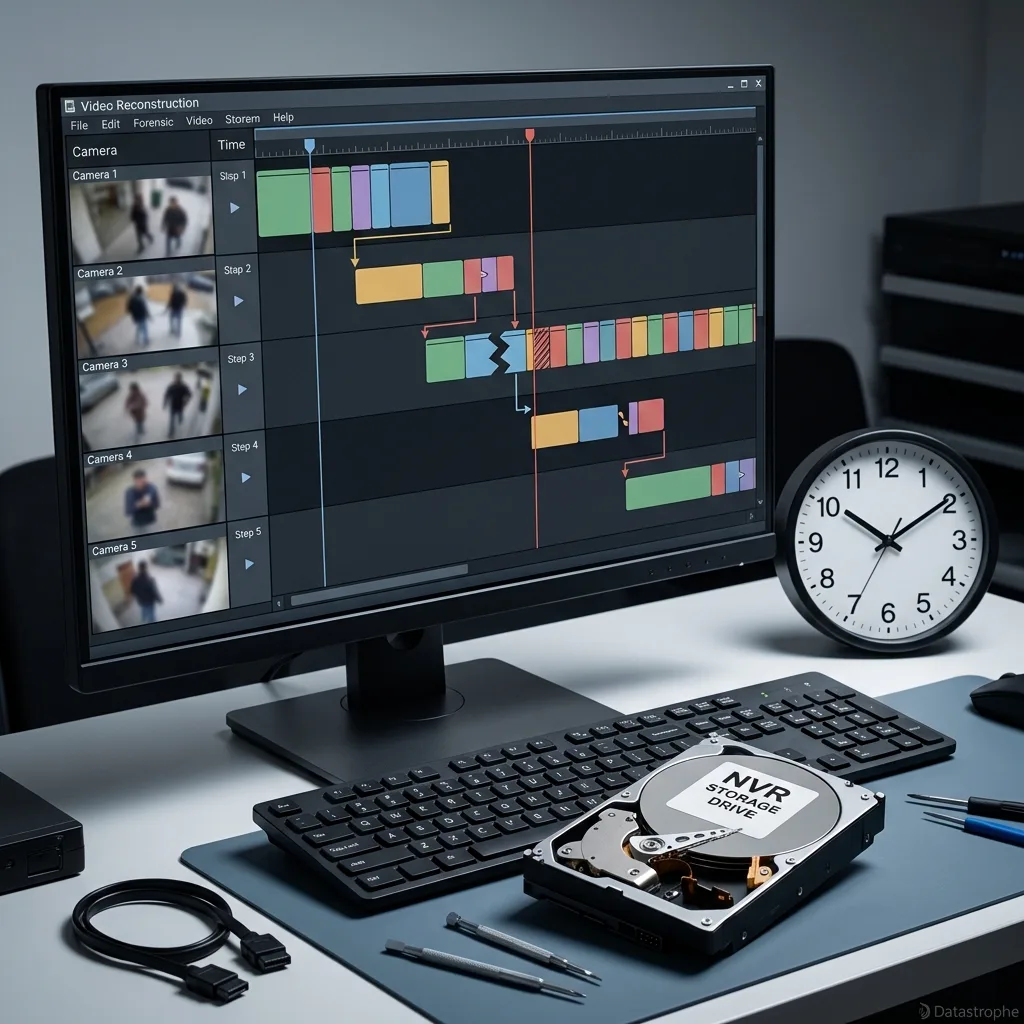
Time correlation
Rebuild camera and timing context, not just a video file
For CCTV recovery, camera identity, recorded time, actual time and playback continuity must be considered together.
NVR and DVR playback relies on indexes linking blocks to cameras, dates, motion events and export ranges. A damaged index may leave the calendar empty while video segments remain. The opposite is also possible: an index entry can survive after its corresponding blocks have been partially overwritten.
Reconstruction correlates stream signatures, allocation records, decoded frames, recorder logs, metadata fragments, internal labels and expected durations. Producing a folder of numbered clips is not sufficient; the result must help locate the relevant event on the intended camera and time range.
Recorder time can be held in the stream, in a separate database or across both. Power loss, daylight-saving changes, a weak internal battery and failed NTP synchronisation can introduce offsets. A difference of only a few minutes may matter when identifying an event.
Reporting distinguishes footage dated by native metadata, footage realigned through correlation, an approximate segment and video with no dependable clock reference. This distinction matters when a clip will support an insurance claim, workplace review, dispute or security decision, because smooth playback alone does not establish time certainty.
- An empty calendar can indicate index failure while image data remains.
- A clock offset should be measured before the target period is ruled out.
- Recovered fragments need controlled playback and a stated time basis.
How the playback index is used
The index associates storage blocks with camera channels and time ranges. If that structure fails, intact sequences may no longer appear in the recorder interface.
Confidence in recorded timestamps
Displayed times are evaluated against configuration, event logs, time synchronisation and the known circumstances of the failure.

Overwrite risk
What to stop immediately to avoid circular overwriting
Circular recording continually reuses old blocks, so delay and repeated restarts can directly reduce recoverable footage.
Recorders normally reuse their oldest storage once retention capacity is reached. After an incident, continued operation can progressively overwrite the required time range even when nobody is viewing or exporting footage.
Risky handling includes repeated restarts, disk-repair commands, factory resets, clock changes, interface-led index rebuilds and reconnecting a suspect drive. These actions can appear routine yet still generate fresh logs, temporary databases, housekeeping records and other writes inside the recorder's circular storage.
The safest action depends on operational circumstances. Recent critical footage may justify a controlled shutdown and isolation of the drives. If the unit still protects a site, alternative monitoring should be arranged so evidence preservation does not create a security gap.
When enough information is available, Datastrophe identifies the immediate overwrite and media risks before transport. The decision covers both what may remain and which next action could erase it. Two recorders showing the same blank calendar may therefore need different shutdown, imaging or continuity arrangements.
- Do not reset settings in an attempt to restore an empty calendar.
- Do not initialise or format a drive when prompted by any device.
- Do not swap a recording drive without noting bay order and current condition.
- Record the displayed and actual times before changing any clock setting.
When retention is brief
A short configured retention period leaves little time to act. Busy camera channels can reuse relevant blocks sooner than quieter parts of the system.
Maintaining coverage while preserving evidence
Arrange temporary security camera coverage if the original recorder must be taken offline for controlled acquisition and analysis.

Recovery process
Image, map and rebuild recorder storage for CCTV
The Datastrophe method separates media securing, structure analysis, stream extraction and playback control.
The work starts with the physical and logical condition of the drives. If a medium has unstable sectors, faulty electronics or mechanical symptoms, sector imaging must be prioritised and monitored. Reading areas in the wrong order can spend time on secondary blocks while fragments from the required camera remain at risk.
After the drives are secured as far as their condition allows, storage structures are mapped: partitions, recorder databases, video indexes, stream signatures, codec fragments, logs and time metadata. The findings show whether to rebuild a volume, carve streams directly or combine several drive images.
Usable sequence extraction can require fragment grouping, container repair, camera reassociation, testing with different players or creating an intermediate export. Anything that remains incomplete is identified. The outcome is accepted only when it addresses the camera and period specified at intake.
Final checks follow the supplied priorities: camera channel, time interval, minimum duration, delivery format and confidentiality. Gaps are reported plainly. A partial sequence may still capture the event, while a longer clip with uncertain timing may not answer the request.
- Acquire unstable drives first using controlled reads and recorded retries.
- Map recording layers before extracting streams.
- Playback control on the time ranges actually requested.
Why the sector image is central
It provides a controlled working copy and limits handling of the original media, especially when unstable sectors are present.
Why verified footage matters more than file count
Large numbers of unplayable fragments do not meet the request. Delivered sequences must be tested, associated with the right camera and given an understood time reference.
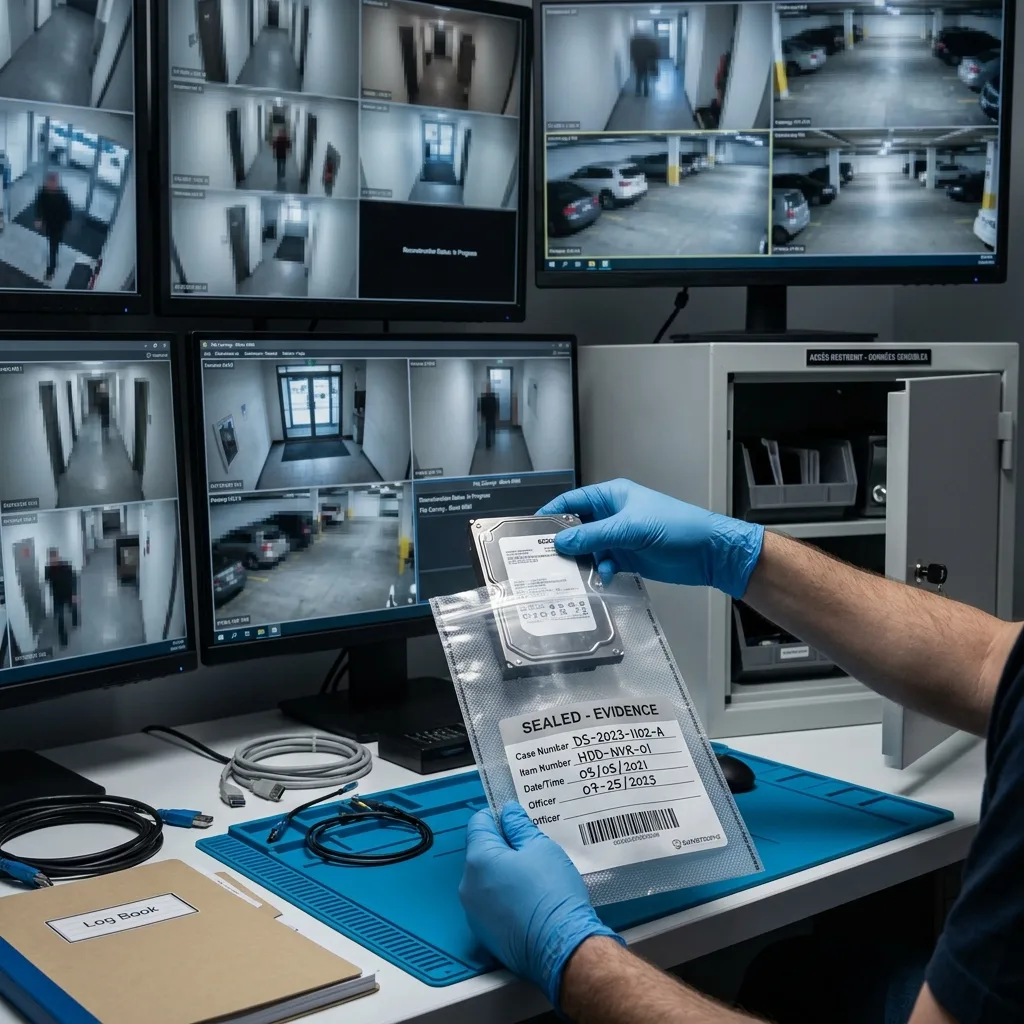
Secure handling
Handle sensitive security footage with limited access and clear boundaries
CCTV may show people, number plates, access points and sensitive events, so access control and secure handover are part of the recovery process.
Recovered CCTV may contain personal, operational or evidential material unrelated to the requested event. Datastrophe restricts access to the work required for reconstruction and validation, and prepares a secure handover without making unnecessary copies of the footage.
The technical scope must be stated precisely. Media can be assessed, surviving streams reconstructed and usable sequences delivered with their limits, but absent frames cannot be created. Encryption still requires an accessible key, and a time range already overwritten by circular recording cannot become complete evidence.
Clear reporting protects everyone involved. Pressure to explain an event cannot replace technical evidence. A measured finding is more useful than an unsupported promise, so missing ranges, playback faults and time uncertainty remain visible.
For organisational cases, identify the authorised requester, the purpose of the search and the intended recipient before work begins. This supports controlled access and avoids informal transfers, duplicate copies or disagreement at handover.
- Limit access to footage required for reconstruction and checking.
- Use a secure handover suited to the volume and authorised recipient.
- State missing material where blocks, indexes or encryption keys are unavailable.
Authorised scope and controlled access
Identify the authorised requester, declared purpose, target cameras and intended recipient before work begins. Recovery and validation then remain traceable and limited to that agreed scope.
Encryption tied to the recorder
A recorder may protect footage with a device key, account or original chassis. If the required element is unavailable, some sequences may remain inaccessible despite readable storage.
Usable delivery
Hand over usable sequences, not an incomprehensible folder
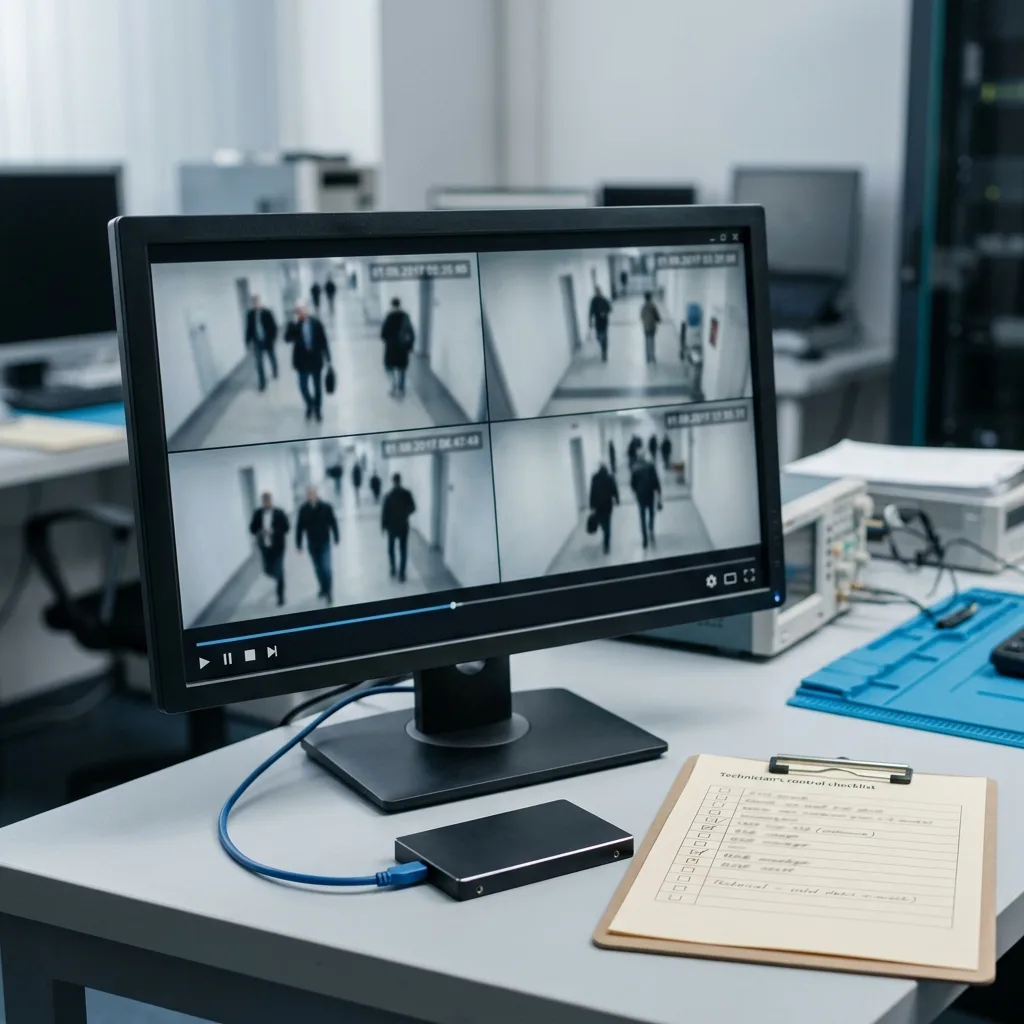
The expected result is not just a mass of files: it is a playable sequence linked to a camera and a period, with its limits where they exist.
The handover is often where the real quality of recovery becomes clear. Hundreds of fragments without chronology may look impressive, but they do not answer the need. Datastrophe provides named, organised and tested sequences where the recovered structures support camera, period, format and confidence information.
Delivery may use the native recorder player, a standard container conversion, a set of priority clips or explained raw files. The right choice balances fidelity, compatibility and intended use, and may preserve both native evidence and a convenient review copy.
Checks cover playback, duration, continuity, time data, camera identity, the target event and visible corruption across the requested interval. Opening successfully does not make a clip usable; it must remain coherent for the purpose stated by the client.
Datastrophe closes the case with proportionate handover: what has been recovered, what is partial, what is absent and what cannot be proved. That precision is essential for CCTV: it avoids confusing technical recovery, scene interpretation and final evidential value.
- Label each clip with camera and period where metadata supports it.
- Play every delivered priority sequence, not only its preview image.
- Document gaps and uncertainty in video, indexes and time alignment.
Convenient playback and native fidelity
Conversion can simplify review, but some uses require the recorder’s native files and manufacturer player. The delivery format and any conversion should be identified clearly.
Information that supports faster validation
Recorder model, drive layout, camera channels, required time range and urgency allow recovered sequences to be checked against the actual request.
FAQ
Frequently asked questions
Is deleted security camera footage recoverable from a recorder?
Sometimes. The key factor is whether circular recording has reused the relevant blocks. Stop further writes where safe, note the required camera and time range, and have the NVR or DVR storage assessed promptly.
Can footage remain on an NVR when its calendar is blank?
Yes. A failed playback index or internal database can hide H.264 or H.265 streams that remain on disk. Recovery must reconnect the surviving video blocks with the correct camera and time information.
What makes a DVR or NVR export impossible to play?
The file may rely on a proprietary container, separate index, exact codec, recorder-specific player or encryption material. Changing the extension cannot restore those dependencies.
Can drives be taken out of a recorder with several bays?
They should not be removed without documenting the bay order. On RAID or proprietary storage, drive order, parity and stripe size can be essential to correct video reconstruction.
Can recovered CCTV retain its original timestamps?
Native timestamps can be retained when the relevant records survive, and clock offsets may sometimes be corrected by correlation. If the index and event logs are missing, a sequence may play without a defensible exact time; that uncertainty is recorded with the result.
What limits CCTV footage recovery from a recorder?
The result depends on what the recorder wrote, what circular recording later overwrote, the condition of each drive, surviving indexes and time metadata, and access to any encryption key. Overwritten frames and footage that was never recorded cannot be reconstructed.
Media
Other expertise
- Data Recovery for Failed Internal Hard Drives Controlled recovery of files from internal hard drives affected by mechanical damage, bad sectors, formatting or lost partitions.
- External Hard Drive Data Recovery and Fault Assessment Recover files from dropped, unstable or unrecognised external drives, including USB bridge, enclosure, partition and physical disk failures.
- Recover Files from Failed SSD and NVMe Storage Technical SSD and NVMe recovery for controller faults, failed NAND, firmware problems, encryption and unreadable volumes.
- Recover Files from a Damaged USB Flash Drive Technically assessed recovery for USB drives with broken connectors, failed controllers, corrupted NAND, missing files or no detection.
- Memory Card Photo and Video Recovery Practical recovery of photographs and video from damaged, formatted or unreadable SD, microSD and CompactFlash cards.
- Laptop File Recovery After Hardware or System Failure Recover files from laptops affected by startup faults, liquid, impact, inaccessible accounts, internal drive failure or soldered SSD problems.
- Recover Files from Failed Macs and Apple Storage Practical Mac recovery for damaged APFS or HFS+ volumes, FileVault issues, failed Apple SSDs, split Fusion Drives and liquid incidents.
- iPad and Tablet Data Recovery Professional tablet recovery for inaccessible iPads and other devices, covering flash storage, local files, encryption and reset risks.
- Recover Data from Virtual Disks and Snapshots Recovery of data from VMDK, VHDX, VHD and QCOW2 virtual disks, including snapshots, VMFS datastores, databases and damaged VMs.
- Recovering Data From RAID, NAS and Storage Arrays Recover data from failed RAID 0, 1, 5, 6 and 10 arrays, NAS units, servers, SHR, ZFS and Btrfs after disk, controller or rebuild faults.
- Recover Critical Data from Failed Servers Practical server data recovery for failed RAID arrays, databases, virtual machines, file shares and damaged file systems.
- How ISO Class 5 Clean-room Recovery Protects Hard Drives See how ISO Class 5 clean-room conditions support hard drive recovery, from particle control and platter inspection to technical limits and cost.
 Data Recovery for Failed Internal Hard Drives
  Recover Files from Failed SSD and NVMe Storage
  Recover Files from a Damaged USB Flash Drive
  Memory Card Photo and Video Recovery
  Laptop File Recovery After Hardware or System Failure
  iPad and Tablet Data Recovery
  Recover Data from Virtual Disks and Snapshots
  Recovering Data From RAID, NAS and Storage Arrays
  Recover Critical Data from Failed Servers
  How ISO Class 5 Clean-room Recovery Protects Hard Drives
 Diagnostic assessment
Unsure about a storage device or fault?
Datastrophe assesses the risk before any recovery attempt and points you towards the safest next step.