

External Hard Drive Data Recovery and Fault Assessment
Datastrophe assesses failed external hard drives, protects the source from further writes and recovers files that can be verified as usable.
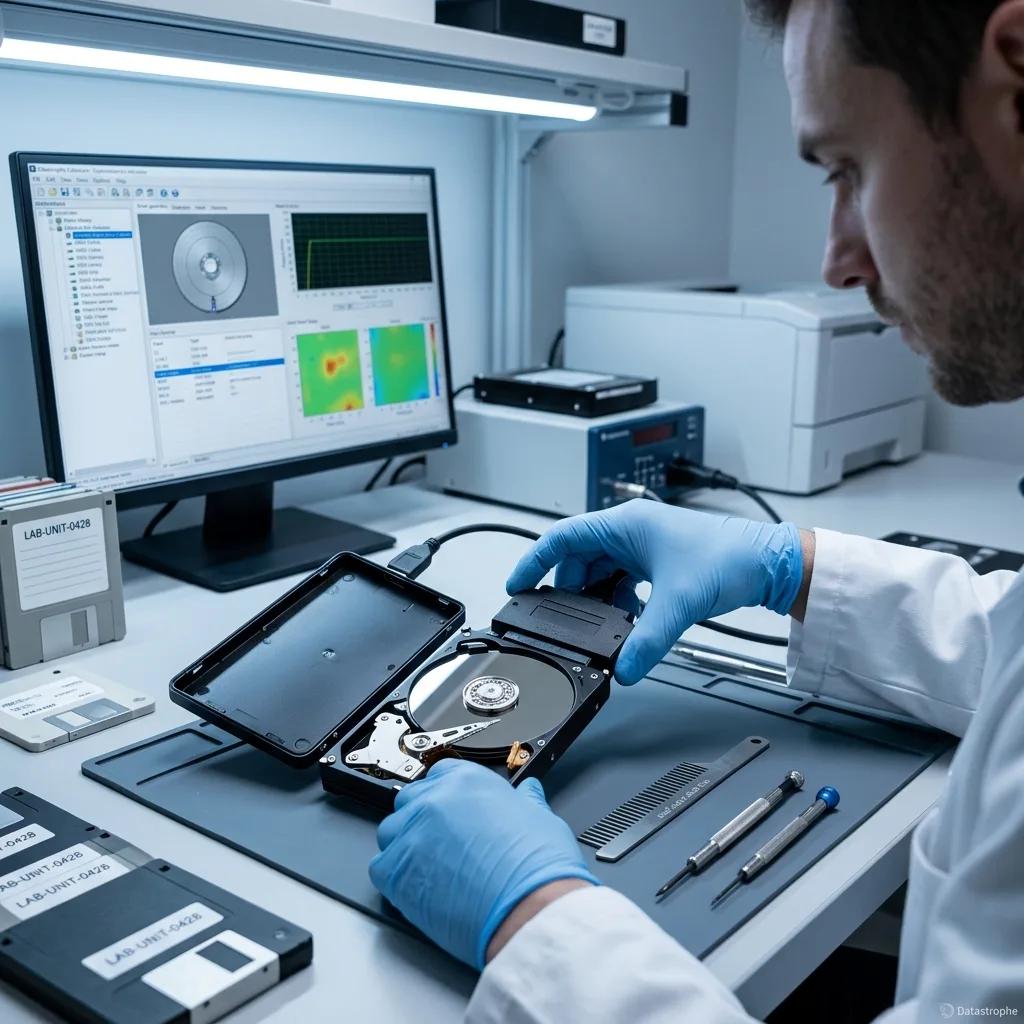
Fault assessment
A lit enclosure does not prove the disk is working
Check the power and USB path separately from the disk mechanism and file system; an illuminated enclosure can still hide a serious fault.
A power light confirms only that part of the enclosure is receiving power. A drive that disappears after a fall may have a damaged connector, failed USB-SATA bridge, unstable heads or corrupted metadata. The case history, power requirements, previous attempts and the files needed most help determine a safe first step.
The source is kept unchanged wherever possible. The data recovery laboratory tests the connection path, identifies the storage layers and chooses a read strategy that does not depend on repeated desktop scans or repair prompts.
Recovery is about extracting dependable data, not returning a suspect disk to service. Unreadable, overwritten or encrypted areas remain technical limits, and encryption cannot be bypassed without the required key or credentials.
- Test the enclosure and bridge without writing to the disk
- Distinguish readable sectors from usable recovered files
- Base the recovery plan on repeatable technical findings
What the initial examination establishes
Connection, power, bridge behaviour, disk identity and read stability are checked in a controlled sequence. The findings separate enclosure trouble, logical corruption, physical failure and combined damage.
What recovery cannot change
The work cannot recreate sectors that have been overwritten or data protected by unavailable encryption material. The aim is a verified copy of what remains recoverable, not a repaired drive for ongoing use.
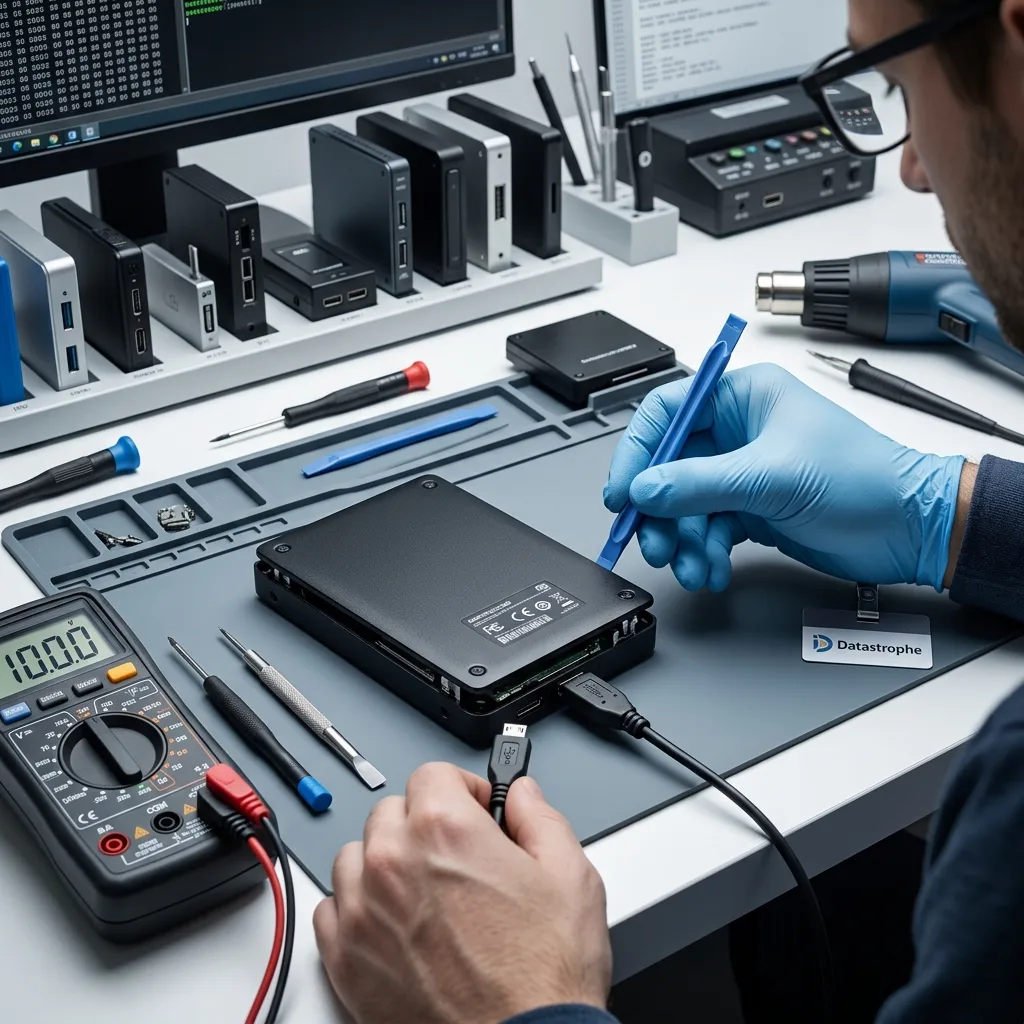
Risk indicators
Treat unstable recognition, impact and unusual noise as warning signs
Intermittent detection, a formatting prompt or new mechanical noise is enough reason to stop ordinary troubleshooting and protect the remaining readable areas.
Warning signs include intermittent USB detection, a failed enclosure, a fall, an invisible partition, a format message or clicking and spin-up cycles. None proves a particular cause, but each affects the risk of powering the drive and the order in which it should be examined.
Record when the problem began and what happened immediately beforehand. Impact, sudden power loss, deletion and an interrupted format leave different traces, while automated scanning software or repair utilities may already have altered useful metadata.
Continued power can increase the damage. New writes may overwrite deleted content in a logical case, and repeated seeks may turn marginal sectors into unreadable regions when the disk has a physical fault.
- Write down the exact messages and sounds
- Do not keep cycling the power
- Retain a clear sequence of events and attempts
Why the sequence of events matters
A drop, power interruption, accidental deletion and failed repair call for different handling. Knowing which utilities ran and whether they wrote to the disk also helps interpret damaged structures.
When to disconnect the drive
If recognition comes and goes, transfer speed collapses or the drive makes unfamiliar sounds, stop powering it. Further desktop reads may consume the remaining stable access without securing the important sectors.
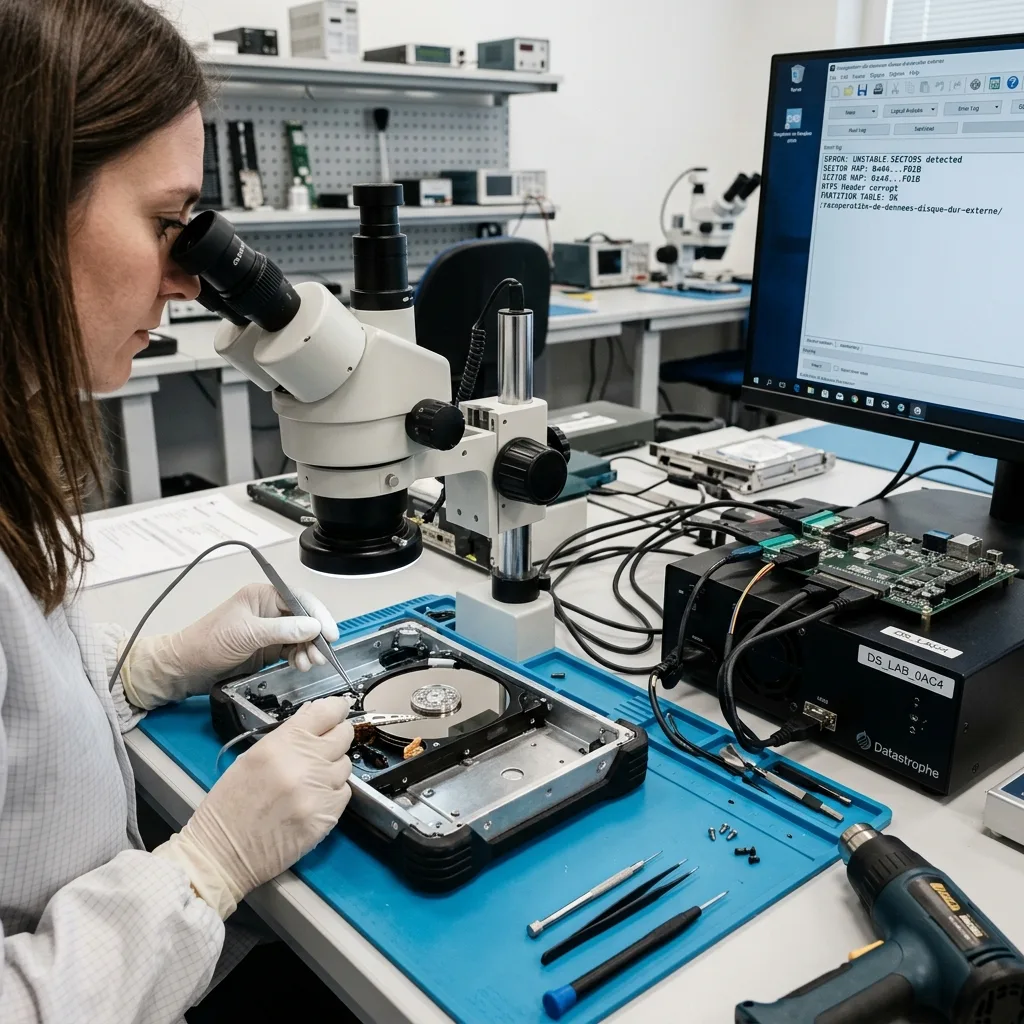
Preservation
Do not initialise an invisible partition or accept a format prompt
Before a reliable assessment, avoid any action that writes metadata or forces prolonged reading from an unstable external disk.
Do not accept a formatting request, run an automatic file-system repair, force a damaged plug or scan an unstable disk from end to end. Swapping the enclosure without checking its bridge or encryption behaviour can also make a readable source harder to interpret.
Repair tools can rewrite allocation records, journals and directory entries. Even if the operation completes, it may replace evidence needed to reconstruct deleted or corrupted files, so note any command already run and stop further changes.
Datastrophe acquires data through controlled reads and performs reconstruction on working copies. The original is preserved so competing explanations can be tested without repeatedly stressing the same failing areas.
- Keep all writes away from the source
- Decline format and repair operations
- Retain the disk, enclosure and power accessories
How repair attempts affect evidence
Automatic tools may clear journals, move fragments or rebuild directories using incomplete information. Recording prior attempts lets the technical review distinguish original damage from later changes.
Why recovery uses a working copy
Reconstruction and file-system repair belong on an image or clone, not the only source. This preserves the initial state and avoids spending fragile read access on speculative tests.
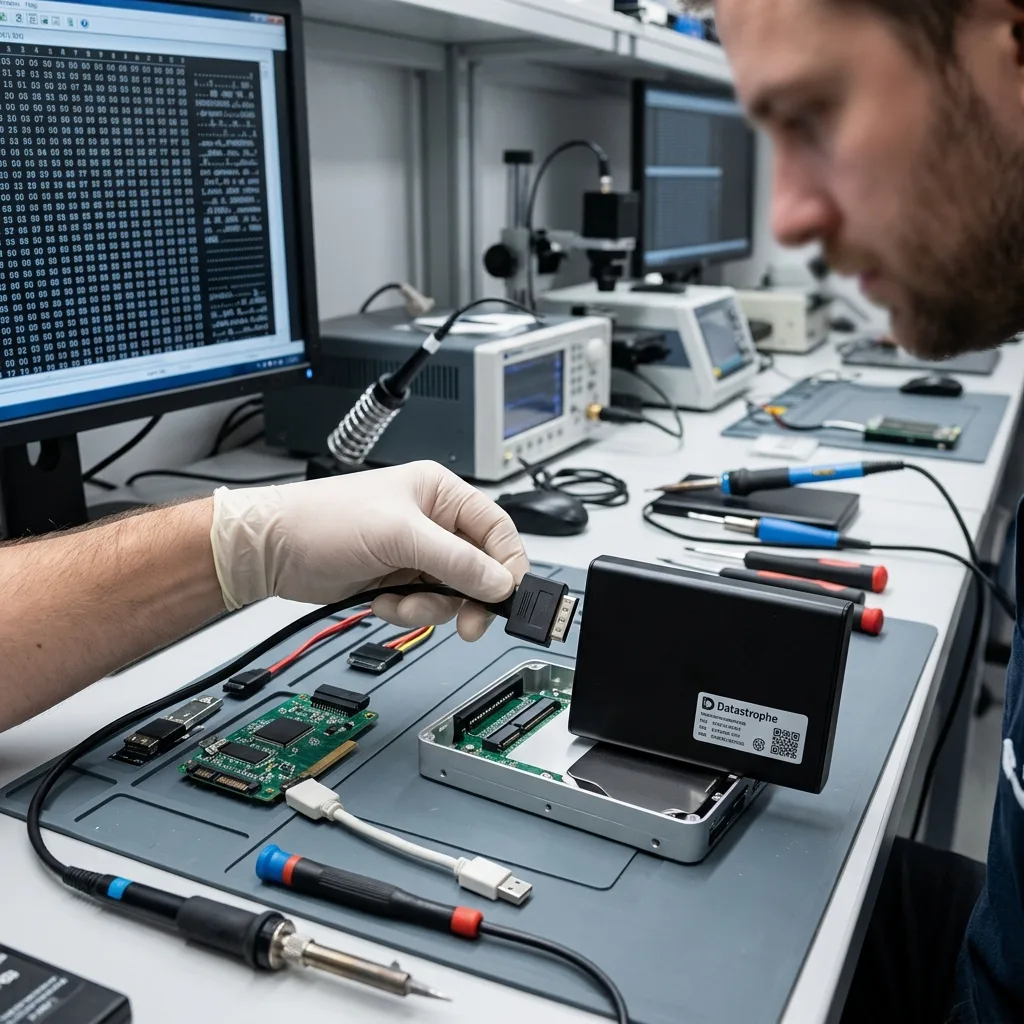
Storage layers
Keep the original USB-SATA bridge when encryption may depend on it
Assess the USB-SATA bridge, any hardware encryption, the physical disk and the file system as separate but connected layers.
A complete analysis may cover the power supply, USB-SATA bridge, partition table, exFAT, NTFS, HFS+ and the sector error pattern. The evidence shows whether the work belongs at the physical, block, metadata, file-system or application level.
Seeing directory names does not show that their contents are sound, while an empty operating-system view does not prove the files are gone. Backup catalogues, allocation metadata, file signatures and fragments can still support a structured recovery.
The process moves from the least interpreted layer to the most useful one: stabilise access to the disk, acquire readable sectors, reconstruct logical structures, then open and validate the files that matter.
- Confirm power and USB translation behaviour
- Map stable and unstable regions before extraction
- Validate file content after structural reconstruction
A directory listing is not validation
Folder names may survive while file extents point to damaged sectors. Conversely, signatures and metadata can permit recovery even when the operating system cannot mount the volume.
Move from sectors to usable files
Secure readable blocks first, rebuild the partition and file-system view second, and validate priority content last. This sequence keeps apparent volume from being confused with a useful outcome.
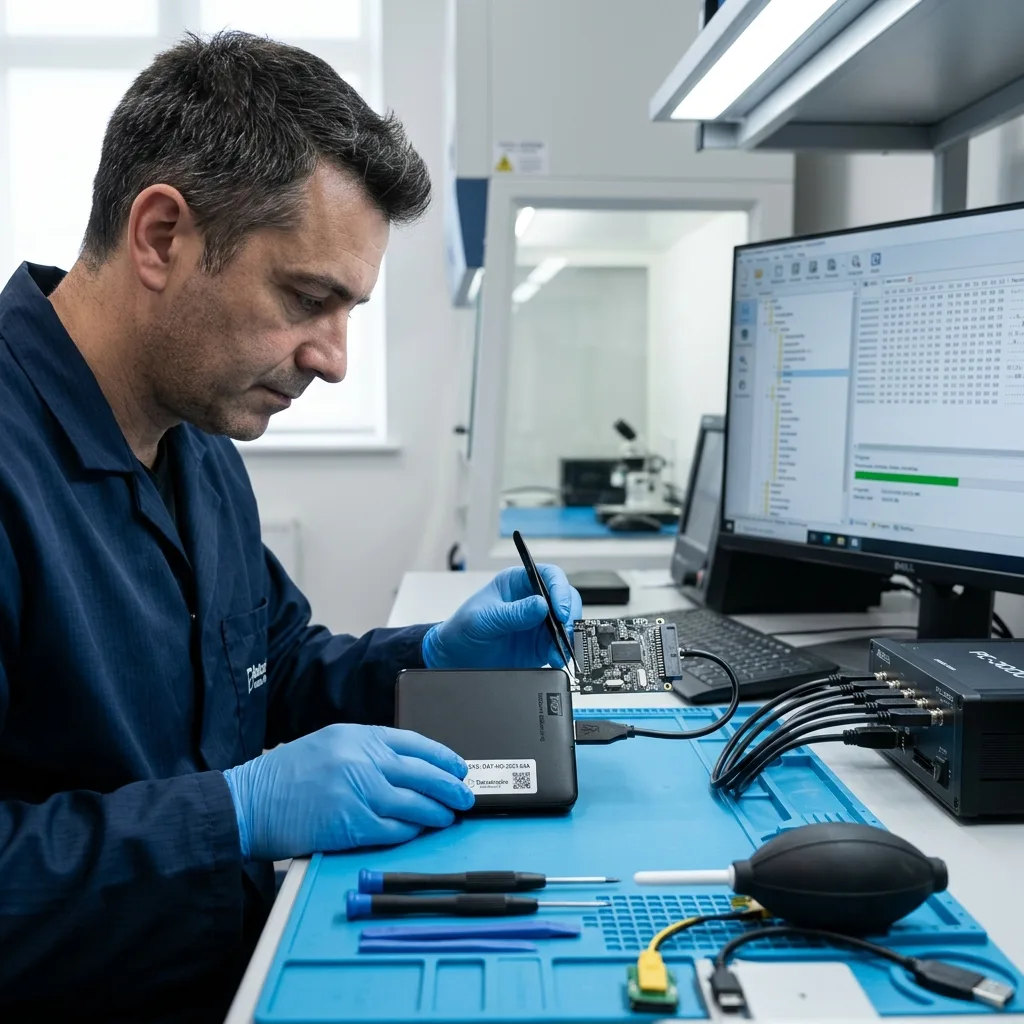
Laboratory process
Image an unstable external disk without relying on USB reconnects
The acquisition path is chosen from measured read stability, the enclosure's role and the device history, without depending on repeated USB reconnects.
Work begins with a diagnostic assessment of the device and the loss event. The disk type, symptoms, previous actions, expected data and essential folders determine the safest acquisition order.
For an unstable drive, readable sectors are secured with controlled imaging. If the enclosure keeps resetting, a more stable connection may be used only after the bridge's translation and encryption role has been established; logical reconstruction then takes place on the copy.
Recovered data is sampled and checked against the stated priorities. Important documents, photographs, archives or project files should open correctly; a raw capacity figure alone does not demonstrate a useful recovery.
- Image unstable media with controlled retries
- Retain the original bridge for translation or decryption
- Open and inspect representative priority files
How imaging priorities are set
Read stability, damage distribution and the location of important data guide the imaging sequence. The least destructive path is used when physical and logical faults occur together.
How the result is tested
Representative files are opened, dated and compared where reference copies exist. This distinguishes intact content from entries that are merely listed or only partly readable.
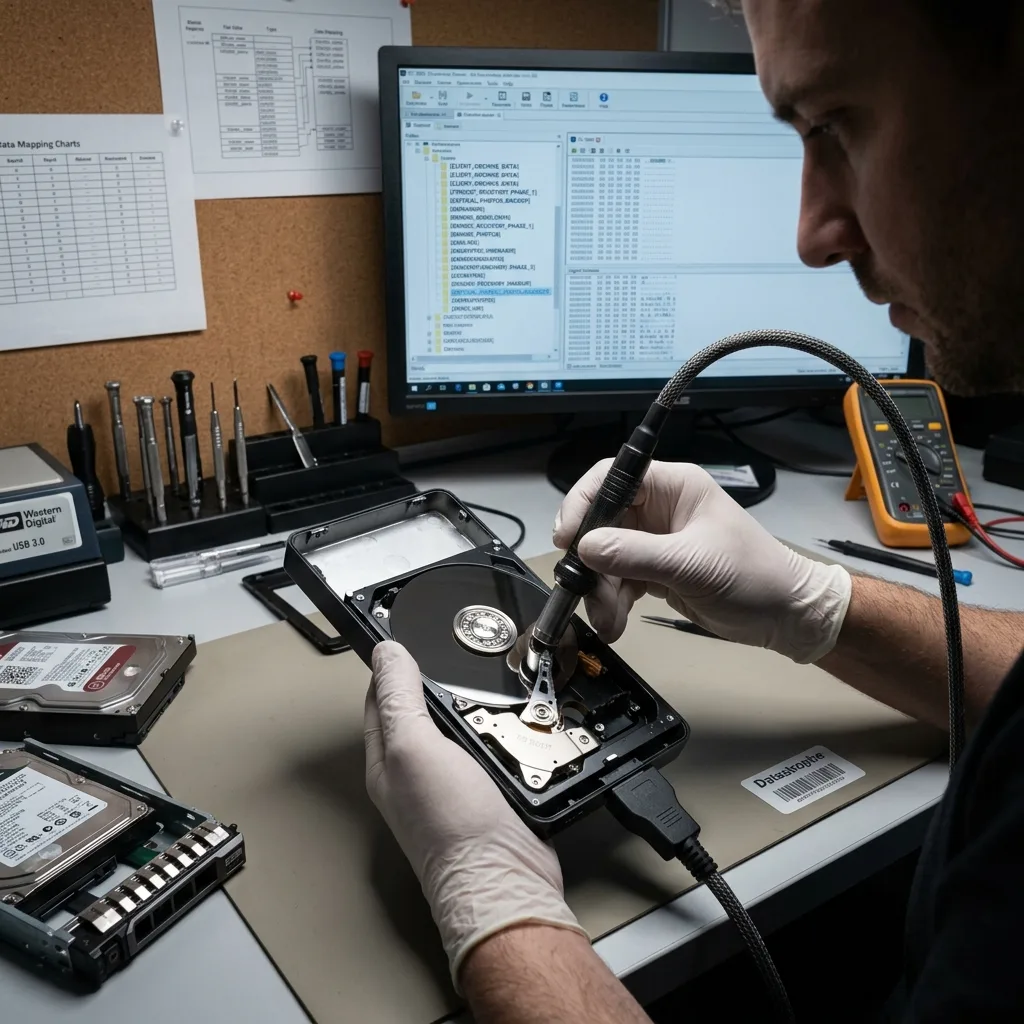
Backup context
A single external drive is not a backup strategy
Use the failure to identify where the only copy existed, which versions remain elsewhere and how independent backups will be restored afterwards.
An external drive used as the only copy remains a single point of failure. After recovery, important data should exist on independent storage with at least one copy disconnected from routine work, and restoration should be tested rather than assumed from a successful backup message.
Backup context still helps the current case. Catalogue names, the last successful backup date and the folders excluded from the job can distinguish irreplaceable material from duplicates that remain on another computer or service.
Some desktop enclosures contain two disks configured as RAID, mirroring or concatenation. Keep every member and record the selected mode; treating one disk as a standalone external drive can hide the shared logical structure.
- Identify data held only on the failed drive
- Keep independent and offline copies after recovery
- Preserve all members of a multi-disk enclosure
Separate unique data from duplicate backups
Record the last known good backup, its software and the files stored only on this drive. That comparison focuses recovery on missing versions rather than producing another undifferentiated copy of material already available.
Keep multi-disk enclosures together
A two-bay USB enclosure may present a mirror, stripe or concatenated volume. Bay order, controller settings and every member drive are part of the recovery context and should be preserved together.
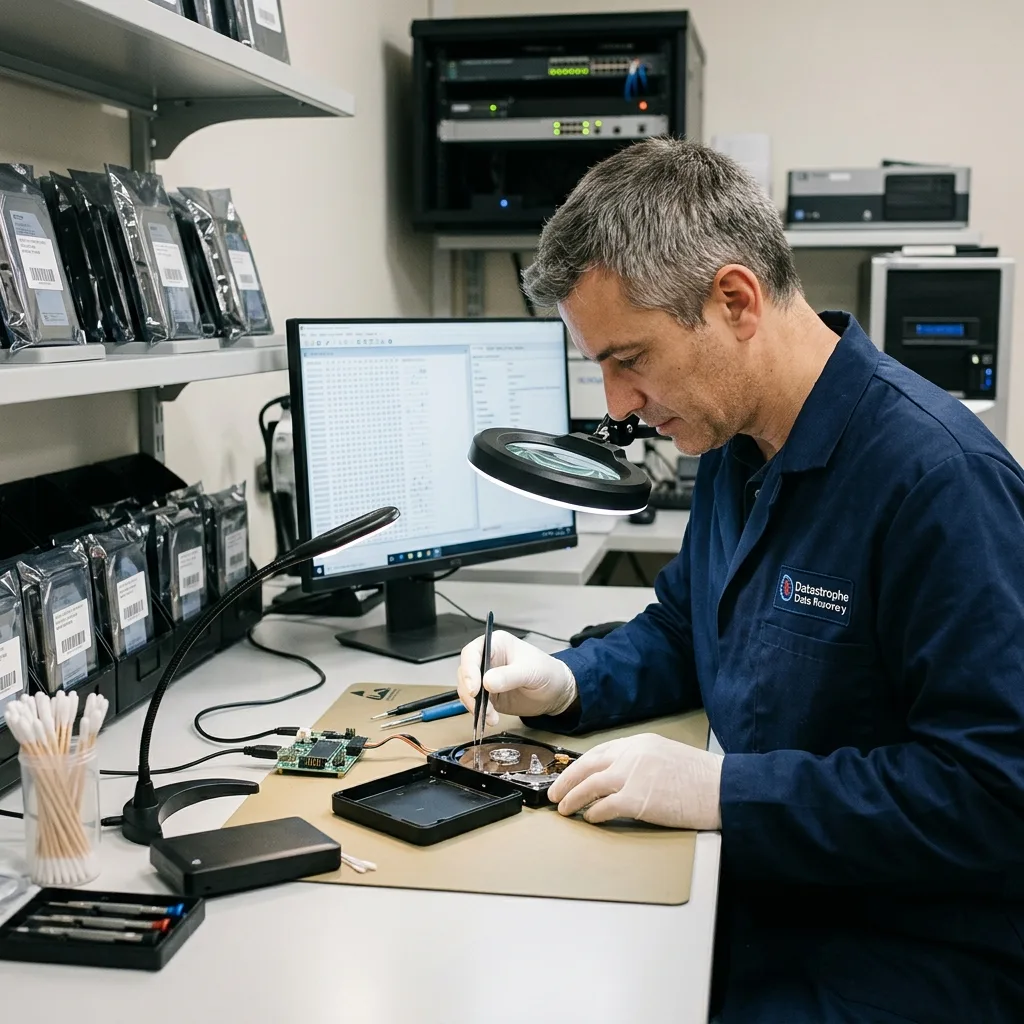
Validation and delivery
Validate archives, photographs and catalogues before handover
Open representative archives, photographs and catalogues, then hand over the checked result without exposing unrelated content.
Recovered archives, photographs and backup catalogues need checks suited to their format before handover. Representative images should decode, archives should open and catalogue or project files should retain the references needed to use them; a mounted volume or familiar folder tree is not enough.
External drives commonly contain unrelated personal, customer and internal records alongside the requested folders. Human review is limited to the samples needed for reconstruction and validation, and the checked result is supplied on healthy destination storage.
Handover notes distinguish intact files, partial reconstructions, conversions and unverified detections. Overwritten regions, unreadable components, unavailable encryption keys and structurally incomplete files remain visible beside the usable result.
- Test representative files in their proper context
- Keep examination within the agreed scope
- Document missing, partial and unverified content
Choose an appropriate delivery format
The destination must have enough capacity and suit the sensitivity of the content. Notes explain conversions, reconstructed folders and any difference from the source volume.
Report uncertainty plainly
Where sectors could not be read or a file could not be fully validated, that uncertainty remains attached to the result. This gives the recipient a realistic basis for reuse.
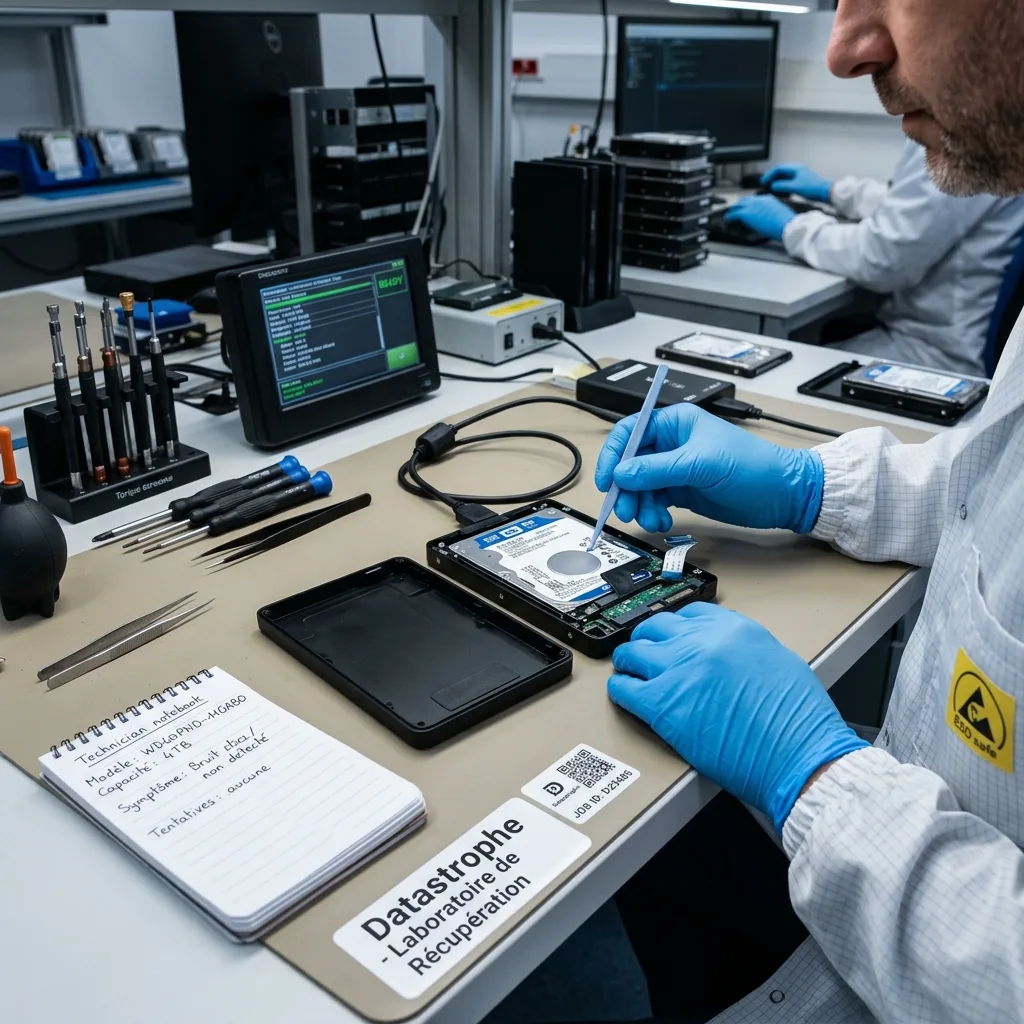
Case preparation
Prepare the drive history, accessories and priority-file list
A precise device history and priority list allow the laboratory to assess risk, required equipment and the most useful recovery sequence.
Provide the model, capacity, symptoms, incident date, previous recovery attempts and a ranked list of important files. Clear photographs of a damaged socket or exact error messages can make the initial advice more specific.
Keep the enclosure, cable, power supply, adapters, earlier replacement drive, configuration material and any partial backup. An apparently minor accessory may contain the bridge electronics or information needed to interpret the disk.
Describe the event factually, including what still worked afterwards and which partial outcome would be useful. This gives the initial review a practical target and avoids unnecessary examination of unrelated data.
- Include the exact model and storage capacity
- List every tool, repair or restart already attempted
- Name the folders and file types that matter most
What to send with the drive
Include the matching enclosure and power components when practical, particularly if the drive is encrypted or uses a non-standard bridge. Label each item so its relationship to the disk is clear.
How to describe the required outcome
State which files are essential, the relevant dates and whether a partial result would help. A concrete request lets validation focus on the data that will actually be used.
FAQ
Frequently asked questions
What is the first step when an external hard drive stops working?
Disconnect it if detection is unstable, transfer speed has collapsed or it makes new sounds. Record the symptoms and previous attempts, keep the enclosure and identify the files needed most before arranging a diagnostic assessment.
Is complete recovery from an external disk always possible?
No. The outcome depends on readable sectors, overwritten data, metadata damage, encryption and any deterioration caused by the fault or later use. Results are reported according to what can be acquired and validated.
How do priority folders guide an external-drive recovery?
A fragile disk may offer limited stable read time, so backups, photographs, client archives or active projects can be targeted first. The list also defines which recovered files need detailed checking.
Can the failed external drive be put back into service?
It should not be relied on. The purpose of recovery is to copy usable data to healthy storage, not certify the failed device for continued backup or production use.
How will partial or uncertain recovery be reported?
The handover distinguishes tested files, partial files, unreadable areas and content blocked by missing encryption material. This makes clear what can be reused and what has only been detected.
Media
Other expertise
- Data Recovery for Failed Internal Hard Drives Controlled recovery of files from internal hard drives affected by mechanical damage, bad sectors, formatting or lost partitions.
- Recover Files from Failed SSD and NVMe Storage Technical SSD and NVMe recovery for controller faults, failed NAND, firmware problems, encryption and unreadable volumes.
- Recover Files from a Damaged USB Flash Drive Technically assessed recovery for USB drives with broken connectors, failed controllers, corrupted NAND, missing files or no detection.
- Memory Card Photo and Video Recovery Practical recovery of photographs and video from damaged, formatted or unreadable SD, microSD and CompactFlash cards.
- Laptop File Recovery After Hardware or System Failure Recover files from laptops affected by startup faults, liquid, impact, inaccessible accounts, internal drive failure or soldered SSD problems.
- Recover Files from Failed Macs and Apple Storage Practical Mac recovery for damaged APFS or HFS+ volumes, FileVault issues, failed Apple SSDs, split Fusion Drives and liquid incidents.
- iPad and Tablet Data Recovery Professional tablet recovery for inaccessible iPads and other devices, covering flash storage, local files, encryption and reset risks.
- Recover Data from Virtual Disks and Snapshots Recovery of data from VMDK, VHDX, VHD and QCOW2 virtual disks, including snapshots, VMFS datastores, databases and damaged VMs.
- Recovering Data From RAID, NAS and Storage Arrays Recover data from failed RAID 0, 1, 5, 6 and 10 arrays, NAS units, servers, SHR, ZFS and Btrfs after disk, controller or rebuild faults.
- Recover Critical Data from Failed Servers Practical server data recovery for failed RAID arrays, databases, virtual machines, file shares and damaged file systems.
- Recover CCTV Footage from NVR, DVR and XVR Recorders Recovery of CCTV and security camera footage from NVR, DVR and XVR systems with damaged indexes, H.264/H.265 streams, RAID storage or failed exports.
- How ISO Class 5 Clean-room Recovery Protects Hard Drives See how ISO Class 5 clean-room conditions support hard drive recovery, from particle control and platter inspection to technical limits and cost.
 Data Recovery for Failed Internal Hard Drives
  Recover Files from Failed SSD and NVMe Storage
  Recover Files from a Damaged USB Flash Drive
  Memory Card Photo and Video Recovery
  Laptop File Recovery After Hardware or System Failure
  iPad and Tablet Data Recovery
  Recover Data from Virtual Disks and Snapshots
  Recovering Data From RAID, NAS and Storage Arrays
  Recover Critical Data from Failed Servers
  Recover CCTV Footage from NVR, DVR and XVR Recorders
  How ISO Class 5 Clean-room Recovery Protects Hard Drives
 Diagnostic assessment
Unsure about a storage device or fault?
Datastrophe assesses the risk before any recovery attempt and points you towards the safest next step.