

Data Recovery for Failed Internal Hard Drives
Datastrophe protects the original hard drive, carries out a diagnostic assessment and returns only the recovered files that pass practical checks.
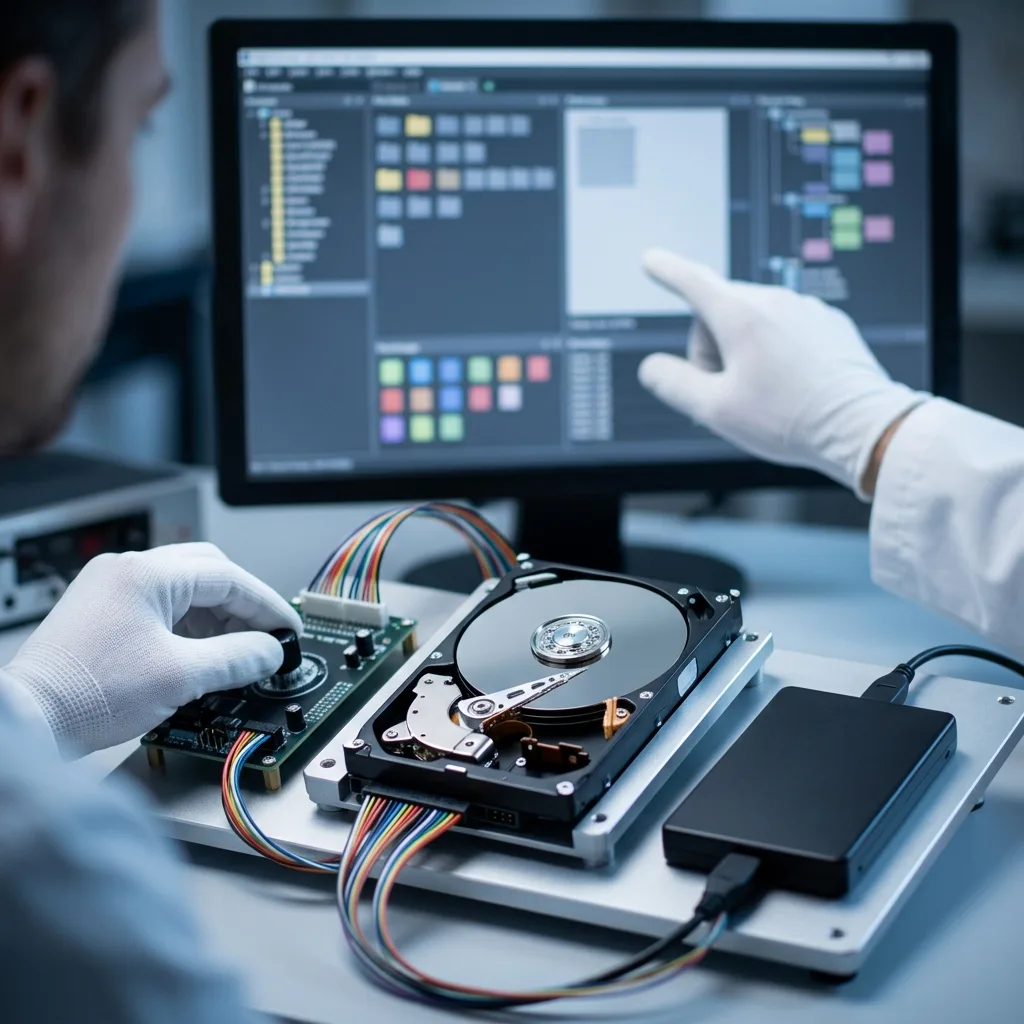
Fault review
Identify the drive's original role before diagnosing the fault
Record where the drive came from, then separate mechanical, electronic and logical symptoms without changing the only source copy.
The drive's original role is part of the diagnosis. An internal system disk, a disk removed from an external enclosure and a surveillance-recorder disk may use similar hardware while carrying different interfaces, encryption, file systems and recording structures. Clicking, an empty partition, severe delays and failure to mount still require the physical, electronic and logical fault to be separated.
In the data recovery laboratory, the hard drive is treated as the only source copy. Writes are prevented, its behaviour is recorded and the physical and logical layers are considered separately before any read-out strategy is selected.
Recovery aims to create a sound copy of accessible data; it does not make the damaged drive dependable again. Unreadable platter areas, overwritten sectors and encryption without the correct key remain firm technical limits.
- Record the drive model, host and original role
- Protect the source from writes and casual tests
- Choose the least intrusive access method
What the initial review establishes
The review records power-up behaviour, mechanical sounds, identification data and access to the logical structures. Those observations show whether the case is primarily physical, logical or a combination of both.
What recovery cannot change
The service extracts accessible files rather than certifying the hard drive for future use. Destroyed magnetic surfaces, overwritten content and unavailable encryption keys can restrict or prevent recovery.
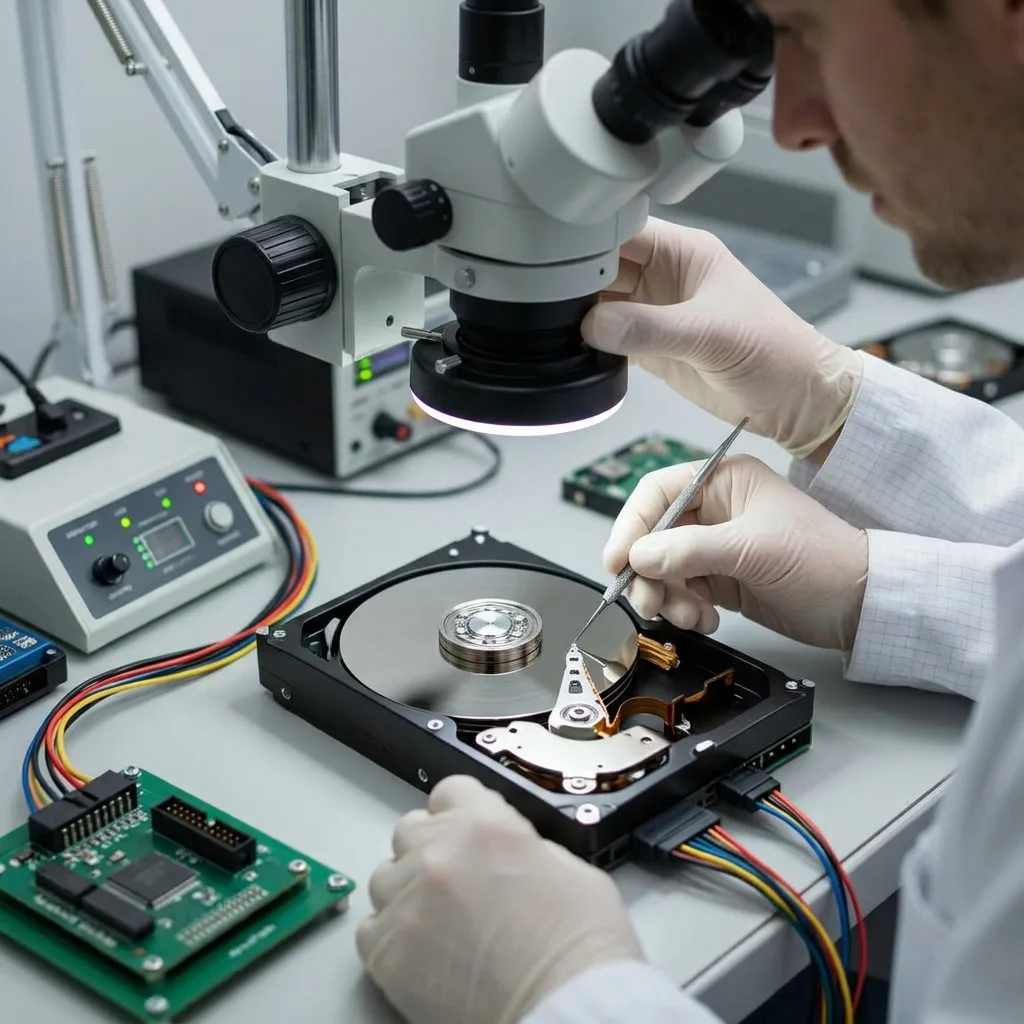
Warning signs
Respond carefully to warning signs
Noisy operation, severe delays, intermittent detection and unexpected formatting prompts all justify disconnecting the drive.
Clicking, scraping, intermittent detection, a RAW partition, a format prompt or extreme slowness are reasons to stop. Each symptom indicates risk but does not prove the cause. A drive that is noisy or repeatedly disconnects should be isolated rather than tested until it fails completely.
Record what occurred before the loss and every action taken afterwards. Impact, a power interruption, deletion and formatting affect different layers, while later repair attempts may alter metadata or overwrite content.
Leaving the drive powered creates avoidable risk. New writes can replace deleted sectors in a logical case, and repeated reads can worsen head or surface damage when the fault is physical.
- Write down the exact error and sound
- Disconnect the drive instead of restarting it
- List every action since the incident
Why the incident sequence matters
A fall, sudden shutdown, deletion or format operation leaves different evidence. Including every later restart, scan and repair helps distinguish the original failure from changes introduced afterwards.
The safest immediate action
Shut the system down and keep the hard drive unpowered. This limits overwrite in logical cases and avoids unnecessary head movement across a potentially damaged platter surface.
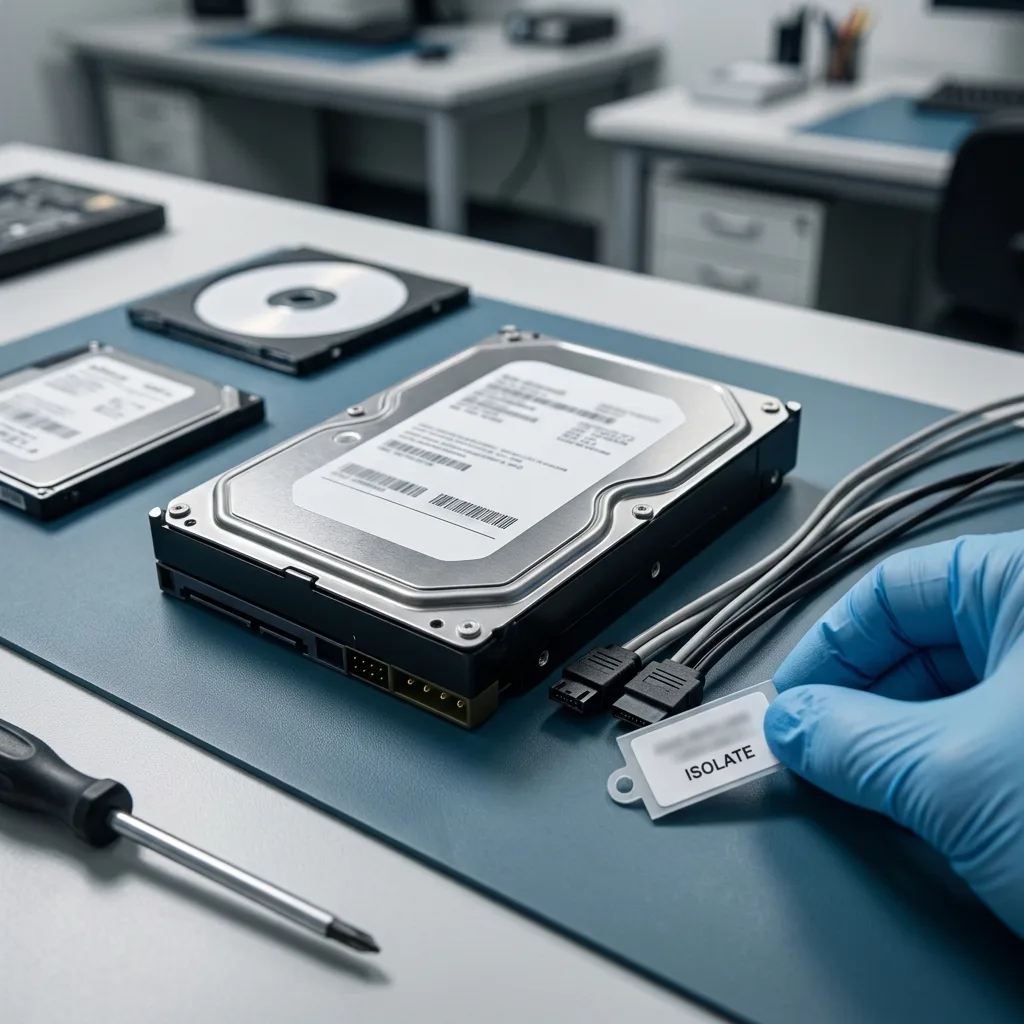
Clean-room handling
Open a mechanically damaged hard drive only in a clean room
Clean-room opening is a diagnosed mechanical procedure, not a generic recovery step or a substitute for controlled imaging.
A sealed hard drive should be opened only when the diagnosed mechanical fault requires access to the heads or platters. Opening it on an ordinary bench exposes precision surfaces to airborne particles; freezing, tapping or repeated starts can add damage without establishing a usable read path.
Clean-room work is not a routine step for every failed disk. It is reserved for cases where internal inspection or compatible component work is necessary, with the source condition documented before the cover is removed and before controlled power is applied.
Once the drive can be read as safely as its condition allows, Datastrophe acquires sectors under controlled conditions and performs reconstruction on working images. File-system repair and competing interpretations remain off the original media.
- Do not open the sealed drive on an ordinary bench
- Inspect heads and platters only when the fault requires it
- Perform reconstruction on acquired copies
When internal access is justified
Head damage, internal contamination or another confirmed mechanical condition may require the drive to be opened. The decision follows diagnosis because unnecessary opening adds handling without improving logical recovery.
Why imaging still comes before reconstruction
Clean-room work prepares a mechanically failed source for the safest available read attempt. A controlled image then separates fragile acquisition from later file-system analysis and validation.
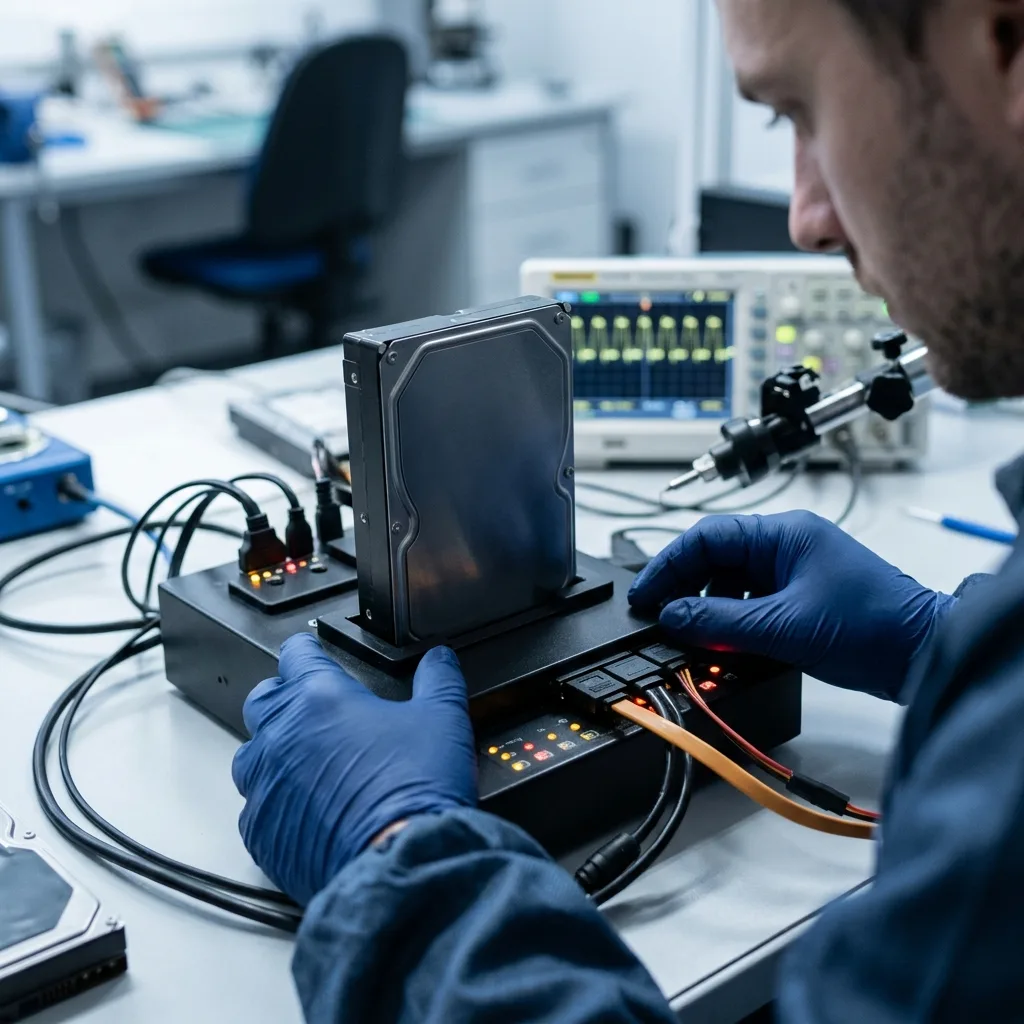
Technical findings
Connect physical sectors to usable files
Reliable conclusions connect platter and sector behaviour with partitions, file-system records and checks of priority content.
Hard drive recovery may span the platter surface, heads, firmware, LBA sector map, partition tables, file-system metadata and individual file formats. The useful path depends on which layers remain readable and whether their information still agrees.
A familiar folder tree can point to corrupt or incomplete files, while a blank volume can still contain recoverable records and fragments. Names, dates and signatures are evidence, but none proves usability without checking the underlying content.
Work progresses from controlled sector acquisition to partition and file-system reconstruction, then to the files named as priorities. Keeping those stages separate makes physical read failures and logical assumptions visible.
- Map readable and unstable sector ranges
- Reconstruct partitions and file-system metadata
- Open priority files instead of trusting names
A directory listing is not validation
Folder records can survive when file content is damaged, and intact content can remain after its original name is lost. Both logical context and file structure need to be checked before the outcome is classified.
Keep each recovery layer traceable
The sector image is assessed first, followed by partition and file-system structures, then important files. This order shows whether a gap came from unreadable hardware, missing metadata or incomplete reconstruction.
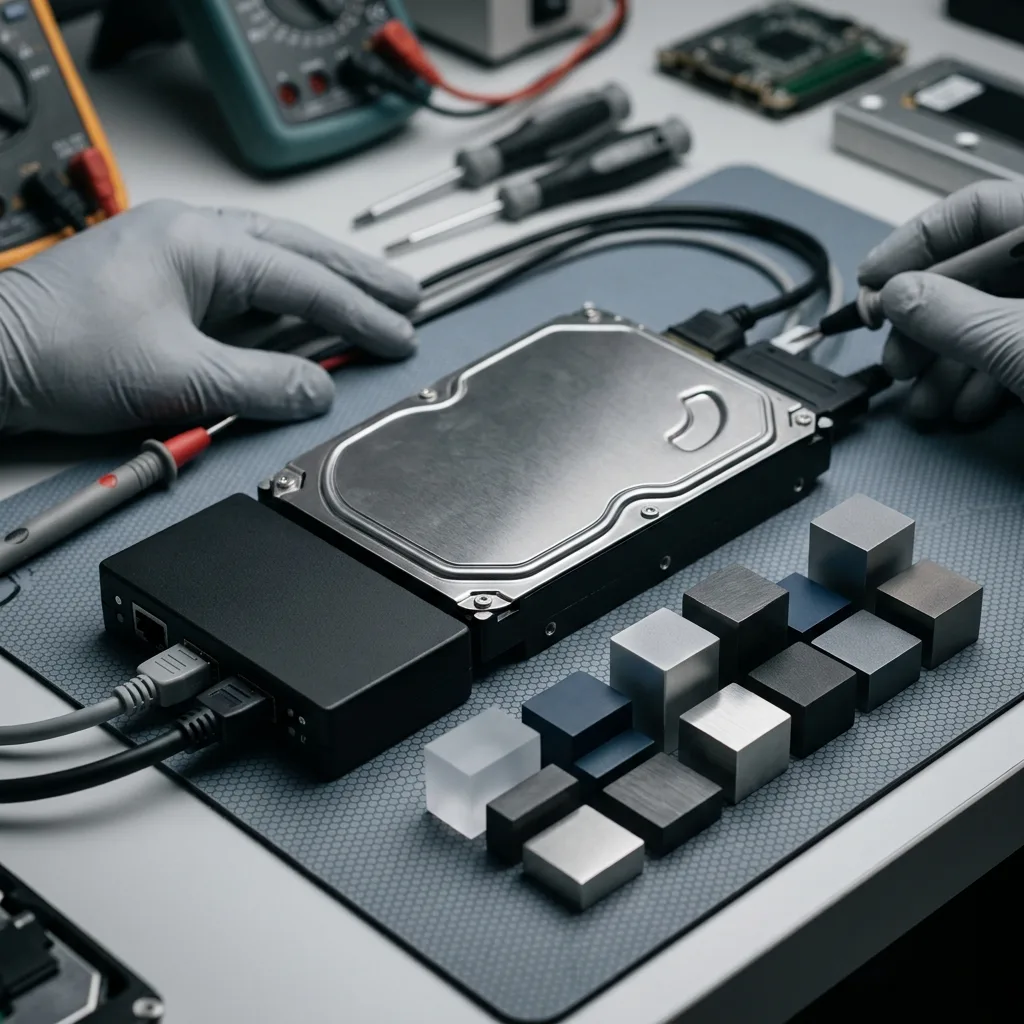
Recovery workflow
Image the source before reconstructing files
Drive condition and file priorities determine the acquisition order, reconstruction method and level of checking applied.
The diagnostic assessment starts with case facts: drive model, capacity, symptoms, incident date, previous attempts, expected data volume and essential files. That scope prevents a generic scan from replacing a recovery plan suited to the actual fault.
For an unstable drive, readable regions are acquired according to risk and file priority. A logical loss is handled without source writes. When faults overlap, physical acquisition precedes file-system reconstruction.
Recovered material is checked through representative and priority samples. Documents should open in the expected application, photographs should decode and archives should pass appropriate integrity checks where possible.
- Define the fault history and required files
- Acquire sectors in a risk-based sequence
- Validate representative recovered content
Choose the sequence from the evidence
An unstable physical fault calls for careful sector acquisition, while deletion or corruption calls for strict write prevention. In a mixed case, physical preservation comes before logical reconstruction.
Test the result, not just its size
Useful samples are opened, compared with known context and checked in suitable applications. A large volume of extracted data is not presented as successful recovery unless the required content works.
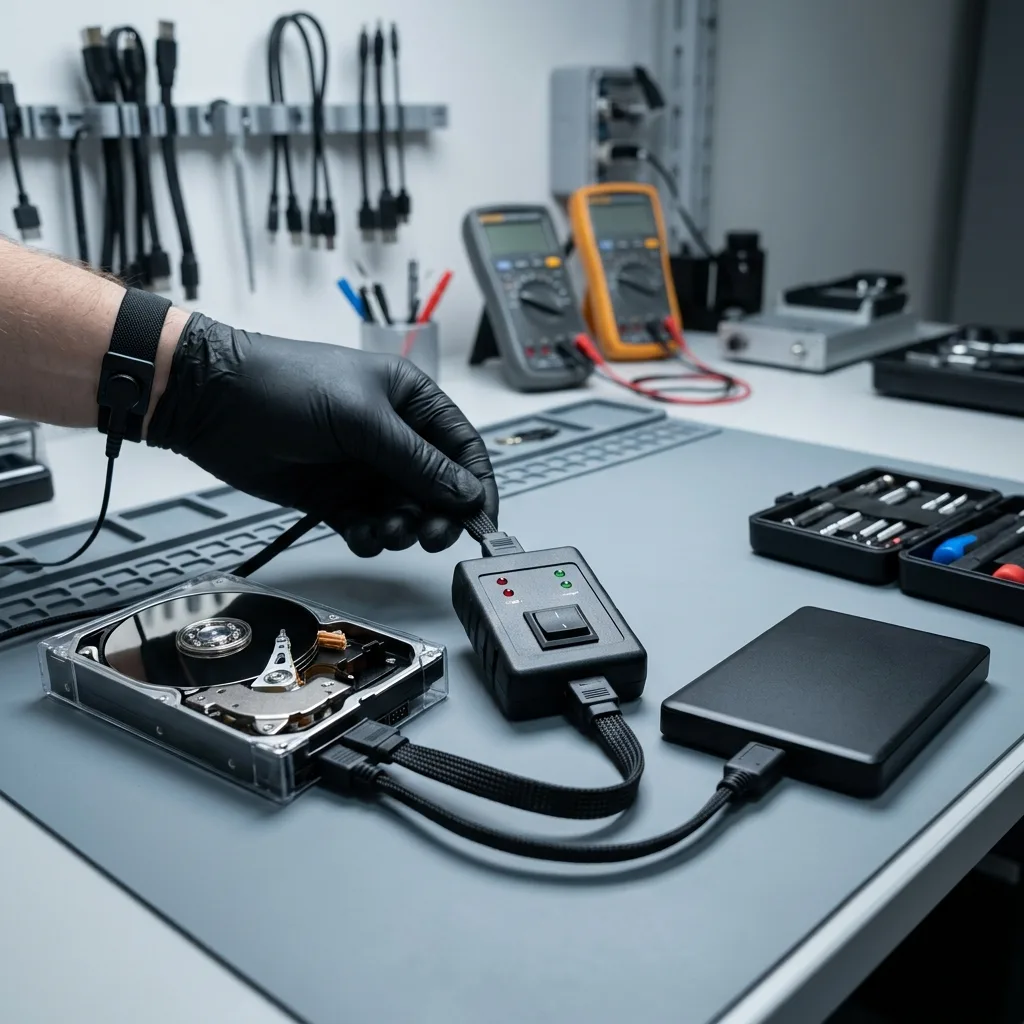
Data priorities
Set data priorities before broad extraction
File paths, dates, applications and known names help focus acquisition and checking on content with practical value.
Nominate the documents, photographs, archives, local databases and user folders that matter most. Known paths, file names, date ranges and applications make those priorities easier to locate once the sector image and file-system view are available.
Prioritisation is especially valuable when bad sectors restrict reading or the drive holds years of unrelated content. It directs fragile read opportunities towards the genuine need and limits unnecessary review of sensitive data.
Validation separates three outcomes: files that work, partial files with stated defects and entries detected only through metadata or signatures. A long file list is not treated as proof that all listed content is usable.
- List essential folders and recent files
- Provide known names, dates and file types
- Separate usable, partial and detected items
Use priorities to direct limited reads
Known folders, dates and formats can focus acquisition when the drive cannot be read evenly. They also provide an earlier indication of whether the technically recoverable scope addresses the actual loss.
Label every outcome accurately
Files that pass checks, incomplete files and entries inferred from metadata are different results. The delivery keeps those categories separate so a filename is never mistaken for verified content.
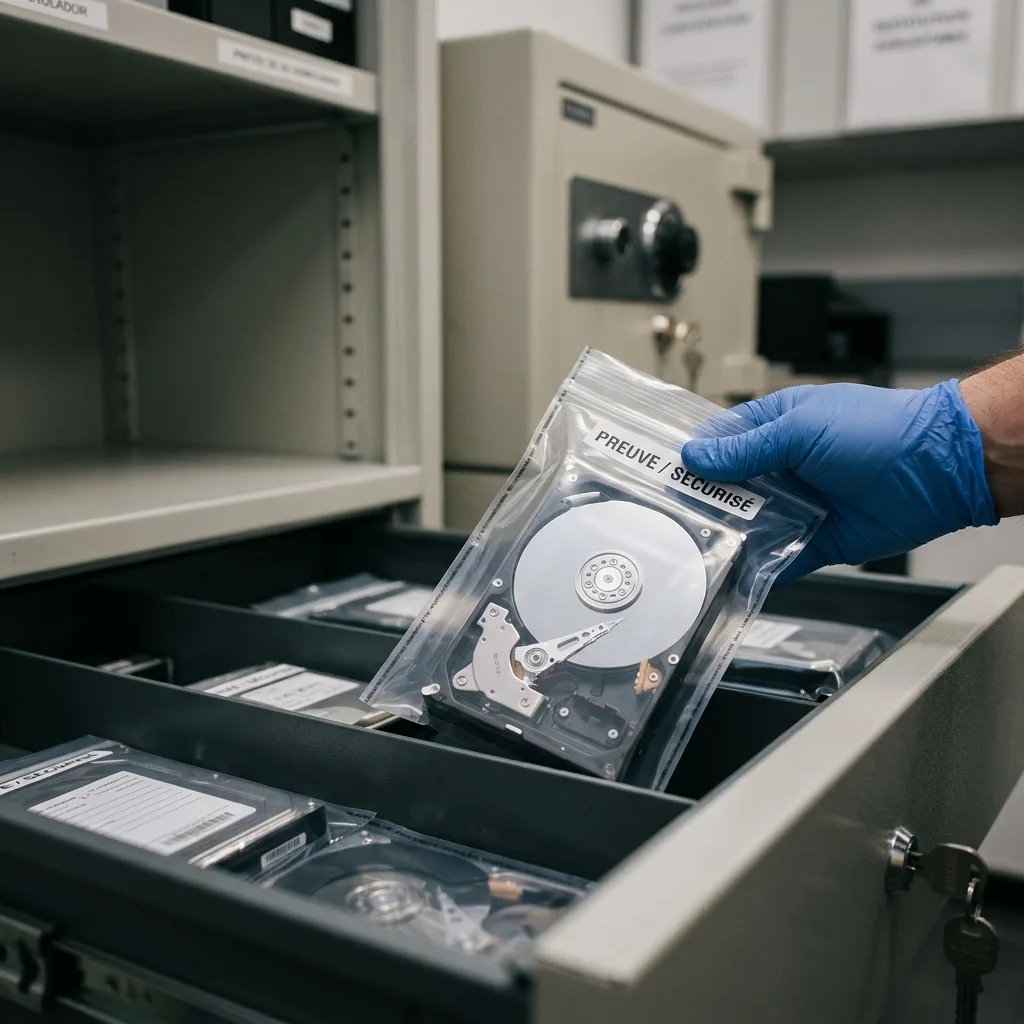
Privacy and delivery
Protect drive contents through verification and return
The search scope, verification method and limits are documented before checked files are supplied on reliable destination storage.
An internal hard drive can contain personal records, client documents, browser history, exports and files unrelated to the request. Recovery should keep human review within the agreed scope and use only the access needed to verify that priority material works.
Recovered data is supplied on reliable destination storage or in another format agreed for the case. Converted, carved or partly reconstructed files are identified so they are not confused with unchanged source files.
Unreadable sectors, overwritten content, inaccessible encryption and inconsistent databases are reported plainly. The outcome should support an informed decision rather than imply that every detected entry is complete.
- Restrict review to the agreed data scope
- Identify reconstructed or converted files
- Document incomplete and inaccessible content
Define exactly what will be delivered
The handover records the destination storage and identifies files recovered through carving, conversion or partial reconstruction. That context prevents a derived copy from being represented as an untouched original.
Report gaps without ambiguity
Each limitation is tied to evidence such as unreadable sectors, overwrite, missing metadata, damaged file structure or unavailable encryption credentials. Usable and partial results remain clearly separated.
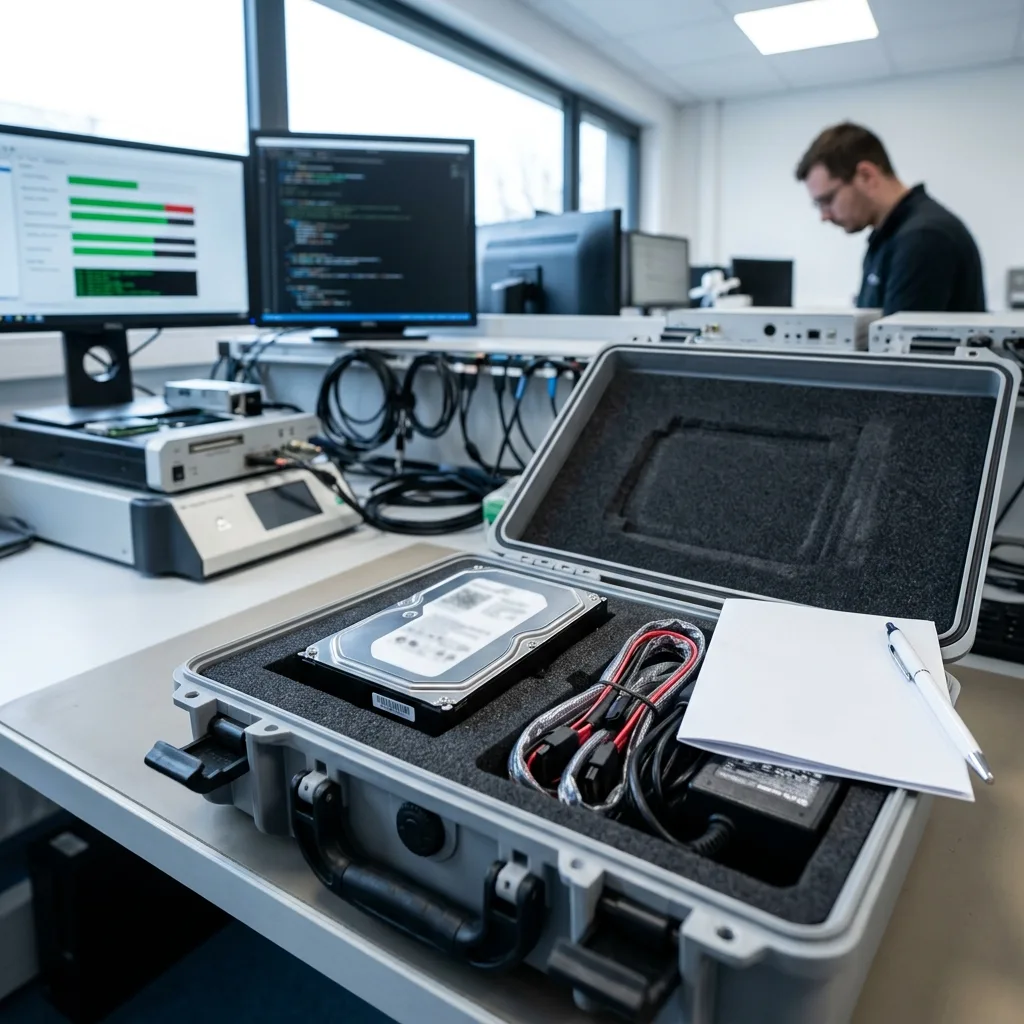
Case preparation
Prepare the details needed for assessment
Drive details, the event sequence, previous attempts and a precise priority list provide a practical starting point.
Provide the hard drive make, model and capacity, its exact symptoms, the incident date and every attempt already made. Add a short list of essential folders, file types and date ranges, plus clear photographs of error messages or physical damage where relevant.
Keep the enclosure, cable, power adaptor, replaced drive, configuration files and any partial backup available. These items can clarify power behaviour, the expected partition layout or the naming and date pattern of priority files.
Describe events in order and state what would count as a useful partial result. A factual brief keeps the technical review focused on the real requirement rather than an assumed complete extraction.
- Identify the drive model and capacity
- Describe symptoms and previous attempts
- Nominate essential folders and file types
Retain accessories and reference copies
An enclosure, cable, power adaptor, old system drive or partial backup can explain expected behaviour and file context. Keep these items available even if only the failed hard drive is initially submitted.
State the minimum useful outcome
A concise case summary should distinguish essential content from optional material and describe an acceptable partial result. That information lets technical effort follow the client's actual priority.
FAQ
Frequently asked questions
What should I do when an internal hard drive starts clicking or disappears?
Shut the system down, disconnect the drive and avoid further restarts or scans. Record the sound, error messages and incident sequence, then list the files needed most. Continued use can worsen physical damage or overwrite logical evidence.
Is complete recovery from a failed hard drive always possible?
No. The result depends on platter condition, head stability, readable sectors, overwrite after the incident, surviving metadata and access to any encryption key. Datastrophe reports the usable scope supported by that evidence, including gaps and partial files.
Why does the laboratory need a list of priority files?
Known folders, names, dates and file types guide acquisition and checking, particularly when the drive is unstable. They help direct limited reads towards essential documents or photographs and provide an earlier view of whether the recovery meets the practical need.
Can the original hard drive be used again after recovery?
That is not the purpose of recovery. The work aims to extract accessible data and supply it on reliable destination storage. A drive that has suffered data loss or mechanical instability should not be trusted for continued production use.
How are partial and unrecoverable files reported?
Limitations are linked to observed causes such as unreadable sectors, overwritten content, missing metadata, damaged file structure or inaccessible encryption. The handover distinguishes files that pass checks from partial content and entries detected only through metadata or signatures.
Media
Other expertise
- External Hard Drive Data Recovery and Fault Assessment Recover files from dropped, unstable or unrecognised external drives, including USB bridge, enclosure, partition and physical disk failures.
- Recover Files from Failed SSD and NVMe Storage Technical SSD and NVMe recovery for controller faults, failed NAND, firmware problems, encryption and unreadable volumes.
- Recover Files from a Damaged USB Flash Drive Technically assessed recovery for USB drives with broken connectors, failed controllers, corrupted NAND, missing files or no detection.
- Memory Card Photo and Video Recovery Practical recovery of photographs and video from damaged, formatted or unreadable SD, microSD and CompactFlash cards.
- Laptop File Recovery After Hardware or System Failure Recover files from laptops affected by startup faults, liquid, impact, inaccessible accounts, internal drive failure or soldered SSD problems.
- Recover Files from Failed Macs and Apple Storage Practical Mac recovery for damaged APFS or HFS+ volumes, FileVault issues, failed Apple SSDs, split Fusion Drives and liquid incidents.
- iPad and Tablet Data Recovery Professional tablet recovery for inaccessible iPads and other devices, covering flash storage, local files, encryption and reset risks.
- Recover Data from Virtual Disks and Snapshots Recovery of data from VMDK, VHDX, VHD and QCOW2 virtual disks, including snapshots, VMFS datastores, databases and damaged VMs.
- Recovering Data From RAID, NAS and Storage Arrays Recover data from failed RAID 0, 1, 5, 6 and 10 arrays, NAS units, servers, SHR, ZFS and Btrfs after disk, controller or rebuild faults.
- Recover Critical Data from Failed Servers Practical server data recovery for failed RAID arrays, databases, virtual machines, file shares and damaged file systems.
- Recover CCTV Footage from NVR, DVR and XVR Recorders Recovery of CCTV and security camera footage from NVR, DVR and XVR systems with damaged indexes, H.264/H.265 streams, RAID storage or failed exports.
- How ISO Class 5 Clean-room Recovery Protects Hard Drives See how ISO Class 5 clean-room conditions support hard drive recovery, from particle control and platter inspection to technical limits and cost.
 External Hard Drive Data Recovery and Fault Assessment
  Recover Files from Failed SSD and NVMe Storage
  Recover Files from a Damaged USB Flash Drive
  Memory Card Photo and Video Recovery
  Laptop File Recovery After Hardware or System Failure
  iPad and Tablet Data Recovery
  Recover Data from Virtual Disks and Snapshots
  Recovering Data From RAID, NAS and Storage Arrays
  Recover Critical Data from Failed Servers
  Recover CCTV Footage from NVR, DVR and XVR Recorders
  How ISO Class 5 Clean-room Recovery Protects Hard Drives
 Diagnostic assessment
Unsure about a storage device or fault?
Datastrophe assesses the risk before any recovery attempt and points you towards the safest next step.