

Recovering Data From RAID, NAS and Storage Arrays
Datastrophe protects each member drive, diagnoses the array fault and returns only recovered files that pass practical usability checks.
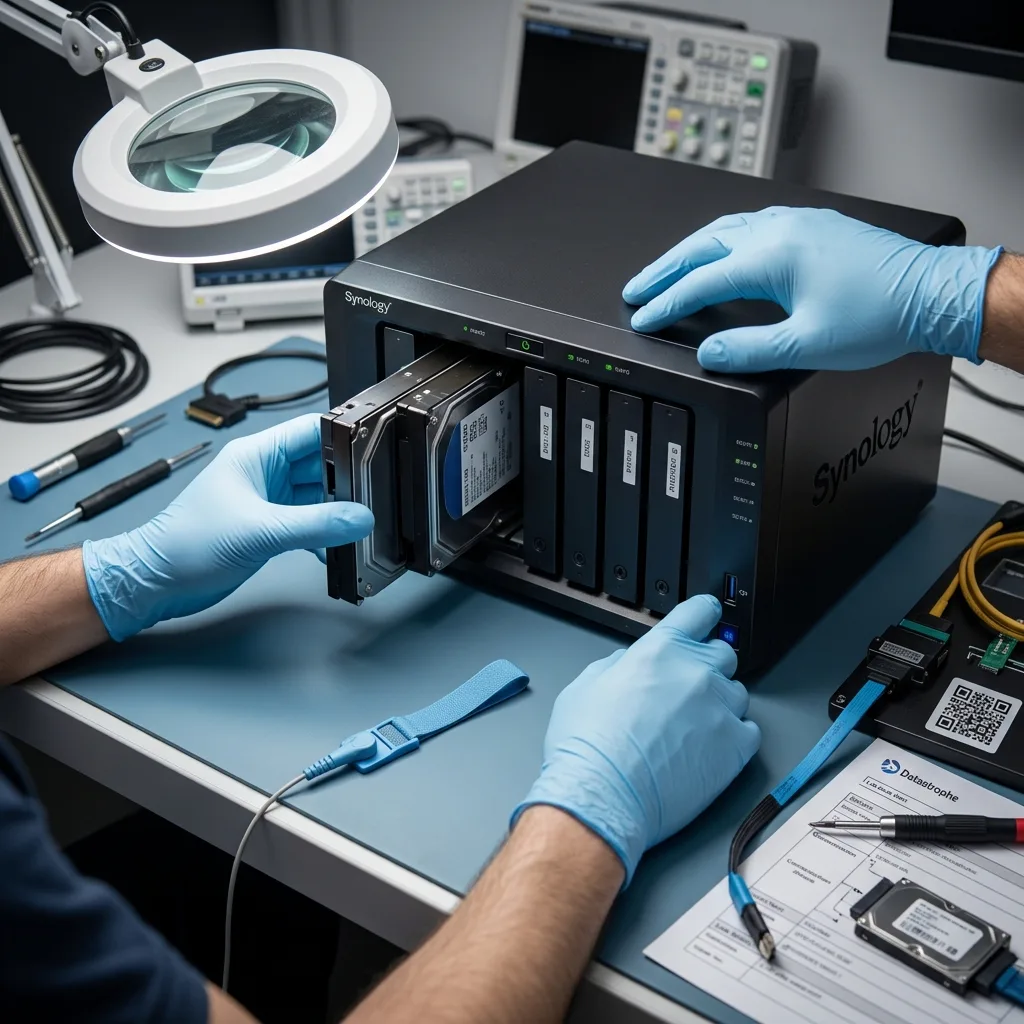
Diagnosis
Record disk order, stripe size, parity rotation and offset
An offline array needs evidence-led diagnosis: the member disks, metadata and incident history must be assessed before reconstruction begins.
An inaccessible RAID or NAS does not reveal its fault simply by going offline. One member disk may have failed, a controller may have lost its configuration, or an unsuccessful rebuild may have changed the volume. Cases can involve Synology or QNAP systems, hardware RAID, mdadm, ZFS, Btrfs, LVM and encrypted volumes. Before any reconstruction, the diagnostic assessment establishes the original use, disk sequence, incident history and data priorities.
In the data recovery laboratory, every member drive is labelled and protected from writes. Readability, capacity, serial details and available metadata are assessed separately before a drive-by-drive imaging plan is set. This separates physical media problems from logical corruption, damaged array structures and mixed failures.
Recovery is directed at the data, not at returning unreliable hardware to service. The intended outcome is a separate copy of files that can be used, accompanied by clear limits for unreadable, overwritten or encrypted areas where no valid key is available.
- Identify the important volumes, shares and folders
- Assess every member disk independently
- Reconstruct only from supported technical findings
What the initial array assessment establishes
The data recovery laboratory records each member drive, prevents writes and assesses its readable state before imaging. Array metadata and the incident sequence are then used to distinguish physical faults, logical damage, structural corruption and combinations of these problems.
What recovery can and cannot do
The work aims to place recoverable files onto separate, reliable storage; it does not certify the failed array for reuse. Unreadable sectors, overwritten content and encryption without a valid key remain genuine limits and are reported as such.
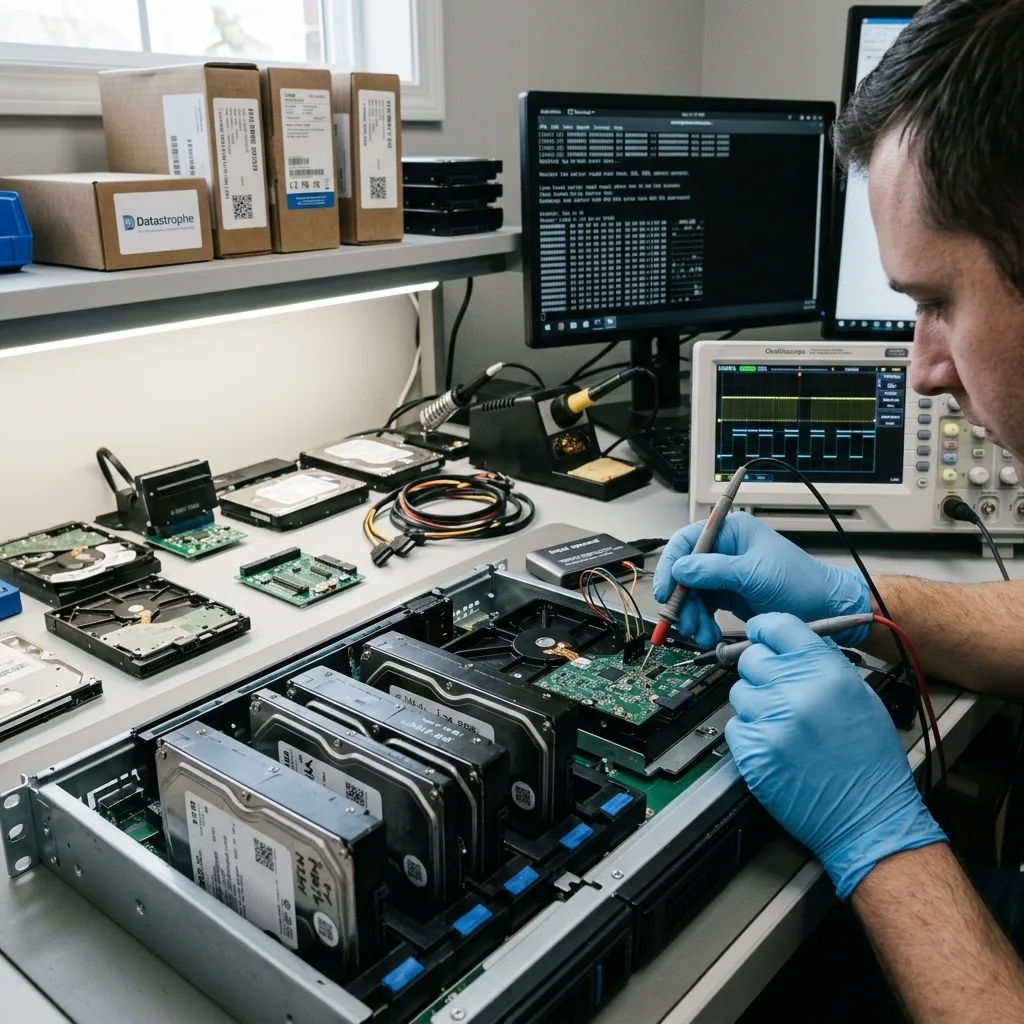
Risk control
Stop the NAS after a second member fails
Degraded volumes, failed rebuilds and intermittent member disks call for a controlled shutdown and an accurate record of what happened.
Treat a degraded volume, offline disk, failed rebuild, missing bay order, foreign configuration or inaccessible pool as a warning to stop. These symptoms do not prove a single cause, but they show that the array state may be changing. Any disk that clicks, slows down, drops offline or appears only intermittently should be considered unstable.
Record the order of events. A power interruption, drive replacement, deletion, formatting and rebuild attempt leave different technical traces and require different responses. Prior attempts may also have altered metadata, parity or the blocks needed for recovery.
Leaving the system online can increase damage. Host activity may overwrite deleted content, while background scrubs, rebuilds and repeated reads can place extra stress on a marginal disk. Power the unit down safely where possible and avoid another restart merely to check whether it returns.
- Photograph alerts and record disk positions
- Avoid another restart or rebuild
- List every action taken since the fault
Why the incident sequence matters
A disk replacement, power failure, deletion or formatting event changes the recovery path. Recording what occurred—and in which order—helps distinguish the original failure from later changes made by rebuilds, repairs or user activity.
Reduce activity on the array
Background services can continue writing while a NAS appears idle, and a controller may keep retrying weak media. Stopping normal use limits overwriting and avoids unnecessary reads of sectors that may only have a small number of stable passes left.
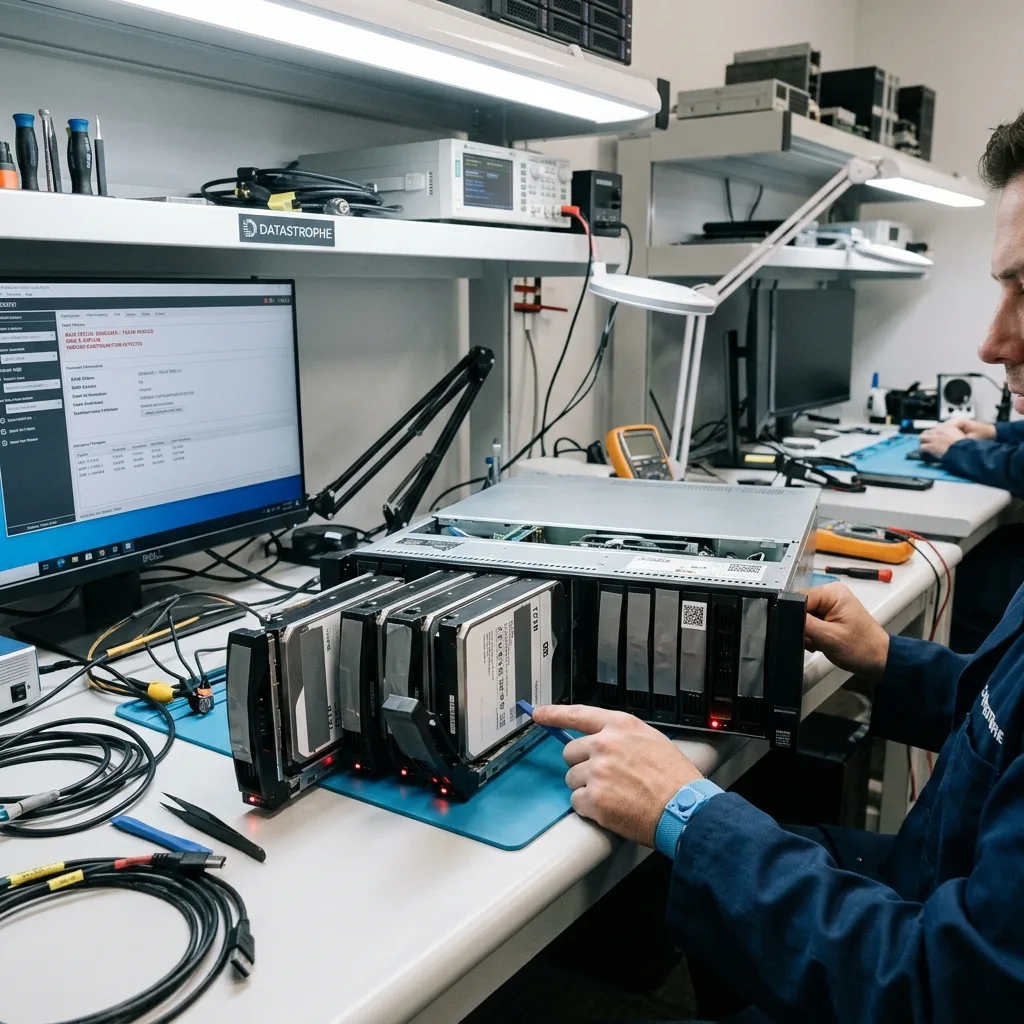
Preservation
Do not restart a RAID rebuild before assessment
Leave the bay order unchanged and avoid initialisation, automatic repair or another rebuild until the member disks have been assessed.
Do not initialise the volume, restart a rebuild, swap multiple disks at once or guess the original bay order. Each action can update configuration records or write new parity, making it harder to distinguish the original array state from changes introduced after the failure.
Automatic repair tools may clear logs, rewrite superblocks or produce internally inconsistent files. A broad scan of a live array can also increase load on failing drives. Stop experimental work and preserve screenshots, logs and notes about every attempt already made.
Controlled acquisition is performed from the member disks, with reconstruction carried out on images or working copies. This allows competing disk orders and layouts to be tested without using the source array as a test environment.
- Prevent all writes to source disks
- Keep disks in their recorded bay order
- Use images for reconstruction tests
How automated repairs complicate recovery
Repair and rebuild functions can modify array metadata, parity and file-system structures before the underlying disk fault is understood. Those changes may hide the original sequence of events or overwrite content that a controlled recovery could otherwise examine.
Why work from images
Member-drive images preserve a repeatable point of reference. Different layouts can then be compared without repeatedly reading unstable sources or changing the evidence needed to evaluate disk order, stripe geometry and parity.
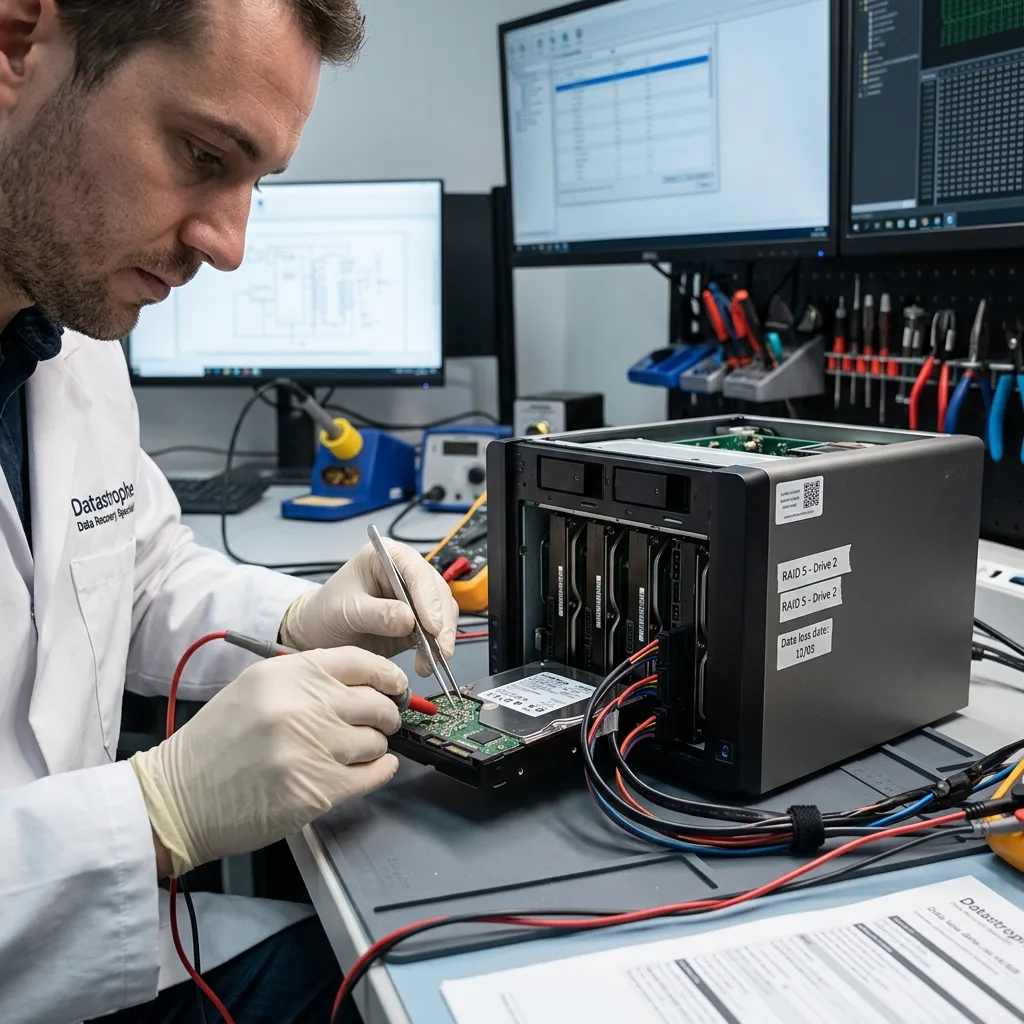
Reconstruction
Reconstruct RAID virtually before mounting volumes
Reliable reconstruction combines member-drive condition, RAID geometry, parity, volume metadata and file-system evidence.
RAID level, stripe geometry, parity rotation, mdadm metadata, SHR, ZFS and Btrfs structures all affect reconstruction. The analysis may need to move from physical sectors through array mapping and the file system to application-specific data, rather than relying on a single scan.
A recognisable directory tree is not proof that its files are intact. Equally, an empty share or missing pool does not establish that all content has gone. Logs, object maps, snapshots, file signatures and surviving fragments may support a partial but useful result.
Each member image is assessed first, followed by the array layout and logical volumes. Priority folders and representative files are checked only after the reconstruction is internally consistent. This sequence exposes false-positive layouts that may look plausible at directory level.
- Confirm disk order, stripe size and parity
- Evaluate volumes and file systems in sequence
- Open representative files from the result
Folders alone are not proof
A candidate layout can display familiar names while combining the wrong blocks underneath. File signatures, sizes, timestamps, internal structures and sample opening checks provide stronger evidence that the reconstructed data is coherent.
Work through the layers
The member images are evaluated before array geometry, logical volumes and file systems. Only then are application data and priority files checked, keeping the analysis tied to the real recovery requirement.
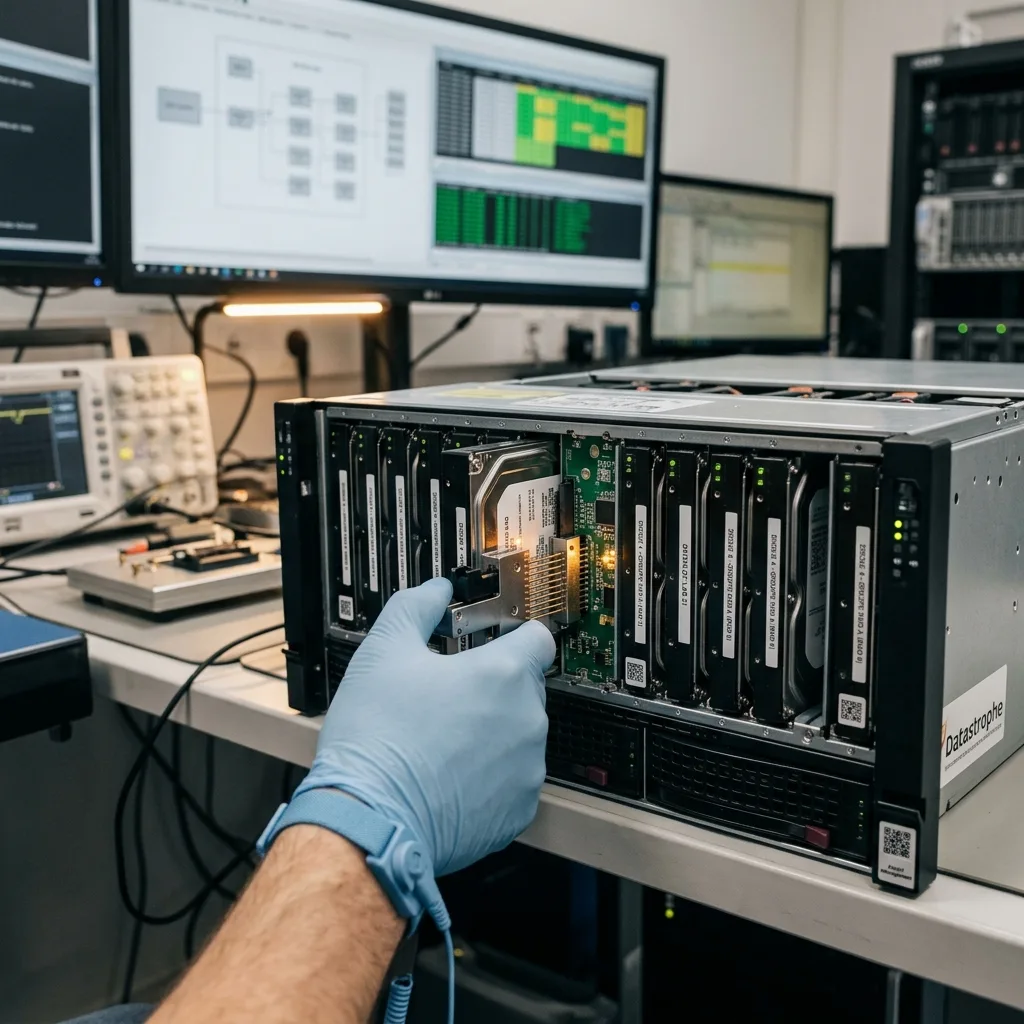
Laboratory process
Image each member according to its physical condition
The recovery plan follows the evidence: preserve unstable media, reconstruct from protected images and verify the files that carry practical value.
The process begins with a diagnostic assessment of the storage design, symptoms, loss date, previous work, expected data volume and essential files. This information sets imaging priorities and identifies which reconstruction questions must be answered first.
Unstable disks are acquired with controlled reads, while logical faults are handled without mounting the source for normal use. Where physical and logical failures overlap, the least destructive step is completed first and all subsequent work uses protected copies.
Recovered data is checked through representative samples and priority-file testing. Opening files, comparing expected dates and reviewing application structures provide more useful evidence than a raw gigabyte count.
- Image unstable members in the safest order
- Build and compare virtual array layouts
- Validate priority data before handover
Selecting the recovery path
Media stability determines acquisition order, while array and file-system evidence determines reconstruction. When multiple faults are present, the process addresses the step most likely to preserve readable data before moving to logical repair or extraction.
Checking more than capacity
Samples are selected from important folders, file types and dates. Files are opened or structurally checked where practical, allowing the result to distinguish usable content from damaged, partial or merely detected items.
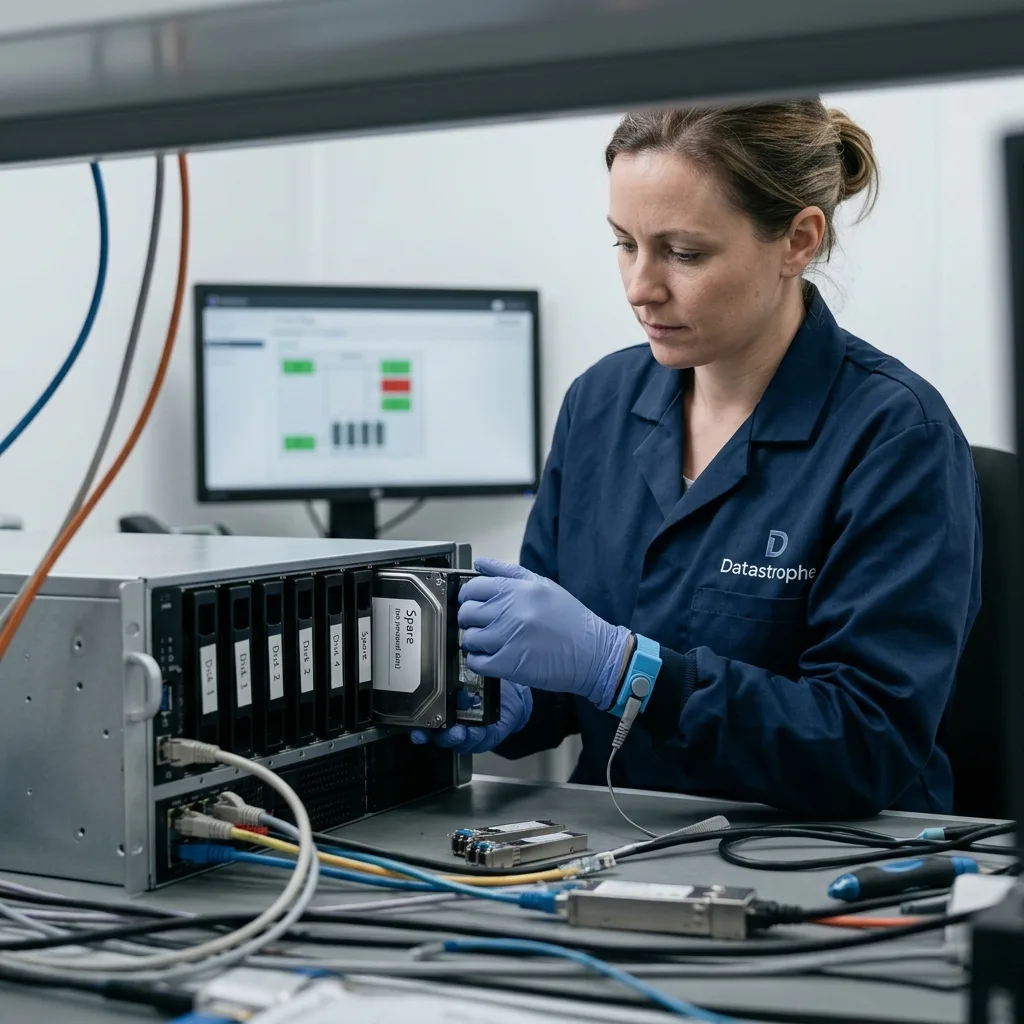
Priorities
Prioritise shares, VMs, backups and databases separately
List the shares, VMs, databases, backups and recording ranges that matter so they can be tested as soon as a sound reconstruction is available.
Priority content may include shared folders, virtual machines, databases, archives, backups, CCTV or security camera footage and DVR/NVR recordings. Naming these items early allows the reconstruction to be tested against material that has genuine operational or personal value.
On a degraded high-capacity array, locating a specific database, VM or recording range may be more useful than waiting for every possible file to be catalogued. A defined scope also reduces unnecessary handling of unrelated sensitive content.
Final checks separate complete, usable files from partial data and entries supported only by metadata. A filename in an export list is not enough; the underlying content must be opened, parsed or otherwise validated where practical.
- Name critical folders and file types
- Provide date ranges for recordings or backups
- Record which partial outcomes would still help
Why a defined scope helps
Priorities guide early validation and can reduce unnecessary extraction of unrelated material. They are particularly important when disk instability, very large volumes or time-based recording systems make a complete catalogue impractical.
How file status is reported
The result distinguishes files that have passed usability checks from partial content and metadata-only detections. This prevents an impressive file count from being mistaken for a complete and operational recovery.
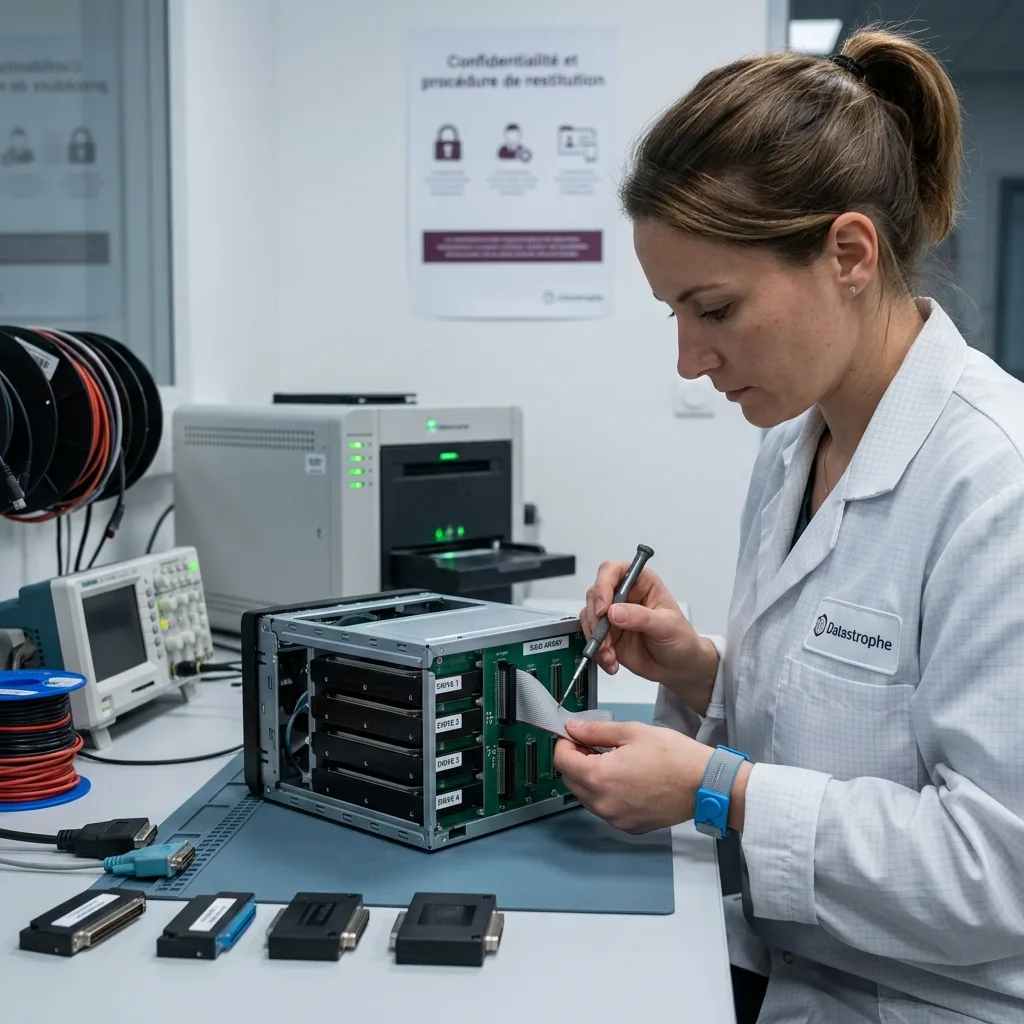
Secure handover
Validate data beyond a successfully mounted volume
Recovery access is limited to the agreed scope, and returned data is organised so usable files and known limitations are clear.
RAID and NAS systems can hold client records, internal documents, logs, backups and personal information beyond the requested folders. Recovery should therefore be limited to the authorised scope, with access kept to what is necessary for acquisition and validation.
Recovered files are supplied on suitable destination storage or in an agreed format. If the result requires conversion, a targeted export or partial reconstruction, the handover explains what has been produced and how it differs from the original system.
Technical limitations remain part of the result. Failed member disks, overwritten blocks, unavailable encryption keys and inconsistent databases can restrict recovery, and these constraints are stated directly rather than obscured by a file count.
- Define the authorised search scope
- Use suitable destination storage
- Document incomplete or inaccessible content
Supplying the recovered files
The destination and format are selected for the recovery result. Any conversion, targeted export or reconstructed folder structure is described clearly so it is not confused with the original live array.
Limitations stay with the result
Unreadable members, overwritten blocks, missing keys and damaged application structures can leave gaps. Reporting those gaps alongside verified files provides a sound basis for deciding how the recovered data can be used.
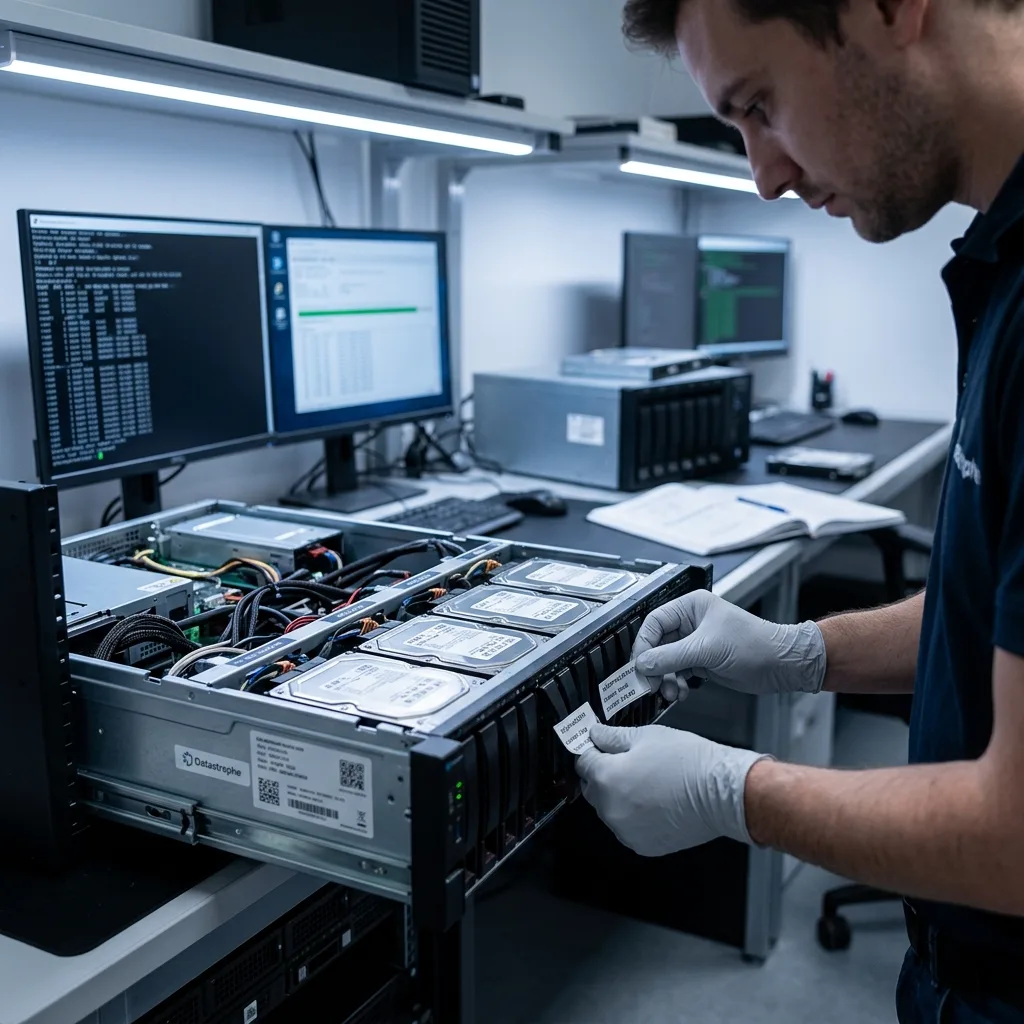
Case preparation
Prepare bay maps, logs and NAS configuration
Send the complete set of member disks and provide the model, bay order, incident history, previous attempts and priority data.
Provide the NAS, enclosure or controller model, all member-drive details, capacities, recorded bay order, symptoms, incident date and previous actions. Add a short list of essential shares, folders, VMs, databases or recording periods, plus photographs of relevant alerts where available.
Keep the original enclosure, controller, power supply, cables, removed drives, configuration exports and partial backups together. A component that appears secondary may contain metadata or model details needed to interpret the array correctly.
A concise factual account is most useful: what first failed, what changed afterwards, which disks were replaced and what partial result would still meet the need. Do not omit an unsuccessful rebuild or repair attempt, because it can explain conflicting metadata.
- Label disks without altering their connectors
- Include controller and configuration details
- Describe rebuilds, replacements and error messages
Keep related hardware and records
Controllers, enclosures, removed disks, configuration exports and photographs can help establish the original layout. Keep these items with the case and note exactly where each drive was installed.
Describe the outcome you need
State the essential folders, systems and date ranges, along with any acceptable partial outcome. This lets validation focus on practical value while the broader reconstruction is still being assessed.
FAQ
Frequently asked questions
What is the first step after a RAID or NAS failure?
Stop normal use, avoid another rebuild, record the disk order and error history, and identify the data that matters. Keep all member drives together. Repeated starts or unplanned replacements can alter metadata and place extra stress on unstable disks.
Is every file recoverable from a failed RAID or NAS?
No outcome can be known before assessment. Recovery depends on the condition of every member disk, overwritten blocks, usable array metadata, rebuild activity and encryption keys. Datastrophe reports files as usable only when the available evidence and checks support that status.
Why should priority folders and systems be listed?
Shared folders, VMs, databases and recording ranges provide practical test points for a reconstructed volume. They also help direct controlled reads when one or more disks are deteriorating and a full extraction may not be the safest first objective.
Can the original RAID disks return to production after recovery?
Recovery does not qualify failed storage for reuse. The purpose is to copy recoverable data to separate, suitable storage. Any member disk or array involved in data loss should be treated as unreliable unless independently assessed for another purpose.
How are incomplete RAID recovery results described?
The result records issues such as unreadable sectors, missing members, overwritten parity or data, damaged metadata, inconsistent application files and inaccessible encryption. Usable files are distinguished from partial items and entries detected only through metadata.
Media
Other expertise
- Data Recovery for Failed Internal Hard Drives Controlled recovery of files from internal hard drives affected by mechanical damage, bad sectors, formatting or lost partitions.
- External Hard Drive Data Recovery and Fault Assessment Recover files from dropped, unstable or unrecognised external drives, including USB bridge, enclosure, partition and physical disk failures.
- Recover Files from Failed SSD and NVMe Storage Technical SSD and NVMe recovery for controller faults, failed NAND, firmware problems, encryption and unreadable volumes.
- Recover Files from a Damaged USB Flash Drive Technically assessed recovery for USB drives with broken connectors, failed controllers, corrupted NAND, missing files or no detection.
- Memory Card Photo and Video Recovery Practical recovery of photographs and video from damaged, formatted or unreadable SD, microSD and CompactFlash cards.
- Laptop File Recovery After Hardware or System Failure Recover files from laptops affected by startup faults, liquid, impact, inaccessible accounts, internal drive failure or soldered SSD problems.
- Recover Files from Failed Macs and Apple Storage Practical Mac recovery for damaged APFS or HFS+ volumes, FileVault issues, failed Apple SSDs, split Fusion Drives and liquid incidents.
- iPad and Tablet Data Recovery Professional tablet recovery for inaccessible iPads and other devices, covering flash storage, local files, encryption and reset risks.
- Recover Data from Virtual Disks and Snapshots Recovery of data from VMDK, VHDX, VHD and QCOW2 virtual disks, including snapshots, VMFS datastores, databases and damaged VMs.
- Recover Critical Data from Failed Servers Practical server data recovery for failed RAID arrays, databases, virtual machines, file shares and damaged file systems.
- Recover CCTV Footage from NVR, DVR and XVR Recorders Recovery of CCTV and security camera footage from NVR, DVR and XVR systems with damaged indexes, H.264/H.265 streams, RAID storage or failed exports.
- How ISO Class 5 Clean-room Recovery Protects Hard Drives See how ISO Class 5 clean-room conditions support hard drive recovery, from particle control and platter inspection to technical limits and cost.
 Data Recovery for Failed Internal Hard Drives
  Recover Files from Failed SSD and NVMe Storage
  Recover Files from a Damaged USB Flash Drive
  Memory Card Photo and Video Recovery
  Laptop File Recovery After Hardware or System Failure
  iPad and Tablet Data Recovery
  Recover Data from Virtual Disks and Snapshots
  Recover Critical Data from Failed Servers
  Recover CCTV Footage from NVR, DVR and XVR Recorders
  How ISO Class 5 Clean-room Recovery Protects Hard Drives
 Diagnostic assessment
Unsure about a storage device or fault?
Datastrophe assesses the risk before any recovery attempt and points you towards the safest next step.