
Diagnostic assessment
Separating the working drive from the backup
In a recording studio, an SSD commonly serves as the working drive for audio sessions, takes, caches, sound libraries, exports and current projects. For a studio handover, list the active session, project files and recording system before anyone reinstalls or synchronises the SSD. That speed is valuable, but it can blur the essential distinction between production storage and a backup.
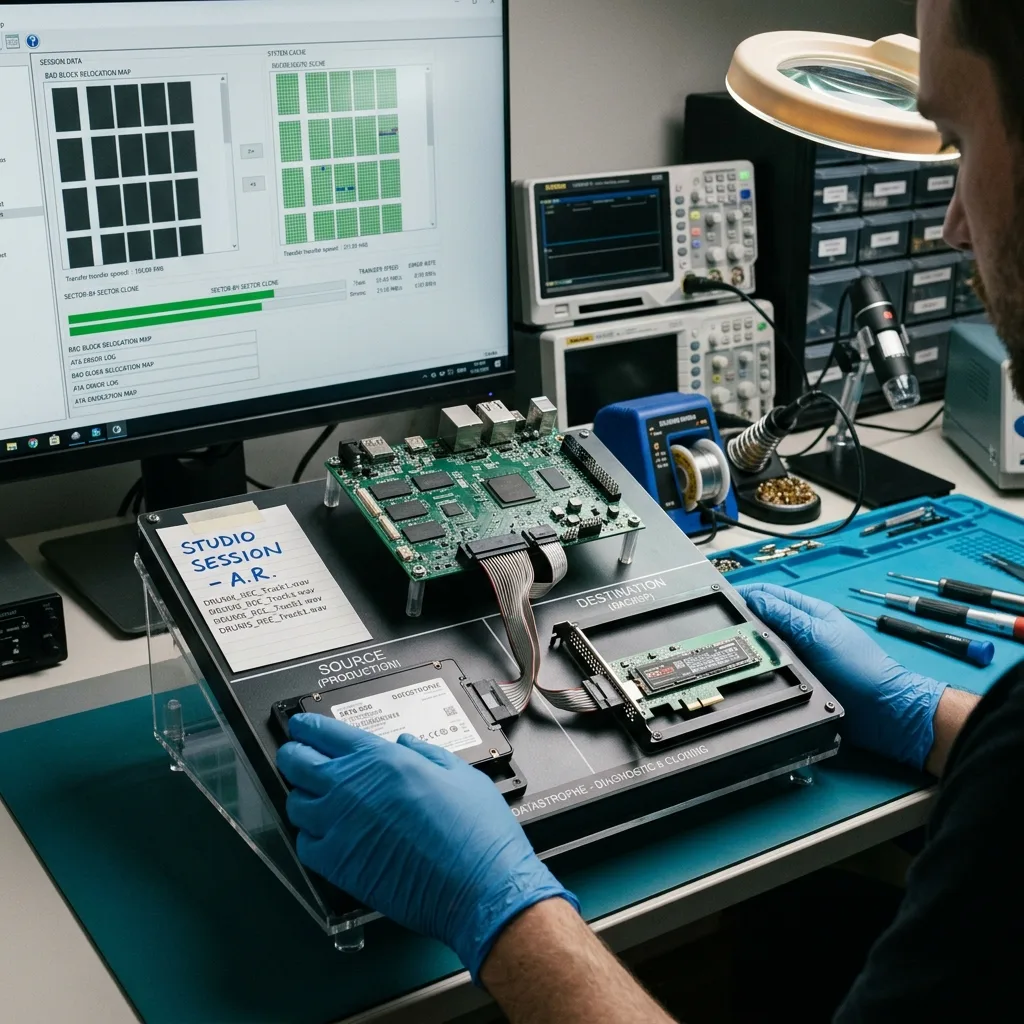
A working drive receives frequent writes. It may move between workstations, connect through separate interfaces, be used with several applications and run for hours at a time. A backup needs to be separate, verified and kept outside this production chain.
Loss becomes critical when unique takes exist only on the active SSD. A session can contain audio files as well as references, fades, automation, plug-ins and paths. Copying one visible folder doesn't guarantee that the project will reopen correctly.
Prevention therefore begins with a clear rule: the production SSD must never hold the only copy. After a crucial session, the data should be copied, confirmed and ideally stored on another device.
Diagnostic assessment
Understanding the demands on an audio SSD
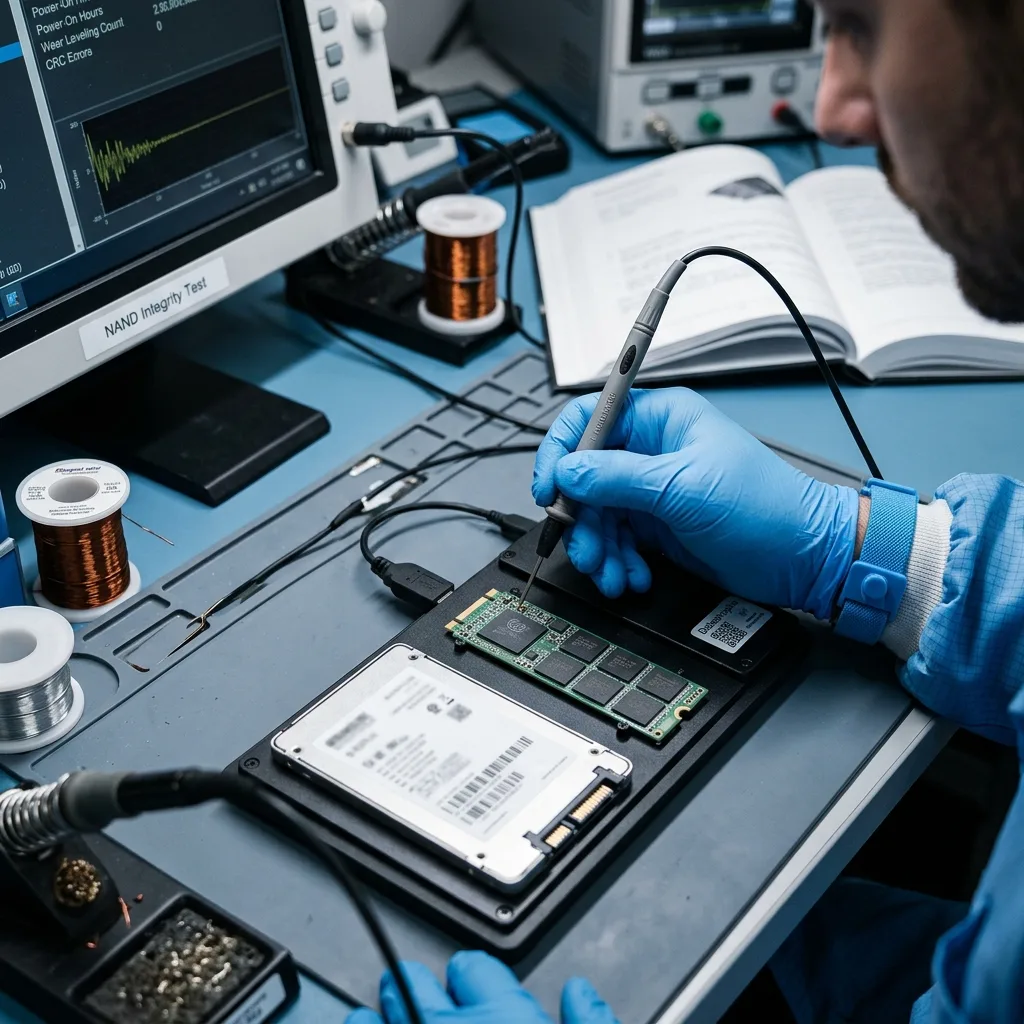
An SSD has no moving parts, but it relies on a controller, NAND memory, internal tables and in some cases encryption. Intensive writes, power interruptions, disconnections and heat can expose a weakness in the device.
Audio sessions commonly generate many files. An interrupted take, partial export or abrupt shutdown may leave a project inconsistent. The SSD can remain readable even though some sessions no longer open correctly.
Interfaces matter too. An erratic USB or Thunderbolt enclosure or adaptor can disconnect during a write. The symptoms may resemble SSD failure even when the connection chain contributed to the corruption.
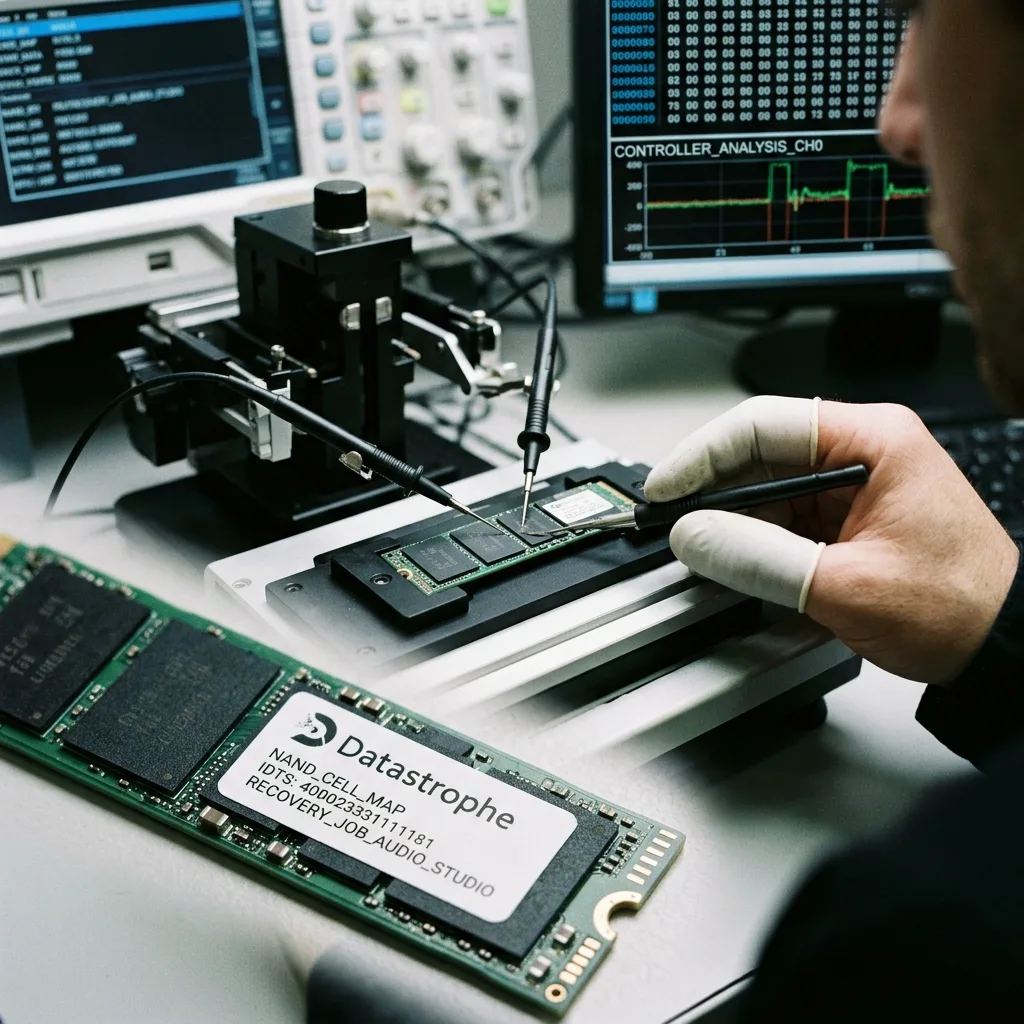
SSD data recovery describes how the storage device is handled. The diagnostic assessment remains centred on the studio context: linked files, open sessions, end-of-session copies and audio validation.
Diagnostic assessment
Confirming sessions after copying
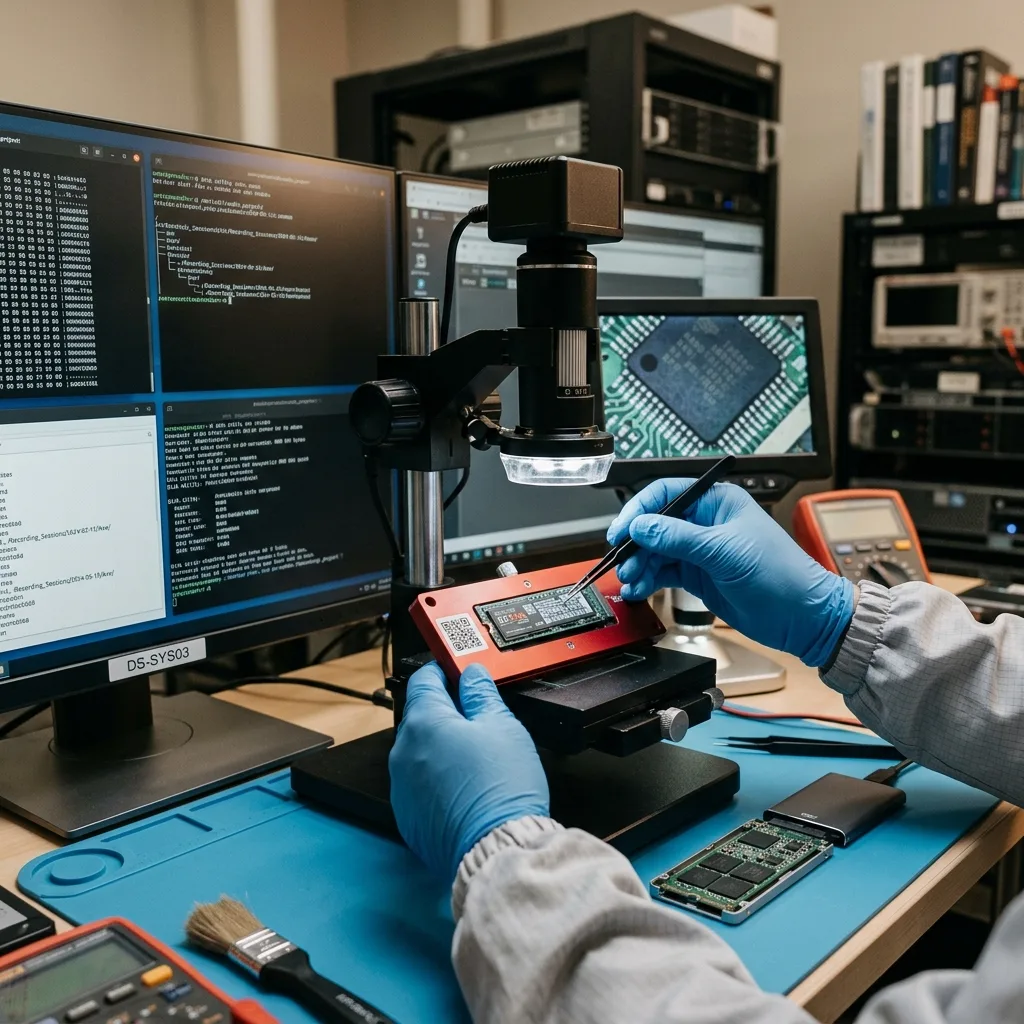
A studio backup needs more testing than an ordinary office folder. Open the session, confirm that the audio files are present, confirm the tracks, pinpoint missing items and export a passage where necessary.
Audio projects may depend on absolute paths, external files, software versions or plug-ins. A copy can be technically complete yet hard to use when those dependencies haven't been documented.
Keep exports as well. A mix, bounce or intermediate version may help if the key session becomes partial. These files don't replace the project, but they can limit the artistic or commercial loss.
The timeline matters: session date, priority takes, last successful opening, copy performed, error message and application used. These details help distinguish a missing file, corrupted session and erratic SSD.
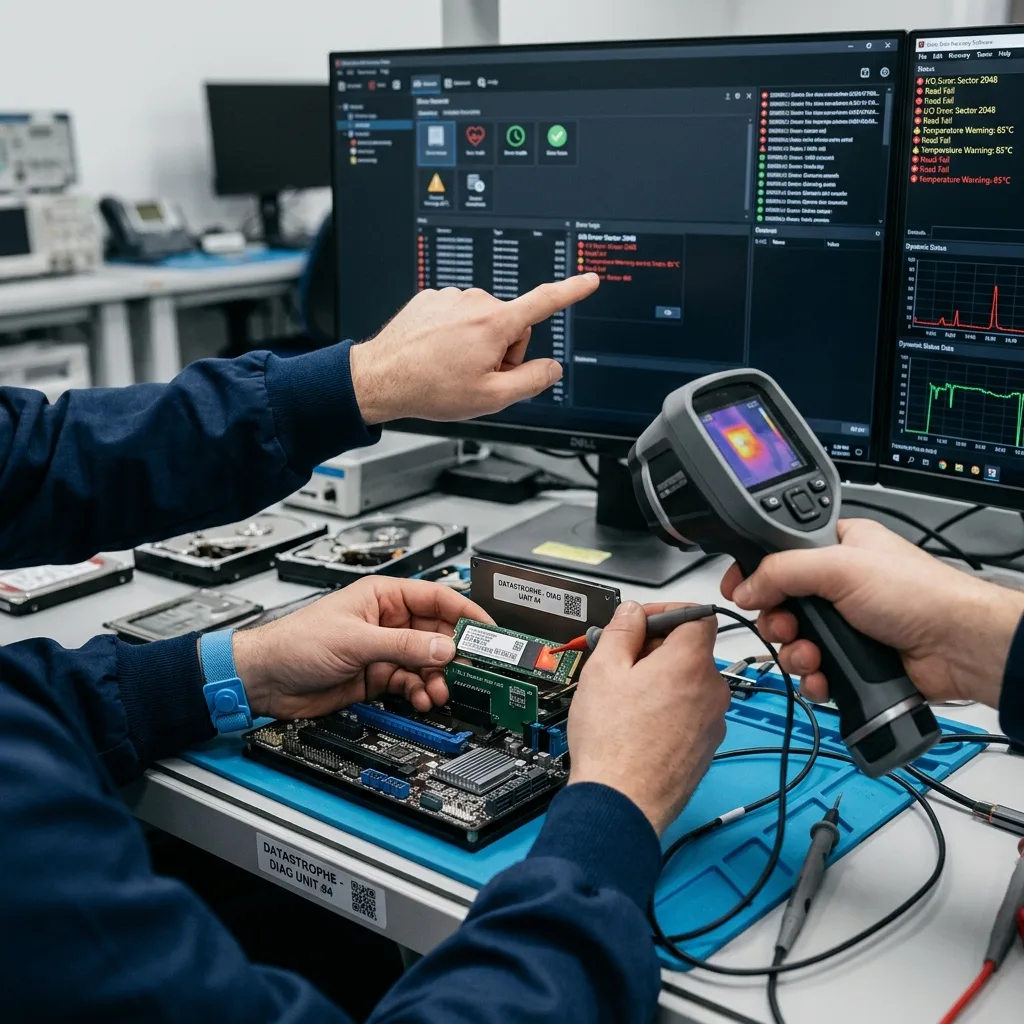
Diagnostic assessment
Responding to warning signs
A studio SSD that disconnects, slows down, overheats or reports the wrong capacity should not be used to finish a session. Every write may worsen the condition or replace valuable blocks.
If files remain visible, copy priority items to a separate healthy storage device without repeatedly forcing files that cause the procedure to stall. A copy that always fails at the same point may indicate an erratic area or corruption.
Avoid automatic repairs when the data matter. A repair may alter the folder structure, move files or make comparison with backups harder. Retain the current state prior to the diagnostic assessment.
Datastrophe examines both the SSD and the practical need: which sessions, tracks, dates and exports are essential. This avoids recovering a large collection of files that doesn't answer the real project requirement.
Diagnostic assessment
Building realistic studio protection
Protection needs to fit the working rhythm. At the end of a session, crucial projects should be copied to a separate device and then opened or otherwise confirmed. Old or intermittent drives have no place in the production chain.
Clear names for sessions, dates and versions make recovery easier. If several drives hold partial copies, good organisation helps reconstruct the most complete version. Disorder becomes a technical cost when an incident occurs.
Transport also needs consideration. An external studio SSD can be dependable, but cables, drops, adaptors and simple loss still put it at risk. An off-site copy provides protection from physical incidents.
Avoiding SSD data loss in a studio means treating sessions as critical data. Fast storage is no substitute for a verified backup, a clear timeline and a cautious response to the first sign of instability.
Separate raw audio, session files and exports too. Recovery may find the takes without the project paths, or the reverse. Knowing which element holds the greatest value directs both the assessment and final validation.
Studios commonly share drives between several people. Renaming files, moving folders and making manual copies can complicate the handover. A simple convention applied to every project reduces ambiguity if the SSD fails.
Backups should retain several versions. A corrupted session may already have been copied to the newest backup. An older version, even if incomplete, could contain an essential track or take. Don't delete these versions before comparing the available sources.
Remove the affected SSD from production after recovery. An intermittent drive may appear to work after formatting while its controller or flash memory remains erratic. Replacement costs less than losing a unique session.
Monitor external libraries as well. Some sessions refer to samples, rushes or shared folders outside the key project. A practical backup either includes these dependencies or records where they are stored.
When a project is due promptly, the team may be tempted to continue on the same SSD after the first lock-up. That is risky. Freeze the device, work from a healthy copy where one exists and record the last dependable version.
The final handover should be validated in the production application. An individual audio file may play correctly while the session remains unusable because tracks don't align, audio is missing or project files are corrupted.
Diagnostic assessment
Primary Technical References And Limits
Reference scope — studio SSD data loss prevention guide: For recording studio SSD data loss prevention guide, the primary references used are europe.kioxia.com. Physical evidence — studio SSD data loss prevention guide: They define the relevant preservation, storage or validation concepts, but they cannot establish the exact physical condition, controller state, key availability or business consistency of the device received. Controller evidence — studio SSD data loss prevention guide: Those points require measurements on the original set and verification on copies.
Diagnostic assessment
Arrange A Controlled Assessment
Complete set — studio SSD data loss prevention guide: For a technical assessment of recording studio SSD data loss prevention guide, provide the complete device or storage set, its associated power and interface parts, the symptom timeline and the priority records. Incident history — studio SSD data loss prevention guide: Keep member order, labels and authorised credentials separate from the parcel paperwork; do not restart the source merely to obtain a new screenshot.
Laboratory responsibility — studio SSD data loss prevention guide: Datastrophe performs the diagnosis, integrity checks and recovery directly in its own laboratory with its own team. Free assessment — studio SSD data loss prevention guide: Diagnosis and the quote are free. Transport boundary — studio SSD data loss prevention guide: Return courier transport is included; the carrier moves only the sealed parcel and neither accesses nor processes its data.
Controlled list — studio SSD data loss prevention guide: Before any payment, the client receives the proposed price and a checked list. Verification classes — studio SSD data loss prevention guide: Each item is classified, in order, as recoverable_verified, partial, detected_unverified or unrecoverable. Payment trigger — studio SSD data loss prevention guide: Only recoverable_verified items whose contents were checked and found usable are presented as recoverable. No-result rule — studio SSD data loss prevention guide: Payment is due only after the client accepts both the list and the price.
No-result rule — studio SSD data loss prevention guide: If no usable data is verified, recovery fails, or the client declines the list or price, no standard fee is payable. Rare-part exception — studio SSD data loss prevention guide: The only exception is a rare, costly and non-refundable part, which may be ordered only after a separate, explicit and priced proposal has been accepted.