
Diagnostic assessment
Don't confuse newer with simpler
Recent storage is often faster, smaller and more convenient, which suggests recovery should be easier. In reality, each generation mainly changes the nature of failure and the information needed for diagnosis.
Older hard drives chiefly exposed mechanical, electronic and logical problems. SSDs add controllers, NAND management, internal tables and sometimes hardware encryption. NAS adds networking, an embedded system, RAID and permissions.
Recovery must follow the technology. Flash volumes can't be treated like platters, nor a NAS like a local folder. The method needs to understand how the device organises data before searching for files.
Storage evolution changes risks, limits and the actions to avoid. New technology doesn't remove complexity; it moves it.
Diagnostic assessment
From mechanical disks to flash
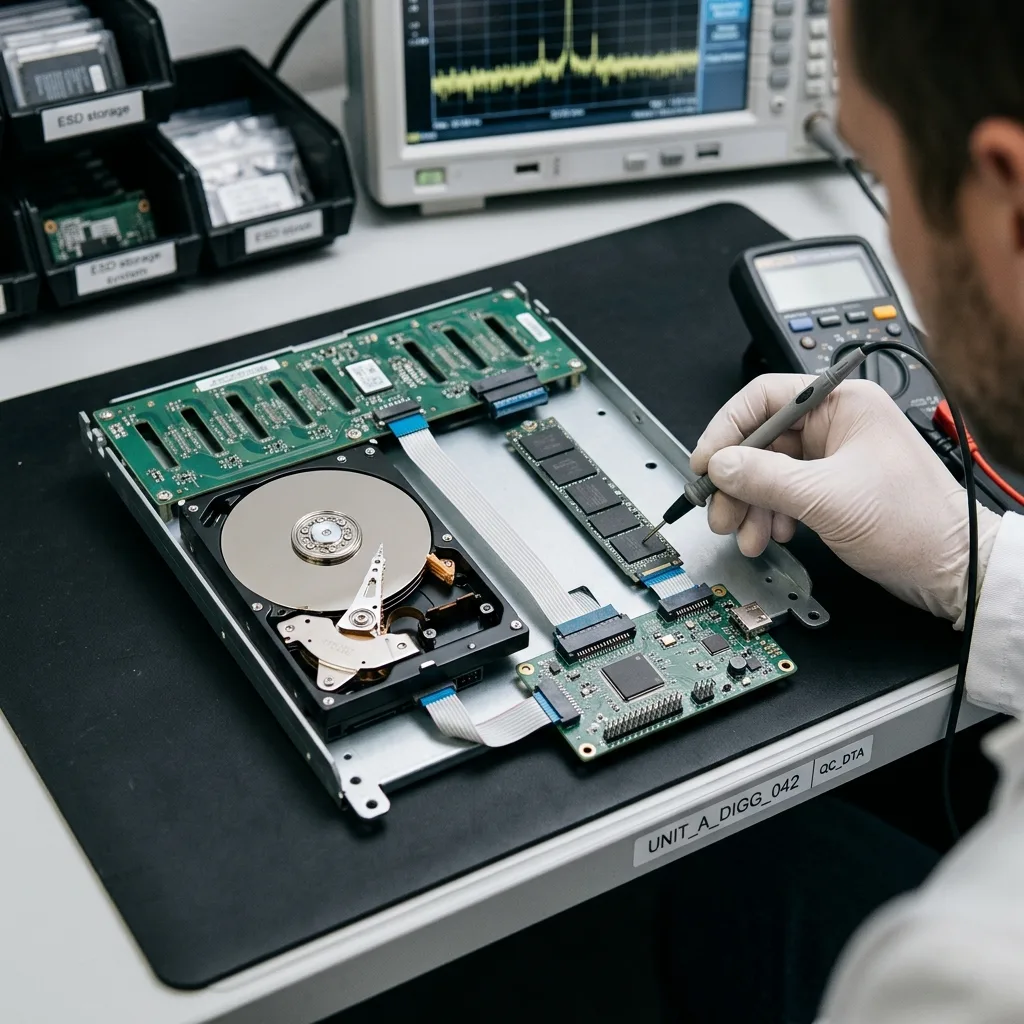
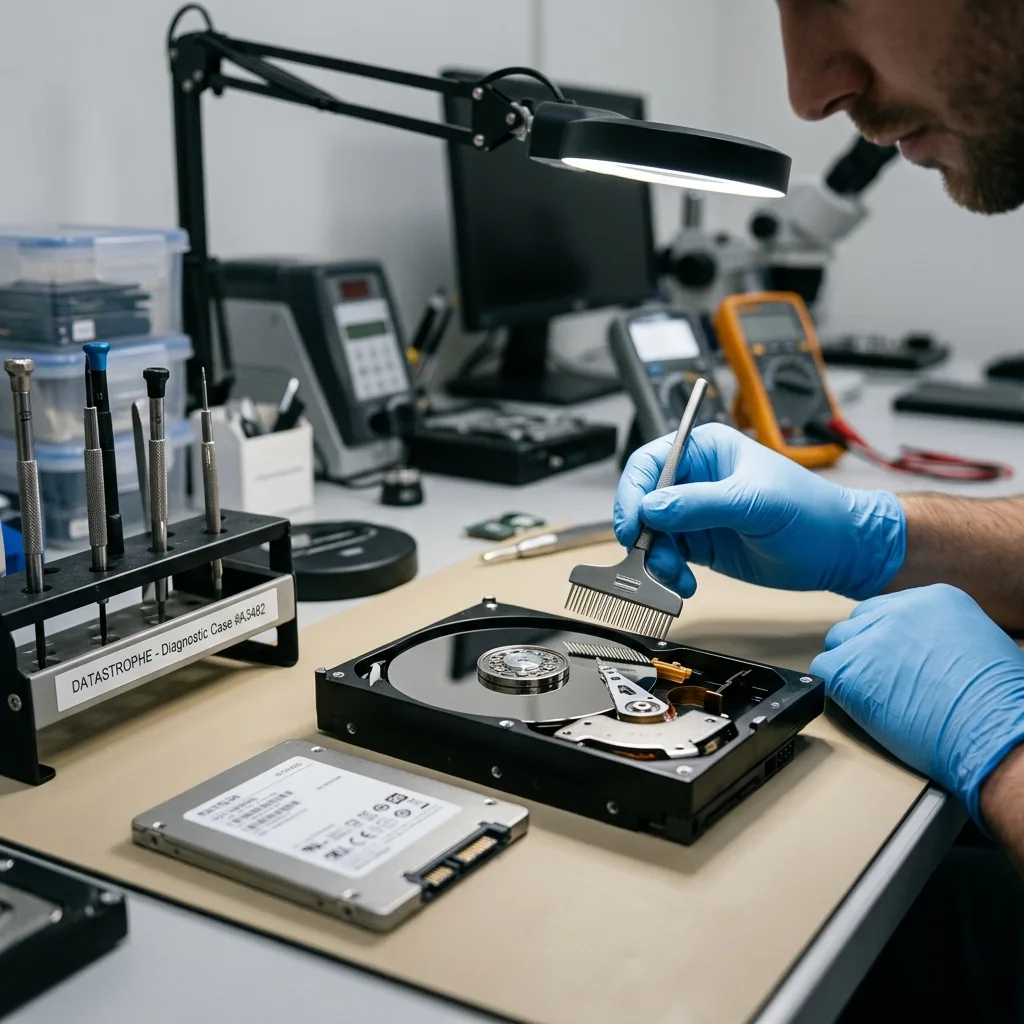
A mechanical hard drive follows a comparatively direct model: data sit on platters accessed by read heads, with electronics controlling the assembly. Failures can be severe, but mechanical, electronic and logical layers are often distinguishable.
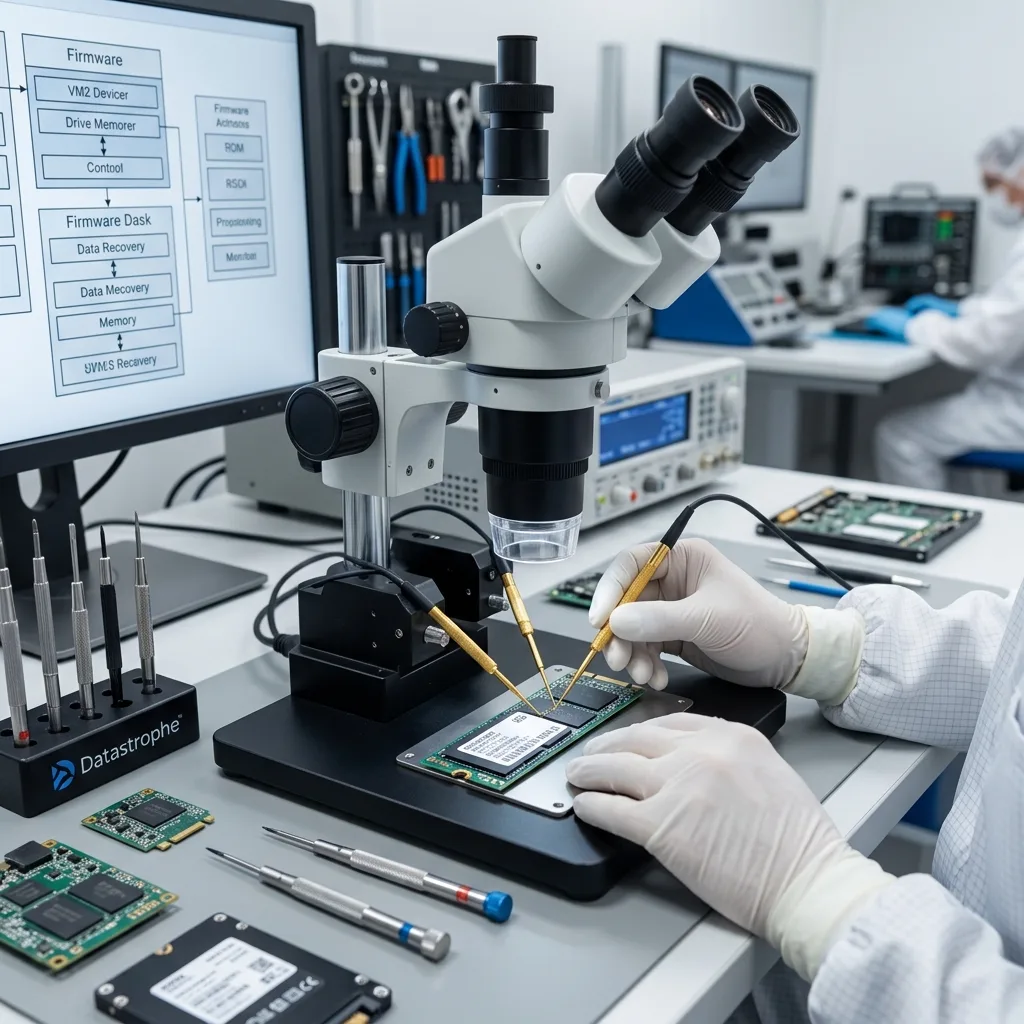
Flash storage conceals more of its physical reality. A USB drive, memory card or SSD presents logical addresses to the system, while a controller distributes data across memory chips. Wear, bad blocks and writes are managed internally.
An unstable controller can report the wrong capacity, disappear, refuse areas or stop exposing files correctly. Data may remain in the chips while normal access is lost.
SSD and NVMe data recovery covers these cases. USB devices and memory cards add their own constraints where connector, controller and flash memory are integrated into a compact format.
Diagnostic assessment
Software layers play a larger role
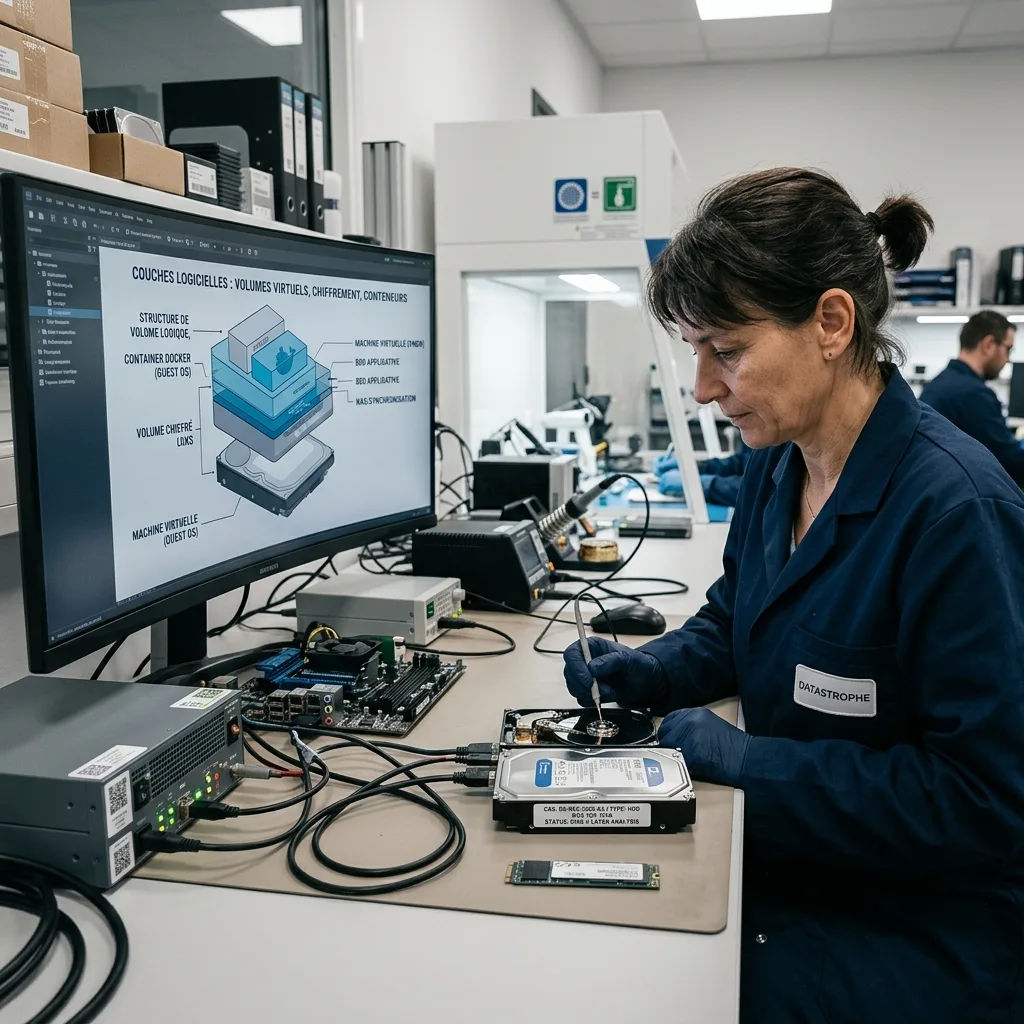
Development isn't confined to hardware. Data increasingly live in encrypted volumes, containers, virtual machines, application databases, NAS devices and synchronised environments. Recovery can't stop at extracting visible files.
A file may depend on an index, database, application or key. A backup can be incremental, a volume spread across drives and a cloud folder may replicate deletion. These layers redefine a usable result.
Consistency therefore needs checking. Recovered files are insufficient if a database doesn't open, permissions are missing or an encrypted volume lacks dependencies. Identify these conditions early.
This complexity makes context more important: original equipment, system, account, application, encryption, backups and previous actions. Without it, technically readable storage may remain difficult to return in usable form.
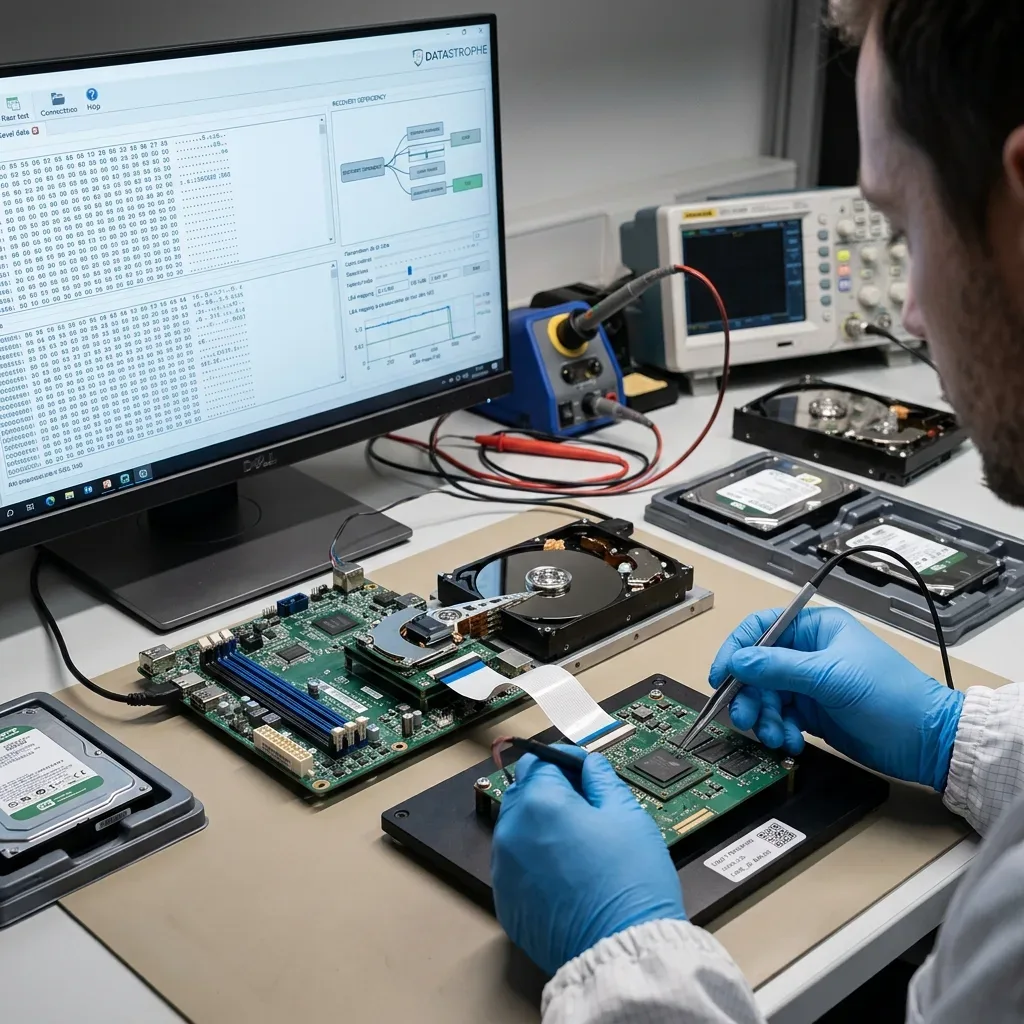
Diagnostic assessment
Risk shifts towards dependencies
The more integrated storage becomes, the more recovery depends on related components. A soldered SSD may depend on its logic board. NAS depends on drive order and configuration. A monolithic USB device can require specific acquisition. A virtual machine depends on its disk file and underlying storage.
These dependencies change the safe response. Reading one NAS drive in isolation may be useless. Resetting a device can remove keys or metadata. Replacing a drive in an array can trigger a destructive rebuild.
Look for dependencies before isolating storage too quickly. It may be necessary to retain the equipment, enclosure, adapter, configuration, passwords and associated drives.
Datastrophe treats this as a question of method, not a contest between old and new technology. Preserve everything that makes data readable: the device, logical layer, configuration and context.
Diagnostic assessment
Adapt prevention to current storage
Prevention should evolve too. A simple copy on a second device remains valuable, but should be verified, separate and understood. RAID in a NAS, cloud synchronisation and a permanently connected external disk don't replace a tested copy strategy.
Avoid hidden dependencies. An encrypted volume without an available key, a backup never restored and a business database without a usable export can all block recovery.
The foundations of physical-media recovery describe what remains common. Technical evolution doesn't remove risks; it relocates them.
The fundamental response stays stable: identify the device, stop writes, retain context and choose the right route. Technologies change, but usable recovery still depends on a decision made before the initial state is worsened.
Success also needs better qualification. A visible folder tree may once have been enough to understand an old disk result. Modern environments require linked files, databases, permissions, proprietary formats, encryption keys and virtual machines to be checked. The deliverable must work in the client's context.
Technical awareness matters, but can't replace simple precautions. A separate copy, clear chronology, stopped writes and retained accessories protect data better than abstract confidence in recent technology.
Keep the method understandable. Saying that a controller, internal table or encryption layer limits recovery is useful only when the effect is clear: validated files, partial files, unusable items or missing dependencies. Technical detail should support a decision.
The direction of storage development argues for less improvisation. The more integrated the system, the more its first handling matters. Preserving equipment, adapters, configuration and access can determine whether technically present data are genuinely readable.
Diagnostic assessment
Primary Technical References And Limits
Reference scope — technology data recovery guide: For storage technology data recovery guide, the primary references used are NIST SP 800-86. Physical evidence — technology data recovery guide: They define the relevant preservation, storage or validation concepts, but they cannot establish the exact physical condition, controller state, key availability or business consistency of the device received. Controller evidence — technology data recovery guide: Those points require measurements on the original set and verification on copies.
Diagnostic assessment
Arrange A Controlled Assessment
Complete set — technology data recovery guide: For a technical assessment of storage technology data recovery guide, provide the complete device or storage set, its associated power and interface parts, the symptom timeline and the priority records. Incident history — technology data recovery guide: Keep member order, labels and authorised credentials separate from the parcel paperwork; do not restart the source merely to obtain a new screenshot.
Laboratory responsibility — technology data recovery guide: Datastrophe performs the diagnosis, integrity checks and recovery directly in its own laboratory with its own team. Free assessment — technology data recovery guide: Diagnosis and the quote are free. Transport boundary — technology data recovery guide: Return courier transport is included; the carrier moves only the sealed parcel and neither accesses nor processes its data.
Controlled list — technology data recovery guide: Before any payment, the client receives the proposed price and a checked list. Verification classes — technology data recovery guide: Each item is classified, in order, as recoverable_verified, partial, detected_unverified or unrecoverable. Payment trigger — technology data recovery guide: Only recoverable_verified items whose contents were checked and found usable are presented as recoverable. No-result rule — technology data recovery guide: Payment is due only after the client accepts both the list and the price.
No-result rule — technology data recovery guide: If no usable data is verified, recovery fails, or the client declines the list or price, no standard fee is payable. Rare-part exception — technology data recovery guide: The only exception is a rare, costly and non-refundable part, which may be ordered only after a separate, explicit and priced proposal has been accepted.